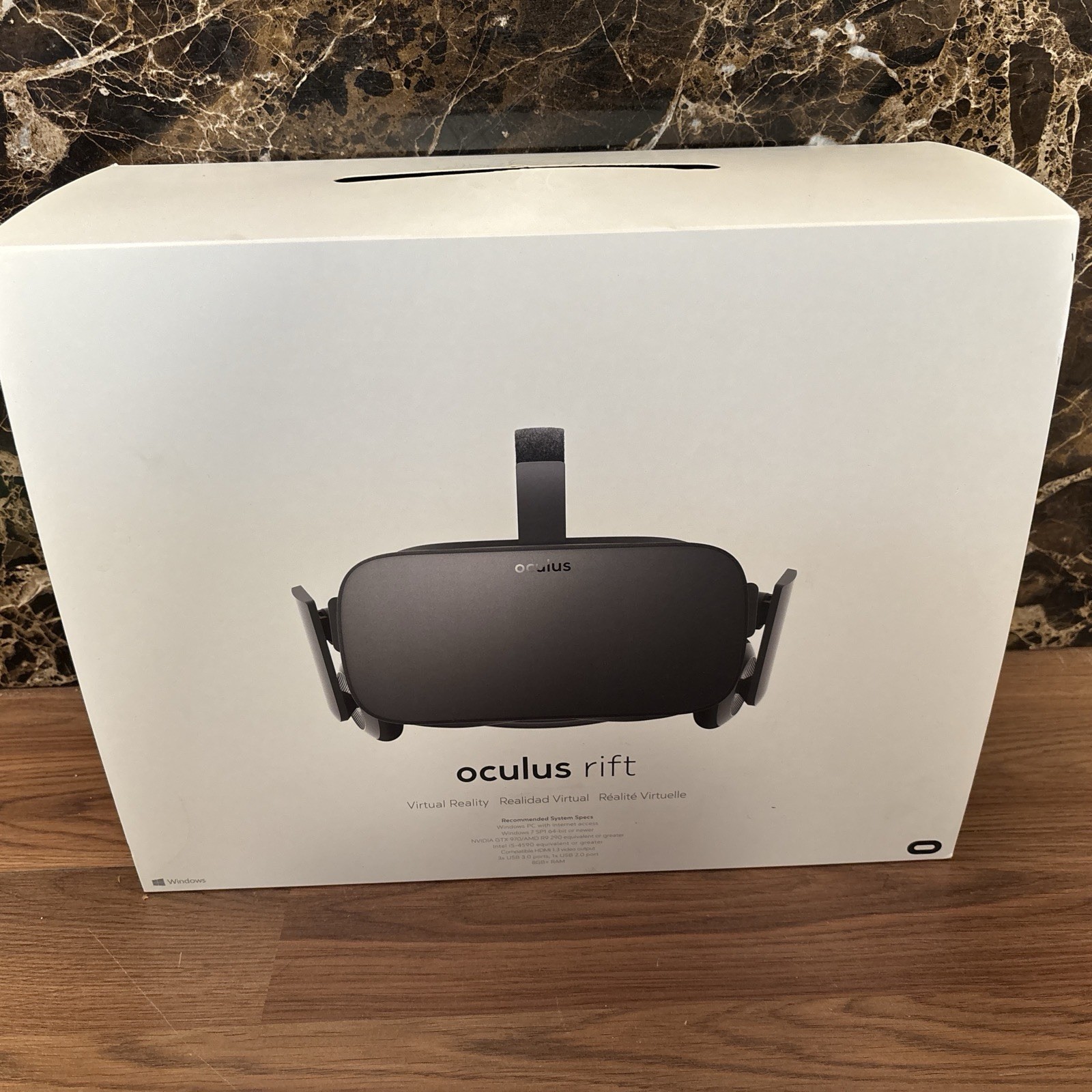

Photos from current listings. Actual item, color, and included accessories may vary.
Oculus Remote Buying Guide
Shoppers searching for an Oculus Remote are typically trying to complete or replace the simple, one-handed controller that shipped with the original Oculus Rift CV1. That remote is not a universal accessory—it works only with the CV1 sensor-based PC system and has no compatibility with Quest, Rift S, or newer Meta headsets. Most buyer confusion comes from mixing up the Oculus Remote with the Rift CV1's separate Touch controllers or assuming it pairs like a modern Bluetooth remote.
Key takeaways
- The Oculus Remote is a dedicated CV1 accessory using proprietary 2.4 GHz wireless via the Rift's sensor/receiver system, not Bluetooth, so it cannot pair with Quest or Rift S.
- It provides basic navigation—d-pad, select, back, and volume—but lacks motion tracking, grip buttons, and thumbsticks found on Touch controllers.
- CV1 retail kits originally included the remote, but many used listings sell the headset separately; 'No Remote' bundles require buying the remote as a standalone part.
At a glance
- Category
- VR Gaming Hardware & Accessories
- Last updated
- Nov 28, 2026
Current offers
Highlights
- The Oculus Remote is a dedicated CV1 accessory using proprietary 2.4 GHz wireless via the Rift's sensor/receiver system, not Bluetooth, so it cannot pair with Quest or Rift S.
- It provides basic navigation—d-pad, select, back, and volume—but lacks motion tracking, grip buttons, and thumbsticks found on Touch controllers.
- CV1 retail kits originally included the remote, but many used listings sell the headset separately; 'No Remote' bundles require buying the remote as a standalone part.
- Only one remote pairs per CV1 setup at a time, and replacement remotes are increasingly scarce since Meta discontinued CV1 production and accessories.
Best use cases
- Best fit: You own a Rift CV1 with sensors and need the remote for media apps, Oculus Home navigation, or a backup input device—buy a verified CV1-compatible remote.
- Wrong fit: You have a Quest 2/3, Rift S, or any inside-out tracking headset—skip the Oculus Remote entirely; those systems use Touch controllers or hand tracking only.
- Best fit: You are buying a used CV1 bundle and want a complete kit—prioritize listings that explicitly include the remote and both sensors rather than piecing it together later.
- Wrong fit: You expect the remote to control PC games requiring full locomotion—skip it; Touch controllers are mandatory for tracked VR gameplay, the remote is menu-only.
Buying tips
- Confirm your headset is specifically the Rift CV1—check for external sensor cameras and the distinctive CV1 head strap before buying any Oculus Remote.
- Inspect used listings for battery corrosion in the remote's compartment, since leaking AAA batteries are a common failure point on aging CV1 accessories.
- Choose bundles that state the remote is included and pictured; 'No Remote' listings require a separate purchase from the shrinking used market.
- Avoid remotes sold with generic 'Oculus' descriptions—ask for the model marking or photo of the back to confirm it is the CV1 remote, not a Touch controller.
Specs
| Compatible Headset | Oculus Rift CV1 only |
|---|---|
| Connectivity | Proprietary 2.4 GHz (non-Bluetooth) |
| Input Type | D-pad, select, back, volume |
| Battery | AAA (user-supplied) |
Related searches
What to check before buying
- Verify your headset is the original Rift CV1 with external sensors, not Rift S or Quest, before purchasing the remote.
- Confirm the listing includes the remote itself—many CV1 headset-only listings explicitly exclude it.
- Check that your CV1 sensor setup and Oculus PC software are already working, since the remote depends on that receiver chain.
- Inspect photos for physical damage, missing battery cover, or worn buttons, as replacement parts are no longer manufactured.
FAQ
Data sources: eBay / Amazon listings and product attribute feeds. Updated Nov 28, 2026.
Some links on this page are affiliate links. If you buy after clicking one, we may earn a commission at no extra cost to you. This does not change which products appear here or their order. Affiliate disclosure.