
Photos from current listings. Actual item, color, and included accessories may vary.
Oculus Quest 2 Right Controller Buying Guide
The Oculus Quest 2 right Touch controller is a standalone 6DoF tracked input device using infrared LED rings, capacitive buttons, and a thumbstick—no external base stations required. The primary trade-off is genuine OEM vs. aftermarket or refurbished units: OEM controllers guarantee pairing stability, drift-free hall-effect-free thumbsticks (ALPS potentiometers), and correct IR LED calibration, while clones often suffer tracking jitter and dead zones. The decision rule: buy only a tested OEM or genuine replacement with the correct model code (JD96CX for right), and skip any untested or third-party controller if you rely on room-scale tracking or competitive play.
Median $107.50
Key takeaways
- Quest 2 Touch controllers use IR LED rings tracked by the headset's inside-out cameras; aftermarket rings often have misaligned LEDs causing tracking loss.
- Genuine right controllers carry model code JD96CX; the left is JD95CX—mismatched or unlabeled units frequently fail to pair or drift.
- Thumbsticks use ALPS potentiometers prone to drift after heavy use; OEM replacements are calibrated at the factory, clones are not.
At a glance
- Category
- VR Gaming Hardware & Accessories
- Last updated
- Nov 27, 2026
Current offers
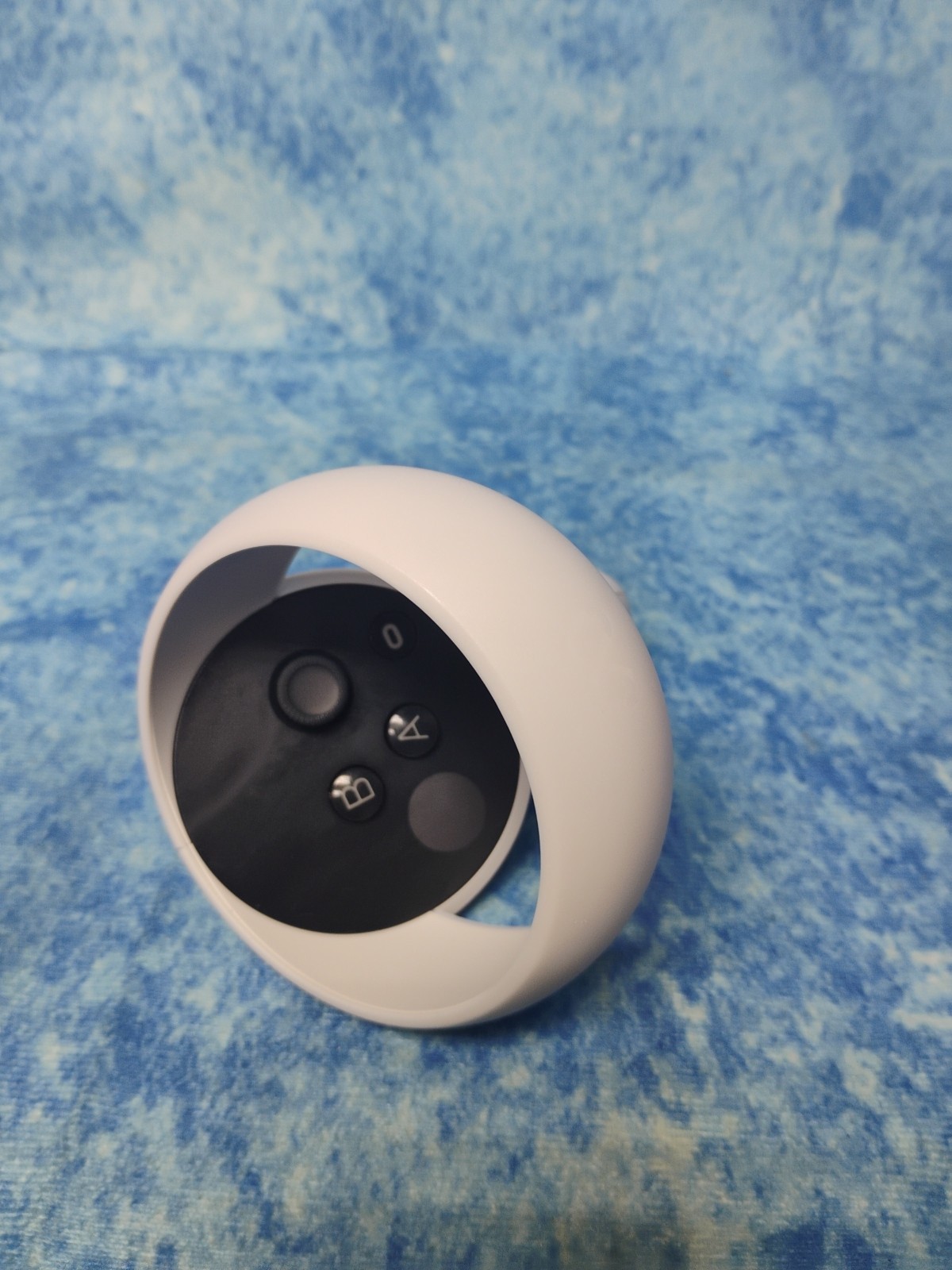 Meta Oculus Quest 2 JD96CX Controller RIGHT Hand Only$60.00View on eBay
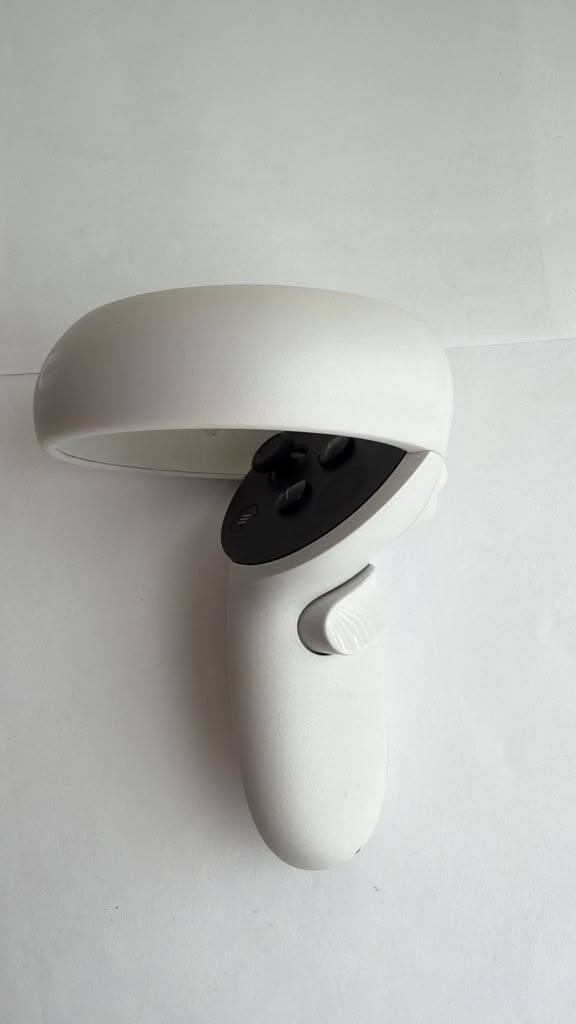 Genuine Original Meta Oculus Quest 2 VR RIGHT Touch Controller Only - Tested$74.99View on eBay
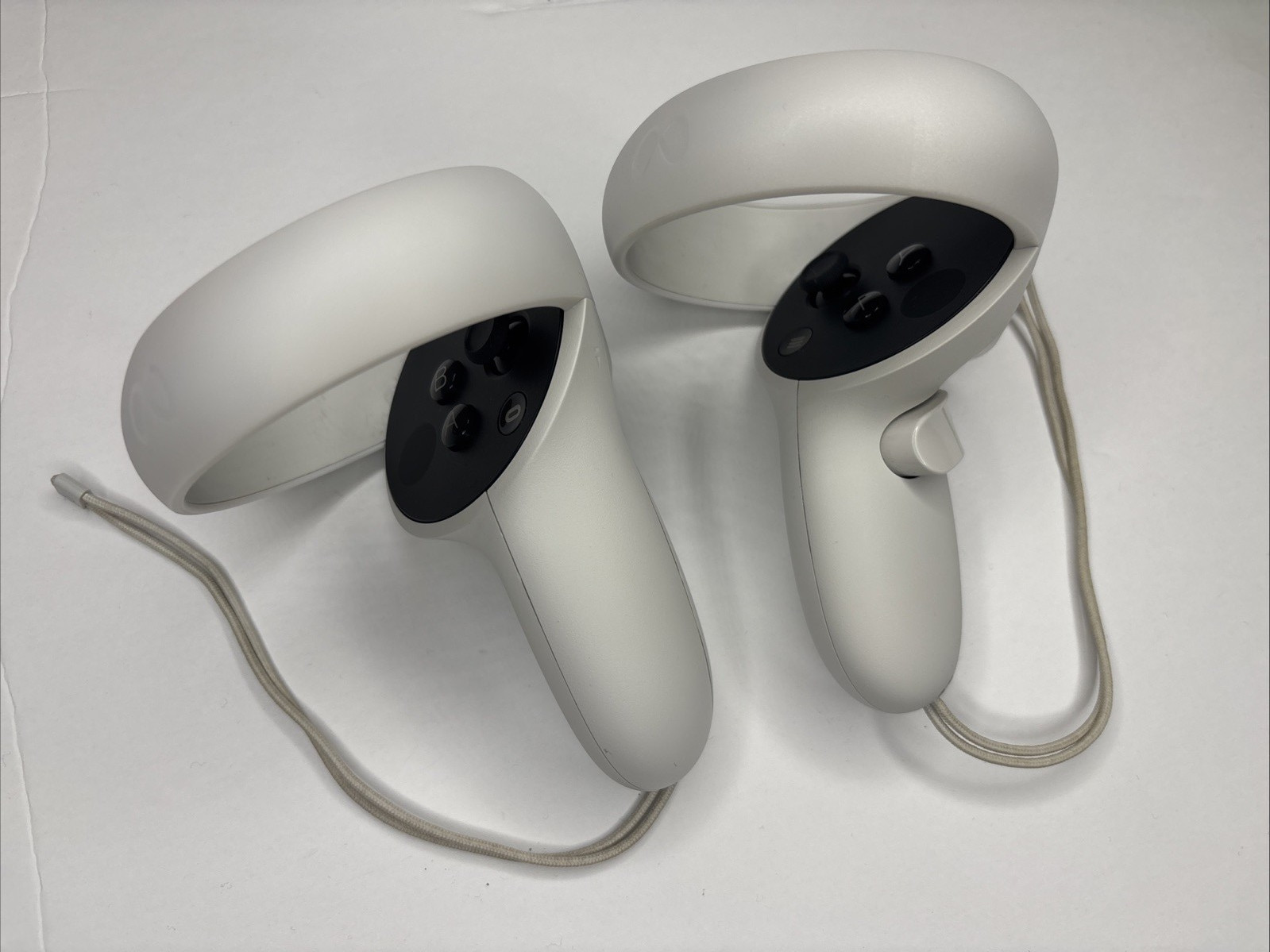 Meta Oculus Quest 2 VR LEFT AND RIGHT Controllers Only - Free Shipping$140.00View on eBay
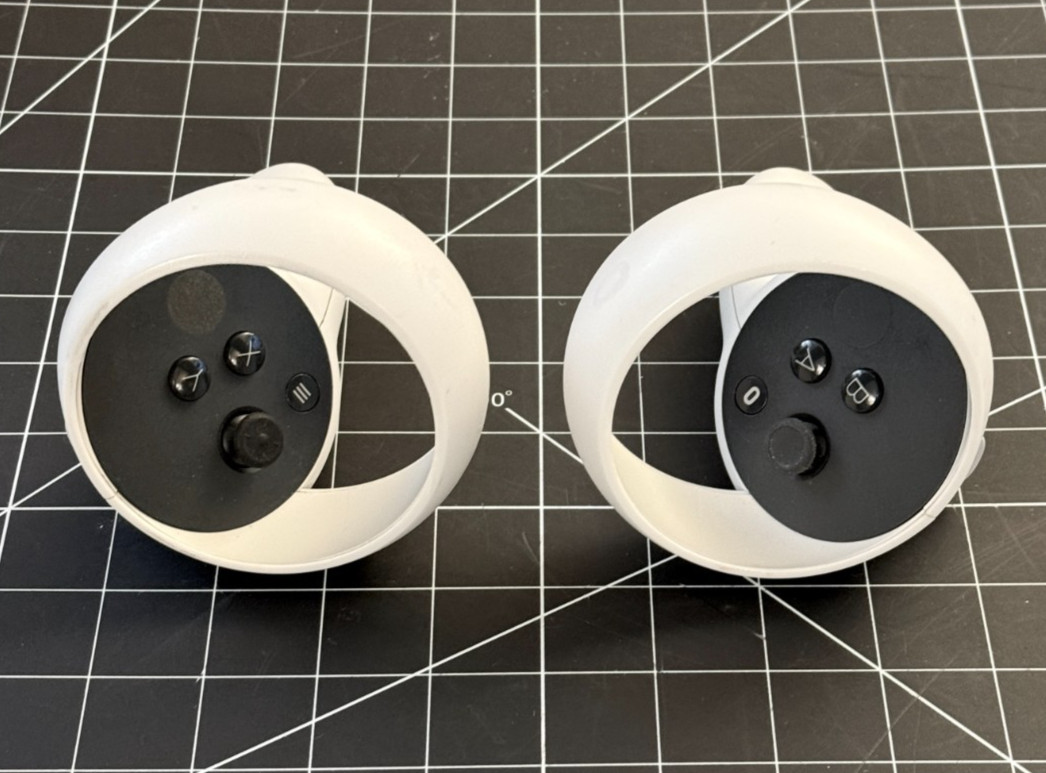 Genuine OEM Oculus Quest 2 Left + Right Controllers PAIR Working + Fully Tested$148.50View on eBay
Highlights
- Quest 2 Touch controllers use IR LED rings tracked by the headset's inside-out cameras; aftermarket rings often have misaligned LEDs causing tracking loss.
- Genuine right controllers carry model code JD96CX; the left is JD95CX—mismatched or unlabeled units frequently fail to pair or drift.
- Thumbsticks use ALPS potentiometers prone to drift after heavy use; OEM replacements are calibrated at the factory, clones are not.
- Controller firmware is region-agnostic and pairs via Bluetooth 5.0 to the headset; no dongle or base station is required.
Best use cases
- Best fit: replacing a single broken right controller on a working Quest 2 headset—buy a tested OEM JD96CX right-only unit to avoid re-pairing both controllers.
- Best fit: buying a spare pair for multiplayer or development—choose a tested OEM left+right pair (JD95CX + JD96CX) to guarantee matched firmware and tracking.
- Wrong fit: buying an untested or third-party right controller for competitive Beat Saber or shooters—tracking jitter and thumbstick dead zones will degrade performance.
- Wrong fit: pairing a Quest 2 controller with a Quest 3 or Pro headset—the Quest 2 controllers are not cross-compatible with newer headsets.
Buying tips
- Confirm the model code: right controller must be JD96CX; left is JD95CX. Unlabeled or 'compatible' listings are aftermarket and often fail calibration.
- Insist on 'tested' or 'fully working' OEM units—untested controllers may have stick drift, cracked IR rings, or dead haptics that are not visible in photos.
- Check battery contacts and spring tension: corroded terminals from leaking AA batteries are the top cause of right-controller failure after drops.
- Pairing requires the Meta Quest mobile app and a charged AA battery; no firmware download is needed for OEM controllers, but clones may need manual pairing that often fails.
Specs
| Controller Model | Right JD96CX / Left JD95CX |
|---|---|
| Tracking Type | 6DoF inside-out IR LED ring |
| Battery | 1x AA (approx 20-30 hr) |
| Compatibility | Quest 2 only (not Quest 3/Pro) |
Related searches
What to check before buying
- Verify your headset is a Quest 2 (not Quest 1, 3, or Pro)—controller compatibility is generation-specific.
- Measure your play space: inside-out tracking needs 1.5m x 1.5m minimum and adequate lighting; broken IR rings on a replacement will worsen tracking.
- Check your AA battery stock—Quest 2 controllers use one AA each and last roughly 20-30 hours; rechargeables are fine but must be 1.2V NiMH.
- Confirm you have the Meta Quest app installed on a compatible phone for pairing and firmware updates before the controller arrives.
FAQ
Data sources: eBay / Amazon listings and product attribute feeds. Updated Nov 27, 2026.
Some links on this page are affiliate links. If you buy after clicking one, we may earn a commission at no extra cost to you. This does not change which products appear here or their order. Affiliate disclosure.