
Photos from current listings. Actual item, color, and included accessories may vary.
Meta Quest Buying Guide
Meta Quest is a family of standalone VR headsets that run Android-based software with inside-out tracking, no PC or console required. The core trade-off is generation: Quest 2 uses Fresnel lenses and a Snapdragon XR2 Gen 1, while Quest 3 and 3S move to pancake optics (Quest 3 only) and XR2 Gen 2 for roughly double the GPU performance. Buy Quest 3 if you want the sharpest pancake-lens clarity and full-color mixed reality; buy Quest 2 only as a budget entry point or for legacy titles.
Median $107.49 · New & pre-owned listings
Key takeaways
- Quest 3 uses pancake lenses with 2064x2208 per-eye resolution and full-color passthrough; Quest 3S uses Fresnel lenses at 1832x1920 per eye with color passthrough at a lower price.
- Quest 2 runs Snapdragon XR2 Gen 1 with 1832x1920 per-eye Fresnel optics and grayscale passthrough, so mixed-reality apps are effectively monochrome and lower resolution.
- Quest 3 and 3S ship with Touch Plus controllers (no tracking ring, IR LEDs in the handle); Quest 2 uses the older ringed Touch controllers, and controllers are not cross-compatible between generations.
At a glance
- Category
- VR Gaming Hardware & Accessories
- Last updated
- Nov 29, 2026
Current offers
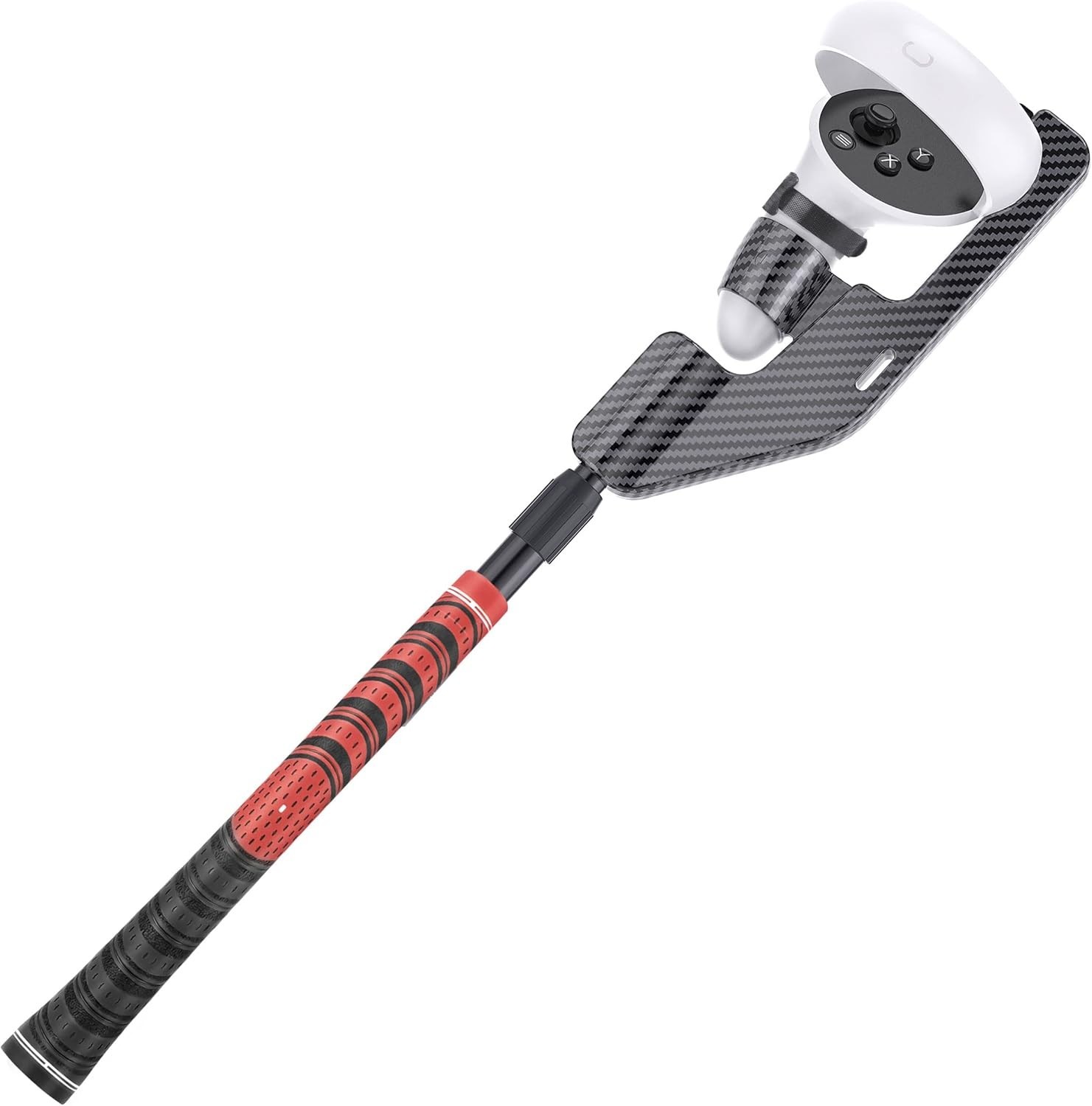 Red VR Golf Club Handle Accessories Carbon Fiber Style Meta Oculus Quest 2$15.00View on eBay
 Meta Quest 2 Standalone VR Headset in White, Meta VR Gaming System$25.00View on eBay
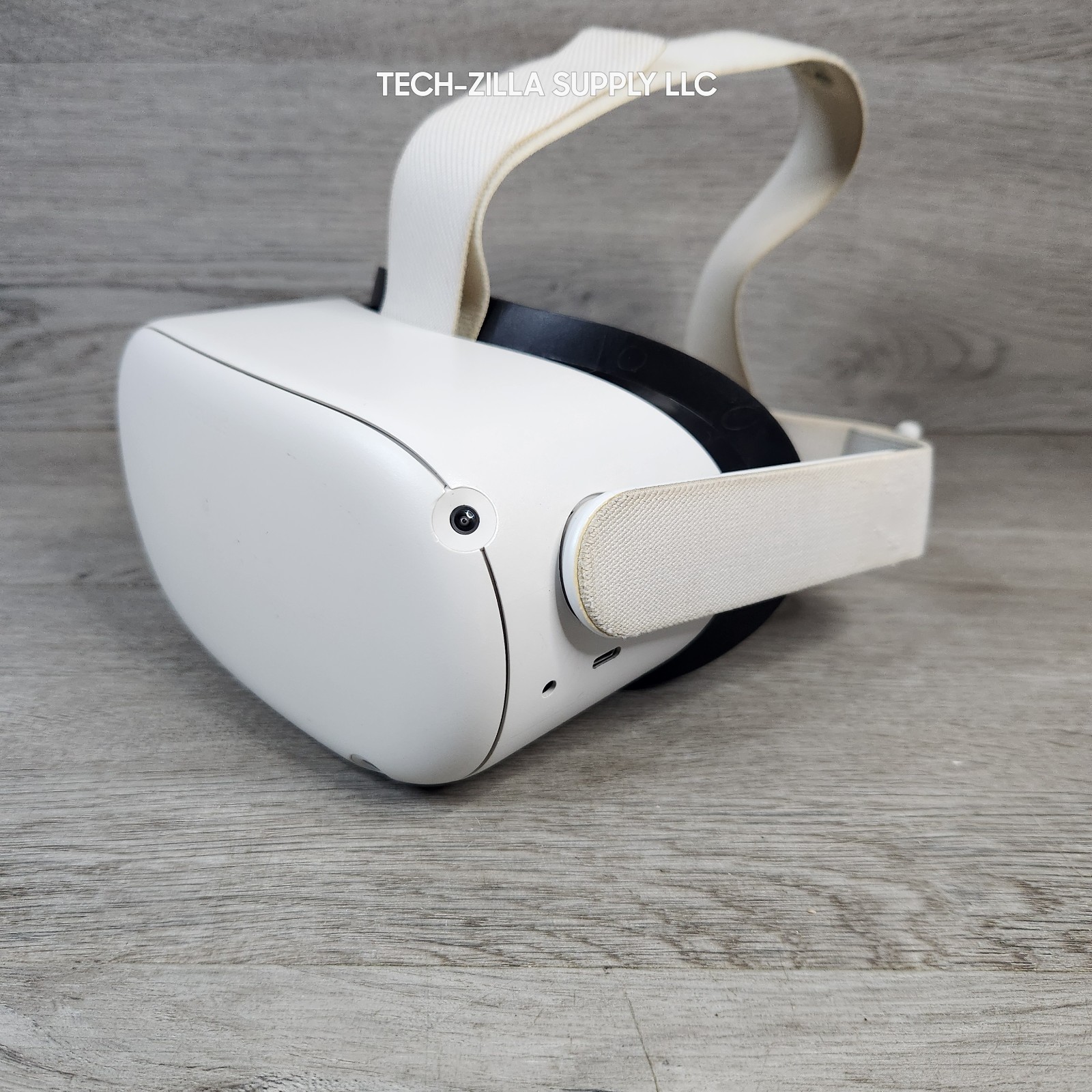 Oculus Meta Quest 2 128GB VR Headset ONLY, Great Condition (No Controllers)$44.95View on eBay
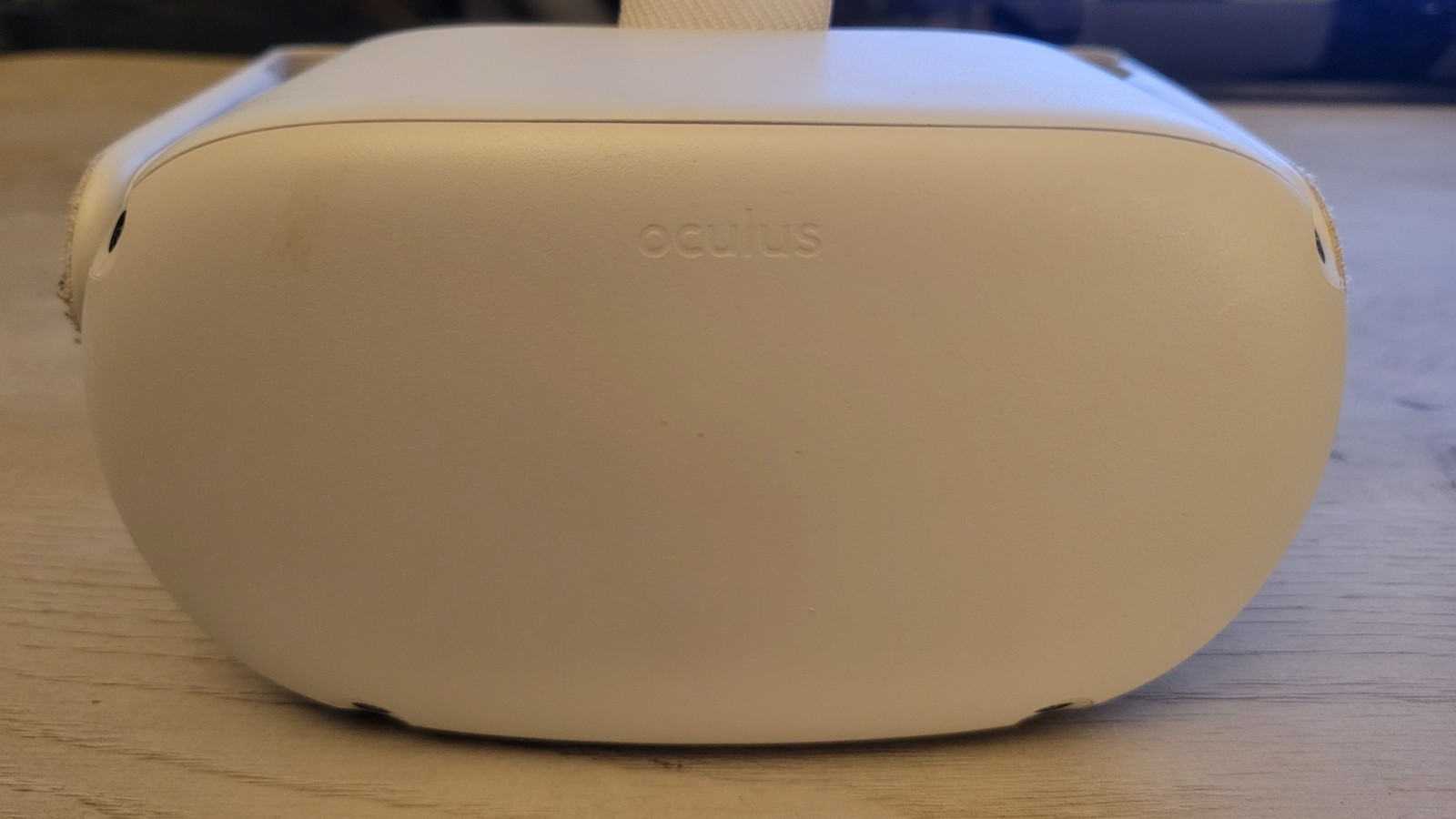 Meta Oculus Quest 2 128GB Standalone VR Headset Only No Controllers Tested$45.00View on eBay
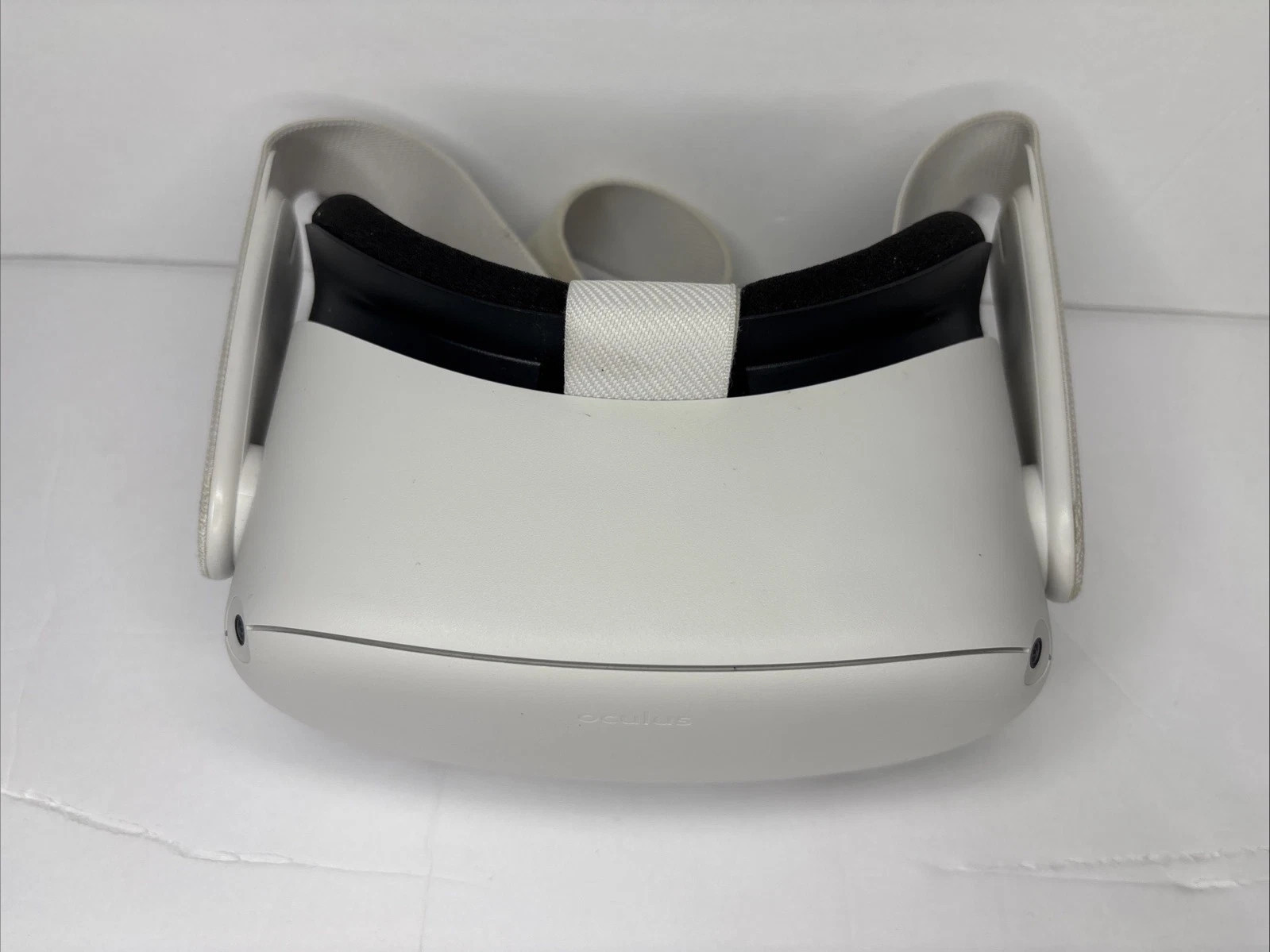 Meta Oculus Quest 2 128GB VR Headset Headset ONLY - No Controllers$45.00View on eBay
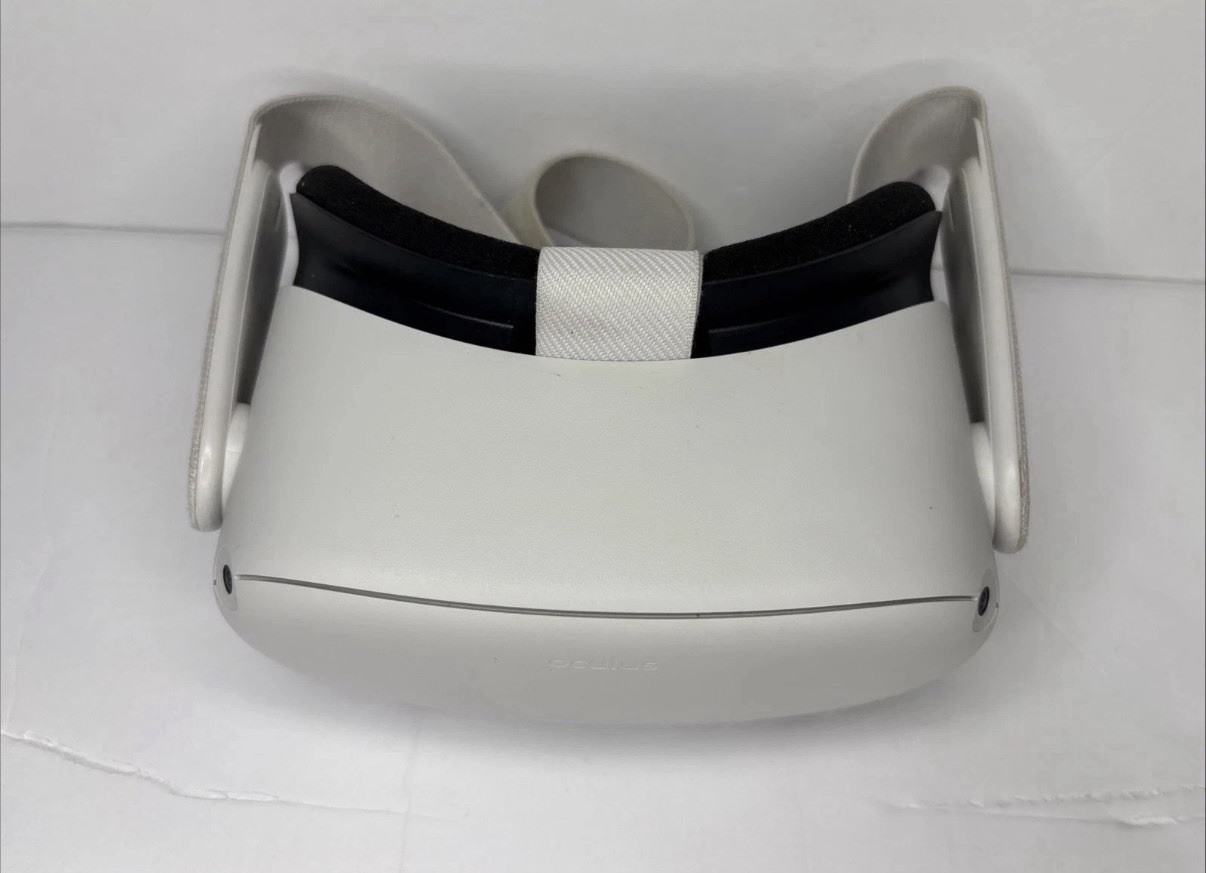 Meta Oculus Quest 2 128 GB Virtual Reality Headset Tested Works$45.99View on eBay
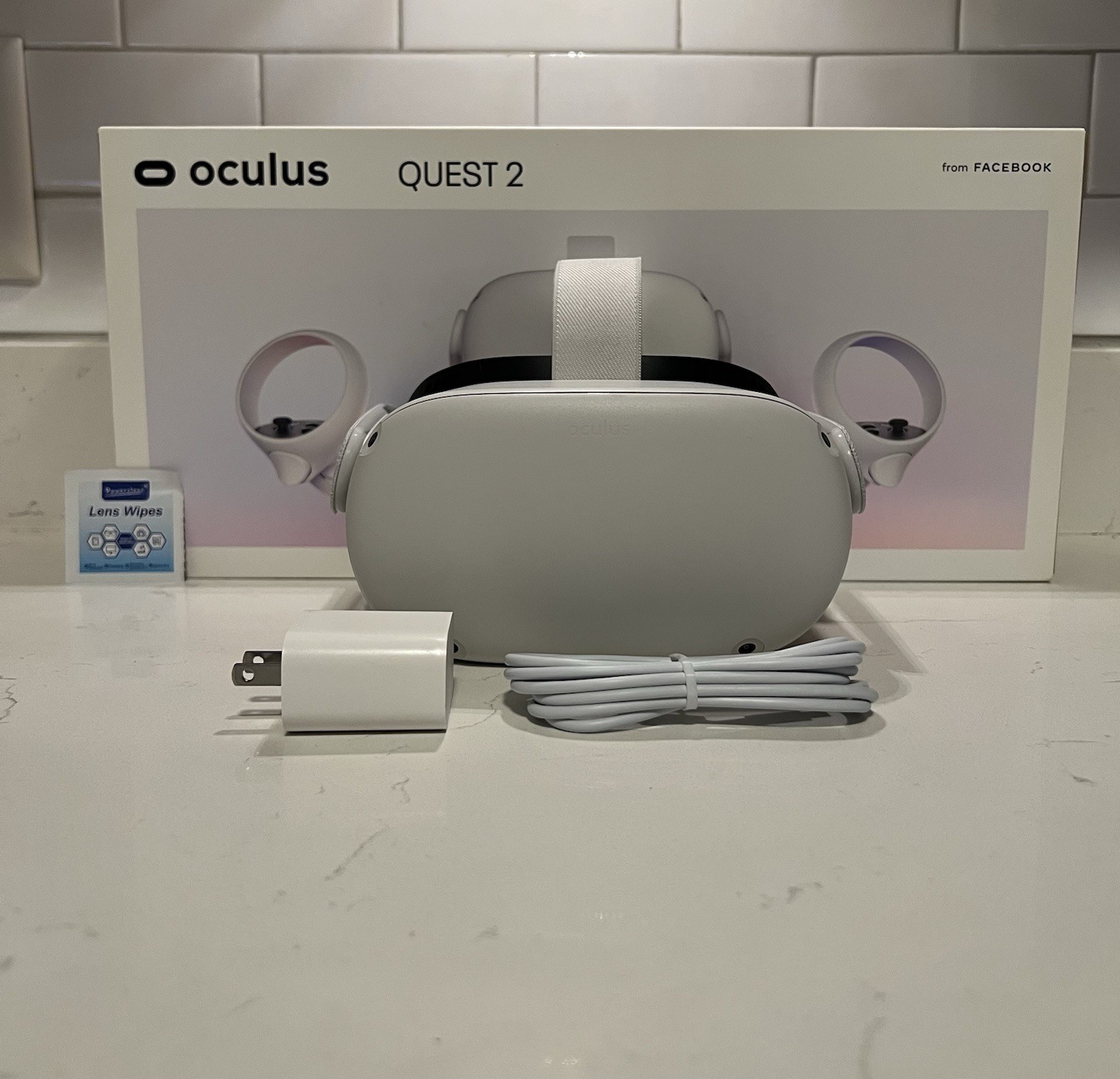 Meta Quest 2 - 64GB VR Headset$49.99View on eBay
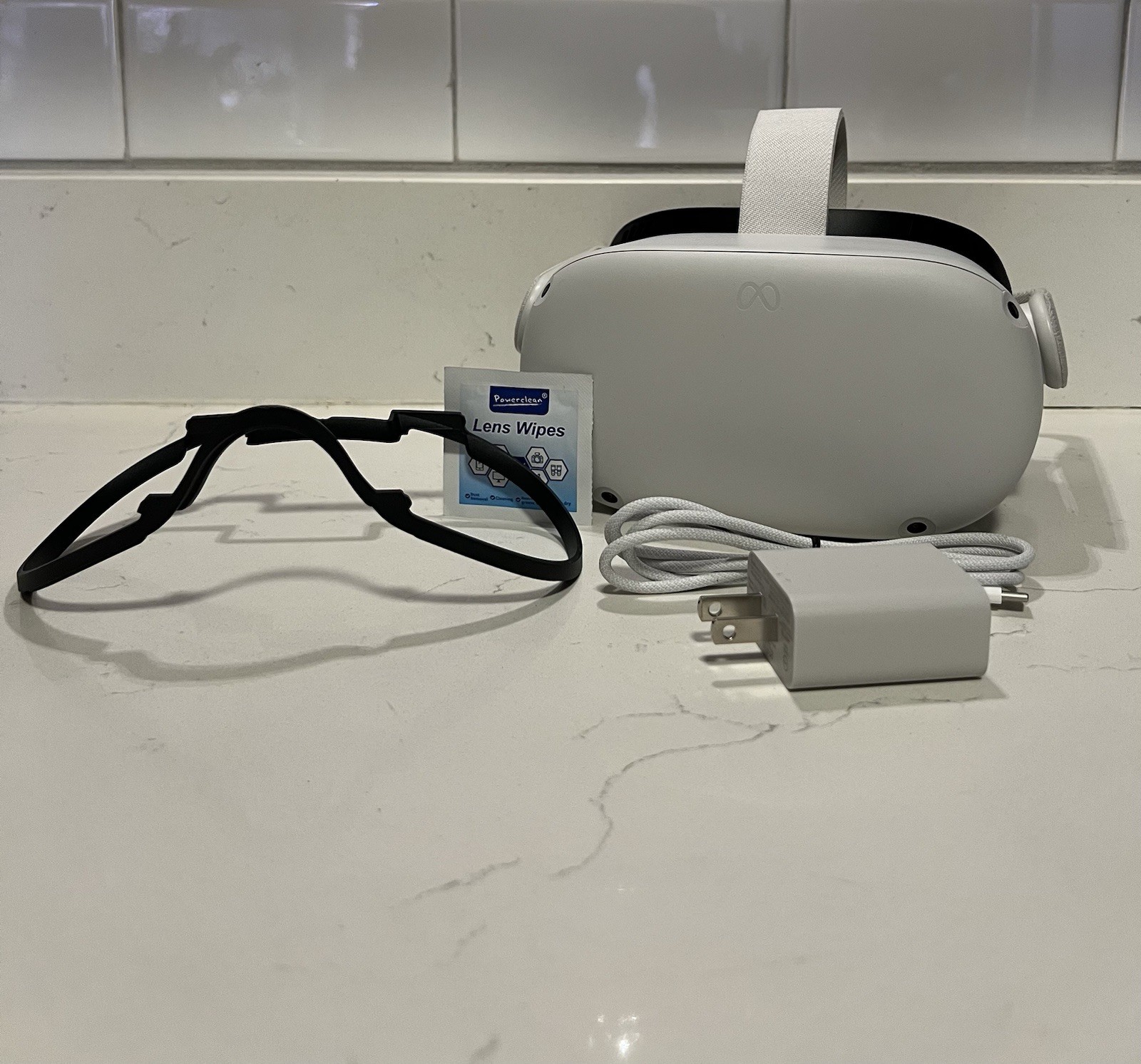 Meta Quest 2 - 128GB VR Headset + Accessories & Charger$49.99View on eBay
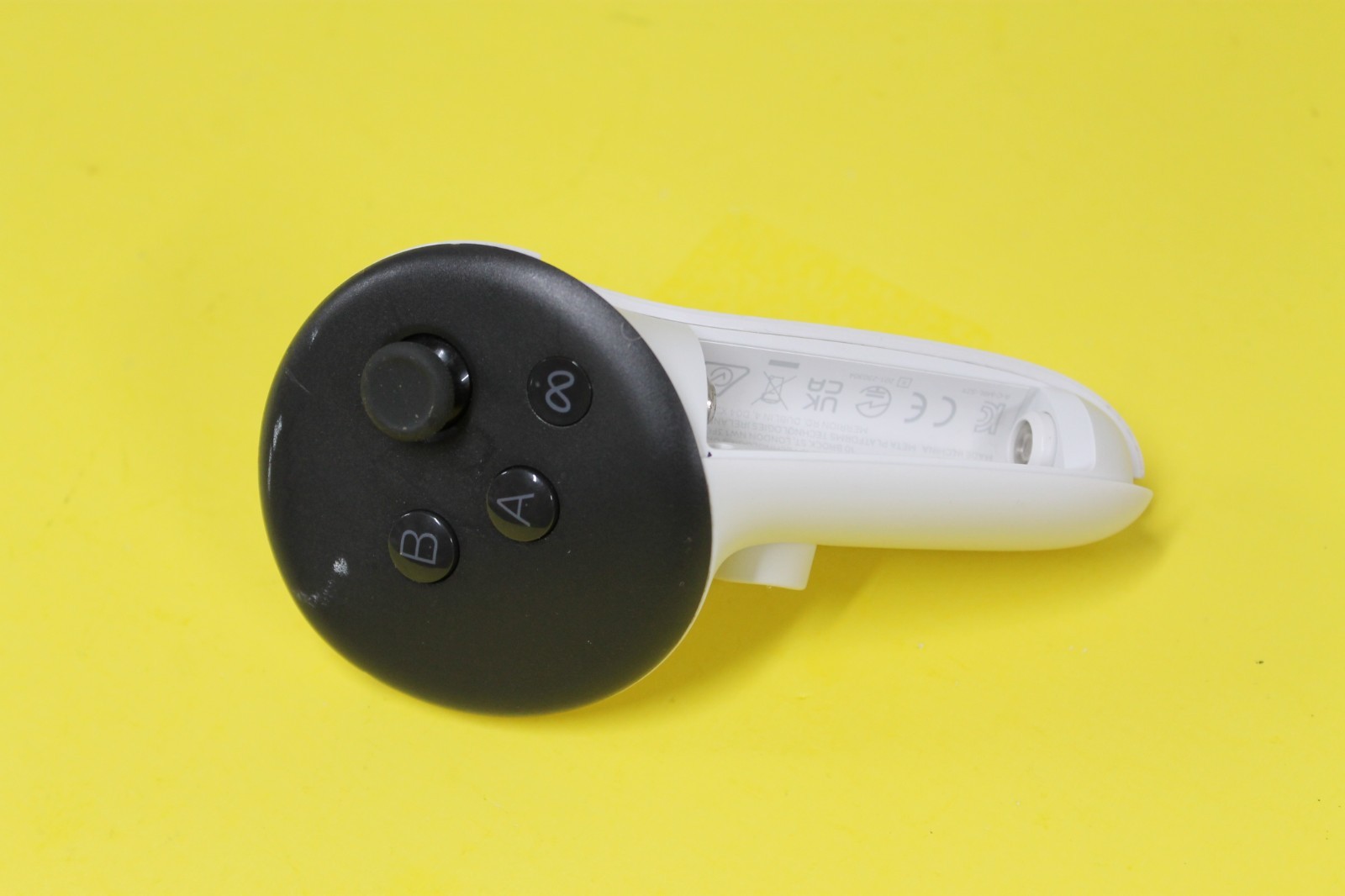 `READ~ Genuine Meta Quest 3 / 3S VR RIGHT Controller ONLY (Right Hand)$56.97View on eBay
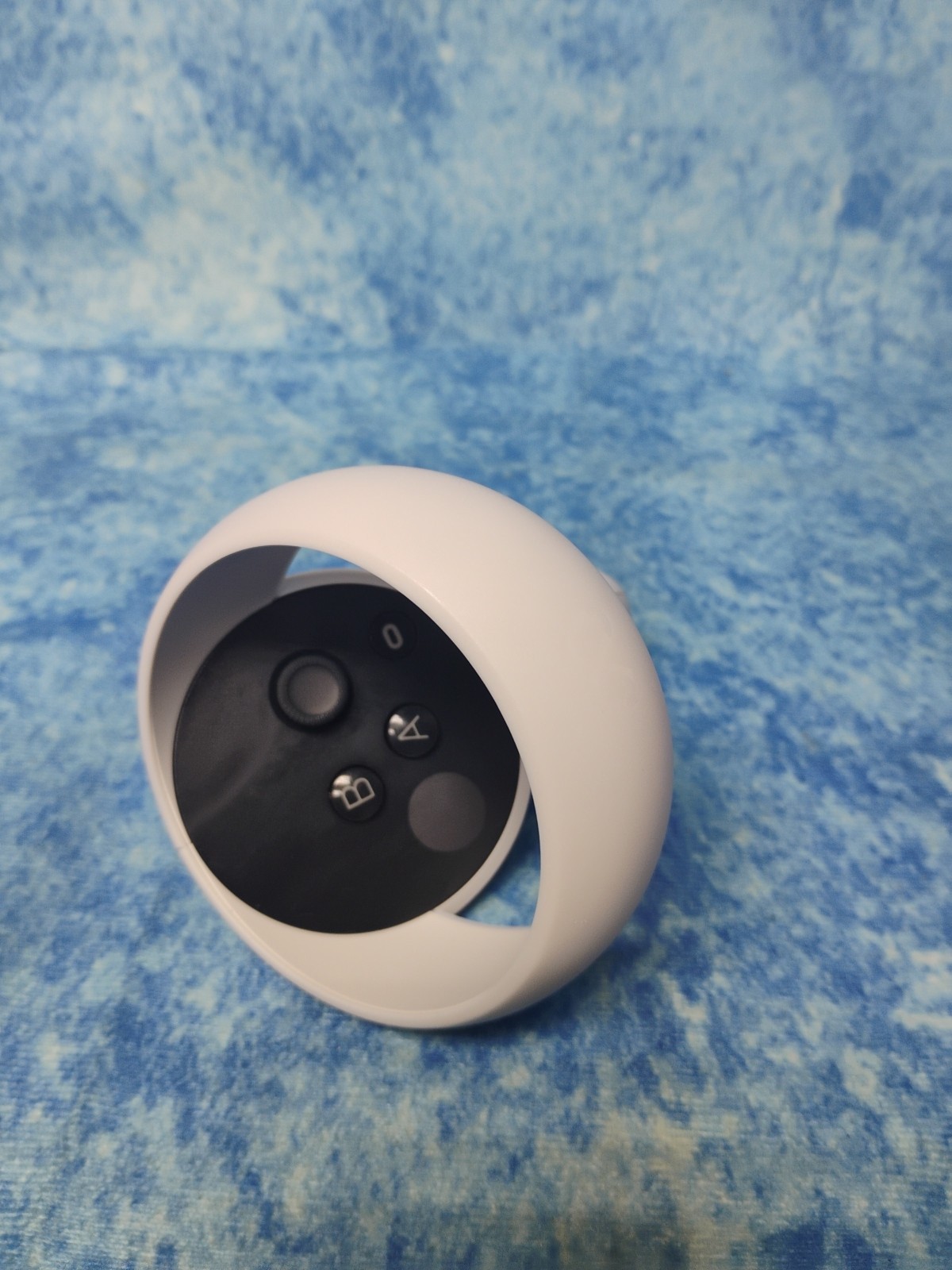 Meta Oculus Quest 2 JD96CX Controller RIGHT Hand Only$60.00View on eBay
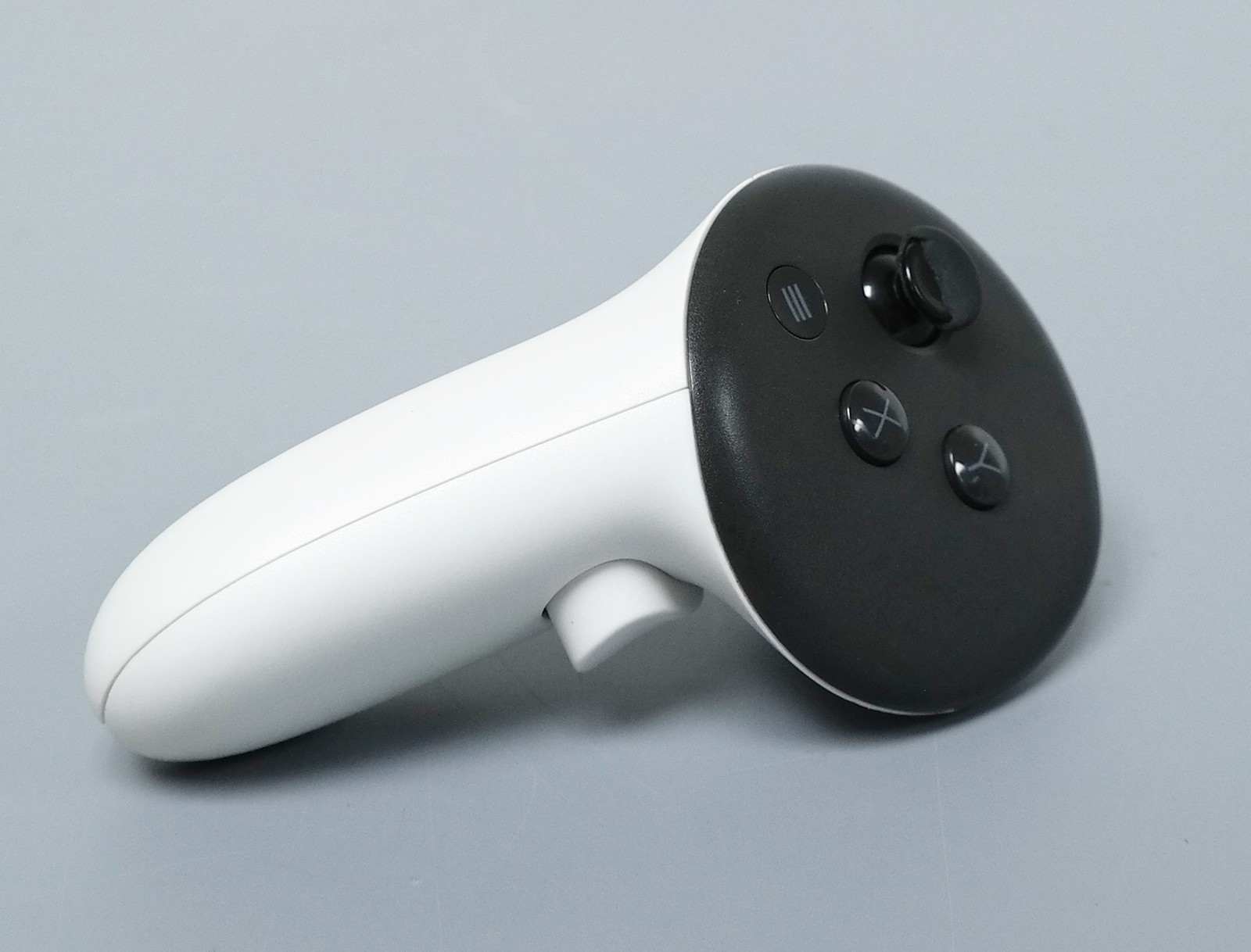 Genuine Meta Quest 3 VR Controller Left V6P$64.99View on eBay
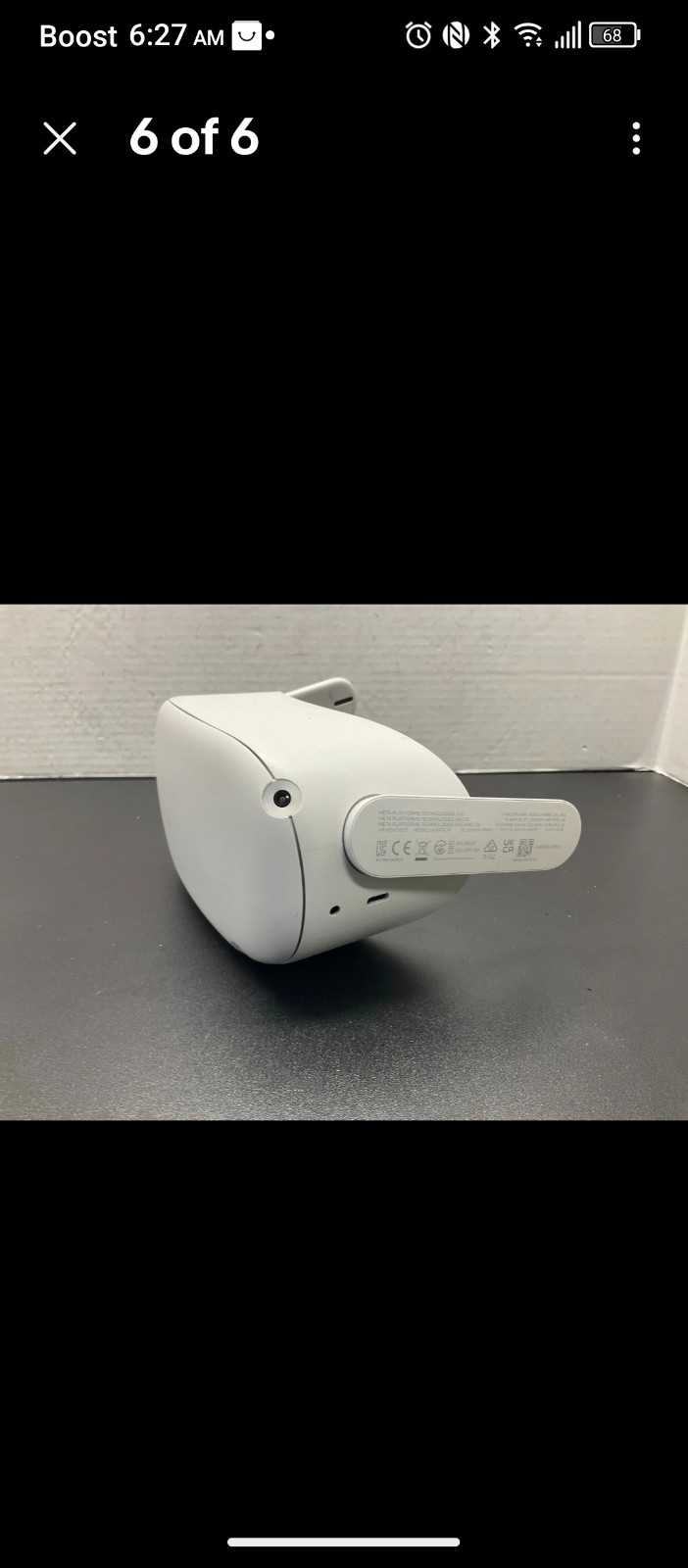 Meta Quest 2 128GB Advanced All-in-One VR Gaming Headset - ( WEAR & TEAR )$65.00View on eBay
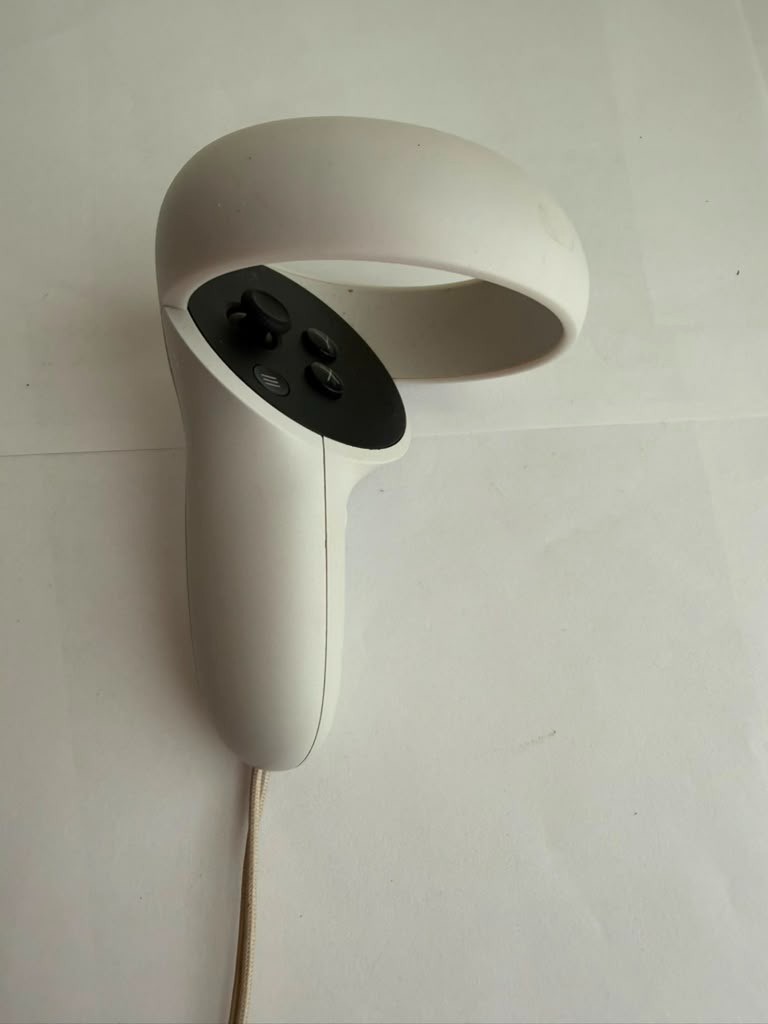 Genuine Meta Oculus Quest 2 VR LEFT Touch Controller ONLY Fully Functional$69.99View on eBay
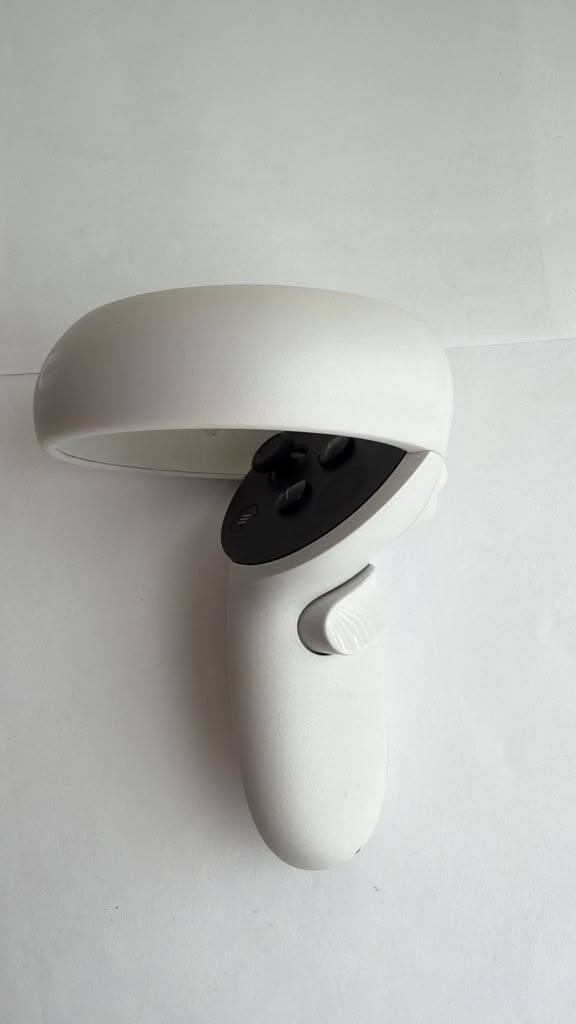 Genuine Original Meta Oculus Quest 2 VR RIGHT Touch Controller Only - Tested$74.99View on eBay
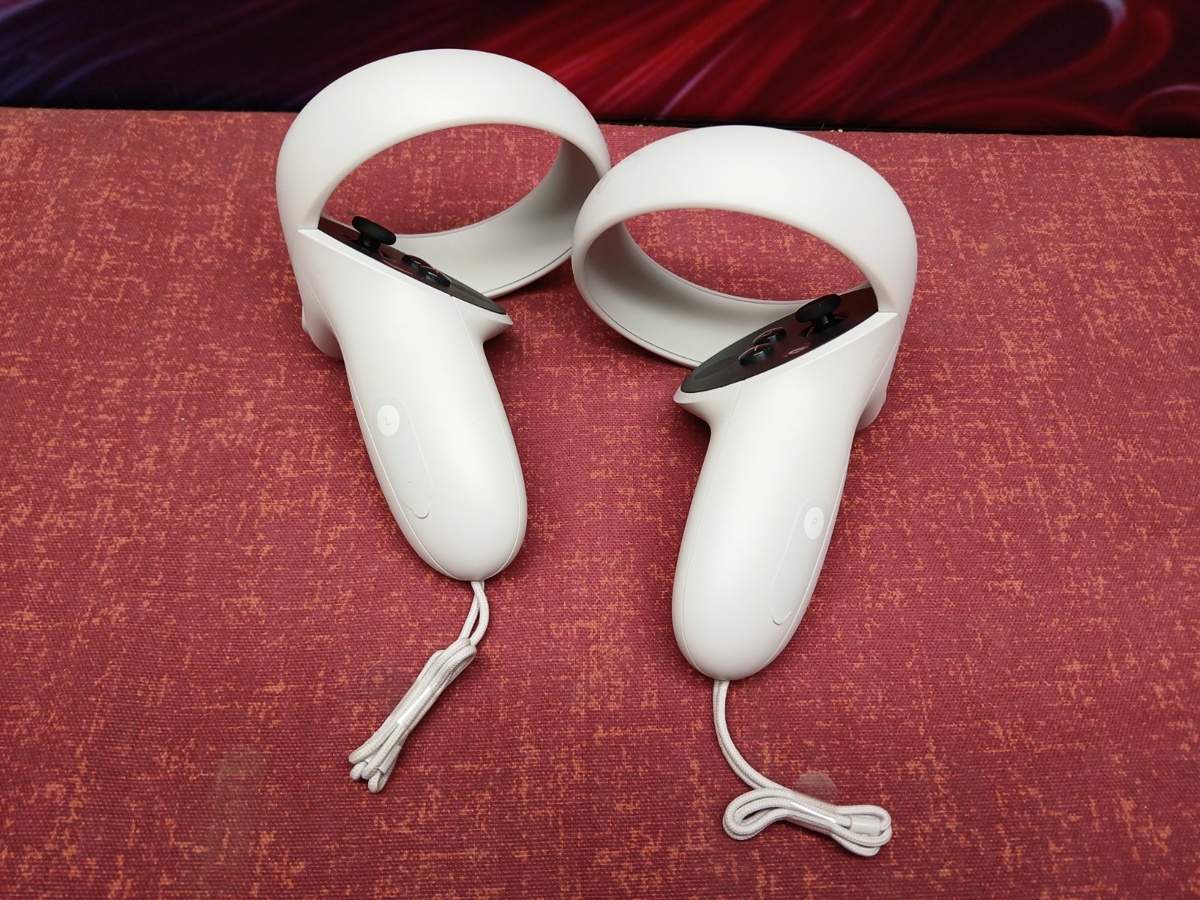 Meta Quest 2 VR LEFT AND RIGHT Controllers Only Tested / Working ,AAA+ Condition$105.00View on eBay
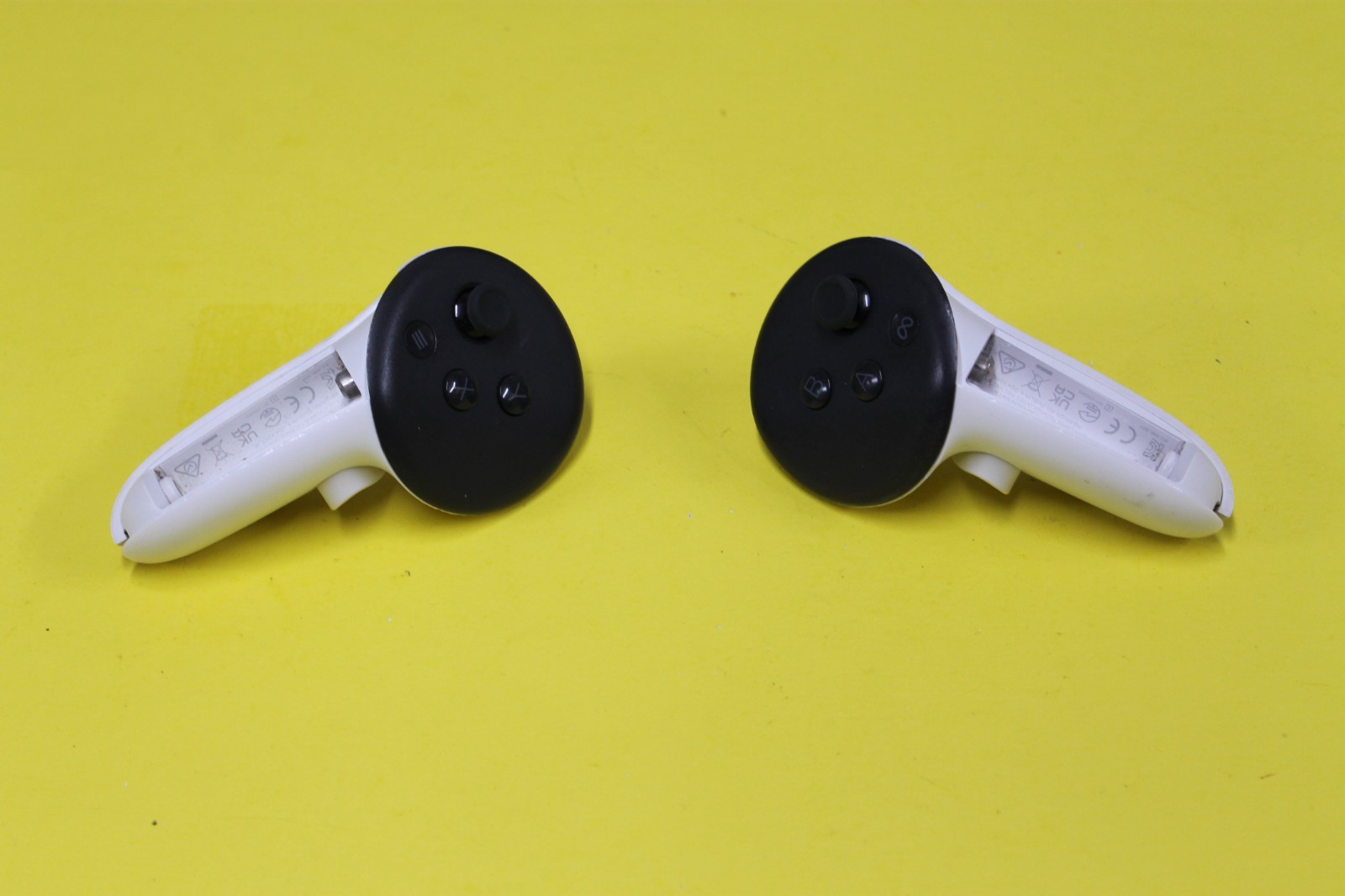 (READ) Genuine Meta Quest 3 / 3S VR Left & Right Pair Controllers ONLY$109.97View on eBay
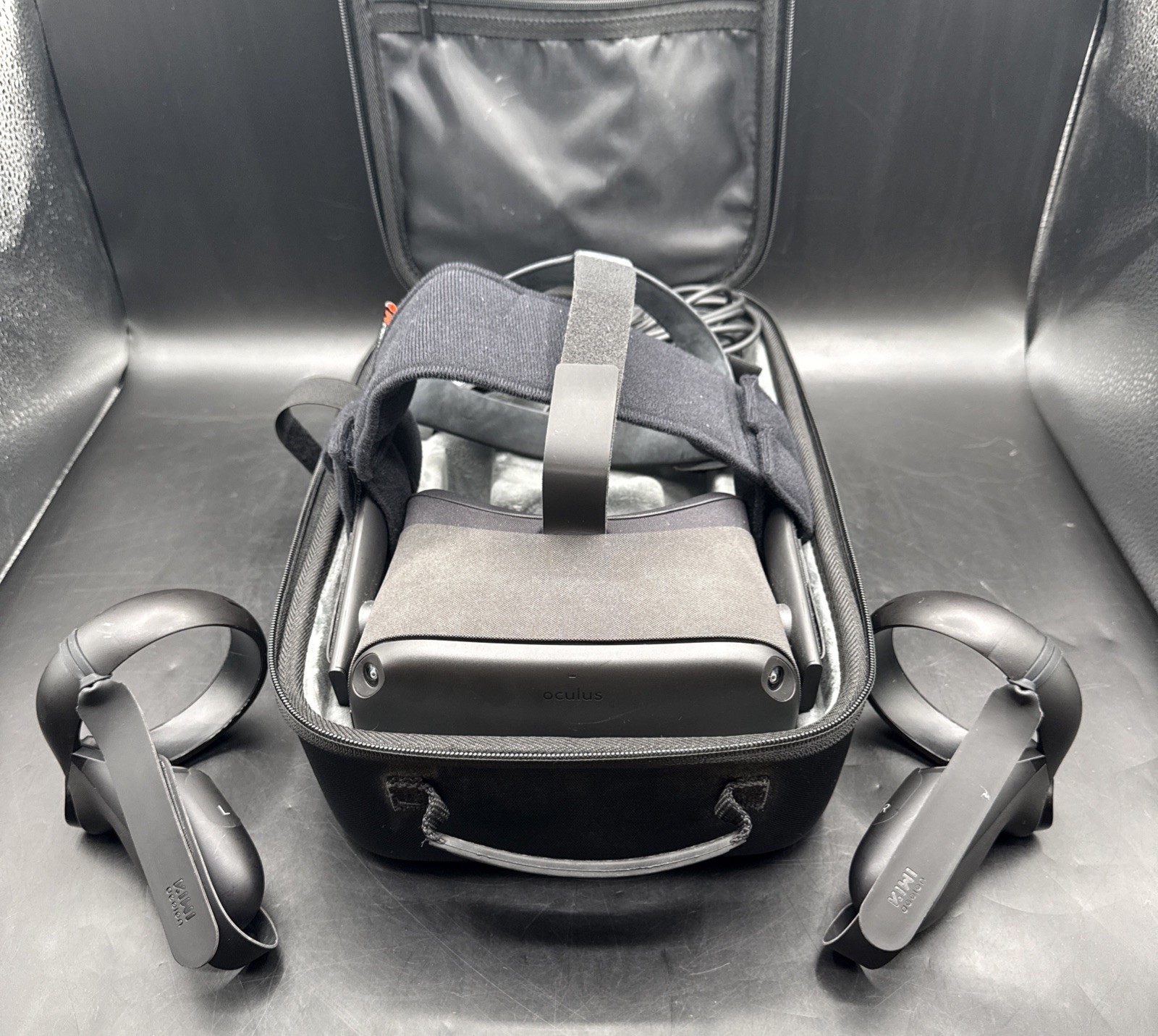 Meta Oculus Quest 1 All-in-one VR Gaming Headset 2 Controllers 64GB Black W/CASE$111.87View on eBay
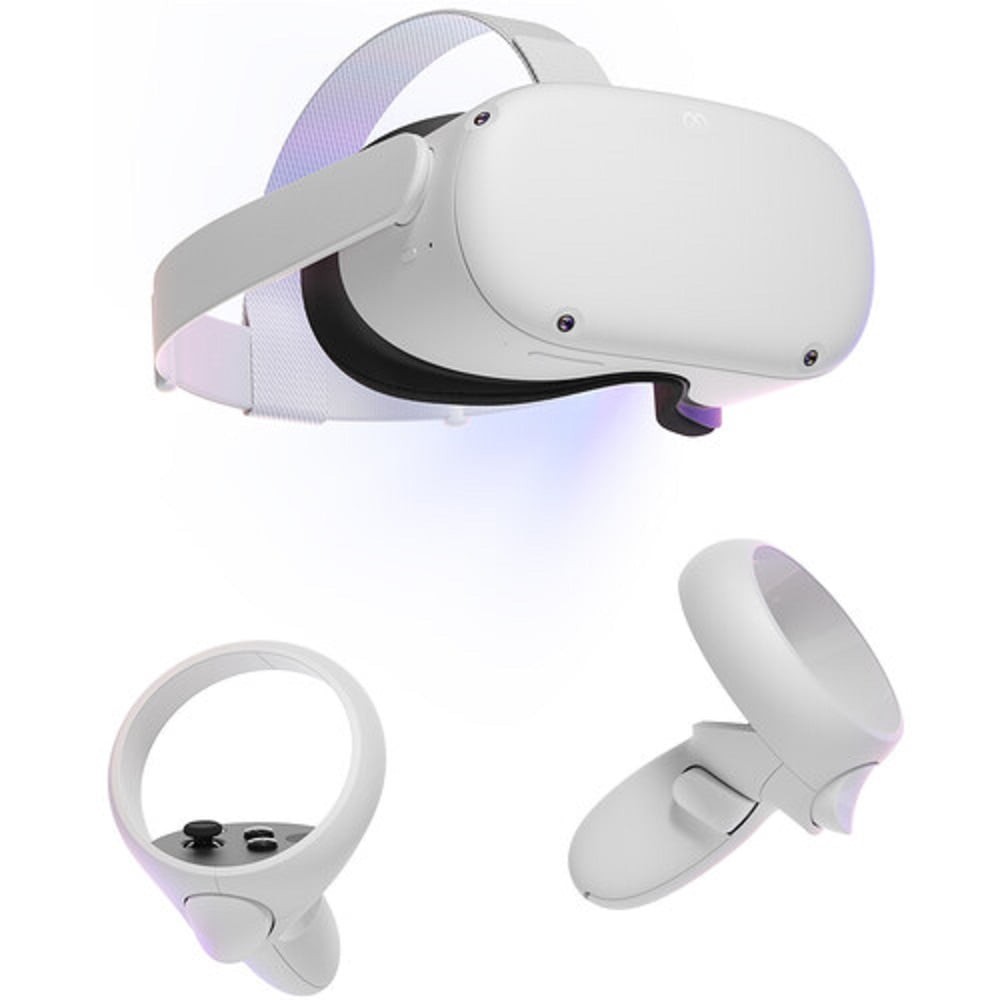 Meta Quest 2 128GB Advanced All-in-One VR Gaming Headset w/ Case$129.99View on eBay
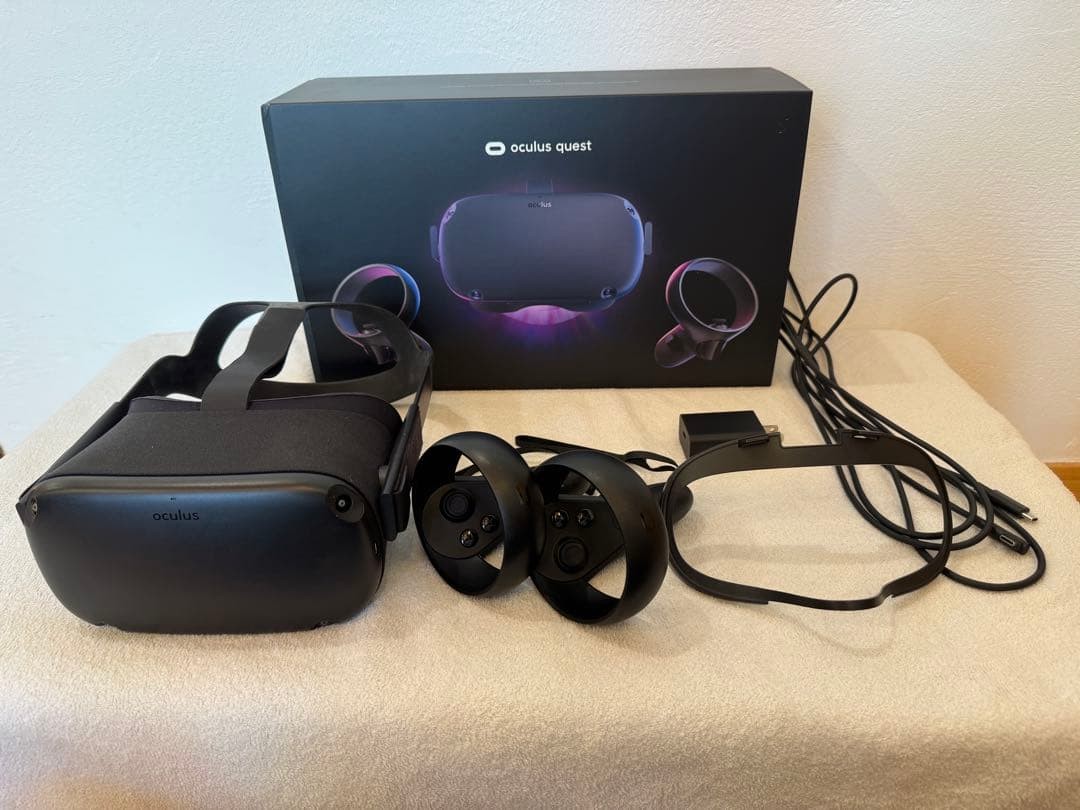 Meta Oculus Quest 1 All-in-one VR Gaming Headset 2 Controllers 64GB Black W/Box$137.97View on eBay
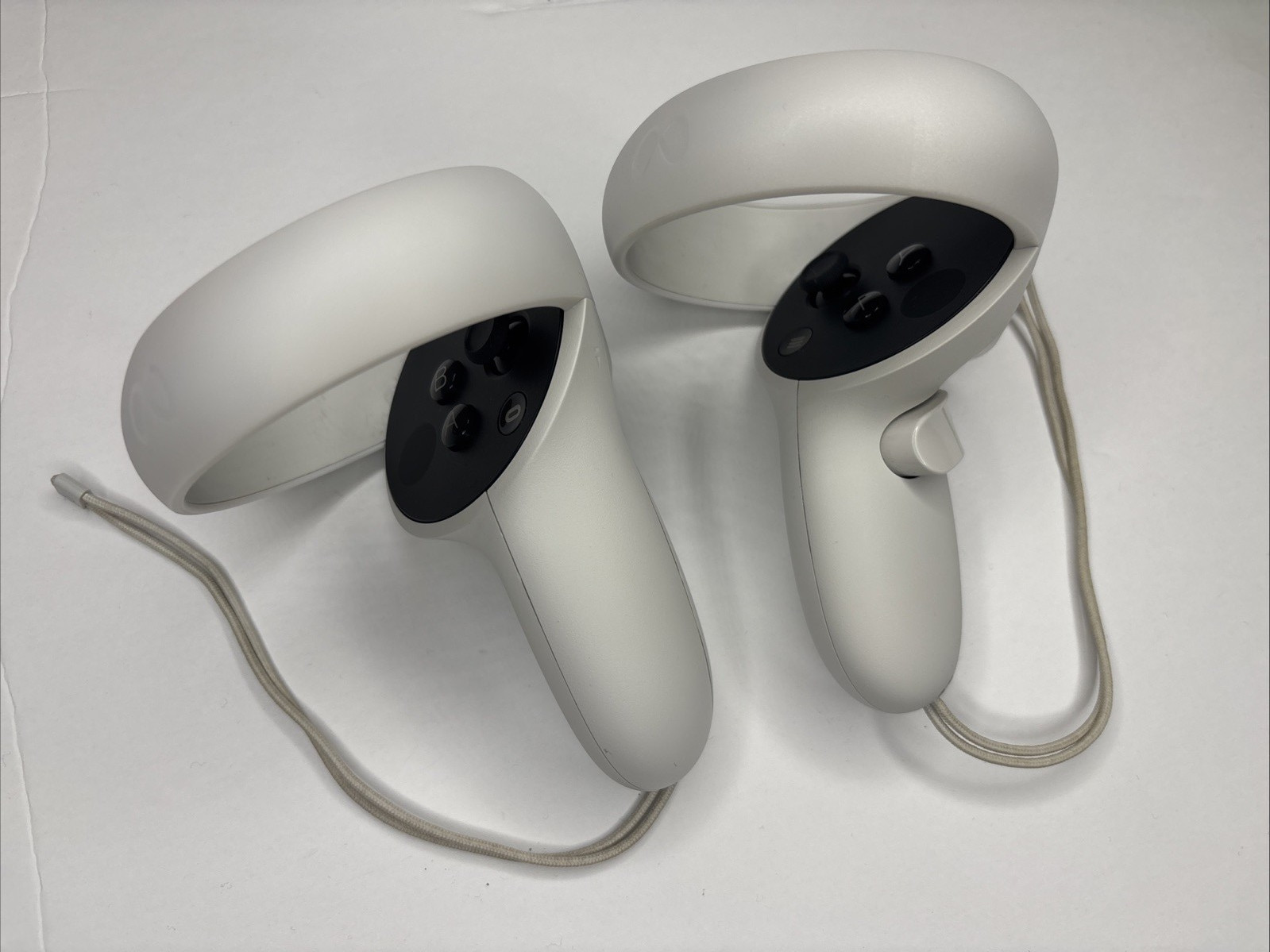 Meta Oculus Quest 2 VR LEFT AND RIGHT Controllers Only - Free Shipping$140.00View on eBay
Highlights
- Quest 3 uses pancake lenses with 2064x2208 per-eye resolution and full-color passthrough; Quest 3S uses Fresnel lenses at 1832x1920 per eye with color passthrough at a lower price.
- Quest 2 runs Snapdragon XR2 Gen 1 with 1832x1920 per-eye Fresnel optics and grayscale passthrough, so mixed-reality apps are effectively monochrome and lower resolution.
- Quest 3 and 3S ship with Touch Plus controllers (no tracking ring, IR LEDs in the handle); Quest 2 uses the older ringed Touch controllers, and controllers are not cross-compatible between generations.
- All current Quest headsets charge over USB-C; Quest 2 includes a 15W-class charger, and battery life runs roughly 2-3 hours depending on title and brightness.
Best use cases
- Pick Quest 3 if you play room-scale mixed-reality games, read text in VR, or want the clearest pancake optics — the resolution and lens upgrade is the main reason to pay more.
- Pick Quest 3S if you want current-generation performance and controller compatibility on a tighter budget and can accept Fresnel lenses and slightly lower per-eye resolution.
- Pick Quest 2 only for budget standalone VR or as a secondary headset for legacy Quest titles; skip it if you expect modern mixed-reality apps to look sharp.
- Skip any headset-only listing missing controllers unless you already own compatible Touch or Touch Plus controllers — replacement controllers are expensive and generation-locked.
Buying tips
- Match the controller generation to the headset: Touch Plus for Quest 3/3S, ringed Touch for Quest 2 — a Quest 3 controller will not pair with a Quest 2 and vice versa.
- Choose 128GB or higher storage; 64GB Quest 2 models fill quickly with modern titles, and storage is not expandable on any Quest headset.
- Budget for a replacement strap and facial interface: stock Quest 2 and 3S straps are basic, and Elite-style straps with counterweight or battery materially improve comfort for sessions over 30 minutes.
- If buying used, confirm the headset was factory-reset and that the account link was removed — a headset still tied to another Meta account cannot be set up.
Specs
| Optics | Pancake (Quest 3) vs Fresnel (2/3S) |
|---|---|
| Per-Eye Resolution | 1832x1920 to 2064x2208 |
| Chipset | XR2 Gen 1 (Quest 2) vs Gen 2 (3/3S) |
| Controller Type | Touch (Quest 2) vs Touch Plus (3/3S) |
Related searches
What to check before buying
- Measure your play space: Quest 3 and 3S support room-scale boundaries, and you want at least a 2m x 2m clear area for standing and room-scale titles.
- Confirm you have a USB-C power source and Wi-Fi 5/6 router — Quest requires a Wi-Fi connection for setup, updates, and most app downloads.
- Check that your phone is compatible with the Meta Horizon app (iOS or Android) because it is required for initial pairing and account setup.
- Verify the listing includes the correct controllers, charging cable, and any included facial interface, since headset-only and controller-only listings are common.
FAQ
Data sources: eBay / Amazon listings and product attribute feeds. Updated Nov 29, 2026.
Some links on this page are affiliate links. If you buy after clicking one, we may earn a commission at no extra cost to you. This does not change which products appear here or their order. Affiliate disclosure.