
Photos from current listings. Actual item, color, and included accessories may vary.
Gaming VR Headset Buying Guide
Gaming VR headsets split into standalone all-in-one units with onboard compute and PC/console-tethered headsets that offload rendering to a host system. The core trade-off is portability and simplicity versus raw fidelity and tracking precision; standalone headsets win on convenience but cap out on graphical horsepower, while tethered units deliver higher frame rates and resolution at the cost of cables and a capable PC or console.
Median $80.00 · Pre-owned listings
Key takeaways
- Standalone headsets (e.g., Meta Quest 2/3) integrate Snapdragon-class mobile SoCs, battery, and inside-out tracking—no PC required, but rendering is limited to mobile-tier GPUs.
- PC-tethered headsets (e.g., Oculus Rift S, Valve Index) rely on DisplayPort/USB connections and external GPU power, enabling higher resolutions and refresh rates up to 120–144 Hz.
- Console VR (PSVR2) uses a single USB-C cable and eye-tracking with foveated rendering, but is locked to PlayStation 5 hardware.
At a glance
- Category
- VR Gaming Hardware & Accessories
- Last updated
- Nov 28, 2026
Current offers
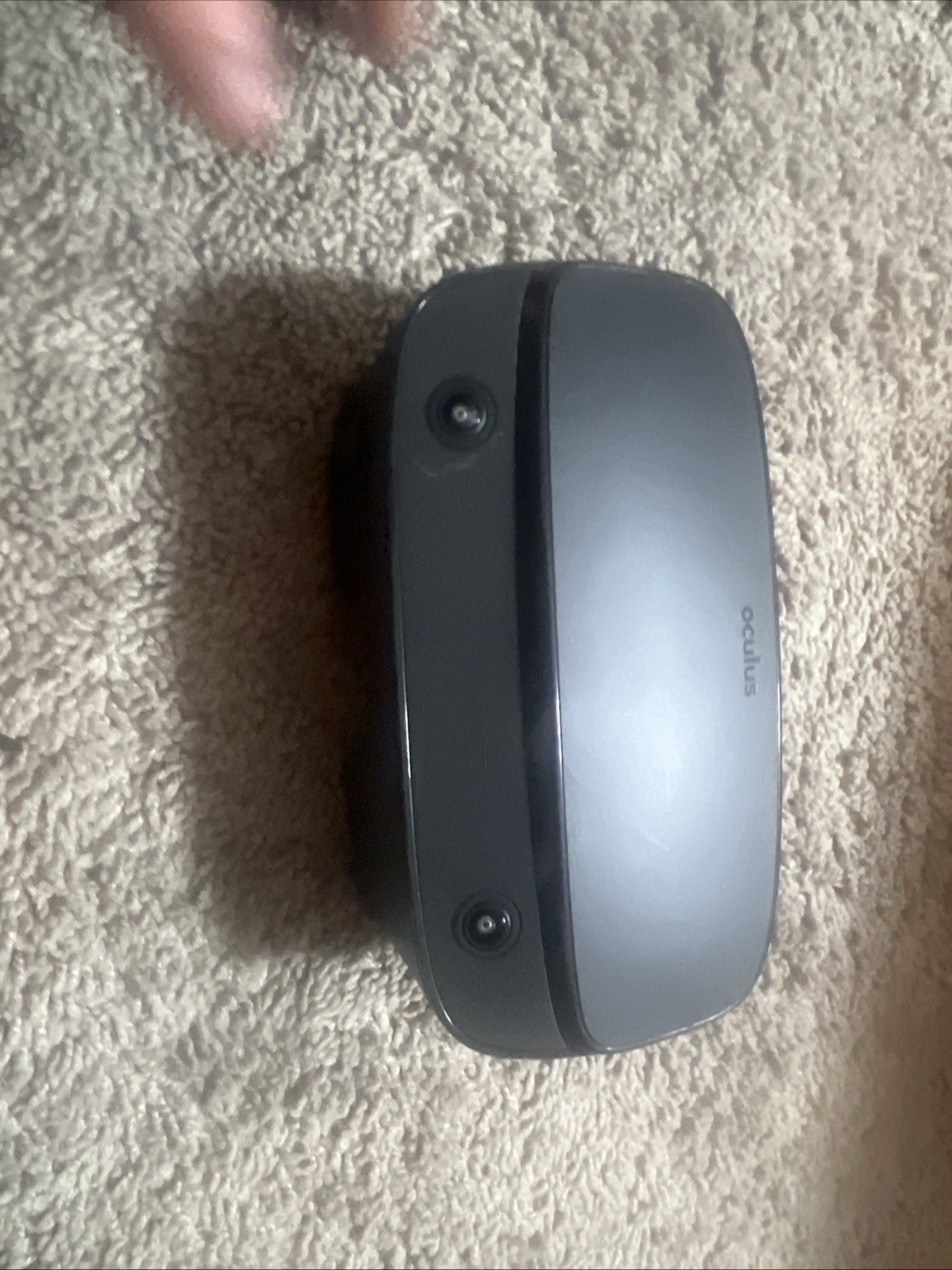 Oculus Rift S PC Powered VR Gaming Headset ONLY$8.99View on eBay
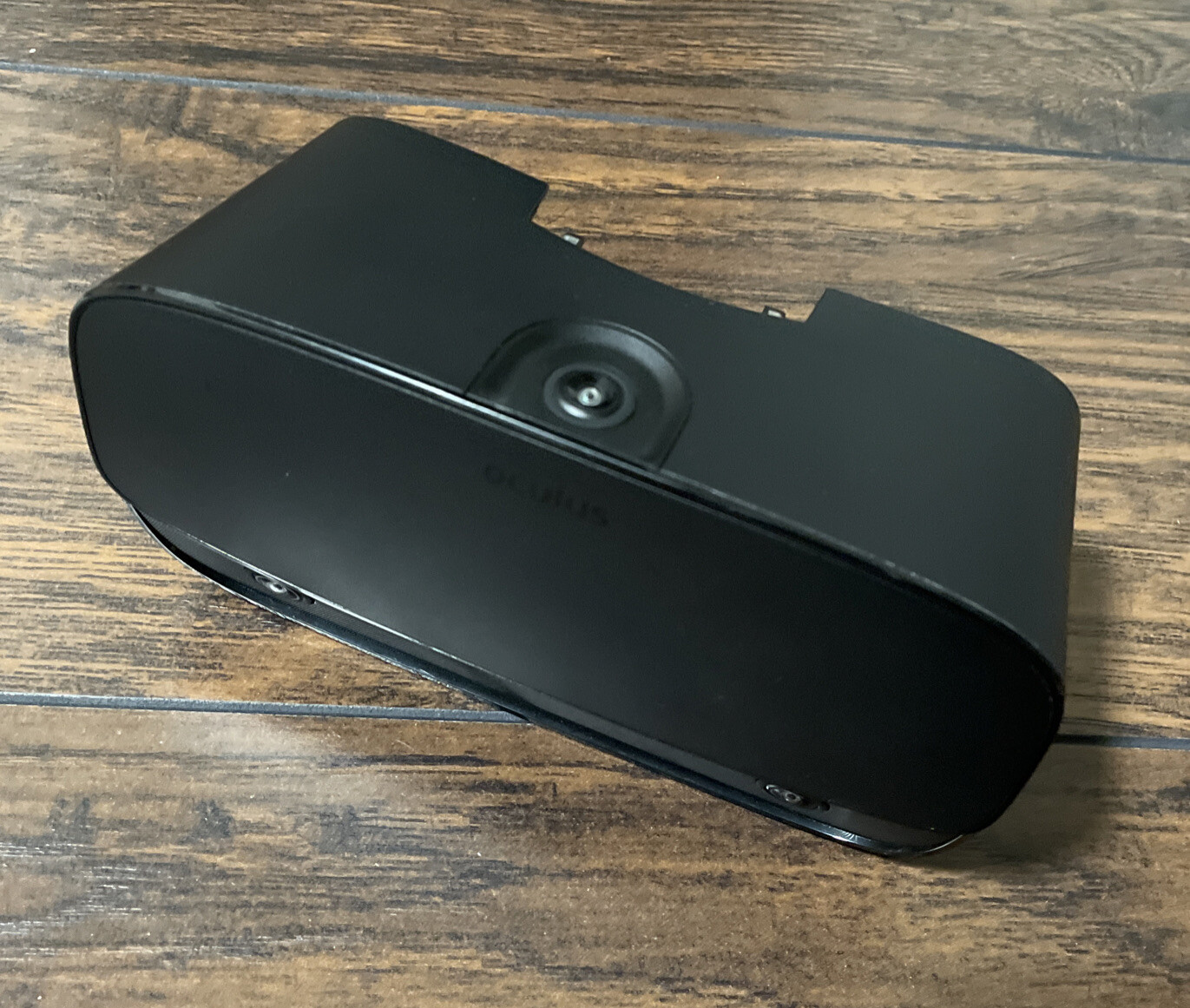 Oculus Rift S PC Powered VR Gaming Headset ONLY$11.95View on eBay
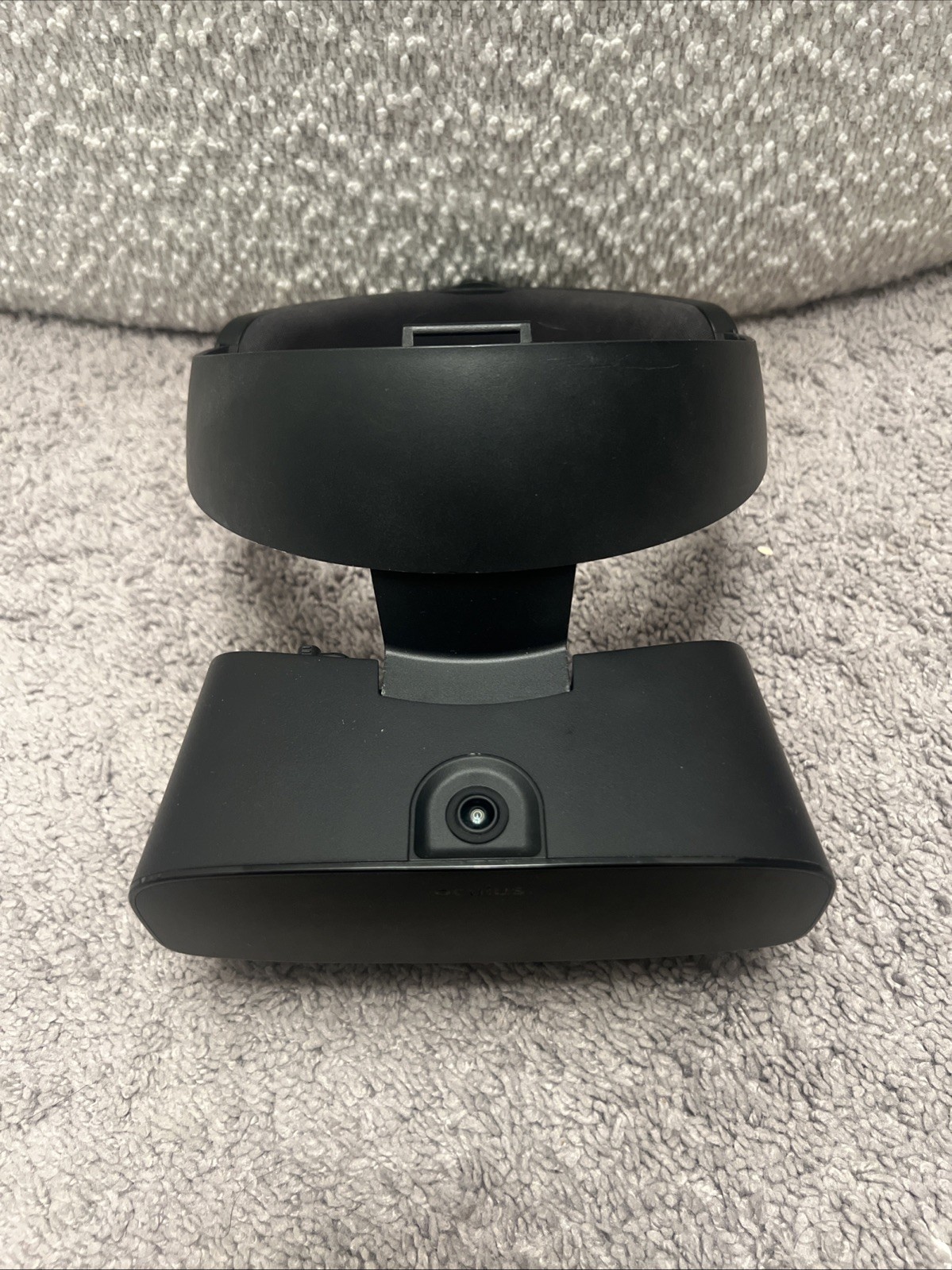 Oculus Rift S PC-Powered VR Gaming Headset ONLY Tested$13.99View on eBay
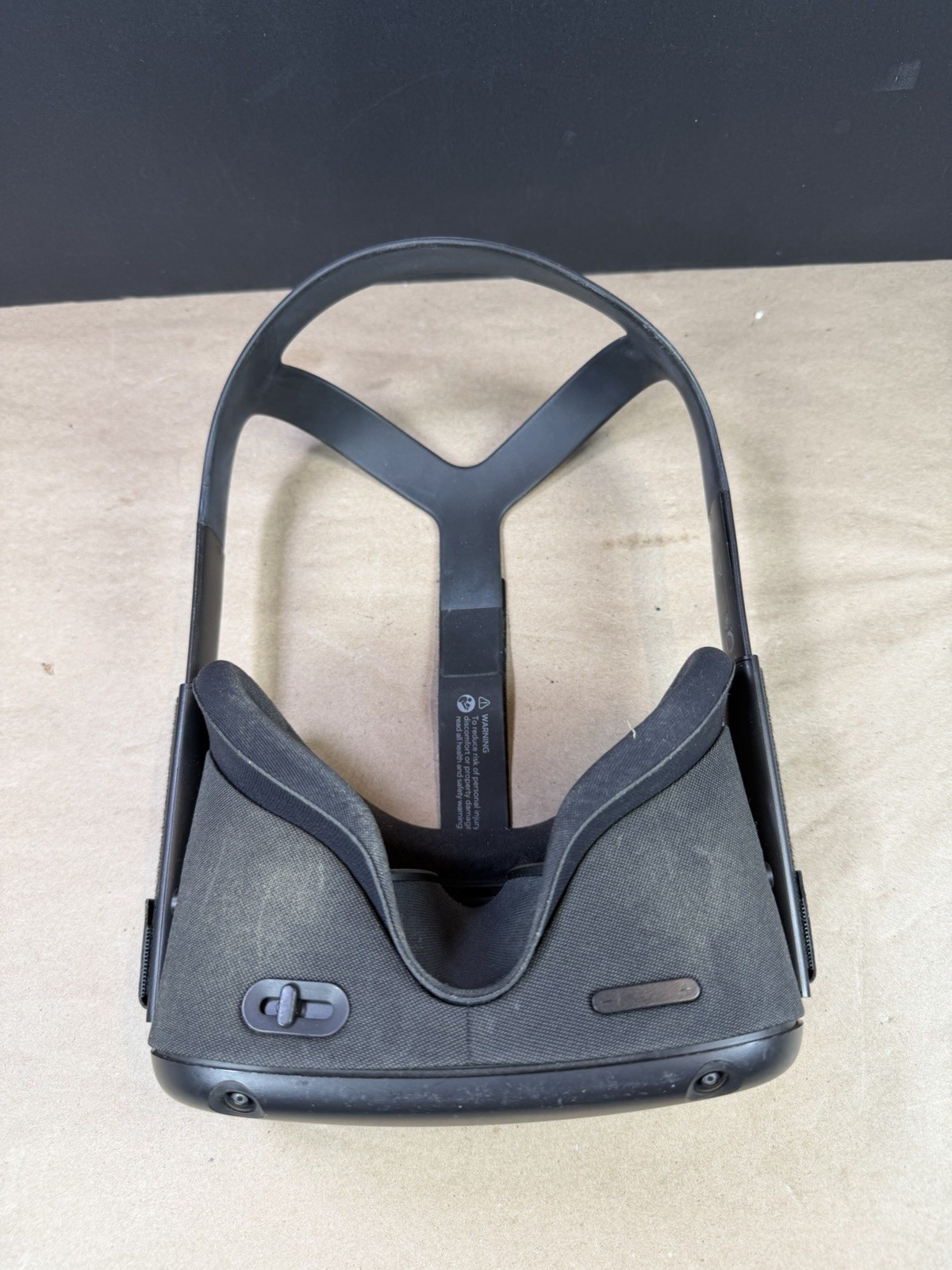 Oculus Quest MH-B Standalone All-In-One VR Gaming Headset Black Built-In Audio$24.27View on eBay
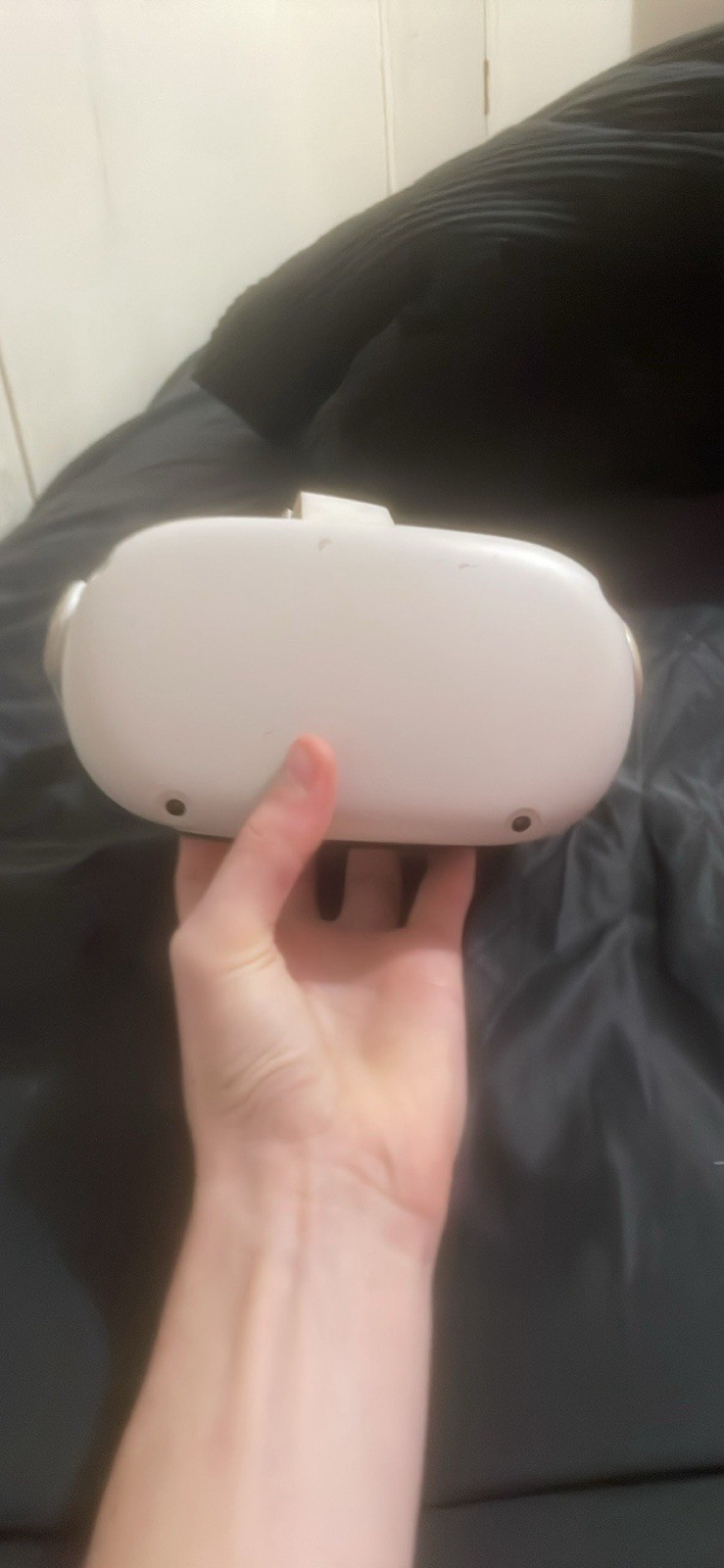 Meta Quest 2 Standalone VR Headset in White, Meta VR Gaming System$25.00View on eBay
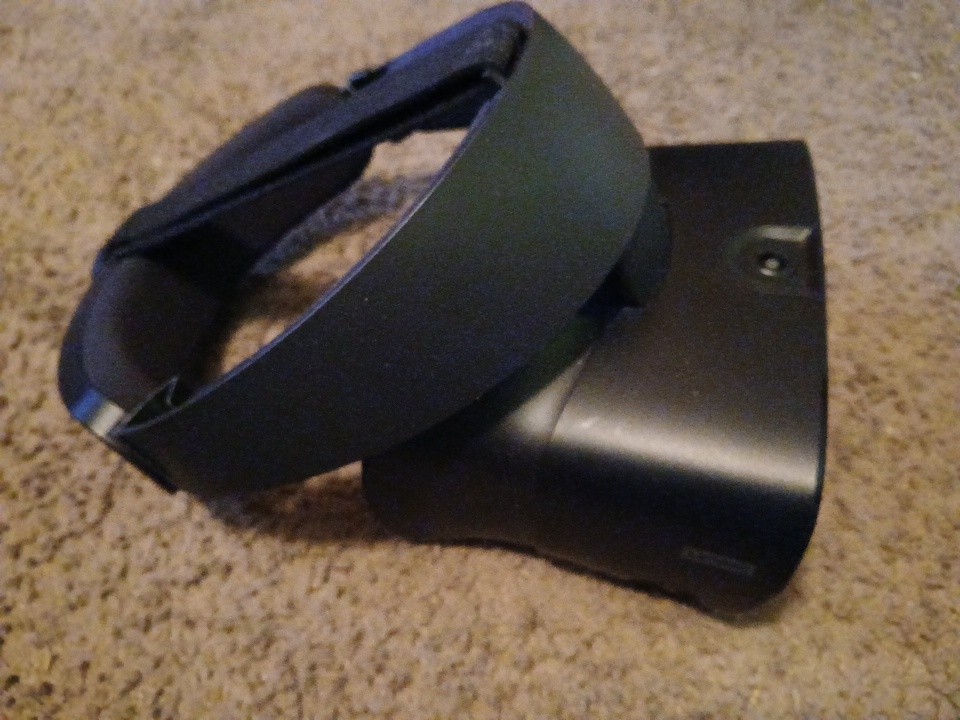 Oculus Rift S PC Powered VR Gaming Headset ONLY - No Controllers or Cables$28.99View on eBay
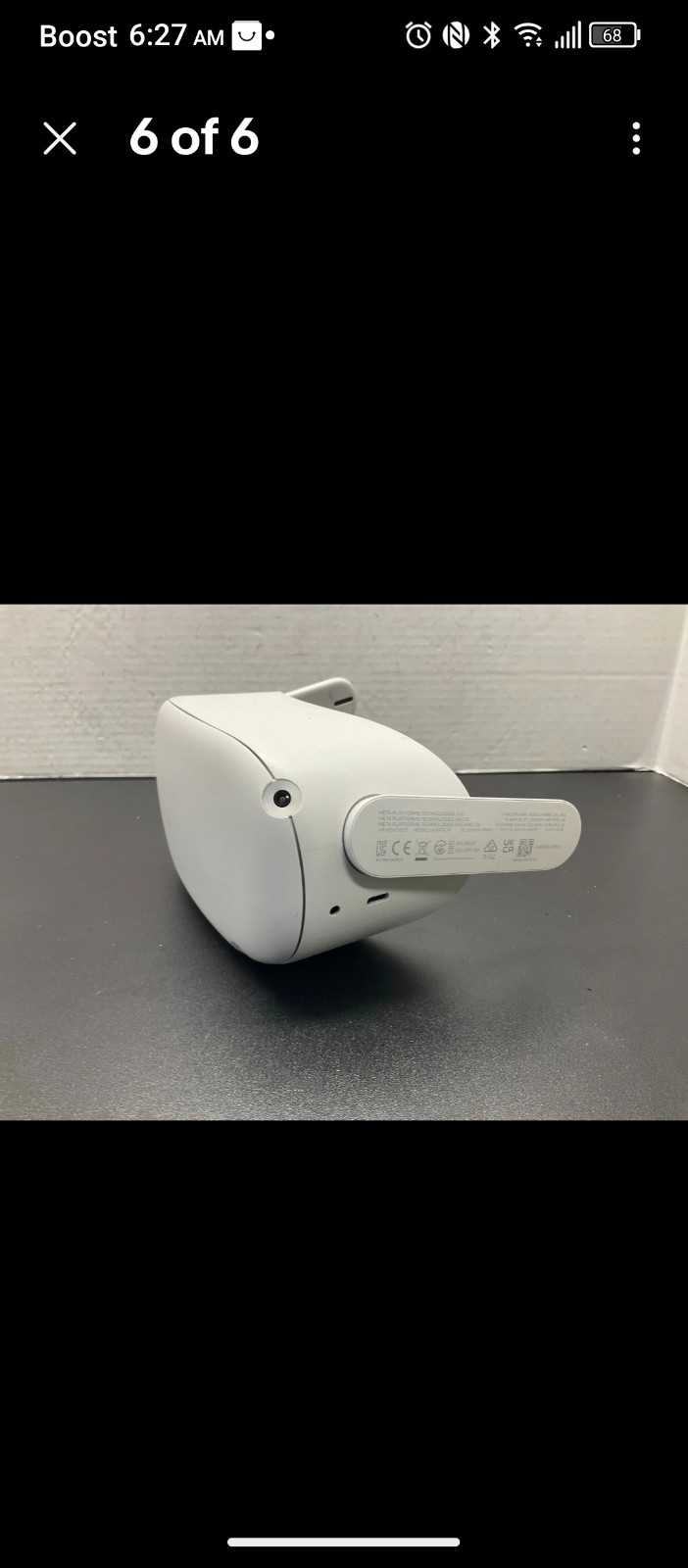 Meta Quest 2 128GB Advanced All-in-One VR Gaming Headset - ( WEAR & TEAR )$65.00View on eBay
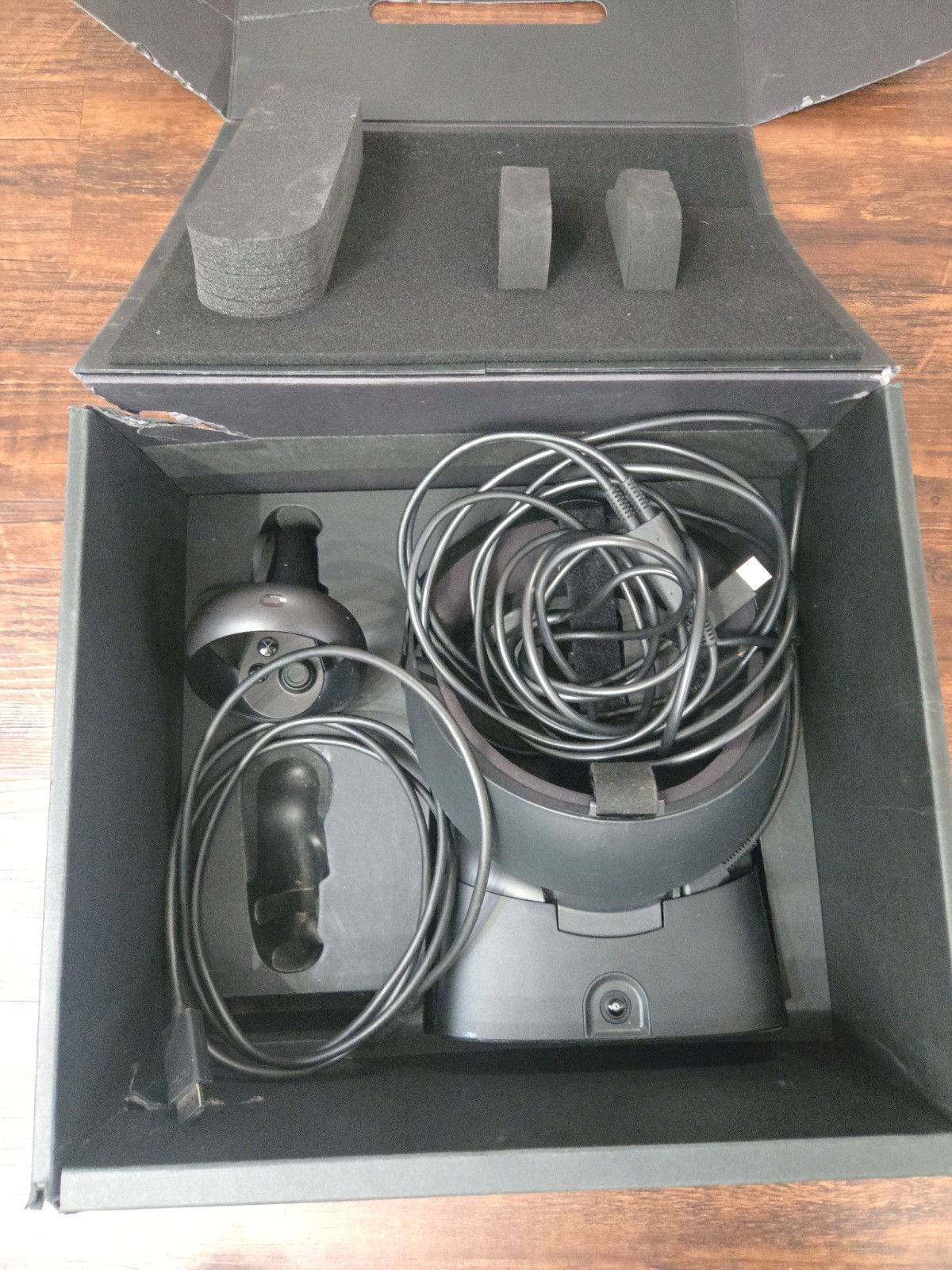 Oculus Rift S PC-Powered VR Gaming Headset - Black *1 Controller Preowned$68.88View on eBay
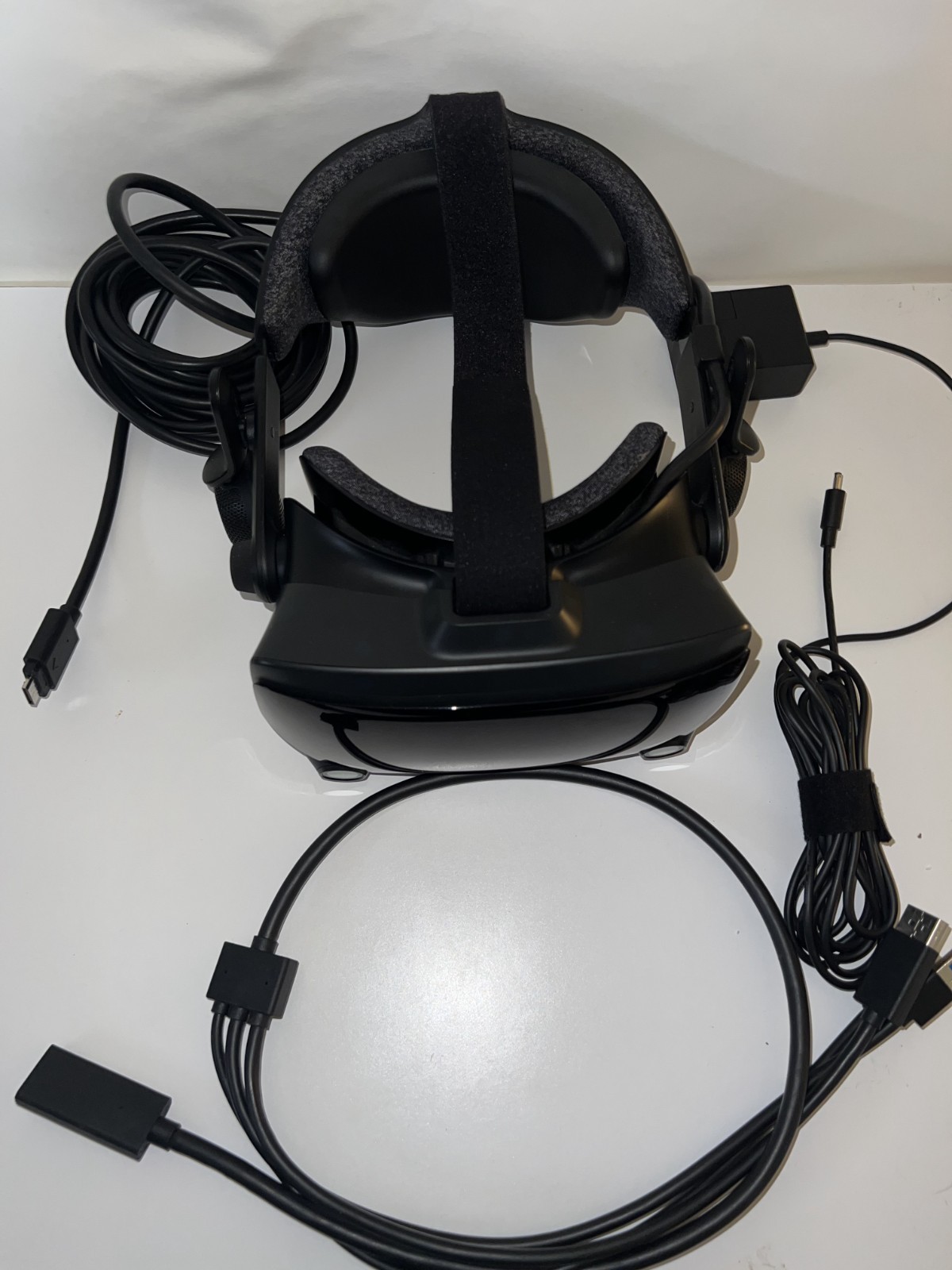 Steam Valve Index VR Gaming HEADSET ONLY - READ$80.00View on eBay
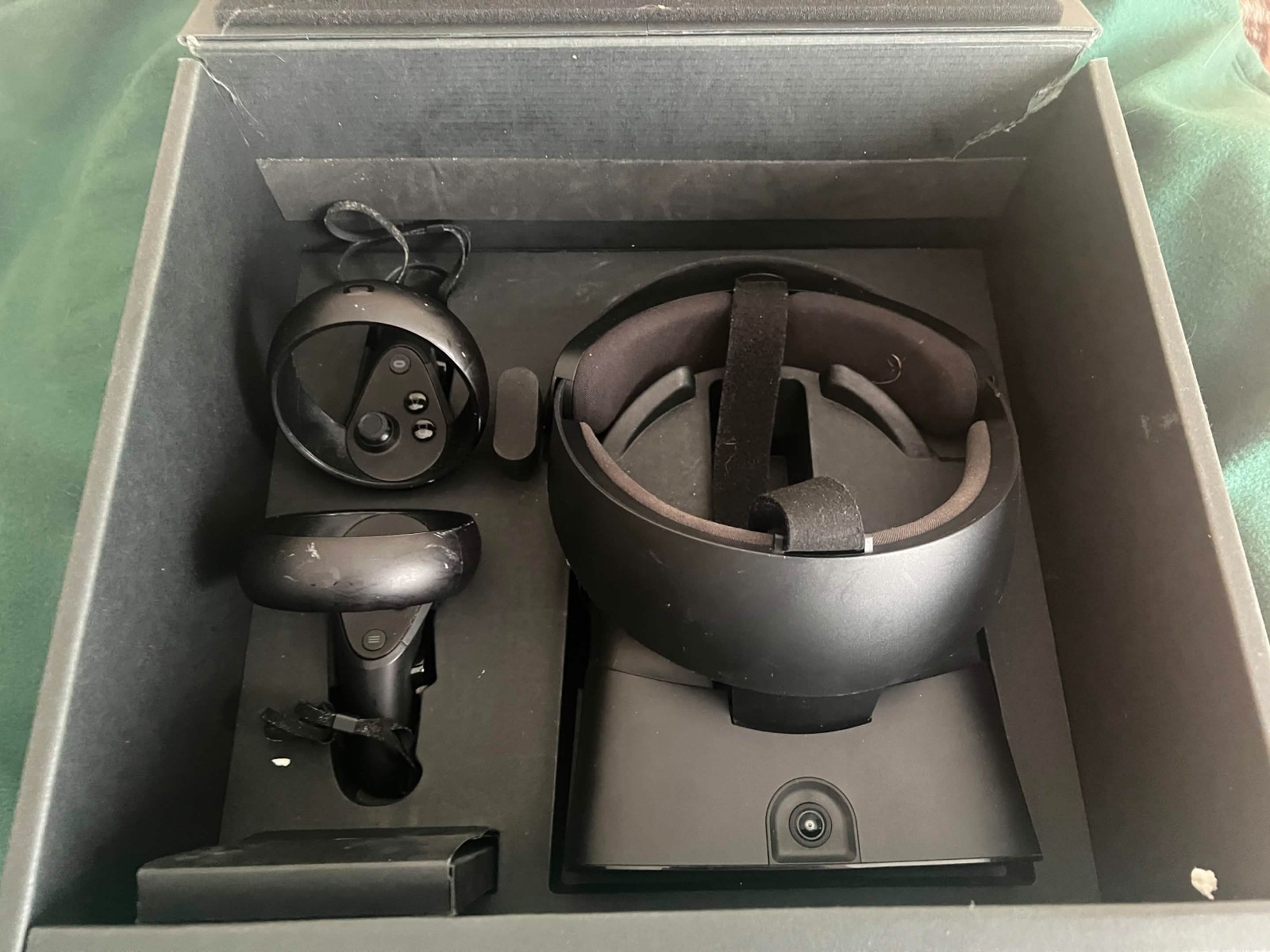 CABLE NOT INCLUDED Oculus Rift S PC-Powered VR Gaming Headset - Black$80.00View on eBay
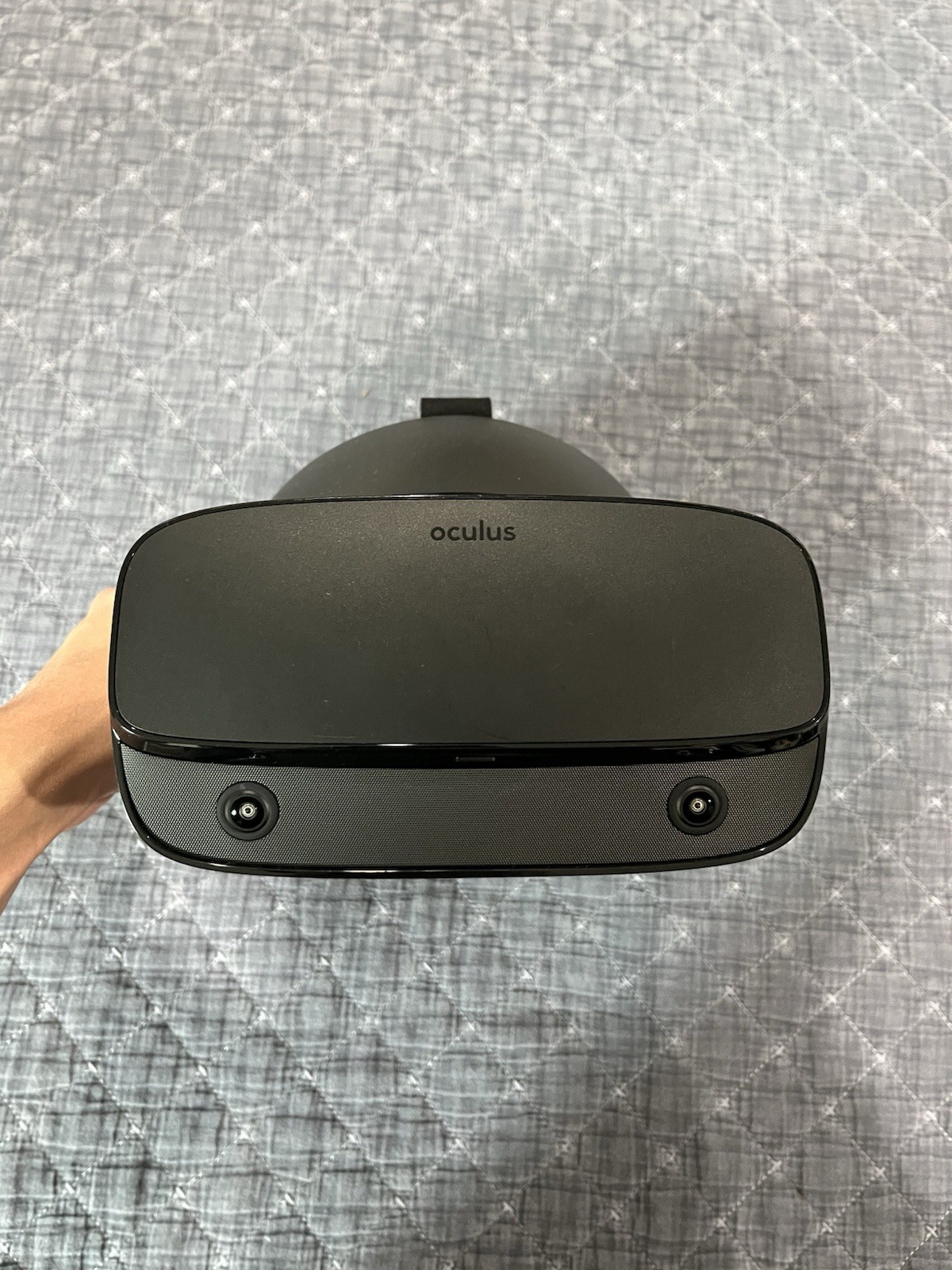 Oculus Rift S PC-Powered VR Gaming Headset - Black - *MESSAGE*$85.00View on eBay
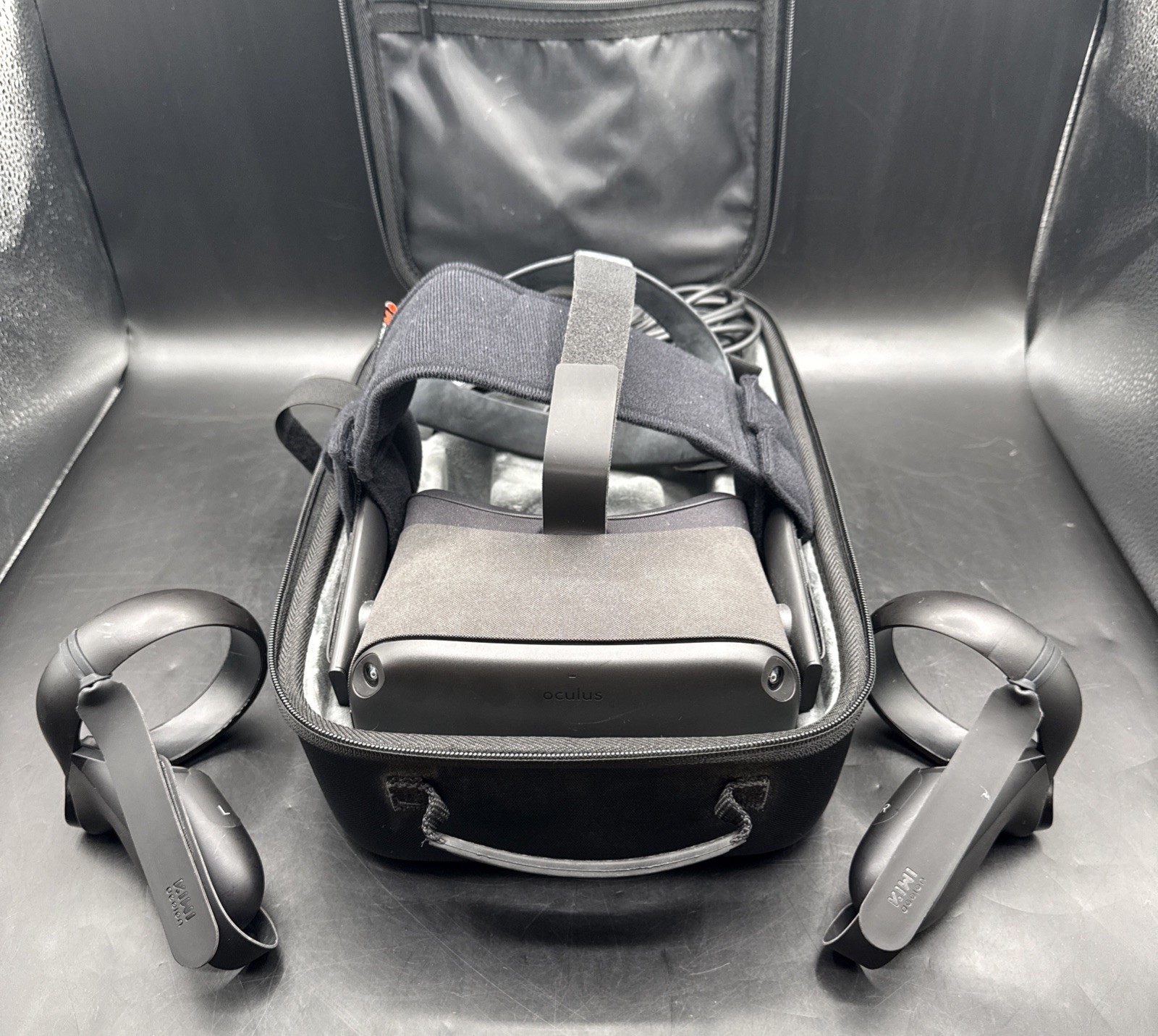 Meta Oculus Quest 1 All-in-one VR Gaming Headset 2 Controllers 64GB Black W/CASE$111.87View on eBay
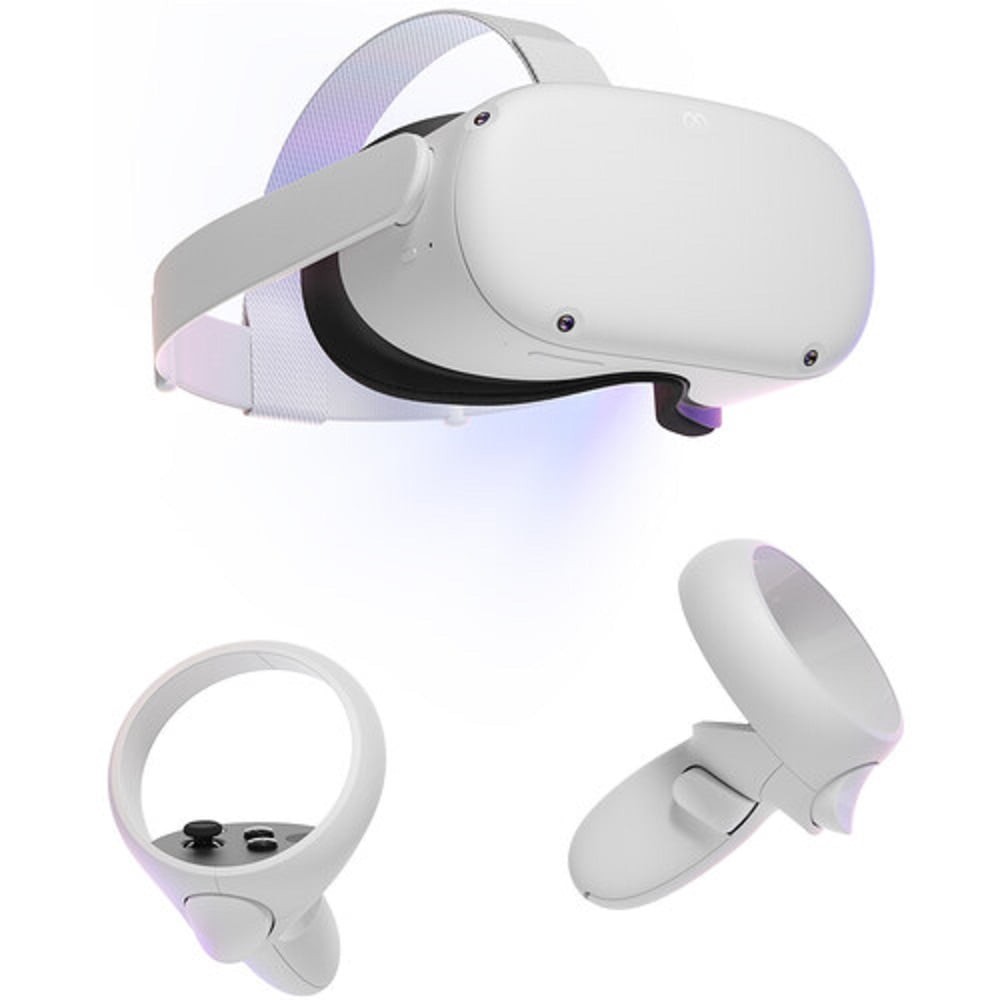 Meta Quest 2 128GB Advanced All-in-One VR Gaming Headset w/ Case$129.99View on eBay
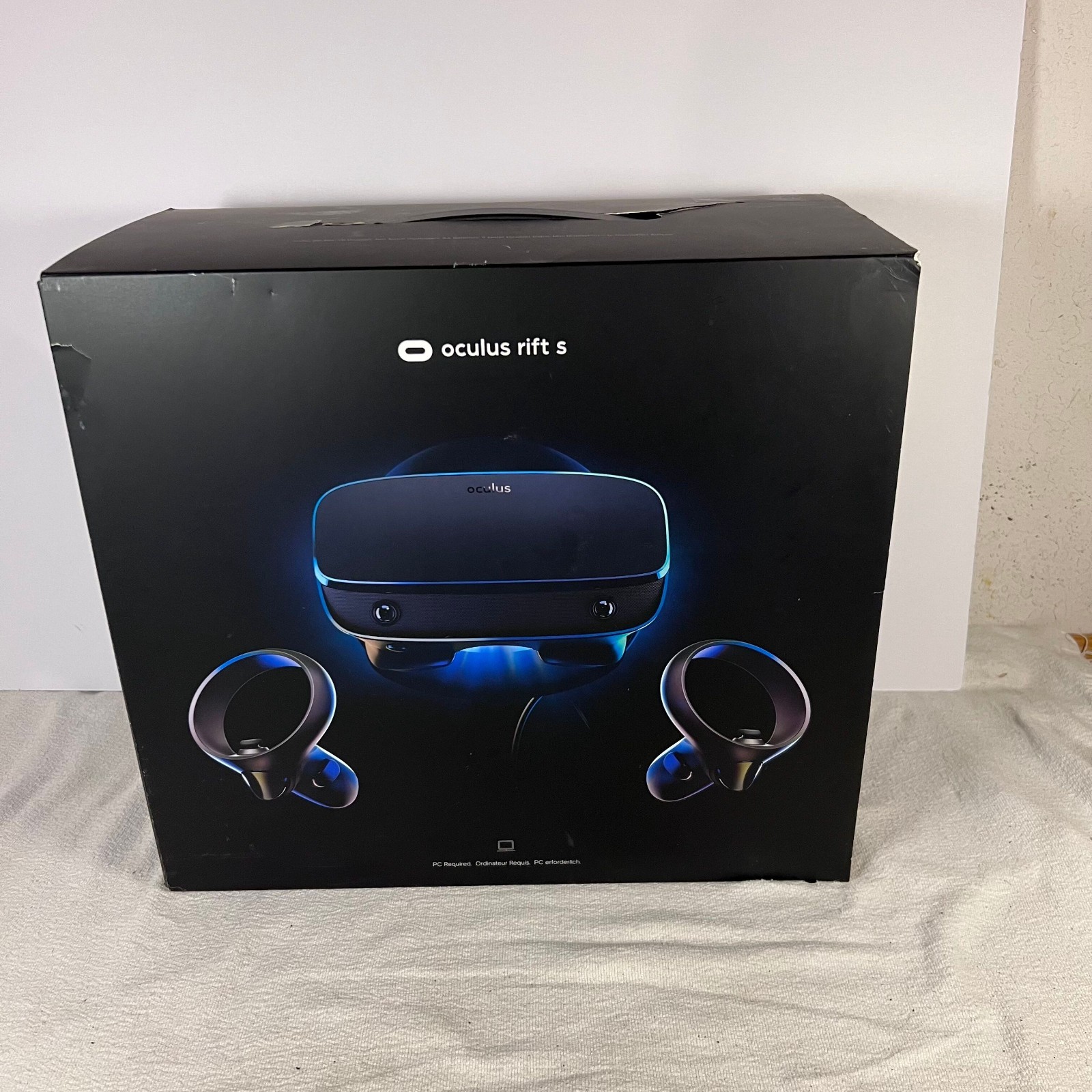 Oculus Rift S PC-Powered VR Gaming Headset Black + Original Box$129.99View on eBay
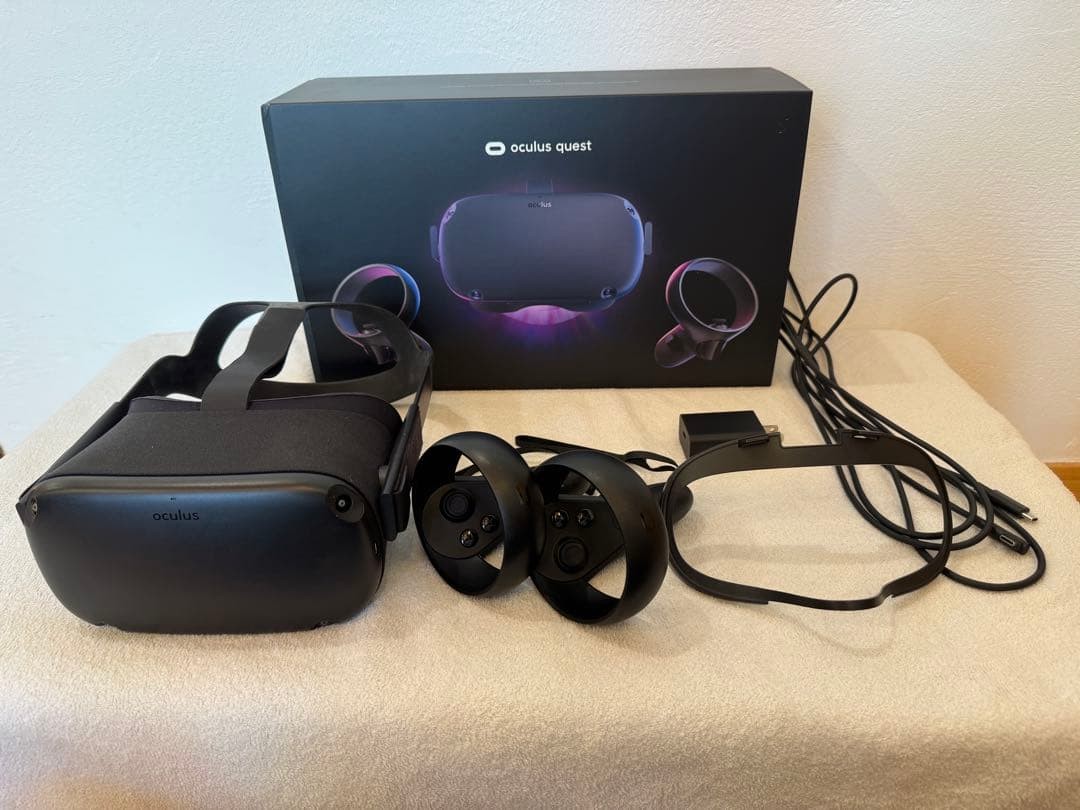 Meta Oculus Quest 1 All-in-one VR Gaming Headset 2 Controllers 64GB Black W/Box$137.97View on eBay
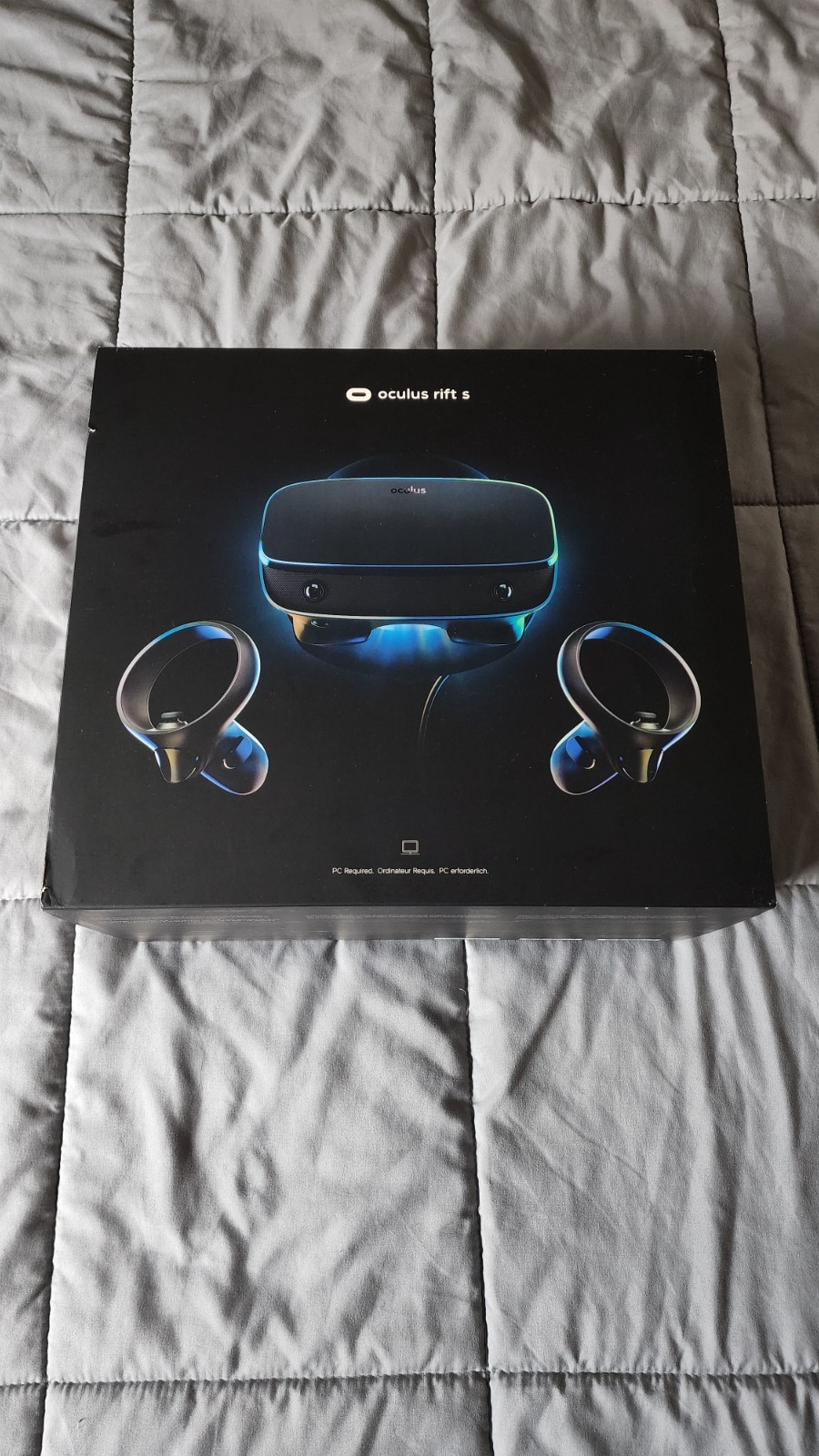 Oculus Rift S PC VR Gaming Headset (SIM FAVORITE) *MINT IN ORIGINAL PACKAGE*$150.00View on eBay
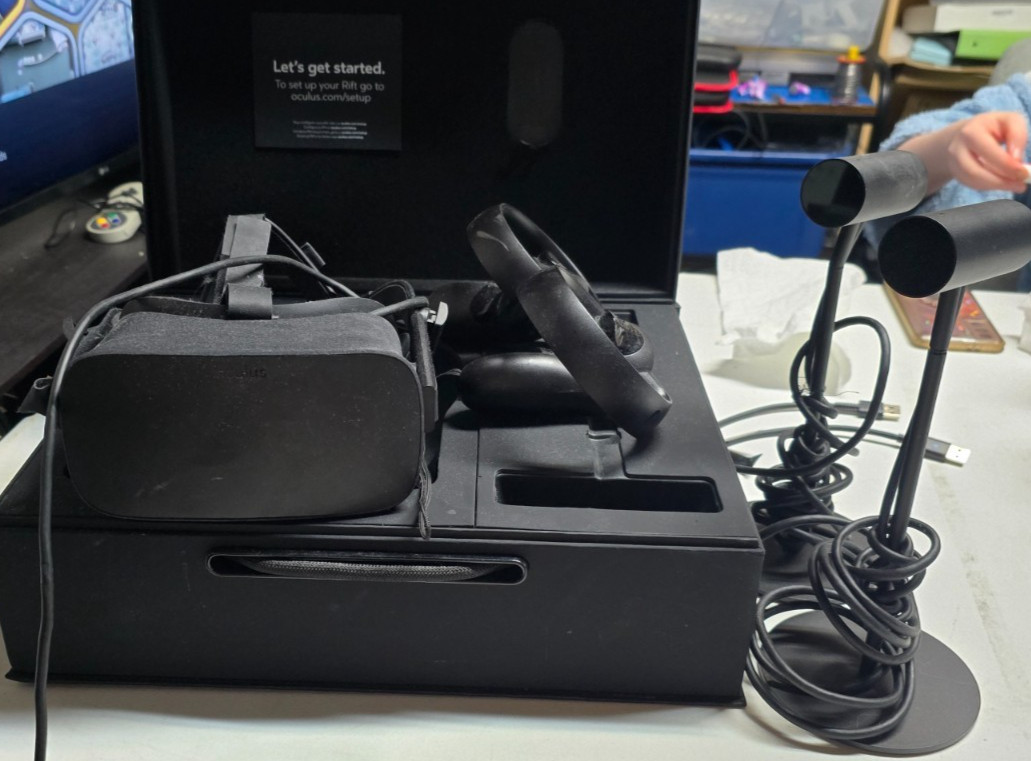 Oculus Rift S PC-Powered VR Gaming Headset Black FULL SET IN BOX$199.95View on eBay
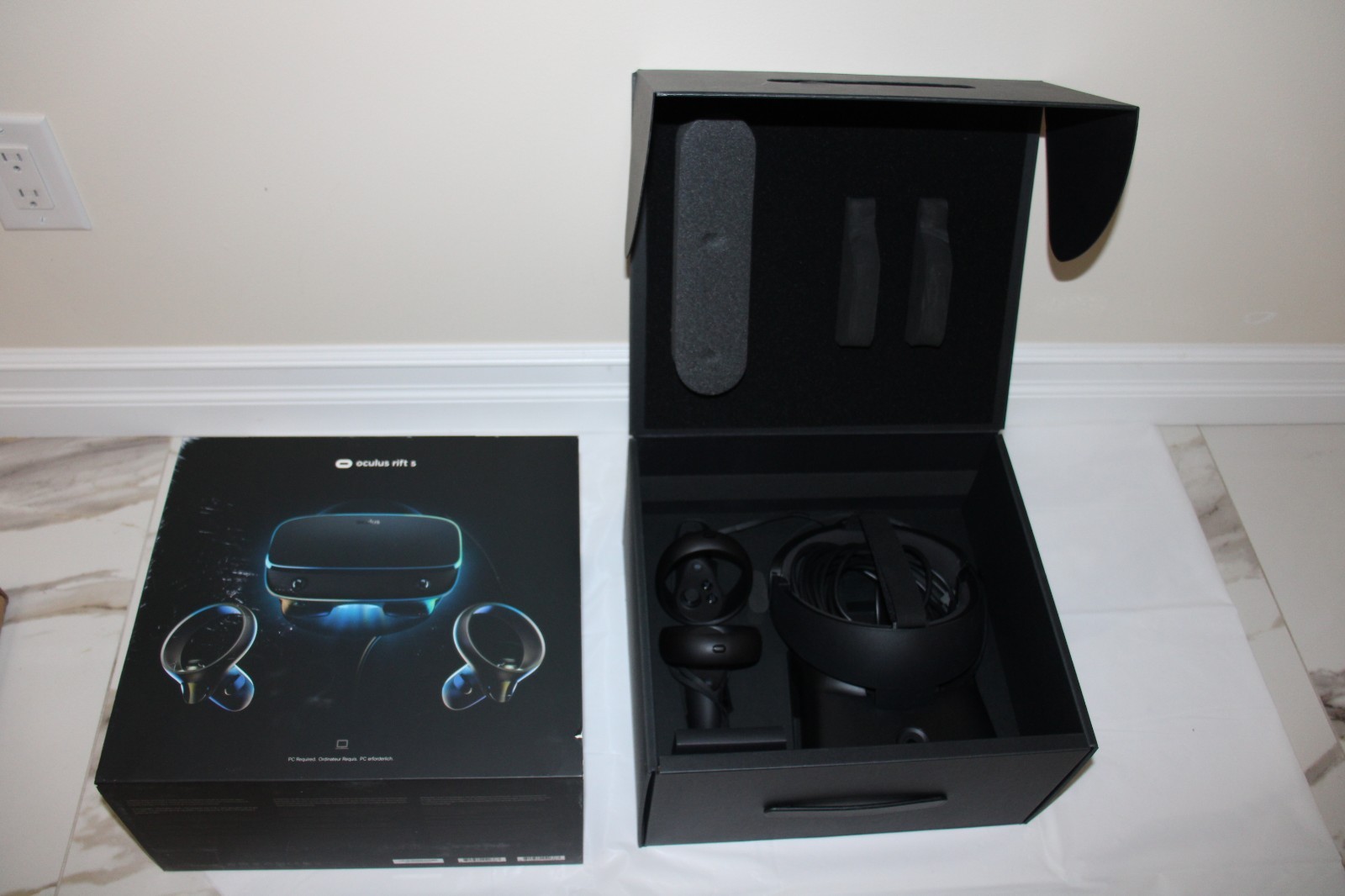 Oculus Rift S PC-Powered VR Gaming Headset Black FULL SET IN BOX "NEW"$249.00Last checked Nov 15, 2026View on eBay
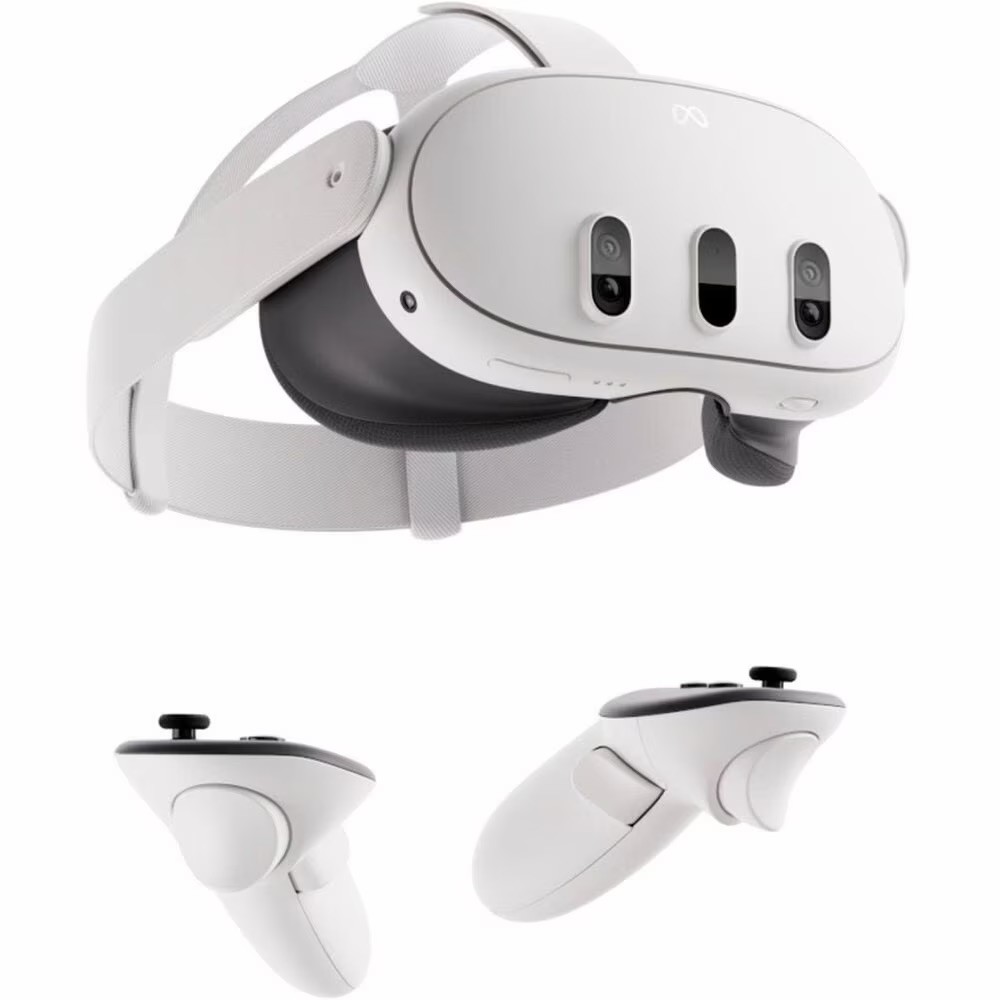 Meta Quest 3 Standalone VR Headset, White Color VR Gaming Headset$300.00Used · Last checked Nov 22, 2026View on eBay
Highlights
- Standalone headsets (e.g., Meta Quest 2/3) integrate Snapdragon-class mobile SoCs, battery, and inside-out tracking—no PC required, but rendering is limited to mobile-tier GPUs.
- PC-tethered headsets (e.g., Oculus Rift S, Valve Index) rely on DisplayPort/USB connections and external GPU power, enabling higher resolutions and refresh rates up to 120–144 Hz.
- Console VR (PSVR2) uses a single USB-C cable and eye-tracking with foveated rendering, but is locked to PlayStation 5 hardware.
- Inside-out tracking (cameras on headset) eliminates base stations but can lose controller tracking outside camera FOV; outside-in (base stations) offers more robust room-scale coverage.
Best use cases
- Pick a standalone headset (Quest 2/3) if you want room-scale VR without a gaming PC, prioritize portability, and play mostly native titles or stream PC VR wirelessly.
- Pick a PC-tethered headset (Rift S, Index) if you already own a VR-ready PC and demand high-fidelity sims, shooters, or modded PC VR at maximum settings.
- Pick PSVR2 only if you own a PS5 and want plug-and-play console VR with eye-tracking and haptic feedback; skip it if you lack a PS5 or expect PC compatibility.
- Avoid older PC headsets like Rift S if you need standalone freedom or wireless PC streaming—they require a PC and cable at all times.
Buying tips
- For PC VR, confirm your GPU meets the headset's minimum (e.g., GTX 1060 / RX 480 for Rift S) and that you have a free DisplayPort 1.2+ and USB 3.0 port.
- For standalone, check storage tier: 64/128GB models fill fast with AAA titles; 256GB+ is safer for large libraries and media.
- IPD adjustment matters: headsets with physical lens spacing (e.g., Quest 2's 58/63/68mm) fit more users comfortably than fixed-IPD designs.
- Refresh rate and resolution: 90Hz is baseline; 120Hz+ reduces motion sickness for sensitive users. Higher per-eye resolution (e.g., 1832×1920) sharpens text and distant objects.
Specs
| Headset Type | Standalone / PC-tethered / Console |
|---|---|
| Tracking | Inside-out cameras vs Outside-in base stations |
| Refresh Rate | 90Hz / 120Hz / 144Hz |
| Per-eye Resolution | 1600×1600 to 2064×2208 |
Related searches
What to check before buying
- Measure your play space: at least 2m × 2m for room-scale; seated/standing modes need ~1m clearance.
- Verify PC specs: VR-ready GPU, 8GB+ RAM, and correct ports (DisplayPort for PC VR, USB-C for PSVR2).
- Check IPD range: measure your pupillary distance (typically 58–72mm) and match to headset's adjustable range.
- Confirm companion requirements: base stations for outside-in tracking, or adequate lighting for inside-out cameras.
FAQ
Data sources: eBay / Amazon listings and product attribute feeds. Updated Nov 28, 2026.
Some links on this page are affiliate links. If you buy after clicking one, we may earn a commission at no extra cost to you. This does not change which products appear here or their order. Affiliate disclosure.