
Photos from current listings. Actual item, color, and included accessories may vary.
5 VR Headset Buying Guide
A VR headset is a display-plus-tracking system where the optical stack, panel resolution, and tracking architecture determine comfort and longevity far more than cosmetic color. The core trade-off is standalone mobile-class silicon versus tethered PC/console rendering, and buyers should choose by content ecosystem and tracking volume, not by spec-sheet resolution alone. Durable, well-supported headsets use inside-out or base-station tracking with replaceable facial interfaces and standard DisplayPort/USB-C or console-native connectivity.
Median $111.87 · New & pre-owned listings
Key takeaways
- 6DoF inside-out tracking (camera-based) eliminates external base stations but requires well-lit rooms with textured walls; SteamVR base-station 2.0 tracking delivers sub-millimeter precision in dark rooms.
- Panel type drives clarity: fast-switch LCD gives ~120Hz with lower persistence, while OLED/micro-OLED delivers true blacks and higher contrast at the cost of brightness and burn-in risk.
- Fresnel lenses produce glare and a small sweet spot; pancake lenses in newer tiers cut headset depth by roughly 40% and widen the clear optical zone.
At a glance
- Category
- VR Gaming Hardware & Accessories
- Last updated
- Nov 28, 2026
Current offers
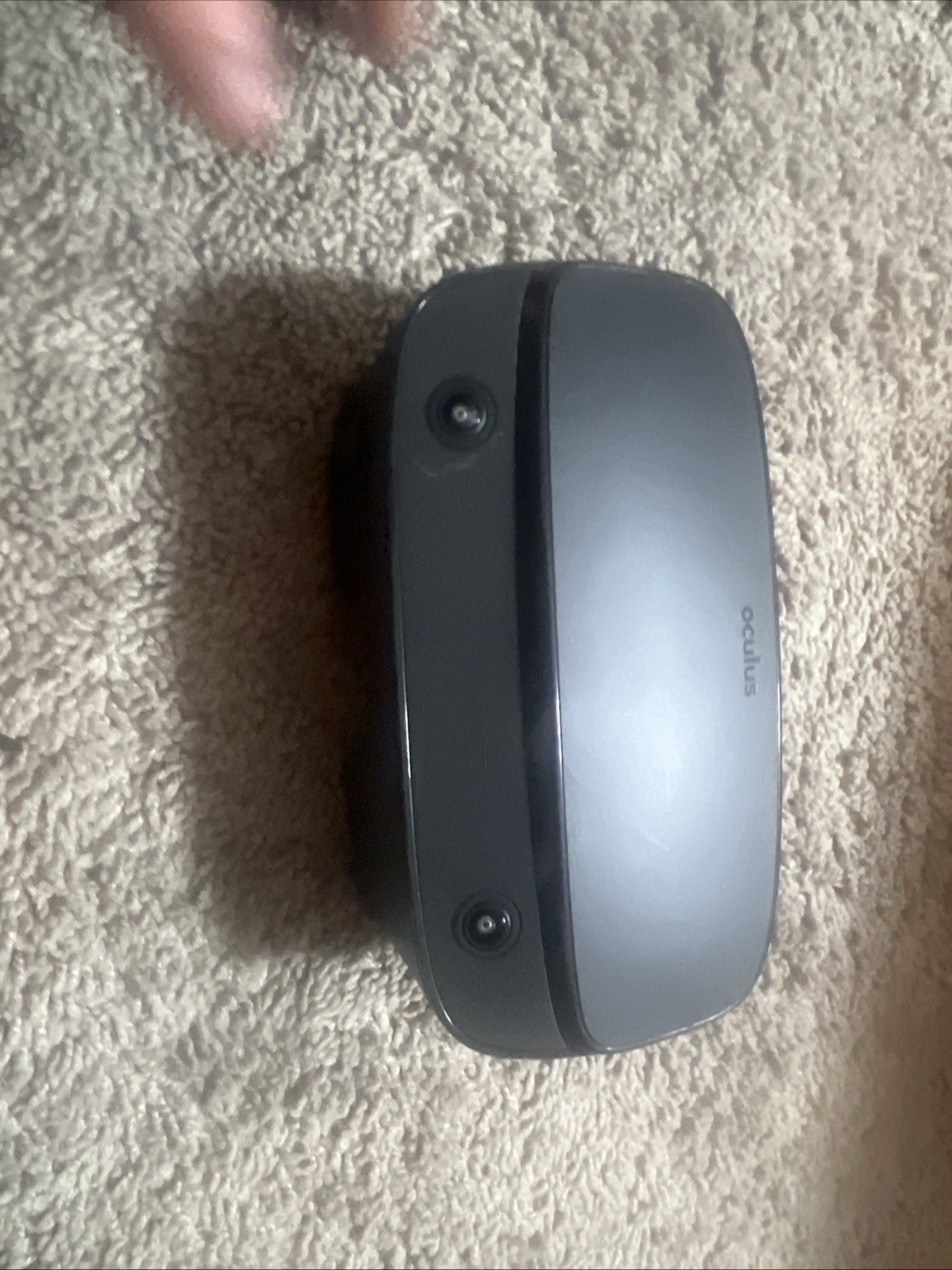 Oculus Rift S PC Powered VR Gaming Headset ONLY$8.99View on eBay
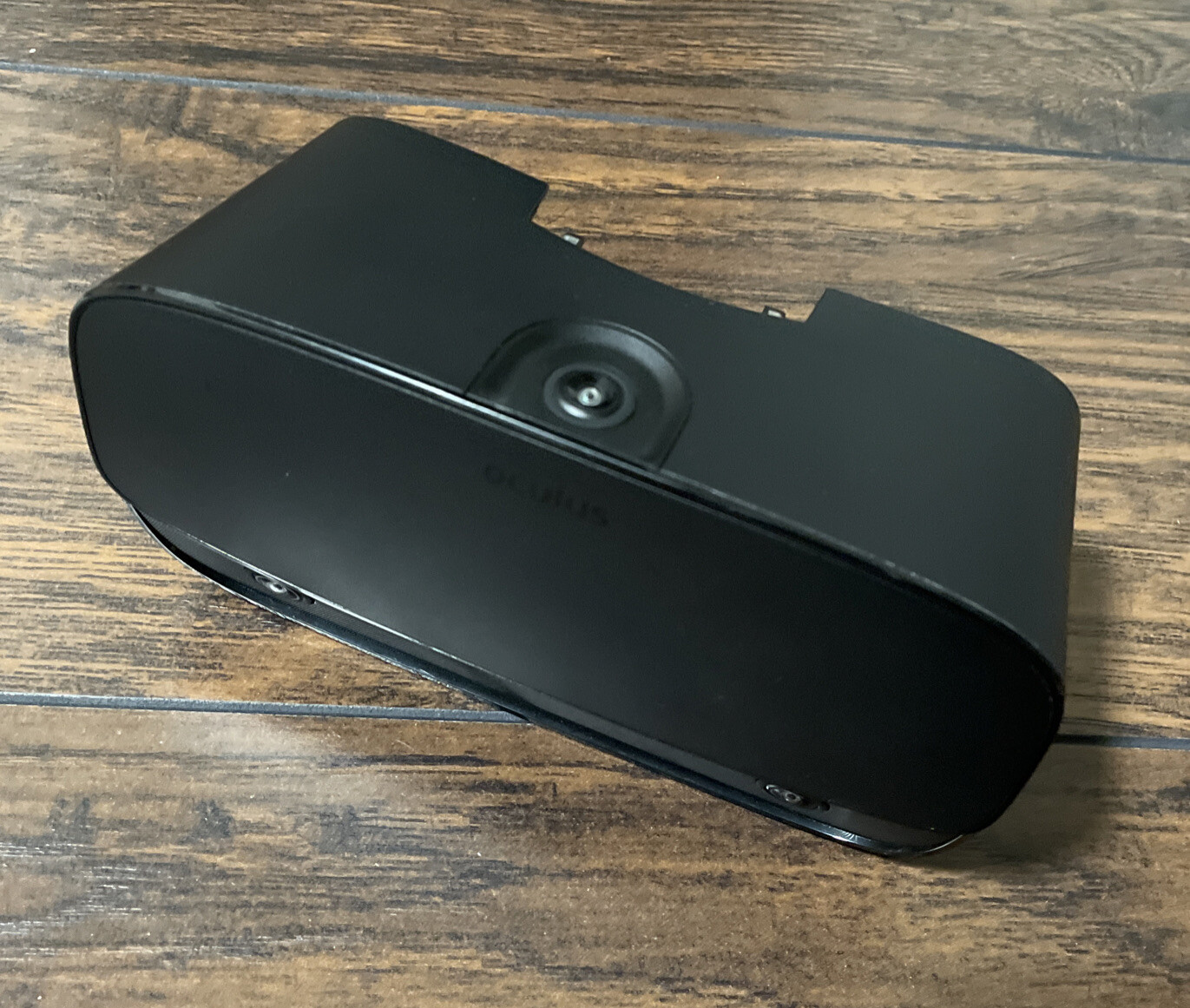 Oculus Rift S PC Powered VR Gaming Headset ONLY$11.95View on eBay
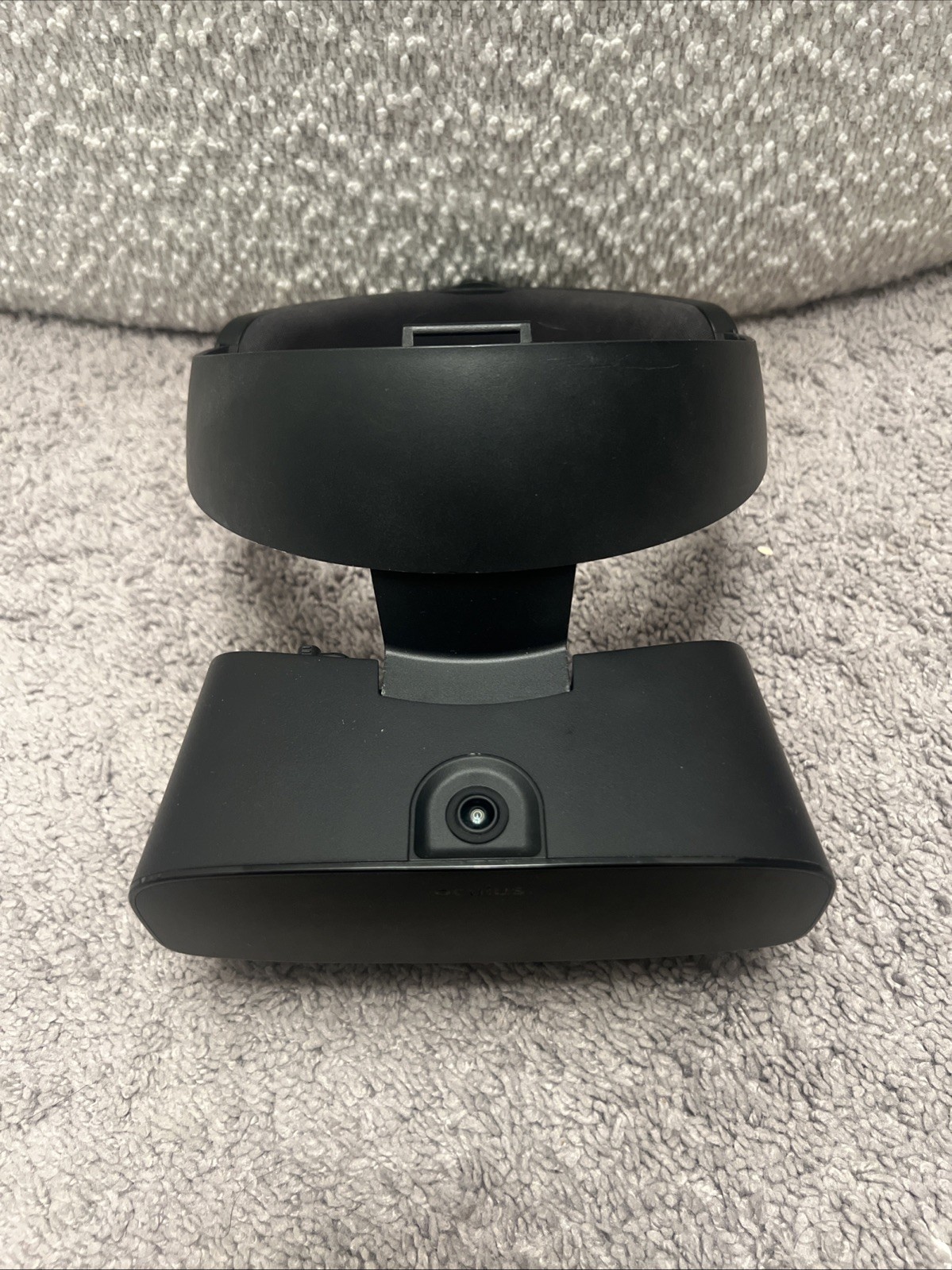 Oculus Rift S PC-Powered VR Gaming Headset ONLY Tested$13.99View on eBay
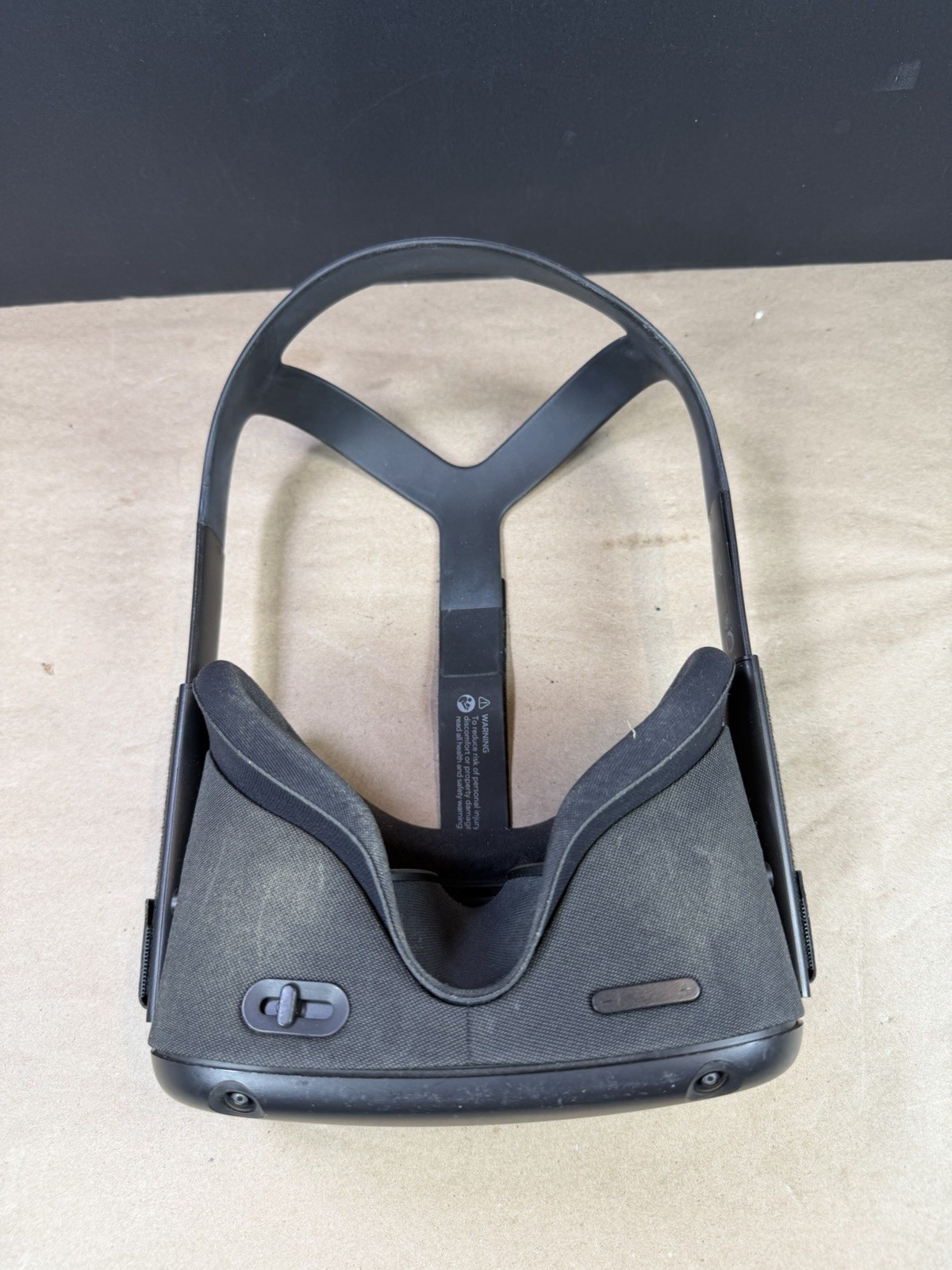 Oculus Quest MH-B Standalone All-In-One VR Gaming Headset Black Built-In Audio$24.27View on eBay
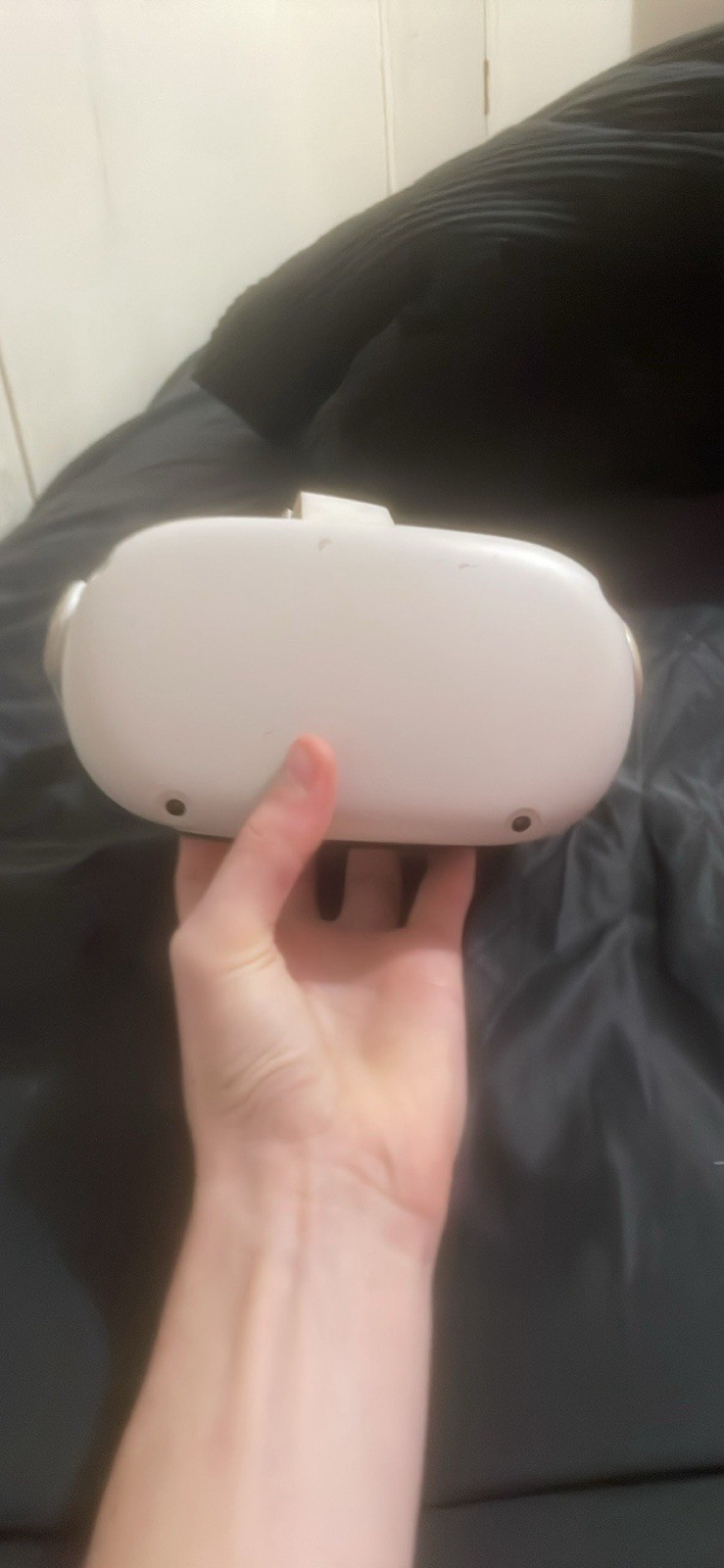 Meta Quest 2 Standalone VR Headset in White, Meta VR Gaming System$25.00View on eBay
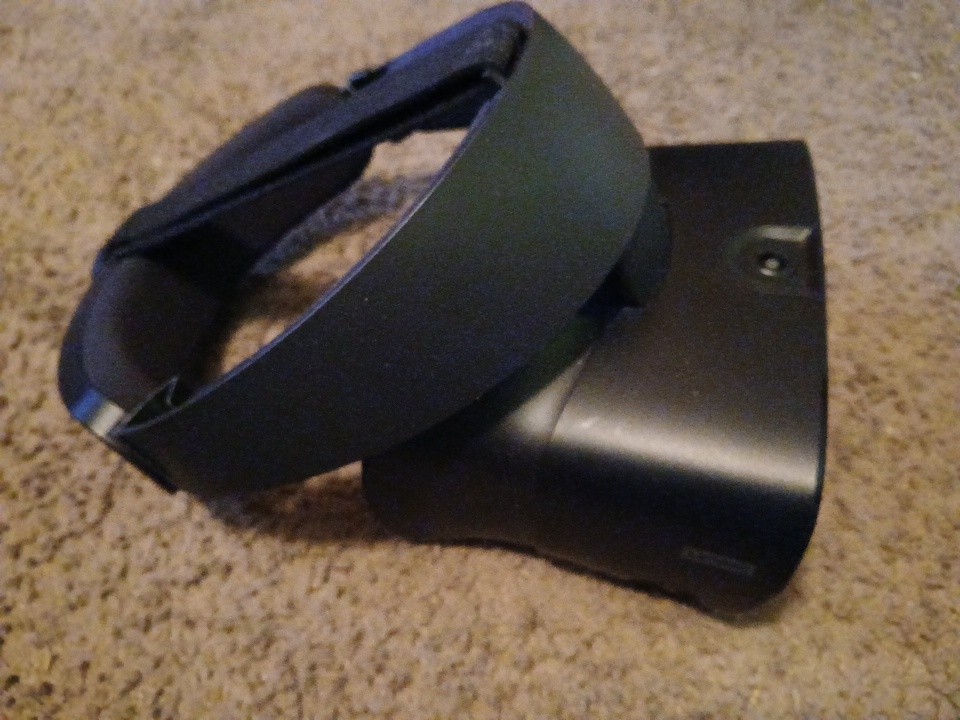 Oculus Rift S PC Powered VR Gaming Headset ONLY - No Controllers or Cables$28.99View on eBay
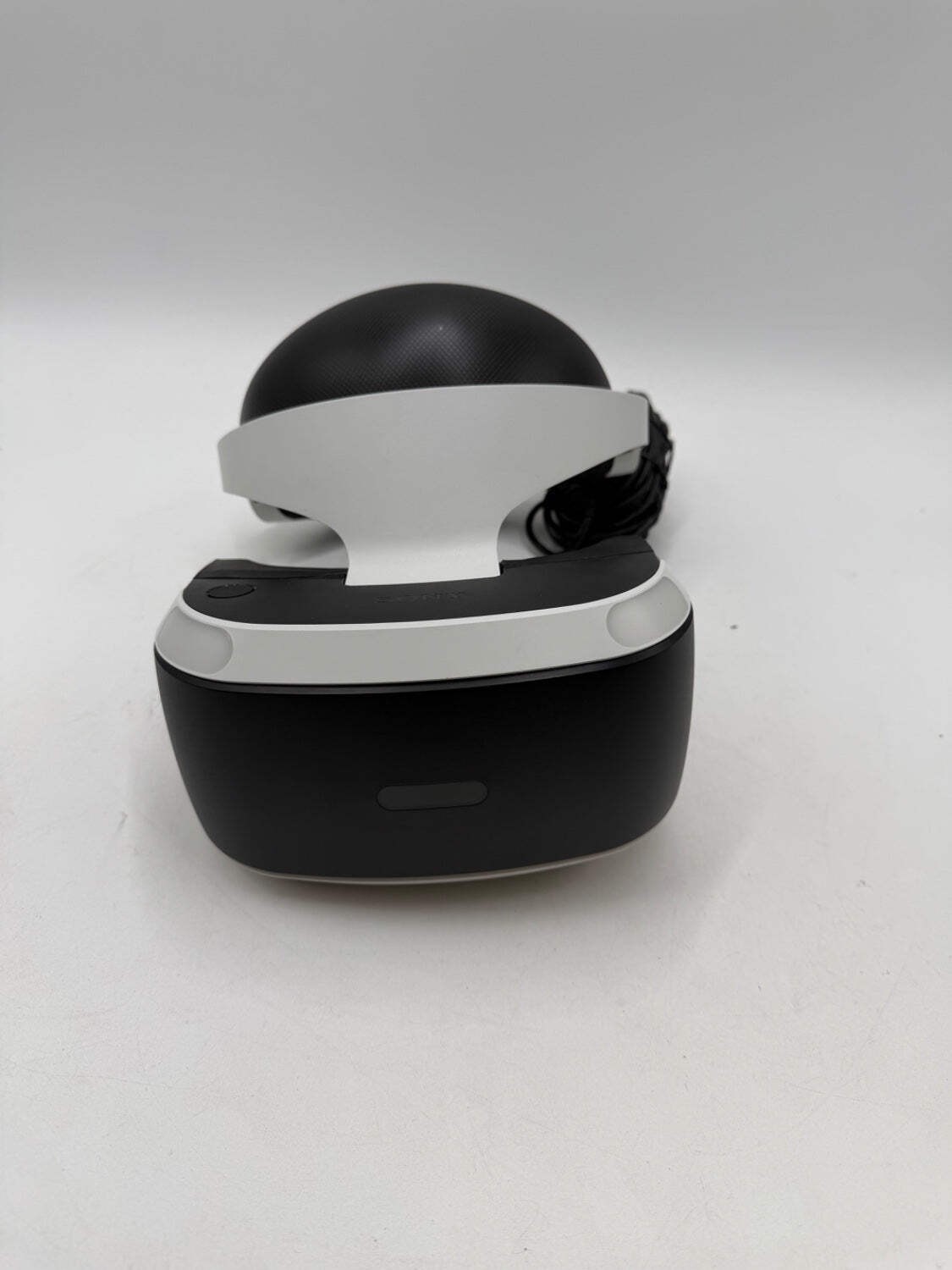 Sony PlayStation VR Virtual Reality VR Headset White CU H-ZVR2$37.99View on eBay
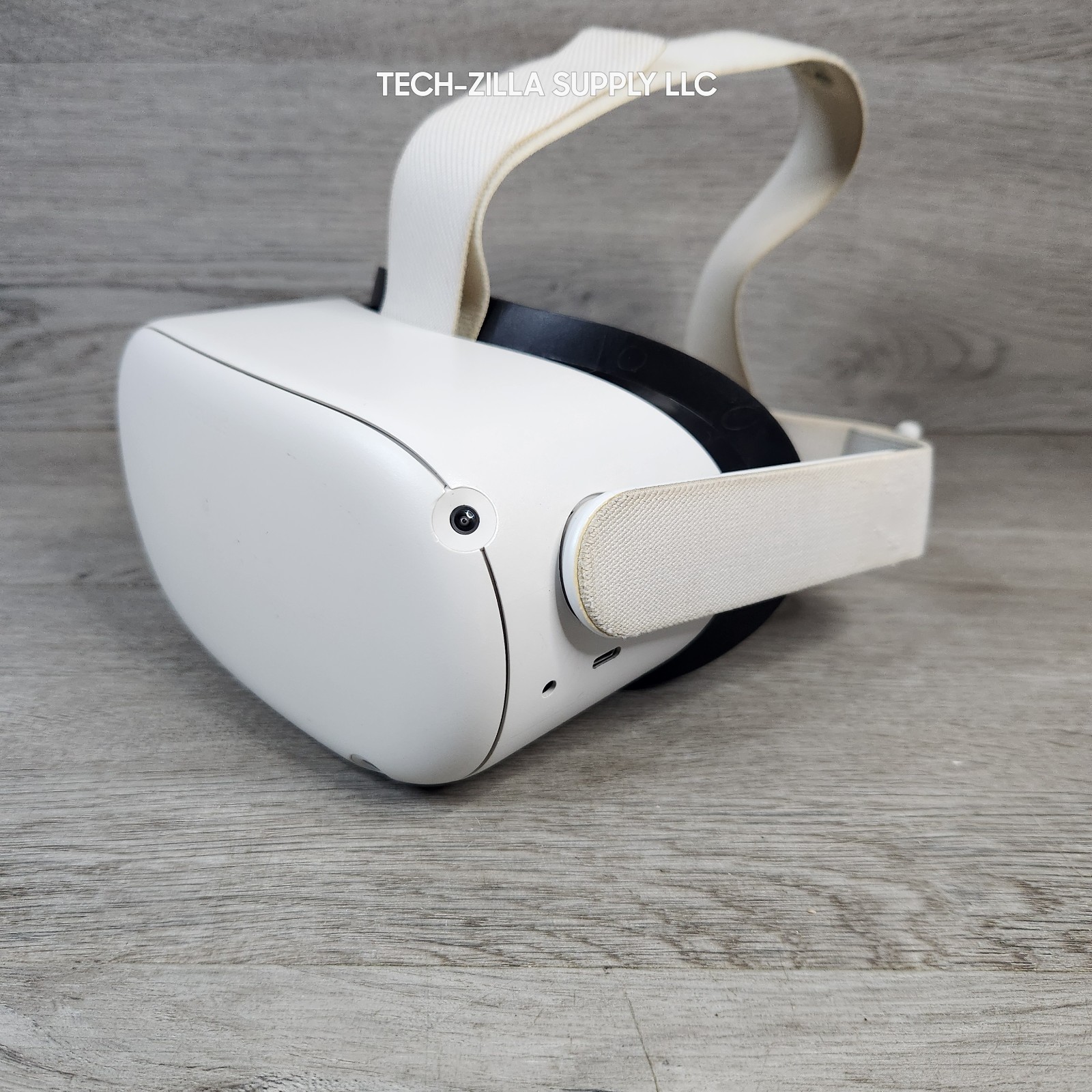 Oculus Meta Quest 2 128GB VR Headset ONLY, Great Condition (No Controllers)$44.95View on eBay
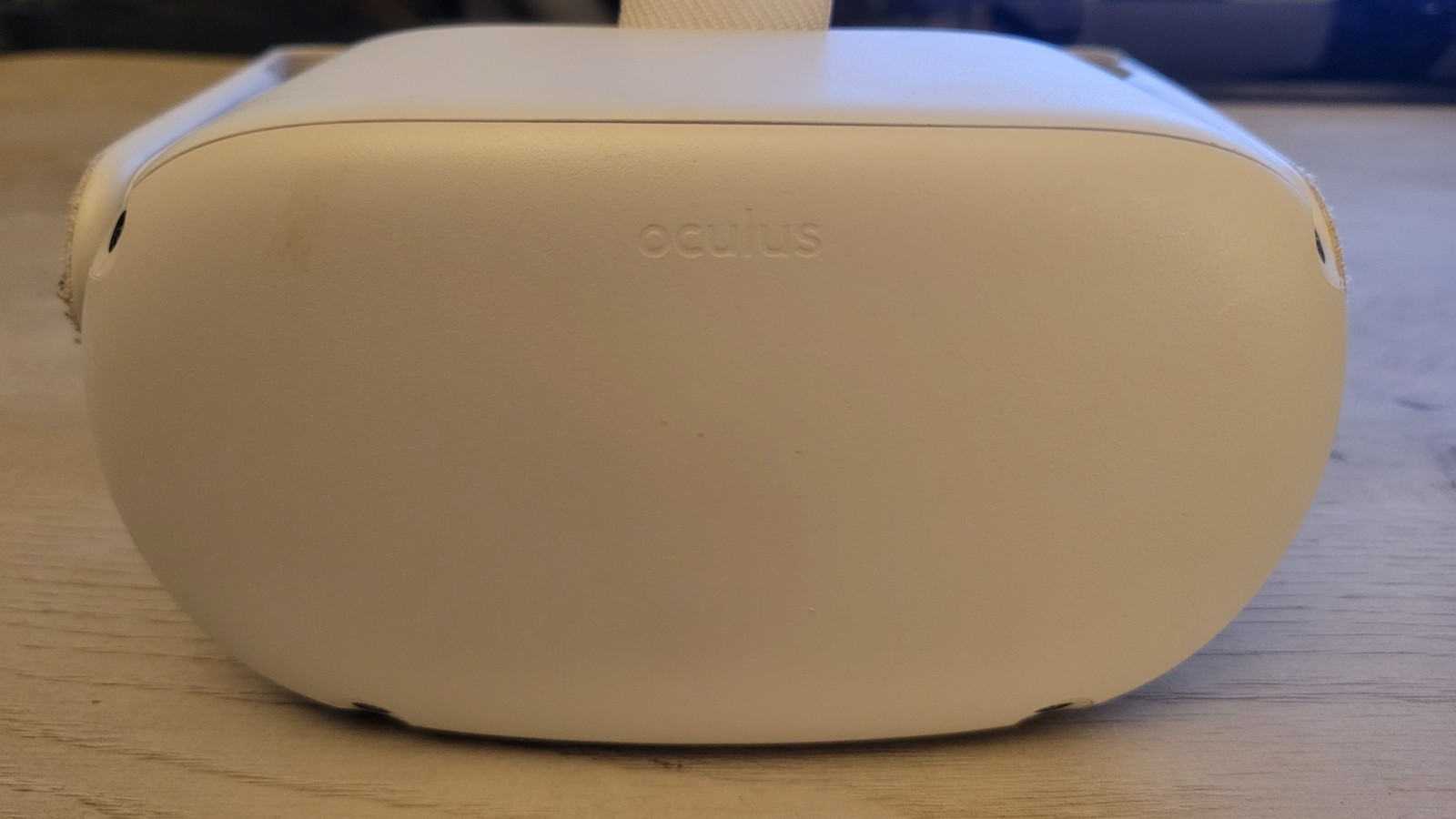 Meta Oculus Quest 2 128GB Standalone VR Headset Only No Controllers Tested$45.00View on eBay
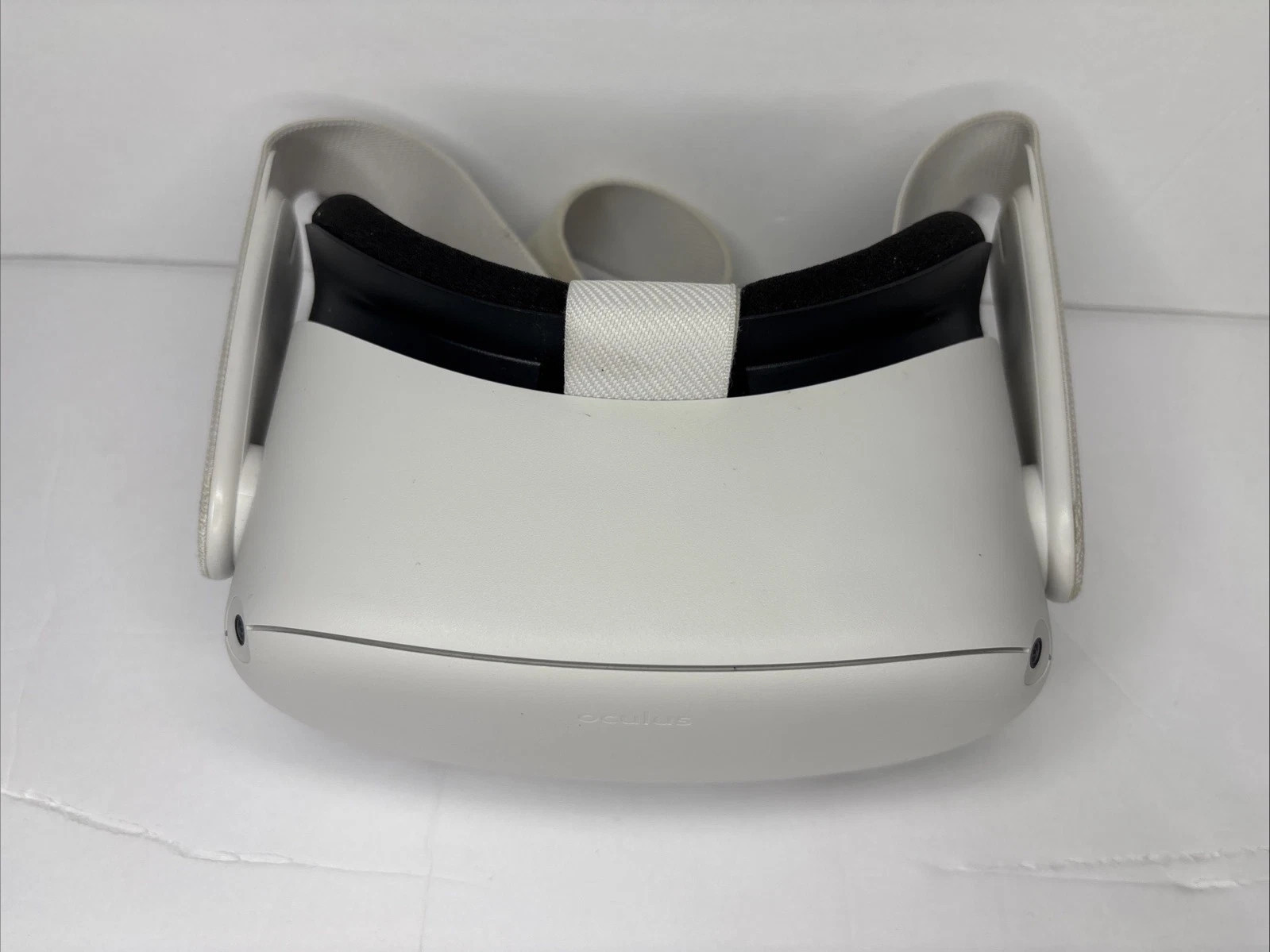 Meta Oculus Quest 2 128GB VR Headset Headset ONLY - No Controllers$45.00View on eBay
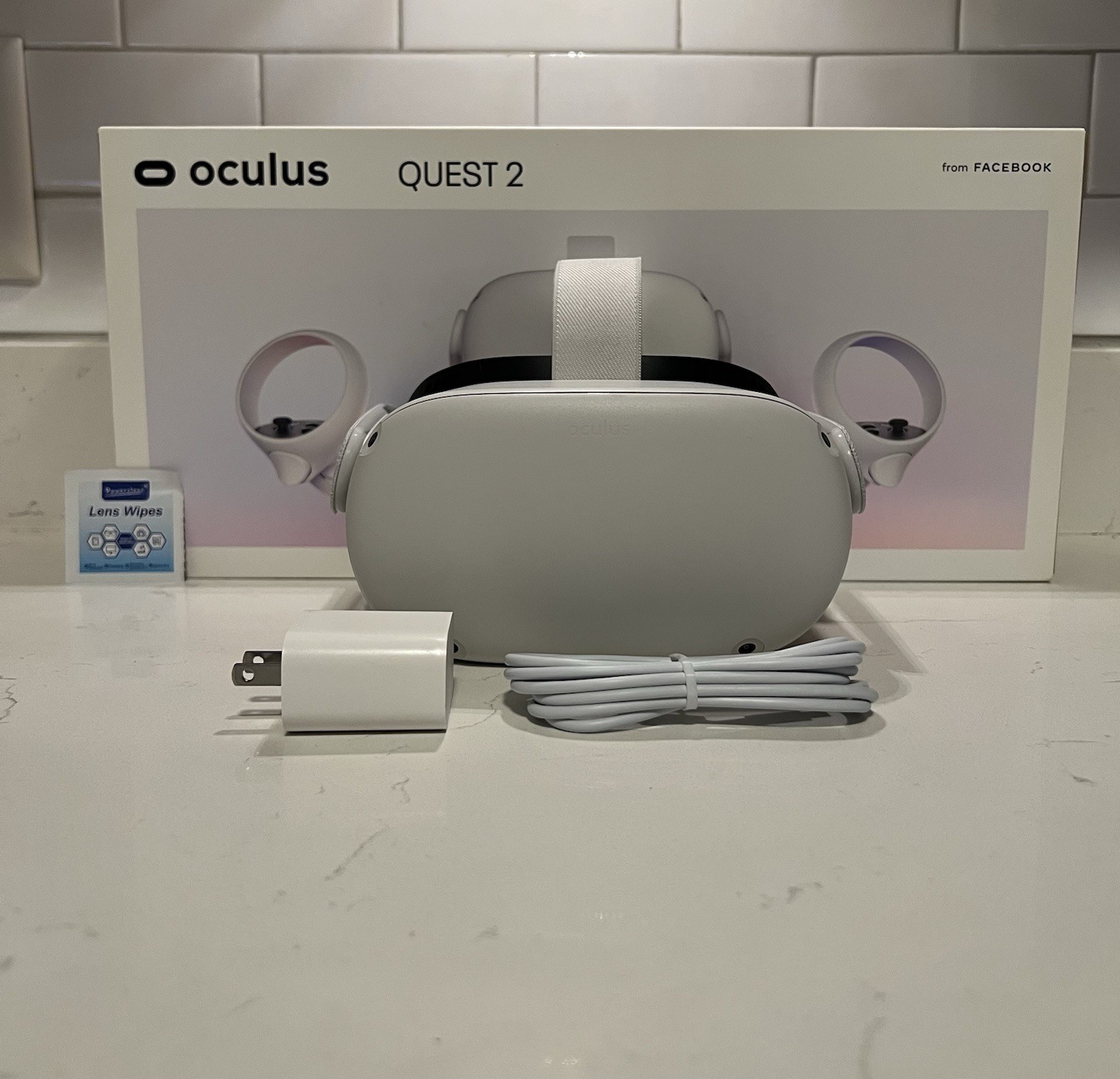 Meta Quest 2 - 64GB VR Headset$49.99View on eBay
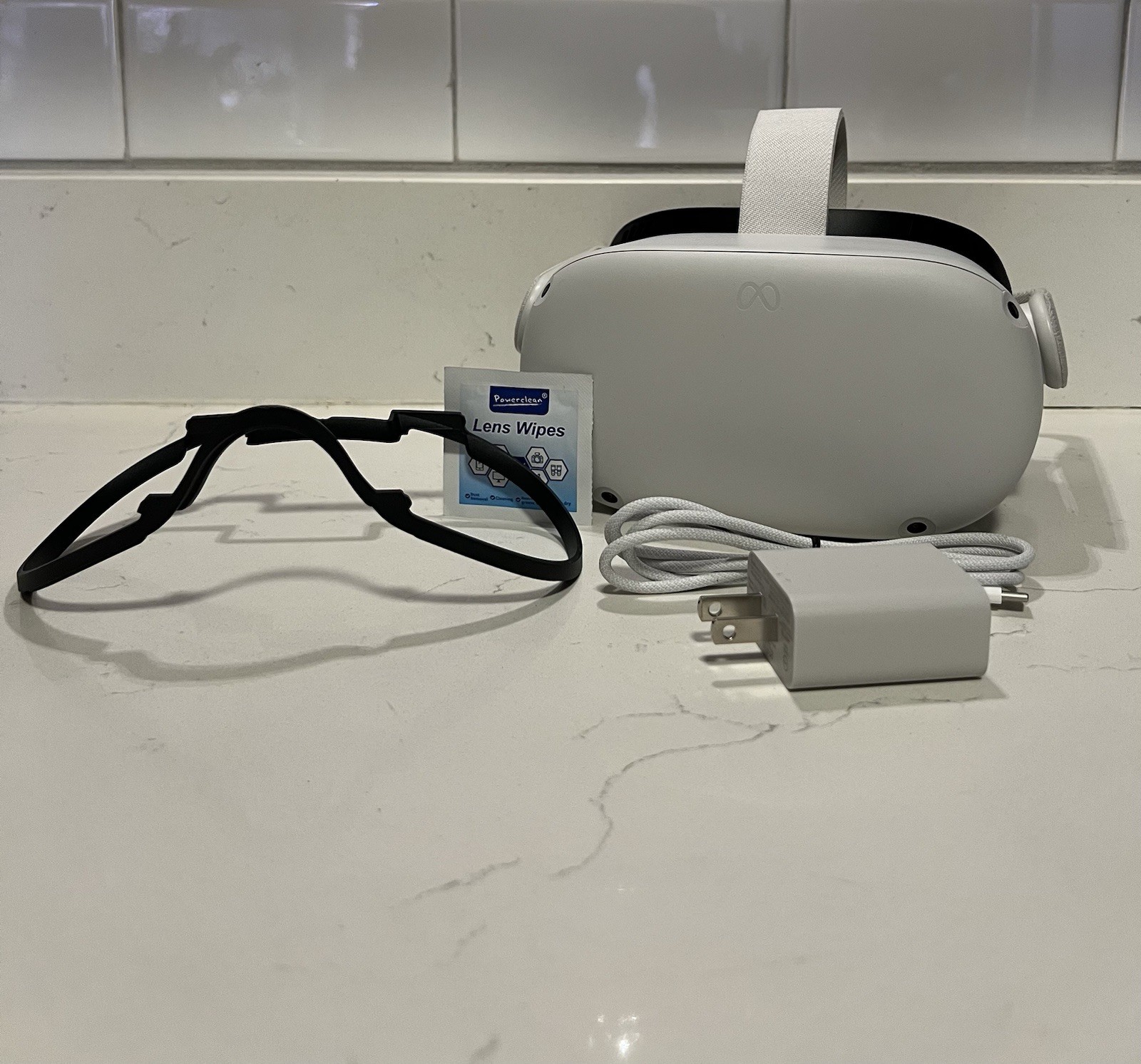 Meta Quest 2 - 128GB VR Headset + Accessories & Charger$49.99View on eBay
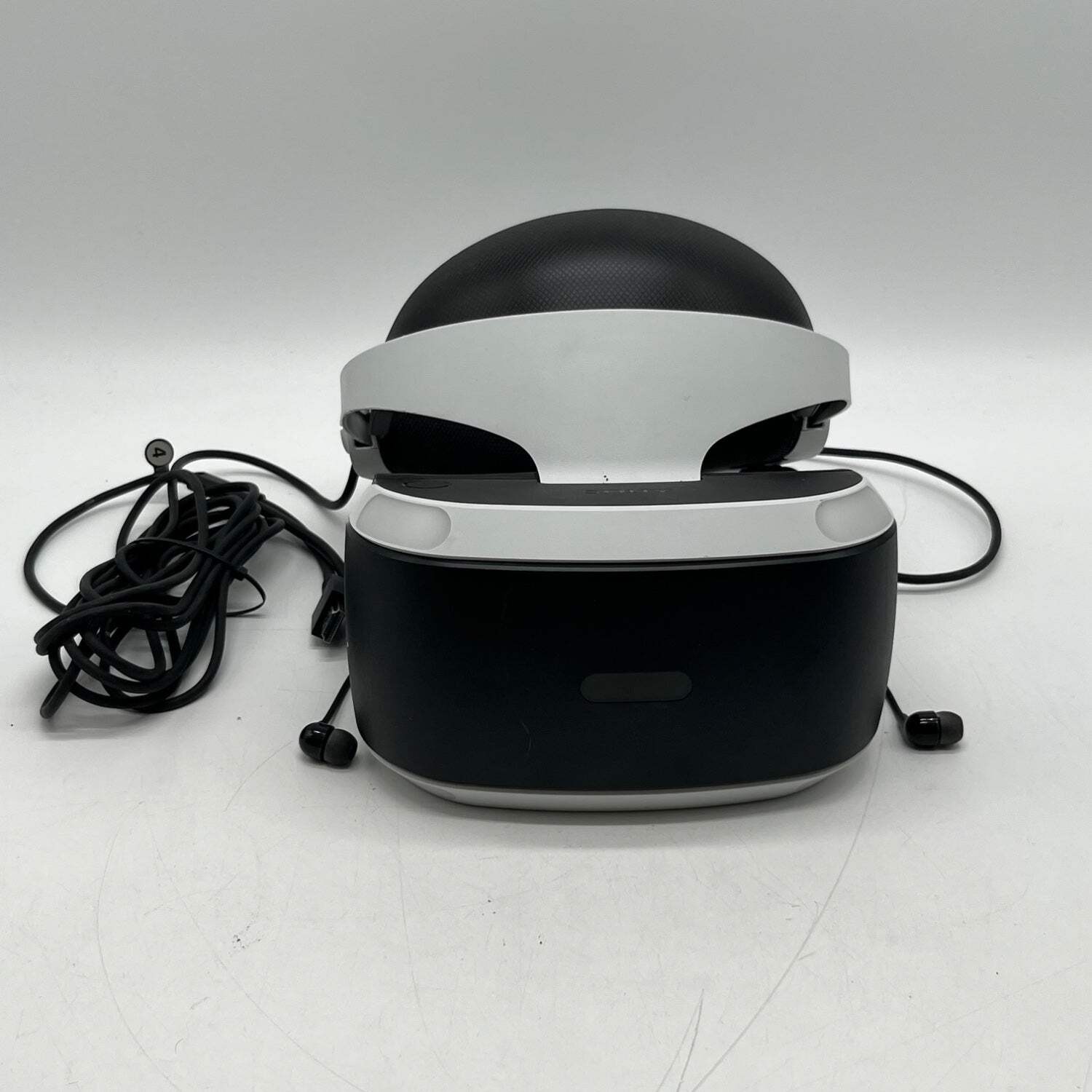 Sony PlayStation 4 PS4 Virtual Reality VR Headset Black CUH-ZVR2$49.99View on eBay
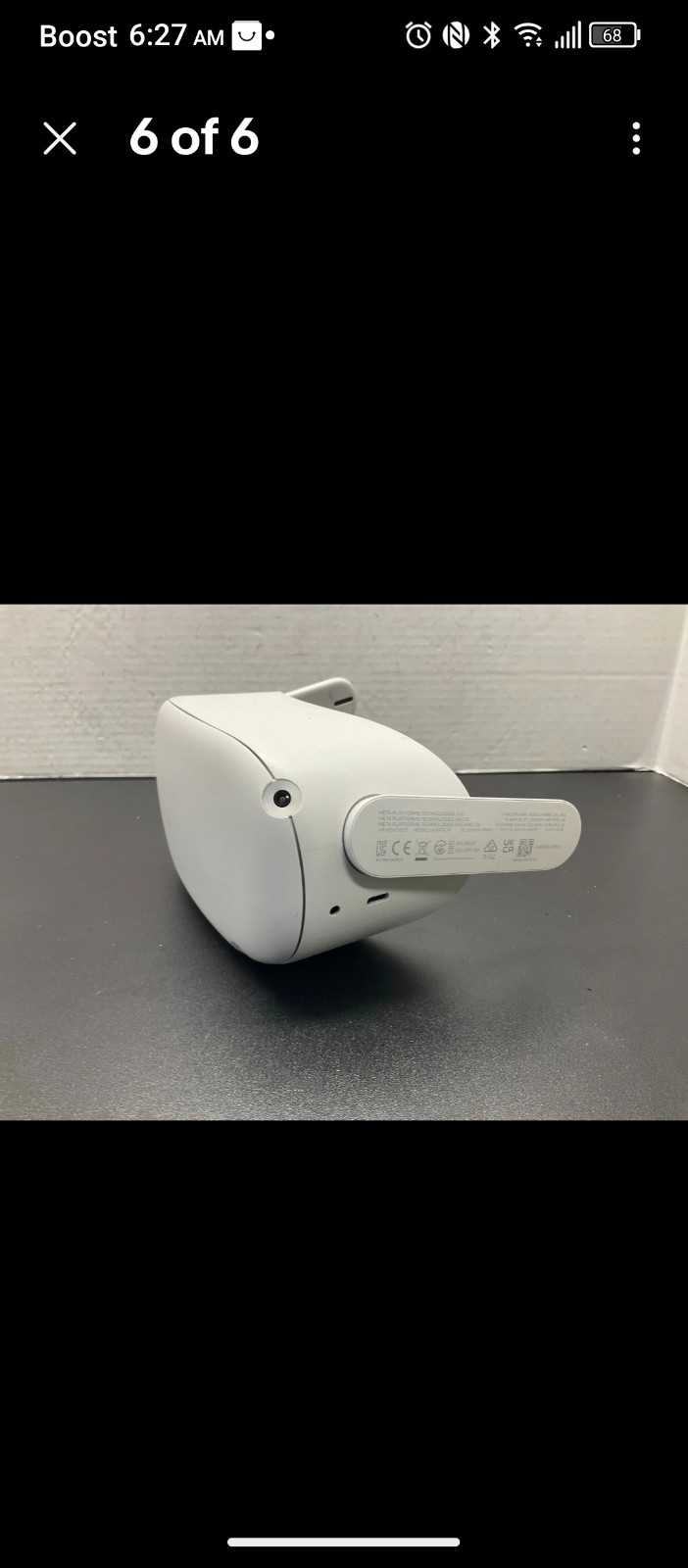 Meta Quest 2 128GB Advanced All-in-One VR Gaming Headset - ( WEAR & TEAR )$65.00View on eBay
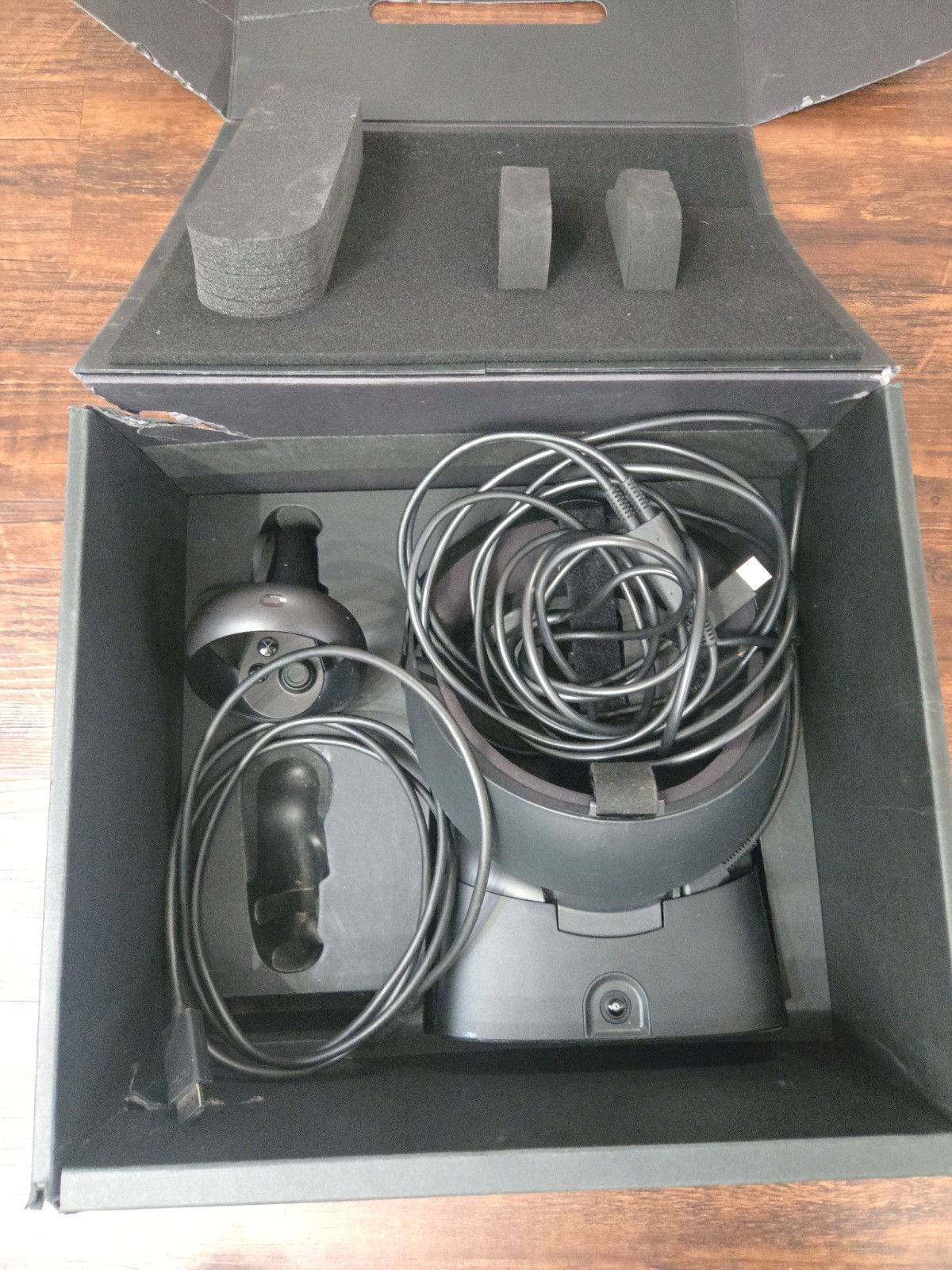 Oculus Rift S PC-Powered VR Gaming Headset - Black *1 Controller Preowned$68.88View on eBay
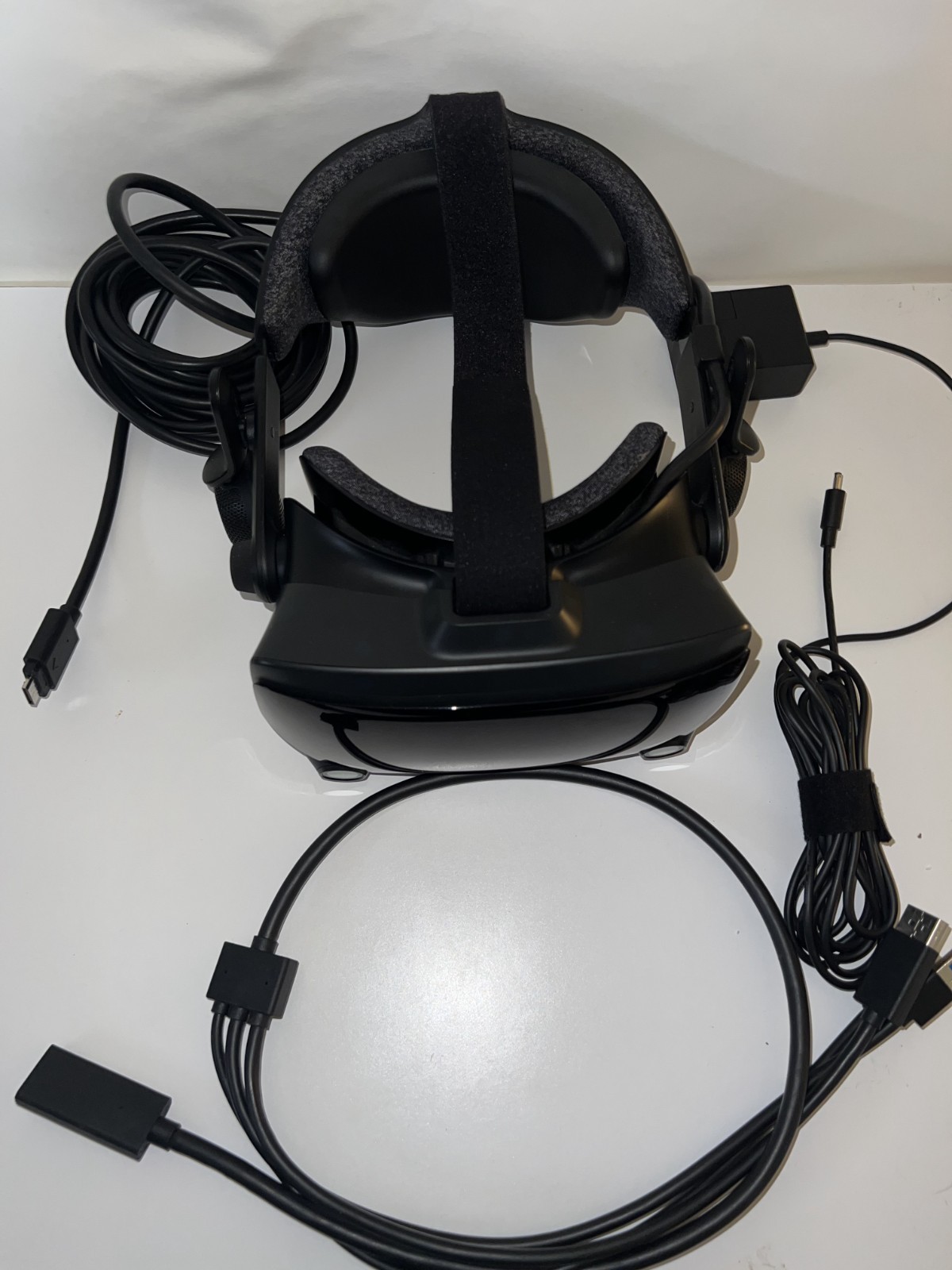 Steam Valve Index VR Gaming HEADSET ONLY - READ$80.00View on eBay
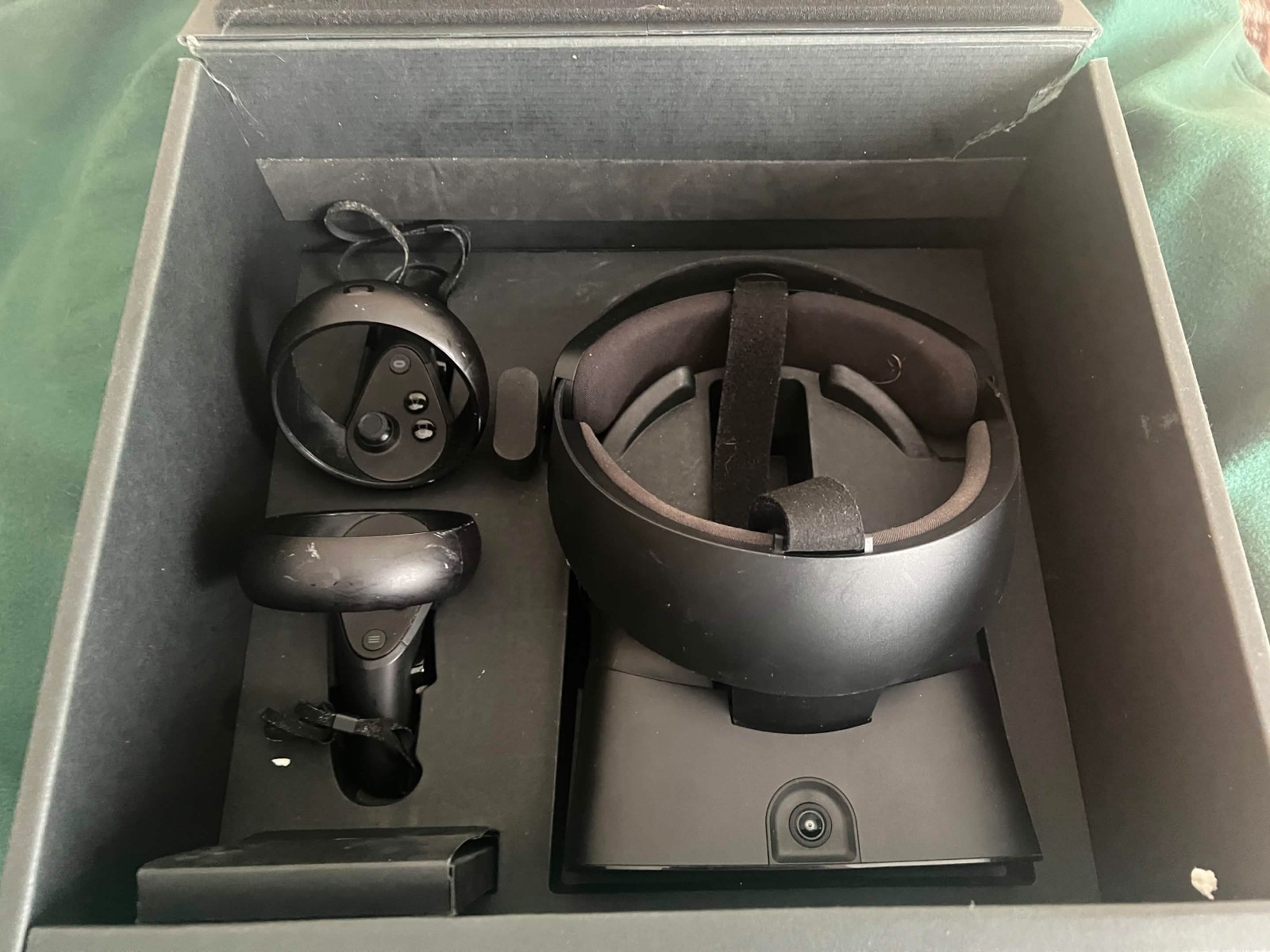 CABLE NOT INCLUDED Oculus Rift S PC-Powered VR Gaming Headset - Black$80.00View on eBay
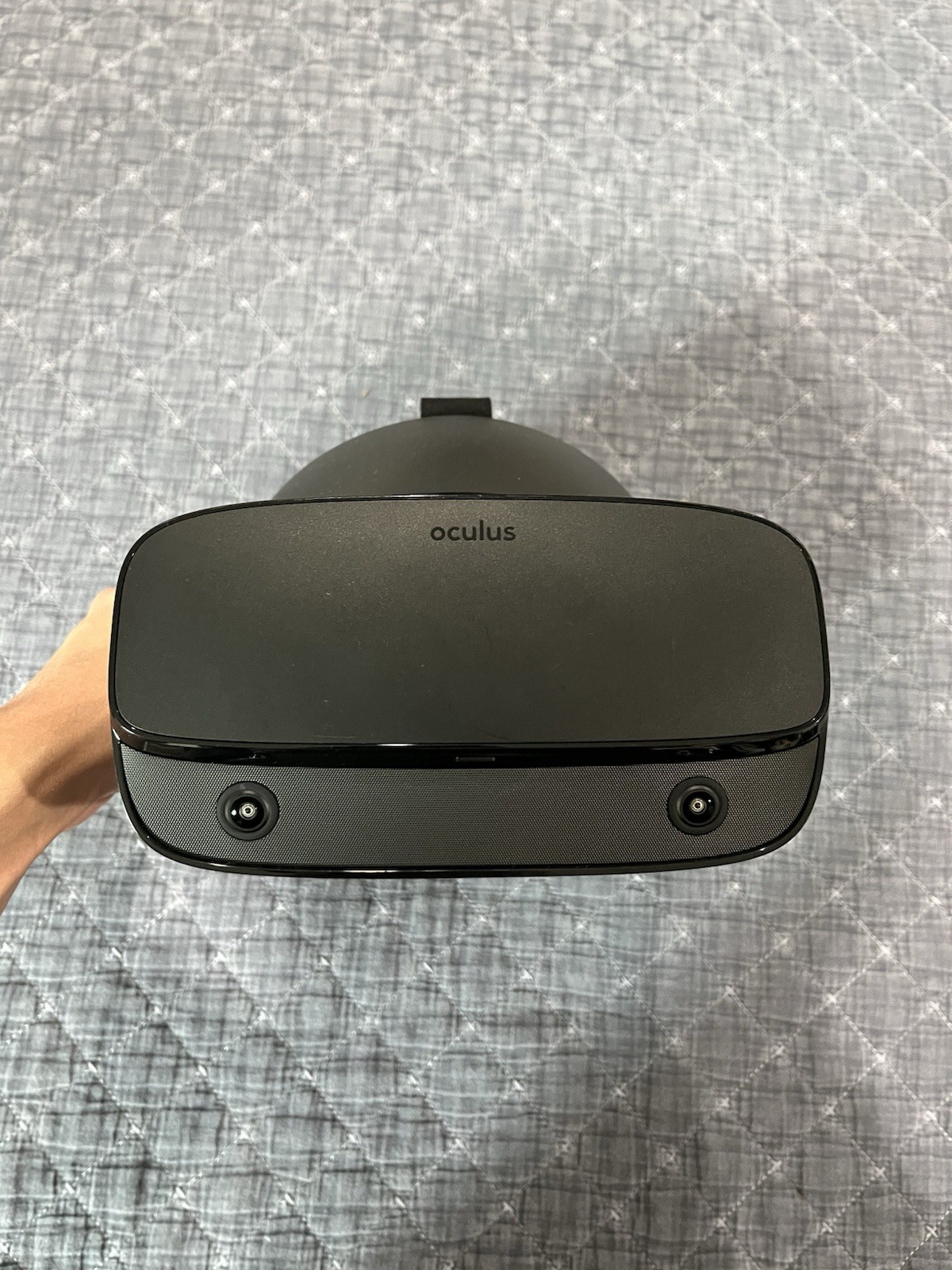 Oculus Rift S PC-Powered VR Gaming Headset - Black - *MESSAGE*$85.00View on eBay
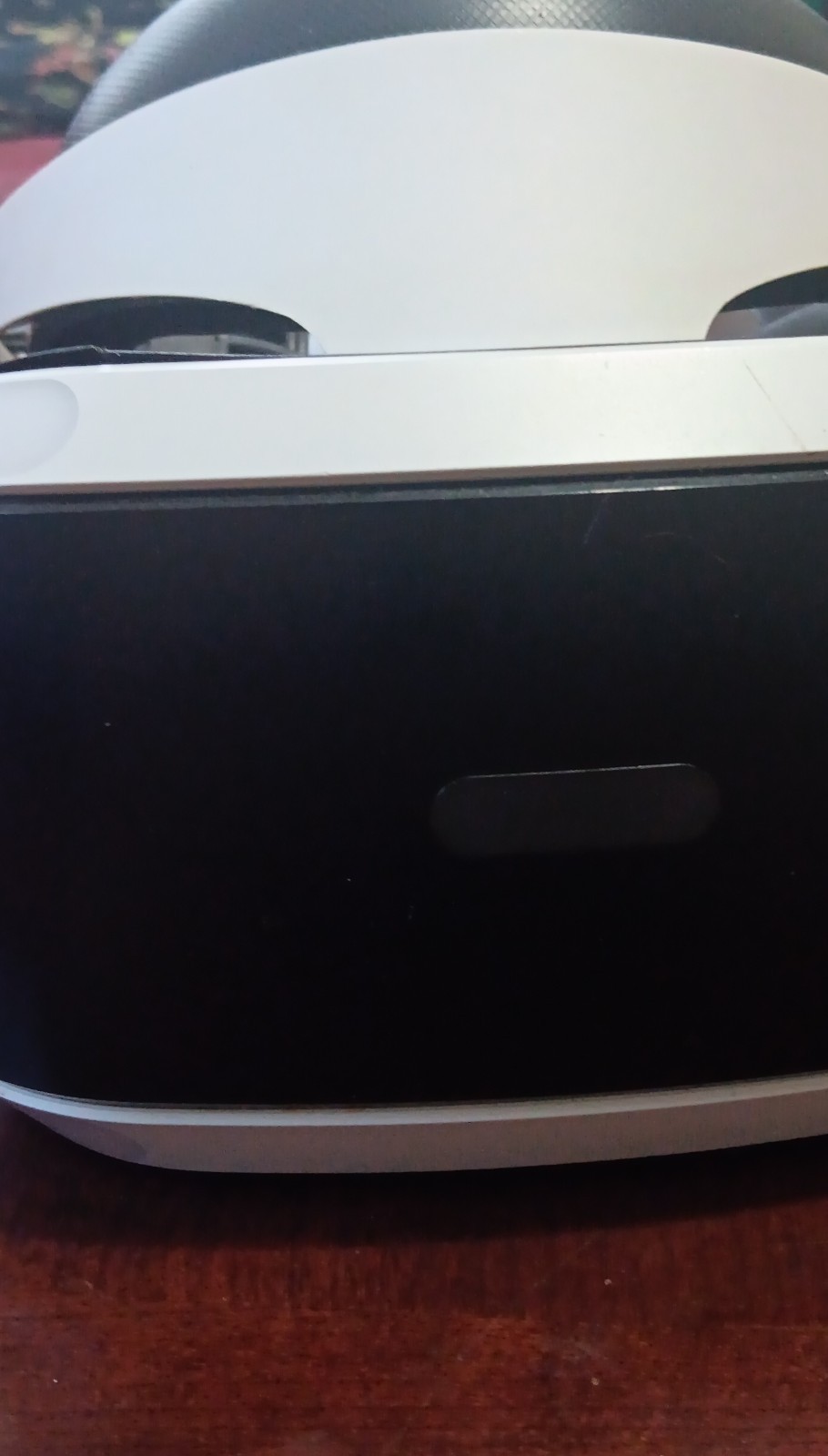 Sony PlayStation VR Headset Bundle Black/White HDMI USB with Accessories$100.00Last checked Nov 19, 2026View on eBay
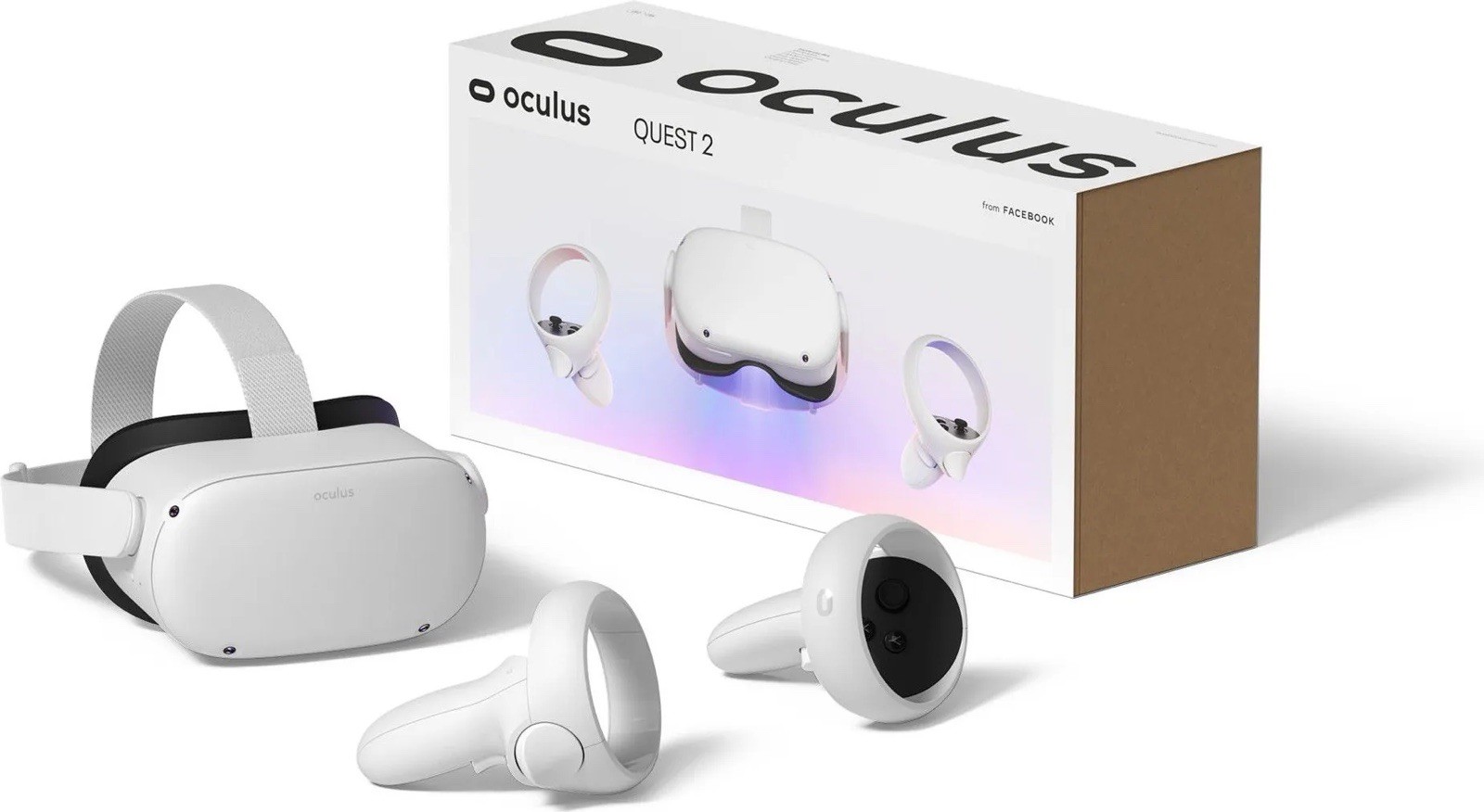 Oculus Quest 2 VR Headset with Touch Controllers, White, case and elite strap$108.00View on eBay
Highlights
- 6DoF inside-out tracking (camera-based) eliminates external base stations but requires well-lit rooms with textured walls; SteamVR base-station 2.0 tracking delivers sub-millimeter precision in dark rooms.
- Panel type drives clarity: fast-switch LCD gives ~120Hz with lower persistence, while OLED/micro-OLED delivers true blacks and higher contrast at the cost of brightness and burn-in risk.
- Fresnel lenses produce glare and a small sweet spot; pancake lenses in newer tiers cut headset depth by roughly 40% and widen the clear optical zone.
- Tethered PC VR depends on DisplayPort 1.4 or USB-C Alt Mode bandwidth, while standalone headsets run mobile SoCs and stream PC content over Wi-Fi 6/6E.
Best use cases
- Best fit: PC sim racers and flight sims — pick a tethered DisplayPort headset with base-station or high-quality inside-out tracking and 120Hz panels; skip standalone mobile headsets with compressed streaming.
- Best fit: Console owners with a PS5 — pick the PlayStation VR2 (CFI-ZVR1) which uses a single USB-C cable, eye tracking, and haptic headset feedback; skip PC-only SteamVR kits that lack console compatibility.
- Best fit: Room-scale casual and fitness users — pick a standalone 6DoF headset with a fabric or breathable facial interface and 2+ hour battery; skip tethered units that restrict movement and need a PC nearby.
- Wrong fit to avoid: buying a 3DoF or phone-dock headset for gaming — no positional tracking causes nausea and breaks room-scale titles entirely; also skip headsets without adjustable IPD if your interpupillary distance falls outside 58–72mm.
Buying tips
- Match IPD: measure your interpupillary distance; headsets with hardware IPD adjustment (typically 58–72mm range) prevent eye strain, while fixed-IPD units suit only ~63mm averages.
- Check tracking volume: inside-out camera tracking needs 2m x 2m clear space and 200+ lux lighting; base-station systems need tripod mounts and a dark room but allow larger 5m x 5m playspaces.
- Verify connectivity tier: PC VR requires DisplayPort 1.4 or USB-C Alt Mode with a GPU that has a VR-ready port; standalone headsets need Wi-Fi 6 for PC streaming and USB-C PD charging.
- Prioritize lens type and facial interface: pancake lenses reduce glare and eye strain versus Fresnel; replaceable foam or silicone gaskets are essential for hygiene and long sessions.
Specs
| Tracking Type | 6DoF inside-out vs base-station |
|---|---|
| Panel Tech | Fast LCD vs OLED/micro-OLED |
| Lens Type | Fresnel vs pancake |
| Connectivity | Standalone / USB-C / DisplayPort |
Related searches
What to check before buying
- Measure your room: at least 2m x 2m clear floor for room-scale inside-out tracking, or 5m x 5m plus mounting points for base-station systems.
- Confirm IPD range: hardware adjustment spanning your measured pupillary distance (commonly 58–72mm) or a fixed setting near 63mm.
- Check PC or console compatibility: DisplayPort 1.4/USB-C Alt Mode for PC VR, or a native PS5 USB-C port for PlayStation VR2.
- Verify power and charging: standalone headsets need USB-C PD at 15W+ and 2+ hour battery; tethered headsets need a nearby outlet or powered hub.
FAQ
Data sources: eBay / Amazon listings and product attribute feeds. Updated Nov 28, 2026.
Some links on this page are affiliate links. If you buy after clicking one, we may earn a commission at no extra cost to you. This does not change which products appear here or their order. Affiliate disclosure.