
Photos from current listings. Actual item, color, and included accessories may vary.
Sim Rudder Pedal Buying Guide
Sim rudder pedals are the yaw-axis controller that separates serious flight simulation from arcade flying, translating foot pressure into rudder and toe-brake inputs. The core trade-off is sensor and frame construction: entry plastic potentiometer pedals wear and drift, while hall-effect or load-cell sensors on metal frames hold calibration for years. Buy hall-effect sensing on a metal chassis if you fly weekly; buy a plastic potentiometer set only for casual, occasional use.
Median $148.00
Key takeaways
- Sensor type is the durability divider: contactless hall-effect sensors resist wear and spiking, while potentiometers degrade and require cleaning or replacement.
- Chassis material separates tiers: stamped steel or aluminum frames (e.g., VKB T-Rudders Mk.V, Flight1 Falcon S1) resist flex under heavy toe-brake force; plastic housings flex and creep.
- Toe brakes are a distinct axis: pedals with left/right toe brake axes suit GA and airliner braking; pedal-only designs like the VKB T-Rudders rely on a separate brake lever or stick mapping.
At a glance
- Category
- Flight Sim Rudder Pedals
- Last updated
- Nov 23, 2026
Current offers
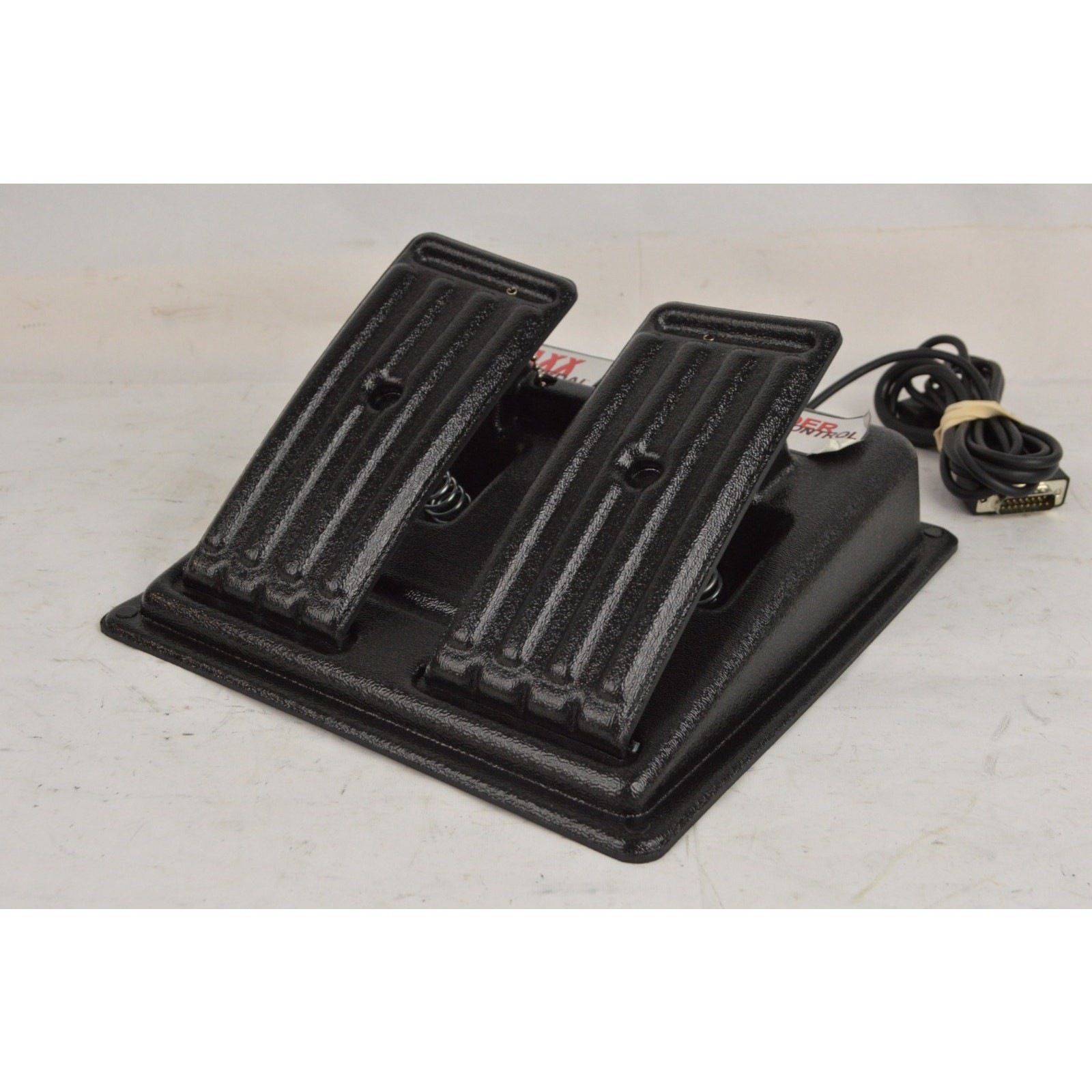 MAXX MP-1095 Rudder Simulator Foot Pedals Controller PC Flight Sim Game SEMPRO$49.00View on eBay
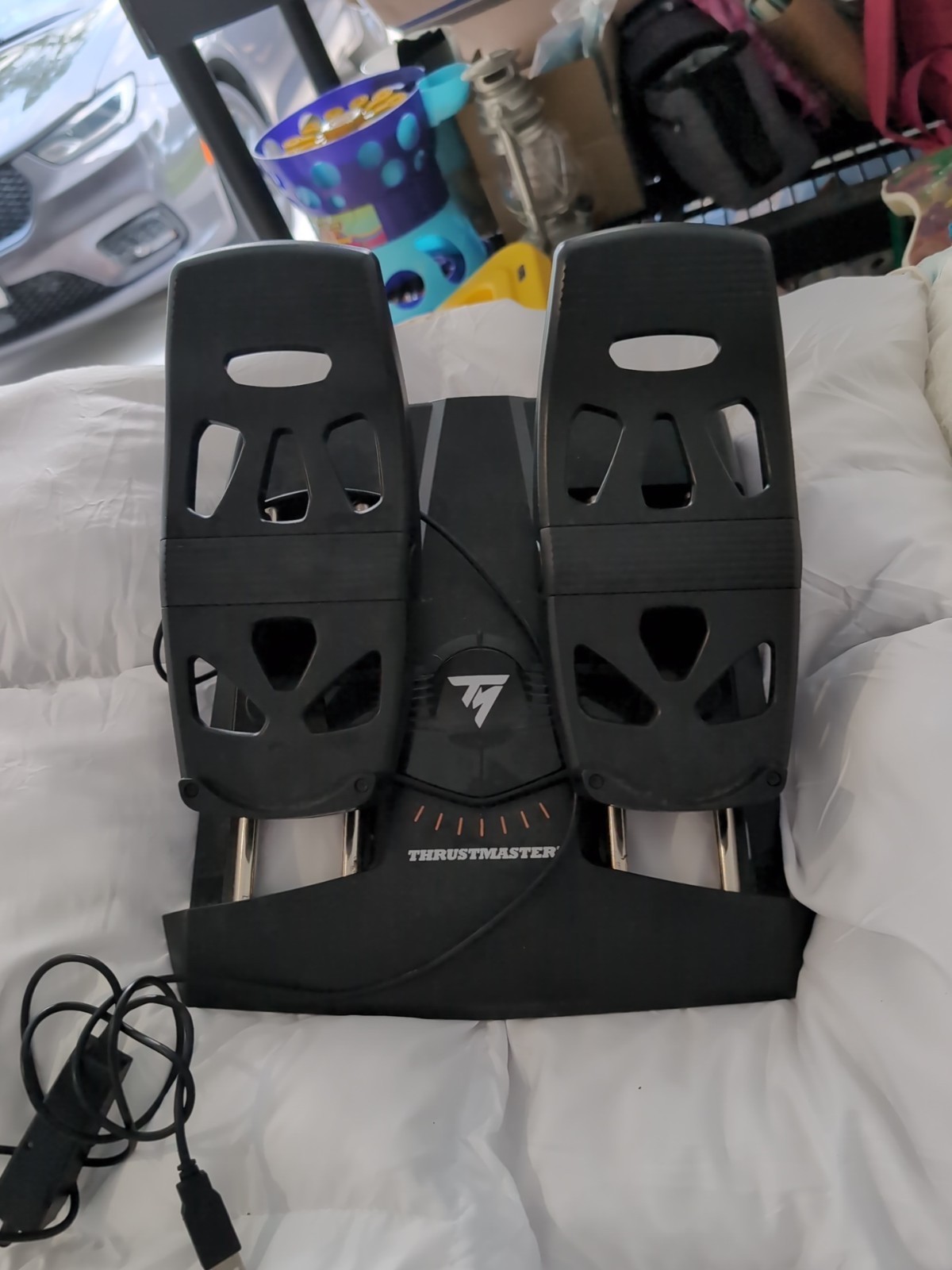 Thrustmaster TFRP Precision Flight Sim Rudder Pedals - Black$76.99View on eBay
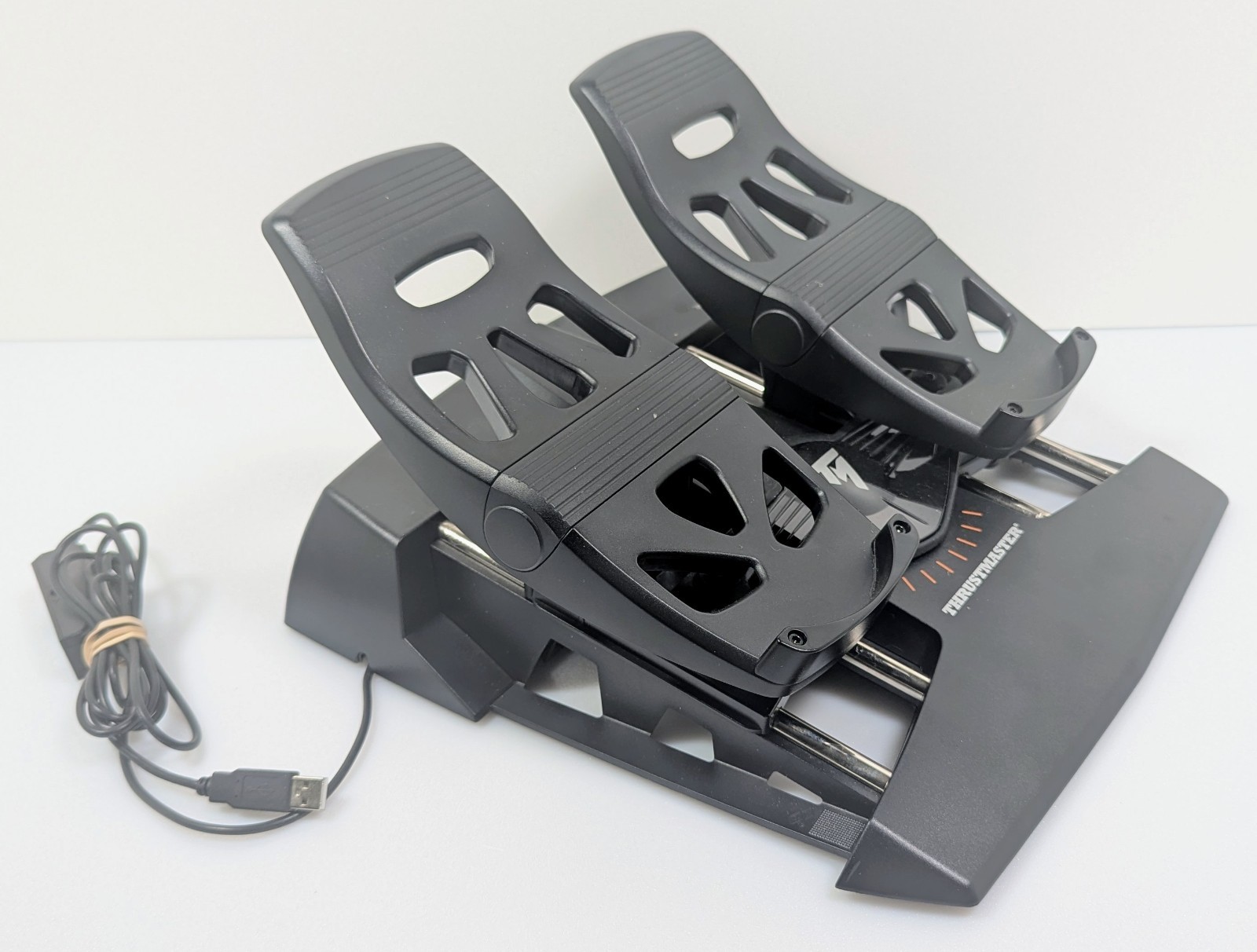 Thrustmaster TFRP T.Flight Rudder Pedals Flight Sim PC PS4 Black W/ USB Adapter!$89.99View on eBay
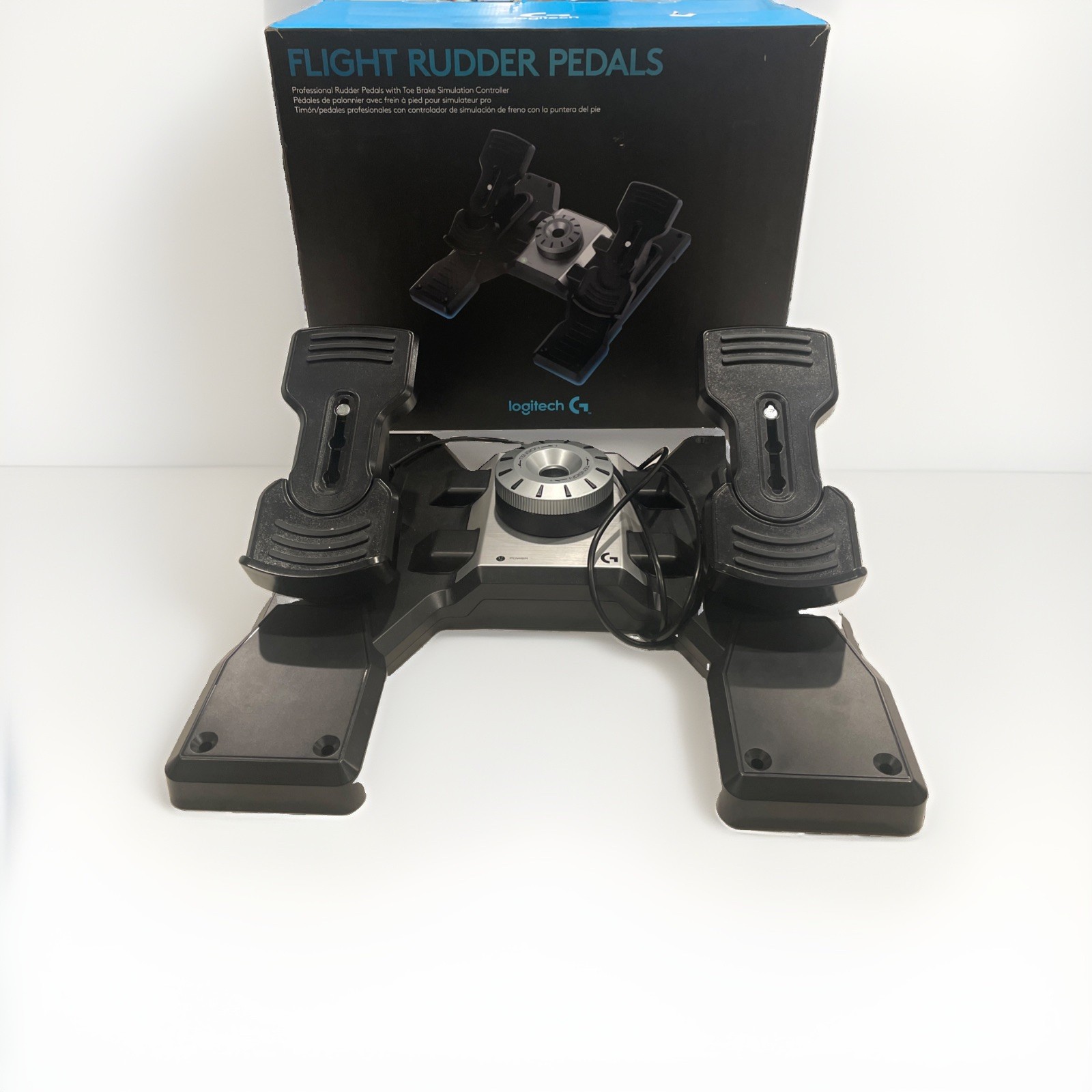 Logitech G-Pro Flight Simulator Sim Rudder Pedals With Toe Brake Microsoft$125.00View on eBay
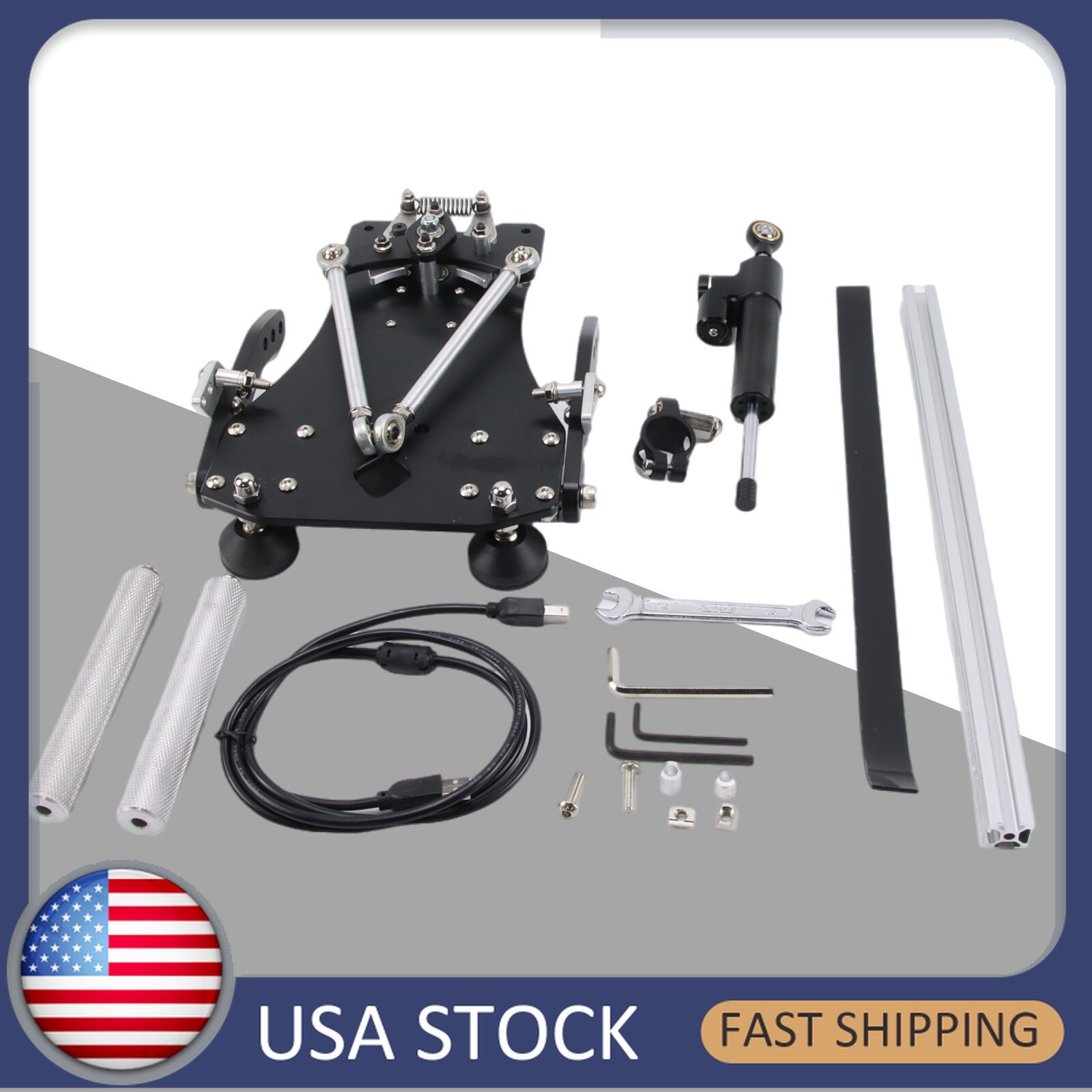 flight1 sim rudder pedal falcon S1 metal hall sensor dcs wt ka50 mi8 uh1 fsx p3d$170.99View on eBay
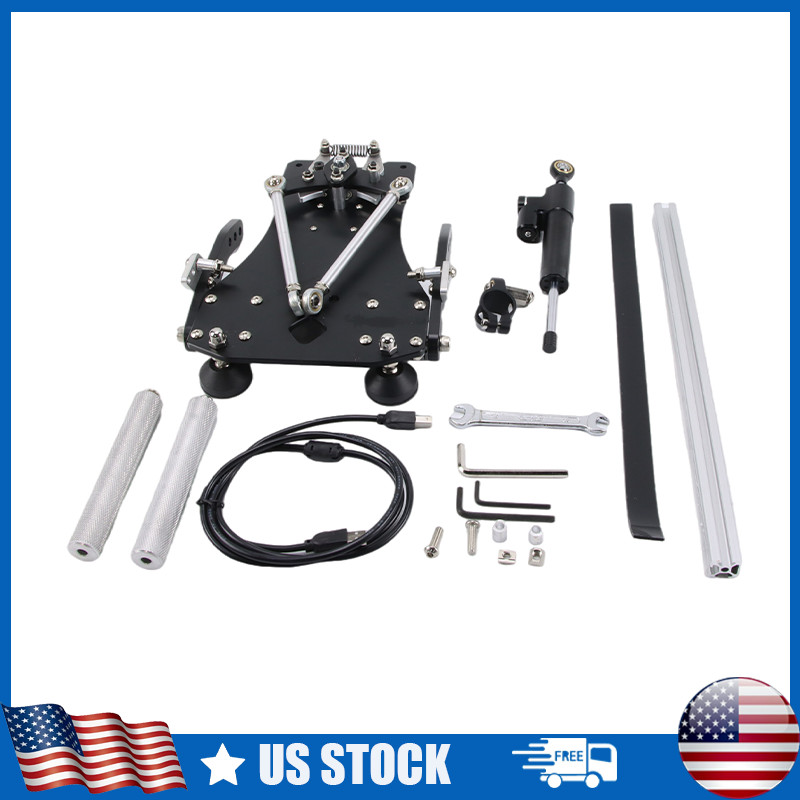 Falcon S1 Rudder Pedal Metal Hall Sensor Flight1 Sim DCS WT KA50 MI8 UH1 FSX P3D$170.99View on eBay
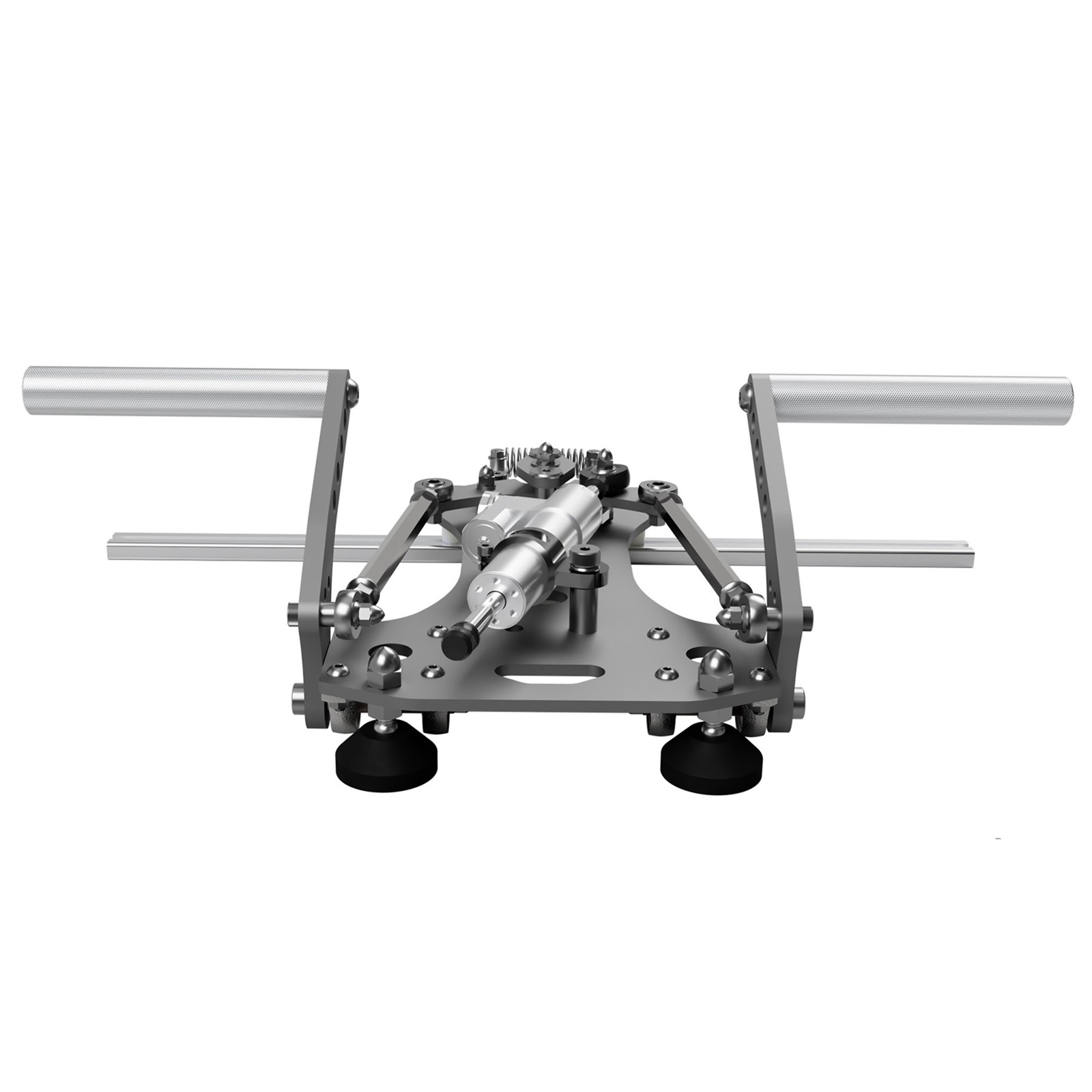 flight1 sim rudder pedal falcon S1 metal hall sensor dcs wt ka50 mi8 uh1 fsx ptO$179.99View on eBay
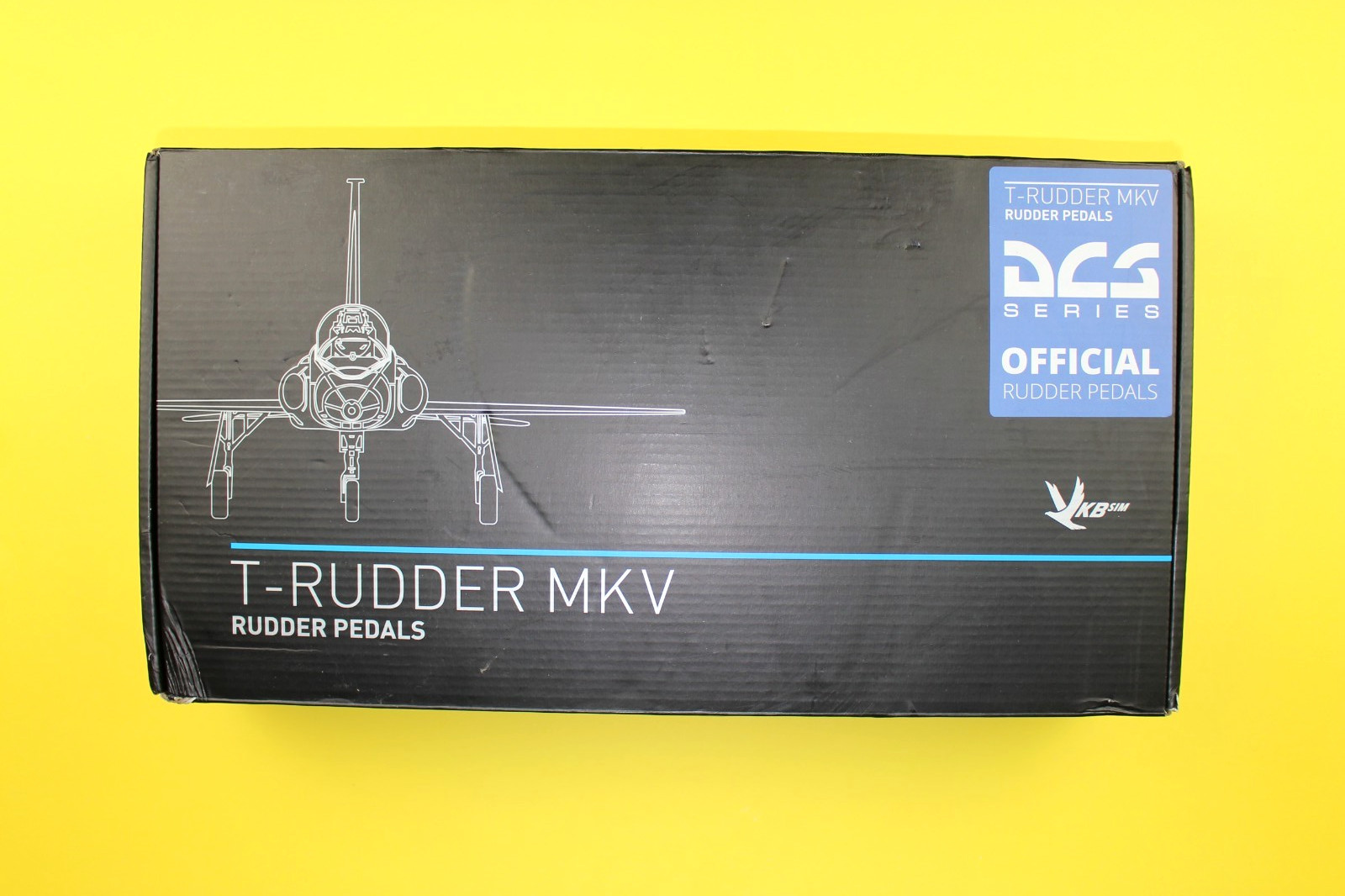 VKB T-Rudders Mk.V Rudder Pedals — All-Metal Flight Sim Rudder Pedals$180.00View on eBay
Highlights
- Sensor type is the durability divider: contactless hall-effect sensors resist wear and spiking, while potentiometers degrade and require cleaning or replacement.
- Chassis material separates tiers: stamped steel or aluminum frames (e.g., VKB T-Rudders Mk.V, Flight1 Falcon S1) resist flex under heavy toe-brake force; plastic housings flex and creep.
- Toe brakes are a distinct axis: pedals with left/right toe brake axes suit GA and airliner braking; pedal-only designs like the VKB T-Rudders rely on a separate brake lever or stick mapping.
- Mounting and footprint vary widely: wide-stance pedals need a stable floor or rig plate, while compact designs fit under a desk; USB connectivity is standard, with some sets offering console compatibility.
Best use cases
- Best fit: weekly DCS, MSFS, or X-Plane pilots should choose a metal-frame hall-effect pedal like the VKB T-Rudders Mk.V or Flight1 Falcon S1 for calibration stability and long service life.
- Best fit: casual PC and console flyers on a budget can use the Thrustmaster TFRP or Logitech G Pro pedals, accepting plastic construction and potentiometer wear in exchange for lower entry cost.
- Wrong fit: buyers wanting toe-brake axes for airliner braking should skip pedal-only designs like the VKB T-Rudders unless they have a separate brake lever or stick-mounted brake axis.
- Wrong fit: desk-only setups without a floor plate or rig should avoid wide, heavy metal pedals that slide or require hard mounting; choose a compact set with grippy feet instead.
Buying tips
- Prioritize hall-effect or contactless sensors over potentiometers; this single spec determines whether the pedal holds center and full travel after months of use.
- Match pedal width to your stance and mounting: measure your floor or rig plate footprint and confirm the pedal base fits with room for full rudder travel without hitting chair legs.
- Decide on toe brakes before buying: if you fly GA aircraft or airliners, require independent left/right toe-brake axes; if you fly helicopters or warbirds, pedal-only designs are sufficient.
- Check console and sim compatibility: PC is universal via USB, but PS4/PS5 or Xbox support varies by model, and some pedals require the matching wheel or joystick base to calibrate.
Specs
| Sensor Type | Hall-effect vs potentiometer |
|---|---|
| Chassis Material | Steel/aluminum vs plastic |
| Toe Brake Axes | Independent L/R vs none |
| Platform Support | PC USB / PS4-PS5 / Xbox |
Related searches
What to check before buying
- Measure your floor or rig plate footprint and confirm the pedal base fits with clearance for full left-right rudder travel and heel placement.
- Confirm your desk or chair setup: hard-mounting holes or grippy rubber feet determine whether heavy metal pedals stay put under toe-brake pressure.
- Verify USB connectivity and whether the pedal needs a companion joystick or wheel base for calibration and console compatibility.
- Check your sim's axis mapping: confirm the pedal reports separate rudder and toe-brake axes if you need differential braking.
FAQ
Data sources: eBay / Amazon listings and product attribute feeds. Updated Nov 23, 2026.
Some links on this page are affiliate links. If you buy after clicking one, we may earn a commission at no extra cost to you. This does not change which products appear here or their order. Affiliate disclosure.