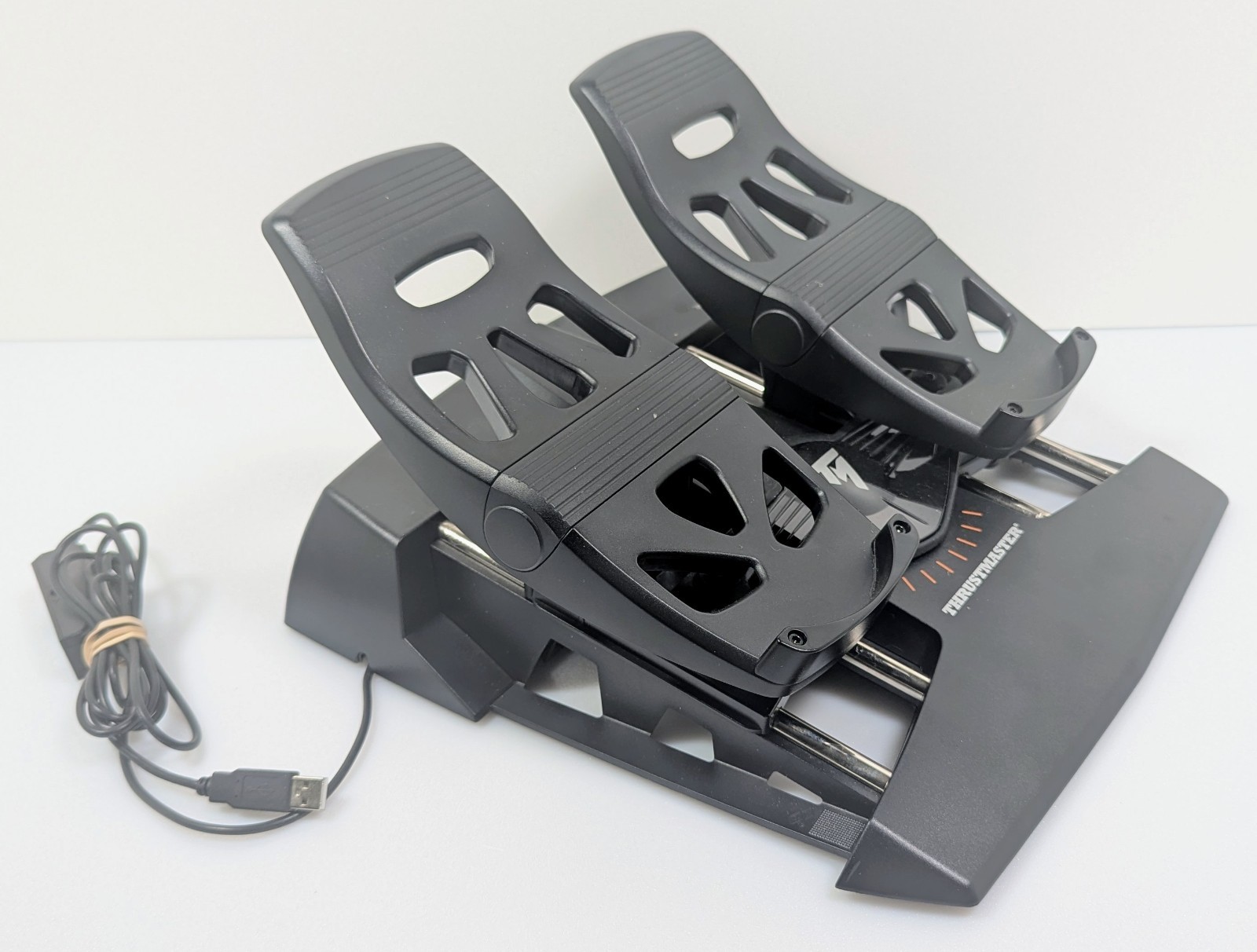

Photos from current listings. Actual item, color, and included accessories may vary.
Saitek Pro Flight Pedal Buying Guide
Saitek Pro Flight Rudder Pedals are a legacy USB flight-sim peripheral family (now sold under Logitech) using sliding pedals on a metal rail with a toe-brake axis per foot, valued for smooth, quiet travel and wide sim compatibility. The primary trade-off is that all variants share the same plastic-bodied, potentiometer-based internals, so condition and wear matter more than model name; the decision rule is to buy only units with verified smooth potentiometer response and intact toe-brake springs, and to skip any listing that cannot demonstrate full-range calibration.
Key takeaways
- All Saitek/Logitech Pro Flight pedals use potentiometers (not Hall-effect sensors), so used units can develop dead zones or spiking that calibration cannot fully fix.
- The pedal carriage slides on a metal rail with adjustable tension; plastic sliders and the central return spring are the first wear points on high-hour units.
- Each pedal has an independent toe-brake axis, giving three total axes (rudder + left brake + right brake) recognized natively by FSX, X-Plane, and MSFS via DirectInput.
At a glance
- Category
- Flight Sim Rudder Pedals
- Last updated
- Nov 23, 2026
Current offers
Highlights
- All Saitek/Logitech Pro Flight pedals use potentiometers (not Hall-effect sensors), so used units can develop dead zones or spiking that calibration cannot fully fix.
- The pedal carriage slides on a metal rail with adjustable tension; plastic sliders and the central return spring are the first wear points on high-hour units.
- Each pedal has an independent toe-brake axis, giving three total axes (rudder + left brake + right brake) recognized natively by FSX, X-Plane, and MSFS via DirectInput.
- The Cessna-branded variant is mechanically identical to the standard Pro Flight pedal; the difference is cosmetic labeling, not sensor or build grade.
Best use cases
- Best fit: budget-conscious flight simmers flying MSFS, X-Plane, or FSX who want three-axis rudder plus differential toe brakes and accept potentiometer maintenance.
- Best fit: buyers who prefer sliding-pedal ergonomics over swinging-arm pedals and need a wide, stable base that stays put on carpet or hard floors.
- Wrong fit: competitive or long-session users who need Hall-effect or load-cell precision and zero-drift centering—choose a modern magnetic-sensor pedal instead.
- Wrong fit: buyers wanting plug-and-play on modern consoles; this is a PC-only USB DirectInput device with no Xbox/PlayStation native support.
Buying tips
- Prioritize verified working condition over variant: ask for a calibration screenshot showing full 0-100% range on all three axes before buying any used unit.
- The Cessna Pro Flight branding does not add performance; pay no premium for it over the standard Pro Flight pedal of equal condition.
- Check that both toe-brake springs and the centering spring are present and return firmly—replacement springs are scarce and third-party fits vary.
- Confirm the unit includes its USB cable and that the pedal carriage slides without grinding; a gritty rail indicates worn sliders that need disassembly and lubrication.
Specs
| Sensor Type | Potentiometer (all Pro Flight variants) |
|---|---|
| Axes | 3: rudder + L/R toe brake |
| Pedal Mechanism | Sliding carriage on metal rail |
| Connectivity | USB-A wired, PC DirectInput |
Related searches
What to check before buying
- Measure floor or desk space: the pedal base is roughly 12-14 inches wide and needs clear rear travel for full rudder deflection without hitting a wall or chair.
- Confirm your sim supports DirectInput axes and can map separate left/right brake axes; MSFS, X-Plane, and FSX do, but some arcade titles combine brakes.
- Check your PC has a free USB-A port and that you can run the Logitech/Saitek driver or rely on Windows' native game-controller calibration.
- For carpet use, verify the rubber feet are intact; for hard floors, plan a non-slip mat since the lightweight plastic base can slide under heavy pedal input.
FAQ
Data sources: eBay / Amazon listings and product attribute feeds. Updated Nov 23, 2026.
Some links on this page are affiliate links. If you buy after clicking one, we may earn a commission at no extra cost to you. This does not change which products appear here or their order. Affiliate disclosure.