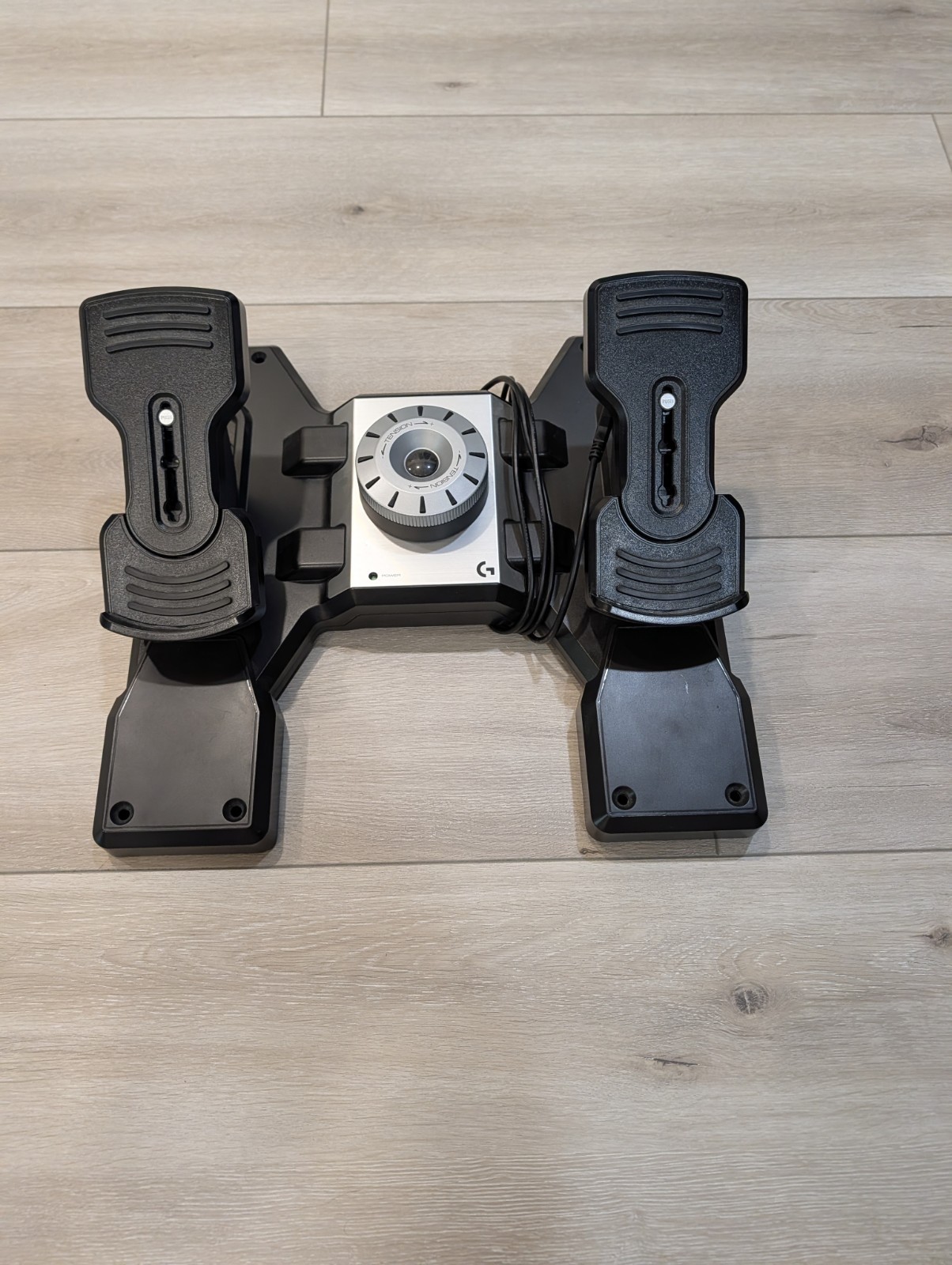

Photos from current listings. Actual item, color, and included accessories may vary.
Logitech G Pro Pedal Buying Guide
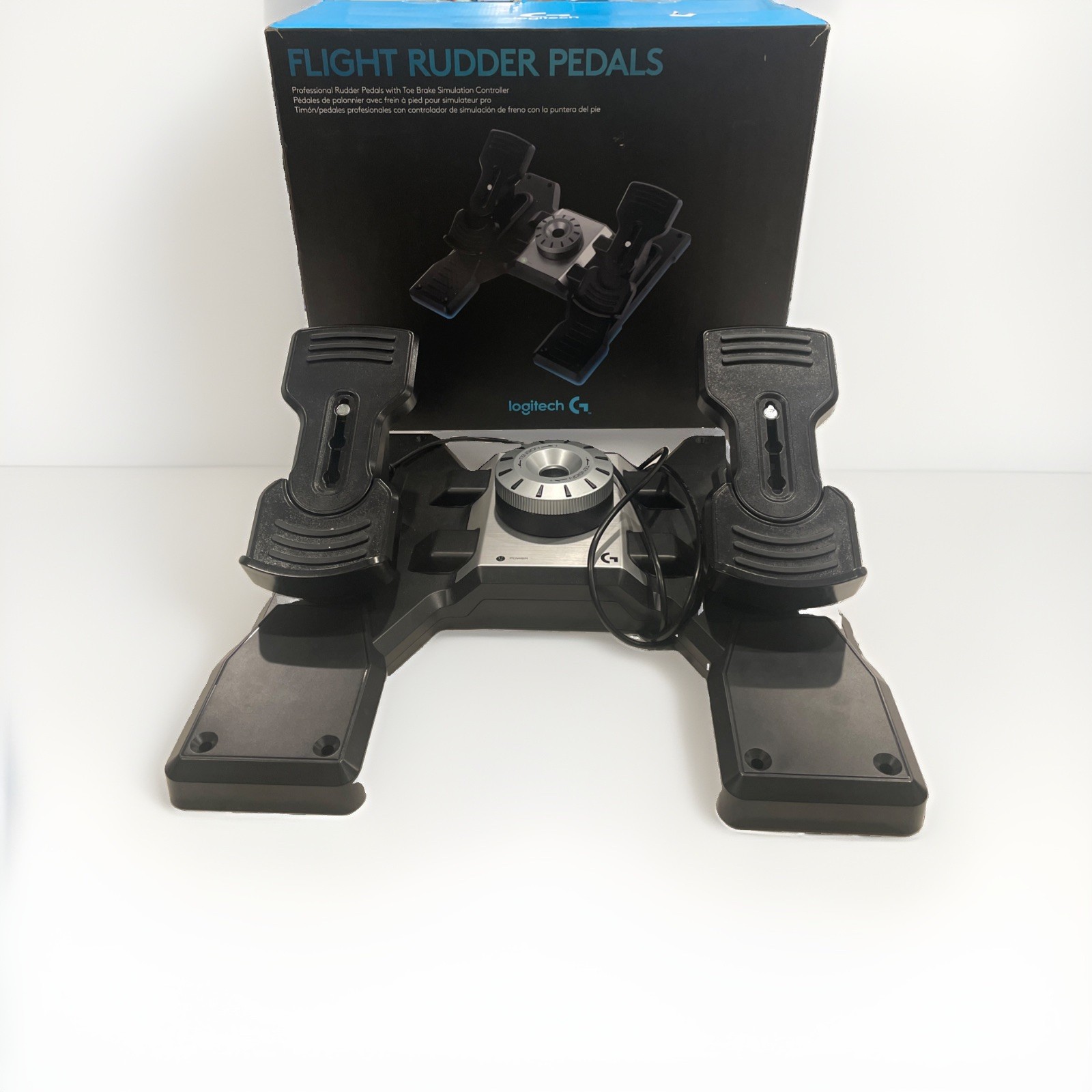
The Logitech G Pro Flight Rudder Pedals are a mid-tier, plastic-bodied sim pedal set with toe brakes, designed for flight simulators and compatible with Microsoft Flight Simulator. The core trade-off is plastic construction with a wide, adjustable stance versus metal-and-load-cell pedals that cost significantly more; the G Pros deliver smooth, hall-effect-free potentiometer sensing and a proven three-axis layout for the price. Buy the G Pros if you need toe brakes and a wide adjustable footprint for desk or rig use; skip them if you require metal durability, load-cell braking, or silent operation for shared living spaces.
Median $110.00
Key takeaways
- Three-axis design: rudder via pedal slide plus independent left/right toe brakes on each foot, matching real aircraft brake behavior.
- Plastic chassis and pedals with adjustable width and angle; the wide stance accommodates larger sim rigs but the plastic body flexes under heavy heel pressure.
- Potentiometer-based sensing on all axes, not hall-effect or load-cell; this is smooth but wears and drifts over years of heavy use compared with magnetic sensors.
At a glance
- Category
- Flight Sim Rudder Pedals
- Last updated
- Nov 23, 2026
Current offers
Highlights
- Three-axis design: rudder via pedal slide plus independent left/right toe brakes on each foot, matching real aircraft brake behavior.
- Plastic chassis and pedals with adjustable width and angle; the wide stance accommodates larger sim rigs but the plastic body flexes under heavy heel pressure.
- Potentiometer-based sensing on all axes, not hall-effect or load-cell; this is smooth but wears and drifts over years of heavy use compared with magnetic sensors.
- Compatible with Microsoft Flight Simulator and generic PC joystick input; no native Xbox console support without a separate adapter.
Best use cases
- Best fit: PC flight simmers flying Microsoft Flight Simulator or X-Plane who need toe brakes and a wide, adjustable pedal stance for a desk or entry sim rig.
- Best fit: Buyers upgrading from twist-stick rudder control who want a dedicated three-axis pedal set without paying metal-pedal prices.
- Wrong fit: Sim racers or heavy-footed users who need load-cell braking and metal construction; choose metal pedal sets with load cells instead.
- Wrong fit: Console-only pilots on Xbox or PlayStation; the G Pros are PC-focused and need an adapter for console use.
Buying tips
- Confirm your sim rig or floor setup can handle a wide adjustable stance: measure your available width and ensure the pedals fit without blocking chair casters.
- Check that your simulator supports independent toe-brake axes; MSFS and X-Plane do, but some arcade titles map brakes to a single axis.
- If you fly airliners or gliders with heavy rudder use, prioritize metal pedals with hall-effect sensors over the G Pros' plastic potentiometer design.
- For desk use without a rig, plan to secure the pedals against a wall or use a non-slip mat; plastic feet slide on hard floors under strong rudder input.
Specs
| Axis Count | 3 axes: rudder + L/R toe brake |
|---|---|
| Sensor Type | Potentiometer (not hall-effect) |
| Build Material | Plastic chassis and pedals |
| Platform | PC (no native console support) |
Related searches
What to check before buying
- Measure your floor or rig width: the adjustable stance is wider than many compact pedal sets, so confirm clearance from chair and desk legs.
- Verify your PC recognizes the pedals as a generic joystick with three axes; Windows Game Controllers panel should show rudder and two brake axes.
- Check floor surface: hard tile or wood requires a non-slip mat or wall bracing because the plastic feet slide under firm rudder pressure.
- Confirm your sim title supports toe brakes and rudder on separate axes; MSFS and X-Plane do, but some older titles need manual axis mapping.
FAQ
Data sources: eBay / Amazon listings and product attribute feeds. Updated Nov 23, 2026.
Some links on this page are affiliate links. If you buy after clicking one, we may earn a commission at no extra cost to you. This does not change which products appear here or their order. Affiliate disclosure.