
Photos from current listings. Actual item, color, and included accessories may vary.
Flight Simulator Pedal Buying Guide
Flight simulator rudder pedals are the yaw-axis controller that replaces twist-stick rudder input with foot-operated pedals, typically adding toe brakes and a sliding heel platform. The core trade-off is plastic potentiometer entry gear versus metal Hall-effect or load-cell mid-tier gear—the former wears, spikes, and needs large deadzones, while the latter holds center and lasts. Buy metal-frame, contactless-sensor pedals for regular flying; accept plastic only for casual, low-hour use.
Median $125.00
Key takeaways
- Sensor type is the durability divide: plastic potentiometer pedals (CH Pro Pedals, Saitek Cessna) wear and spike over time, while Hall-effect or contactless sensors (Thrustmaster TFRP, Logitech G Pro) hold calibration and resist dust.
- Thrustmaster TFRP uses a plastic chassis with S.M.A.R.T. sliding rails and 16-bit Hall-effect axes; Logitech G Pro Flight Rudder Pedals use a metal frame, adjustable pedal width, and contactless sensing for higher-duty sim use.
- Toe brakes are separate analog axes on most modern pedals (TFRP, G Pro), essential for differential braking and tight ground handling; budget pedals sometimes omit them or map them to a single combined axis.
At a glance
- Category
- Flight Sim Rudder Pedals
- Last updated
- Nov 23, 2026
Current offers
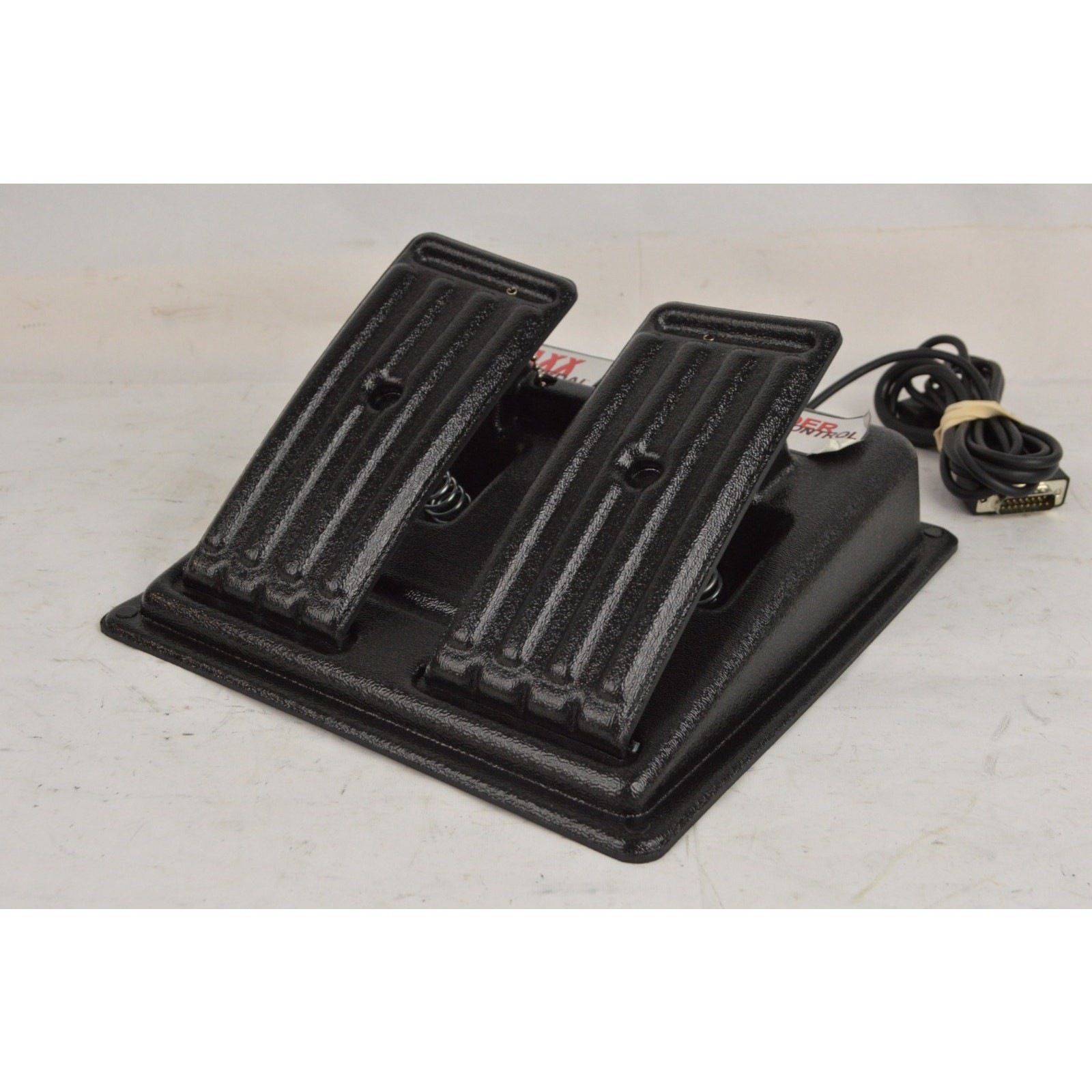 MAXX MP-1095 Rudder Simulator Foot Pedals Controller PC Flight Sim Game SEMPRO$49.00View on eBay
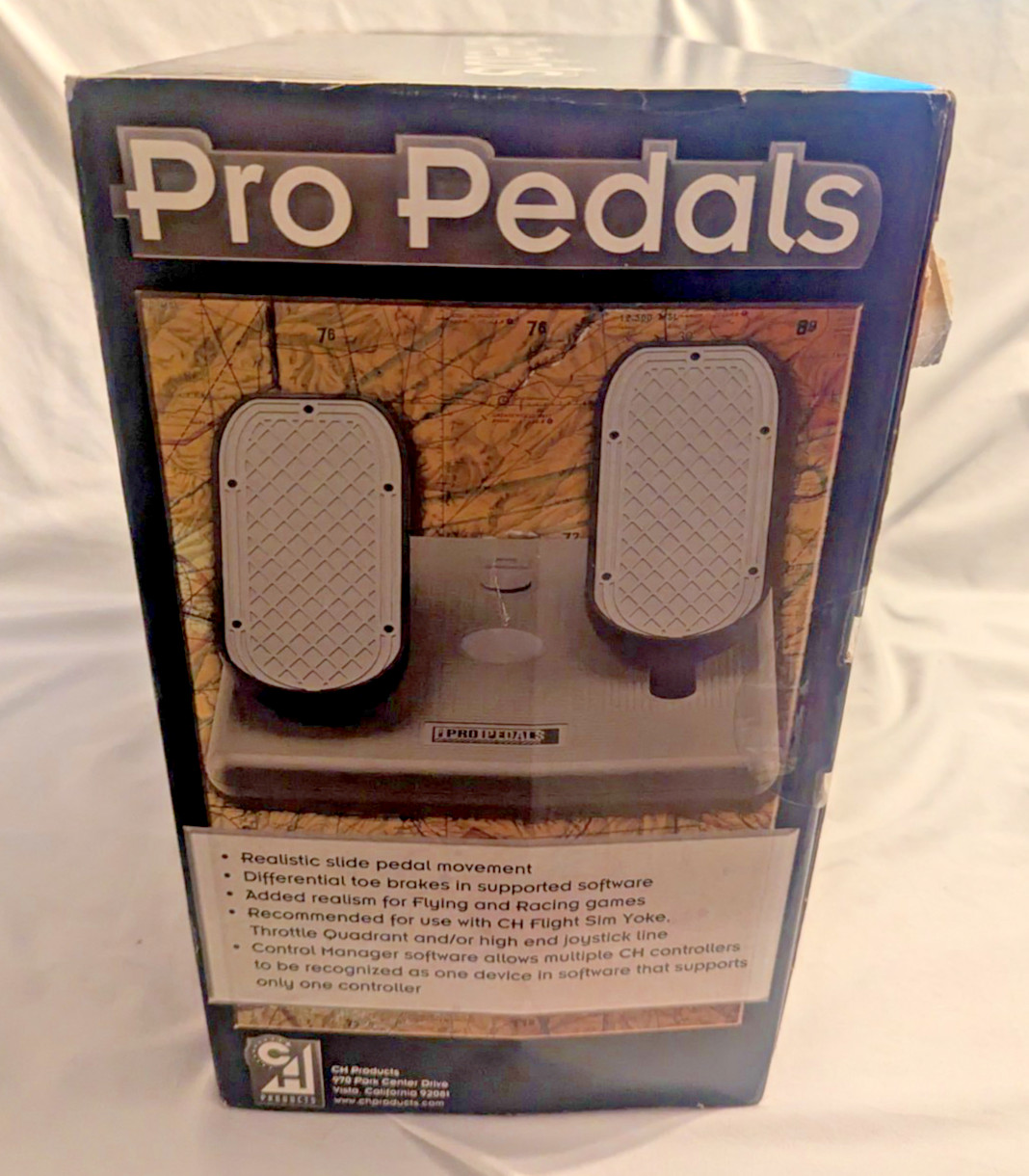 CH Products Pro Pedals 300-111 PP99USB Flight Simulator Rudder Pedals PC USB$79.99View on eBay
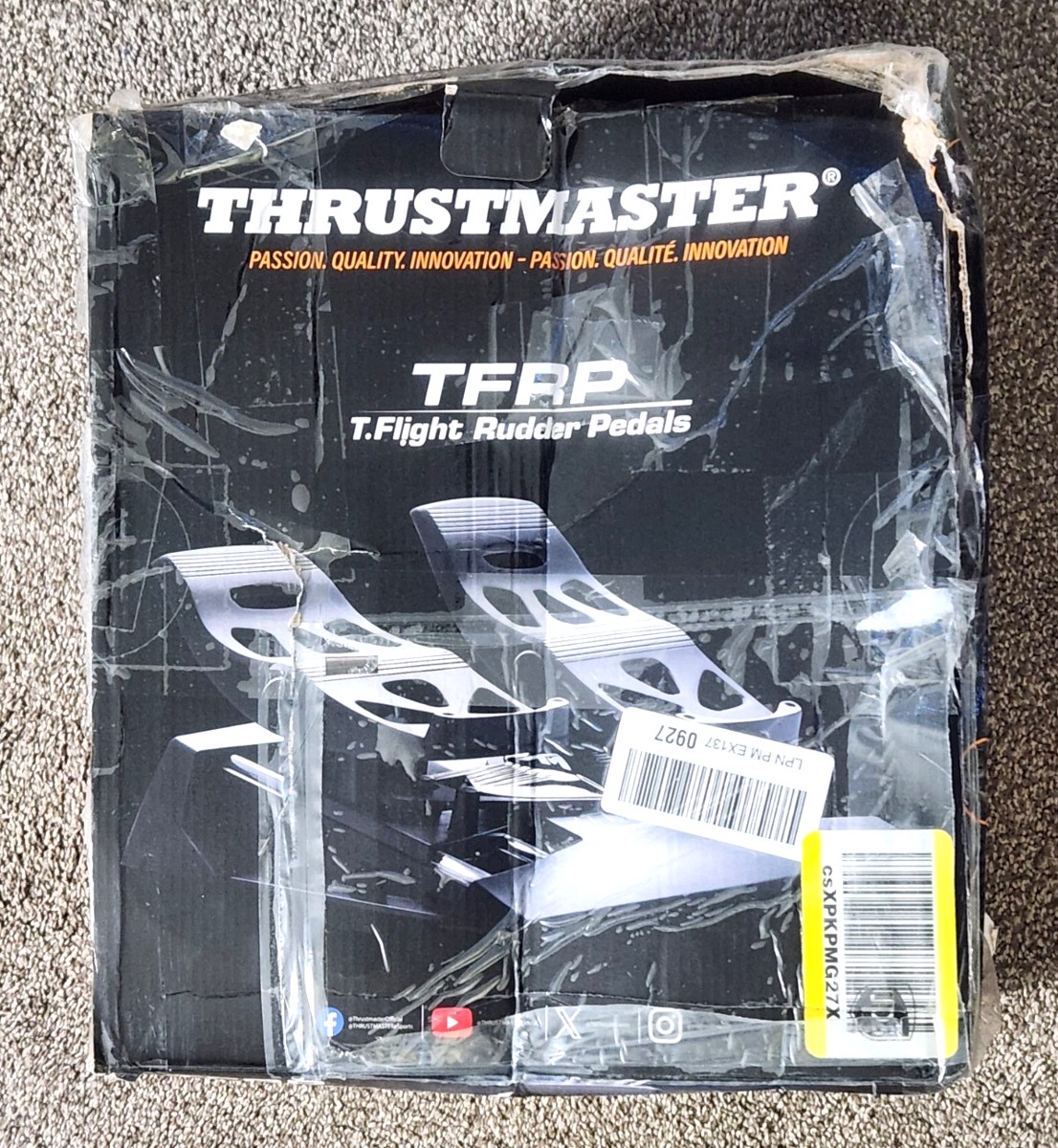 Thrustmaster - TFRP Rudder Pedals for Flight Simulators Compatible with PC, PS4,$109.99View on eBay
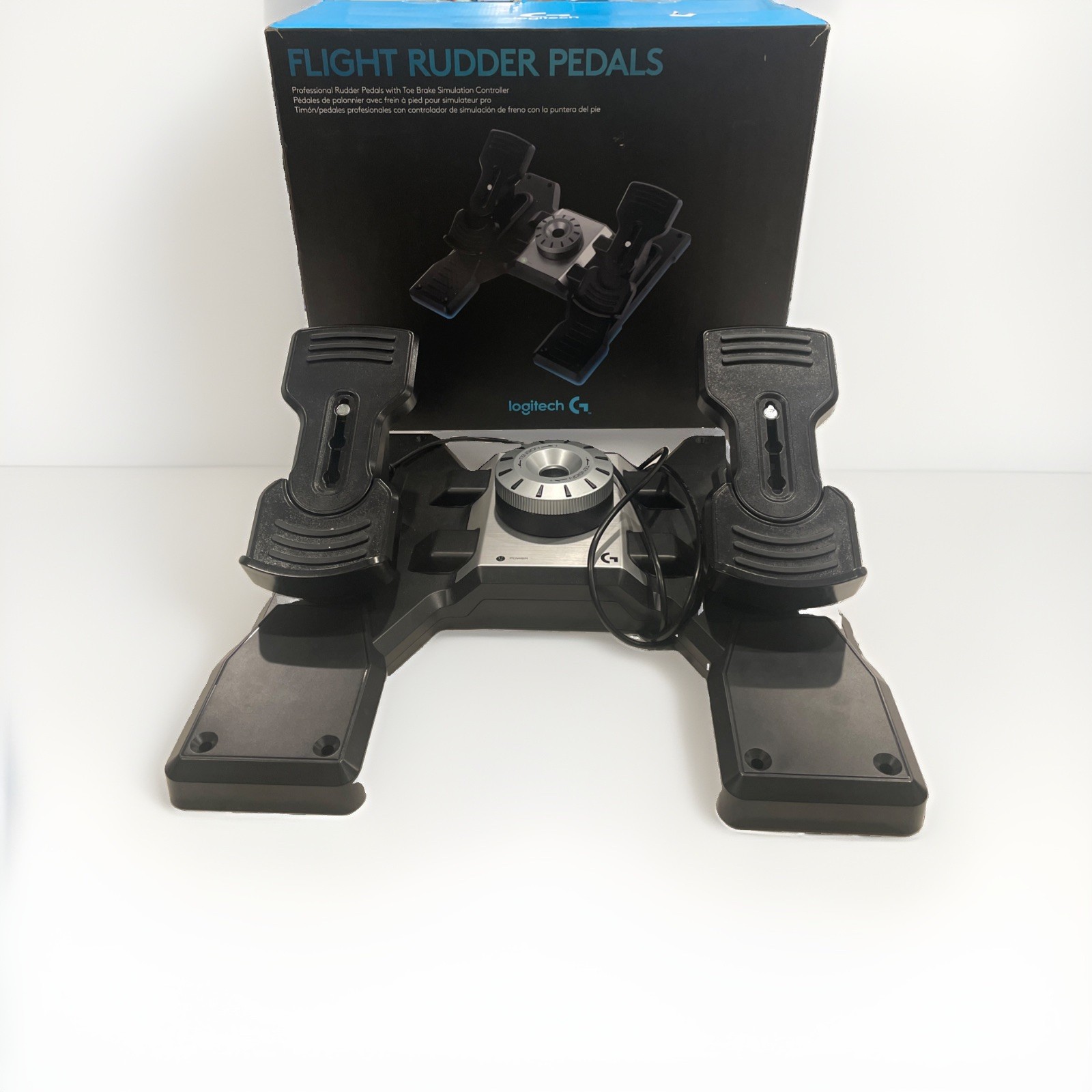 Logitech G-Pro Flight Simulator Sim Rudder Pedals With Toe Brake Microsoft$125.00View on eBay
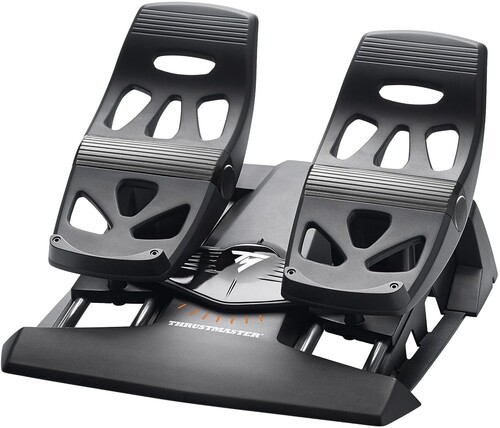 Thrustmaster - TFRP Rudder Pedals for Flight Simulators Compatible with PC, PS4,$129.99View on eBay
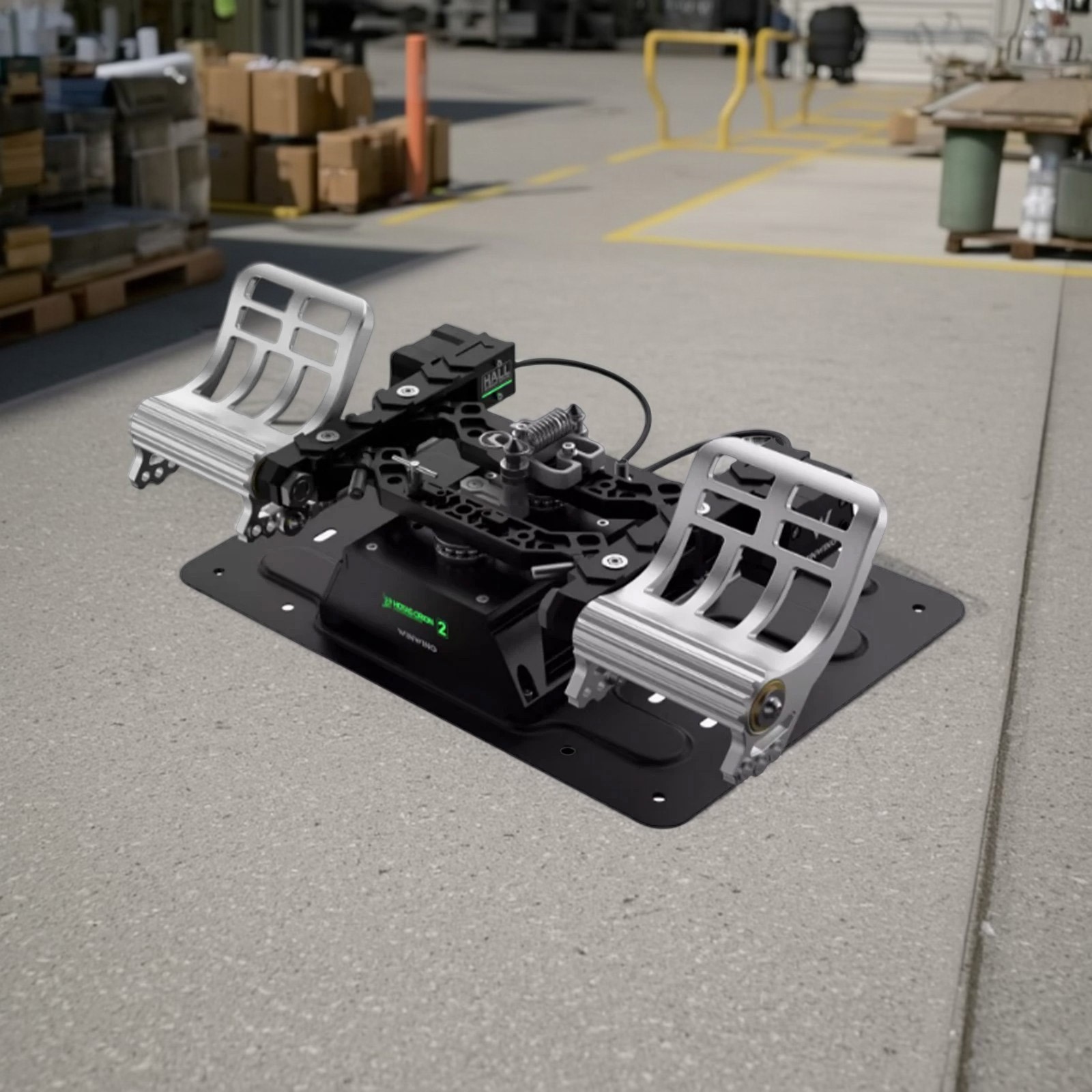 WINWING R1 Damper Edition Orion Metal Flight Simulator Rudder Pedal$419.99Last checked Nov 18, 2026View on eBay
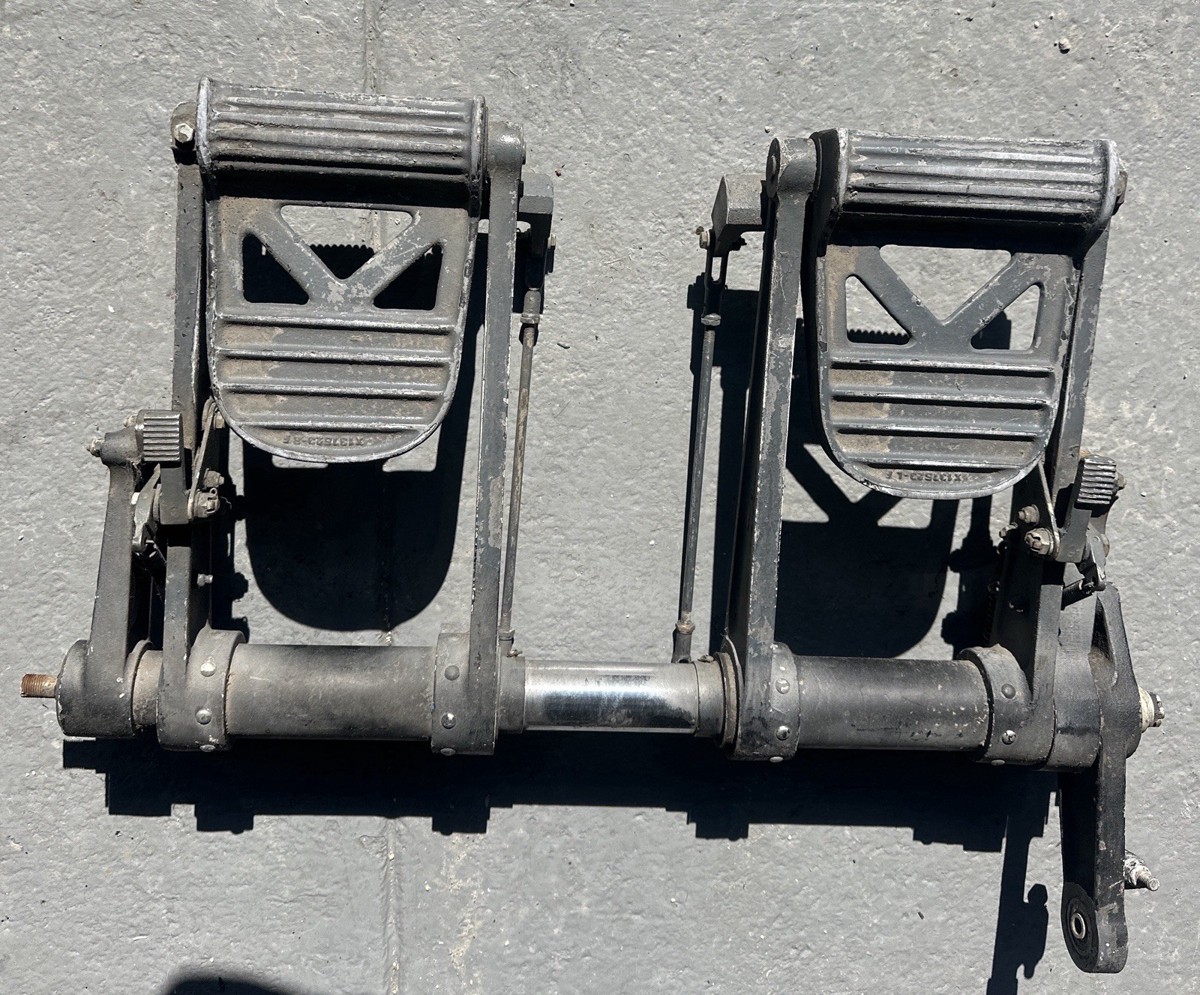 Lockheed P-2V Neptune Rudder Pedal Assembly Aviation Decor Flight Simulator$499.99Last checked Nov 18, 2026View on eBay
Highlights
- Sensor type is the durability divide: plastic potentiometer pedals (CH Pro Pedals, Saitek Cessna) wear and spike over time, while Hall-effect or contactless sensors (Thrustmaster TFRP, Logitech G Pro) hold calibration and resist dust.
- Thrustmaster TFRP uses a plastic chassis with S.M.A.R.T. sliding rails and 16-bit Hall-effect axes; Logitech G Pro Flight Rudder Pedals use a metal frame, adjustable pedal width, and contactless sensing for higher-duty sim use.
- Toe brakes are separate analog axes on most modern pedals (TFRP, G Pro), essential for differential braking and tight ground handling; budget pedals sometimes omit them or map them to a single combined axis.
- WINWING R1 Damper Edition represents the high tier: metal construction with an adjustable damper for tunable pedal resistance and centering feel, versus spring-only centering on entry pedals.
Best use cases
- Best fit: causal PC simmer on a desk or rig—choose Thrustmaster TFRP (USB, PC/PS4) for Hall-effect axes and toe brakes at a plastic-chassis price; skip metal damper pedals if you fly under a few hours a week.
- Best fit: regular airliner or GA sim pilot wanting longevity—pick Logitech G Pro Flight Rudder Pedals for the metal frame, adjustable width, and contactless sensors; skip used Saitek Cessna units unless you accept potentiometer wear.
- Best fit: competitive or high-hour helicopter/GA simmer—choose the WINWING R1 Damper Edition for metal build and tunable damper resistance; skip it if your desk setup cannot handle a wide, heavy pedal base or if you need console compatibility.
- Wrong fit: console-first flyers should skip PC-only pedals like CH Products Pro Pedals and Saitek Cessna; choose TFRP for PS4 compatibility or confirm Xbox support before buying any pedal.
Buying tips
- Check the sensor spec first: potentiometer pedals develop spiking and require deadzones; Hall-effect or contactless sensors (TFRP, G Pro) are the minimum for durable, repeatable rudder trim.
- Verify toe-brake axes are independent—differential braking needs two separate analog channels; combined single-axis toe brakes limit ground steering realism.
- Match pedal width and base footprint to your rig: metal pedals like G Pro and WINWING R1 are wider and heavier; measure available floor or frame width and ensure the base can be hard-mounted or braced against a wall.
- Confirm platform and connection: TFRP supports PC and PS4 via USB; CH Pro Pedals and Saitek Cessna are PC USB; WINWING R1 is PC-focused; Xbox support is not universal across these pedals.
Specs
| Sensor Type | Potentiometer vs Hall-effect/contactless |
|---|---|
| Chassis Material | Plastic vs metal frame |
| Toe Brake Axes | Independent dual-axis vs none/combined |
| Platform Support | PC USB / PS4; Xbox varies |
Related searches
What to check before buying
- Measure your floor or cockpit frame width and depth—metal pedals (G Pro, WINWING R1) need a wider, stable base and benefit from hard mounting or a non-slip brace.
- Confirm you have a free USB-A port and, for PC use, that the sim (MSFS, X-Plane, DCS) recognizes separate rudder and toe-brake axes.
- Check your seat height and leg reach: pedals sit lower than a desk; ensure your chair allows your heels to rest on the pedal platform without overextending.
- For console use, verify the pedal's compatibility list includes your exact console generation—PS4 support does not guarantee PS5 or Xbox support.
FAQ
Data sources: eBay / Amazon listings and product attribute feeds. Updated Nov 23, 2026.
Some links on this page are affiliate links. If you buy after clicking one, we may earn a commission at no extra cost to you. This does not change which products appear here or their order. Affiliate disclosure.