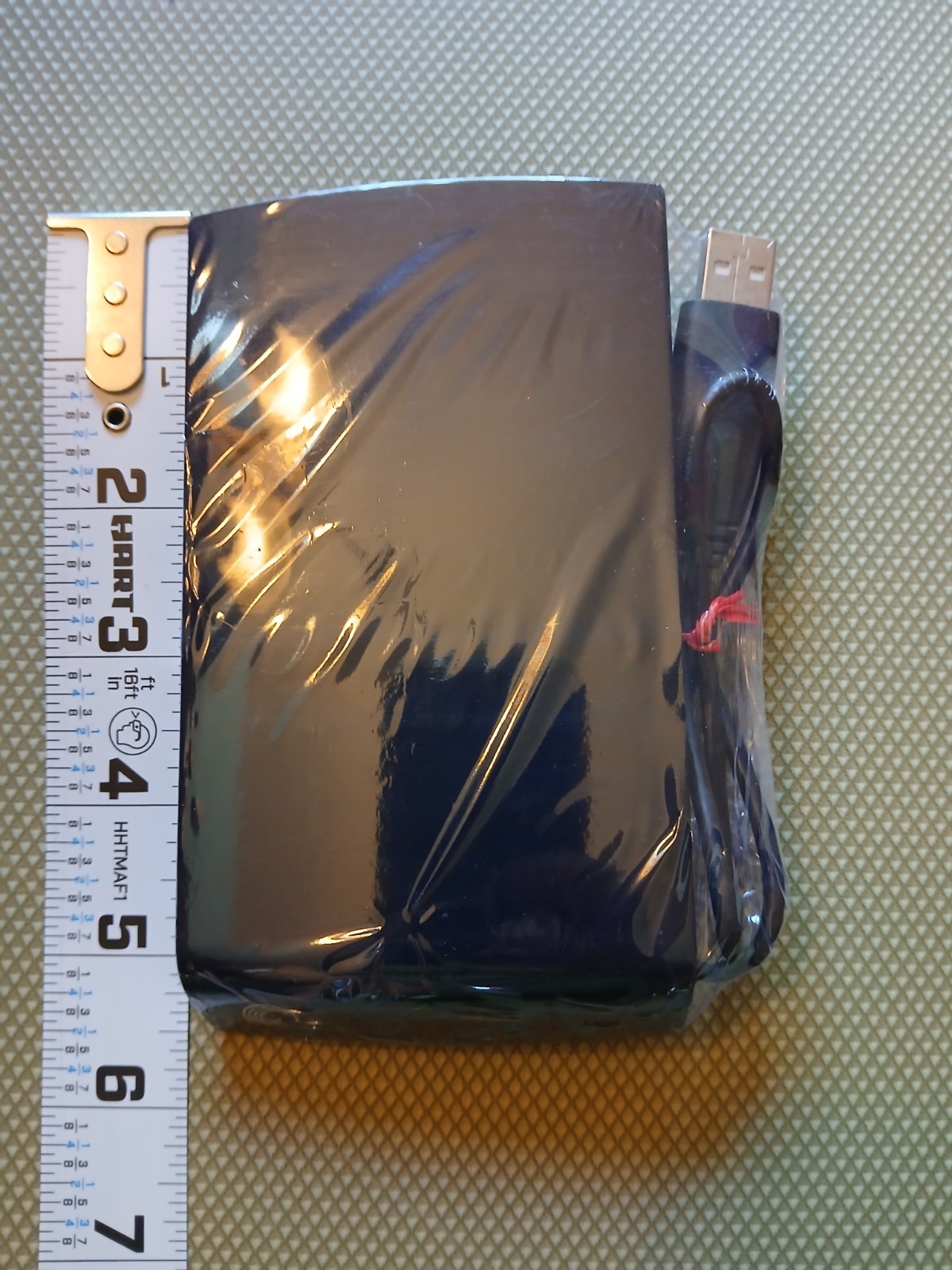

Photos from current listings. Actual item, color, and included accessories may vary.
Portable Storage Device Buying Guide
A portable storage device is any bus-powered drive that moves files between machines without a wall outlet — spanning USB flash drives, portable SSDs, portable HDDs, and SD/microSD cards. The core trade-off is speed and shock resistance (NVMe SSD) versus cost-per-terabyte and capacity (spinning HDD), with build quality and controller/drive pairing deciding real-world throughput. Choose NVMe USB 3.2 Gen 2 SSDs for active editing and travel; choose 2.5-inch HDDs only for bulk cold backup where capacity per dollar dominates.
Key takeaways
- USB 3.2 Gen 2 (10 Gbps) NVMe portables sustain roughly 900-1,050 MB/s; USB 3.2 Gen 1 (5 Gbps) tops out near 450 MB/s — the bridge chip, not the drive, is often the bottleneck.
- 2.5-inch portable HDDs realistically deliver 100-160 MB/s sequential and are mechanically fragile: budget for a shock-resistant enclosure or a ruggedized model with drop ratings.
- Flash media tiers are defined by speed class: UHS-I vs UHS-II SD, V30/V60/V90 video grades, and Application Performance Class A1/A2 for microSD — mismatched cards throttle cameras and handhelds.
At a glance
- Category
- NAS Storage & Drives
- Last updated
- Nov 28, 2026
Current offers
Highlights
- USB 3.2 Gen 2 (10 Gbps) NVMe portables sustain roughly 900-1,050 MB/s; USB 3.2 Gen 1 (5 Gbps) tops out near 450 MB/s — the bridge chip, not the drive, is often the bottleneck.
- 2.5-inch portable HDDs realistically deliver 100-160 MB/s sequential and are mechanically fragile: budget for a shock-resistant enclosure or a ruggedized model with drop ratings.
- Flash media tiers are defined by speed class: UHS-I vs UHS-II SD, V30/V60/V90 video grades, and Application Performance Class A1/A2 for microSD — mismatched cards throttle cameras and handhelds.
- Bus-powered drives must respect host port budgets: a single USB-A/USB-C port supplies 4.5-15 W (USB-PD raises this), and dual-connector HDDs or bus-powered hubs can brown out on unpowered ports.
Best use cases
- Best fit: 4K/8K video editors and photographers — pick a USB 3.2 Gen 2 NVMe SSD (1,000 MB/s class) with a metal heat-spreading body; skip SATA-based portables that cap near 550 MB/s.
- Best fit: console game storage expansion — use a USB 3.2 Gen 2 SSD for PS5/Xbox external libraries or a certified expansion card for native current-gen titles; skip slow HDDs for games that stream assets.
- Best fit: bulk archival and cold backup — choose a 2.5-inch portable HDD (2-5 TB) stored in a padded case and duplicated per 3-2-1 rule; skip HDDs for daily pocket carry or active on-set work.
- Wrong fit: buying a premium NVMe portable for a USB 3.0 (5 Gbps) laptop — the drive will run at half speed; match the drive tier to the host port before spending on speed.
Buying tips
- Match interface to host: USB 3.2 Gen 2 (10 Gbps) or Thunderbolt/USB4 for NVMe portables; USB 3.2 Gen 1 is fine for SATA SSDs and HDDs, which cannot saturate 10 Gbps.
- Check the bridge/controller, not just the drive: a Gen 2 enclosure with a UASP-supporting bridge and DRAM-less QLC drive drops to HDD-like write speeds on sustained transfers.
- For cameras, buy the exact speed grade: V30 minimum for 4K, V60/V90 for high-bitrate or 8K; A2 microSD for app-heavy Android/handheld use, A1 only for basic storage.
- Size the enclosure to the job: metal-bodied, IP-rated or MIL-STD drop-tested portables for travel; plastic shells are fine for desk-bound backup but crack under pocket carry.
Specs
| Drive Type | NVMe SSD / SATA SSD / 2.5-inch HDD |
|---|---|
| Interface Speed | USB 3.2 Gen 2 10 Gbps / Gen 1 5 Gbps |
| Sequential Read | HDD 100-160 MB/s; SSD 450-1,050 MB/s |
| Flash Speed Grade | UHS-I/II; V30/V60/V90; A1/A2 |
Related searches
What to check before buying
- Confirm the host port: count USB-C vs USB-A, verify 5 vs 10 Gbps, and check whether the port supplies enough power for bus-powered HDDs (prefer USB-C PD or a powered hub for dual-drive units).
- Measure the carry context: pocket (flash drive/microSD), bag (2.5-inch SSD/HDD up to ~130 g), or desk (larger rugged HDD) — enclosure dimensions and weight decide daily usability.
- Verify companion parts: correct cable (USB-C to C vs C to A), included or required USB-C adapter, and whether the drive needs exFAT reformatting to move between Windows, macOS, and consoles.
- Check the environment: operating temperature and humidity ranges for outdoor/vehicle use, plus shock/vibration ratings if the drive rides in a bag or on a bike.
FAQ
Data sources: eBay / Amazon listings and product attribute feeds. Updated Nov 28, 2026.
Some links on this page are affiliate links. If you buy after clicking one, we may earn a commission at no extra cost to you. This does not change which products appear here or their order. Affiliate disclosure.