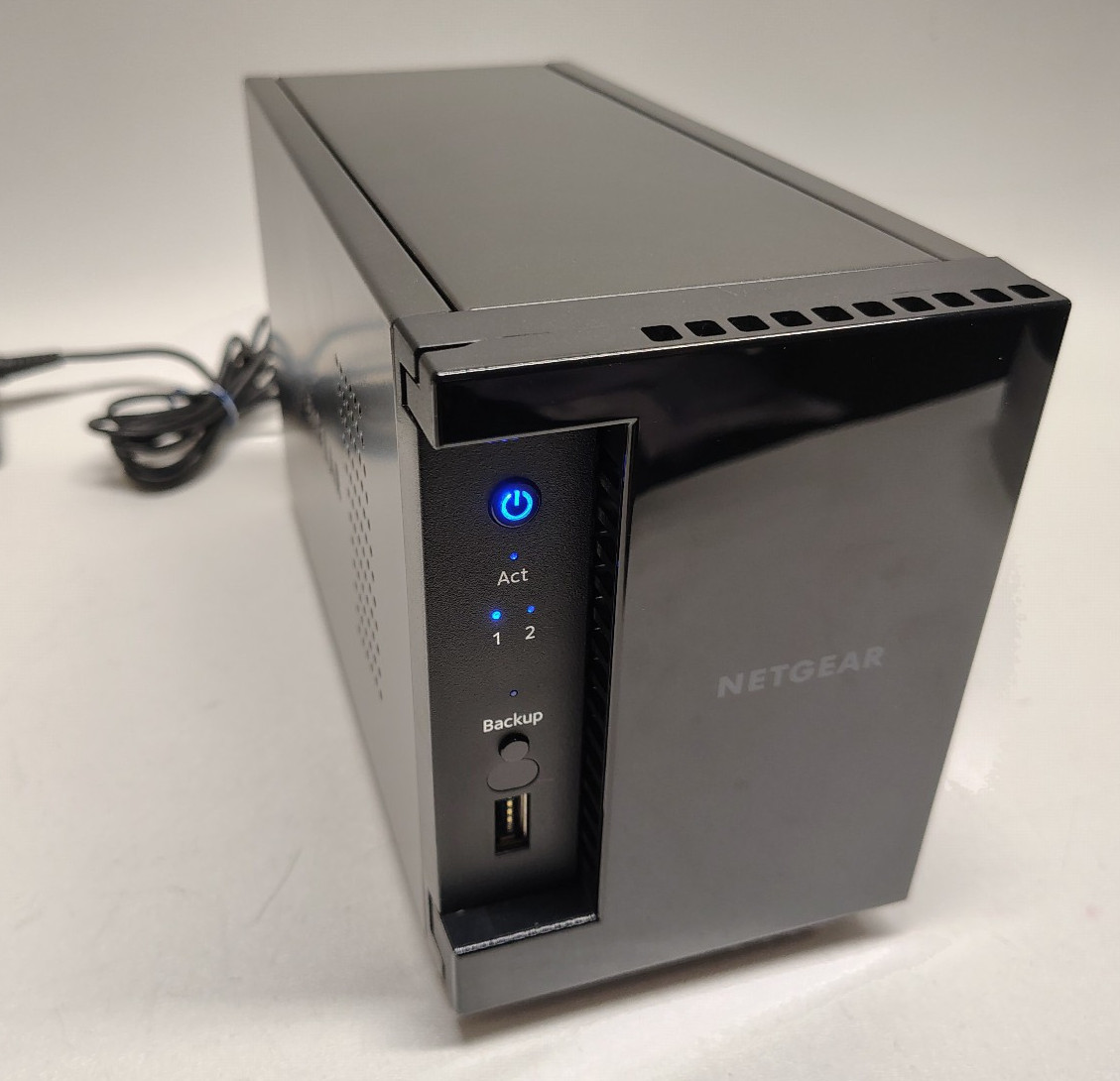

Photos from current listings. Actual item, color, and included accessories may vary.
Netgear Network Attached Storage Buying Guide
Netgear NAS spans legacy ReadyNAS desktop and rackmount units to current ReadyNAS and higher-end models, all built as multi-bay network storage appliances for shared file access and backup. The core trade-off is generation and platform maturity: older ReadyNAS OS 6 models are affordable but end-of-support, while current units offer active firmware, snapshot protection, and BTRFS resilience. The decision rule is simple: buy a current-generation Netgear NAS with active security updates and a supported drive compatibility list, and skip any legacy ReadyNAS whose OS no longer receives patches.
Median $129.99
Key takeaways
- Drive bays determine RAID capacity and redundancy: 2-bay models support RAID 1 mirroring, while 4-bay and 6-bay units enable RAID 5/6 or SHR-style parity for single-drive fault tolerance.
- ReadyNAS OS 6 is the last major platform for legacy units like RN202 and RNDU6000; current Netgear NAS models ship with ReadyNAS OS 6.x updates and BTRFS for snapshot and bit-rot protection.
- Rackmount ReadyNAS 2100 and 6-bay RNDU6000 use 3.5-inch SATA drives and offer hot-swap bays, while compact 2-bay RN202 accepts 3.5-inch drives but lacks hot-swap on some revisions.
At a glance
- Category
- NAS Storage & Drives
- Last updated
- Nov 23, 2026
Current offers
Highlights
- Drive bays determine RAID capacity and redundancy: 2-bay models support RAID 1 mirroring, while 4-bay and 6-bay units enable RAID 5/6 or SHR-style parity for single-drive fault tolerance.
- ReadyNAS OS 6 is the last major platform for legacy units like RN202 and RNDU6000; current Netgear NAS models ship with ReadyNAS OS 6.x updates and BTRFS for snapshot and bit-rot protection.
- Rackmount ReadyNAS 2100 and 6-bay RNDU6000 use 3.5-inch SATA drives and offer hot-swap bays, while compact 2-bay RN202 accepts 3.5-inch drives but lacks hot-swap on some revisions.
- Netgear NAS compatibility depends on the official drive compatibility list; mixing drive models or using SMR drives in parity RAID can cause rebuild failures and degraded array performance.
Best use cases
- Choose a 2-bay ReadyNAS (RN202-class) for home backup and media sharing with RAID 1 mirroring; skip it for multi-user offices needing more than two simultaneous drive failures tolerance or expansion beyond two disks.
- Choose a 4-bay or 6-bay desktop ReadyNAS for small-business file sharing, snapshots, and centralized backup; skip rackmount units unless you have a standard 19-inch rack with adequate depth and ventilation.
- Choose a rackmount ReadyNAS 2100-class unit for wiring-closet deployments with structured cabling; skip it for desktop or shelf placement because rack ears and chassis depth require proper rack mounting.
- Skip any legacy ReadyNAS model that no longer receives ReadyNAS OS security updates for internet-facing or business-critical data; use it only as an isolated local backup target.
Buying tips
- Match bay count to redundancy: 2 bays = RAID 1 (50% capacity), 4 bays = RAID 5 (75% capacity), 6 bays = RAID 6 (67% capacity); plan usable capacity from these ratios, not raw drive totals.
- Confirm the NAS appears on Netgear's official drive compatibility list before buying drives; unsupported or SMR drives can fail RAID rebuilds and void practical reliability.
- For legacy ReadyNAS units, verify the exact model supports the latest ReadyNAS OS 6.x firmware; RN202, RNDU6000, and RNRX4410 have different firmware branches and support status.
- Use NAS-grade CMR drives (e.g., WD Red Plus, Seagate IronWolf) rather than desktop drives; vibration tolerance and 24/7 duty ratings matter more than cache size for array stability.
Specs
| Bay Count | 2 / 4 / 6 bays |
|---|---|
| Form Factor | Desktop vs 19-inch rackmount |
| RAID Levels | RAID 0/1/5/6/10, JBOD |
| OS Platform | ReadyNAS OS 6 (BTRFS) |
Related searches
What to check before buying
- Measure your shelf or rack: desktop ReadyNAS units need clearance for airflow, while rackmount models require a 19-inch rack with standard depth and rear cable clearance.
- Verify your network: Gigabit Ethernet is the minimum for usable NAS throughput; 2.5GbE or link aggregation requires a matching switch and cabling.
- Check power: Netgear NAS units use internal power supplies with region-specific plugs; confirm the voltage and plug type match your location before purchase.
- Plan drive purchases separately: most ReadyNAS listings ship diskless, so budget for NAS-grade SATA drives and confirm the bay count matches your redundancy plan.
FAQ
Data sources: eBay / Amazon listings and product attribute feeds. Updated Nov 23, 2026.
Some links on this page are affiliate links. If you buy after clicking one, we may earn a commission at no extra cost to you. This does not change which products appear here or their order. Affiliate disclosure.