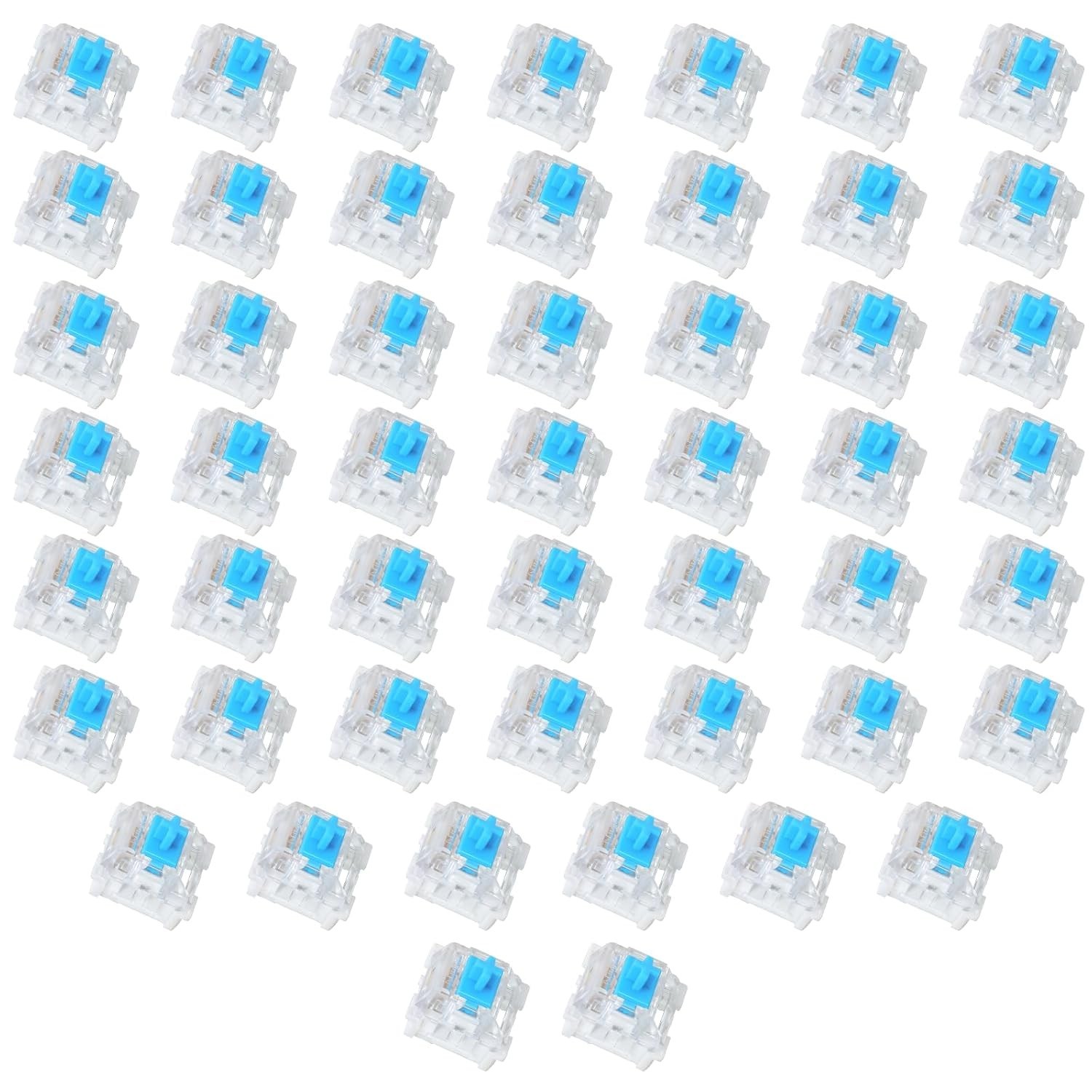

Photos from current listings. Actual item, color, and included accessories may vary.
Clicky Switch Buying Guide
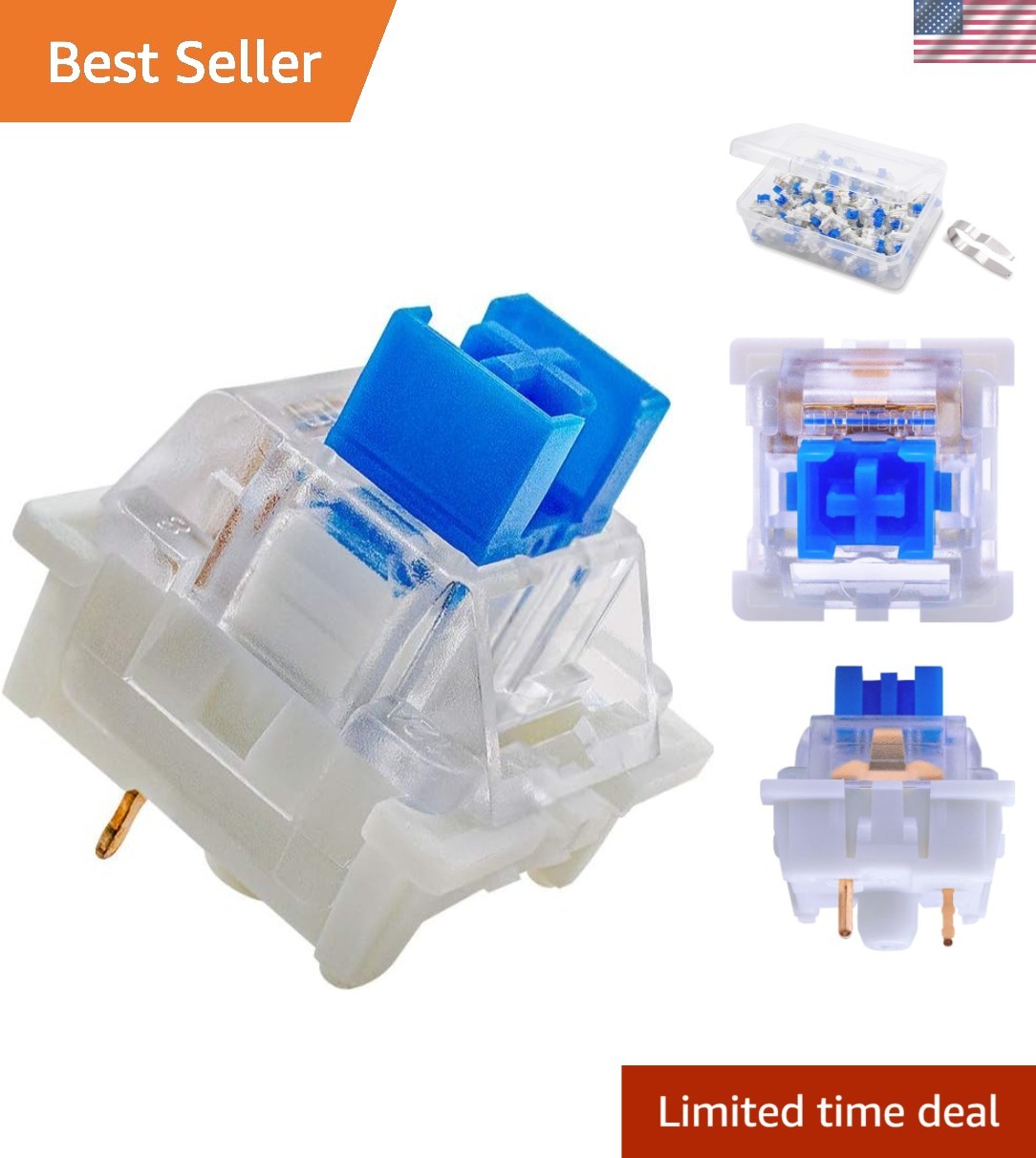
Clicky switches are mechanical keyboard switches with an intentional, audible click generated by a separate striking mechanism, trading noise for crisp tactile feedback. The core trade-off is click mechanism design: integrated click-jacket (MX Blue-style) versus separate click-bar (Kailh Box/White-style), which governs sound consistency, durability, and keycap compatibility. Buy these only if you accept audible typing; choose a switch with a reinforced click mechanism and 3-pin or 5-pin PCB compatibility that matches your board's hot-swap or solder layout.
Median $22.99
Key takeaways
- Click mechanism: integrated click jacket (Cherry MX Blue clones) produces a sharp, high-pitched click but can develop rattle; Kailh Box-style click bar delivers a deeper, more consistent click with higher rated durability (typically 80M vs 50M actuations).
- Pin layout: 3-pin switches drop into both 5-pin hot-swap sockets and soldered PCBs; 5-pin units add two plastic locating legs for plate-mount stability and require PCB-mount support or leg trimming.
- Actuation force: blue clicky switches typically land around 50-60 gf actuation with 3.5-4.0 mm total travel and a 1.9-2.2 mm tactile/click point, which suits heavy-handed typists better than rapid gamers.
At a glance
- Category
- Keyboard Switches
- Last updated
- Nov 23, 2026
Current offers
Highlights
- Click mechanism: integrated click jacket (Cherry MX Blue clones) produces a sharp, high-pitched click but can develop rattle; Kailh Box-style click bar delivers a deeper, more consistent click with higher rated durability (typically 80M vs 50M actuations).
- Pin layout: 3-pin switches drop into both 5-pin hot-swap sockets and soldered PCBs; 5-pin units add two plastic locating legs for plate-mount stability and require PCB-mount support or leg trimming.
- Actuation force: blue clicky switches typically land around 50-60 gf actuation with 3.5-4.0 mm total travel and a 1.9-2.2 mm tactile/click point, which suits heavy-handed typists better than rapid gamers.
- Pre-lubrication: factory-lubed clicky switches reduce spring ping but can soften the click if lubricant reaches the click mechanism; dry or lightly lubed click bars retain the sharpest sound signature.
Best use cases
- Best fit: shared-office or home-office typists who want typing feedback and accept audible clicks — pick a 3-pin or 5-pin clicky set matching your hot-swap socket count and use a board with sound-dampening foam.
- Wrong fit: open-plan offices, shared bedrooms, or streaming/recording setups — clicky noise bleeds through microphones and walls; choose silent linear or silent tactile switches instead.
- Best fit: hot-swap kit builders testing switch feel — buy a 50- or 65-pack of pre-lubed blue 3-pin switches for a 60% or 65% board; skip 5-pin only if your PCB mounts lack locating holes.
- Wrong fit: gaming-first users who need fast repeated actuation — the click point adds travel and noise; pick short-travel linear or speed switches instead.
Buying tips
- Match pin count to your board: count hot-swap socket pins (3 or 5) and PCB locating holes; 3-pin works everywhere, 5-pin needs PCB-mount holes or leg clipping.
- Buy a pack sized to your layout: 60% needs ~61-68 switches, 65% ~68-71, TKL ~87, full-size ~104; a 50-pack covers 40% builds, a 65-pack covers most 60% boards.
- Check housing material: polycarbonate or nylon tops and bottoms give a deeper, less hollow click than cheap ABS housings; clear tops are required for per-key RGB pass-through.
- Prefer click-bar designs (Kailh Box/White-style) over click-jacket clones for consistent sound and higher rated durability, especially on heavy daily typing.
Specs
| Click Mechanism | Click jacket vs click bar |
|---|---|
| Pin Layout | 3-pin vs 5-pin PCB mount |
| Actuation Force | 50-60 gf typical clicky |
| Durability Rating | 50M-80M actuations |
Related searches
What to check before buying
- Confirm board type: hot-swap socket pin count (3 vs 5) and PCB-mount locating holes before ordering a switch pack.
- Measure layout switch count: 60% (~61-68), 65% (~68-71), TKL (~87), full-size (~104) — buy one pack that covers it plus spares.
- Check RGB/LED setup: north- or south-facing PCB and whether the switch housing is clear or SMD-compatible for backlight pass-through.
- Verify plate and keycap compatibility: standard MX-style cross stems fit most keycaps; confirm plate thickness and 3-pin/5-pin clearance for plate-mount builds.
FAQ
Data sources: eBay / Amazon listings and product attribute feeds. Updated Nov 23, 2026.
Some links on this page are affiliate links. If you buy after clicking one, we may earn a commission at no extra cost to you. This does not change which products appear here or their order. Affiliate disclosure.