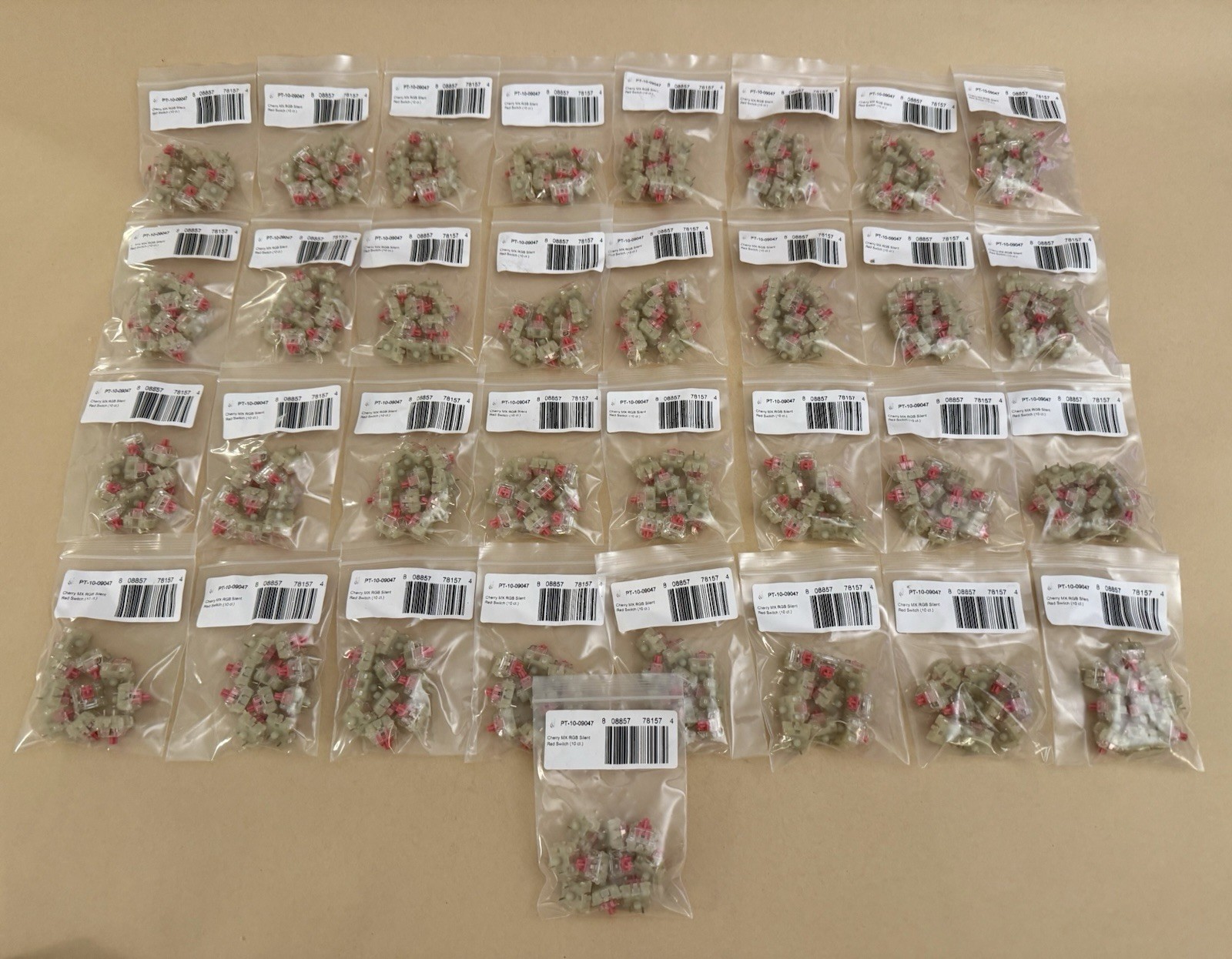

Photos from current listings. Actual item, color, and included accessories may vary.
Cherry Mx Buying Guide
Cherry MX switches are the de facto standard mechanical keyboard switch family, defining tactile, linear, and clicky feel through spring weight and internal slider geometry. The core trade-off is actuation force and feedback style versus noise and fatigue: lighter linears suit fast gaming, heavier tactiles/clickies suit typing accuracy, and any switch must match the PCB's 3-pin vs 5-pin mount and plate clearance. The decision rule is simple—buy genuine Cherry MX (or exact-spec clones) in the force/travel profile that matches your primary use, and skip any switch whose pin count or plate mount doesn't physically fit your board.
Key takeaways
- Cherry MX Red is a linear switch at 45 cN actuation with no tactile bump, favored for rapid double-taps and low finger fatigue in gaming.
- Cherry MX Blue is a clicky tactile switch at 50 cN with an audible click and pronounced bump, giving strong typing confirmation but loud office noise.
- Cherry MX Brown is a quiet tactile alternative at 45 cN with a subtle bump and no click, balancing typing feedback with moderate noise.
At a glance
- Category
- Keyboard Switches
- Last updated
- Nov 23, 2026
Current offers
Highlights
- Cherry MX Red is a linear switch at 45 cN actuation with no tactile bump, favored for rapid double-taps and low finger fatigue in gaming.
- Cherry MX Blue is a clicky tactile switch at 50 cN with an audible click and pronounced bump, giving strong typing confirmation but loud office noise.
- Cherry MX Brown is a quiet tactile alternative at 45 cN with a subtle bump and no click, balancing typing feedback with moderate noise.
- Cherry MX Silent Red uses internal dampening to cut bottom-out and return noise, same 45 cN linear feel but quieter acoustics for shared spaces.
Best use cases
- Competitive gaming: pick MX Red (or Silent Red in shared rooms) for linear 45 cN actuation and fast reset; skip MX Blue, whose click and bump slow rapid re-press.
- Office or shared workspace typing: pick MX Brown or MX Silent Red for tactile/linear feedback without click noise; skip MX Blue unless you have a private office.
- Heavy typing and coding: pick MX Blue if you want audible and tactile confirmation of each keystroke; skip ultra-light linears if you tend to mistype from resting fingers.
- Custom build with a 5-pin hot-swap PCB: pick 5-pin Cherry MX variants or trim the two plastic legs on 3-pin switches; skip PCB-mount switches on a plate-only 3-pin board.
Buying tips
- Match pin count to PCB: 3-pin switches fit plate-mount boards, while 5-pin adds two plastic PCB legs for extra stability and requires corresponding PCB holes.
- Match plate thickness: standard Cherry MX requires a 1.5 mm plate cutout; thicker or non-standard plates can bind the housing and cause sticky keypresses.
- Check spring weight against your hand: 45 cN linears (Red) reduce fatigue, 50-60 cN tactiles/clickies (Blue/Brown) increase accidental-press resistance.
- Buy from lots with verifiable Cherry branding and consistent batch codes; loose unbranded lots risk mismatched stems, wobble, and inconsistent actuation force.
Specs
| Actuation Force | 45-60 cN by color |
|---|---|
| Switch Feel | Linear / Tactile / Clicky |
| Mount Type | 3-pin plate or 5-pin PCB |
| Stem Compatibility | Standard MX cross (4 mm) |
Related searches
What to check before buying
- Confirm your keyboard or PCB accepts 3-pin or 5-pin MX-style switches and whether it is hot-swap or solder-only before ordering.
- Measure plate thickness and cutout—standard MX needs a 1.5 mm plate with 14 x 14 mm square cutouts.
- Verify keycap compatibility: Cherry MX uses the standard cross stem, so most MX-compatible keycap sets fit directly.
- Count the switches needed for your layout (full-size ~104, TKL ~87, 60% ~61) and add spares for damaged pins during install.
FAQ
Data sources: eBay / Amazon listings and product attribute feeds. Updated Nov 23, 2026.
Some links on this page are affiliate links. If you buy after clicking one, we may earn a commission at no extra cost to you. This does not change which products appear here or their order. Affiliate disclosure.