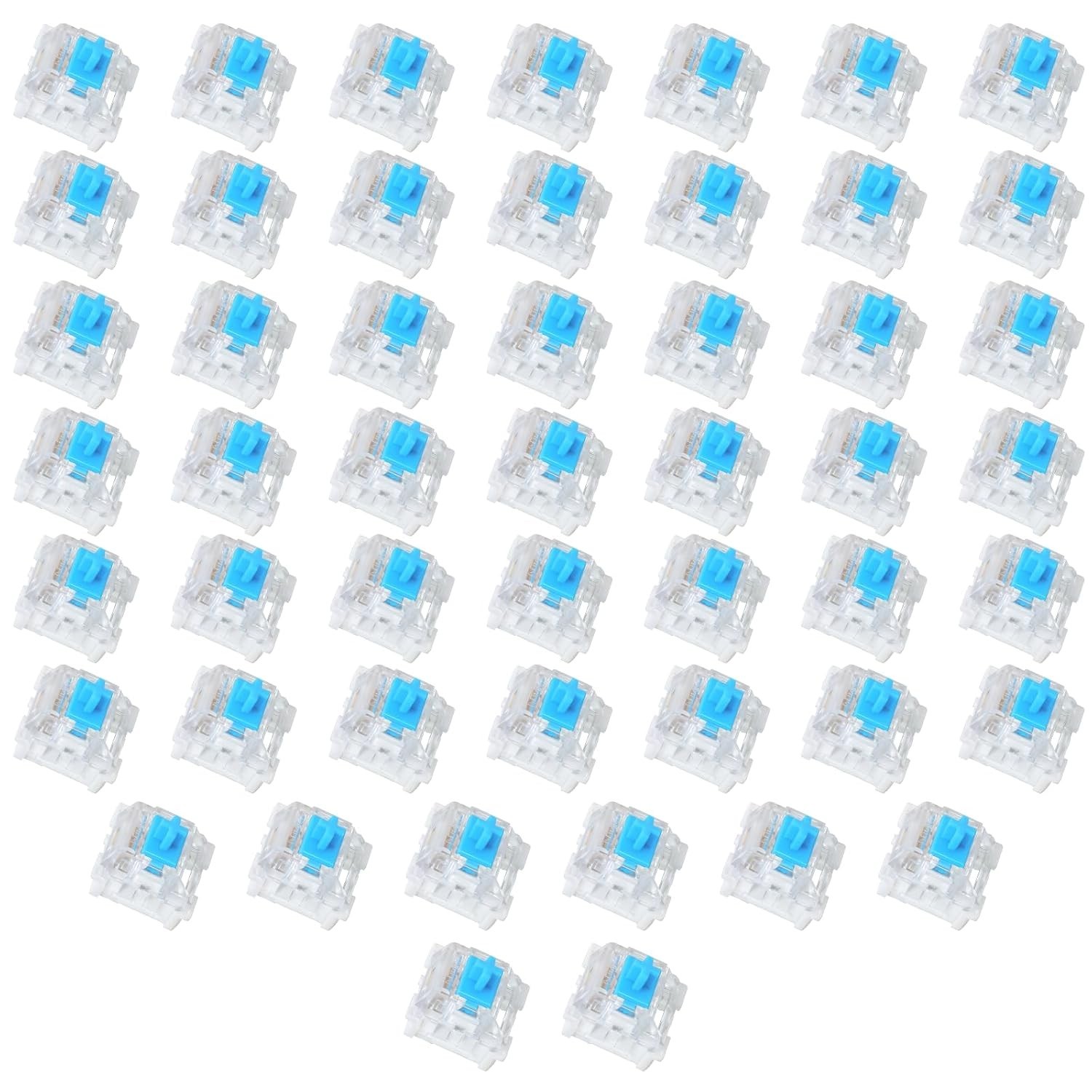

Photos from current listings. Actual item, color, and included accessories may vary.
Clicky Keyboard Switch Buying Guide
Clicky keyboard switches are mechanical keyswitches with a dedicated click-jacket or buckling-spring mechanism that produces an audible click and a crisp tactile bump at actuation. The core trade-off is click mechanism design (click-bar vs. click-jacket vs. buckling spring) and housing/spring quality, which separate durable, consistent switches from loose-tolerance clones. The decision rule: buy switches with a named mechanism, documented actuation force, and 3- or 5-pin compatibility that matches your PCB or plate, and skip unbranded packs that list no force or mechanism.
Median $22.99
Key takeaways
- Clicky switches use a separate click-jacket, click-bar, or buckling-spring design that adds an audible click on top of the tactile bump — the click mechanism, not the stem color, defines the sound.
- Actuation force typically ranges 50-70 gf for clicky types; force above 70 gf suits heavy-handed typists while 50-55 gf reduces finger fatigue for long sessions.
- 3-pin switches fit plate-mount and PCB-mount boards with 3-hole footprints; 5-pin switches add two PCB legs for solder PCBs and hot-swap sockets with 5-hole support.
At a glance
- Category
- Keyboard Switches
- Last updated
- Nov 23, 2026
Current offers
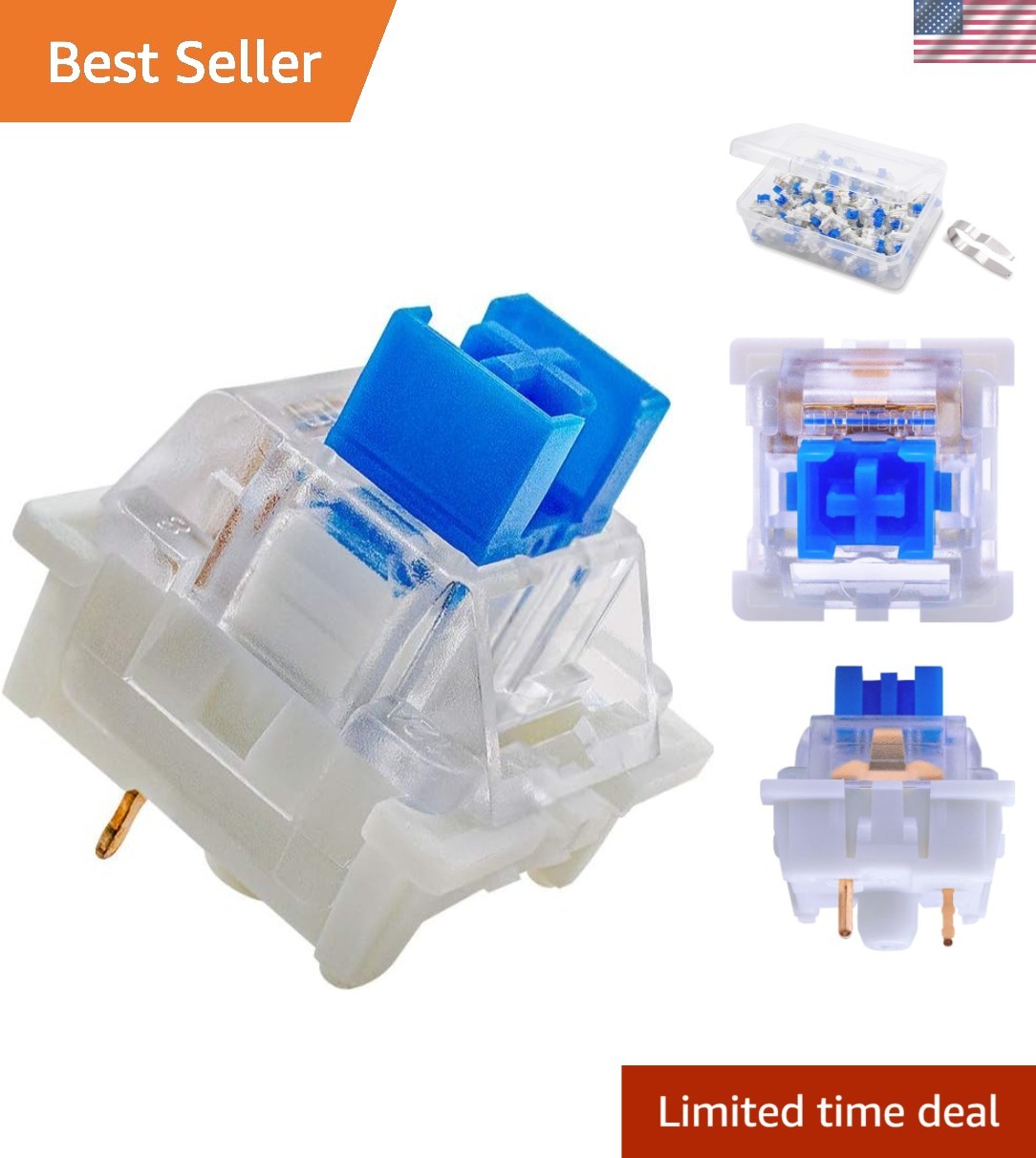
Highlights
- Clicky switches use a separate click-jacket, click-bar, or buckling-spring design that adds an audible click on top of the tactile bump — the click mechanism, not the stem color, defines the sound.
- Actuation force typically ranges 50-70 gf for clicky types; force above 70 gf suits heavy-handed typists while 50-55 gf reduces finger fatigue for long sessions.
- 3-pin switches fit plate-mount and PCB-mount boards with 3-hole footprints; 5-pin switches add two PCB legs for solder PCBs and hot-swap sockets with 5-hole support.
- Pre-lubricated switches reduce spring ping and scratchiness, but factory lube varies widely — switches with documented lube points and consistent click-jacket tension sound cleaner out of the box.
Best use cases
- Best fit: dedicated typists who work alone or in a private office and want maximum tactile and audible feedback — pick 3-pin or 5-pin clicky switches with 55-65 gf actuation and pre-lube.
- Best fit: hot-swap keyboard owners experimenting with sound profiles — choose 5-pin clicky switches only if the hot-swap socket accepts 5 pins; otherwise use 3-pin to avoid PCB damage.
- Wrong fit: shared offices, open-plan rooms, bedrooms, or call-heavy roles — clicky switches are the loudest mechanical type; choose linear or silent tactile instead.
- Wrong fit: buyers wanting a single switch pack for mixed builds — clicky switches are a distinct sound/feel category; do not substitute tactile or linear switches in a clicky-specific build.
Buying tips
- Match pin count to your board: count PCB holes (3 vs. 5) and check hot-swap socket type before ordering — 5-pin switches in 3-hole PCBs require clipping the extra legs.
- Use actuation force as the primary spec: 50-55 gf for light touch, 60-65 gf for balanced typing, 70+ gf for heavy typists; avoid packs that do not list a force range.
- Prefer named click mechanisms (click-bar, click-jacket, buckling spring) over generic 'blue' labels — named mechanisms signal tighter tolerances and consistent click sound.
- Check plate compatibility: standard MX-style footprints fit 1.5 mm plates; confirm your plate thickness and cutout type (square vs. round) before buying a full set.
Specs
| Click Mechanism | Click-jacket / click-bar / buckling spring |
|---|---|
| Actuation Force | 50-70 gf (typ. 55-65 gf) |
| Pin Count | 3-pin plate / 5-pin PCB |
| Footprint | MX-style, 1.5 mm plate |
Related searches
What to check before buying
- Count your PCB or hot-swap socket holes (3 vs. 5) and confirm plate cutout shape and thickness before selecting a pin count.
- Measure your keyboard's plate and case clearance — clicky switches with taller click-jackets can contact tight low-profile frames.
- Confirm your board's switch footprint is MX-style; Alps-style or optical boards need different switch types entirely.
- Plan for sound: clicky switches amplify case ping and hollow plates — check that your case has dampening or budget for foam mods.
FAQ
Data sources: eBay / Amazon listings and product attribute feeds. Updated Nov 23, 2026.
Some links on this page are affiliate links. If you buy after clicking one, we may earn a commission at no extra cost to you. This does not change which products appear here or their order. Affiliate disclosure.