
Photos from current listings. Actual item, color, and included accessories may vary.
Thrustmaster T Flight HOTAS 4 Buying Guide
The Thrustmaster T.Flight HOTAS 4 is the entry-level all-in-one stick-and-throttle set built for PlayStation 4 and PlayStation 5, with a PC mode that works out of the box. Buyers choose it for plug-and-play console compatibility and a detachable throttle, but should understand its plastic gimbal and fixed-position throttle before expecting enthusiast-grade precision. Getting the right setup matters more than any spec sheet: desk space, mounting, and whether your sim needs rudder control determine satisfaction.
Median $109.99
Key takeaways
- Detachable throttle lets you run a split HOTAS layout with a separate stick and throttle or lock them together as a single desktop unit.
- Official PS4 and PS5 compatibility with a dedicated console mode switch; PC mode uses standard USB HID and works without additional drivers on Windows.
- Built-in twist rudder axis on the stick gives yaw control without separate pedals, which matters for flight sims that require rudder input.
At a glance
- Category
- Flight Sim Joysticks & HOTAS
- Last updated
- Nov 27, 2026
Current offers
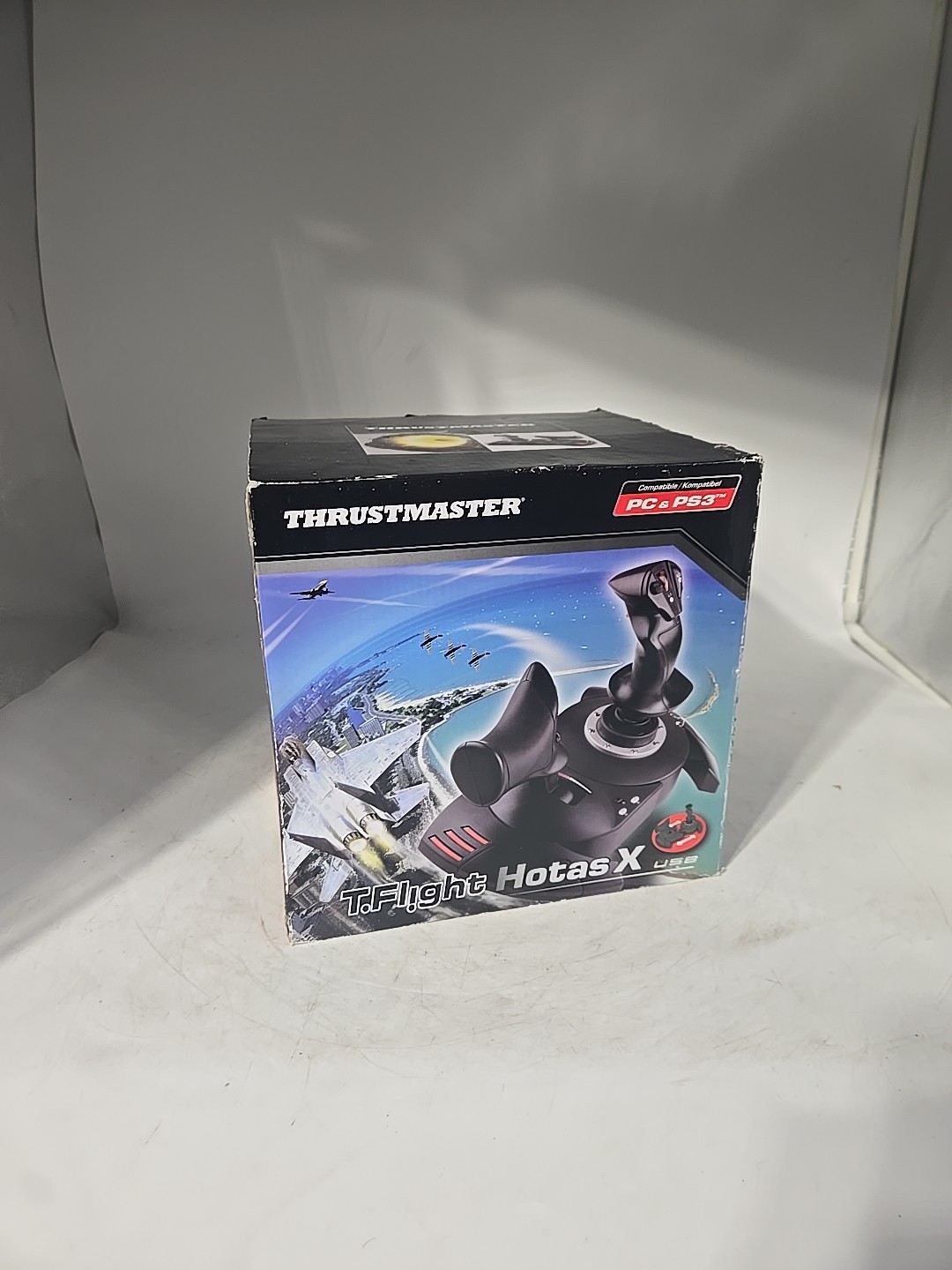 Thrustmaster T-Flight Hotas x PC PlayStation 3 PS3 Flightstick New In Box$65.15View on eBay
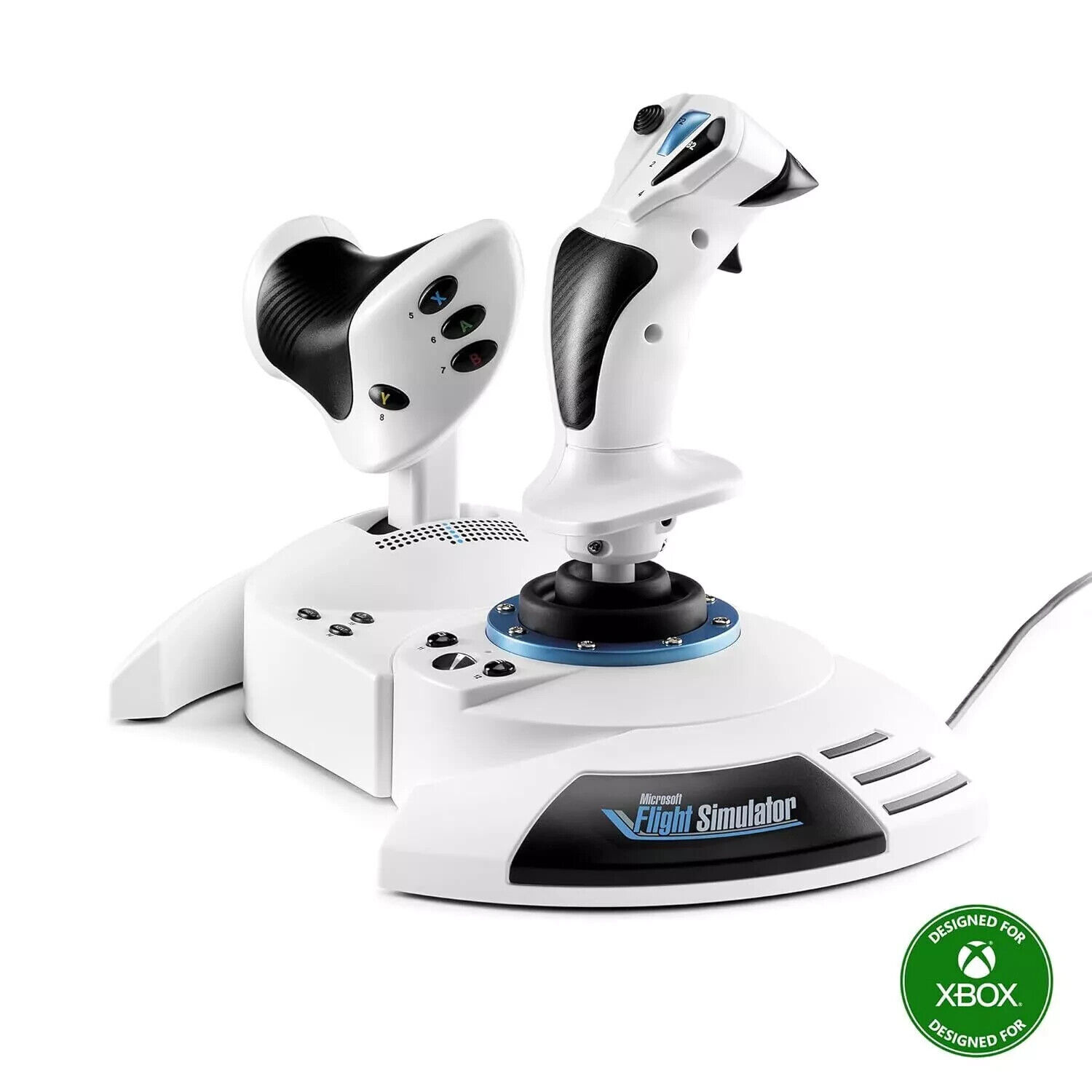 Thrustmaster T-Flight Hotas One Microsoft Flight Simulator for Xbox X|S$109.99View on eBay
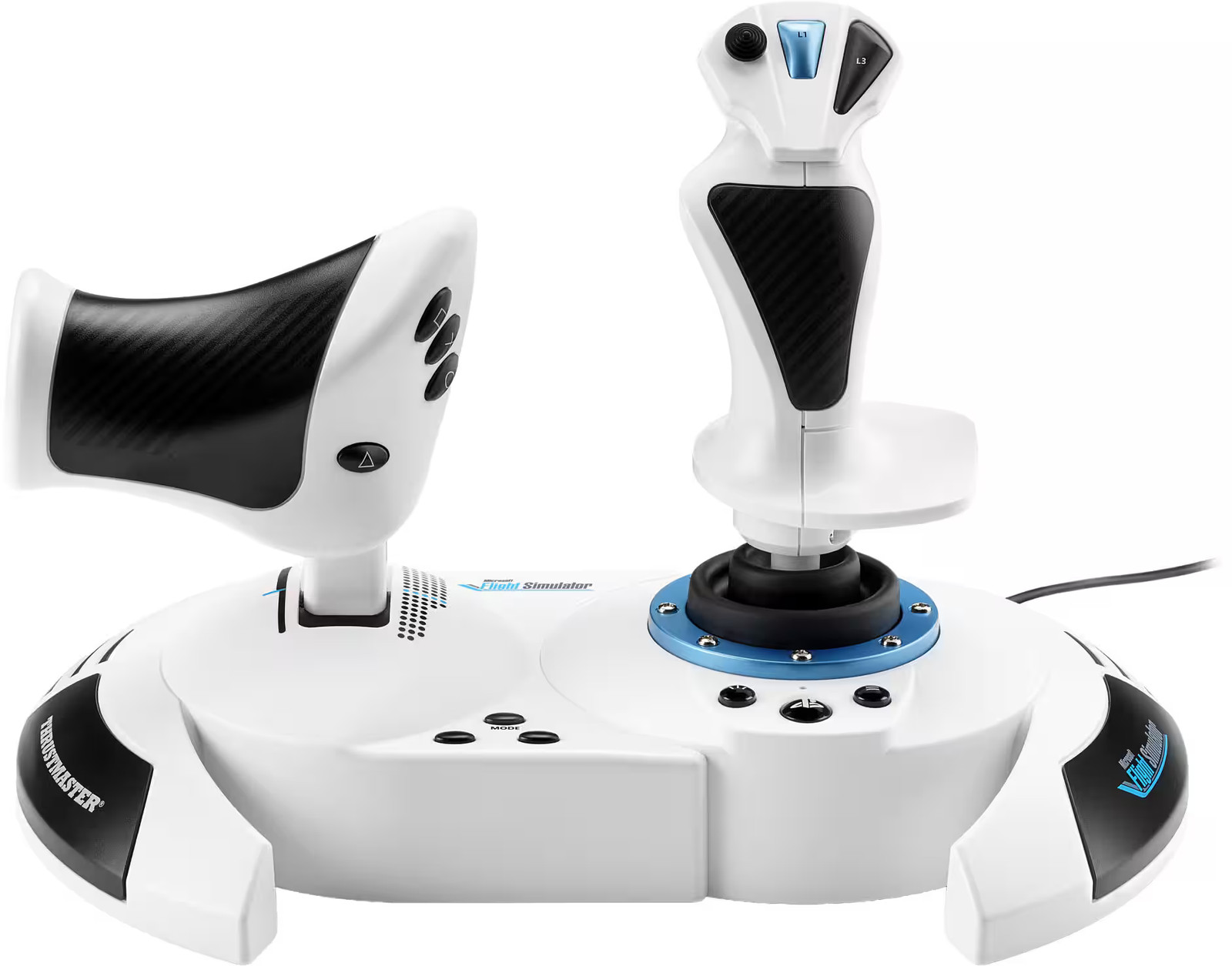 Thrustmaster - T.Flight Hotas 5 Microsoft Flight Simulator Controller Joystic...$109.99View on eBay
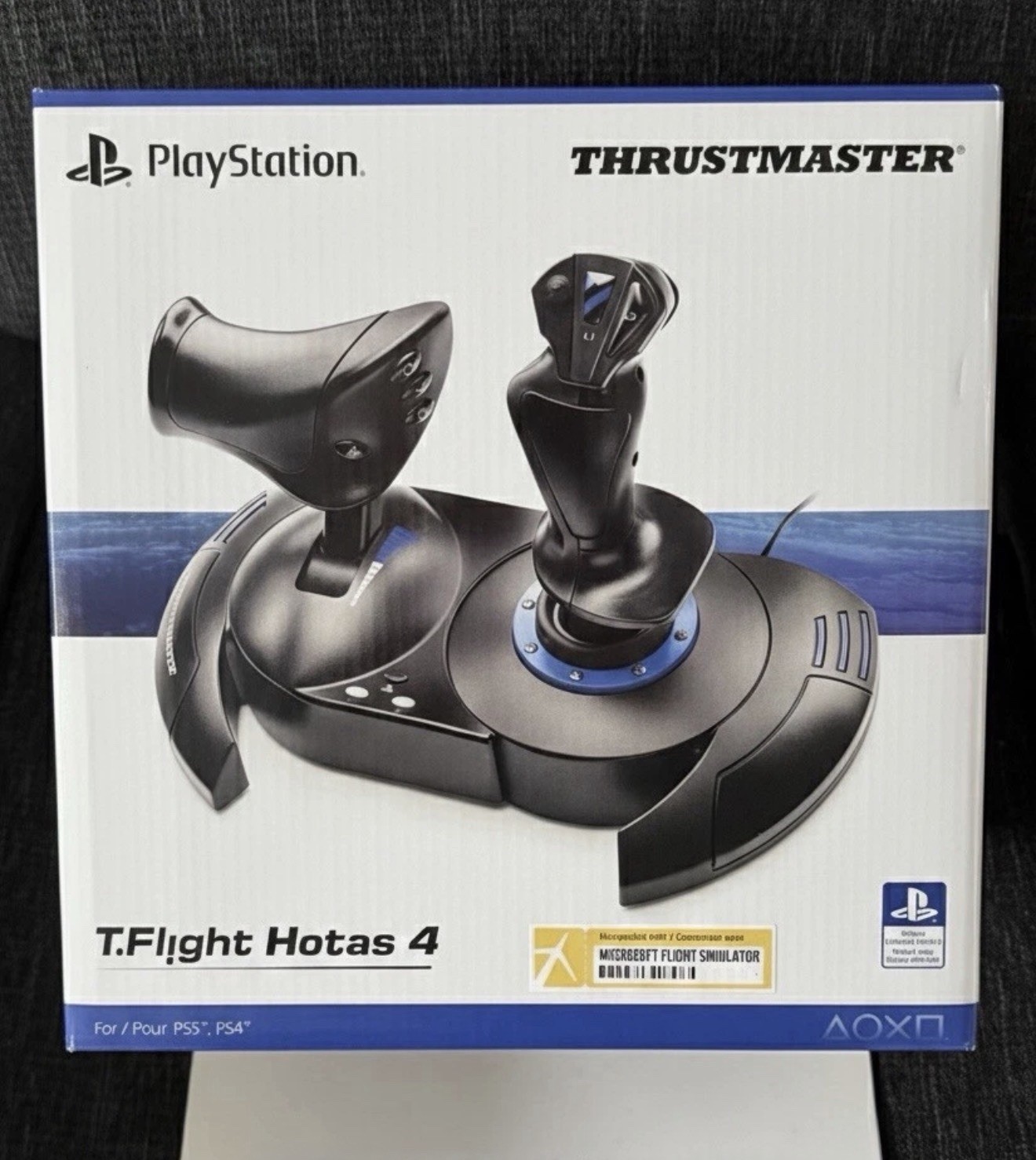 Thrustmaster T.Flight Hotas 4 Flight Stick Joystick for PS4 PS5 & PC - New$200.00Last checked Nov 18, 2026View on eBay
Highlights
- Detachable throttle lets you run a split HOTAS layout with a separate stick and throttle or lock them together as a single desktop unit.
- Official PS4 and PS5 compatibility with a dedicated console mode switch; PC mode uses standard USB HID and works without additional drivers on Windows.
- Built-in twist rudder axis on the stick gives yaw control without separate pedals, which matters for flight sims that require rudder input.
- Plastic gimbal and Hall-effect-free potentiometers keep cost low but introduce dead zones and center play over time compared with magnetic or metal-gimbal sticks.
Best use cases
- Best fit: console flight simmers on PS4 or PS5 who want a single-box HOTAS with twist rudder and plug-and-play USB — pick this over a stick-only controller.
- Best fit: PC players on a tight budget who want a detachable throttle and twist yaw for arcade and light-sim flying; the PC mode works without extra software.
- Wrong fit: buyers who need precise center feel, long-throw metal gimbals, or force feedback for competitive sim racing or hardcore study sims — step up to a magnetic-gimbal or modular HOTAS.
- Wrong fit: users with very small desks or lap-only setups who cannot clamp or secure the combined unit — the joined stick and throttle need a stable flat surface.
Buying tips
- Choose the HOTAS 4 specifically for PS4/PS5 compatibility; the same T.Flight family also ships in Xbox and PC-focused variants that are not interchangeable across consoles.
- Confirm your sim supports twist-rudder yaw on a single axis before relying on it; some study sims expect separate rudder pedals for full control.
- Plan a stable, flat mounting surface for the combined or split unit — lightweight plastic bases slide under heavy stick input without clamping or non-slip backing.
- Inspect the console mode switch and USB cable length: the HOTAS 4 uses a wired USB connection, so you need the cable to reach your console or PC port without strain.
Specs
| Platform Support | PS4 / PS5 / PC (USB) |
|---|---|
| Throttle Layout | Detachable / lockable combined |
| Rudder Control | Twist axis (no pedals needed) |
| Gimbal Type | Plastic gimbal / potentiometers |
Related searches
What to check before buying
- Measure your desk or tray depth and width: the joined HOTAS footprint plus throttle travel needs clearance so the throttle lever does not hit a wall or monitor stand.
- Verify your console is PS4 or PS5; the HOTAS 4 is not an Xbox-compatible device, and PC mode requires a standard USB-A port.
- Check your sim's control mapping for twist-rudder support and whether it needs separate rudder pedals for realistic yaw.
- Confirm you have a way to secure or stabilize the base — non-slip pads or a clamp — since the plastic housing can shift during aggressive inputs.
FAQ
Data sources: eBay / Amazon listings and product attribute feeds. Updated Nov 27, 2026.
Some links on this page are affiliate links. If you buy after clicking one, we may earn a commission at no extra cost to you. This does not change which products appear here or their order. Affiliate disclosure.