
Photos from current listings. Actual item, color, and included accessories may vary.
Flight Stick Buying Guide
A flight stick is a dedicated single-hand controller with an X/Y gimbal, twist or rudder axis, and button/hat clusters, distinct from a full HOTAS with a separate throttle. The core trade-off is gimbal construction — potentiometer-based plastic sticks drift and spike within months, while Hall-effect or contactless sensors in metal or reinforced housings hold center for years. The decision rule: buy any stick with contactless sensors and a twist-rudder axis for modern sims; skip legacy gameport/DB15 and plain-potentiometer sticks unless you are collecting vintage hardware.
Median $39.00
Key takeaways
- Sensor type decides longevity: Hall-effect (Thrustmaster T.16000M, CH Products) or contactless magnetic sensors resist wear, while carbon-film potentiometers in budget sticks (Logitech Attack 3, PXN 2113) develop dead zones and spiking.
- Gimbal architecture separates tiers: ball-and-socket plastic gimbals feel notchy and wear; dual-cam or metal-bearing gimbals (CH Products Flightstick Pro, higher Thrustmaster tiers) deliver smooth, linear travel and consistent centering.
- Console compatibility is model-specific: Thrustmaster T.Flight Hotas 4 is licensed for PS4/PS5 and PC, while most PC sticks (CH Products, PXN, Saitek X45) enumerate as generic HID and will not work on PlayStation or Xbox.
At a glance
- Category
- Flight Sim Joysticks & HOTAS
- Last updated
- Nov 27, 2026
Current offers
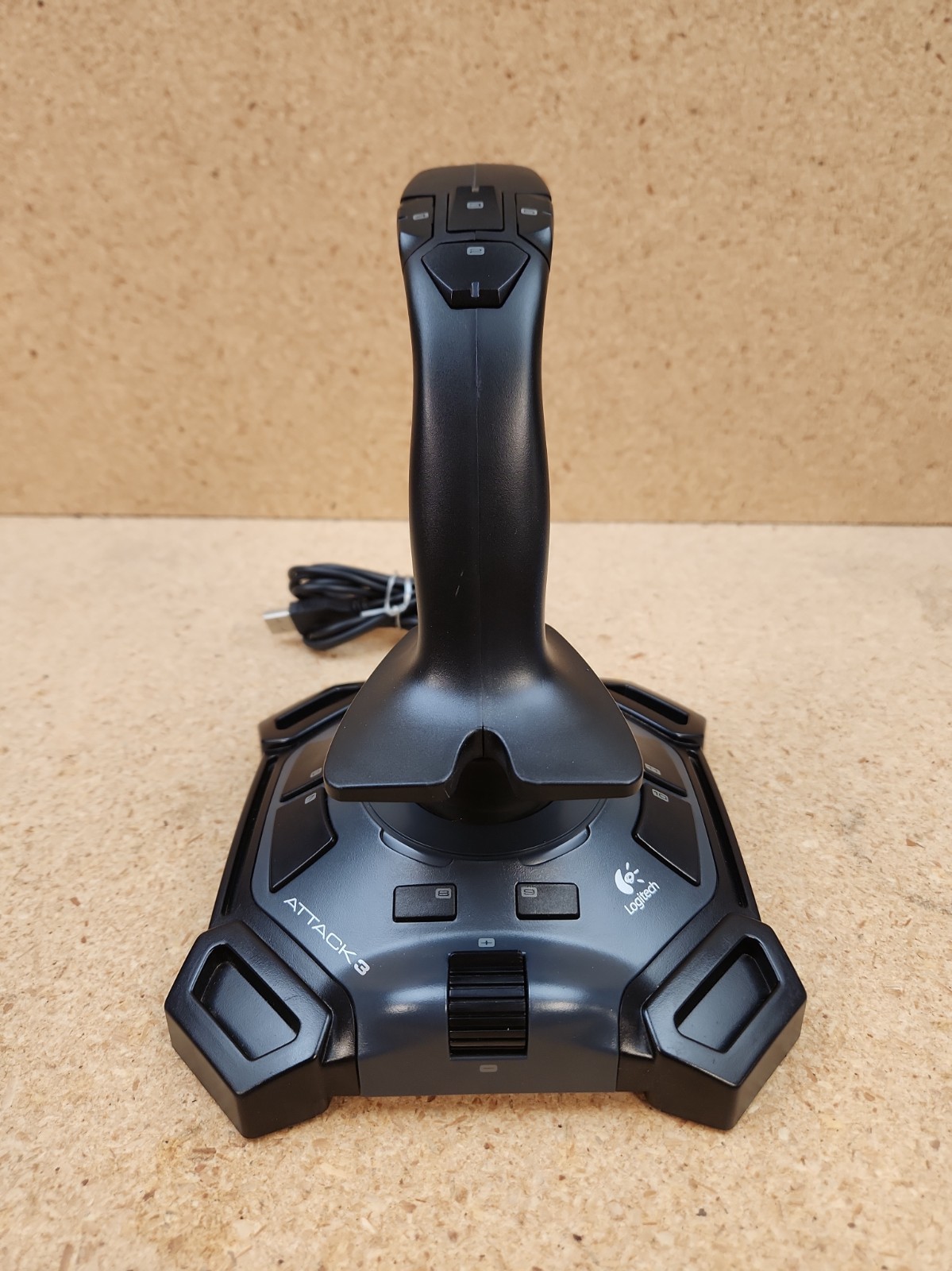 Logitech- Attack 3 ATK3 J-UJ18 Joystick- Gaming Flight Simulator Control- USB PC$21.95View on eBay
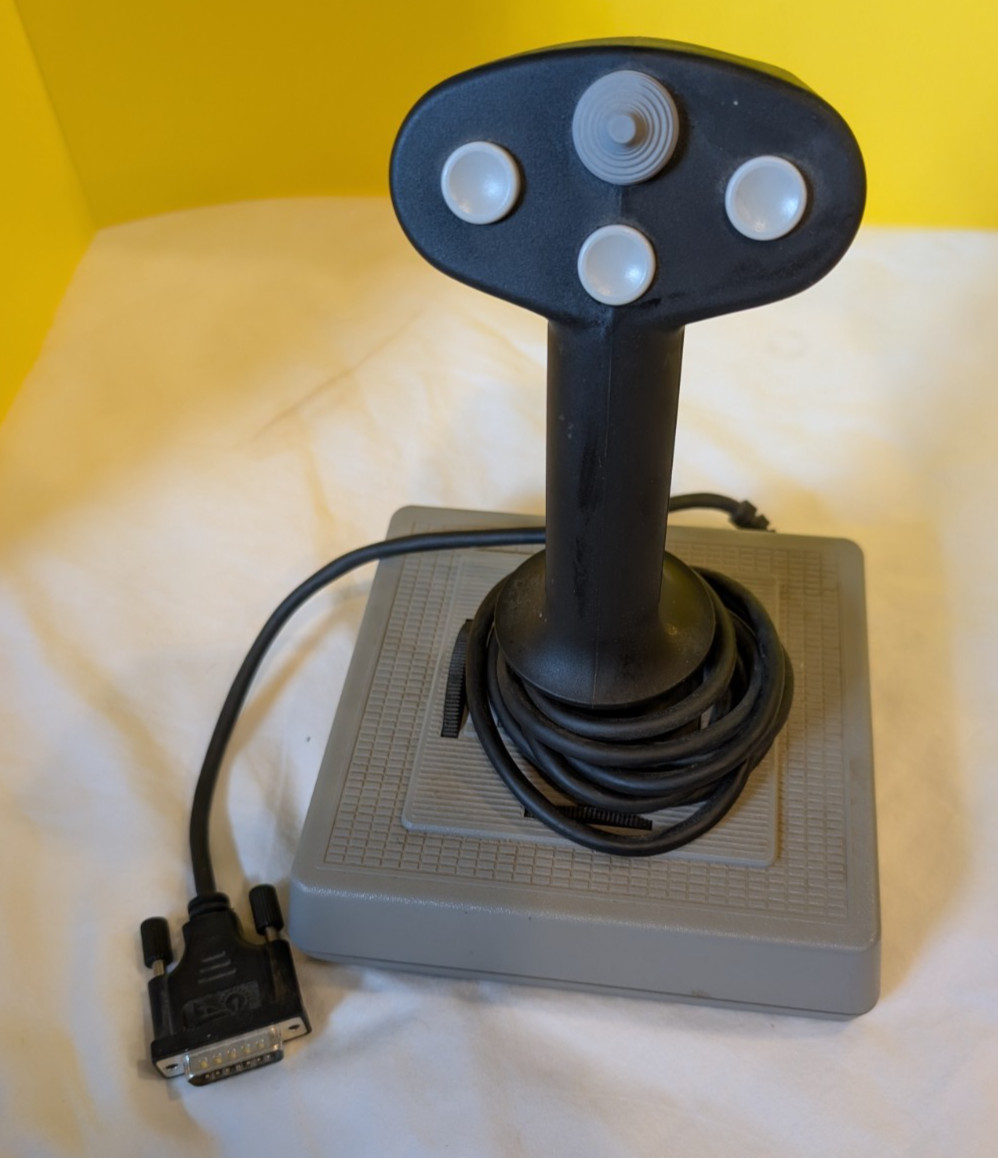 CH Products Flightstick PC Pro USB Flight Simulator Joystick PC 02227$24.99View on eBay
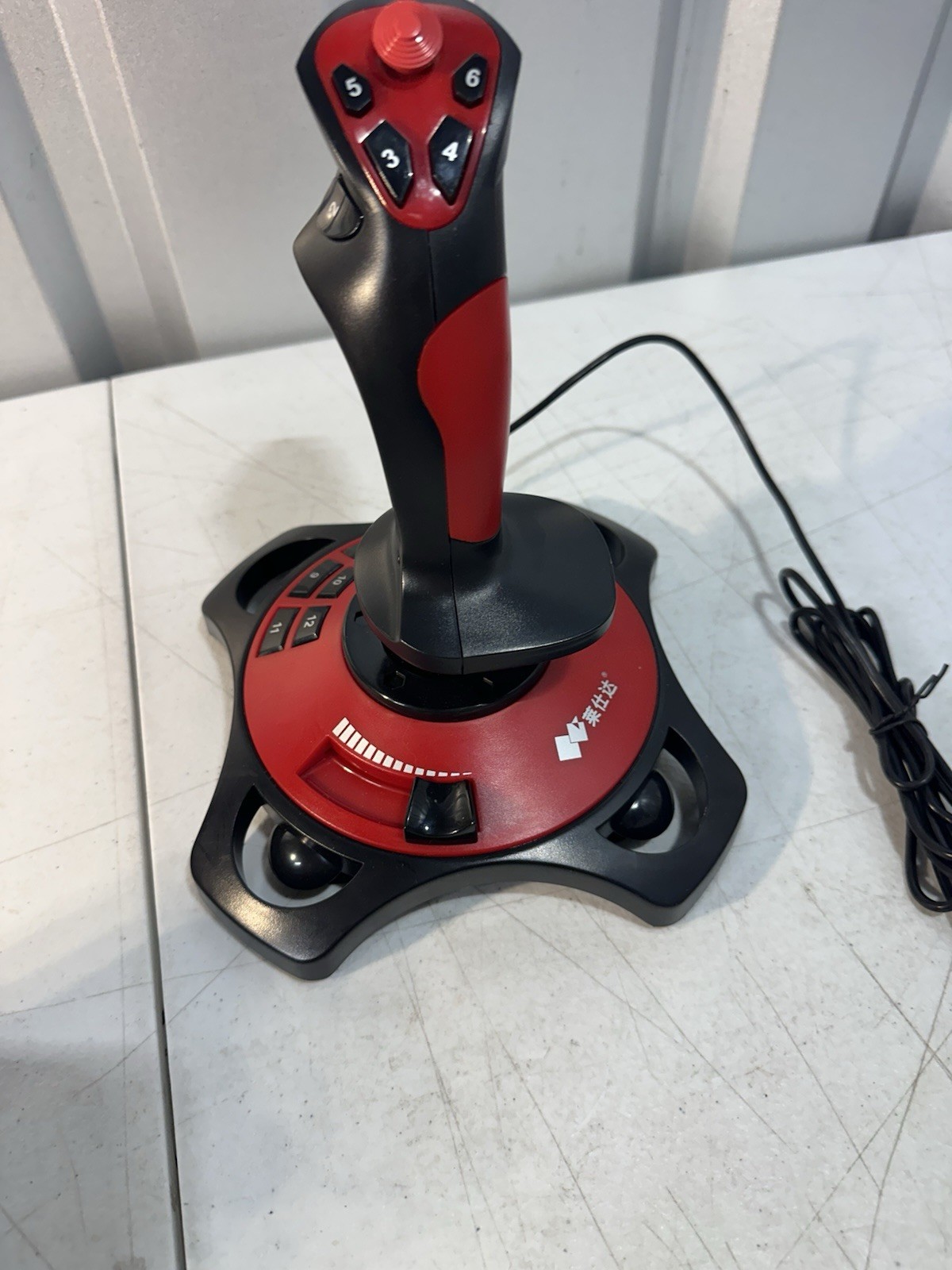 PXN-2103 USB Flight Simulator Joystick 12 Button PC Gaming Controller Tested$29.00View on eBay
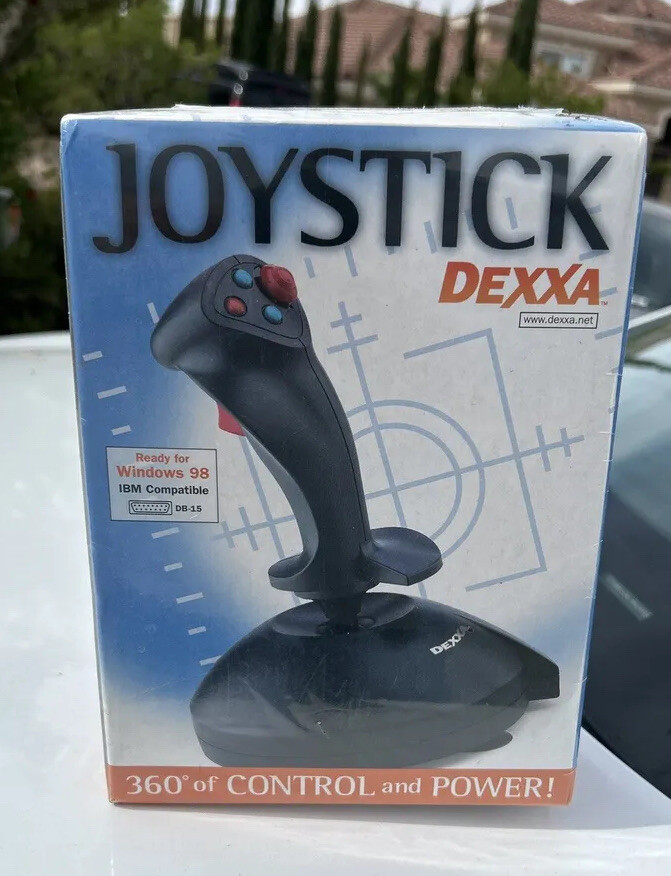 Dexxa Logitech Flight Simulator Joystick Controller for PC Gameport DB15 sealed$29.96View on eBay
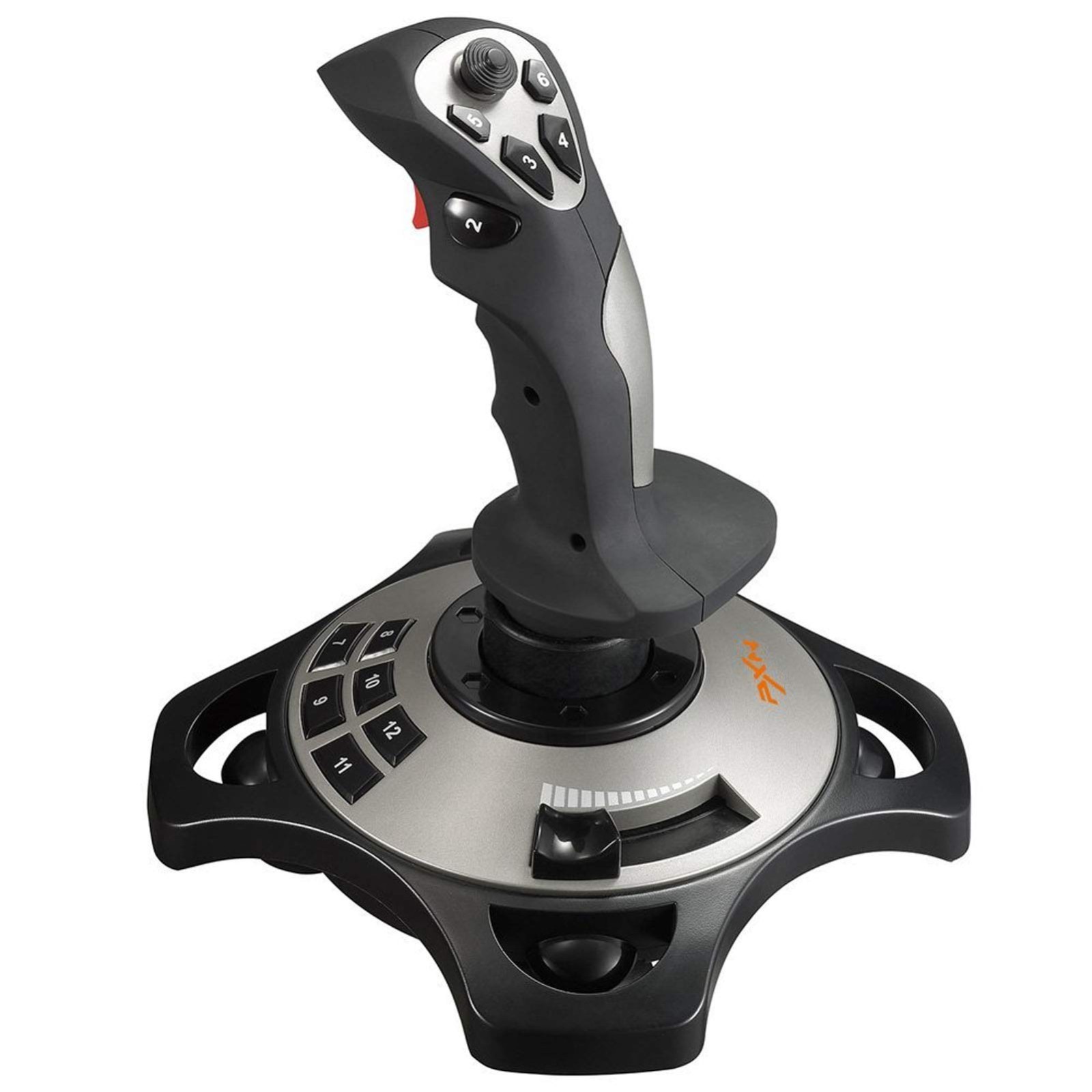 PXN 2113PRO USB Flight Simulator Joystick Gaming Flight Stick Controller PC$32.00View on eBay
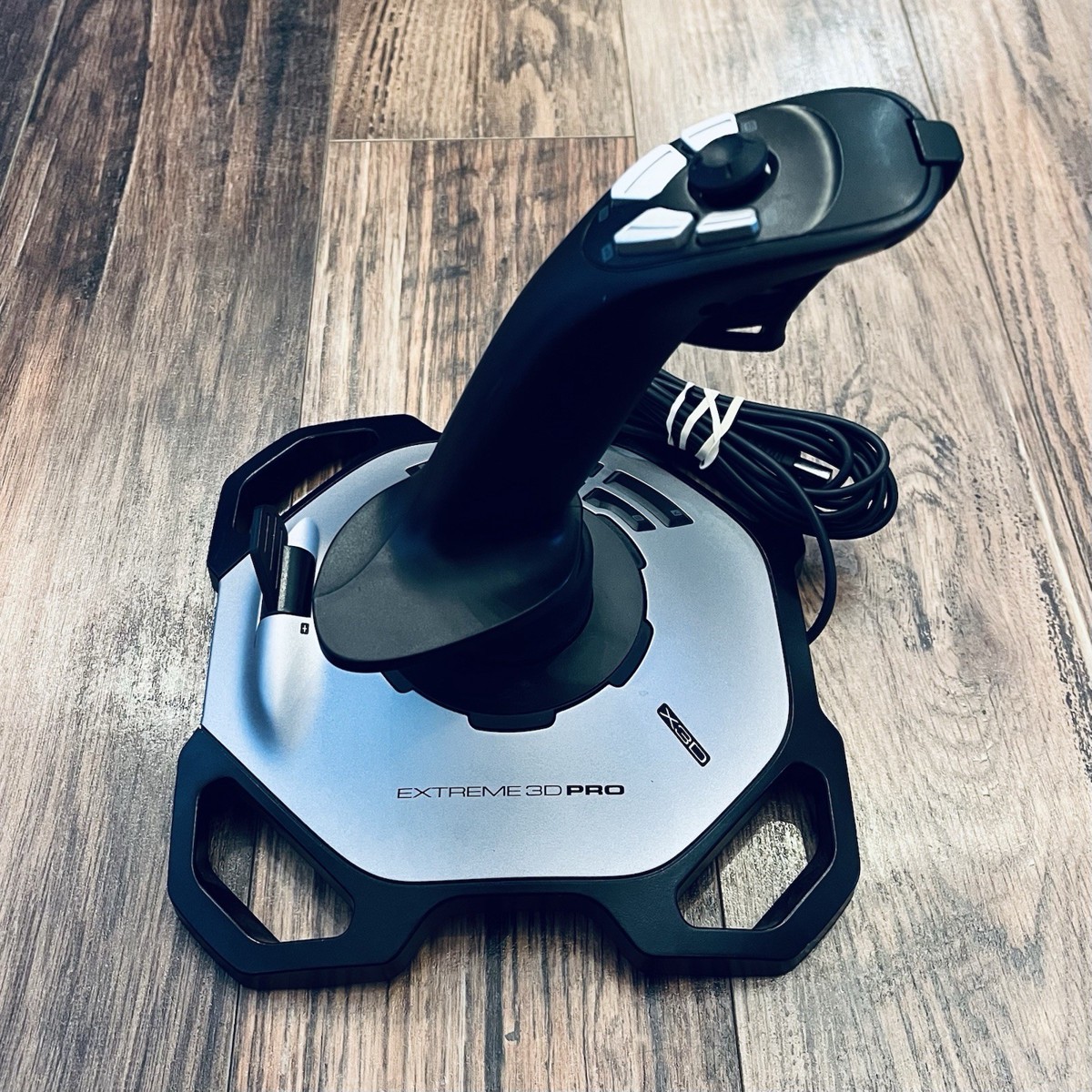 Logitech Extreme 3D Pro X3D USB Flight PC USB Simulator Joystick - SHIPS FREE!$34.99View on eBay
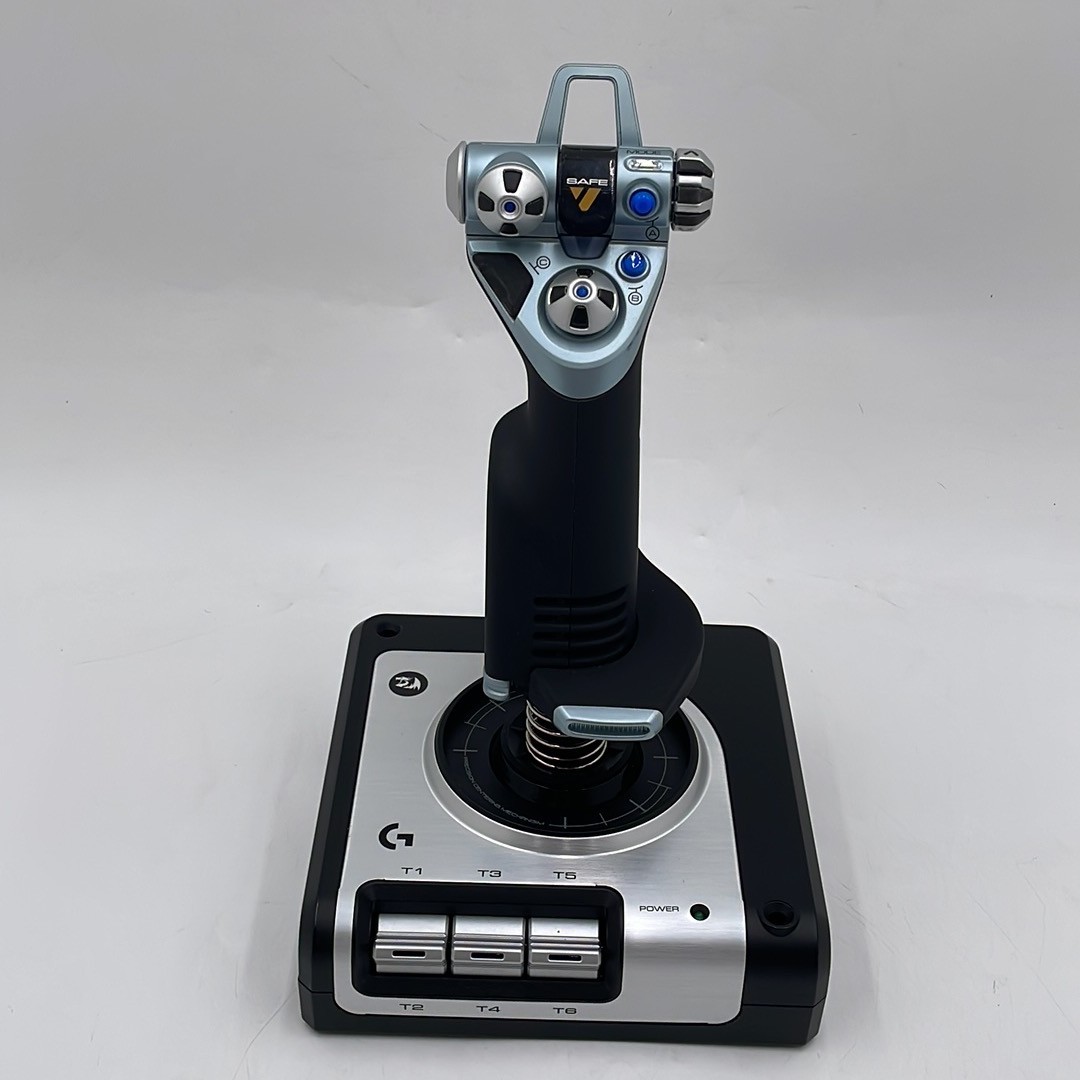 Logitech G X52 Hotas Flight Control Joystick (Stick)$35.95View on eBay
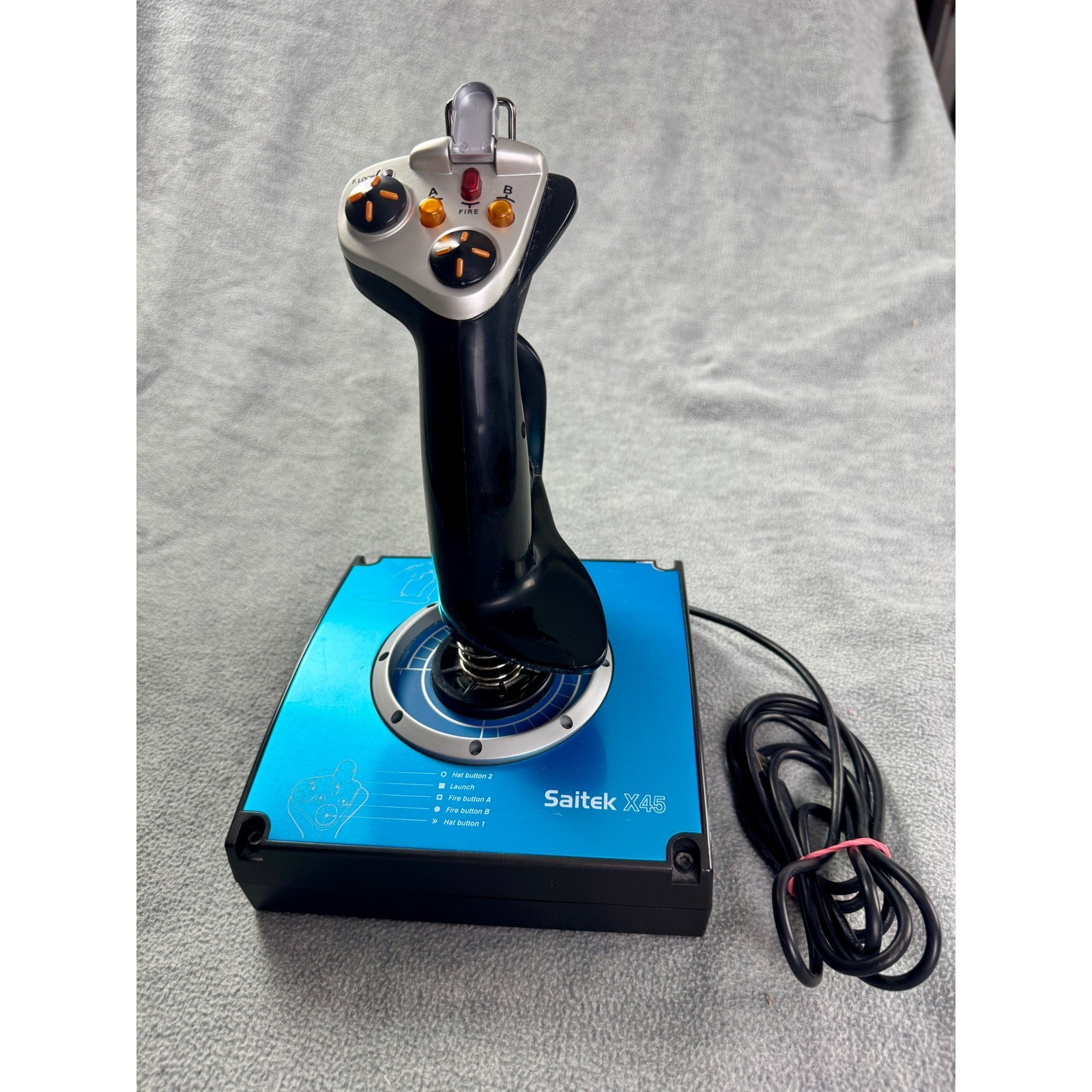 Saitek X45 Digital Flight Control Stick Joystick PC Flight Simulator Controller$38.57View on eBay
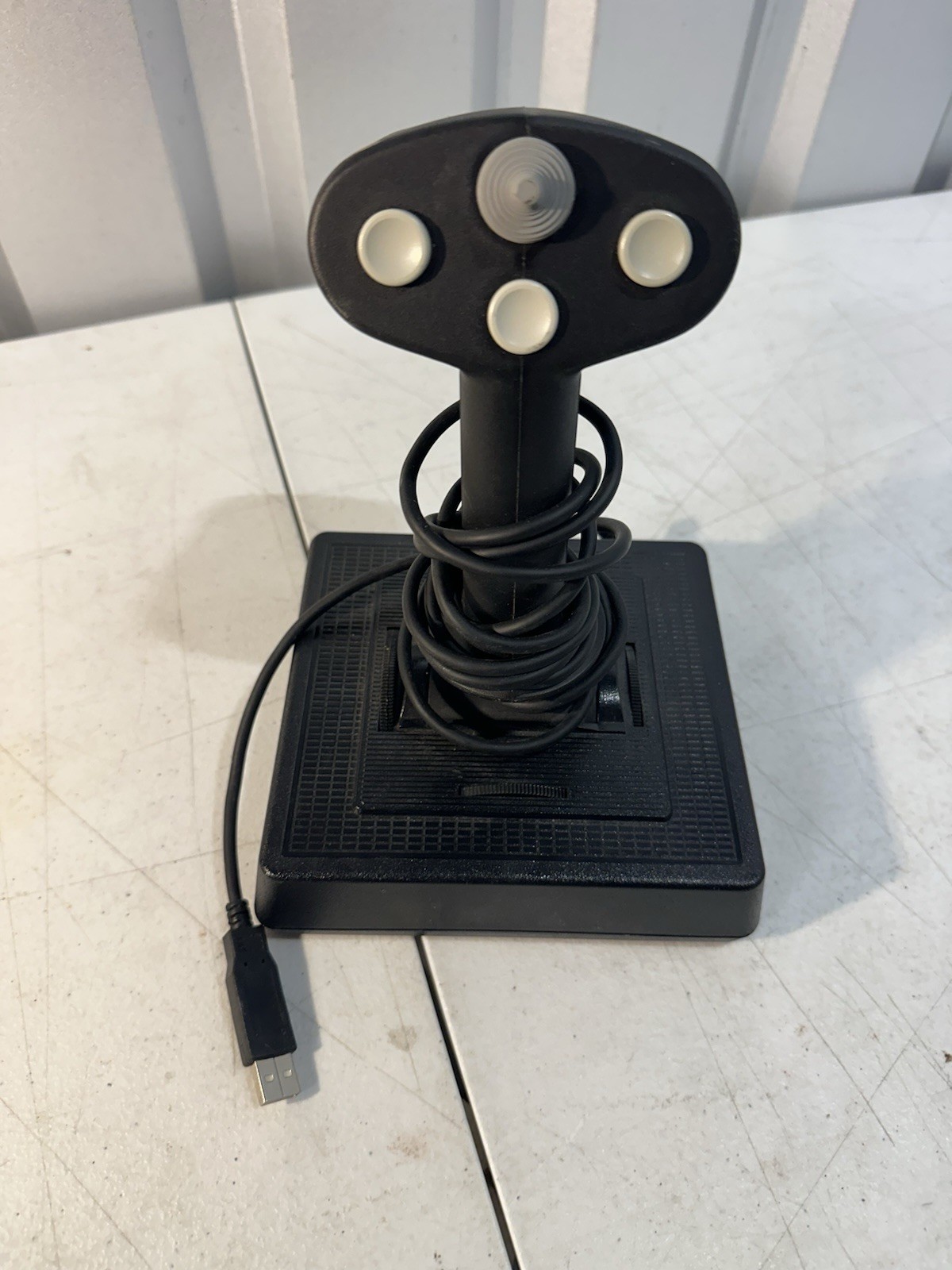 CH Products Flightstick Pro USB FSPUSB Flight Simulator Joystick Tested Working$39.00View on eBay
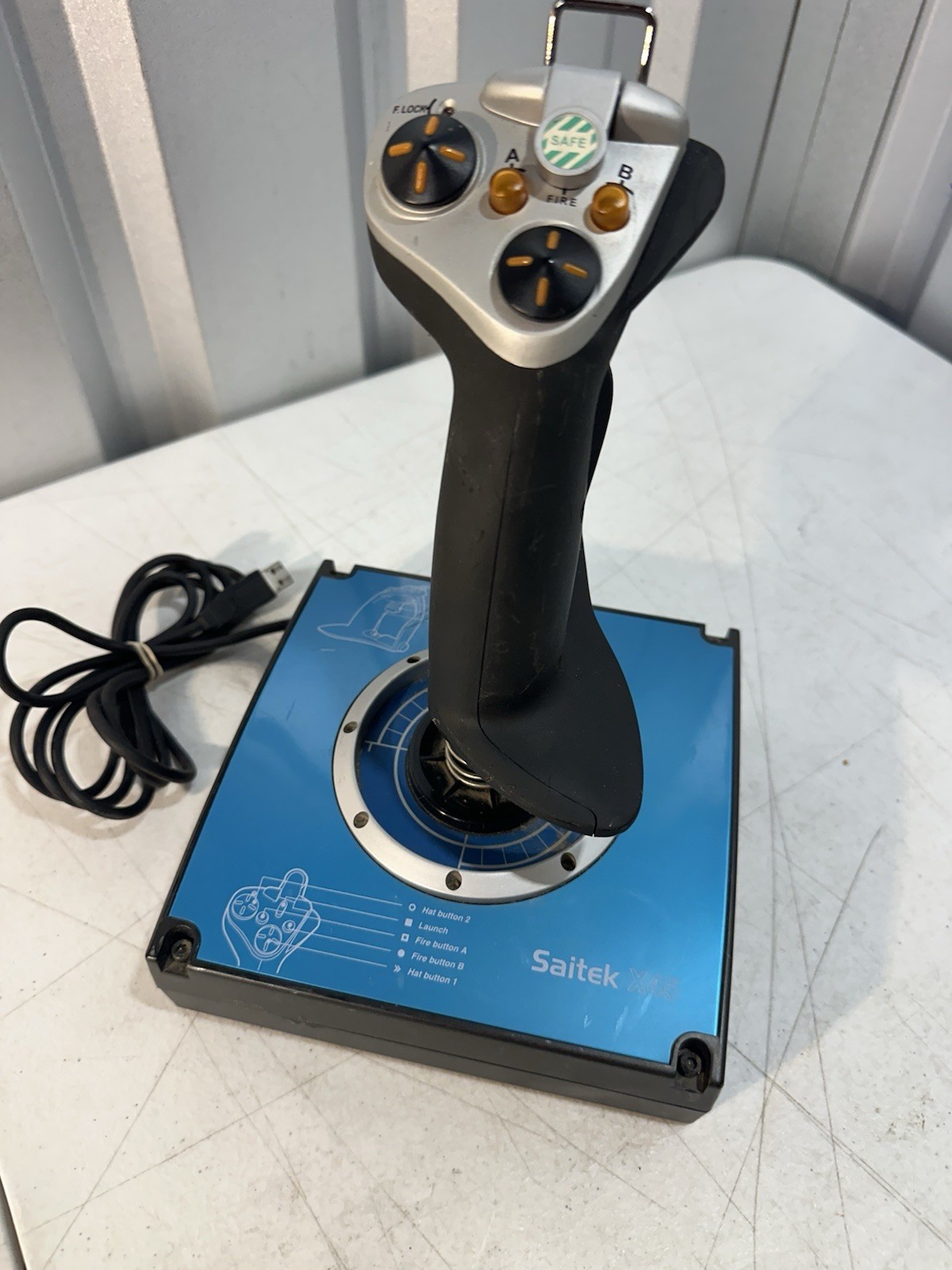 Saitek X45 Digital USB Flight Simulator Joystick Controller Tested Working$39.00View on eBay
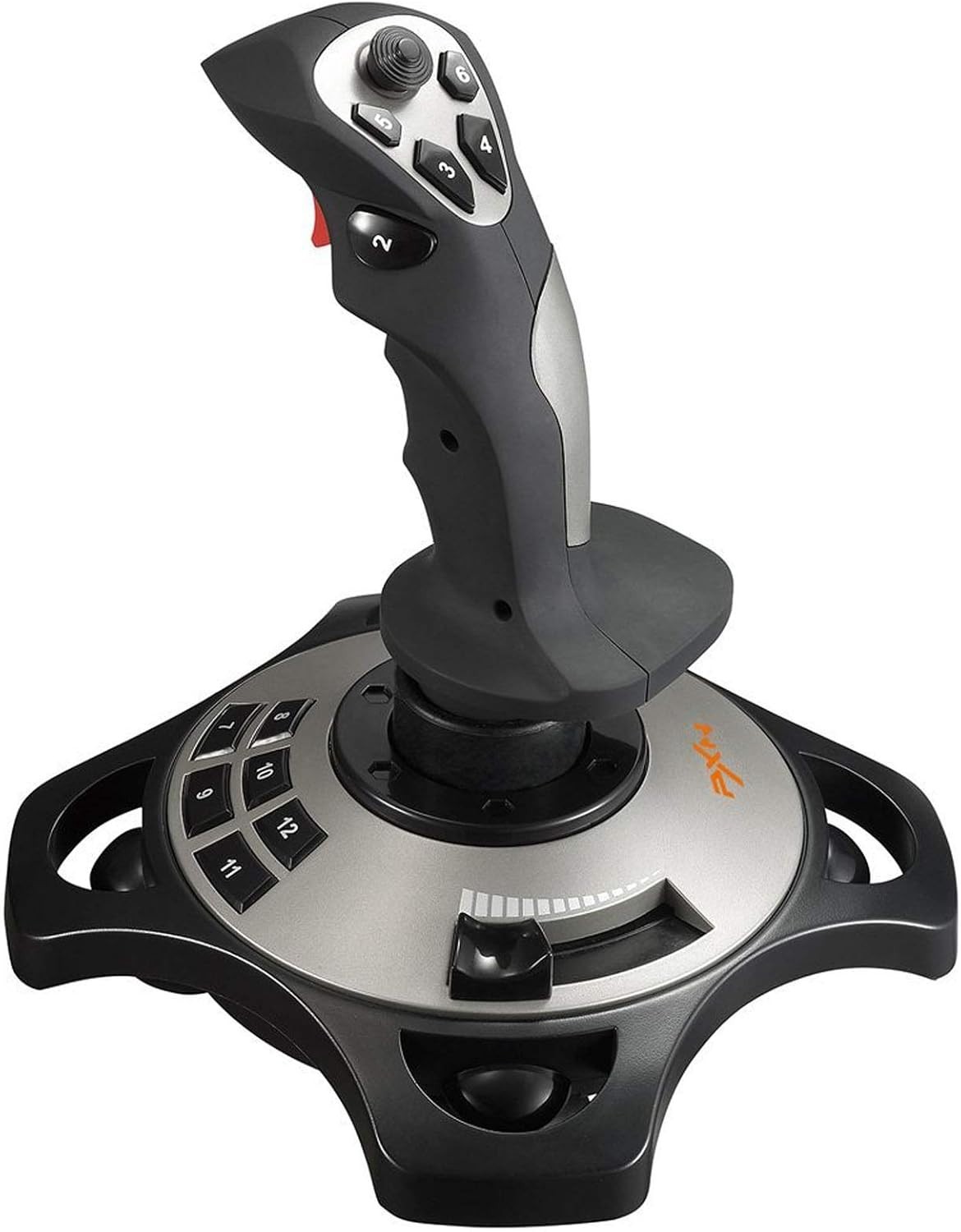 PXN 2113PRO USB Flight Simulator Joystick Gaming Flight Stick Controller PC$41.00View on eBay
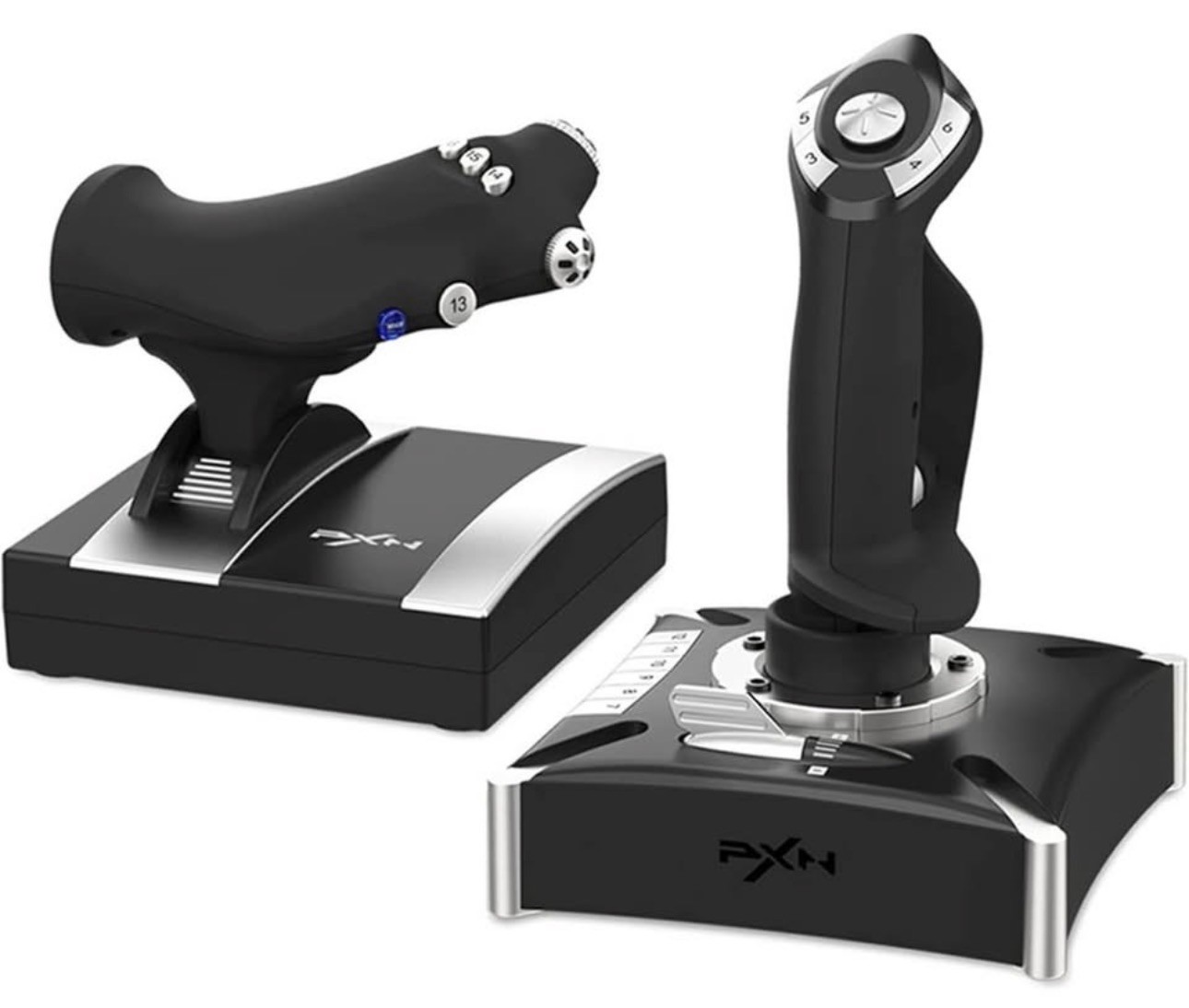 PXN-2119PRO Flight Simulator Joystick Lightweight Controller Unit f/ PC/PS4/XBOX$49.99View on eBay
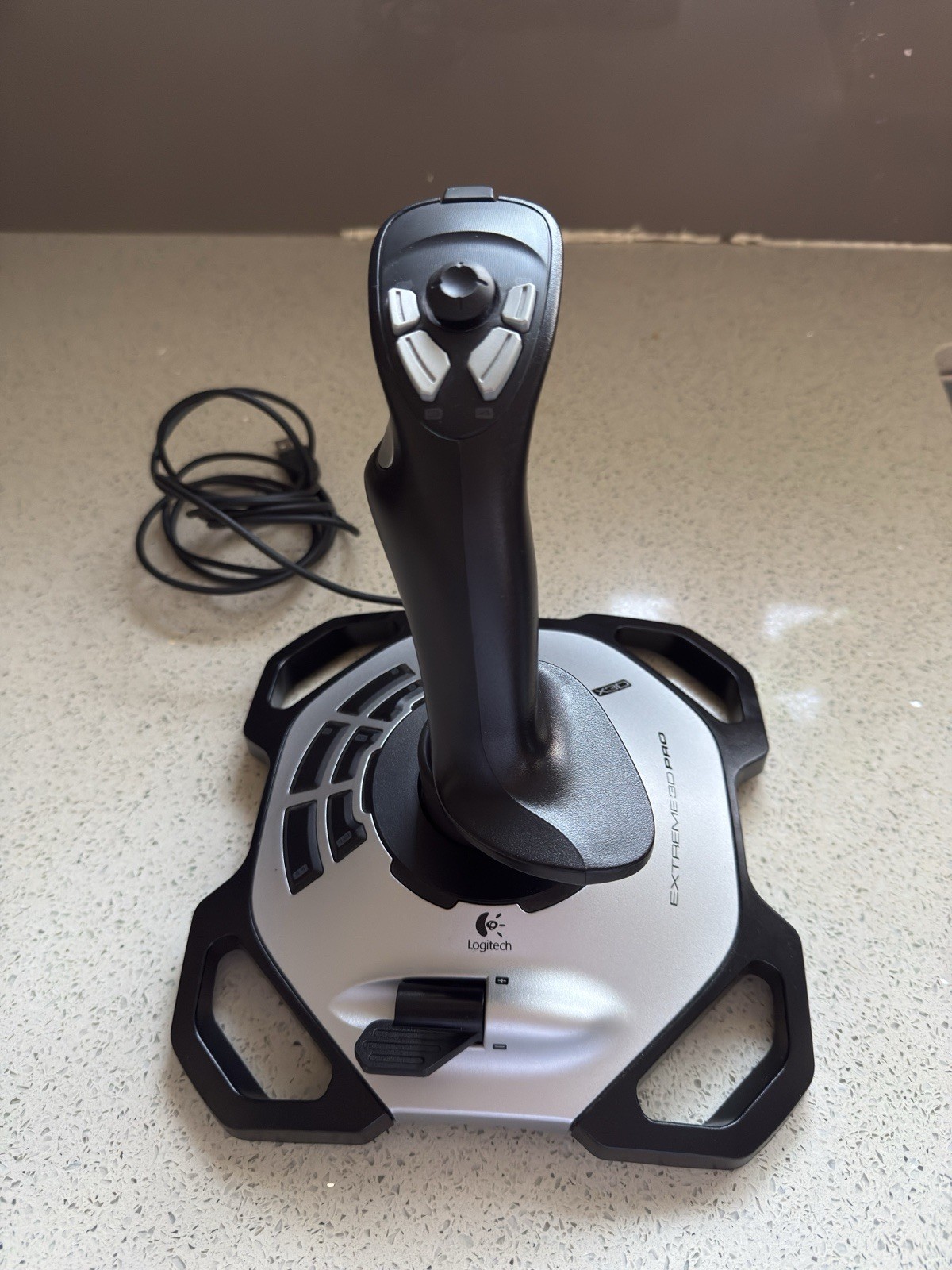 LOGITECH Extreme 3D PRO X3D J-UK17 USB Flight PC USB Simulator Joystick TESTED$53.29View on eBay
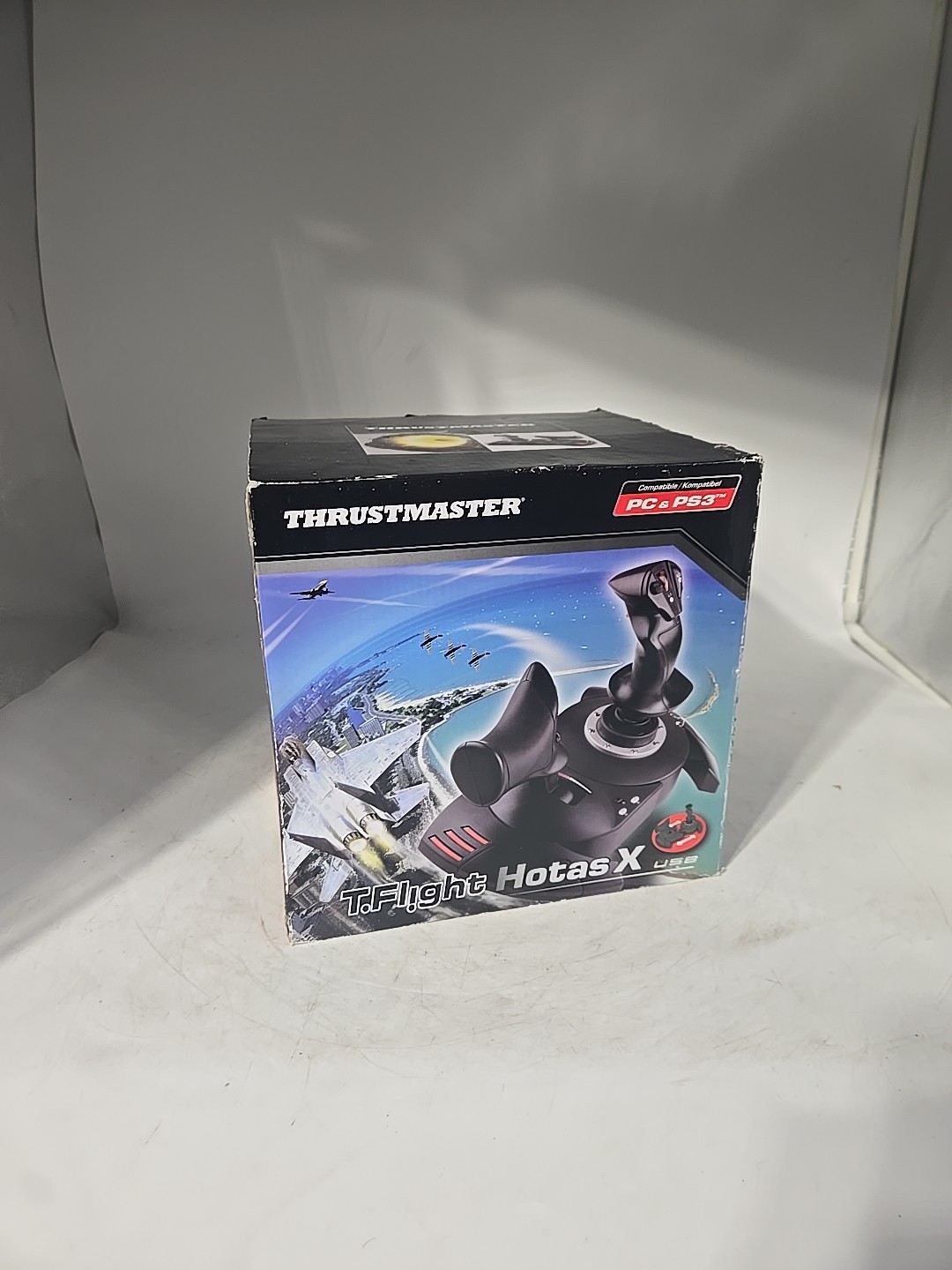 Thrustmaster T-Flight Hotas x PC PlayStation 3 PS3 Flightstick New In Box$65.15View on eBay
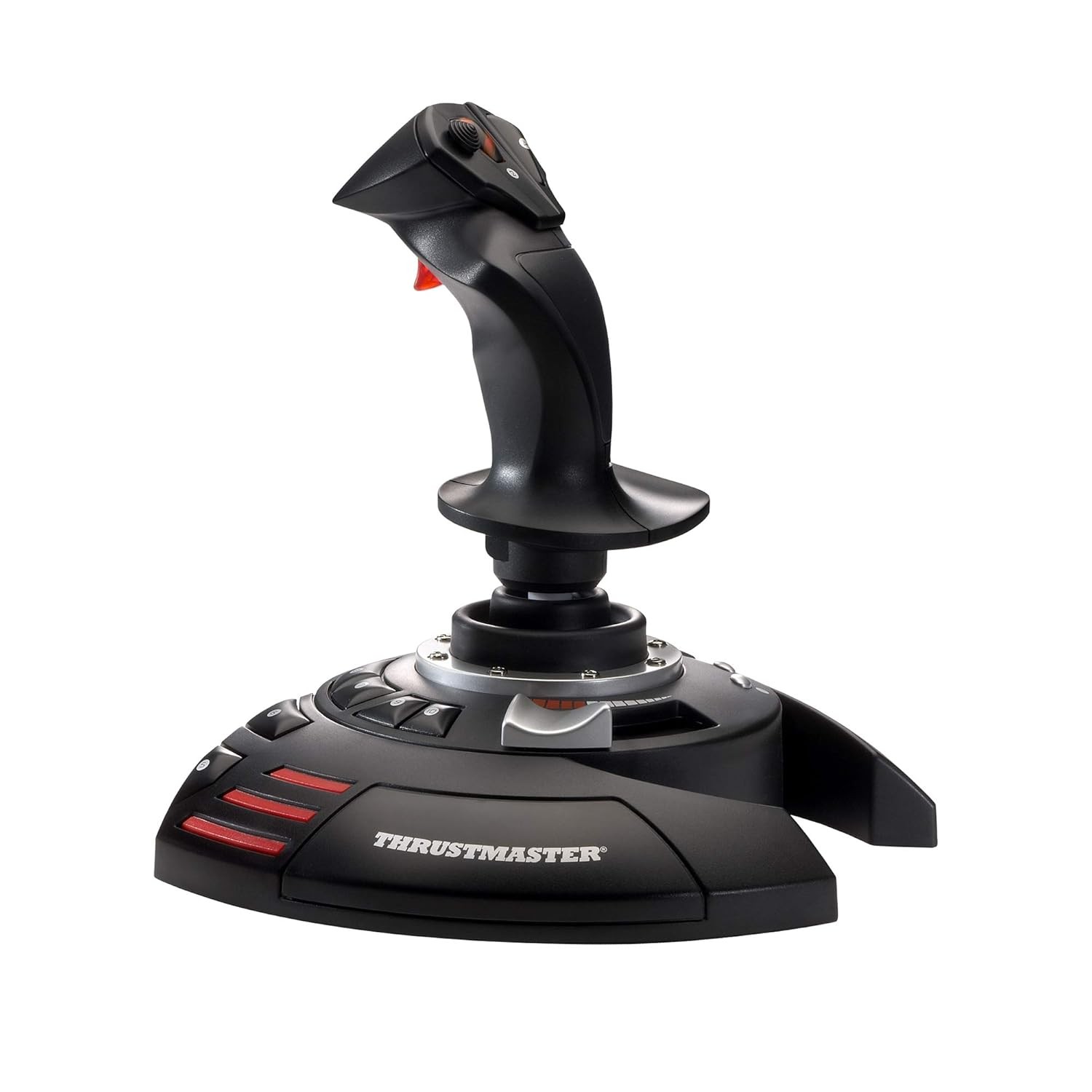 Thrustmaster T Flight Stick X Flight Simulator Controller Joystick USB$81.58View on eBay
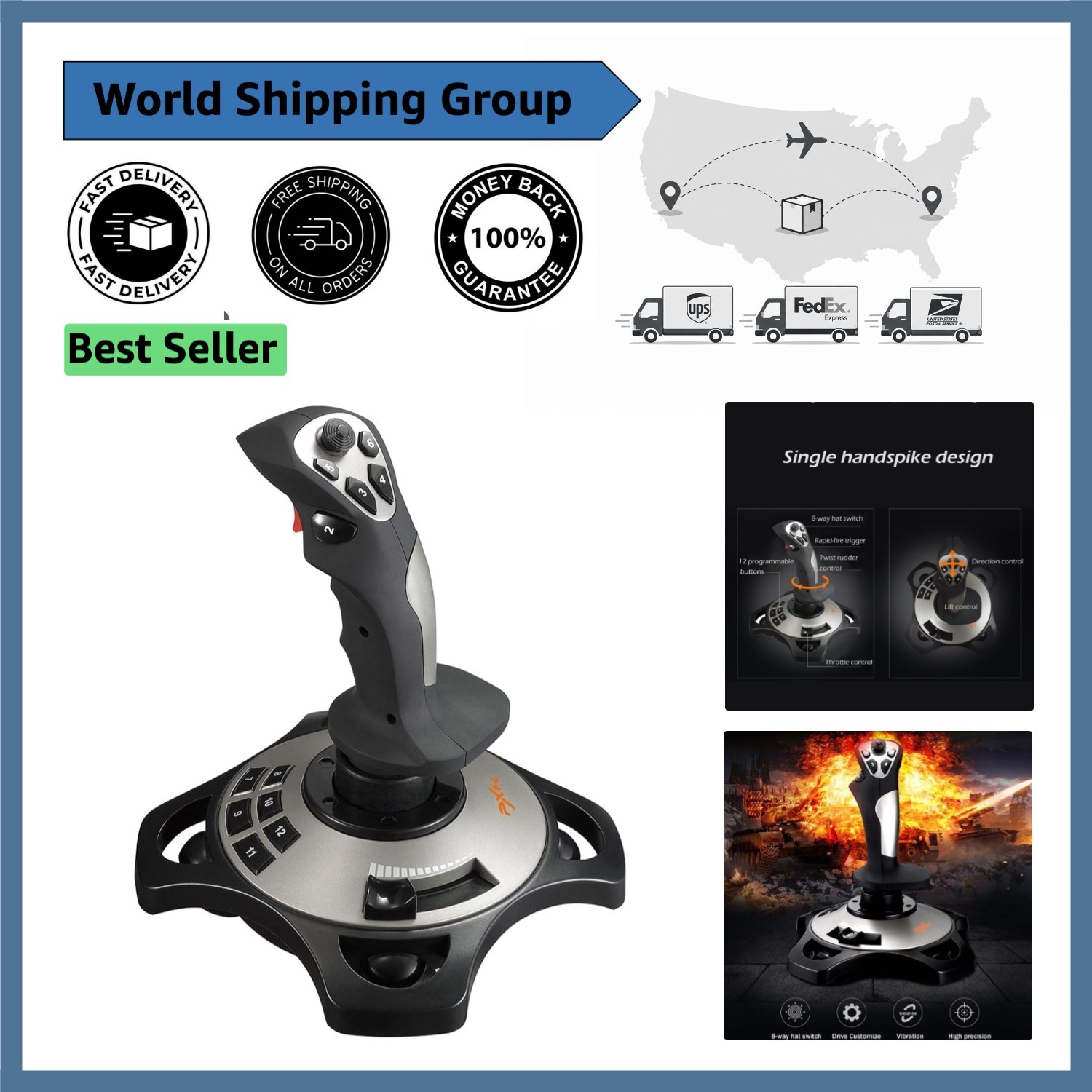 2113PRO USB Flight Simulator Joystick - Ergonomic PC Controller with Vibration$89.95View on eBay
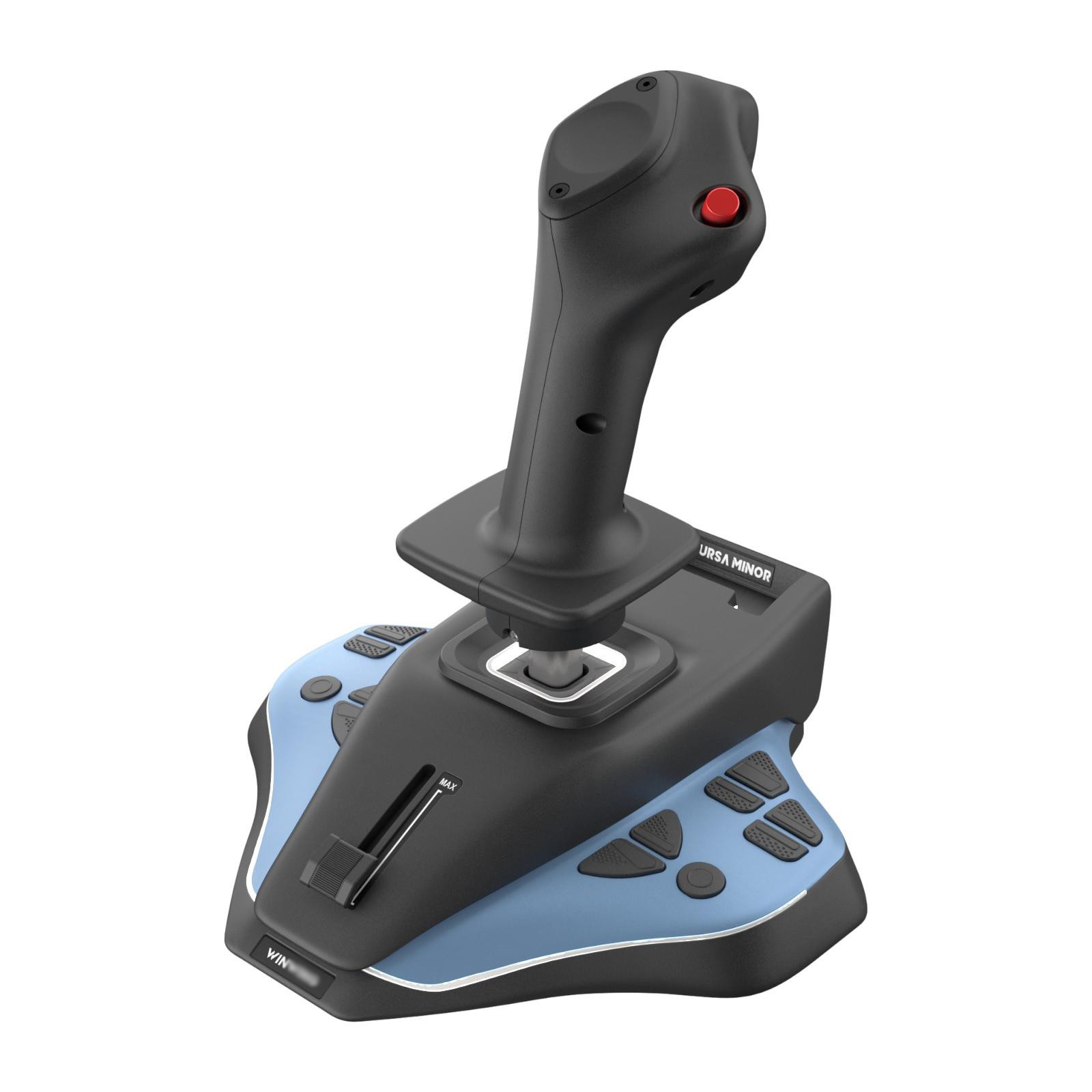 WINWING URSA MINOR Airline Joystick L Flight Simulator for X-Plane MSFS2020/24$132.89View on eBay
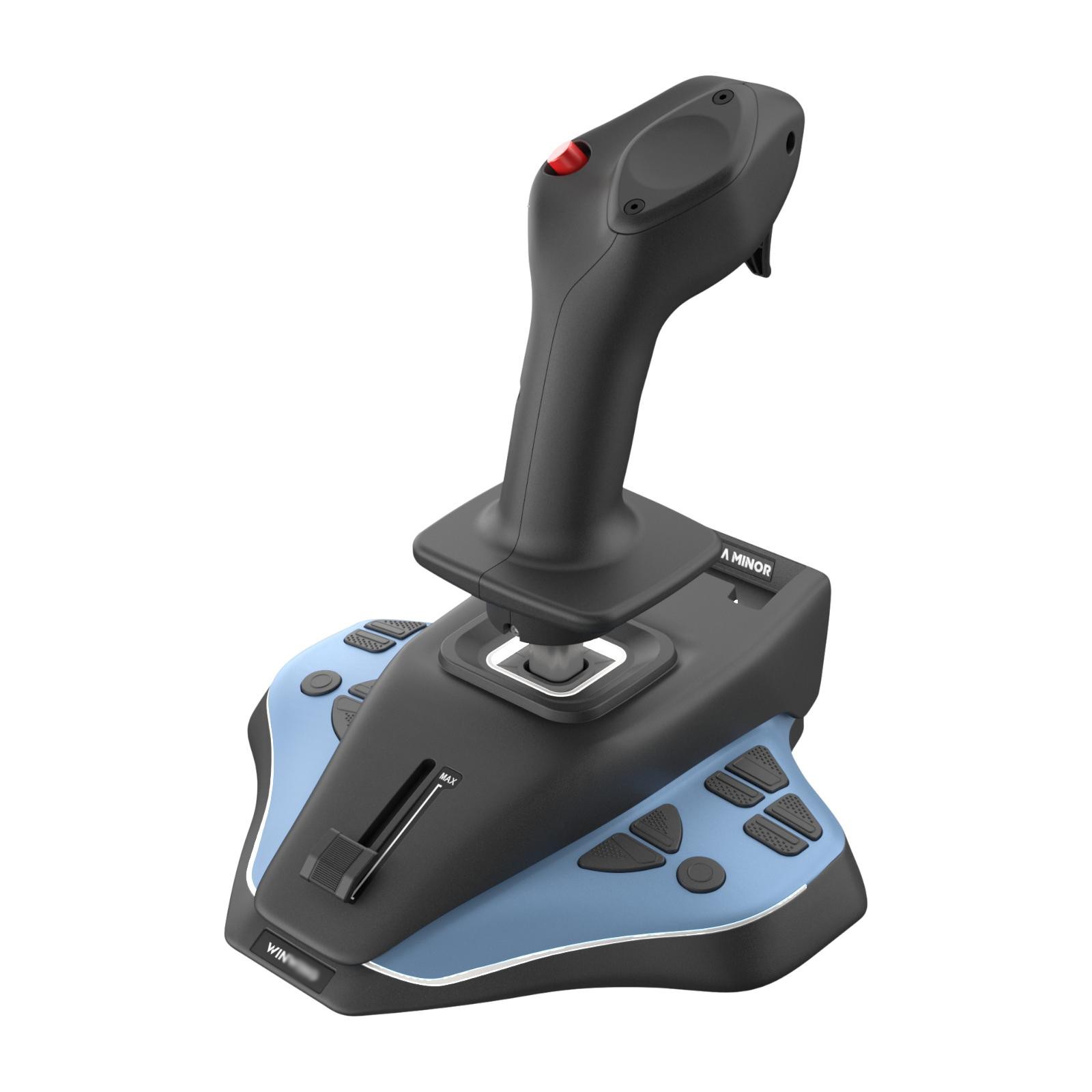 WINWING URSA MINOR Airline Joystick R Flight Simulator for X-Plane MSFS2020/24$132.89View on eBay
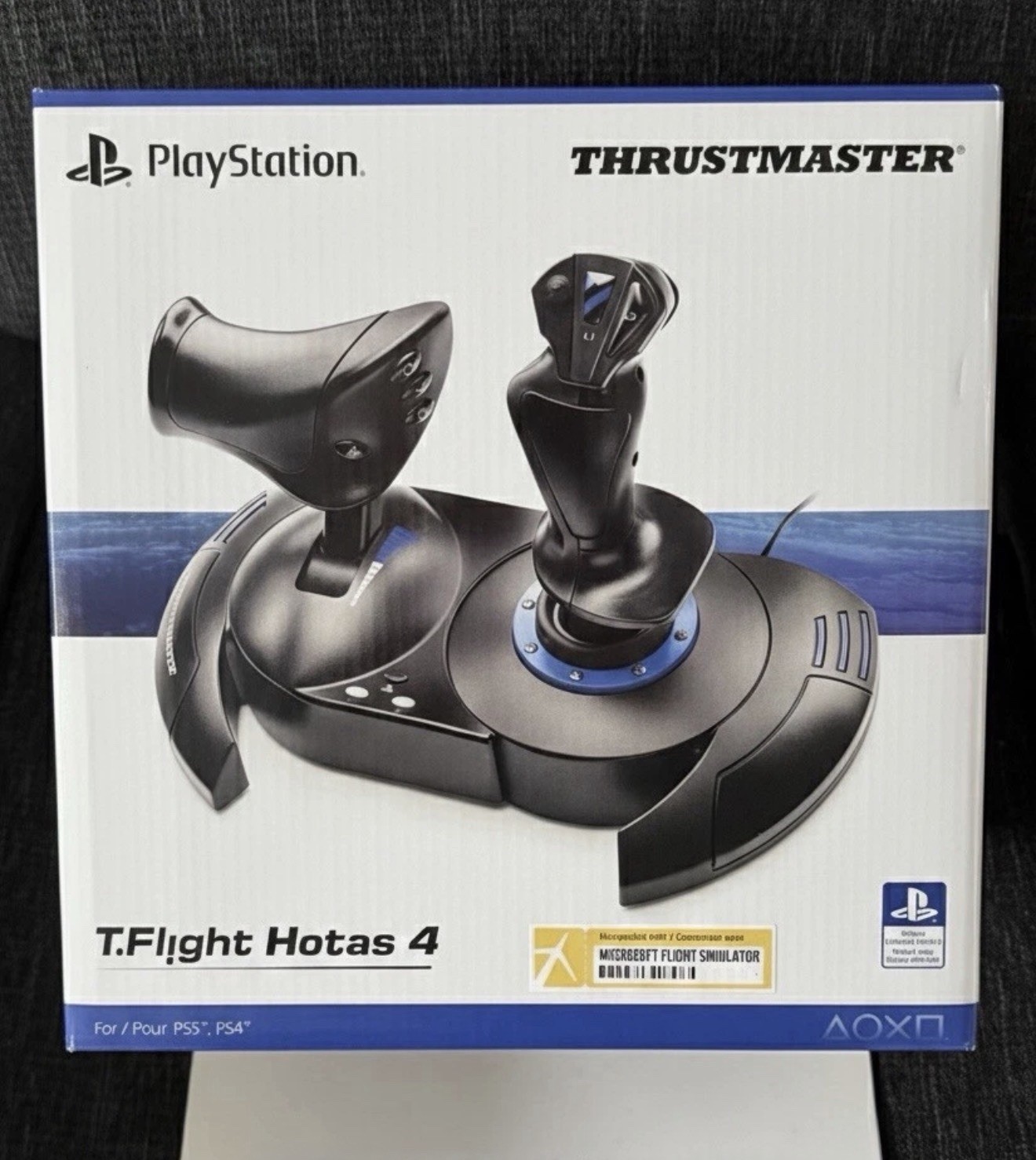 Thrustmaster T.Flight Hotas 4 Flight Stick Joystick for PS4 PS5 & PC - New$200.00Last checked Nov 18, 2026View on eBay
Highlights
- Sensor type decides longevity: Hall-effect (Thrustmaster T.16000M, CH Products) or contactless magnetic sensors resist wear, while carbon-film potentiometers in budget sticks (Logitech Attack 3, PXN 2113) develop dead zones and spiking.
- Gimbal architecture separates tiers: ball-and-socket plastic gimbals feel notchy and wear; dual-cam or metal-bearing gimbals (CH Products Flightstick Pro, higher Thrustmaster tiers) deliver smooth, linear travel and consistent centering.
- Console compatibility is model-specific: Thrustmaster T.Flight Hotas 4 is licensed for PS4/PS5 and PC, while most PC sticks (CH Products, PXN, Saitek X45) enumerate as generic HID and will not work on PlayStation or Xbox.
- Connection standard matters: USB sticks work on any modern PC; gameport DB15 sticks (Dexxa/Logitech sealed units, early Saitek) require a legacy port or adapter and are not plug-and-play on current systems.
Best use cases
- Space sims (Star Citizen, Elite Dangerous): pick a twist-rudder stick with at least 12 buttons and a hat — Thrustmaster T.16000M or CH Products Flightstick Pro — and pair with a separate throttle or second stick for six-degree-of-freedom control.
- PS5/PS4 console simming: only buy explicitly licensed hardware such as the Thrustmaster T.Flight Hotas 4; PC-only sticks like the PXN 2113PRO or CH Products will not be recognized by the console.
- Budget first stick for PC: the Thrustmaster T.Flight Stick X offers a twist axis and USB plug-and-play at entry tier, but its potentiometer gimbal is a wear item; skip it if you plan hundreds of hours in DCS or Star Citizen.
- Wrong fit to avoid: sealed gameport sticks (Dexxa/Logitech DB15) and vintage Saitek X45 units are collector items — no modern PC has a gameport, and adapter behavior is unreliable.
Buying tips
- Verify sensor spec before buying: Hall-effect or magnetic contactless sensors are the durability threshold; plain 'potentiometer' listings are consumable parts, not long-term gear.
- Match the stick to your platform: PS5/PS4 requires a licensed model (T.Flight Hotas 4); Xbox requires licensed Xbox-compatible sticks; generic USB HID sticks are PC-only.
- Count inputs for your sim: space sims need 12+ buttons plus hats and twist; WWII/GA sims are fine with 8 buttons and a twist or rudder axis; DCS modules benefit from a separate throttle and pedals.
- Avoid gameport/DB15 and unlicensed third-party sticks: they lack driver support, calibration software, and firmware updates, and resale value collapses once the bundled OS drops legacy support.
Specs
| Sensor Type | Hall-effect / contactless vs potentiometer |
|---|---|
| Gimbal Build | Plastic ball-socket vs metal dual-cam |
| Platform | PC-only USB vs PS5/Xbox licensed |
| Rudder Axis | Twist vs non-twist (pedals required) |
Related searches
What to check before buying
- Confirm your platform's USB HID support and whether the stick is officially licensed for PS5, Xbox, or PC-only before purchase.
- Measure desk or mount space: a single flight stick needs roughly 20x20 cm of stable surface, and clamp or mount compatibility must be checked against base dimensions.
- Check the twist-rudder axis: if you own or plan to buy rudder pedals, a non-twist stick is acceptable; otherwise twist is mandatory for yaw control in most sims.
- Verify the stick includes or supports the companion throttle: HOTAS bundles include one, standalone sticks require a separate throttle or second stick for full engine and radar control.
FAQ
Data sources: eBay / Amazon listings and product attribute feeds. Updated Nov 27, 2026.
Some links on this page are affiliate links. If you buy after clicking one, we may earn a commission at no extra cost to you. This does not change which products appear here or their order. Affiliate disclosure.