
Photos from current listings. Actual item, color, and included accessories may vary.
Flight Control Buying Guide
Flight control systems range from simple USB joysticks to full HOTAS (Hands On Throttle And Stick) setups, and the key trade-off is between sensor precision and build materials versus cost. Durable options use contactless Hall-effect sensors and metal internal gimbals; compromises rely on potentiometers that wear out and plastic-on-plastic pivots that develop play. The decision rule: buy a HOTAS with Hall-effect or optical sensors and a twist or rudder axis if you fly combat sims; buy a basic potentiometer stick only for casual arcade flight.
Median $39.00
Key takeaways
- Sensor type separates tiers: potentiometer sticks (Logitech Attack 3, PXN 2103) drift and spike after months; Hall-effect/optical sensors (X52 Pro, modern HOTAS) stay precise for years.
- Gimbal construction matters: plastic ball-and-socket gimbals (Saitek X45, AV8R) develop center play; metal or dual-spring gimbals with adjustable tension hold centering under heavy use.
- HOTAS means separate throttle and stick with programmable buttons: the X52 pairs a 3D twist rudder stick with a detented throttle; single-stick units like the PXN 2113 Pro lack a dedicated throttle axis.
At a glance
- Category
- Flight Sim Joysticks & HOTAS
- Last updated
- Nov 27, 2026
Current offers
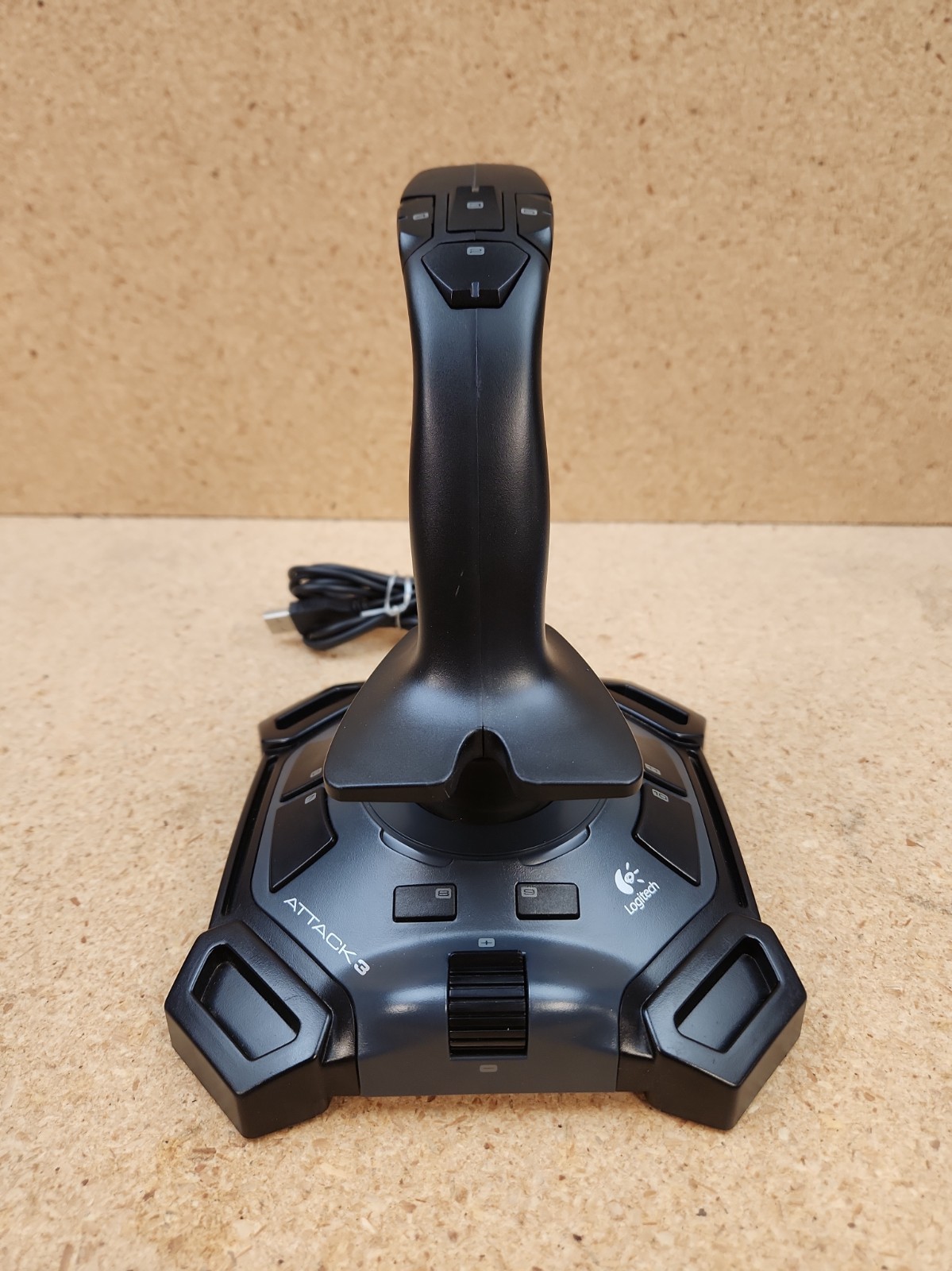 Logitech- Attack 3 ATK3 J-UJ18 Joystick- Gaming Flight Simulator Control- USB PC$21.95View on eBay
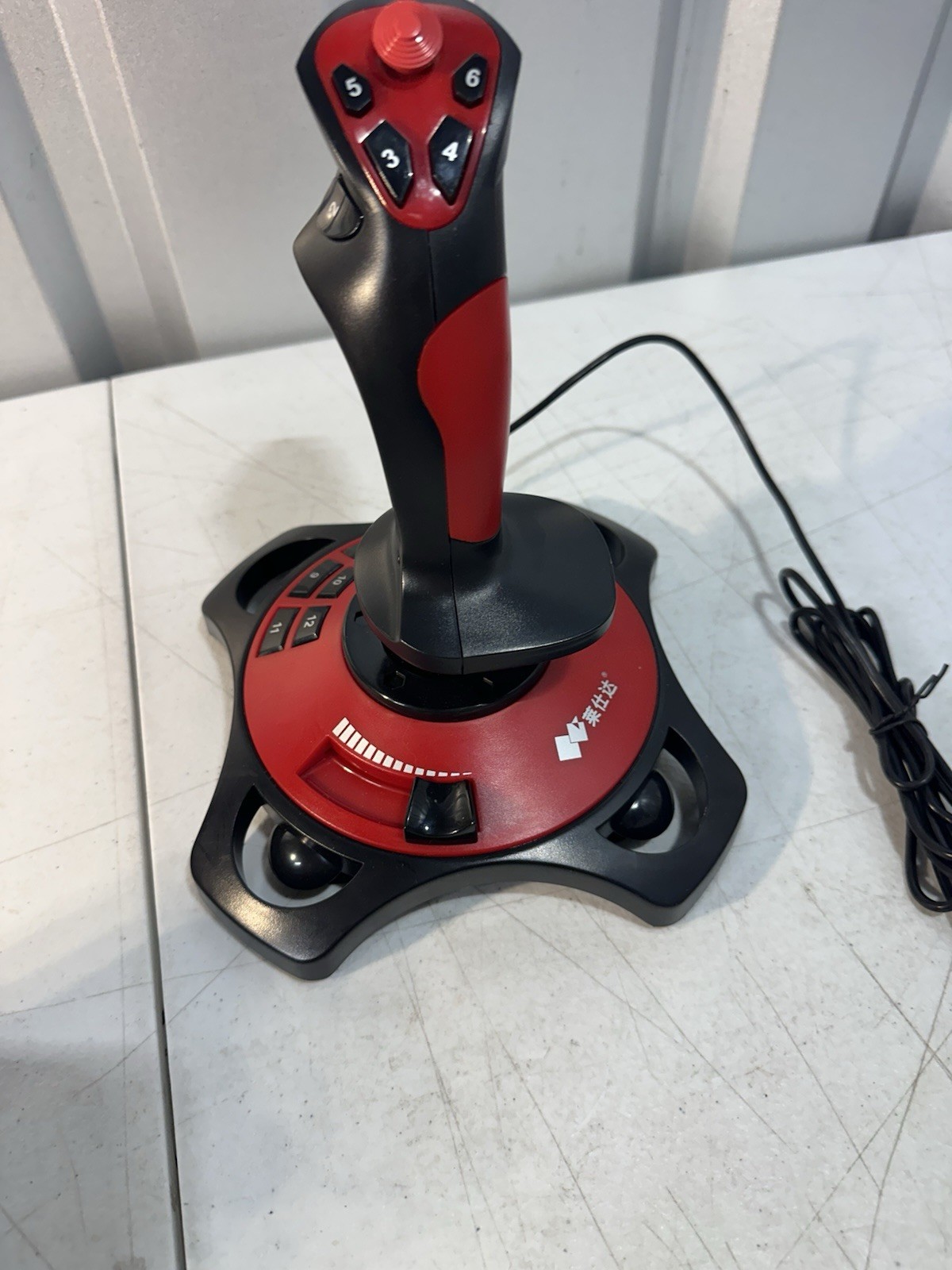 PXN-2103 USB Flight Simulator Joystick 12 Button PC Gaming Controller Tested$29.00View on eBay
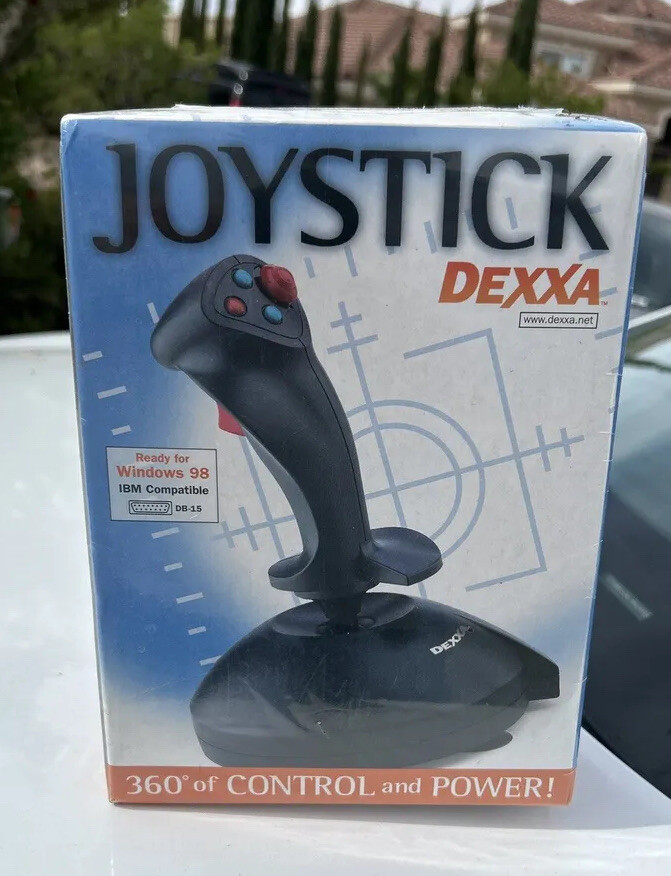 Dexxa Logitech Flight Simulator Joystick Controller for PC Gameport DB15 sealed$29.96View on eBay
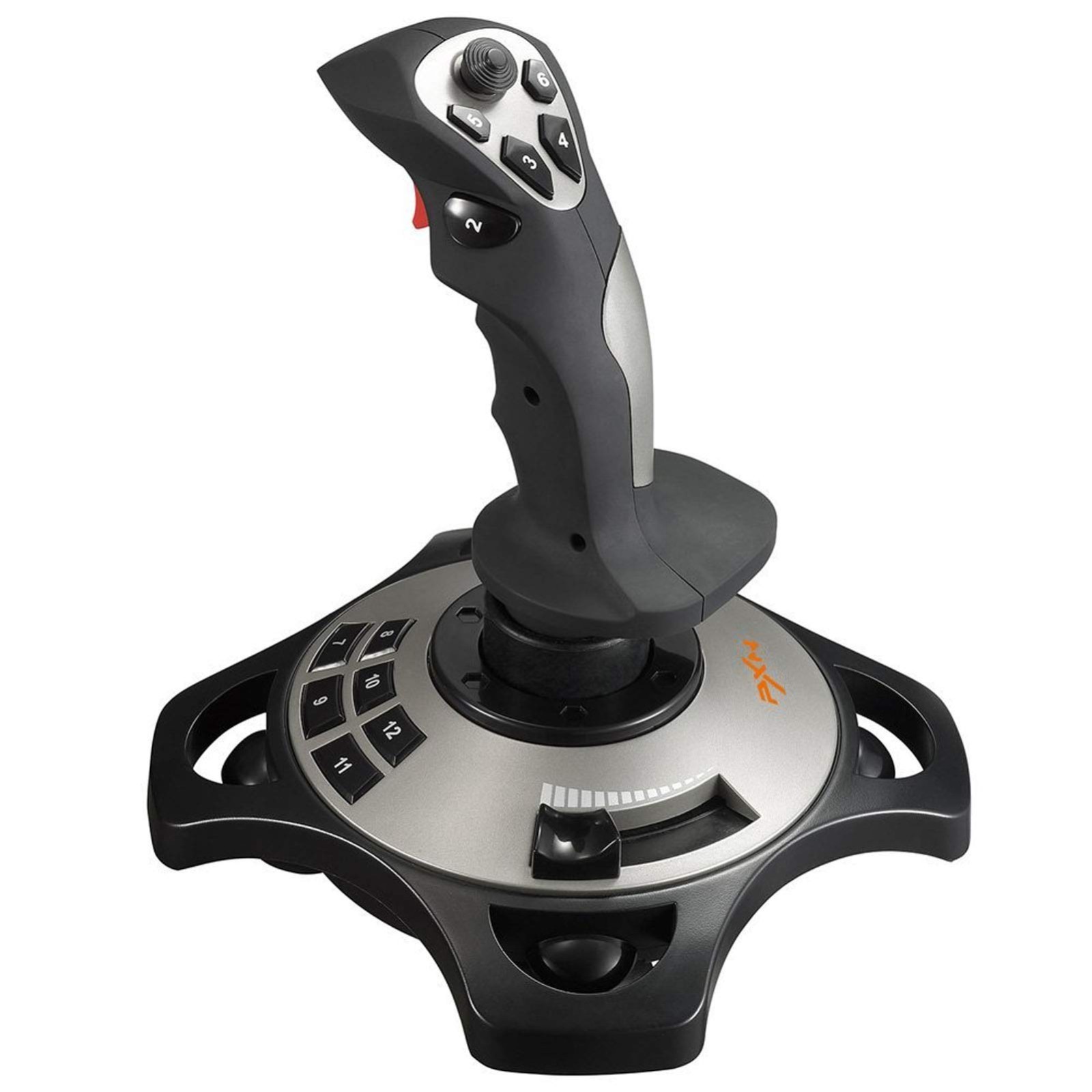 PXN 2113PRO USB Flight Simulator Joystick Gaming Flight Stick Controller PC$32.00View on eBay
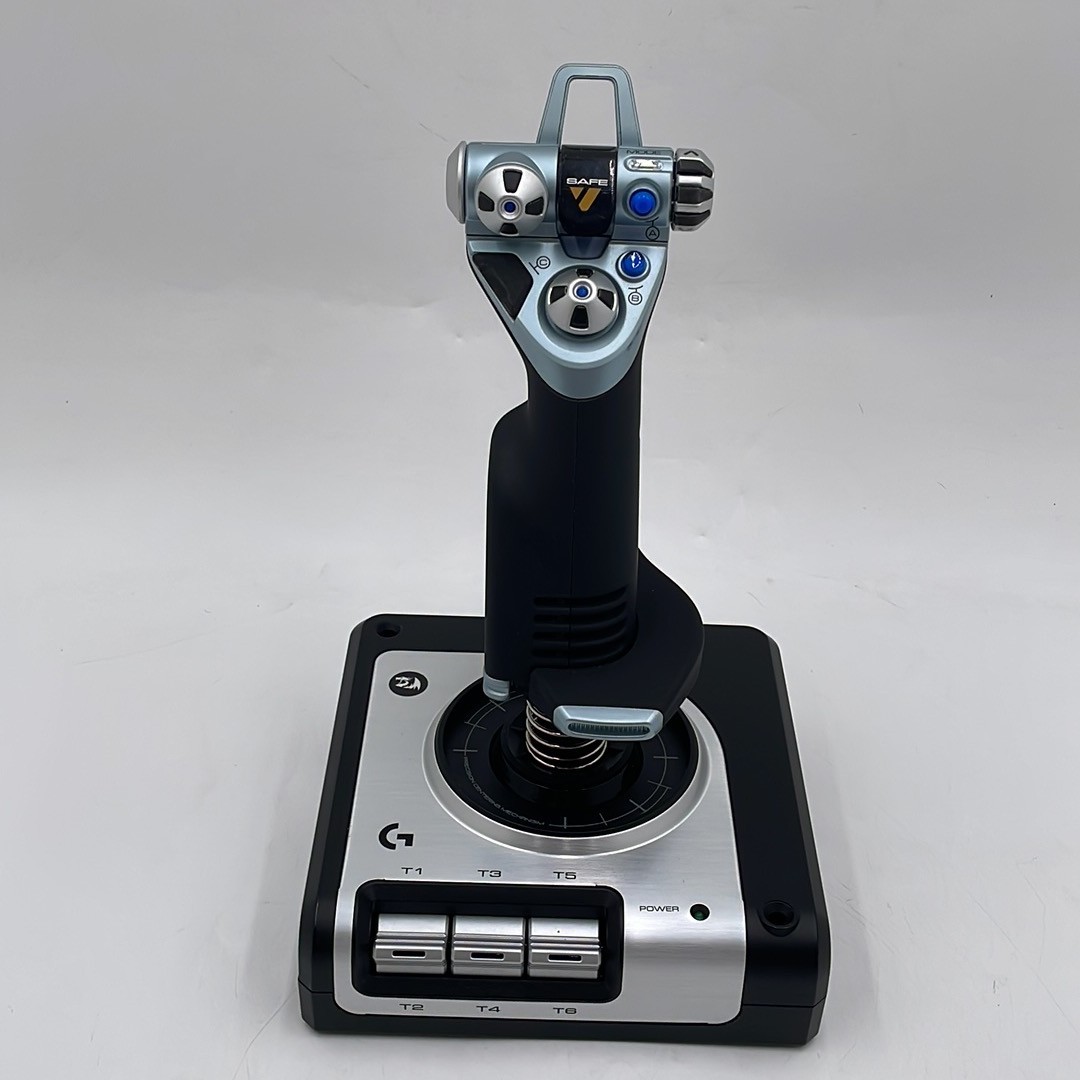 Logitech G X52 Hotas Flight Control Joystick (Stick)$35.95View on eBay
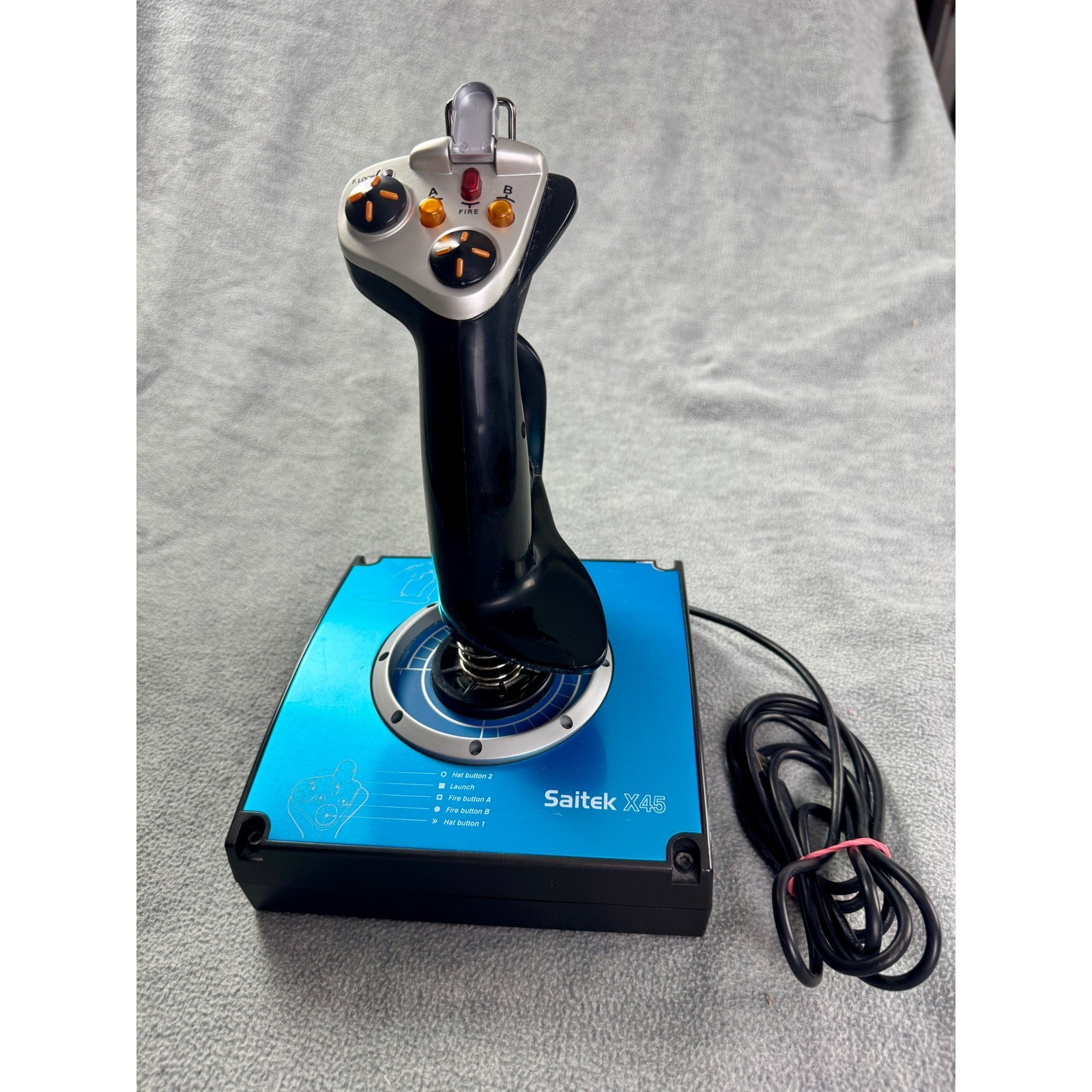 Saitek X45 Digital Flight Control Stick Joystick PC Flight Simulator Controller$38.57View on eBay
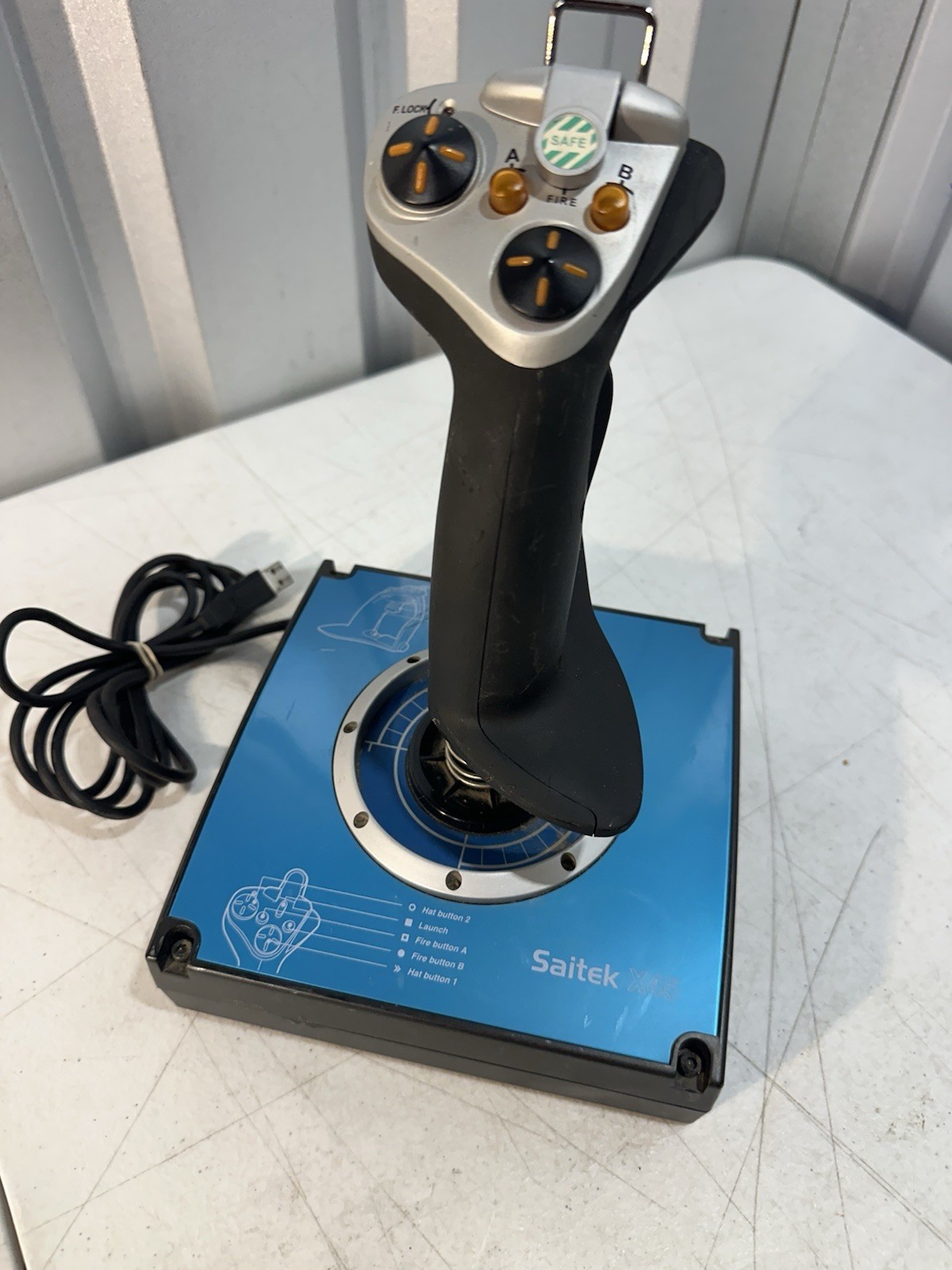 Saitek X45 Digital USB Flight Simulator Joystick Controller Tested Working$39.00View on eBay
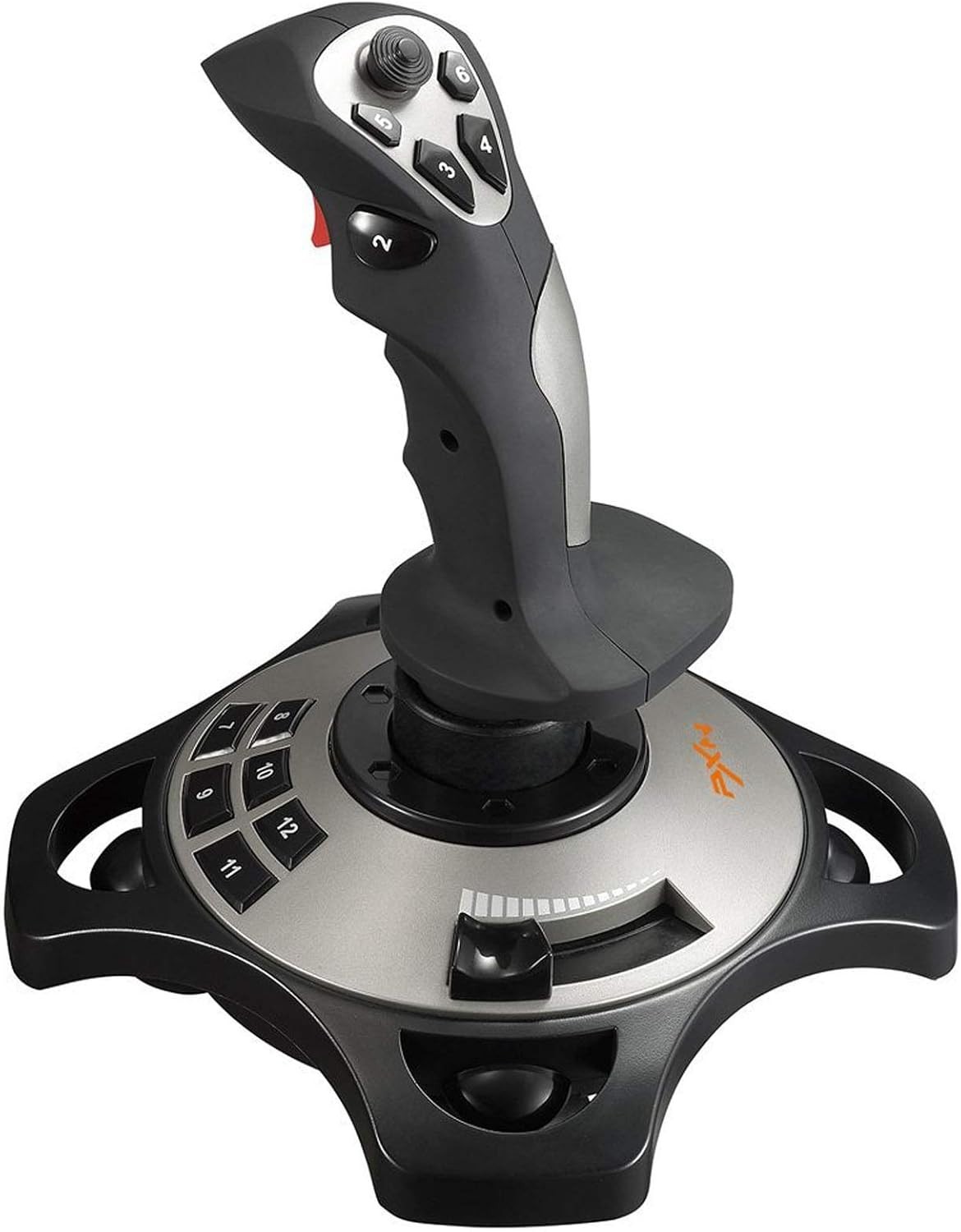 PXN 2113PRO USB Flight Simulator Joystick Gaming Flight Stick Controller PC$41.00View on eBay
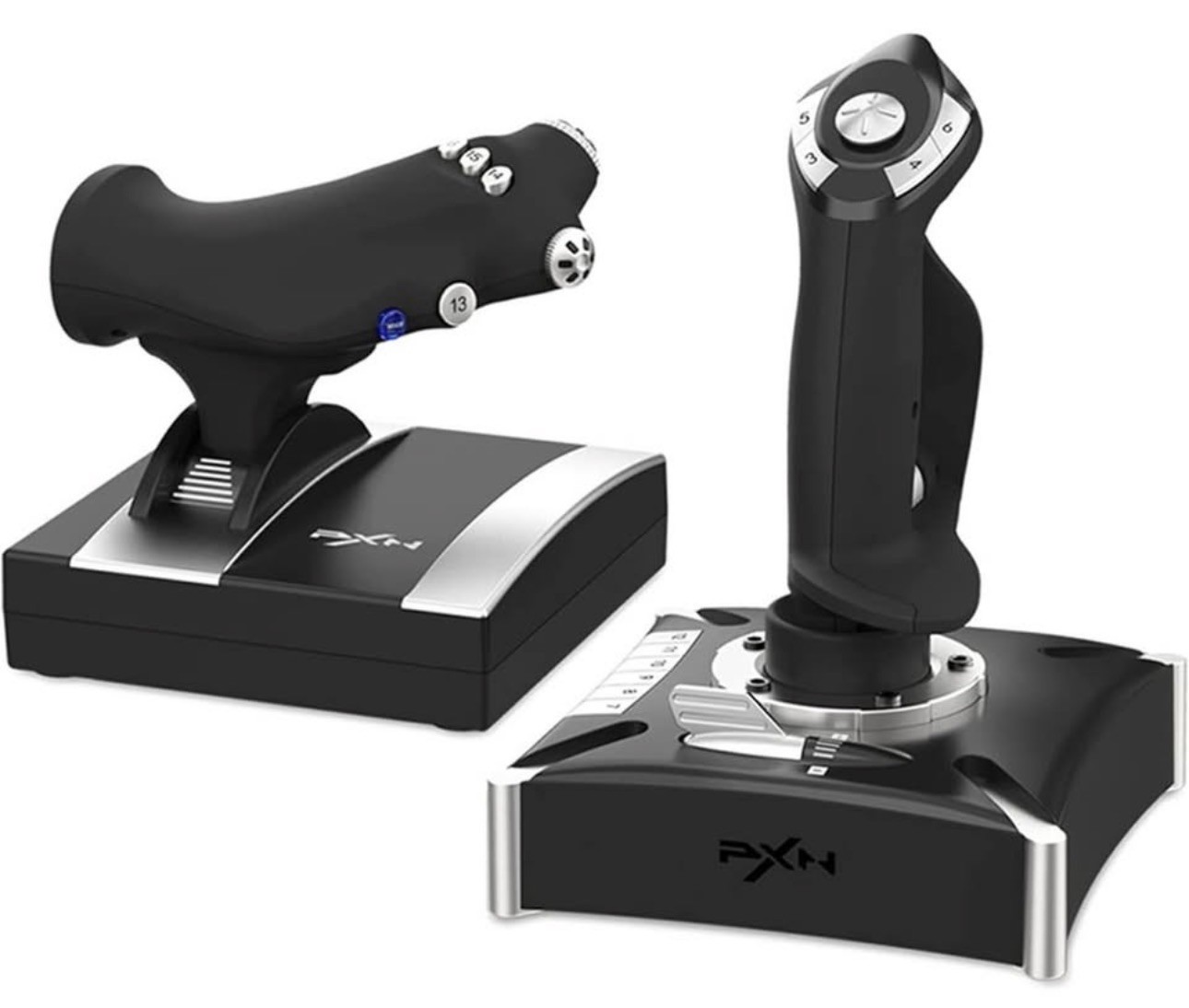 PXN-2119PRO Flight Simulator Joystick Lightweight Controller Unit f/ PC/PS4/XBOX$49.99View on eBay
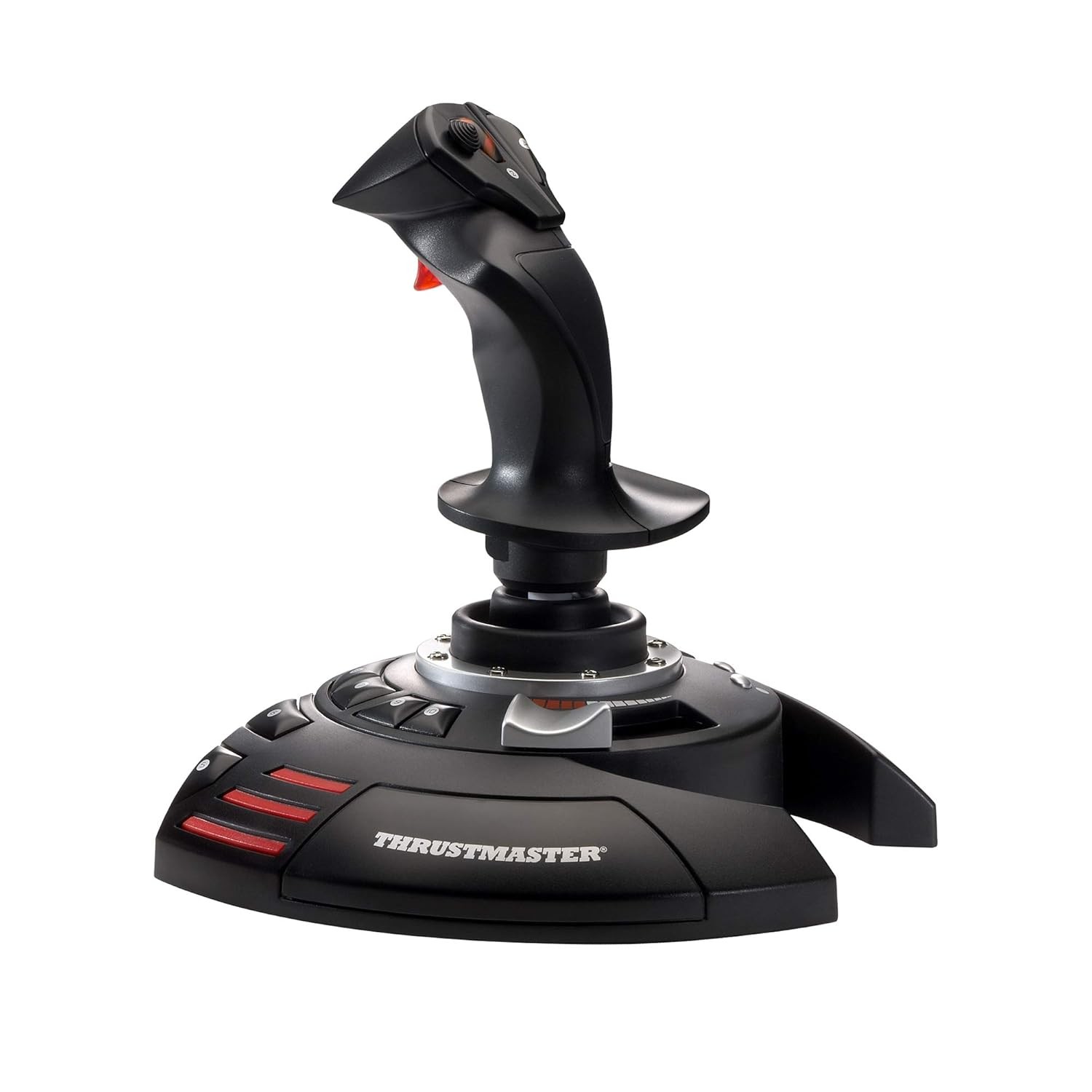 Thrustmaster T Flight Stick X Flight Simulator Controller Joystick USB$81.58View on eBay
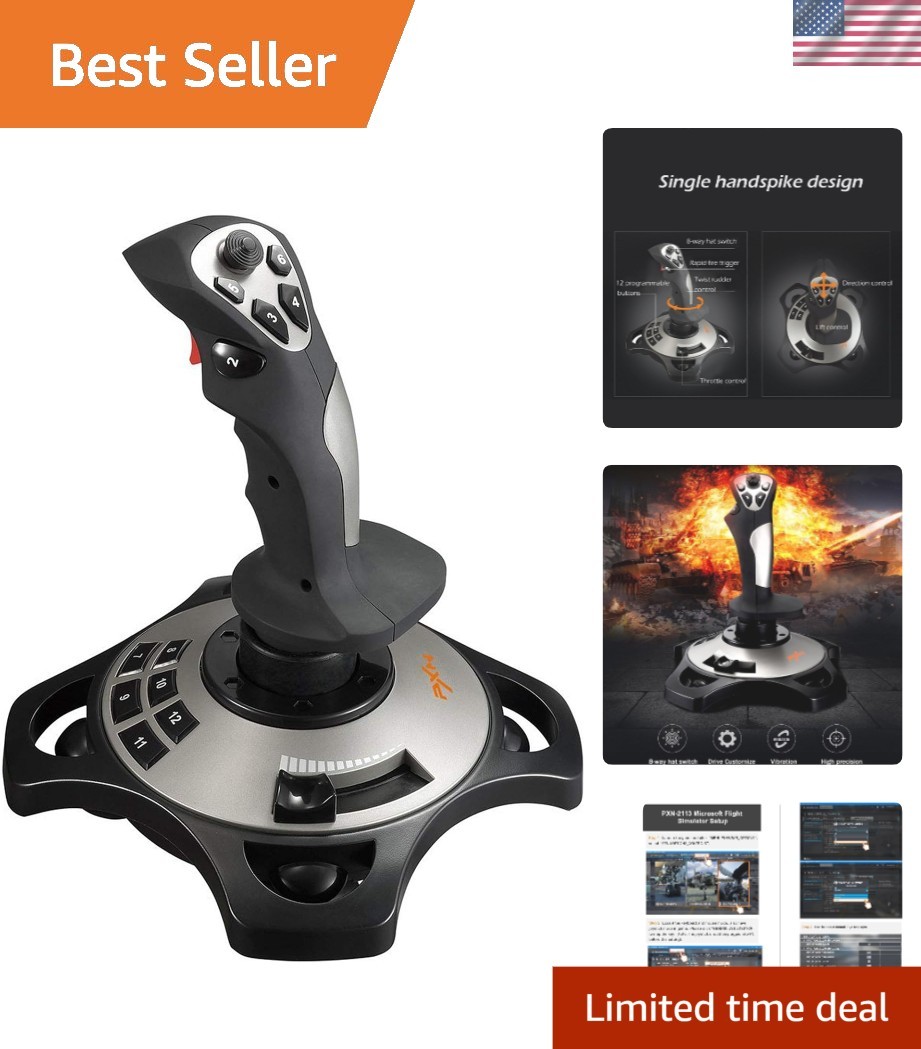 Advanced 2113PRO Flight Simulator Controller - 12 Programmable Buttons Included$89.99View on eBay
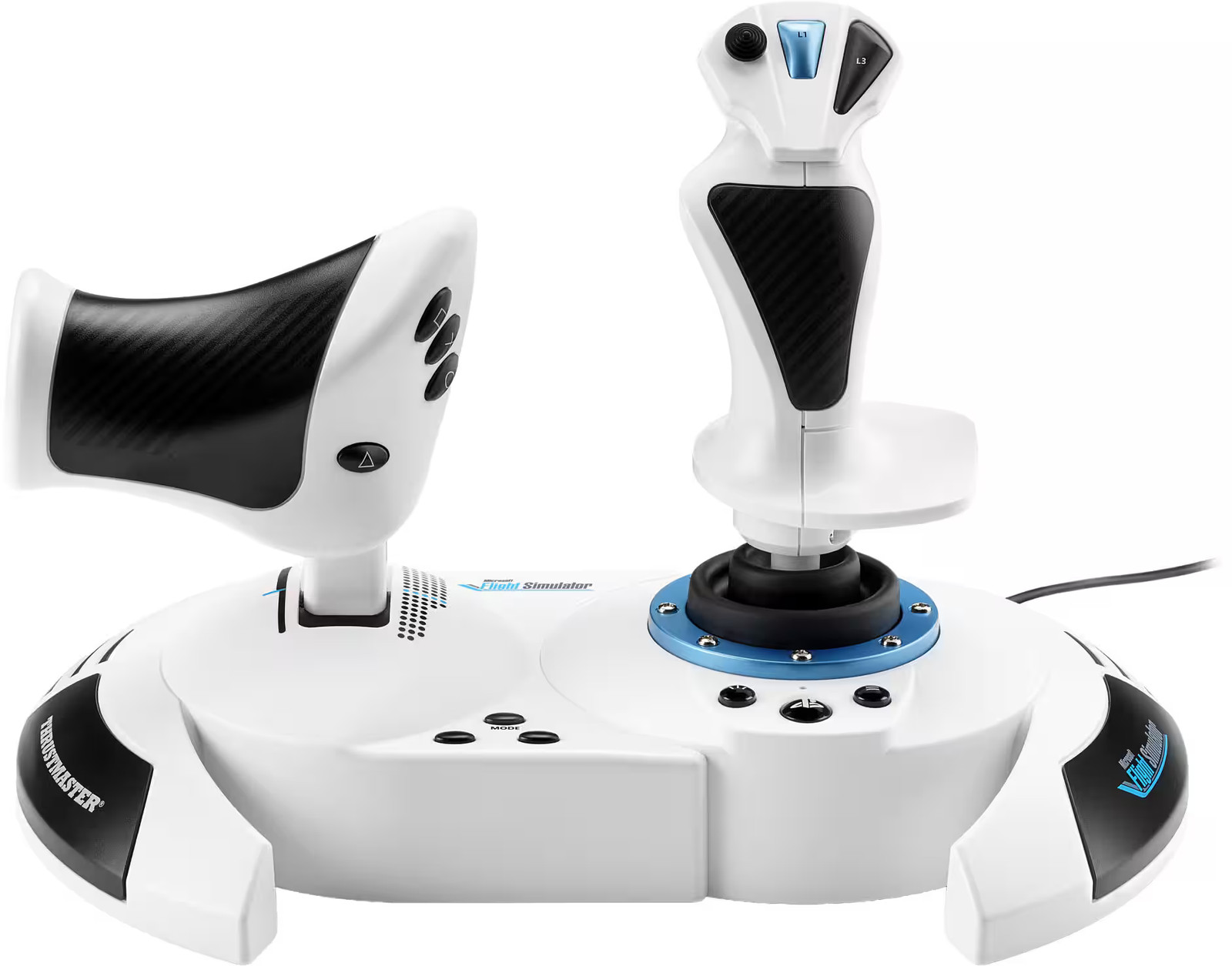 Thrustmaster - T.Flight Hotas 5 Microsoft Flight Simulator Controller Joystic...$109.99View on eBay
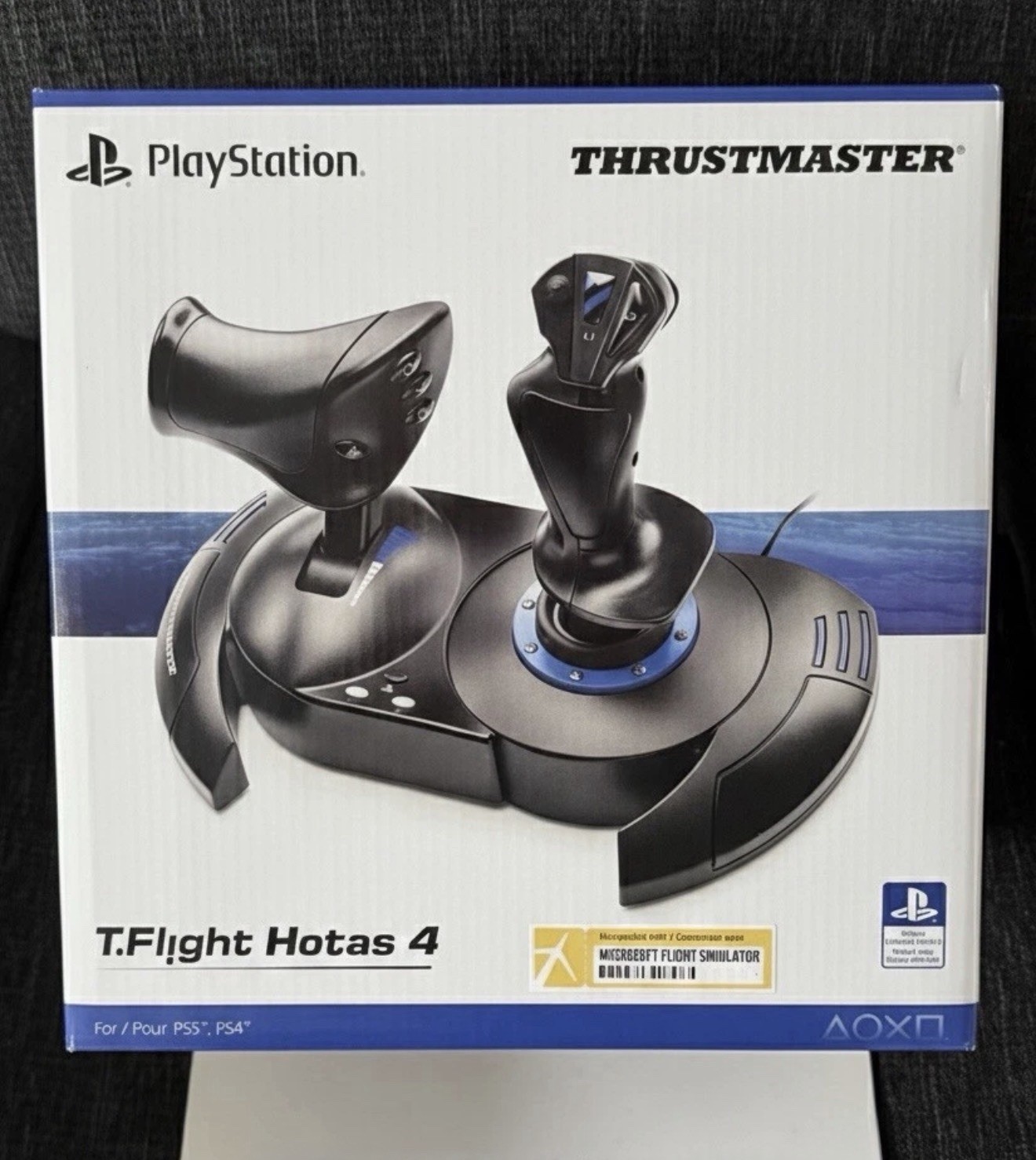 Thrustmaster T.Flight Hotas 4 Flight Stick Joystick for PS4 PS5 & PC - New$200.00Last checked Nov 18, 2026View on eBay
Highlights
- Sensor type separates tiers: potentiometer sticks (Logitech Attack 3, PXN 2103) drift and spike after months; Hall-effect/optical sensors (X52 Pro, modern HOTAS) stay precise for years.
- Gimbal construction matters: plastic ball-and-socket gimbals (Saitek X45, AV8R) develop center play; metal or dual-spring gimbals with adjustable tension hold centering under heavy use.
- HOTAS means separate throttle and stick with programmable buttons: the X52 pairs a 3D twist rudder stick with a detented throttle; single-stick units like the PXN 2113 Pro lack a dedicated throttle axis.
- Connection standard changed generations: Gameport DB15 sticks (Dexxa/Logitech) need a USB adapter and legacy drivers; USB sticks are plug-and-play on modern Windows.
Best use cases
- Best fit: combat flight sims (DCS, IL-2) — pick a HOTAS with Hall-effect stick sensor, split throttle, and twist or rudder axis; skip single-stick units with no throttle.
- Best fit: civilian flight sims (MSFS, X-Plane) — a precise single joystick with twist rudder and throttle slider is enough; skip full HOTAS unless you fly airliners with complex engine management.
- Wrong fit: casual arcade flying — a full HOTAS is overkill; a budget potentiometer stick like the Logitech Attack 3 or PXN 2103 covers arcade needs at lower cost.
- Wrong fit: vintage Gameport sticks — these require a USB adapter and legacy driver workarounds; only buy for retro PC builds, not modern sims.
Buying tips
- Check sensor spec: choose Hall-effect or optical sensors for long-term precision; potentiometer sticks are acceptable only for light, casual use.
- Match axis count to your sim: 3-axis stick (pitch/roll/twist) plus throttle axis covers most sims; add separate rudder pedals if the stick lacks twist.
- Verify USB connection: Gameport DB15 sticks need an active USB adapter and legacy drivers; buy native USB for plug-and-play on Windows 10/11.
- Consider button programming: HOTAS software with profiles (e.g., Logitech/Saitek software) matters for complex sims; budget sticks rely on in-game mapping.
Specs
| Sensor Type | Hall-effect / optical vs potentiometer |
|---|---|
| Control Layout | Single stick vs HOTAS (stick + throttle) |
| Rudder Axis | Twist rudder / lockable / none |
| Connection | Native USB vs Gameport DB15 (adapter needed) |
Related searches
What to check before buying
- Measure desk space and mounting: HOTAS throttle and stick need separate stable surfaces; clamp or mount both to avoid tipping during pulls.
- Check USB port availability and power: HOTAS with backlighting and force feedback may need a powered USB hub; avoid unpowered hubs for multi-device setups.
- Confirm sim compatibility: verify the stick is recognized by your sim (DirectInput/XInput) and that button/axis mapping works without third-party middleware.
- Plan for rudder input: if the stick lacks twist, budget for rudder pedals; if it has twist, ensure the twist axis is lockable for use with pedals.
FAQ
Data sources: eBay / Amazon listings and product attribute feeds. Updated Nov 27, 2026.
Some links on this page are affiliate links. If you buy after clicking one, we may earn a commission at no extra cost to you. This does not change which products appear here or their order. Affiliate disclosure.