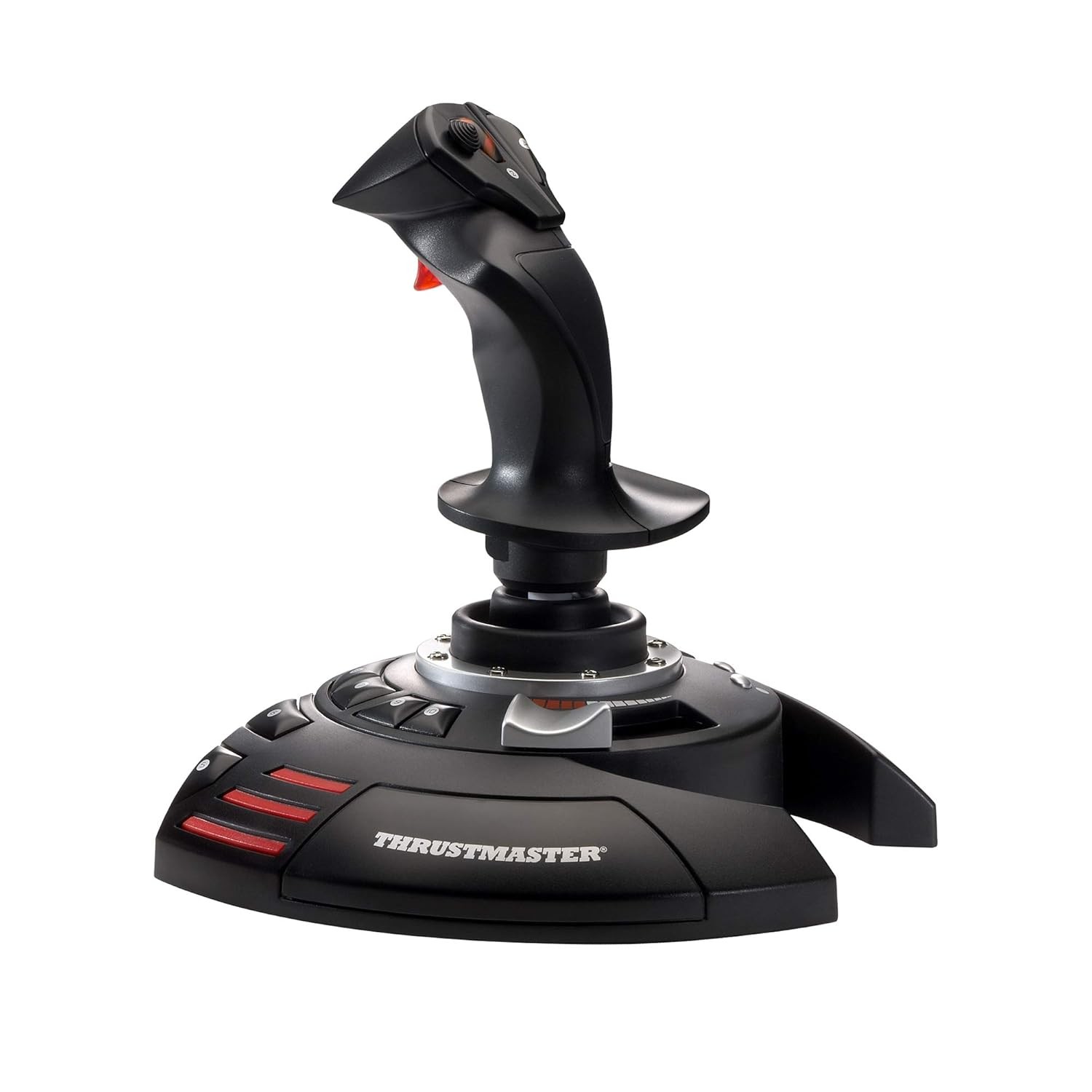

Photos from current listings. Actual item, color, and included accessories may vary.
Thrustmaster Flight Simulator Buying Guide
Thrustmaster's flight-sim lineup spans entry-level T.Flight sticks to the modular HOTAS ecosystem, and choosing the right tier comes down to platform compatibility and whether you need a standalone stick or a full throttle-and-stick set. Buyers commonly trip up on Xbox versus PC licensing, the difference between the T.Flight and T.16000M sensor systems, and whether a bundled HOTAS actually fits their desk depth and cable routing.
Median $109.99
Key takeaways
- T.Flight Stick X uses a potentiometer-based X/Y axis with a single spring centering mechanism, while T.16000M and higher tiers use contactless Hall-effect magnetic sensors for drift-free precision.
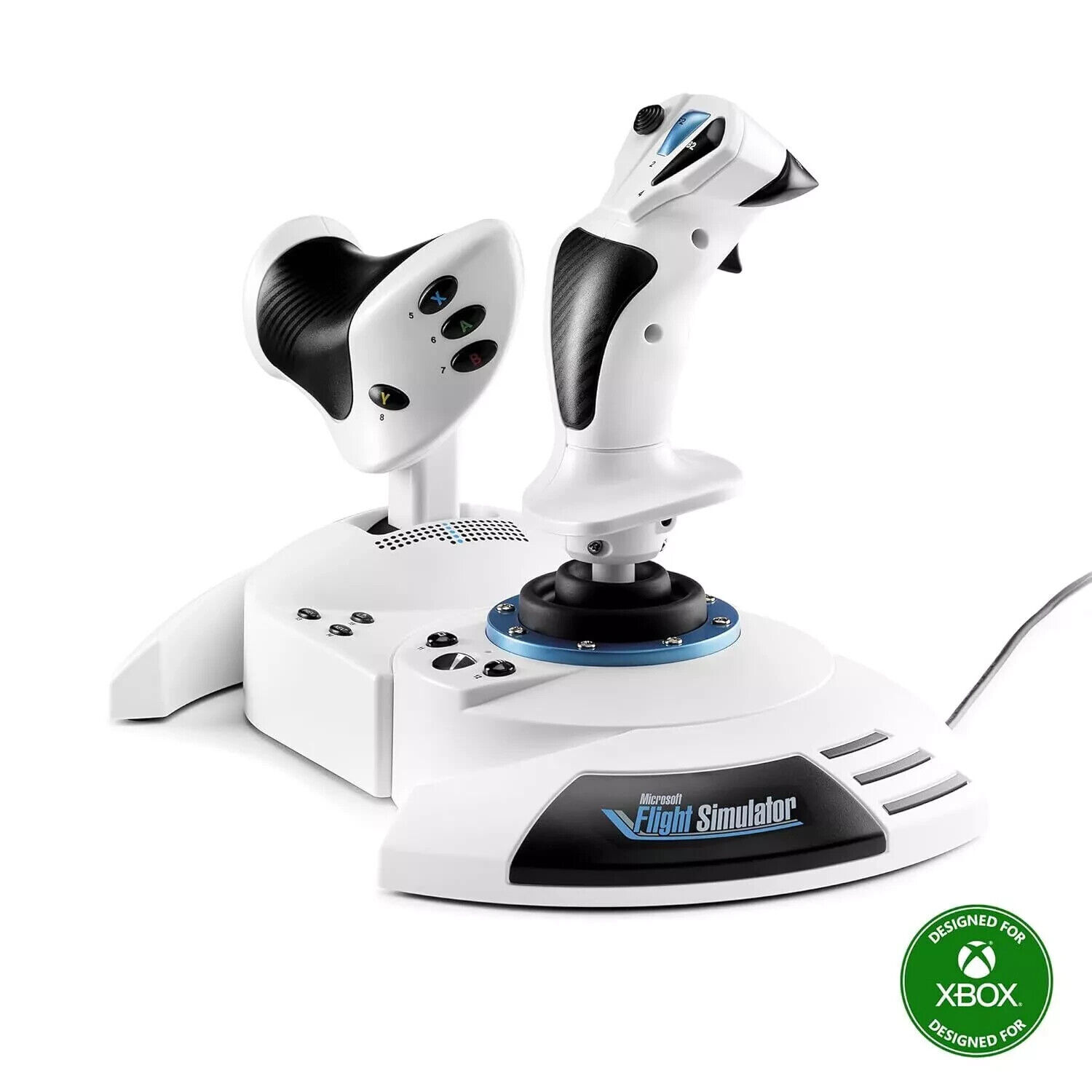
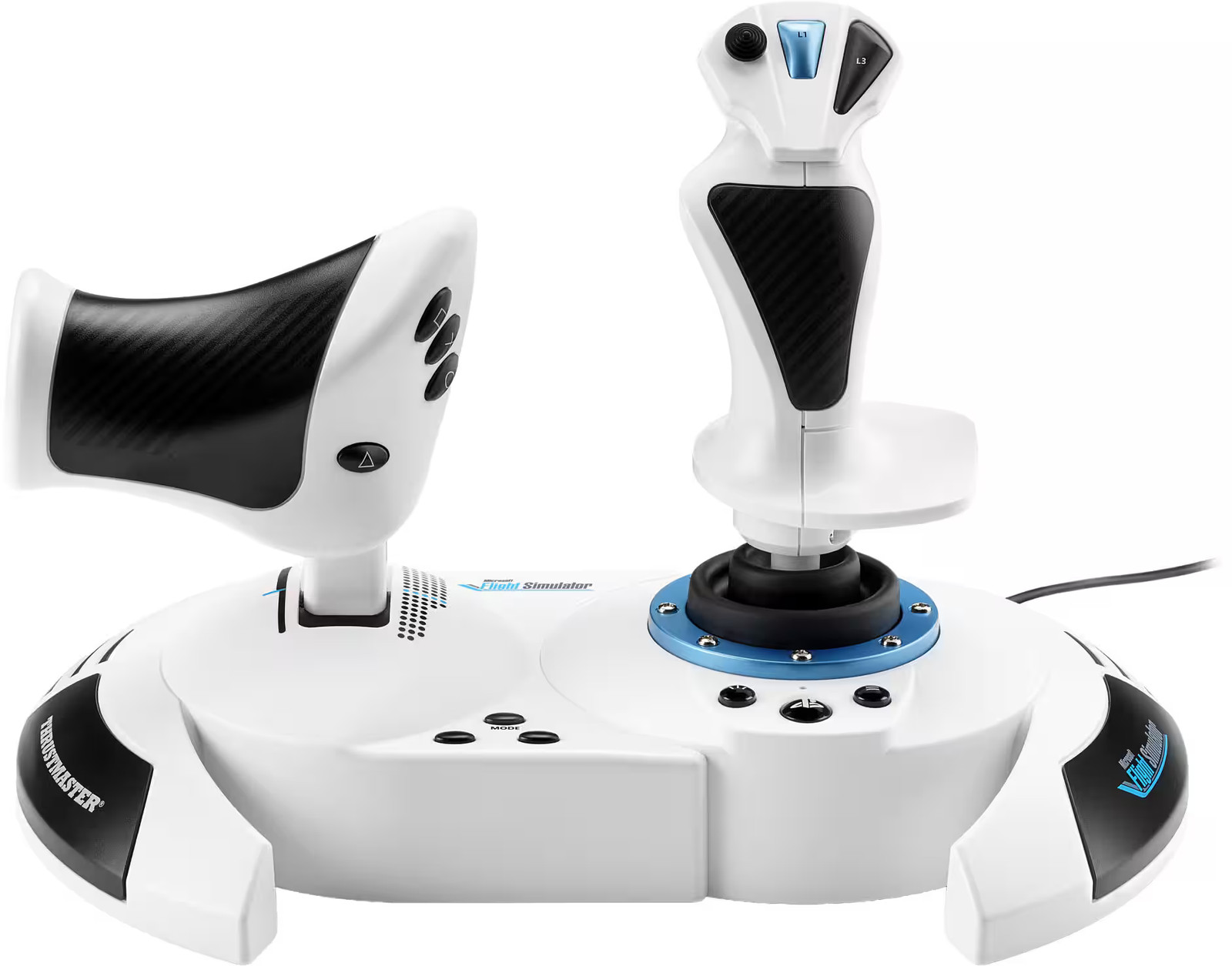
- HOTAS One is licensed for Xbox Series X|S and Xbox One with a dedicated Xbox guide button and PC compatibility; the HOTAS 4 is the PlayStation-licensed equivalent with PS button mapping.
- T.Flight HOTAS layouts split the throttle from the stick via a detachable cable, letting you position the throttle on the left and stick on the right at shoulder width.
At a glance
- Category
- Flight Sim Joysticks & HOTAS
- Last updated
- Nov 27, 2026
Current offers
Highlights
- T.Flight Stick X uses a potentiometer-based X/Y axis with a single spring centering mechanism, while T.16000M and higher tiers use contactless Hall-effect magnetic sensors for drift-free precision.
- HOTAS One is licensed for Xbox Series X|S and Xbox One with a dedicated Xbox guide button and PC compatibility; the HOTAS 4 is the PlayStation-licensed equivalent with PS button mapping.
- T.Flight HOTAS layouts split the throttle from the stick via a detachable cable, letting you position the throttle on the left and stick on the right at shoulder width.
- Thrustmaster's T.A.R.G.E.T. software enables axis remapping, deadzone tuning, and button profiling on PC across T.Flight, T.16000M, and Warthog tiers, but not on console.
Best use cases
- Pick the T.Flight HOTAS One if you play Microsoft Flight Simulator on Xbox Series X|S and want a plug-and-play stick-and-throttle set without a PC.
- Choose the T.Flight Stick X for PC-only arcade and casual sim flying where a compact, low-cost standalone stick with twist rudder is enough.
- Step up to the T.16000M FCS HOTAS or TWCS throttle combo if you fly PC sims seriously and need Hall-effect accuracy, a sliding throttle rail, and T.A.R.G.E.T. profiling.
- Skip any T.Flight model if you primarily fly DCS or study-level airliners; the potentiometer axes and limited button count will feel restrictive versus the T.16000M or Warthog tier.
Buying tips
- Confirm the platform license before buying: HOTAS One is Xbox-licensed, HOTAS 4 is PlayStation-licensed, and T.Flight Stick X is PC-only with no console button mapping.
- Prioritize Hall-effect sensor sticks (T.16000M and above) over potentiometer T.Flight sticks if you need long-term precision without axis drift or deadzone creep.
- Measure desk depth and width first; the HOTAS One throttle and stick each need roughly 8-10 inches of surface, and the detachable cable requires routing space between them.
- Check whether the stick includes twist-rudder or requires separate pedals; T.Flight and T.16000M sticks offer twist, while Warthog-tier sticks need rudder pedals for yaw.
Specs
| Sensor Type | Potentiometer (T.Flight) vs Hall-effect |
|---|---|
| Platform License | PC / Xbox (HOTAS One) / PS (HOTAS 4) |
| Throttle Design | Detachable HOTAS vs integrated stick base |
| Rudder Control | Twist axis vs separate pedal required |
Related searches
What to check before buying
- Verify your console generation and license: HOTAS One supports Xbox Series X|S and Xbox One, HOTAS 4 supports PS5 and PS4, and PC works across all via USB.
- Measure available desk or lap-board space for both the stick base and throttle base, plus clearance for full forward/back stick travel.
- Confirm you have a free USB-A port and, for PC advanced mapping, that you are willing to install Thrustmaster's T.A.R.G.E.T. software.
- Check whether your sim supports native HOTAS bindings or requires manual axis assignment, especially for Xbox titles beyond Microsoft Flight Simulator.
FAQ
Data sources: eBay / Amazon listings and product attribute feeds. Updated Nov 27, 2026.
Some links on this page are affiliate links. If you buy after clicking one, we may earn a commission at no extra cost to you. This does not change which products appear here or their order. Affiliate disclosure.