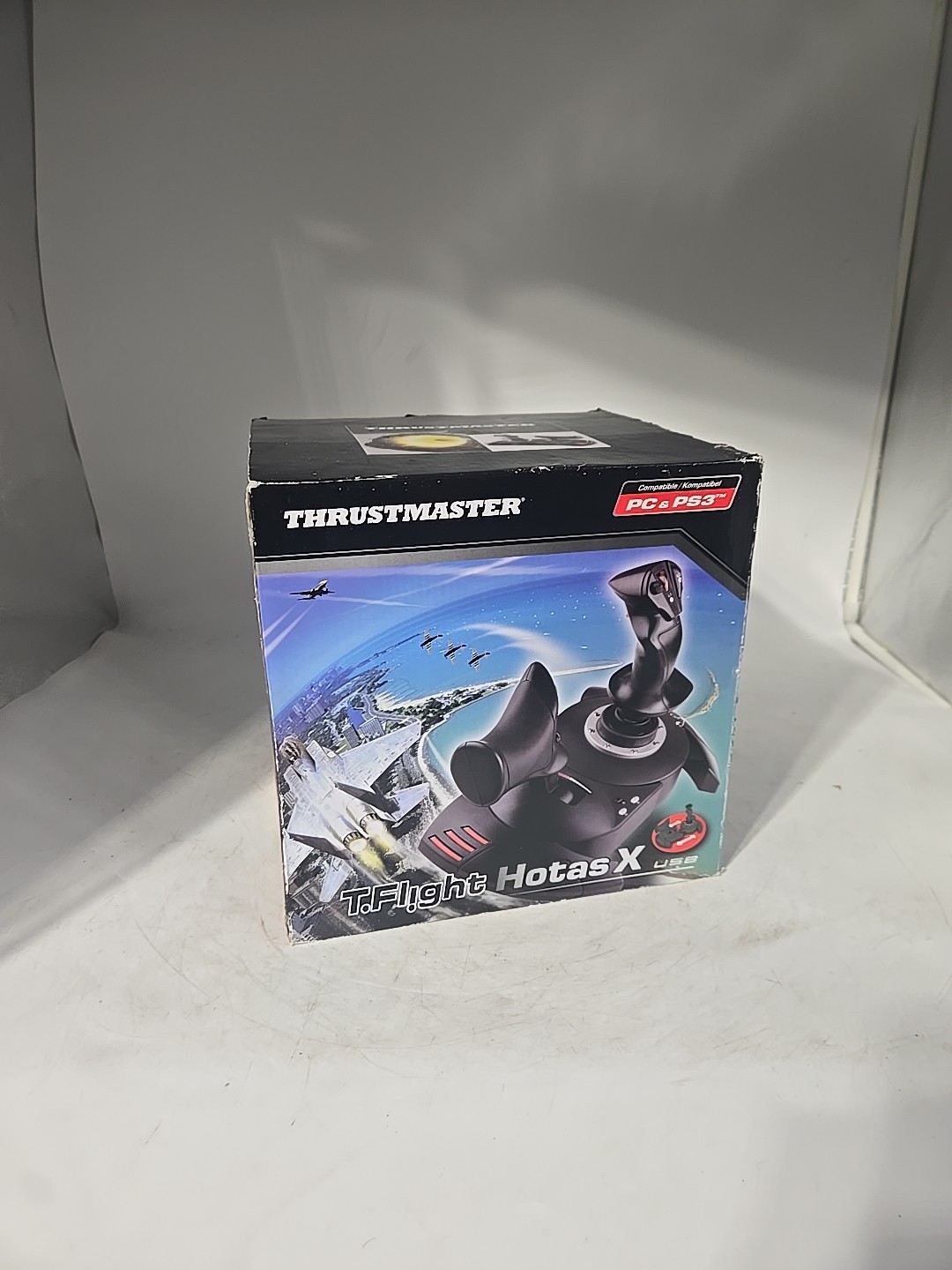

Photos from current listings. Actual item, color, and included accessories may vary.
Thrustmaster Flight HOTAS X Buying Guide
The Thrustmaster Flight HOTAS X (and its Xbox-ready HOTAS One sibling) is the entry-level benchmark for split-throttle flight simming, but buyers often confuse it with newer Hall-effect sticks or assume PlayStation compatibility carries over to Xbox. Pick it only if you need a single-piece, plug-and-play HOTAS with a detachable throttle and don't require contactless sensors.
Key takeaways
- Potentiometer-based X/Y and throttle axes deliver adequate precision for casual simming but develop dead zones and jitter faster than Hall-effect sticks.
- The throttle and stick separate for desktop use or lock together as one unit, and the stick includes a twist rudder axis—rare at this tier.
- HOTAS X targets PC and PS3; HOTAS One is the Xbox Series X|S / Xbox One variant with the same chassis and axis layout.
At a glance
- Category
- Flight Sim Joysticks & HOTAS
- Last updated
- Nov 27, 2026
Current offers
Highlights
- Potentiometer-based X/Y and throttle axes deliver adequate precision for casual simming but develop dead zones and jitter faster than Hall-effect sticks.
- The throttle and stick separate for desktop use or lock together as one unit, and the stick includes a twist rudder axis—rare at this tier.
- HOTAS X targets PC and PS3; HOTAS One is the Xbox Series X|S / Xbox One variant with the same chassis and axis layout.
- Plastic gimbal and body keep weight low and cost down, but centering tension is light and the stick benefits from a desk clamp or weighted base.
Best use cases
- Best fit: PC or PS3 flight-sim beginners playing Microsoft Flight Simulator, Elite Dangerous, or War Thunder who want a split throttle and twist rudder in one box.
- Best fit: Xbox Series X|S owners running Microsoft Flight Simulator who buy the HOTAS One version—not the HOTAS X, which lacks Xbox compatibility.
- Wrong fit: DCS or competitive combat-sim players needing precise, long-life axes—step up to Hall-effect sticks like the T.16000M or X52/X56 tiers.
- Wrong fit: VR-only cockpit builders or players wanting force feedback, dual-throttle quadrants, or programmable software macros beyond the built-in mapping.
Buying tips
- Confirm the console generation on the box: HOTAS X is PC/PS3 only; HOTAS One is required for Xbox One and Series X|S.
- Inspect the axis type—potentiometers here mean you should budget for eventual cleaning or replacement if you fly daily.
- Prioritize desk space: the combined unit is roughly 16 inches wide, so measure before committing to a locked configuration.
- Choose the version with the twist-rudder axis if you don't own pedals; this stick's twist is its main differentiator at entry level.
Specs
| Axis Sensor Type | Potentiometer (not Hall-effect) |
|---|---|
| Throttle Design | Detachable, lockable to stick base |
| Rudder Control | Twist axis on stick |
| Platform Support | HOTAS X: PC/PS3; HOTAS One: Xbox |
Related searches
What to check before buying
- Measure desk depth and width for the combined ~16-inch footprint, or plan to run the throttle and stick detached.
- Verify your platform: PC/PS3 for HOTAS X, Xbox One/Series X|S for HOTAS One—check the box label, not the listing photo.
- Confirm you have a free USB-A port and, for console use, a wired controller or adapter if your setup requires it.
- Check that your sim supports directInput axis mapping; some titles need manual throttle and rudder assignment.
FAQ
Data sources: eBay / Amazon listings and product attribute feeds. Updated Nov 27, 2026.
Some links on this page are affiliate links. If you buy after clicking one, we may earn a commission at no extra cost to you. This does not change which products appear here or their order. Affiliate disclosure.