
Photos from current listings. Actual item, color, and included accessories may vary.
T Flight HOTAS Buying Guide
The T.Flight HOTAS family spans four distinct console generations, and picking the wrong one locks you out of your platform entirely—the HOTAS X is PC/PS3 only, the HOTAS 4 covers PS4/PS5 and PC, the HOTAS One serves Xbox One/Series X|S and PC, and the HOTAS 5 is the newer cross-platform PC/console revision. All share a plastic gimbal and full-size throttle, so the real decision is platform compatibility and whether you need the HOTAS 5's updated internals over the older X/4/One molds.
Median $109.99
Key takeaways
- Four distinct models exist: HOTAS X (PC/PS3), HOTAS 4 (PS4/PS5/PC), HOTAS One (Xbox One/Series X|S/PC), and HOTAS 5 (newer PC/console revision)—firmware and button labels are model-specific.
- All use a plastic gimbal with adjustable stick resistance and a detachable throttle, but only the HOTAS 5 adds updated internal components over the older X/4/One architecture.
- The throttle unit separates from the stick via a locking rail, allowing split-throttle desk layouts; the stick base includes a sliding resistance wheel underneath.
At a glance
- Category
- Flight Sim Joysticks & HOTAS
- Last updated
- Nov 27, 2026
Current offers
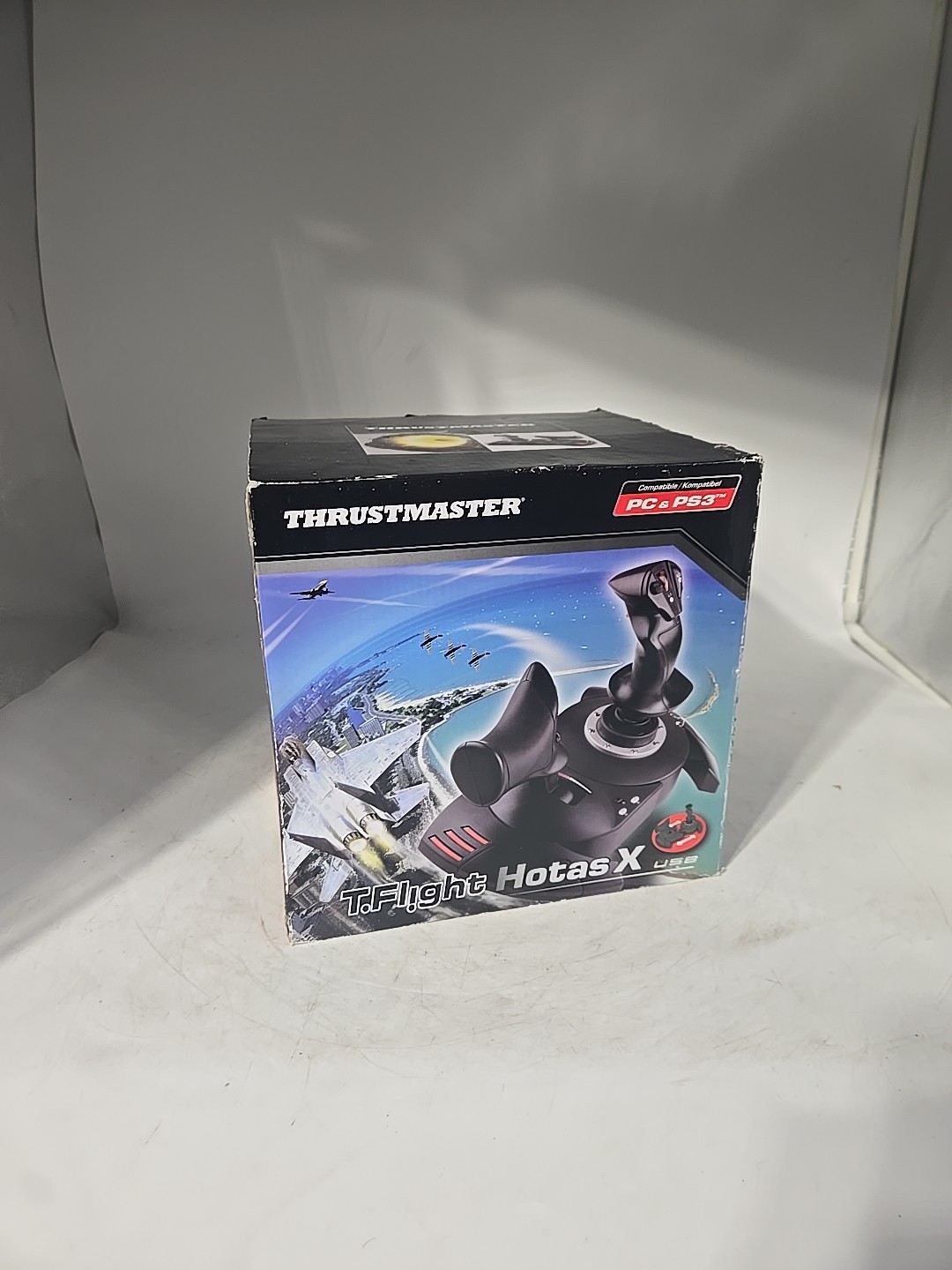 Thrustmaster T-Flight Hotas x PC PlayStation 3 PS3 Flightstick New In Box$65.15View on eBay
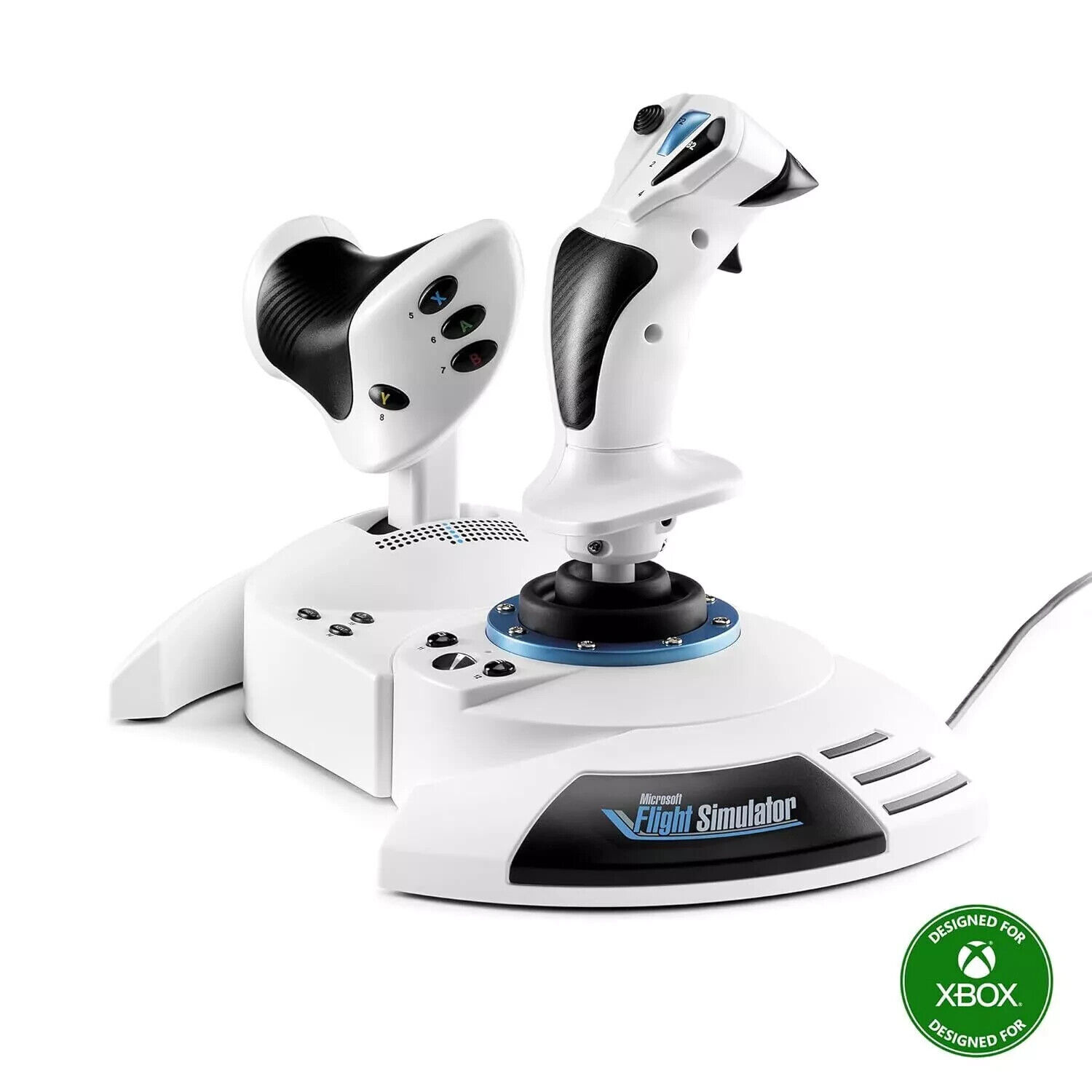 Thrustmaster T-Flight Hotas One Microsoft Flight Simulator for Xbox X|S$109.99View on eBay
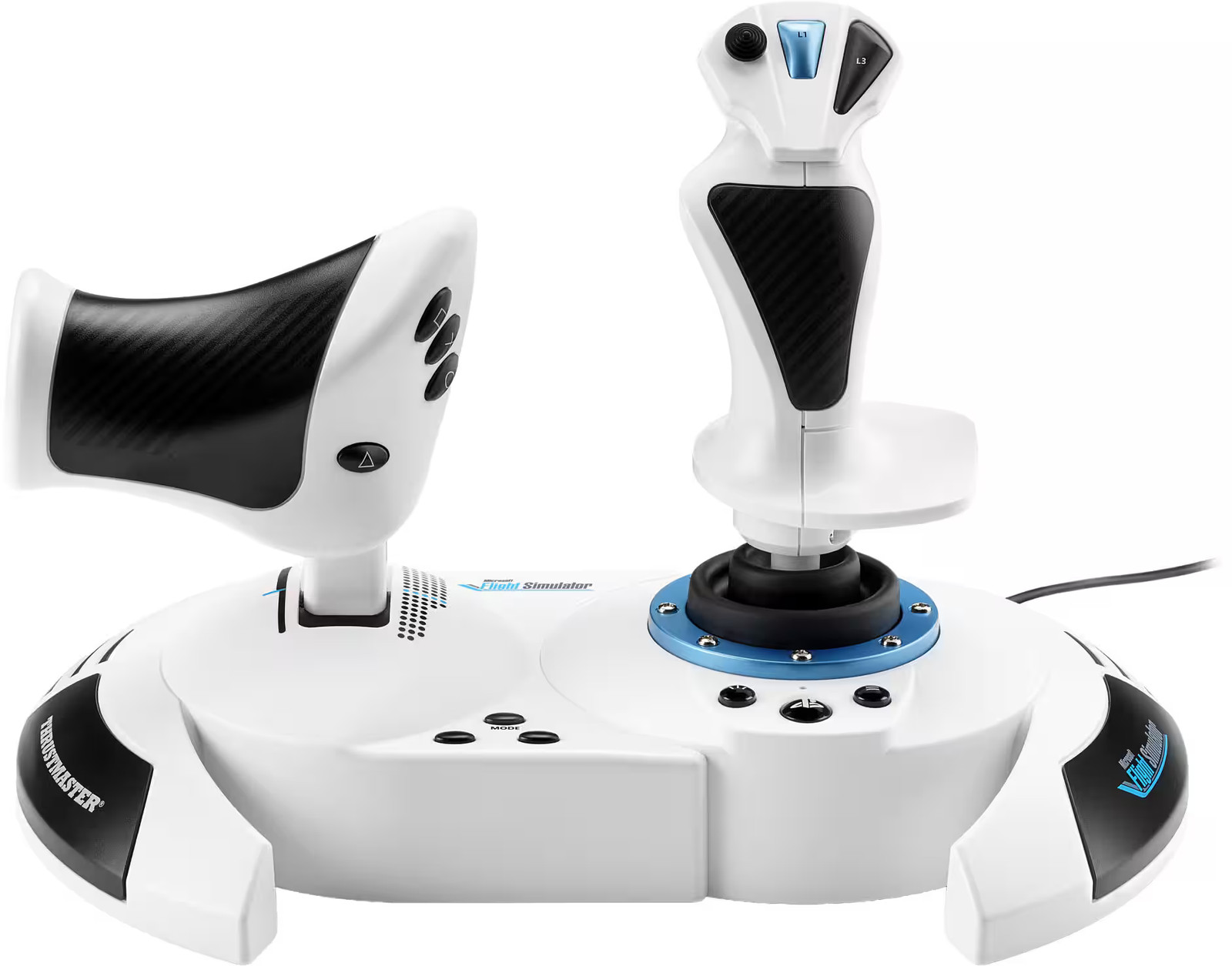 Thrustmaster - T.Flight Hotas 5 Microsoft Flight Simulator Controller Joystic...$109.99View on eBay
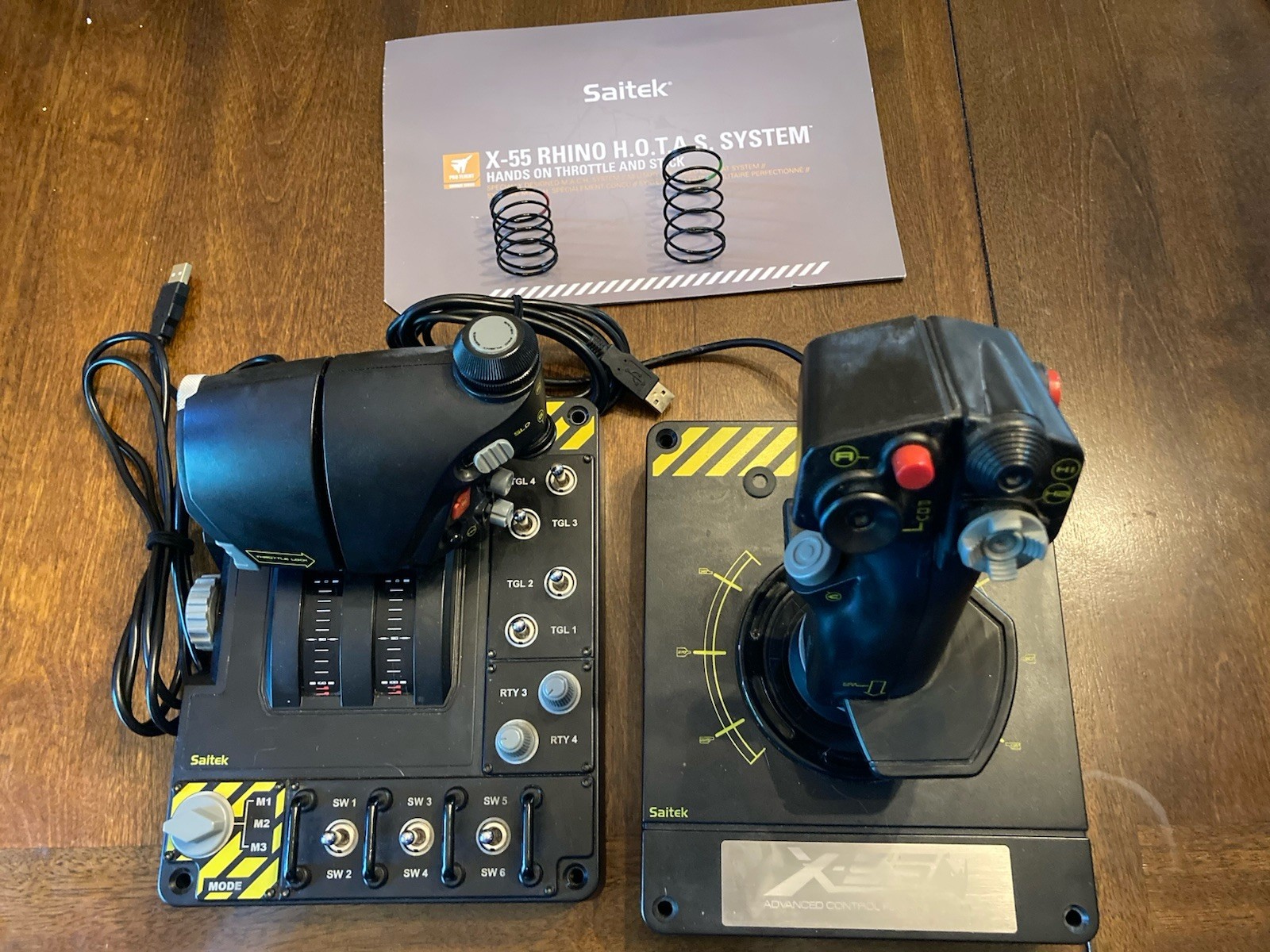 Saitek X-55 Pro-flight RHINO H.O.T.A.S. HOTAS Flight Simulator System Tested$130.00View on eBay
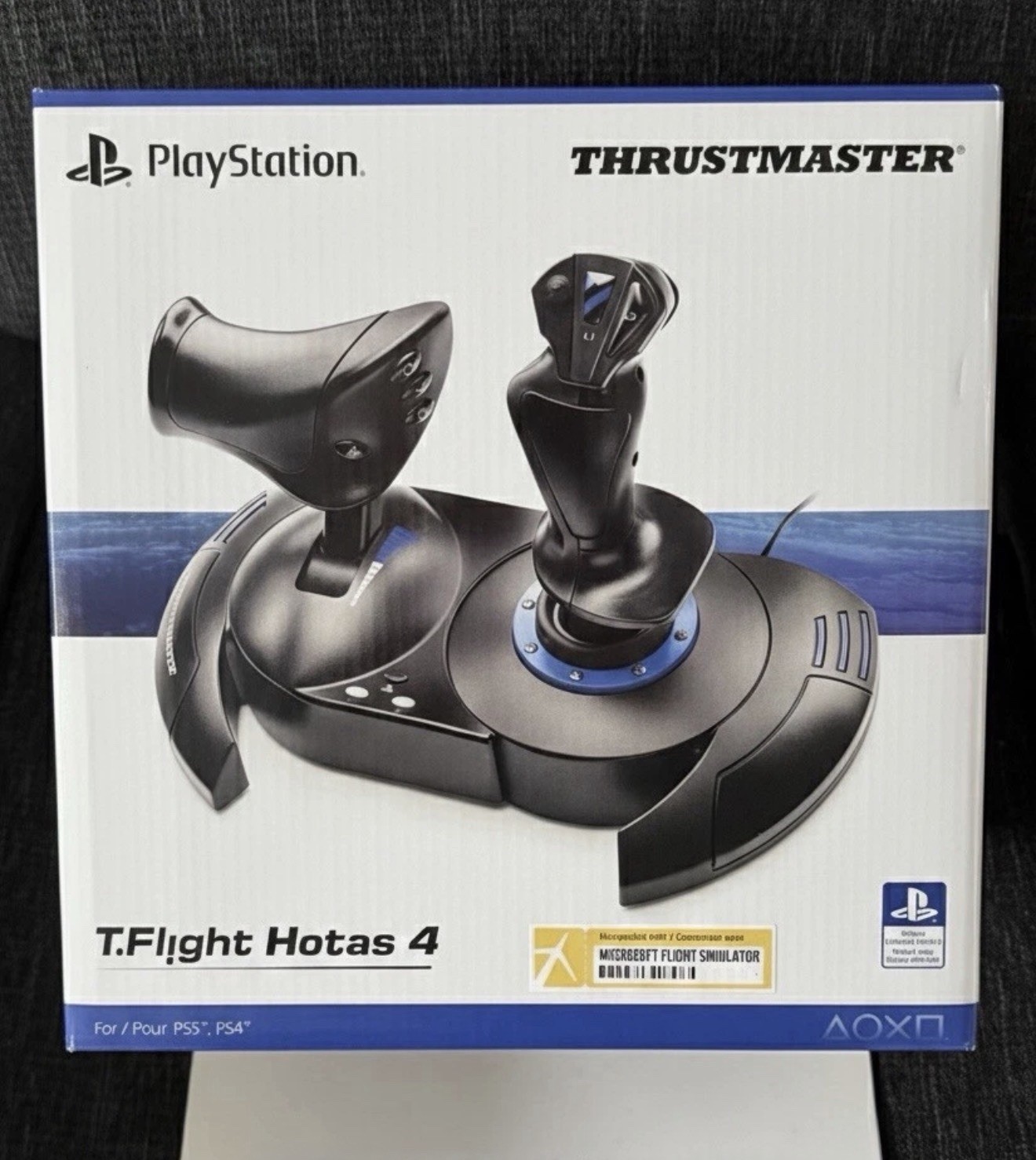 Thrustmaster T.Flight Hotas 4 Flight Stick Joystick for PS4 PS5 & PC - New$200.00Last checked Nov 18, 2026View on eBay
Highlights
- Four distinct models exist: HOTAS X (PC/PS3), HOTAS 4 (PS4/PS5/PC), HOTAS One (Xbox One/Series X|S/PC), and HOTAS 5 (newer PC/console revision)—firmware and button labels are model-specific.
- All use a plastic gimbal with adjustable stick resistance and a detachable throttle, but only the HOTAS 5 adds updated internal components over the older X/4/One architecture.
- The throttle unit separates from the stick via a locking rail, allowing split-throttle desk layouts; the stick base includes a sliding resistance wheel underneath.
- Console compatibility is hard-coded by model—the HOTAS 4 will not register on Xbox, and the HOTAS One will not register on PlayStation, regardless of adapter use.
Best use cases
- Buy the HOTAS 4 if you sim on PS4/PS5 and PC—it is the only T.Flight model with official PlayStation button mapping and PC XInput support.
- Choose the HOTAS One for Xbox One/Series X|S and PC; it carries the Xbox guide button and is the only T.Flight variant that Microsoft Flight Simulator recognizes on Xbox.
- Pick the HOTAS 5 only if you want the newest revision for PC or current-gen consoles and do not need legacy PS3 or original Xbox One support.
- Skip the HOTAS X unless you specifically need PS3 compatibility—it lacks modern console support and is the oldest architecture in the lineup.
Buying tips
- Confirm your console generation first: PS5 owners need the HOTAS 4 or HOTAS 5, while Xbox Series X|S owners need the HOTAS One or HOTAS 5.
- Prioritize the detachable throttle rail if you plan a split desk layout—all T.Flight models include it, but confirm the locking mechanism is intact on used units.
- Avoid mixing models across consoles; a HOTAS 4 will not work on Xbox and a HOTAS One will not work on PlayStation even with third-party adapters.
- Inspect the gimbal center play on used listings—plastic gimbals develop dead zones over time, and the HOTAS 5's updated internals are the safest bet for longevity.
Specs
| Platform Lock | PC/PS3, PS4/PS5, Xbox, or PC/console |
|---|---|
| Gimbal Type | Plastic gimbal, adjustable resistance |
| Throttle | Detachable rail-mounted, full-size |
| Connection | Wired USB-A, no wireless |
Related searches
What to check before buying
- Measure your desk depth: the combined stick-and-throttle footprint is roughly 16 inches wide when the throttle is attached, and the stick base needs about 8 inches of depth.
- Verify your console model and region—PS4/PS5 and Xbox One/Series X|S each require their specific T.Flight variant, and imported units may lack local button labeling.
- Check that your PC flight sim supports XInput or DirectInput; the HOTAS 4 and HOTAS One both present as standard game controllers on Windows.
- Confirm you have a free USB-A port—all T.Flight models use a wired USB connection and do not support wireless operation.
FAQ
Data sources: eBay / Amazon listings and product attribute feeds. Updated Nov 27, 2026.
Some links on this page are affiliate links. If you buy after clicking one, we may earn a commission at no extra cost to you. This does not change which products appear here or their order. Affiliate disclosure.