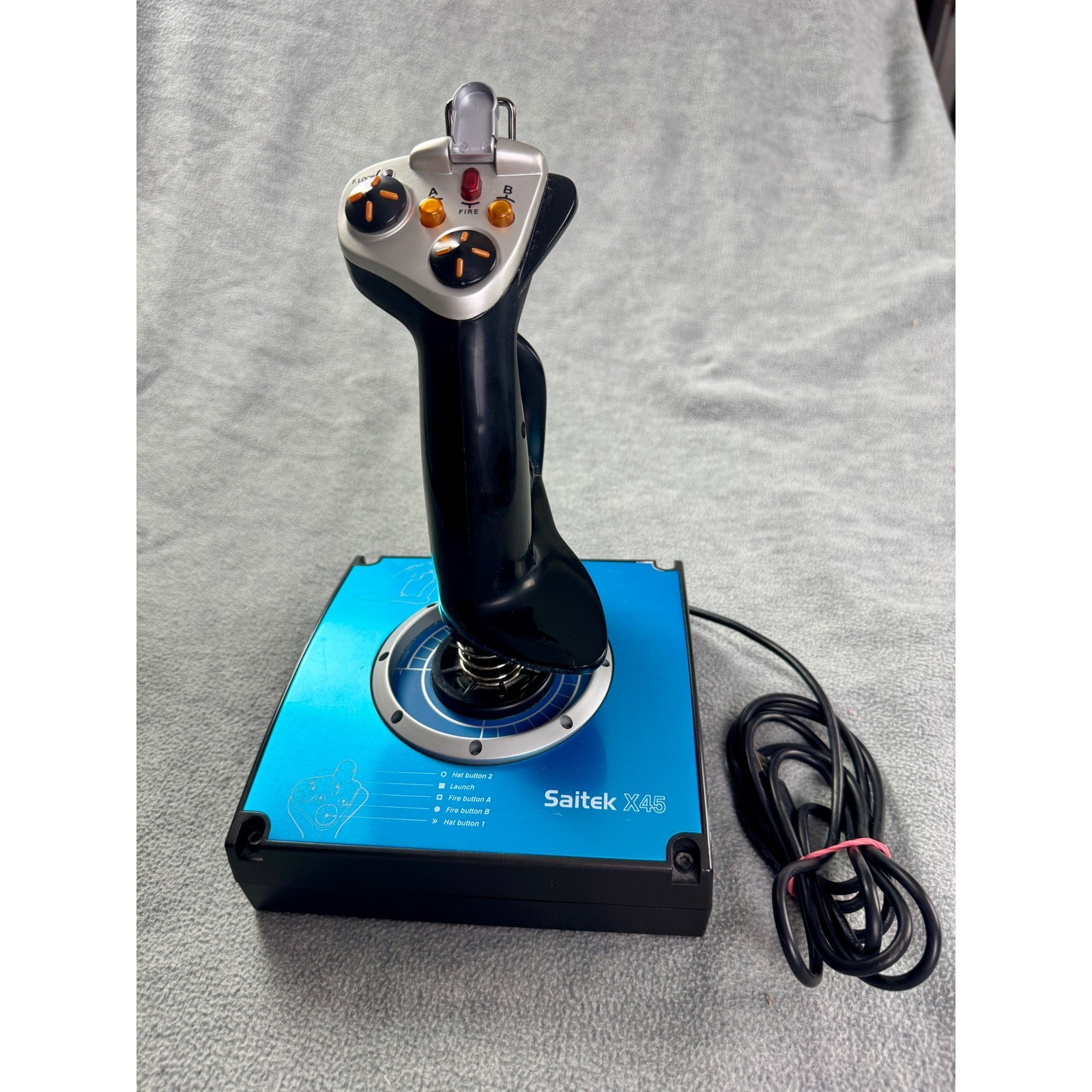

Photos from current listings. Actual item, color, and included accessories may vary.
Saitek Joystick Buying Guide
Saitek joysticks are legacy PC flight-sim controllers (pre-Logitech acquisition) valued for their budget-friendly HOTAS layouts and robust hall-effect or potentiometer sensors. The main trade-off is between older gameport-era models (X45, AV8R) that need USB adapters or driver workarounds and later USB-native sticks (X52, X56) with better software support. The clear decision rule: buy a Saitek only if you need a cheap HOTAS entry point and are willing to handle driver/calibration quirks—otherwise step up to a modern Logitech G or Thrustmaster USB-native HOTAS.
Median $39.00
Key takeaways
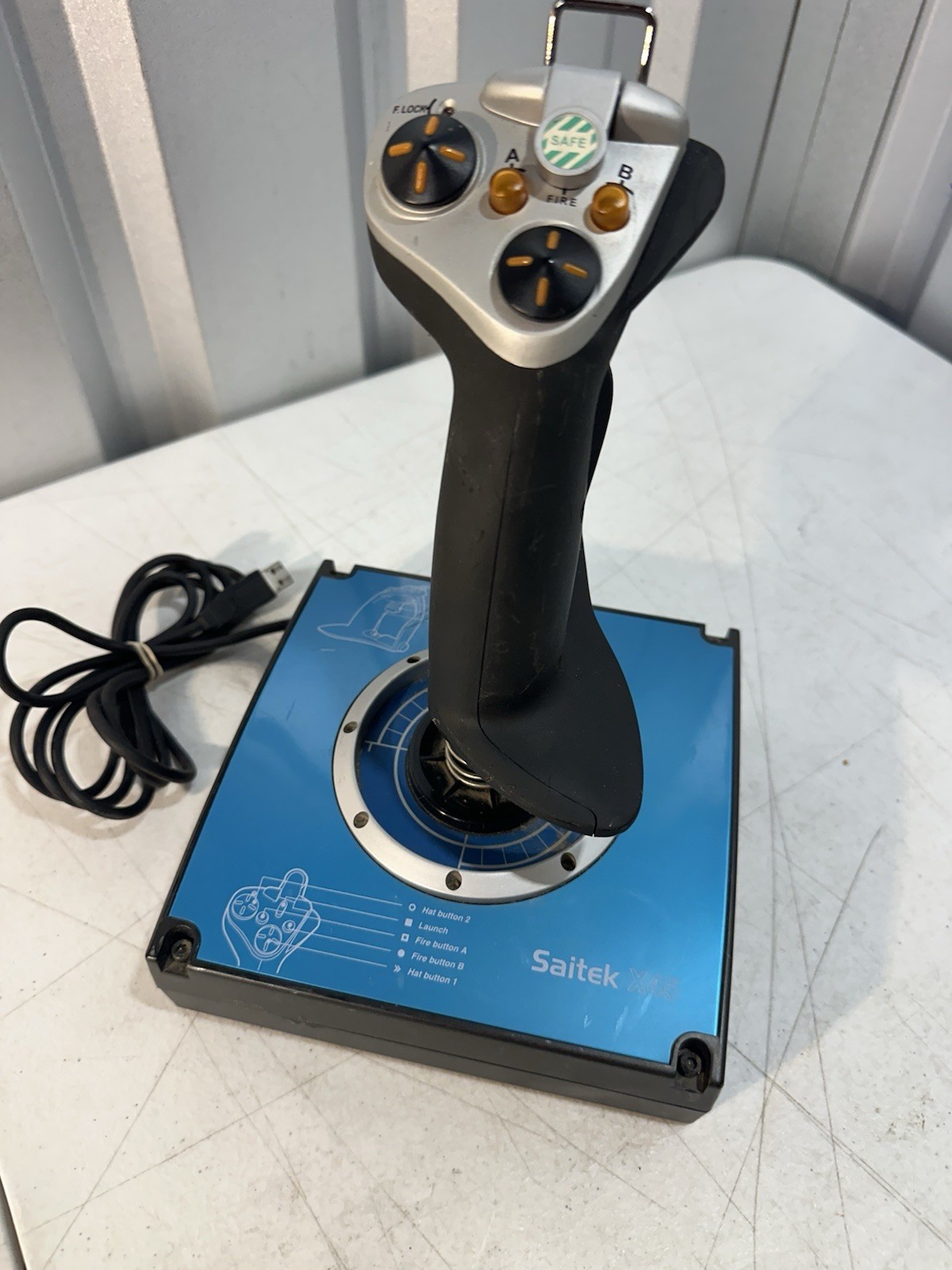
- X45 uses a gameport connector on early units and USB on later revisions; verify USB type before buying to avoid needing a gameport-to-USB adapter.
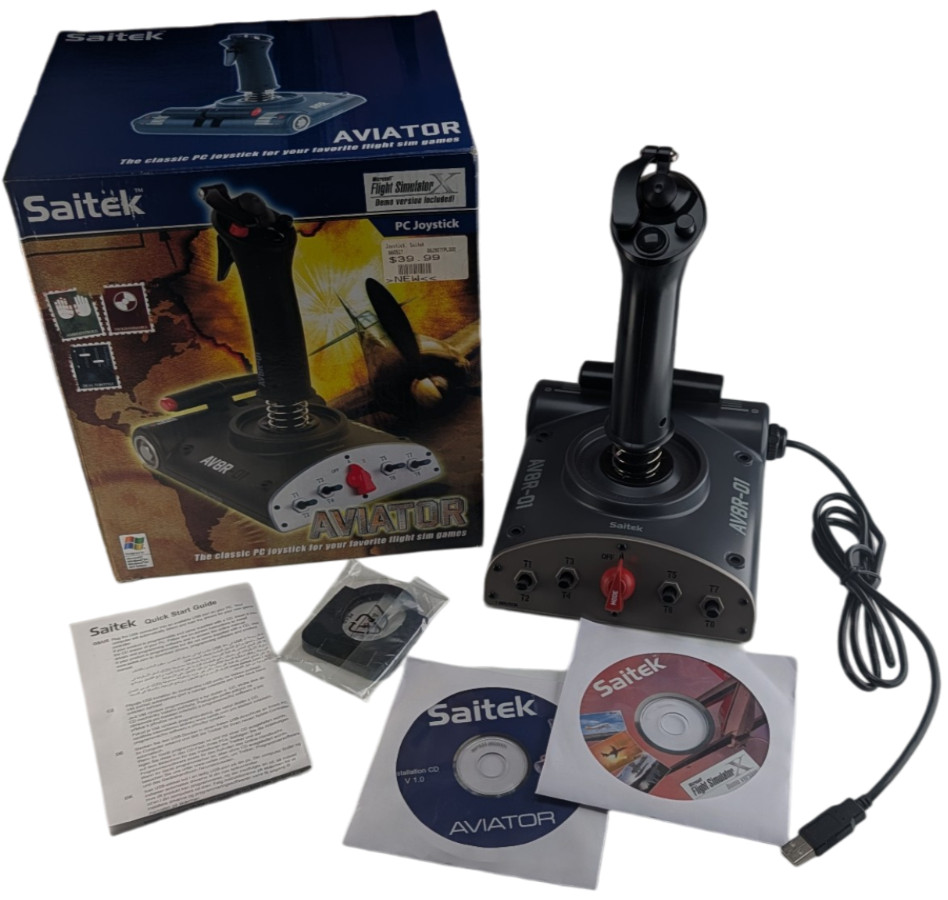
- AV8R-01 is a USB-native plug-and-play stick with a mode switch for PC/Xbox-style input, but lacks the separate throttle of the X45/X52 HOTAS sets.
- Saitek hall-effect sensors (X52/X56) resist wear better than the carbon potentiometers in X45/AV8R, which can develop jitter after years of use.
At a glance
- Category
- Flight Sim Joysticks & HOTAS
- Last updated
- Nov 27, 2026
Current offers
Highlights
- X45 uses a gameport connector on early units and USB on later revisions; verify USB type before buying to avoid needing a gameport-to-USB adapter.
- AV8R-01 is a USB-native plug-and-play stick with a mode switch for PC/Xbox-style input, but lacks the separate throttle of the X45/X52 HOTAS sets.
- Saitek hall-effect sensors (X52/X56) resist wear better than the carbon potentiometers in X45/AV8R, which can develop jitter after years of use.
- Post-2016 Saitek products are Logitech-owned; legacy Saitek-branded drivers often conflict with modern Windows 10/11, so plan on third-party calibration tools.
Best use cases
- Best fit: buy the X45 if you want a complete HOTAS (stick + throttle) for under a modern entry-level price and are comfortable with USB or adapter setup.
- Wrong fit: skip the AV8R-01 if you need a separate throttle axis for combat sims—it is a single-stick design better suited to arcade flight or space sims.
- Best fit: choose a USB-native Saitek (X52/X56) over gameport X45 if you run Windows 11 and want official Logitech driver support.
- Wrong fit: avoid any Saitek stick for competitive DCS/IL-2 if you require high-resolution 14-bit sensors and metal gimbals—those start at modern mid-tier HOTAS.
Buying tips
- Check connector type first: gameport X45 units need a USB adapter and may lose force-feedback support; USB X45 revisions work directly on modern PCs.
- Prioritize hall-effect sensor models (X52, X56) over potentiometer sticks (X45, AV8R) if you plan heavy daily use—potentiometers wear and jitter within a few years.
- Match axis count to your sim: X45 gives 3 axes + throttle + twist rudder; AV8R gives 3 axes + twist but no separate throttle, so plan for a standalone throttle if needed.
- Confirm Windows driver path: legacy Saitek software is 32-bit and unsupported on Windows 11; use Logitech G HUB for X52/X56 or third-party tools for older models.
Specs
| Connection | USB-A vs 15-pin gameport |
|---|---|
| Sensor Type | Hall-effect vs carbon potentiometer |
| HOTAS Layout | Stick+throttle vs single stick |
| Driver Support | Logitech G HUB vs legacy Saitek |
Related searches
What to check before buying
- Measure desk depth and stick height: X45 throttle+stick footprint needs roughly 18–24 inches of width; AV8R needs about 8 inches.
- Confirm your PC has a free USB-A port and that the stick ships with its USB cable—gameport X45 units require a separate adapter you must source.
- Check your sim’s axis mapping: X45/X52 use separate throttle and stick USB IDs; some older games only recognize combined single-device HOTAS.
- Verify Windows version compatibility: X52/X56 need Logitech G HUB (Windows 10/11); X45/AV8R may need legacy Saitek drivers or third-party calibration.
FAQ
Data sources: eBay / Amazon listings and product attribute feeds. Updated Nov 27, 2026.
Some links on this page are affiliate links. If you buy after clicking one, we may earn a commission at no extra cost to you. This does not change which products appear here or their order. Affiliate disclosure.