
Photos from current listings. Actual item, color, and included accessories may vary.
PC Flight Stick Buying Guide
PC flight sticks range from budget USB gamepads-on-a-stick to metal-gimbal HOTAS bases, and the sensor type and gimbal construction decide whether you can hold a stable gunsight or fight centering slop. Buyers upgrading from a mouse-and-keyboard setup often pick a stick with too few axes or no twist rudder and then discover they cannot fly helicopters or warbirds without pedals. Fit also matters: desk height, clamp clearance, and PC connection standard determine whether a full HOTAS or a compact desktop stick is the right call.
Median $39.79
Key takeaways
- Sensor architecture separates tiers: potentiometer sticks (PXN 2113, Saitek X45) wear and develop dead zones, while Hall-effect magnetic sensors (Thrustmaster T.Flight Hotas 4, modern T.16000M) resist drift and need no contact cleaning.
- Gimbal design controls feel: ball-and-socket plastic gimbals center softly for arcade flying, while metal cam-and-roller gimbals in mid-to-high tiers give linear force and stay precise near center for formation and refueling.
- HOTAS split matters: the Thrustmaster T.Flight Hotas 4 ships as a joined stick-and-throttle with slide rail, while a bare flight stick like the PXN 2113PRO is a single unit needing a separate throttle axis assignment on keyboard or second device.
At a glance
- Category
- Flight Sim Joysticks & HOTAS
- Last updated
- Nov 27, 2026
Current offers
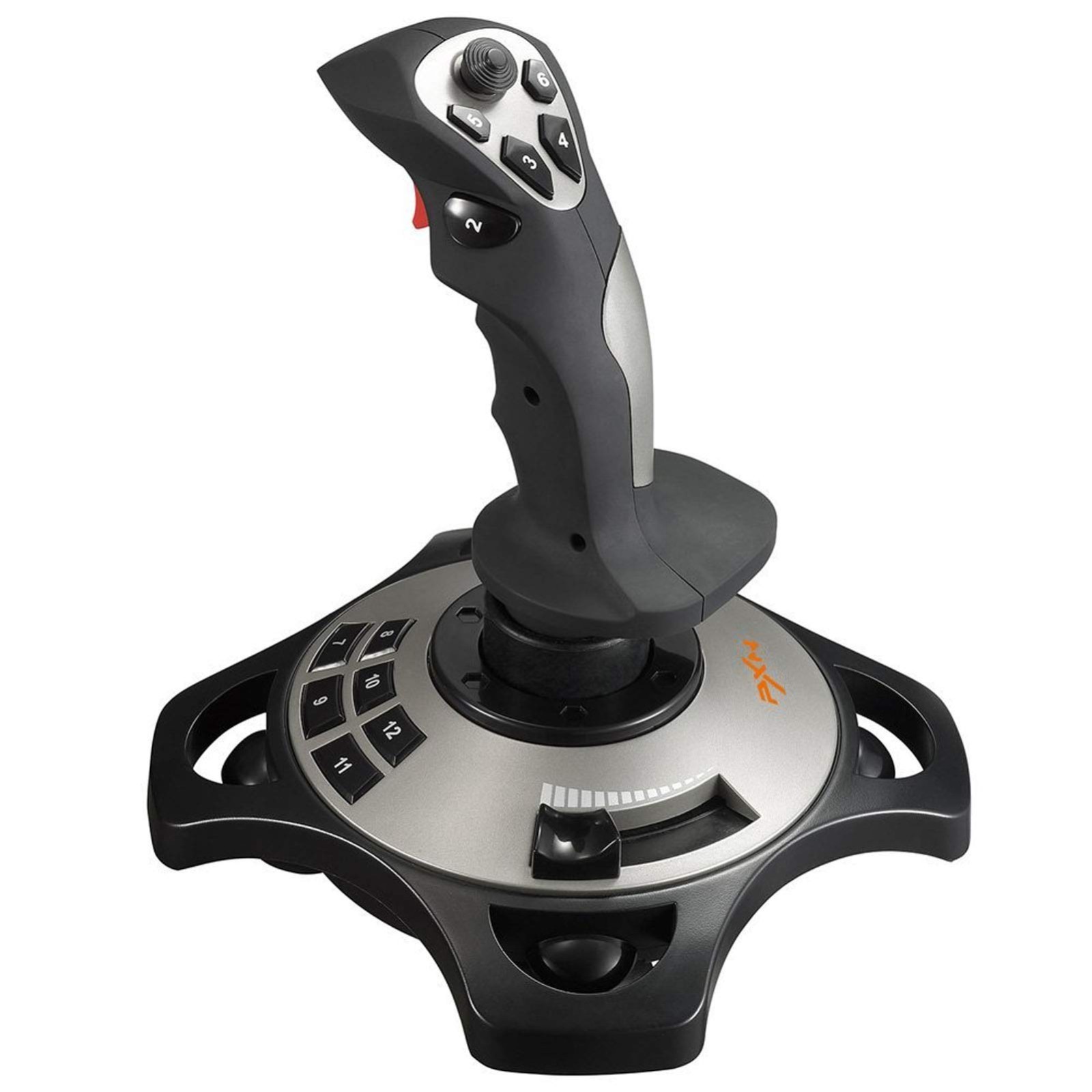 PXN 2113PRO USB Flight Simulator Joystick Gaming Flight Stick Controller PC$32.00View on eBay
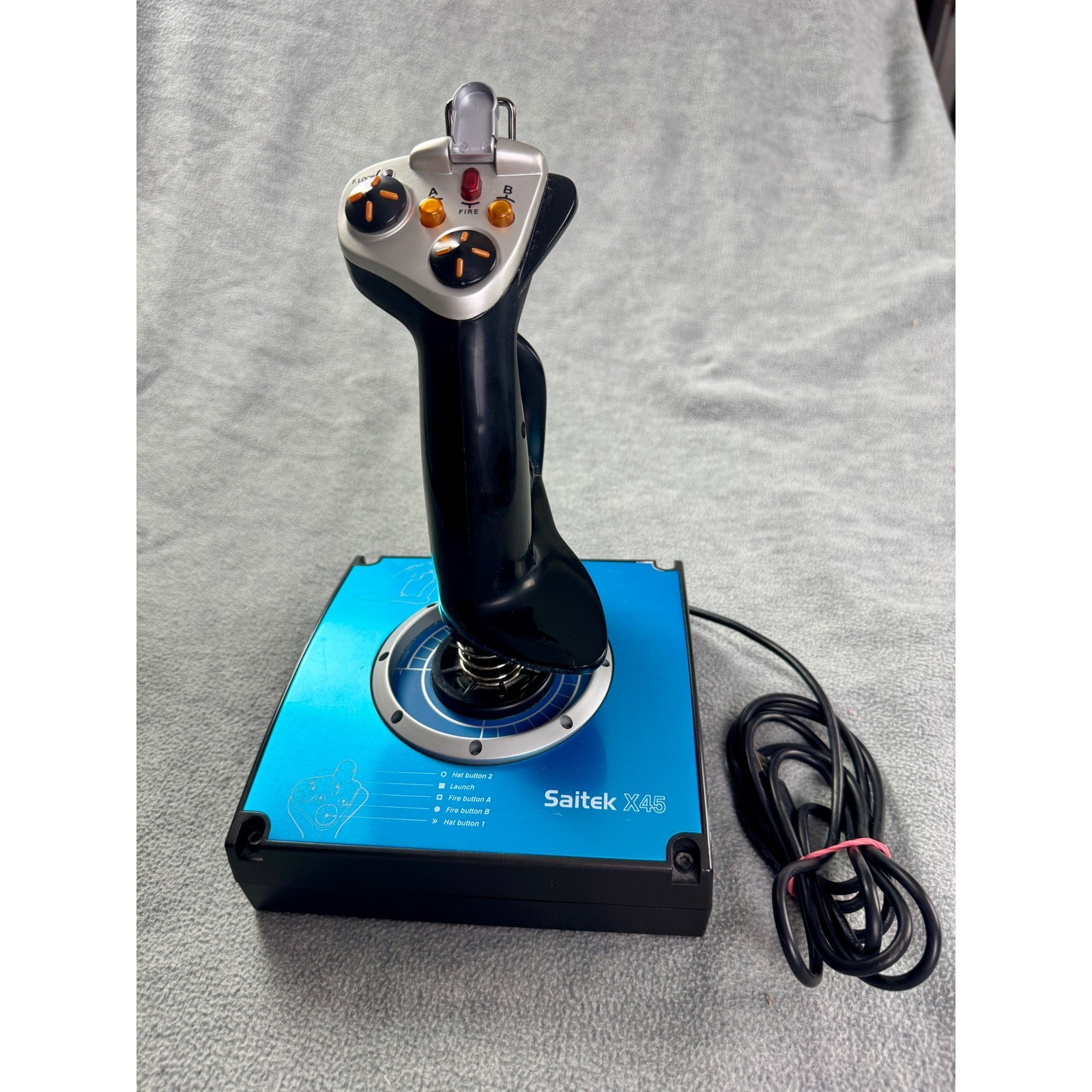 Saitek X45 Digital Flight Control Stick Joystick PC Flight Simulator Controller$38.57View on eBay
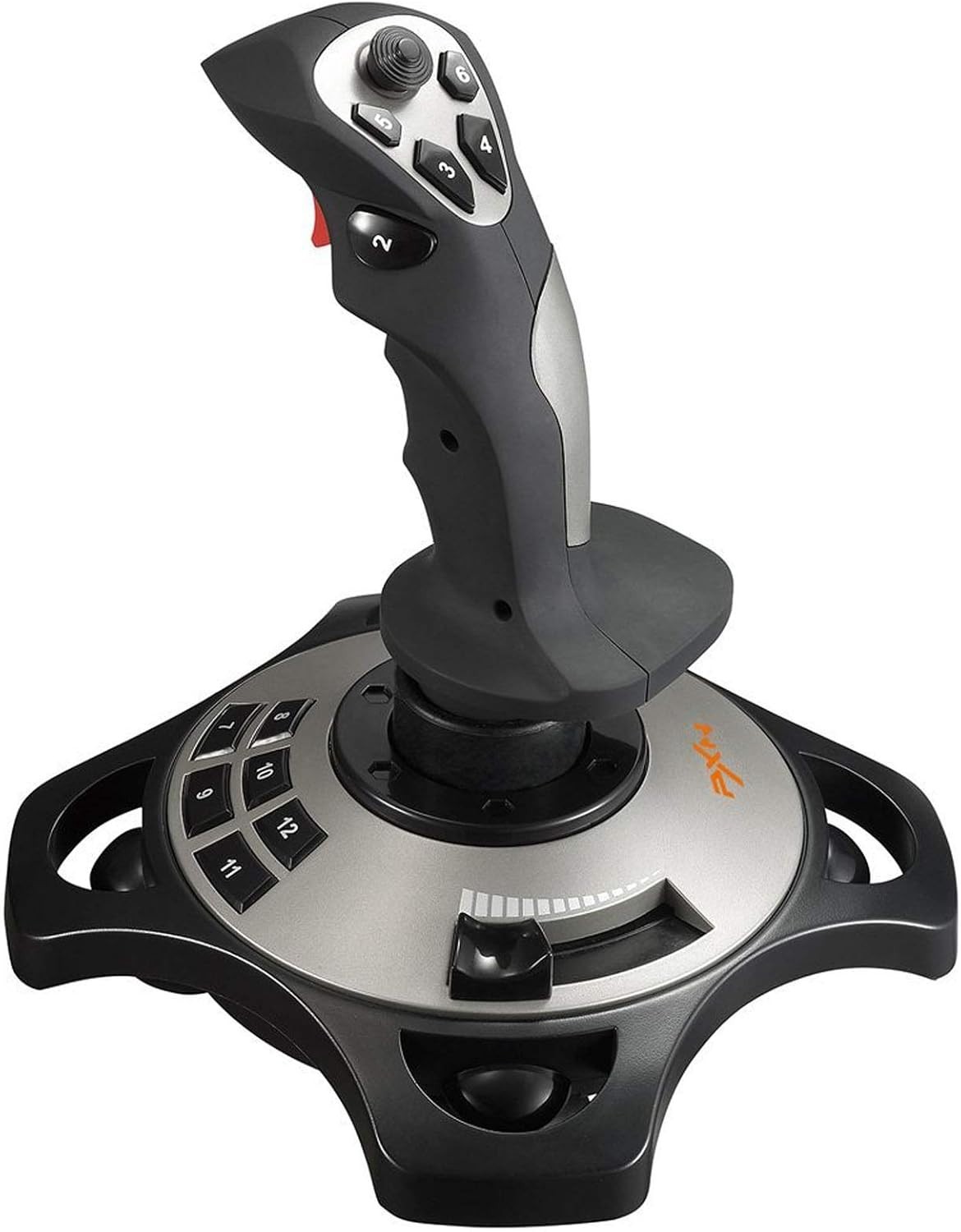 PXN 2113PRO USB Flight Simulator Joystick Gaming Flight Stick Controller PC$41.00View on eBay
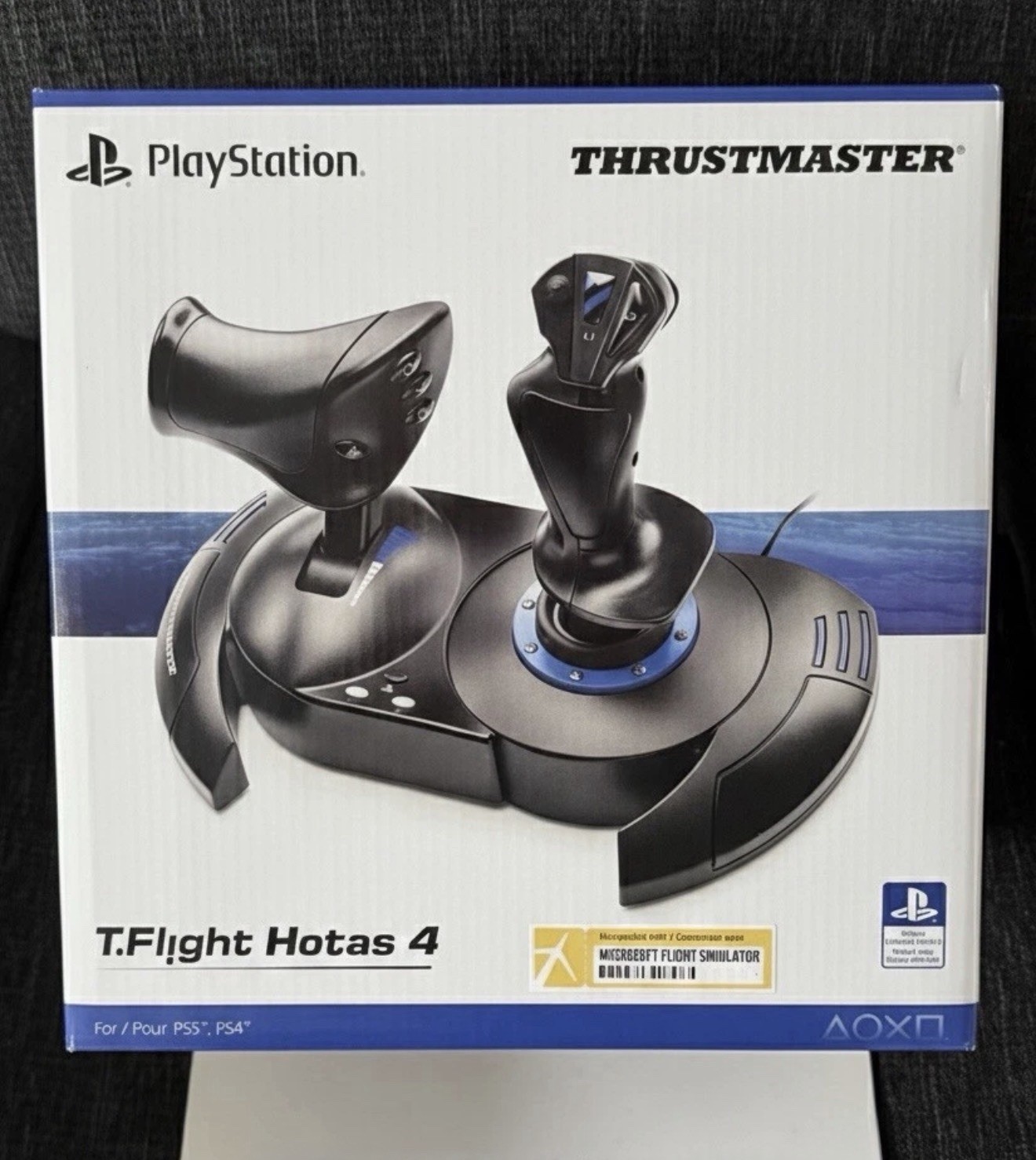 Thrustmaster T.Flight Hotas 4 Flight Stick Joystick for PS4 PS5 & PC - New$200.00Last checked Nov 18, 2026View on eBay
Highlights
- Sensor architecture separates tiers: potentiometer sticks (PXN 2113, Saitek X45) wear and develop dead zones, while Hall-effect magnetic sensors (Thrustmaster T.Flight Hotas 4, modern T.16000M) resist drift and need no contact cleaning.
- Gimbal design controls feel: ball-and-socket plastic gimbals center softly for arcade flying, while metal cam-and-roller gimbals in mid-to-high tiers give linear force and stay precise near center for formation and refueling.
- HOTAS split matters: the Thrustmaster T.Flight Hotas 4 ships as a joined stick-and-throttle with slide rail, while a bare flight stick like the PXN 2113PRO is a single unit needing a separate throttle axis assignment on keyboard or second device.
- Connection and console support differ: the T.Flight Hotas 4 is licensed for PS4/PS5 and PC over USB, whereas older Saitek X45 units use USB but rely on legacy drivers and unmarked mode switching on modern Windows.
Best use cases
- Pick a Hall-effect desktop stick such as the Thrustmaster T.Flight Hotas 4 if you fly War Thunder, Elite Dangerous, or Microsoft Flight Simulator on a single desk and want twist rudder plus a built-in throttle without buying pedals.
- Choose a metal-gimbal HOTAS base only if you fly DCS or IL-2 seriously and will bolt or clamp it to a dedicated rig; on a lightweight desk the heavy spring force will lift the base during hard pulls.
- Skip the Saitek X45 unless you enjoy retro hardware tinkering; its potentiometers and legacy software profile make it a poor first stick for modern PC sims despite the low used price.
- Avoid a bare flight stick like the PXN 2113PRO for helicopter or space-sim flying where you need a separate collective or dual throttle; it lacks the second axis and hat layout those profiles rely on.
Buying tips
- Prioritize Hall-effect or contactless magnetic sensors over potentiometers if you plan to fly more than a few hours a week; potentiometer tracks degrade and cause spiking within a year of heavy use.
- Check the gimbal material and centering mechanism before buying: plastic ball gimbals suit casual arcade play, while cam-and-roller metal gimbals hold precision for study-level sims.
- Size the base footprint against your desk and clamp clearance; full HOTAS bases with separate throttle units need roughly half a meter of width and a solid edge to clamp onto.
- Confirm USB connection and driver generation: licensed PlayStation/PC sticks like the T.Flight Hotas 4 work plug-and-play, while older Saitek and no-name sticks may need manual driver installs or community patches.
Specs
| Sensor Type | Hall-effect vs potentiometer |
|---|---|
| Gimbal Build | Plastic ball vs metal cam |
| Throttle | Integrated HOTAS vs bare stick |
| Platform | PC USB / PS4-PS5 licensed |
Related searches
What to check before buying
- Measure desk depth and edge thickness so the stick base or clamp fits without overhanging and blocking your monitor or keyboard tray.
- Verify your PC has a free USB-A port and that the stick's driver generation is supported on your Windows version, especially for legacy Saitek hardware.
- Decide whether you need twist rudder and a built-in throttle before choosing a bare flight stick; without them you must add pedals or a separate throttle quadrant.
- Check the game's controller profile support: some sims map the T.Flight Hotas 4 automatically, while generic USB sticks require manual axis assignment.
FAQ
Data sources: eBay / Amazon listings and product attribute feeds. Updated Nov 27, 2026.
Some links on this page are affiliate links. If you buy after clicking one, we may earn a commission at no extra cost to you. This does not change which products appear here or their order. Affiliate disclosure.