
Photos from current listings. Actual item, color, and included accessories may vary.
Logitech Flight Joystick Buying Guide
Logitech flight joysticks span three distinct eras: legacy Gameport/Attack 3 sticks, the USB Extreme 3D Pro, and the modern G-series HOTAS. The core trade-off is sensor resolution and twist-rudder ergonomics versus throttle and button count—entry sticks use potentiometers and give you the stick only, while G-series adds Hall-effect-class precision and split throttle. Buy the Extreme 3D Pro for a single-stick budget sim setup, and step to a G-series HOTAS only if you need a separate throttle and more than 12 programmable inputs.
Median $35.47
Key takeaways
- Extreme 3D Pro (X3D / J-UK17) is a USB 2.0 stick with 12 buttons, 8-way hat, twist rudder, and a single throttle wheel—no separate throttle unit.
- Legacy Attack 3 (ATK3, J-UJ18) and Dexxa Gameport DB15 sticks use older analog interfaces; Gameport needs a DB15 adapter or motherboard header and is not plug-and-play on modern PCs.
- G-series HOTAS units (e.g., X52-class) separate stick and throttle, add dual-spring centering, and use higher-resolution contactless sensors versus the Extreme 3D Pro's potentiometers.
At a glance
- Category
- Flight Sim Joysticks & HOTAS
- Last updated
- Nov 27, 2026
Current offers
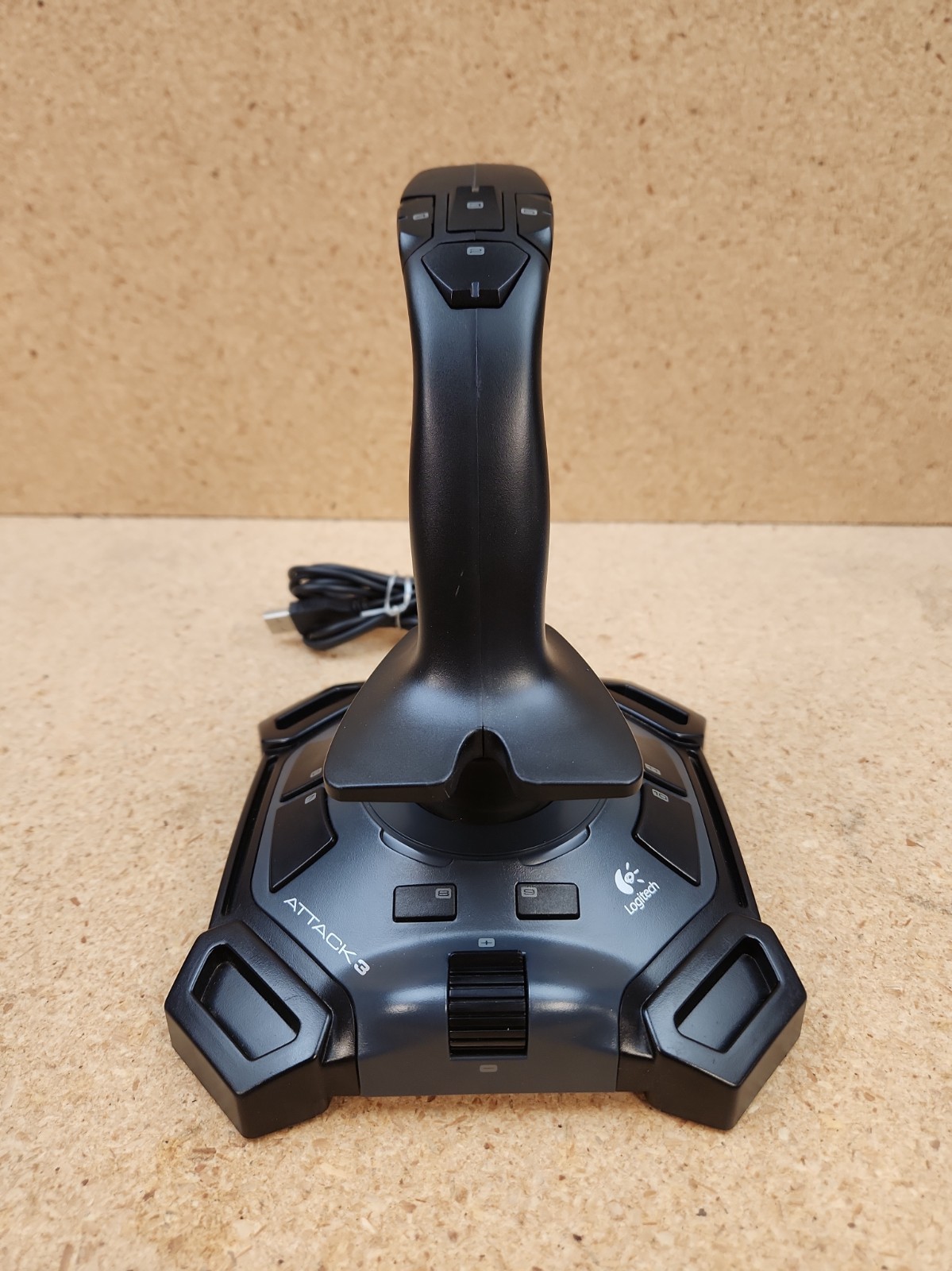 Logitech- Attack 3 ATK3 J-UJ18 Joystick- Gaming Flight Simulator Control- USB PC$21.95View on eBay
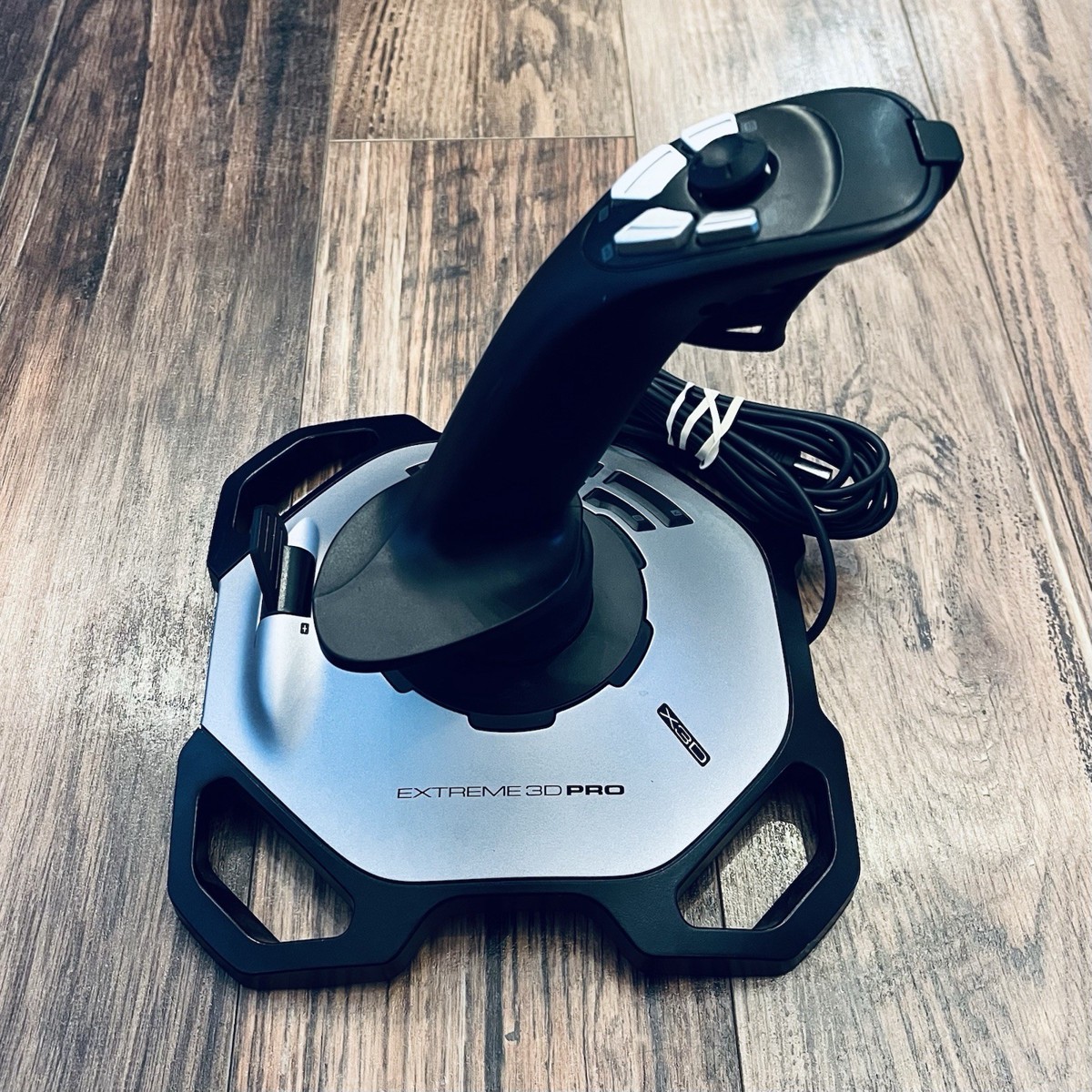 Logitech Extreme 3D Pro X3D USB Flight PC USB Simulator Joystick - SHIPS FREE!$34.99View on eBay
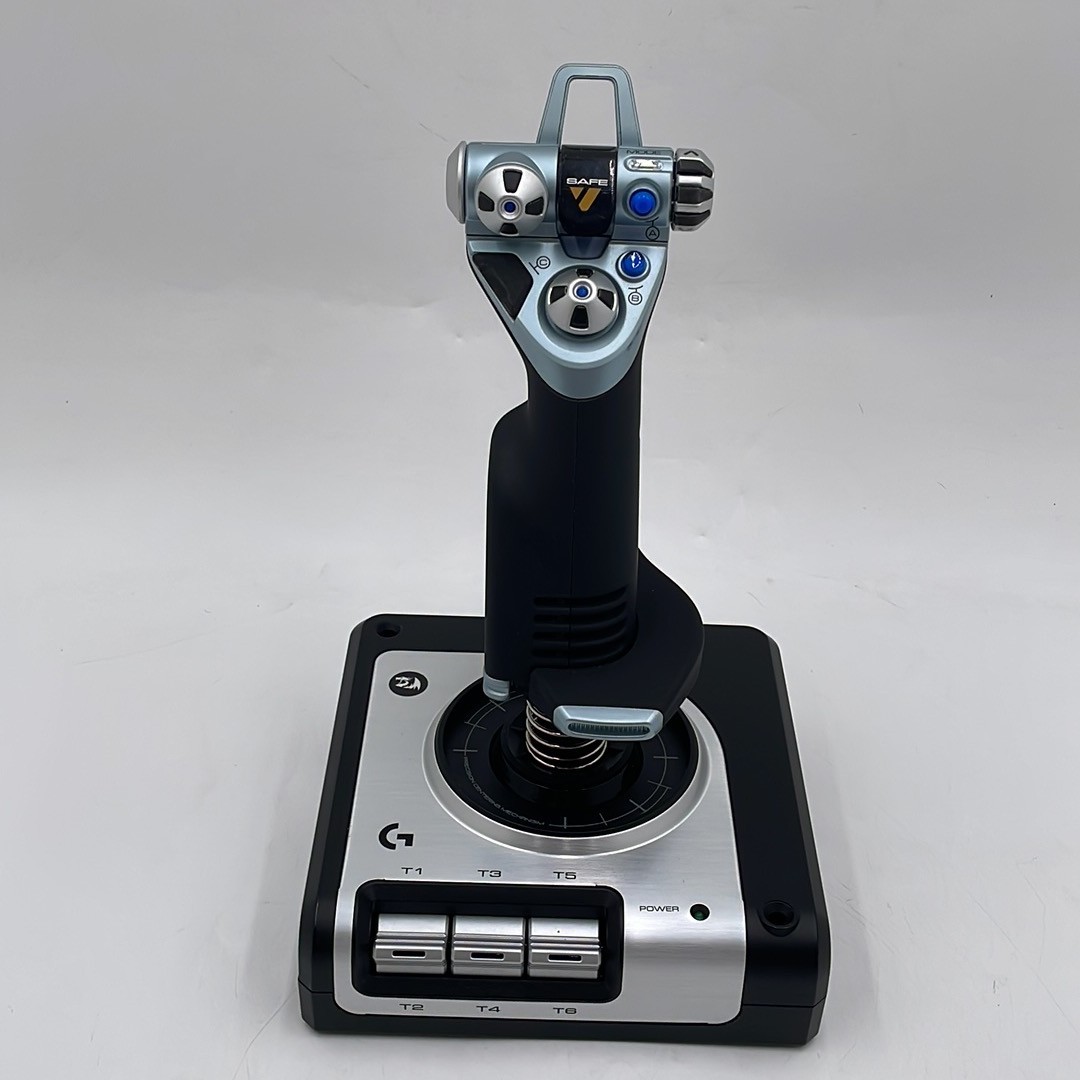 Logitech G X52 Hotas Flight Control Joystick (Stick)$35.95View on eBay
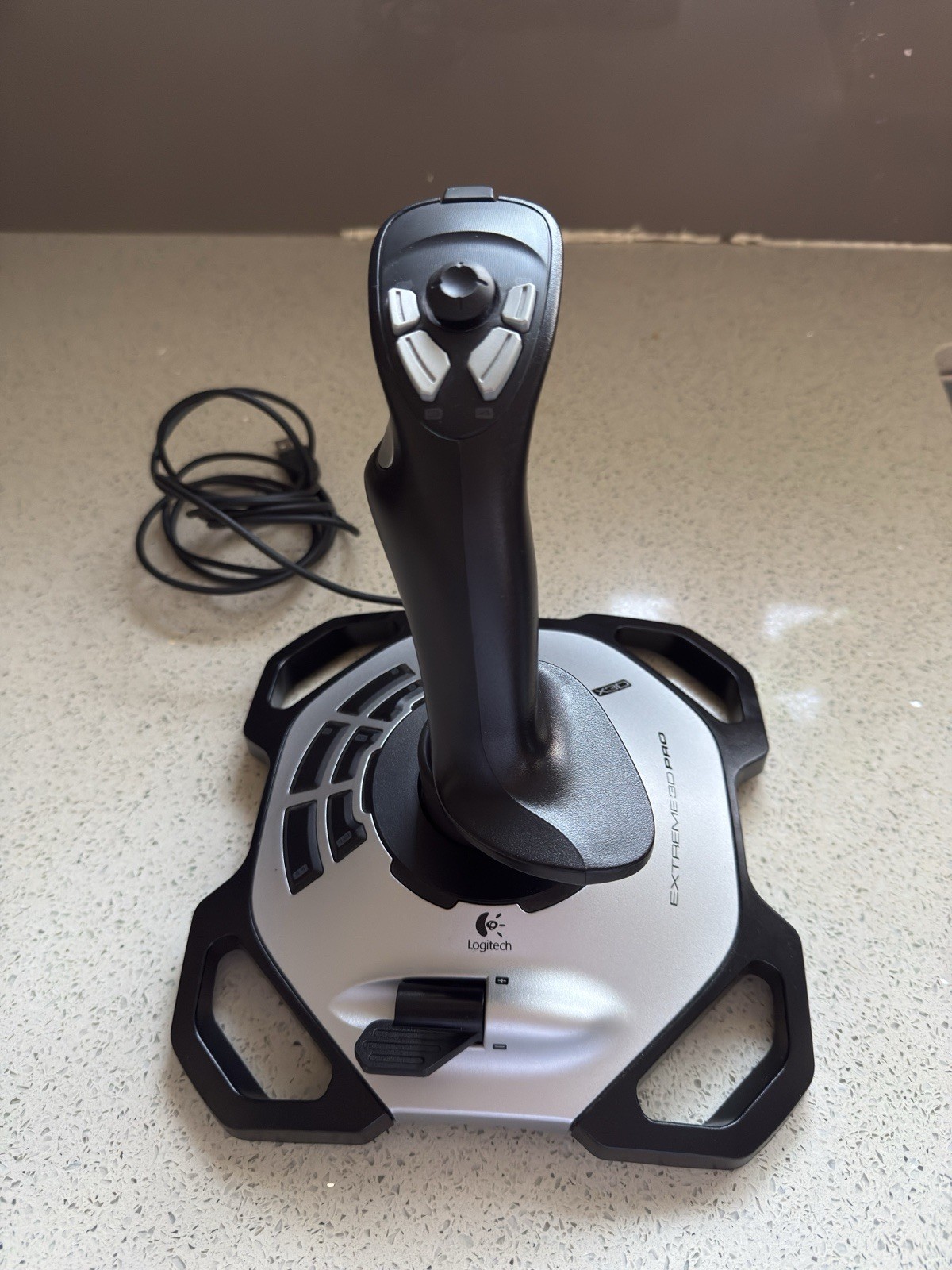 LOGITECH Extreme 3D PRO X3D J-UK17 USB Flight PC USB Simulator Joystick TESTED$53.29View on eBay
Highlights
- Extreme 3D Pro (X3D / J-UK17) is a USB 2.0 stick with 12 buttons, 8-way hat, twist rudder, and a single throttle wheel—no separate throttle unit.
- Legacy Attack 3 (ATK3, J-UJ18) and Dexxa Gameport DB15 sticks use older analog interfaces; Gameport needs a DB15 adapter or motherboard header and is not plug-and-play on modern PCs.
- G-series HOTAS units (e.g., X52-class) separate stick and throttle, add dual-spring centering, and use higher-resolution contactless sensors versus the Extreme 3D Pro's potentiometers.
- Twist-rudder on the Extreme 3D Pro eliminates the need for pedals, but potentiometer wear shows as spiking after heavy use—contactless/Hall-effect sticks last longer.
Best use cases
- Best fit: Microsoft Flight Simulator, X-Plane, or War Thunder on a single USB port—pick the Extreme 3D Pro for its integrated twist rudder and throttle wheel.
- Best fit: combat sims needing split throttle and 20+ bindings—choose a G-series HOTAS; skip the Extreme 3D Pro if you need a separate throttle quadrant.
- Wrong fit: modern Windows 10/11 PCs without a Gameport header—avoid Dexxa/Attack 3 Gameport DB15 units unless you have a USB adapter and legacy driver support.
- Wrong fit: airliner or helicopter sims requiring precise collective and rudder—skip twist-rudder sticks and budget for a HOTAS plus pedals.
Buying tips
- Match connection to your PC: USB-A is mandatory for Extreme 3D Pro and G-series; Gameport DB15 units need a USB adapter and may lack 64-bit Windows drivers.
- Count your bindings first: 12 buttons + 8-way hat covers most single-engine sims; multi-engine or combat sims need 20+ inputs, which means a G-series HOTAS.
- Check desk footprint: a stick-only unit needs roughly 20x20 cm of flat surface; a HOTAS with split throttle needs 45+ cm of width or a clamp mount.
- Prefer contactless or Hall-effect sensors over potentiometers if you fly daily—potentiometer sticks like the Extreme 3D Pro develop dead zones under heavy use.
Specs
| Connection | USB-A vs legacy Gameport DB15 |
|---|---|
| Sensor Type | Potentiometer vs contactless/Hall-effect |
| Rudder Control | Twist-rudder vs pedal-required |
| Throttle | Integrated wheel vs split HOTAS |
Related searches
What to check before buying
- Confirm your PC has a free USB-A port and Windows 10/11—Gameport DB15 sticks are not plug-and-play on modern systems.
- Measure desk depth and width: allow 20x20 cm for stick-only, 45+ cm for split stick + throttle, plus clearance for full forward/back throw.
- Check sim compatibility: MSFS, X-Plane, and Elite Dangerous map the Extreme 3D Pro natively; older Gameport sticks may need manual axis assignment.
- Decide if you need rudder pedals—twist-rudder sticks save space but fatigue the wrist in long helicopter sessions.
FAQ
Data sources: eBay / Amazon listings and product attribute feeds. Updated Nov 27, 2026.
Some links on this page are affiliate links. If you buy after clicking one, we may earn a commission at no extra cost to you. This does not change which products appear here or their order. Affiliate disclosure.