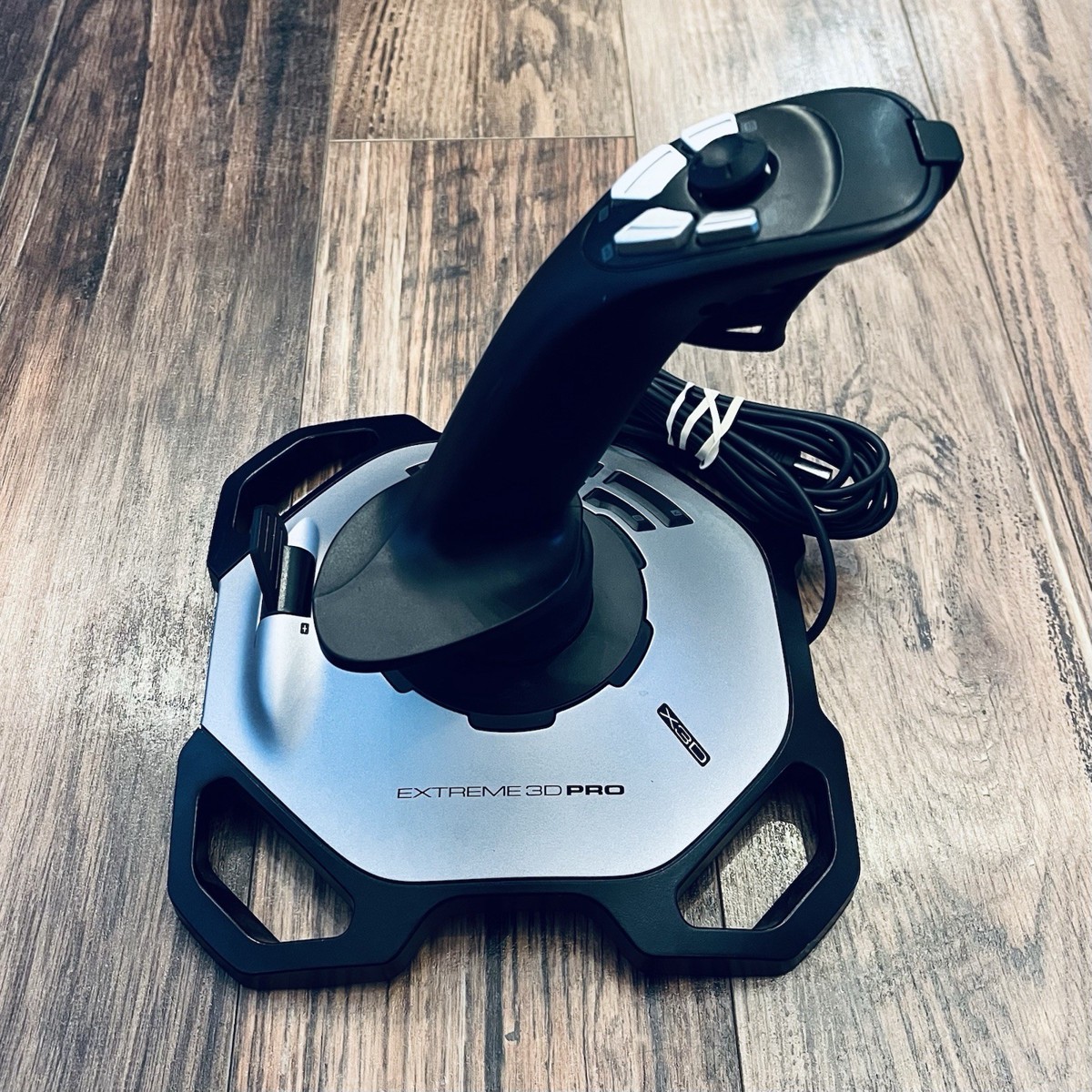

Photos from current listings. Actual item, color, and included accessories may vary.
Logitech Flight Buying Guide
Logitech flight sticks and HOTAS systems span entry-level twist-rudder joysticks to full split-throttle HOTAS setups, with the core trade-off between basic potentiometer axes and Hall-effect magnetic sensors that resist wear and drift. Buyers should step up to a Hall-effect HOTAS when they need precise, long-lasting control for combat sims; casual flight simmers can stay with a proven entry stick. The decision rule: choose based on sensor type and dual-throttle capability, not cosmetic extras.
Median $44.14
Key takeaways
- Logitech G X52 and X56 use contactless Hall-effect sensors on main axes for drift-free, long-life precision; the Extreme 3D Pro uses conventional potentiometers with a twist rudder.
- X56 offers dual independent throttle axes and more buttons/hats for twin-engine jets; X52 uses a single throttle axis with a slider and Mode switch for multiple profiles.
- Extreme 3D Pro provides a 3-axis twist rudder and 12 programmable buttons at a budget tier, but its potentiometers can develop spiking over years of heavy use.
At a glance
- Category
- Flight Sim Joysticks & HOTAS
- Last updated
- Nov 27, 2026
Current offers
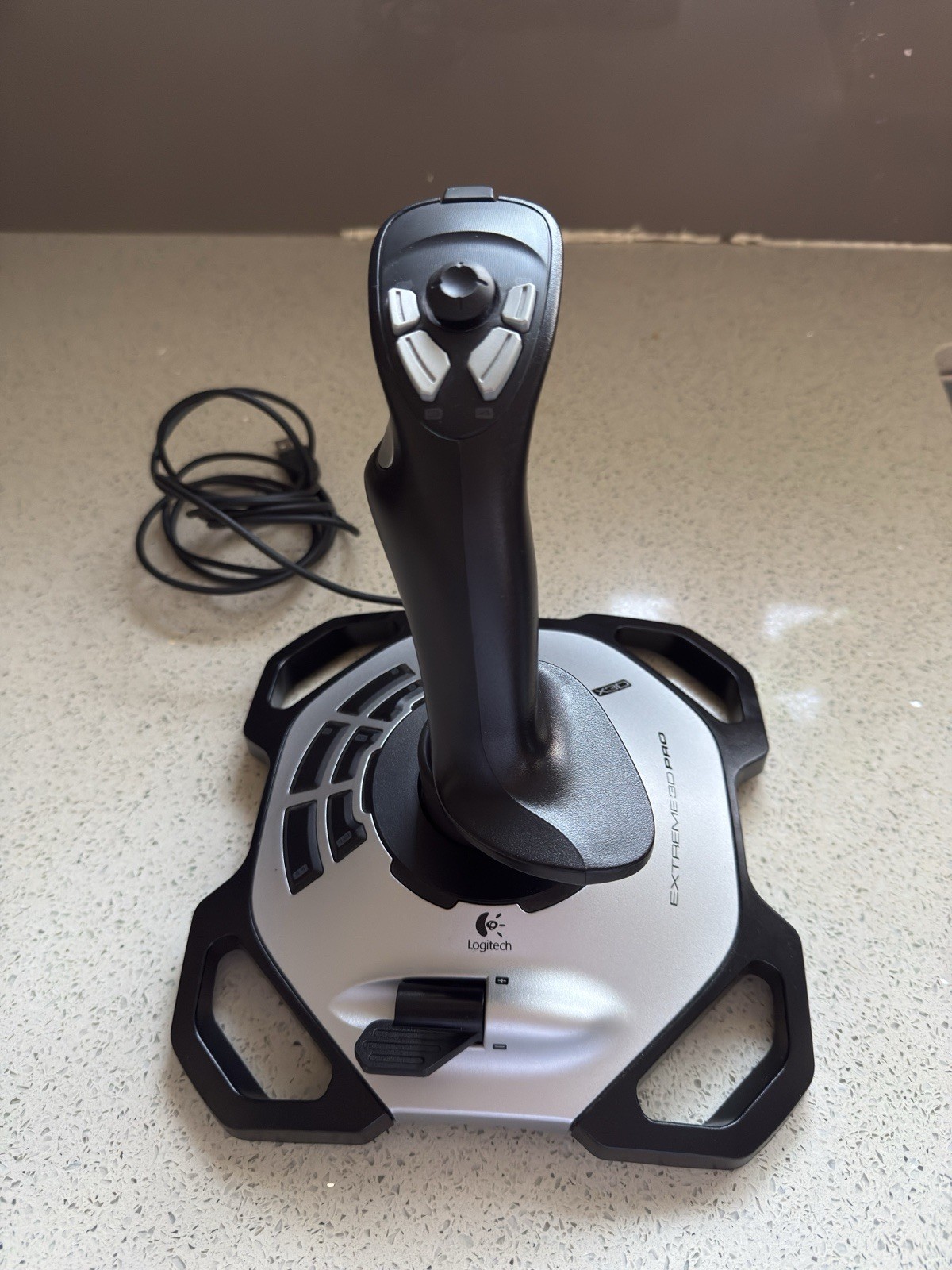
Highlights
- Logitech G X52 and X56 use contactless Hall-effect sensors on main axes for drift-free, long-life precision; the Extreme 3D Pro uses conventional potentiometers with a twist rudder.
- X56 offers dual independent throttle axes and more buttons/hats for twin-engine jets; X52 uses a single throttle axis with a slider and Mode switch for multiple profiles.
- Extreme 3D Pro provides a 3-axis twist rudder and 12 programmable buttons at a budget tier, but its potentiometers can develop spiking over years of heavy use.
- Older gameport (DB15) sticks like the Dexxa require a legacy joystick port or adapter and are not plug-and-play on modern PCs; USB models are the practical baseline.
Best use cases
- Pick the G X56 if you fly combat sims needing dual throttles, twist rudder, and extensive HOTAS mapping; skip it if you only fly civil aviation and want a simpler desk footprint.
- Choose the G X52 for a balanced HOTAS with a single throttle and mode switching; skip it if twin-engine throttle control or very heavy button count is essential.
- Buy the Extreme 3D Pro for a first sim stick or space sims on a tight budget; skip it if you need separate throttle and stick for immersive HOTAS workflows.
- Avoid gameport Dexxa/Attack 3-era sticks for modern PCs unless you specifically need a legacy adapter; choose any USB model for Windows 10/11 compatibility.
Buying tips
- Prioritize Hall-effect main axes (X52/X56) over potentiometer sticks if you plan years of heavy use—potentiometers wear and drift, Hall sensors do not contact.
- Match throttle architecture to your sim: dual independent throttle axes (X56) for twins and combat; single throttle with slider (X52) is fine for single-engine civil aircraft.
- Confirm USB connectivity and Windows 10/11 driver support; gameport DB15 sticks need a USB adapter and may lack modern driver support.
- Check desk and mount clearance: full HOTAS sets need roughly 45–60 cm width for stick and throttle side by side, plus stable, non-slip surfaces.
Specs
| Sensor Type | Hall-effect (G series) vs potentiometer |
|---|---|
| Throttle | Dual independent (X56) vs single (X52) |
| Rudder Control | Twist axis vs separate pedals |
| Connectivity | USB-A; legacy gameport DB15 (old) |
Related searches
What to check before buying
- Measure desk width and depth to fit stick and throttle with wrist clearance; a full HOTAS needs about 45–60 cm of lateral space.
- Confirm your PC has free USB-A ports and that the stick’s software (Logitech G HUB for G-series) supports your Windows version.
- Plan for secure mounting or weighted bases—tall sticks can tip during aggressive inputs on slick desks.
- If buying used, verify the model is USB (not gameport) and that all axes and buttons are tested working, especially twist rudder.
FAQ
Data sources: eBay / Amazon listings and product attribute feeds. Updated Nov 27, 2026.
Some links on this page are affiliate links. If you buy after clicking one, we may earn a commission at no extra cost to you. This does not change which products appear here or their order. Affiliate disclosure.