
Photos from current listings. Actual item, color, and included accessories may vary.
HOTAS Buying Guide
HOTAS buyers usually start with a game in mind, then discover that console compatibility, sensor type, and throttle detents determine whether the setup actually works. The most common mistake is buying a console-labeled stick for PC or a budget stick for a six-degree-of-freedom space sim where twist and button count matter more than name recognition.
Sensor Type:Hall-effect vs potentiometerThrottle Design:Single-axis vs split-throttleConsole Support:PC / Xbox / PlayStation SKUsTwist Rudder:Included vs pedal-required
Typical price range$39.99 – $200.00
Median $130.00
Key takeaways
- Hall-effect sensors (T.16000M, X56) resist wear and drift far better than the potentiometers used in entry T.Flight sticks.
- Throttle detents and split-throttle design separate elite space-sim HOTAS units from single-axis budget throttles.
- Console support is firmware-locked: T.Flight Hotas One is Xbox/PC, Hotas 4 is PlayStation/PC, and neither swaps to the other console.
At a glance
- Category
- Flight Sim Joysticks & HOTAS
- Last updated
- Nov 27, 2026
Current offers
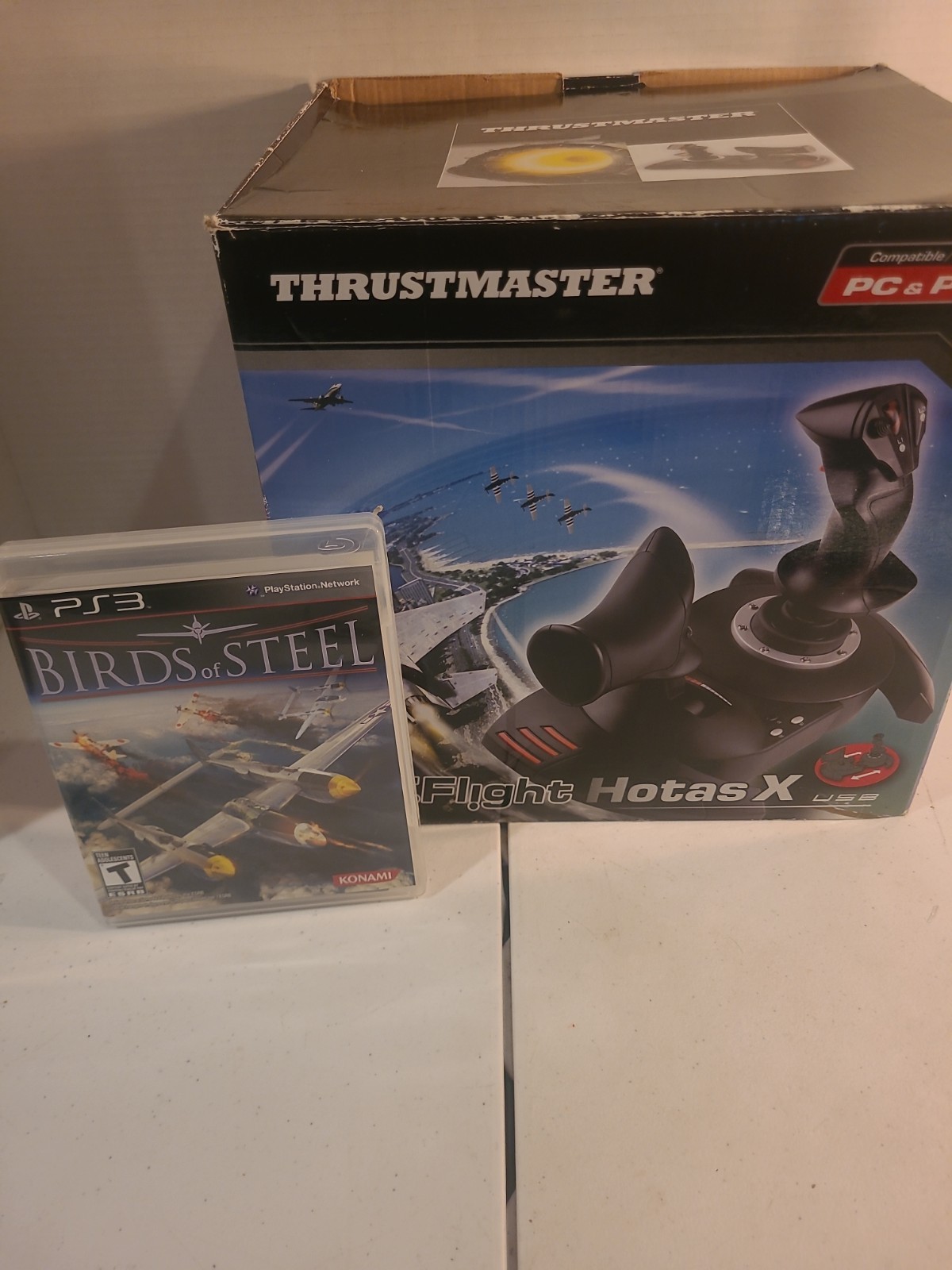 Thrustmaster T-Flight Hotas X Airplane Jet Stick & Throttle Joystick PC & PS3$39.99View on eBay
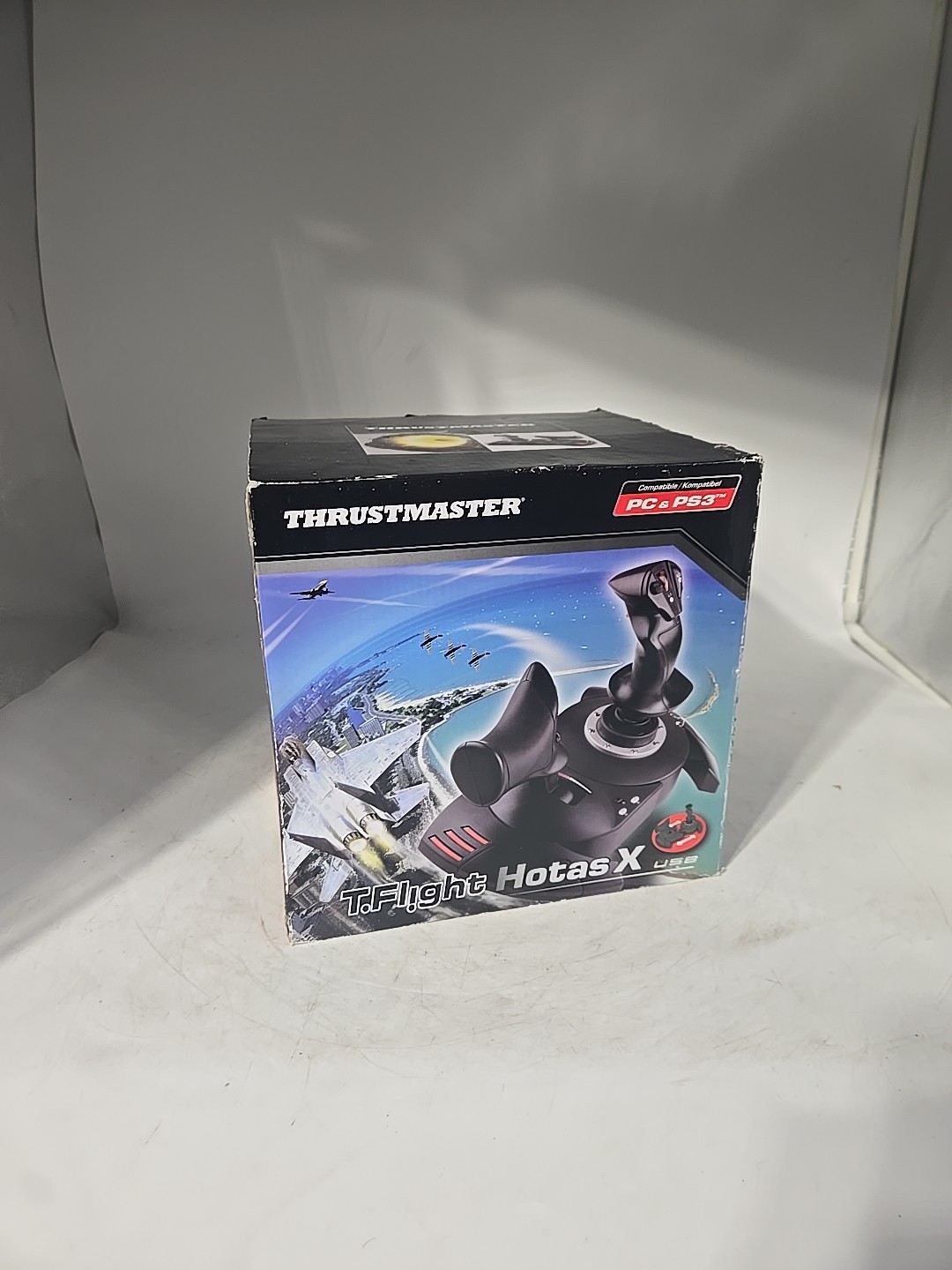 Thrustmaster T-Flight Hotas x PC PlayStation 3 PS3 Flightstick New In Box$65.15View on eBay
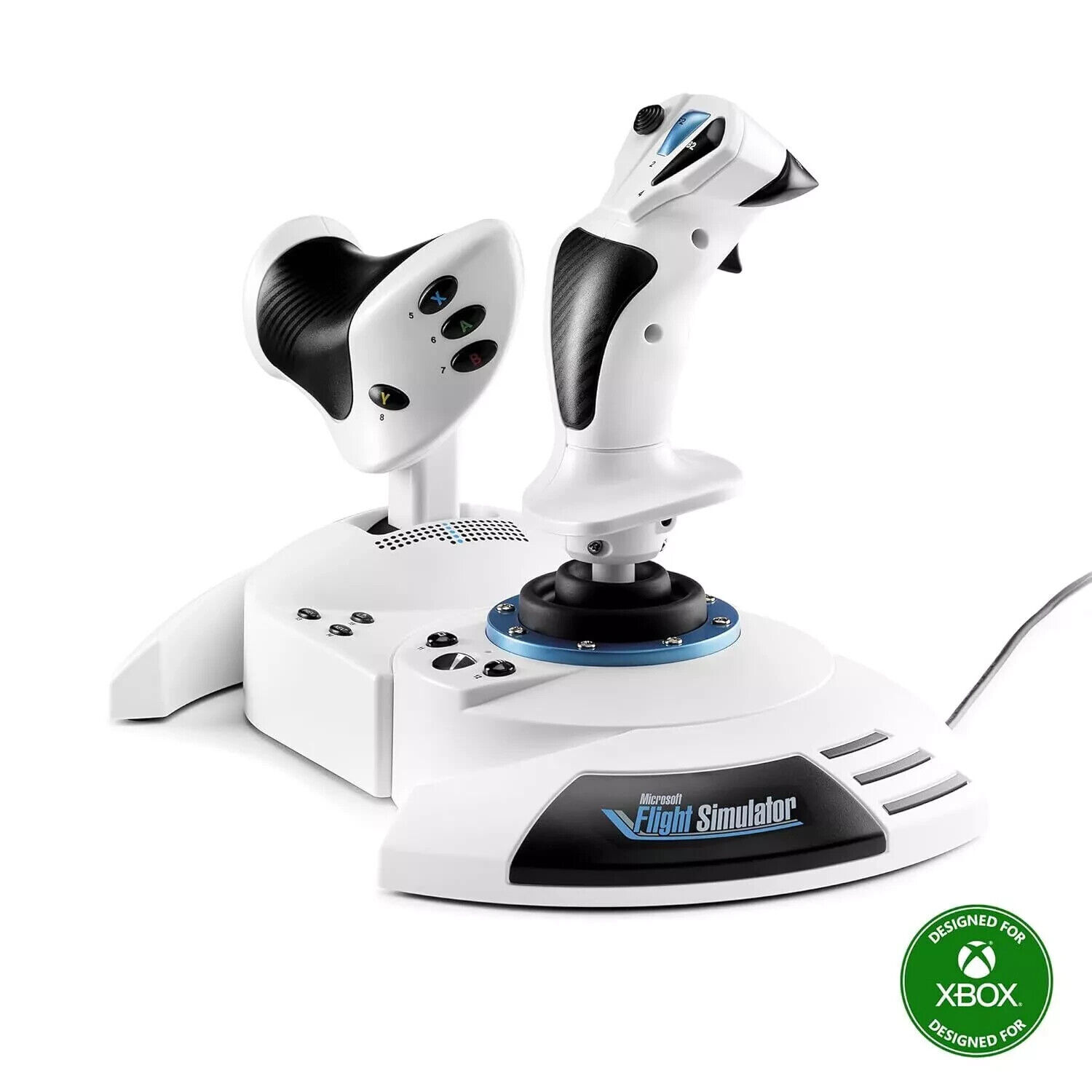 Thrustmaster T-Flight Hotas One Microsoft Flight Simulator for Xbox X|S$109.99View on eBay
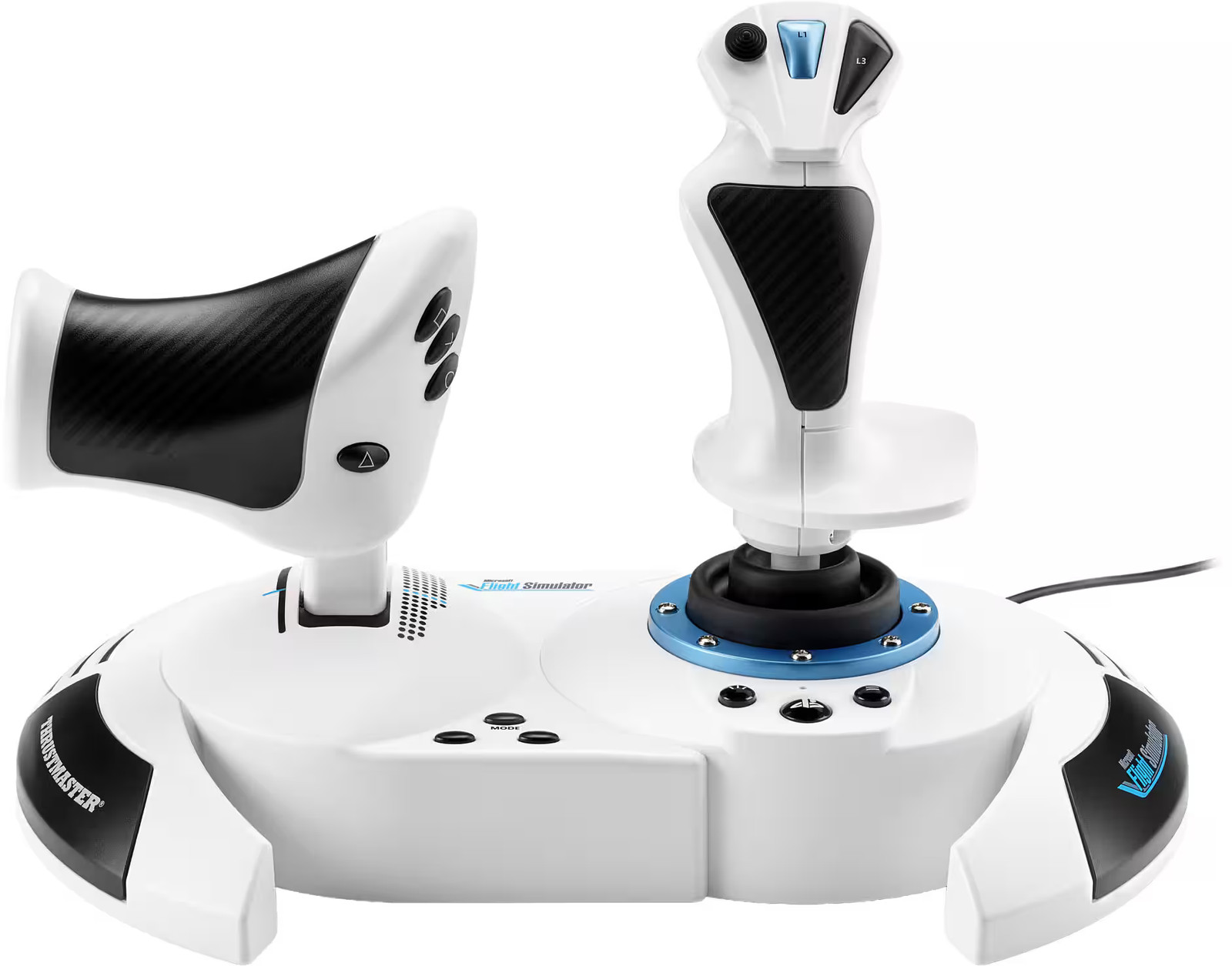 Thrustmaster - T.Flight Hotas 5 Microsoft Flight Simulator Controller Joystic...$109.99View on eBay
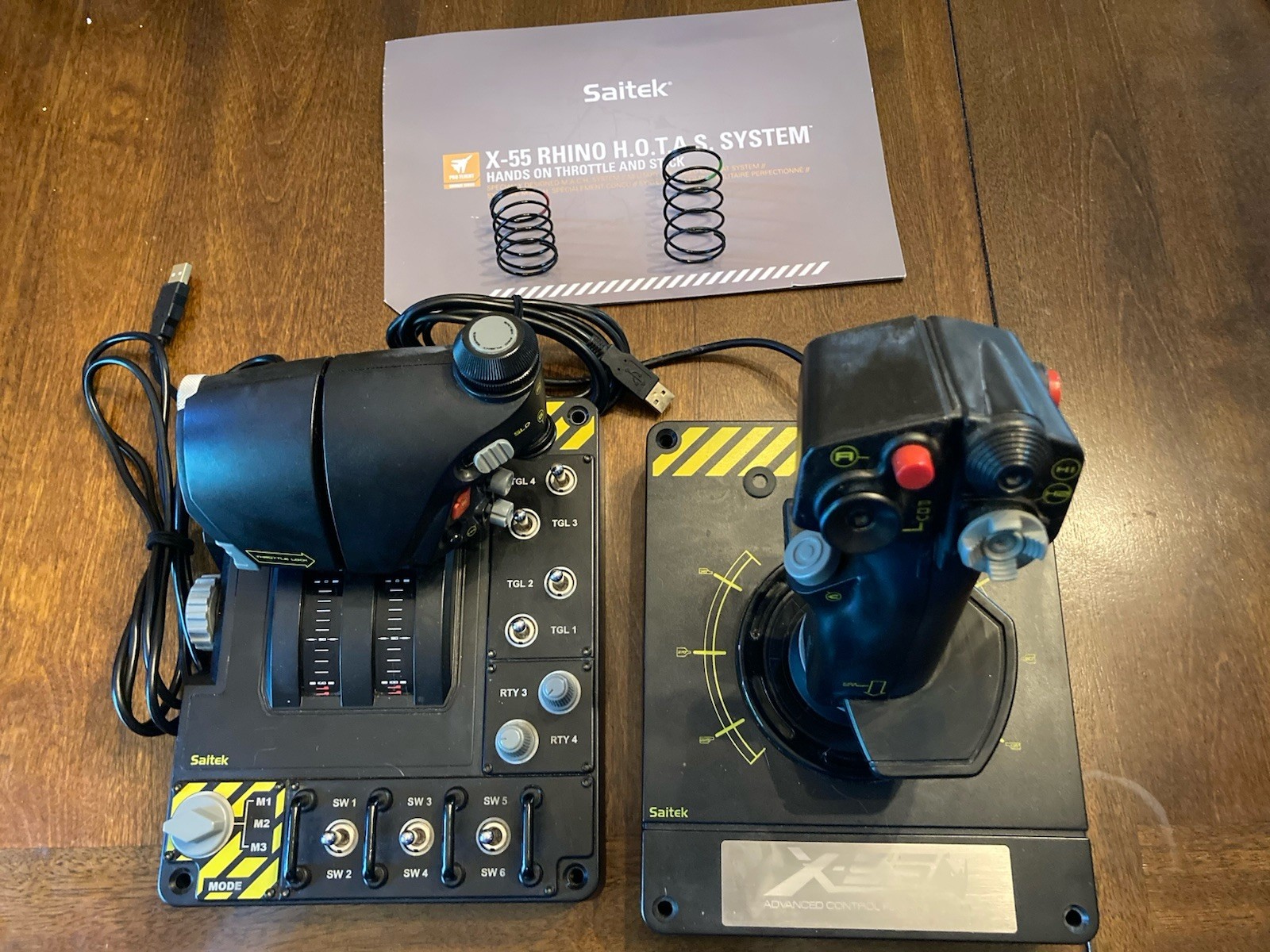 Saitek X-55 Pro-flight RHINO H.O.T.A.S. HOTAS Flight Simulator System Tested$130.00View on eBay
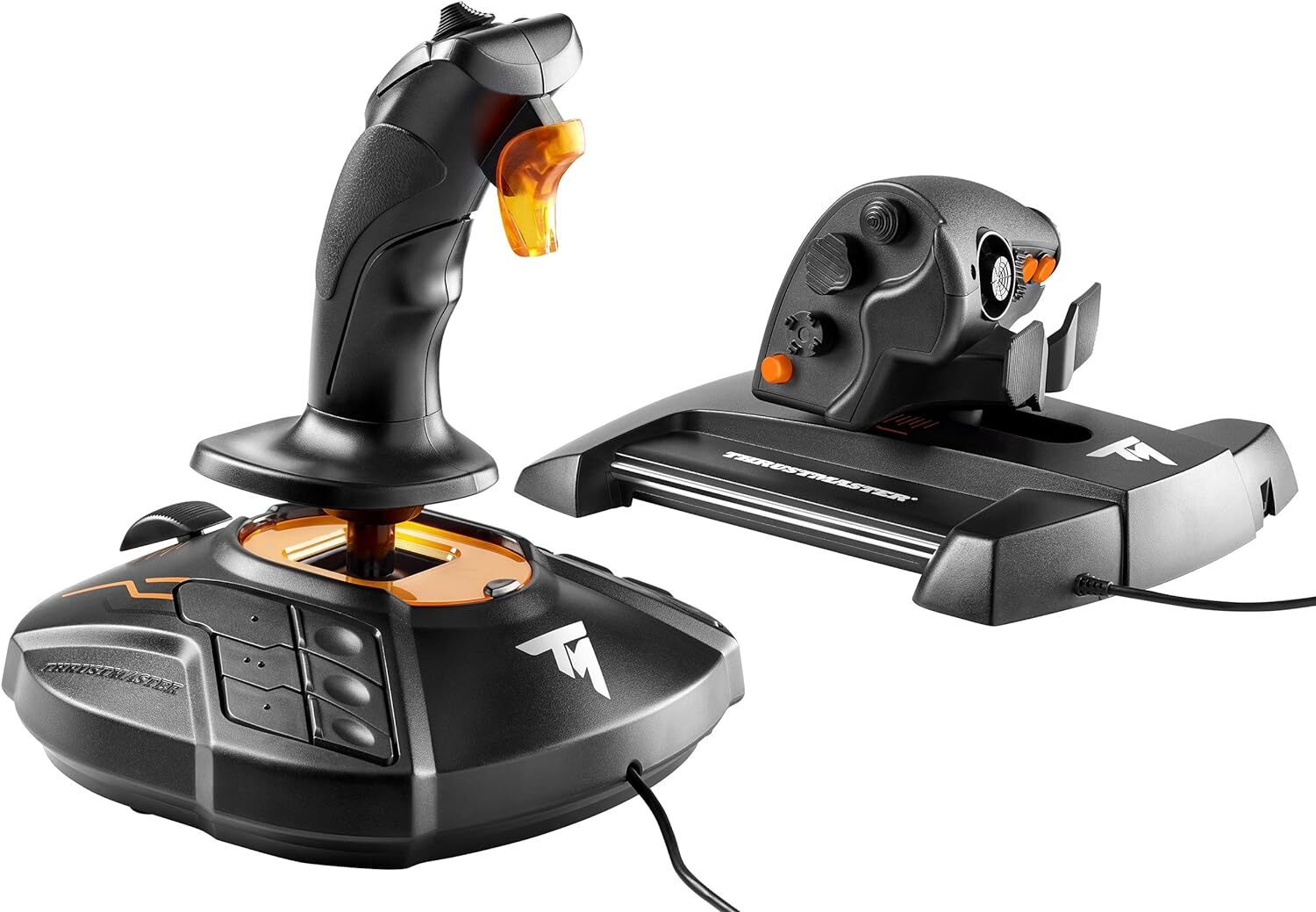 Thrustmaster - T16000M FCS HOTAS for PC$139.95View on eBay
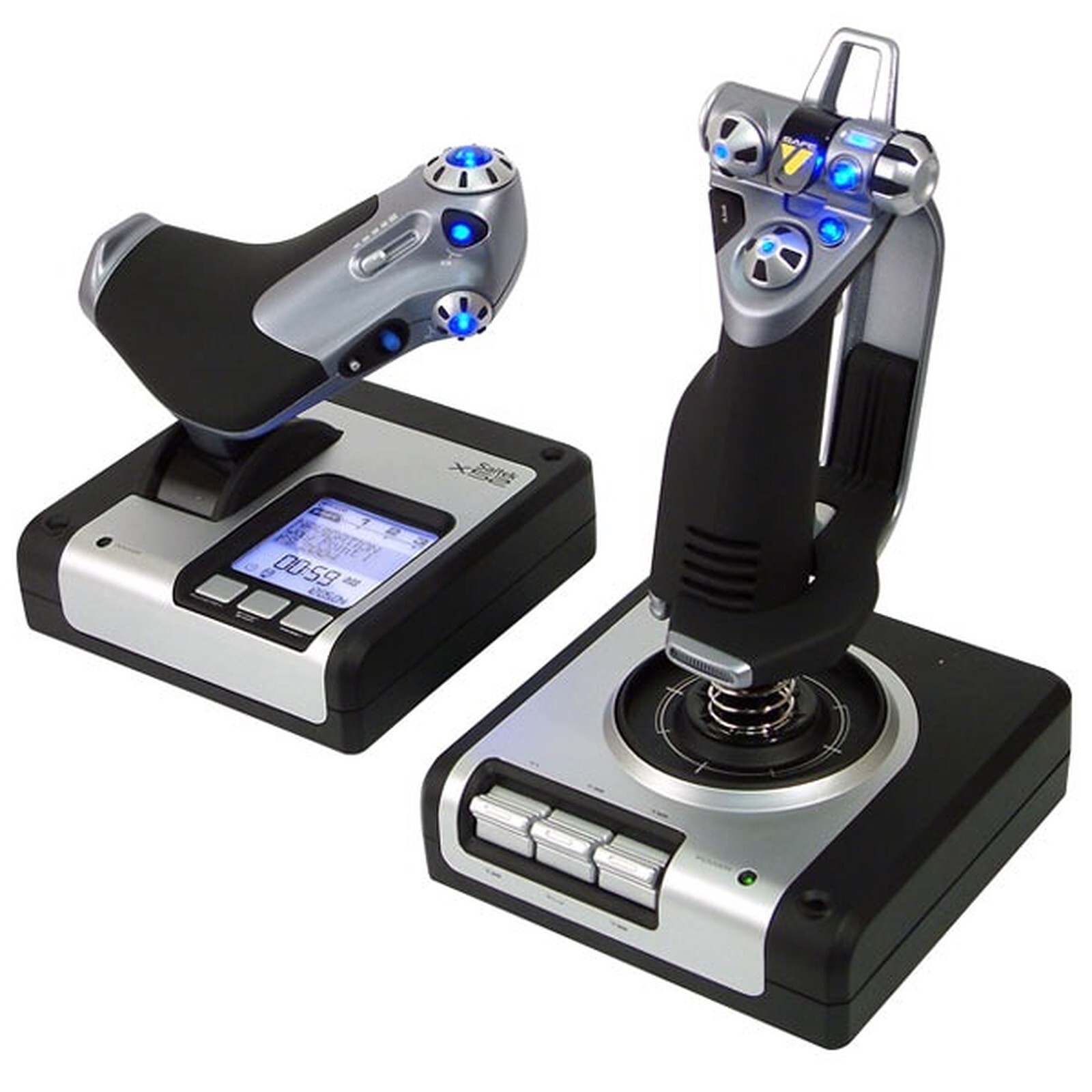 Logitech G Saitek X52 HOTAS Throttle and Stick Flight Control System$139.99View on eBay
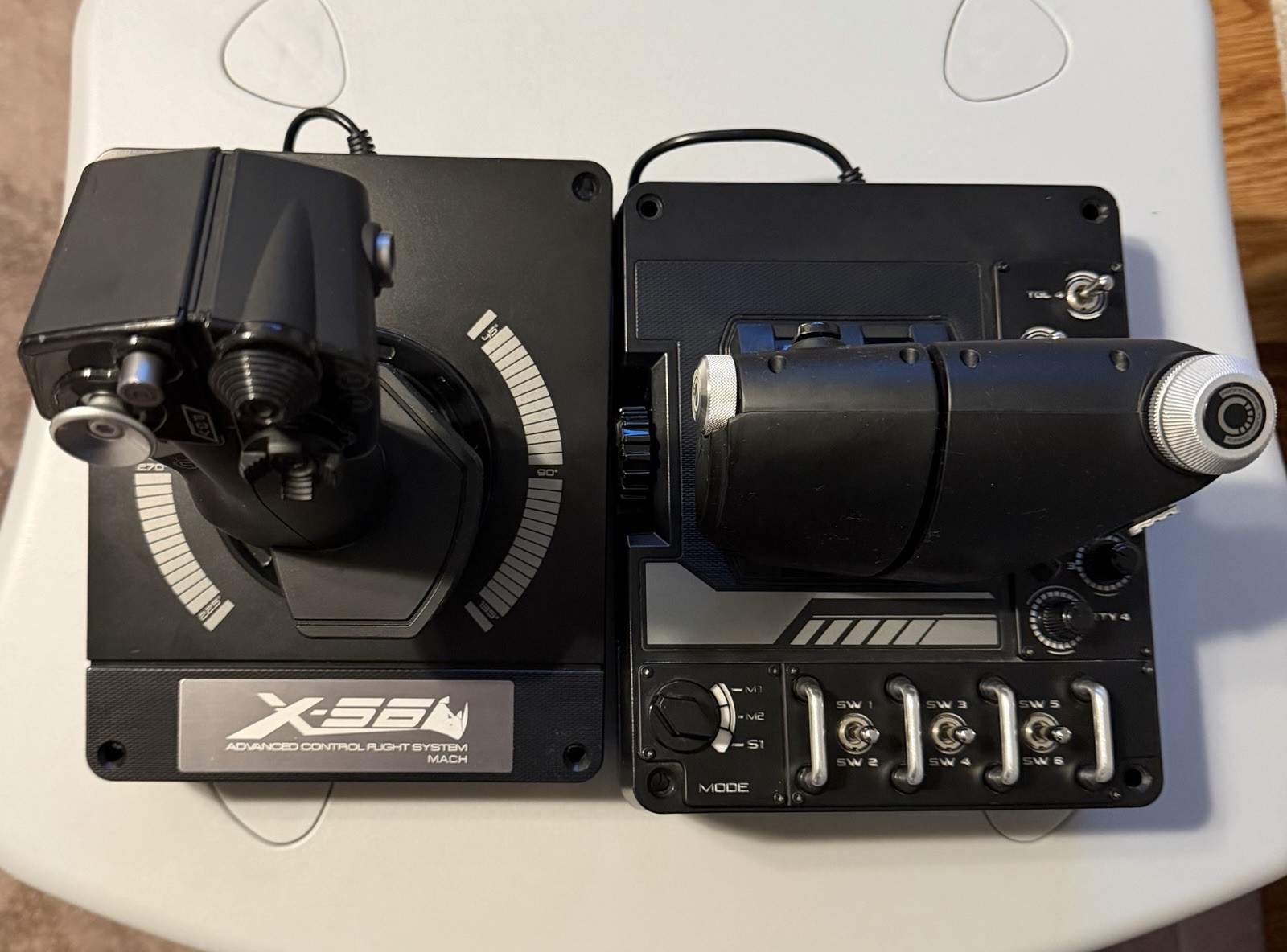 Logitech G X56 HOTAS RGB Throttle & Stick Flight Simulator Controller PC$150.00View on eBay
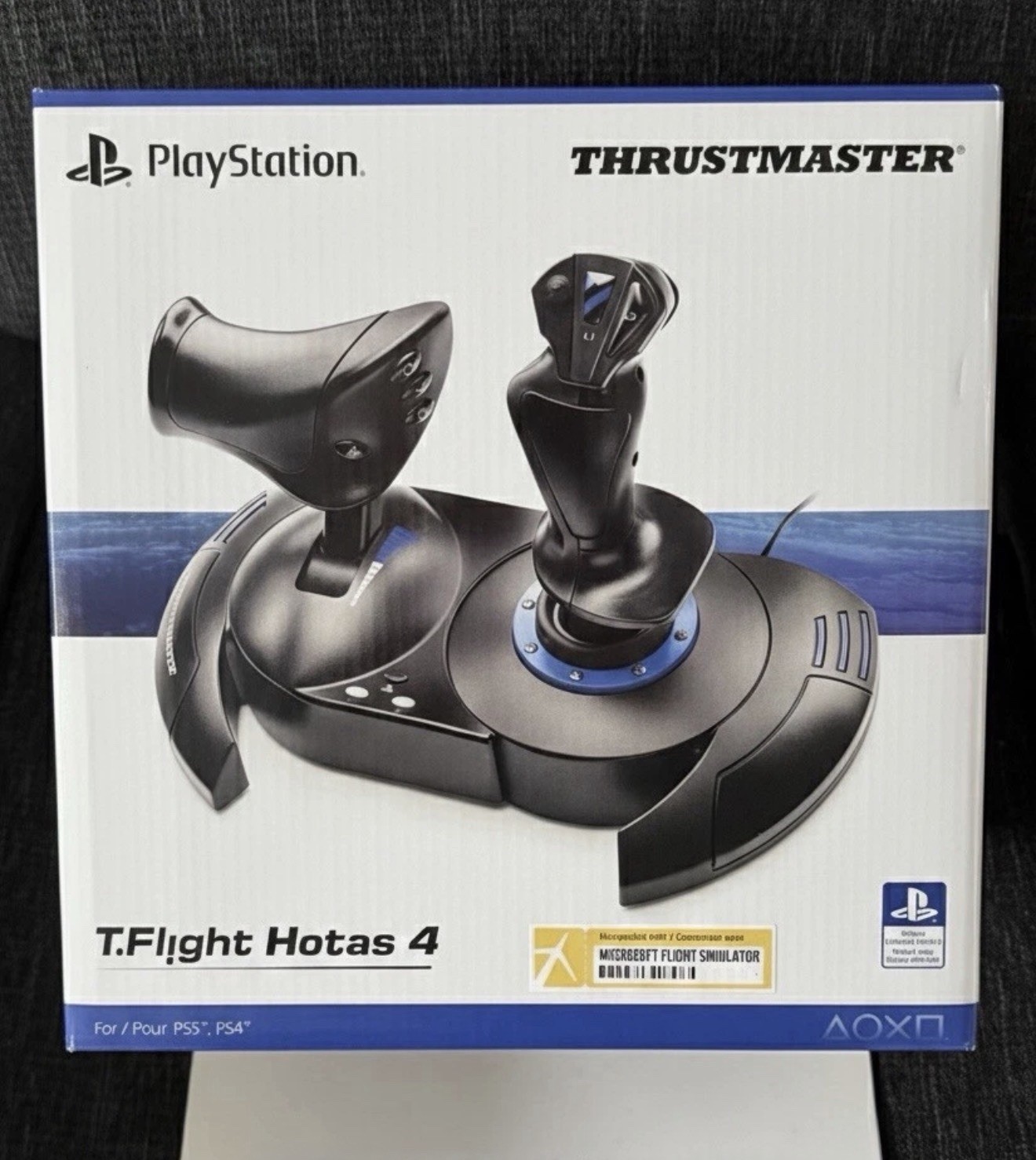 Thrustmaster T.Flight Hotas 4 Flight Stick Joystick for PS4 PS5 & PC - New$200.00Last checked Nov 18, 2026View on eBay
Highlights
- Hall-effect sensors (T.16000M, X56) resist wear and drift far better than the potentiometers used in entry T.Flight sticks.
- Throttle detents and split-throttle design separate elite space-sim HOTAS units from single-axis budget throttles.
- Console support is firmware-locked: T.Flight Hotas One is Xbox/PC, Hotas 4 is PlayStation/PC, and neither swaps to the other console.
- Stick tension and centering force vary widely; the X52 uses a light spring for space sims, while the X56 offers adjustable resistance for heavier feel.
Best use cases
- Elite Dangerous and Star Citizen: pick a dual-throttle or split-throttle HOTAS such as the X56 or X52 Pro, and skip single-axis budget sticks that can't handle lateral thrusters.
- Microsoft Flight Simulator on Xbox: the T.Flight Hotas One is the direct plug-and-play choice; a PC-only X52 or T.16000M will not be recognized by the console.
- Budget PC starter setup: the T.Flight Hotas X delivers stick and throttle on a desk-friendly frame, but skip it if you need hall-effect durability for daily use.
- PlayStation flight sims: the T.Flight Hotas 4 is the licensed PS4/PS5 option; Xbox-labeled or PC-only units will not map correctly.
Buying tips
- Check the sensor type first: hall-effect (T.16000M, X56) outlasts potentiometer sticks (T.Flight, X52) under heavy daily use.
- Prioritize twist-rudder if you lack pedals; the T.16000M and T.Flight lines include twist, while some high-end sticks require separate rudder pedals.
- Avoid console cross-compatibility assumptions: the Hotas One and Hotas 4 are separate SKUs with different firmware, not interchangeable.
- Compare throttle detents and split-throttle features for space sims, since Elite Dangerous and Star Citizen reward independent left/right throttle axes.
Specs
| Sensor Type | Hall-effect vs potentiometer |
|---|---|
| Throttle Design | Single-axis vs split-throttle |
| Console Support | PC / Xbox / PlayStation SKUs |
| Twist Rudder | Included vs pedal-required |
Related searches
What to check before buying
- Measure desk depth and clearance: full HOTAS pairs need roughly 18-24 inches of combined stick and throttle footprint.
- Confirm the console generation and port layout: Xbox Series X|S and PS5 need the matching licensed HOTAS model, not a PC-only unit.
- Check for a free USB-A port and whether a powered hub is needed for dual-device HOTAS setups.
- Verify game-level controller support: some titles require in-game binding for split throttles and twist axes beyond default profiles.
FAQ
Data sources: eBay / Amazon listings and product attribute feeds. Updated Nov 27, 2026.
Some links on this page are affiliate links. If you buy after clicking one, we may earn a commission at no extra cost to you. This does not change which products appear here or their order. Affiliate disclosure.