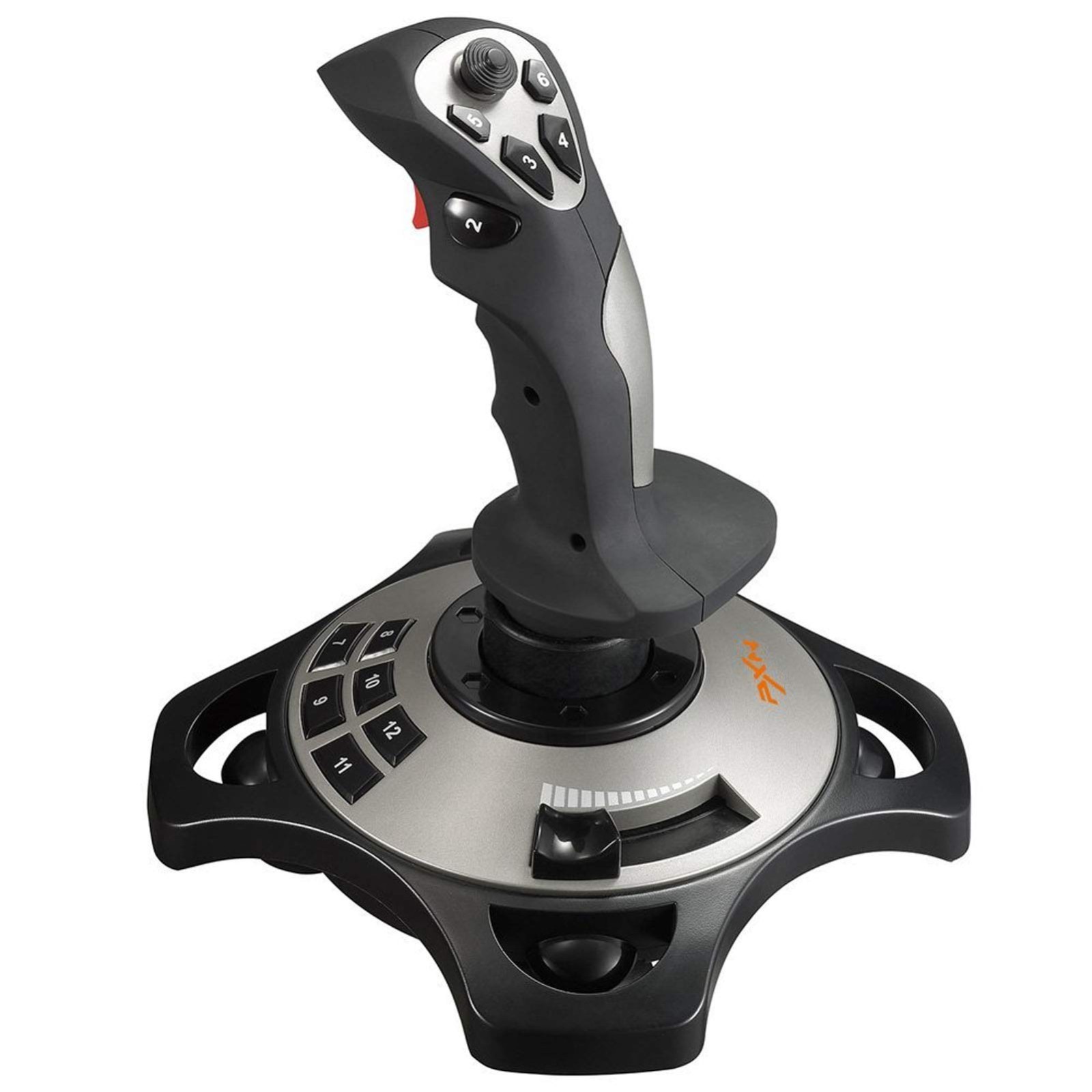

Photos from current listings. Actual item, color, and included accessories may vary.
Gaming Flight Stick Buying Guide
A gaming flight stick ranges from a basic twist-axis desktop joystick to a full HOTAS setup, and the wrong pick will either lack the axes your sim needs or overwhelm your desk. Focus on sensor type, gimbal construction, and button/hat count—not RGB or brand hype—because those determine precision, centering, and longevity. Also confirm PC compatibility and whether a separate throttle is required for your chosen simulator.
Median $36.50
Key takeaways
- Hall-effect magnetic sensors resist wear and drift far better than potentiometers, which degrade and spike over months of heavy use.
- Gimbal design separates tiers: ball-and-socket plastic gimbals feel loose over time, while dual-cam or metal gimbals hold center and reduce dead zone.
- HOTAS means separate stick and throttle; a standalone flight stick includes twist-rudder or a slider and suits space sims and casual flight.
At a glance
- Category
- Flight Sim Joysticks & HOTAS
- Last updated
- Nov 27, 2026
Current offers
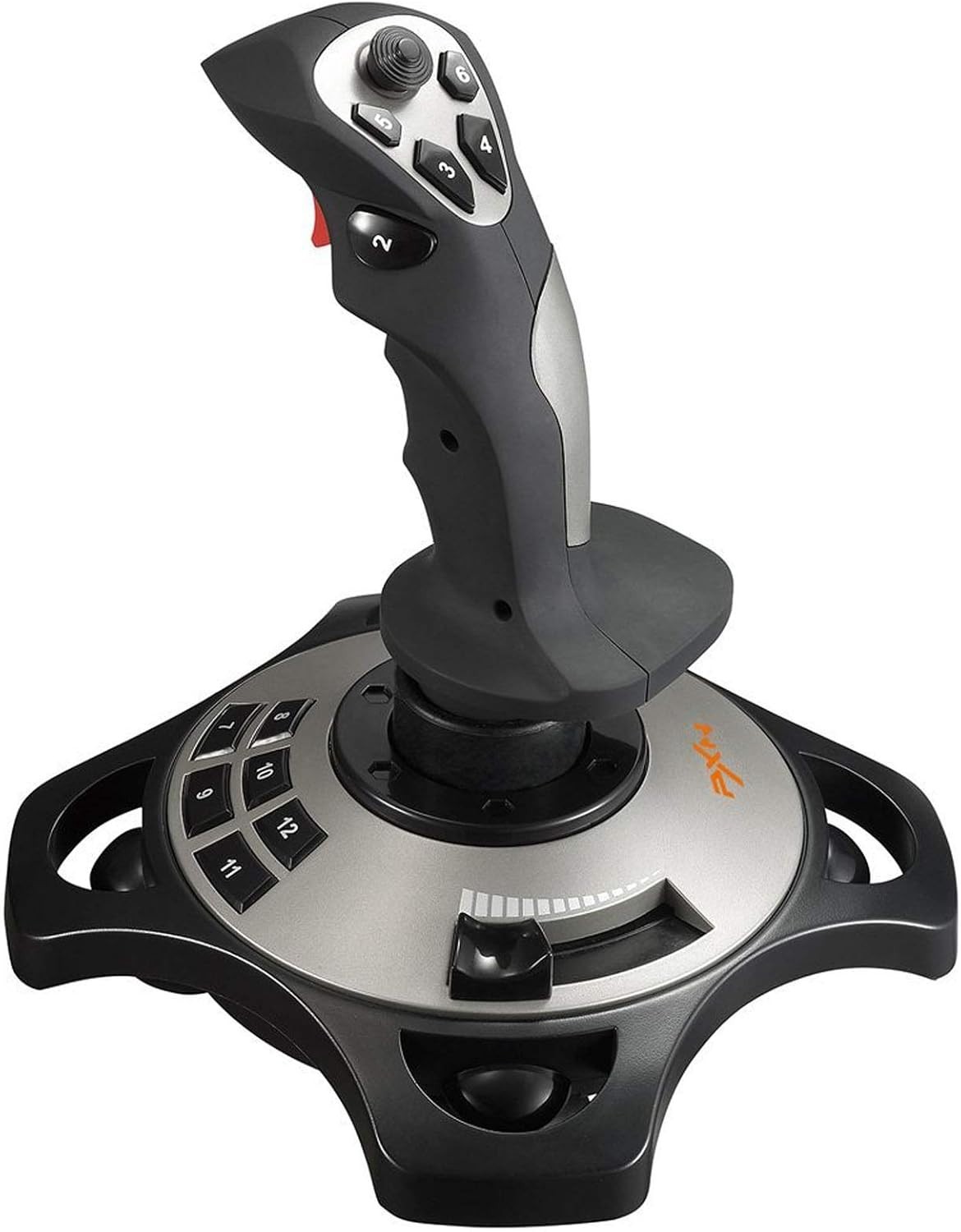
Highlights
- Hall-effect magnetic sensors resist wear and drift far better than potentiometers, which degrade and spike over months of heavy use.
- Gimbal design separates tiers: ball-and-socket plastic gimbals feel loose over time, while dual-cam or metal gimbals hold center and reduce dead zone.
- HOTAS means separate stick and throttle; a standalone flight stick includes twist-rudder or a slider and suits space sims and casual flight.
- Button and hat counts matter most in VR and DCS-style sims—8-way hats plus 12+ programmable buttons cover radar, trim, and weapon selection without keyboard reach.
Best use cases
- Pick a standalone twist-axis stick for Microsoft Flight Simulator, Elite Dangerous, or Star Citizen if desk space is tight and you want one-hand control of pitch, roll, and yaw.
- Choose a full HOTAS with a detachable throttle for DCS World or IL-2 Sturmovik, where separate throttle, rudder, and weapon management are essential.
- Skip force-feedback and high-end metal gimbals if you play casually under two hours a week—entry-level hall-effect sticks deliver enough precision without the cost.
- Avoid console-marketed sticks for PC-only sims unless they explicitly list XInput/DirectInput PC support, because button mapping and driver support differ.
Buying tips
- Prioritize hall-effect or contactless magnetic sensors over potentiometers; they eliminate the dead-zone drift that ruins fine aiming after months of use.
- Check gimbal material and centering mechanism—dual-cam metal gimbals outlast single-spring plastic designs, which develop play and wobble.
- Count axes and hats against your simulator: a stick with only 2 axes and 4 buttons cannot cover DCS radar and trim functions without keyboard shortcuts.
- Confirm USB DirectInput/XInput PC compatibility and whether the stick includes twist-rudder or requires separate rudder pedals for yaw control.
Specs
| Sensor Type | Hall-effect magnetic vs potentiometer |
|---|---|
| Gimbal Construction | Dual-cam metal vs plastic ball-socket |
| Control Layout | Standalone stick vs HOTAS throttle |
| PC Connection | USB-A DirectInput/XInput |
Related searches
What to check before buying
- Measure desk depth and mounting clearance—HOTAS throttles add 8–12 inches of footprint, and tall sticks need a stable base or clamp.
- Verify your PC has a free USB-A port and that the stick uses standard USB 2.0/3.0 without proprietary adapters.
- Check whether your simulator expects separate rudder pedals or accepts twist-axis yaw, since not all sticks include twist.
- Confirm the stick's button/hat count matches the keybinds your sim requires, especially for VR where keyboard reach is impractical.
FAQ
Data sources: eBay / Amazon listings and product attribute feeds. Updated Nov 27, 2026.
Some links on this page are affiliate links. If you buy after clicking one, we may earn a commission at no extra cost to you. This does not change which products appear here or their order. Affiliate disclosure.