
Photos from current listings. Actual item, color, and included accessories may vary.
Flight Stick Xbox Series X Buying Guide
A flight stick for Xbox Series X is a dedicated controller that adds realistic pitch, roll, yaw, and throttle axes to console flight sims like Microsoft Flight Simulator. The core trade-off is native Xbox compatibility and licensed security-chip support versus generic PC-only sticks that need a third-party adapter. The decision rule: buy only a stick with an official Xbox button map and a built-in authentication chip; skip any PC-only or PlayStation-labeled HOTAS unless you already own a tested adapter.
Median $39.79
Key takeaways
- Native Xbox sticks use a licensed security chip in the controller PCB; PC-only sticks lack it and will not enumerate as a gamepad on Series X.
- Hall-effect sensors in mid-tier sticks eliminate potentiometer dead zones and drift, while entry-level sticks use carbon-film pots rated for roughly 100k cycles.
- HOTAS bundles add a separate throttle quadrant; standalone flight sticks are single-unit and rely on a twist axis or rudder pedals for yaw.
At a glance
- Category
- Flight Sim Joysticks & HOTAS
- Last updated
- Nov 27, 2026
Current offers
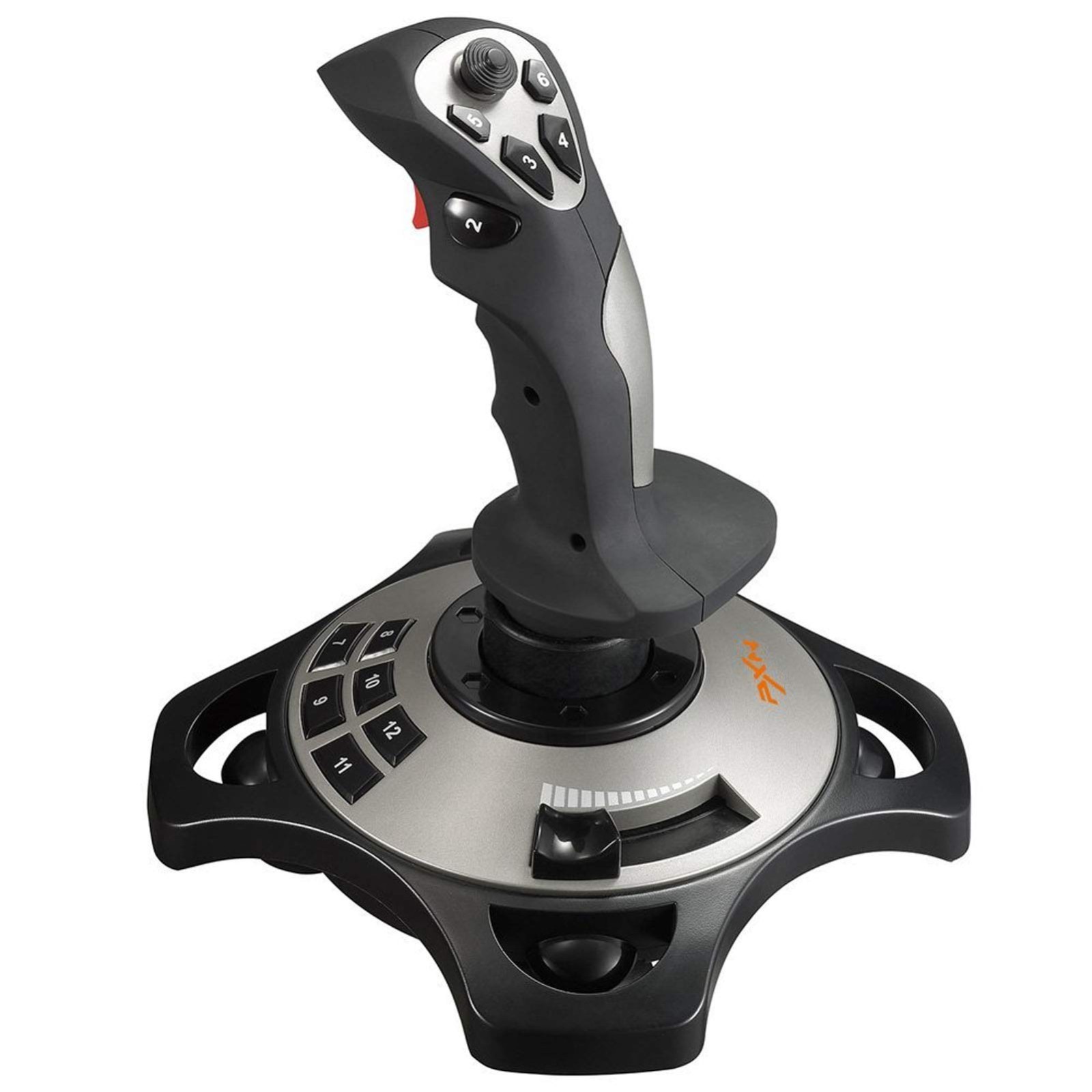 PXN 2113PRO USB Flight Simulator Joystick Gaming Flight Stick Controller PC$32.00View on eBay
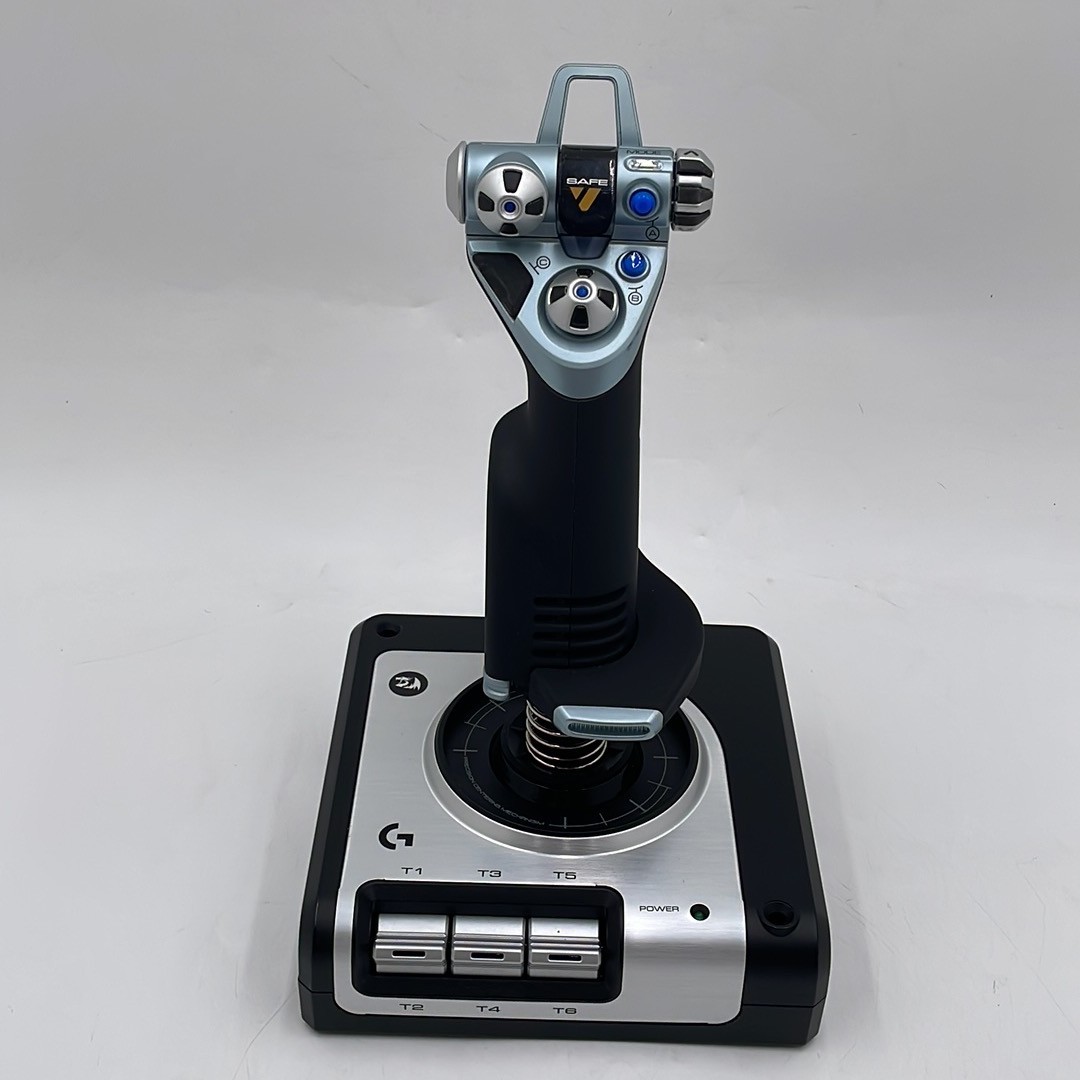 Logitech G X52 Hotas Flight Control Joystick (Stick)$35.95View on eBay
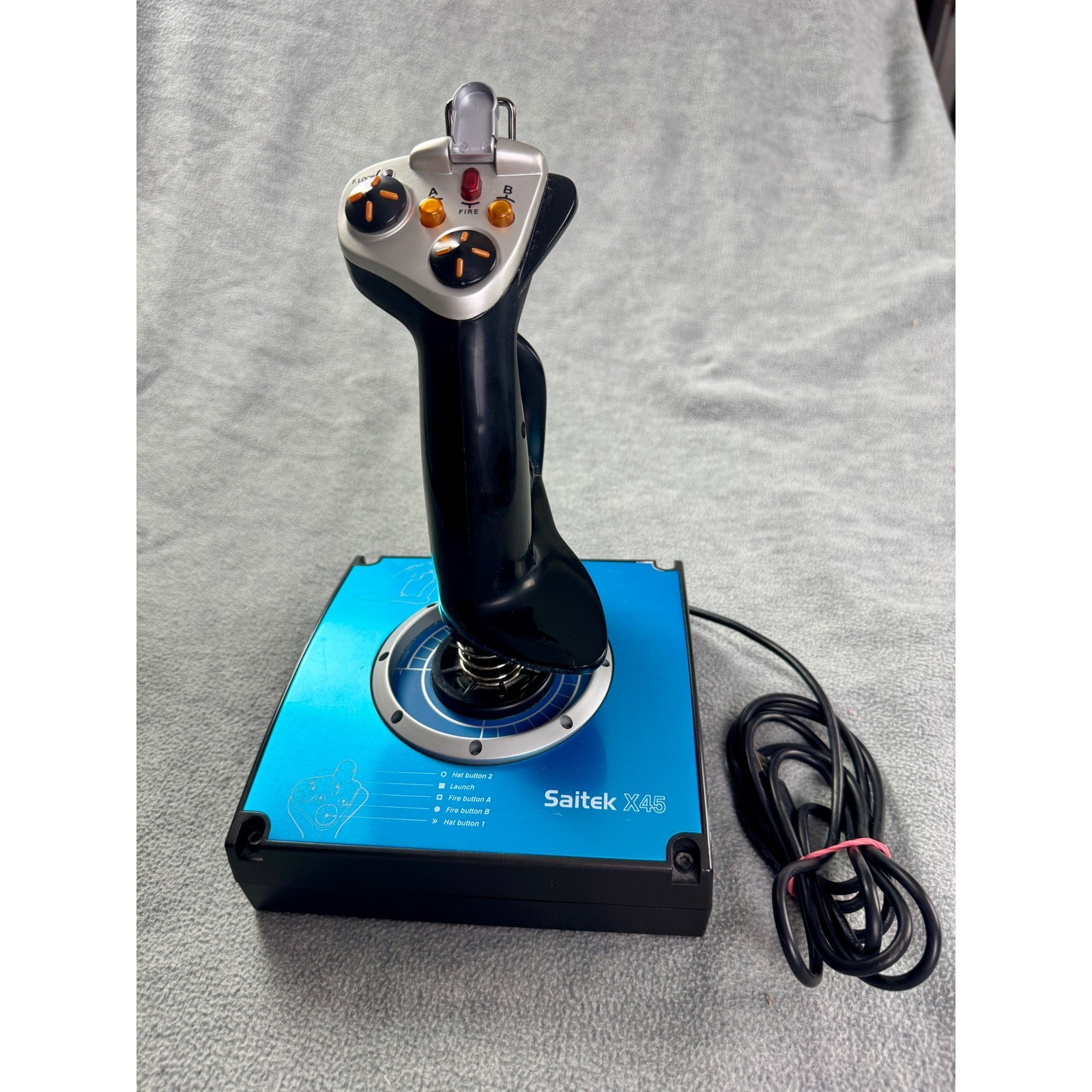 Saitek X45 Digital Flight Control Stick Joystick PC Flight Simulator Controller$38.57View on eBay
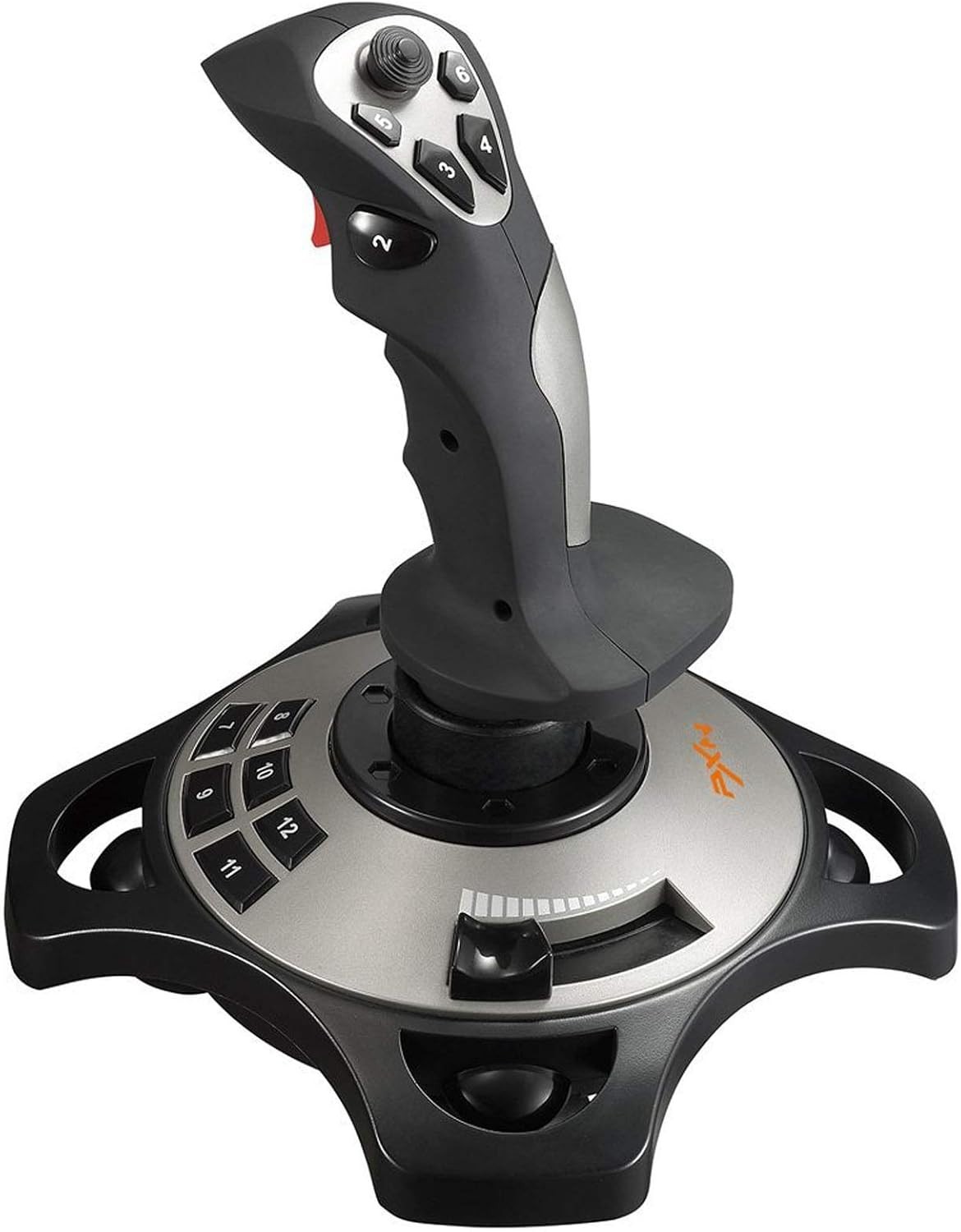 PXN 2113PRO USB Flight Simulator Joystick Gaming Flight Stick Controller PC$41.00View on eBay
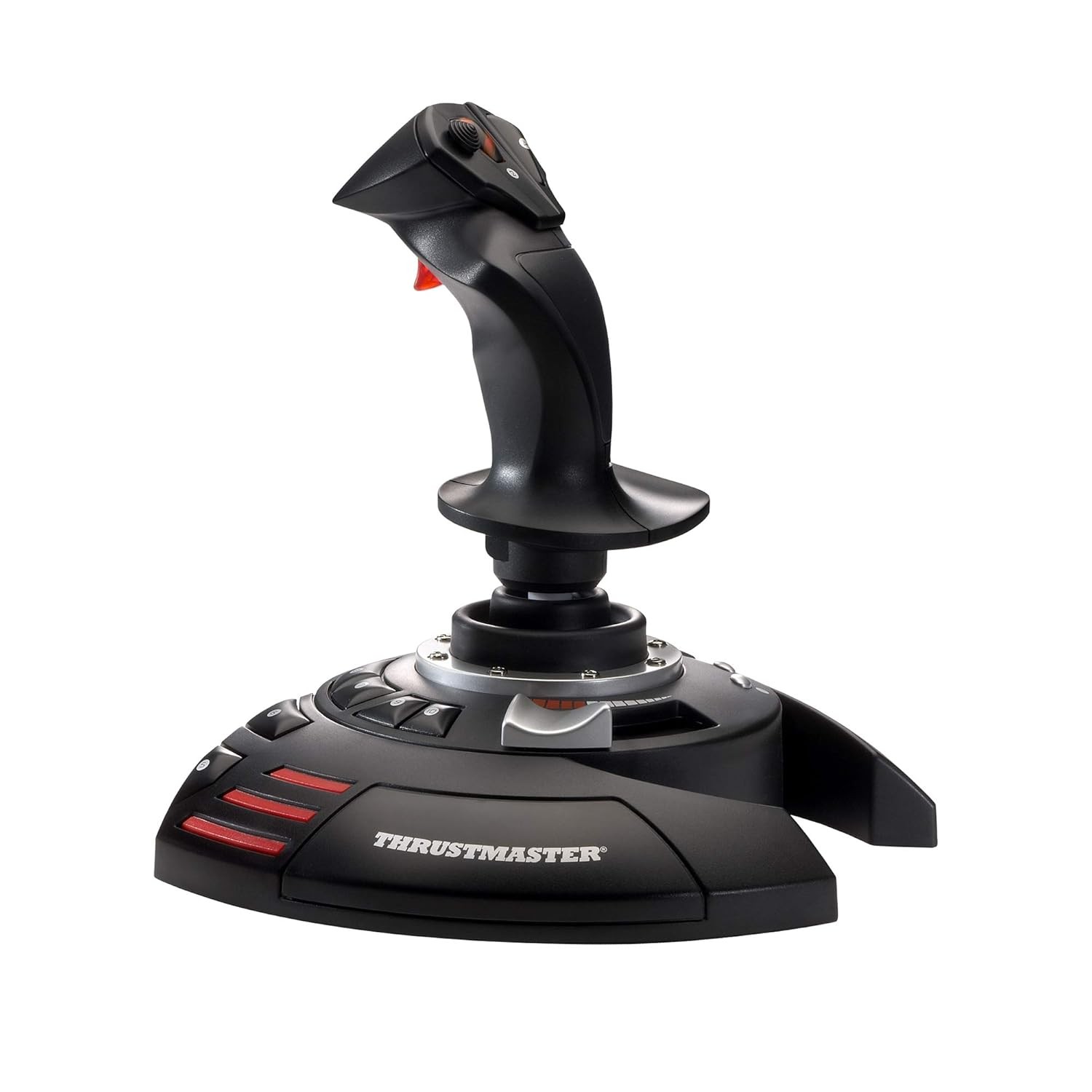 Thrustmaster T Flight Stick X Flight Simulator Controller Joystick USB$81.58View on eBay
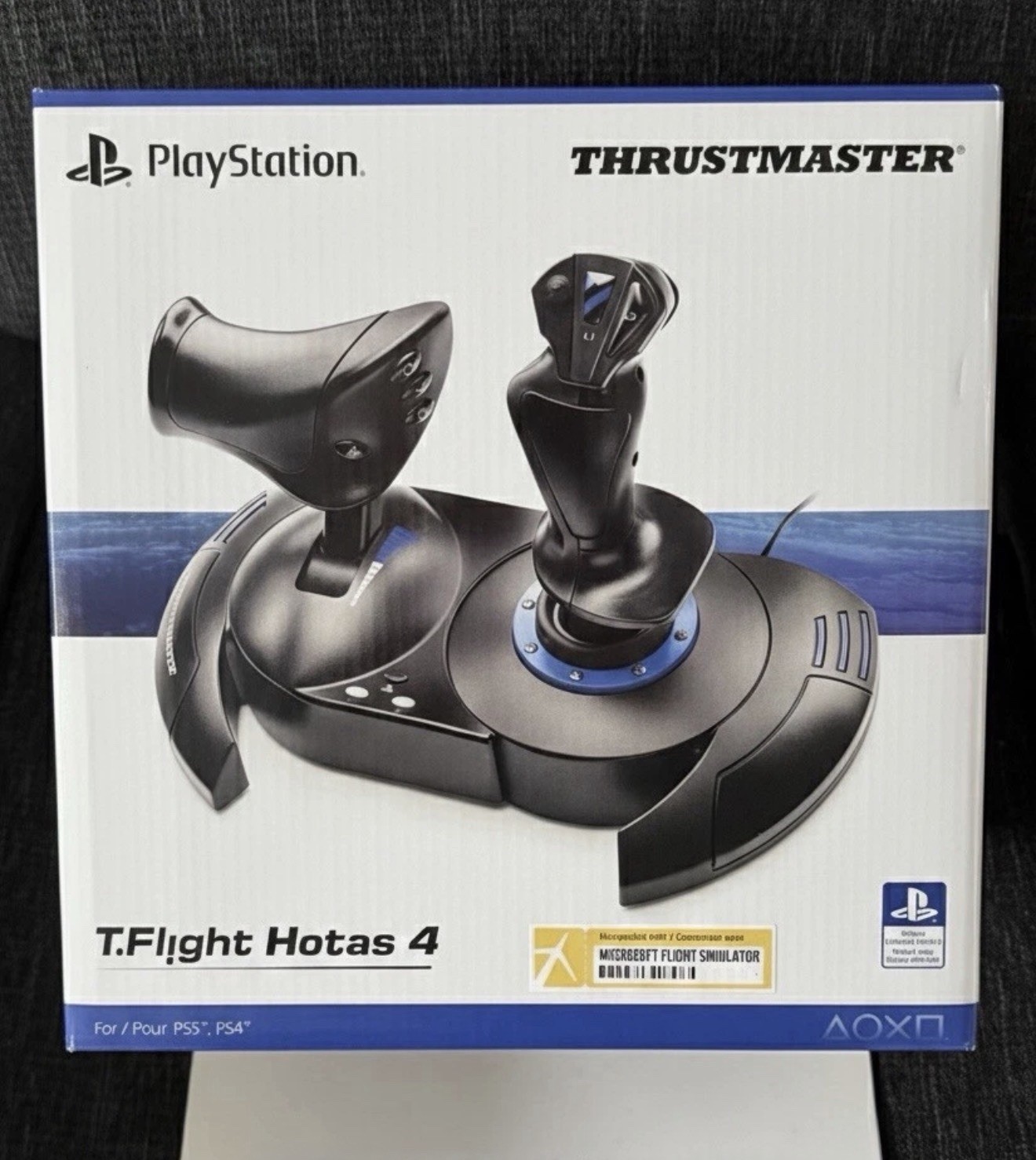 Thrustmaster T.Flight Hotas 4 Flight Stick Joystick for PS4 PS5 & PC - New$200.00Last checked Nov 18, 2026View on eBay
Highlights
- Native Xbox sticks use a licensed security chip in the controller PCB; PC-only sticks lack it and will not enumerate as a gamepad on Series X.
- Hall-effect sensors in mid-tier sticks eliminate potentiometer dead zones and drift, while entry-level sticks use carbon-film pots rated for roughly 100k cycles.
- HOTAS bundles add a separate throttle quadrant; standalone flight sticks are single-unit and rely on a twist axis or rudder pedals for yaw.
- Xbox-specific sticks map A/B/X/Y and View/Menu buttons directly; generic PC sticks require remapping through the console's accessibility settings or an adapter.
Best use cases
- Best fit: Microsoft Flight Simulator on Series X with a standalone stick — choose a native Xbox-licensed model with twist yaw and a built-in throttle slider to skip a separate quadrant.
- Best fit: combat and arcade flight titles — pick a HOTAS with a detachable throttle and at least 12 programmable buttons so you can map weapons and gear without the controller.
- Wrong fit: buying a PlayStation-licensed HOTAS (e.g., T.Flight Hotas 4) for Xbox — it lacks the Xbox security chip and will not be recognized without a third-party adapter.
- Wrong fit: buying a PC-only budget stick (PXN, Saitek X45, X52) for Series X — these enumerate as generic HID devices and fail the console's controller authentication.
Buying tips
- Confirm the box or product page states 'Designed for Xbox' or 'Xbox Series X|S compatible' — this guarantees the licensed chip, not just a USB plug.
- Match axis count to your sim: 3-axis (pitch/roll/twist) suffices for arcade; 5+ axes with a throttle slide is needed for full Microsoft Flight Simulator control.
- Check button count against your aircraft: airliners need 20+ assignable functions, while light aircraft and warbirds work with 8-12 buttons plus a hat switch.
- Prefer Hall-effect or magnetic sensors over potentiometers for any stick you plan to use more than a few hundred hours; pots wear and develop center dead zones.
Specs
| Platform License | Xbox-licensed chip vs PC-only HID |
|---|---|
| Sensor Type | Hall-effect magnetic vs carbon potentiometer |
| Axis Count | 3-axis stick vs 5+ axis HOTAS |
| Yaw Control | Twist axis vs separate rudder pedals |
Related searches
What to check before buying
- Measure your desk or lap tray: a HOTAS with separate throttle needs at least 60 cm of width, while a standalone stick fits in roughly 30 cm.
- Confirm your Xbox is on the latest system update — older firmware can reject newly released licensed sticks until the controller database updates.
- Verify you have a free USB-A port on the console or a powered hub; unpowered hubs can drop the stick mid-flight.
- Check whether the stick includes a rudder twist axis or requires separate pedals — Microsoft Flight Simulator needs a yaw input for realistic taxi and crosswind control.
FAQ
Data sources: eBay / Amazon listings and product attribute feeds. Updated Nov 27, 2026.
Some links on this page are affiliate links. If you buy after clicking one, we may earn a commission at no extra cost to you. This does not change which products appear here or their order. Affiliate disclosure.