
Photos from current listings. Actual item, color, and included accessories may vary.
Flight Stick Xbox Buying Guide
A flight stick for Xbox is a specialized controller that brings realistic aircraft and spacecraft handling to Microsoft's console family, but compatibility and sensor quality vary wildly. The core trade-off is between console-certified licensing (guaranteed plug-and-play with Xbox) and PC-centric sticks that may require adapters or offer no console support. The decision rule: buy only sticks explicitly licensed for Xbox or verified by the community to work via a dedicated adapter; skip any stick that lists only PC or PC/PS compatibility.
Median $39.00
Key takeaways
- Xbox licensing is model-specific: officially licensed sticks like the Thrustmaster T.Flight Hotas One and Hori Ace Combat 7 stick work out of the box, while PC-only sticks such as the Logitech Extreme 3D Pro or CH Products Flightstick Pro require a third-party adapter and may lack full button mapping.
- Sensor type determines precision: Hall-effect sensors (magnetic, contactless) resist wear and drift far better than potentiometer-based sticks, which develop dead zones and spiking after heavy use; budget console sticks often use potentiometers.
- HOTAS vs standalone stick: a HOTAS bundles a throttle for two-handed control ideal for flight sims, while a standalone flight stick suits space combat and arcade flyers where a throttle is less critical; Xbox-compatible HOTAS options are limited compared to PC.
At a glance
- Category
- Flight Sim Joysticks & HOTAS
- Last updated
- Nov 27, 2026
Current offers
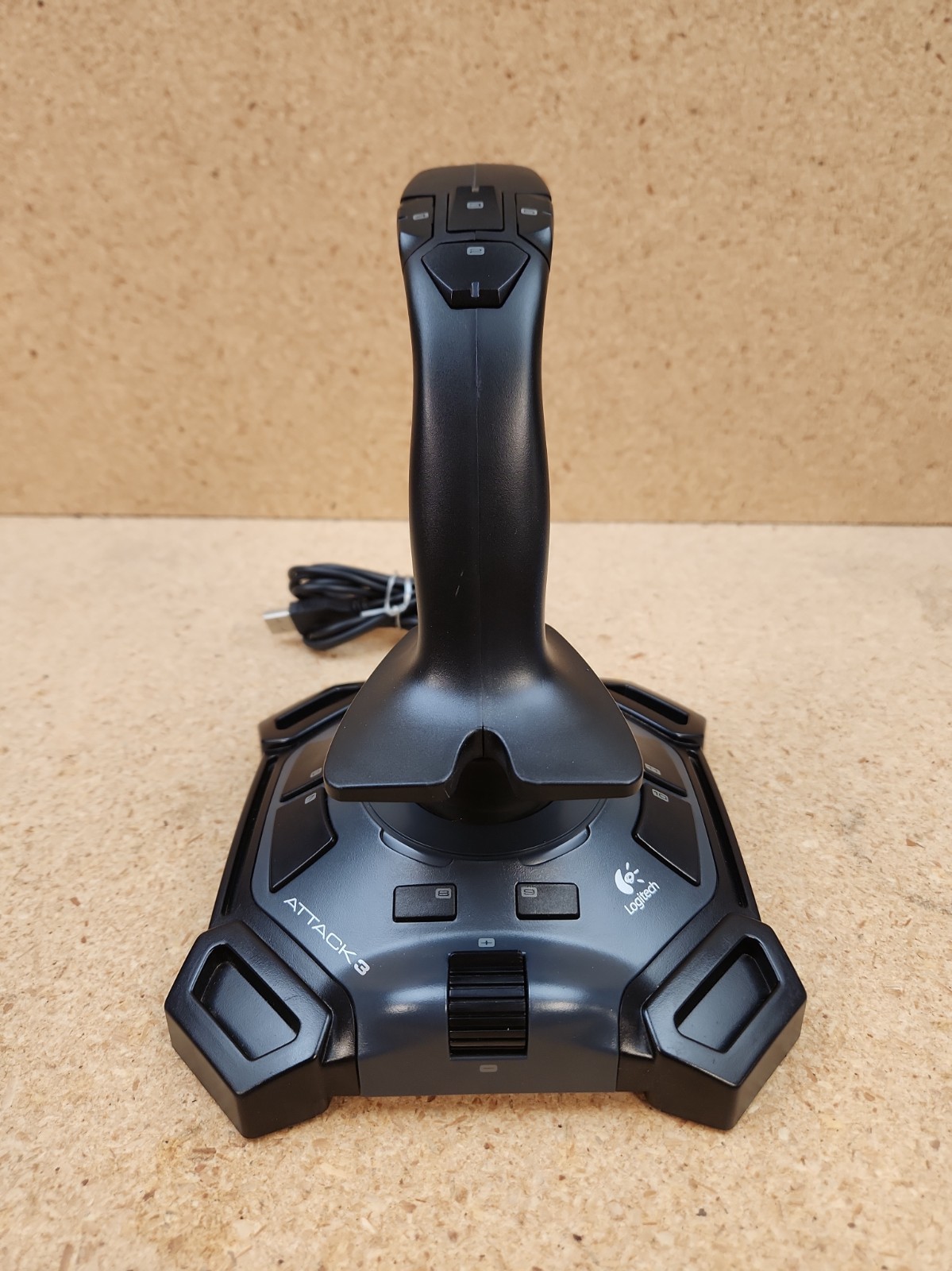 Logitech- Attack 3 ATK3 J-UJ18 Joystick- Gaming Flight Simulator Control- USB PC$21.95View on eBay
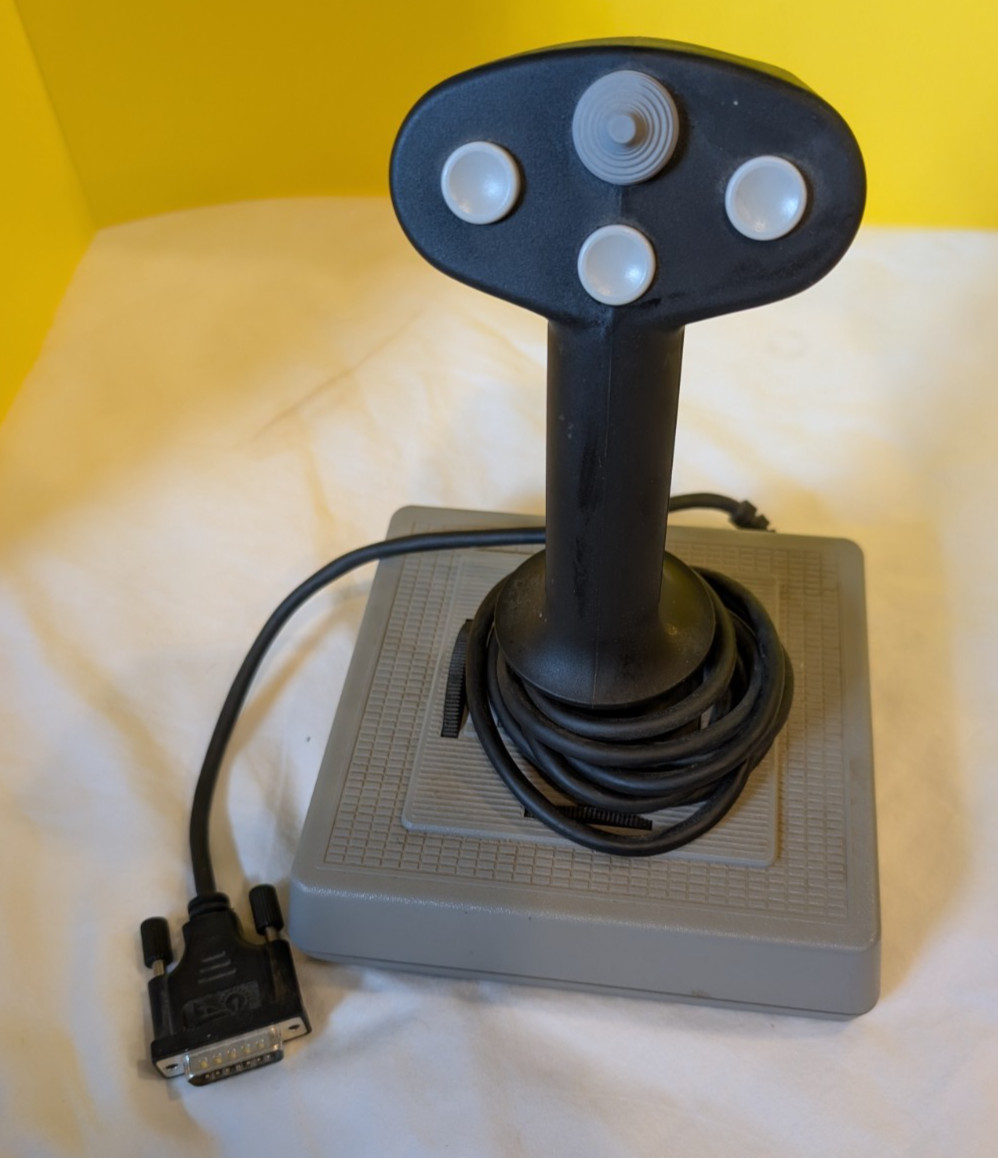 CH Products Flightstick PC Pro USB Flight Simulator Joystick PC 02227$24.99View on eBay
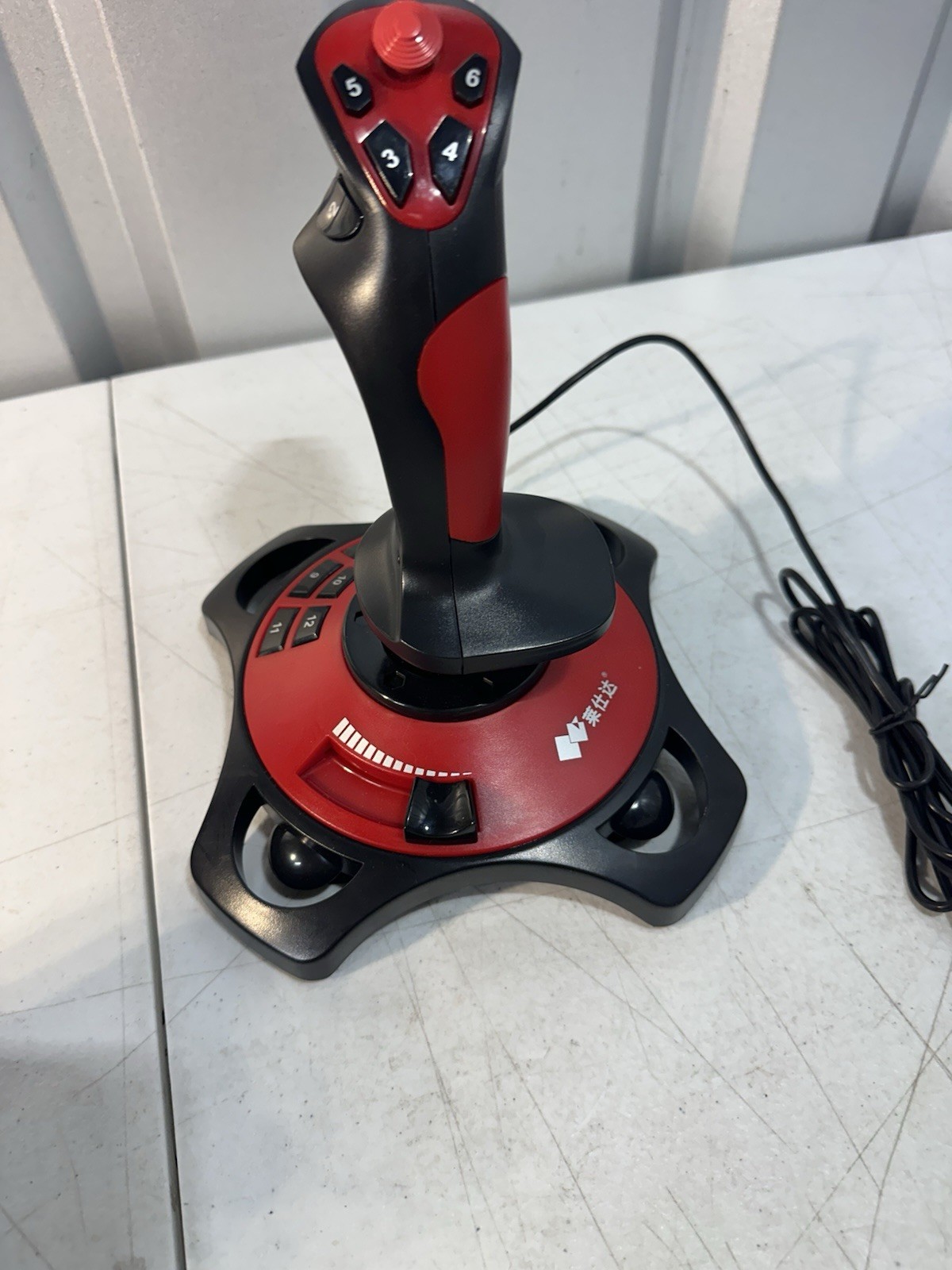 PXN-2103 USB Flight Simulator Joystick 12 Button PC Gaming Controller Tested$29.00View on eBay
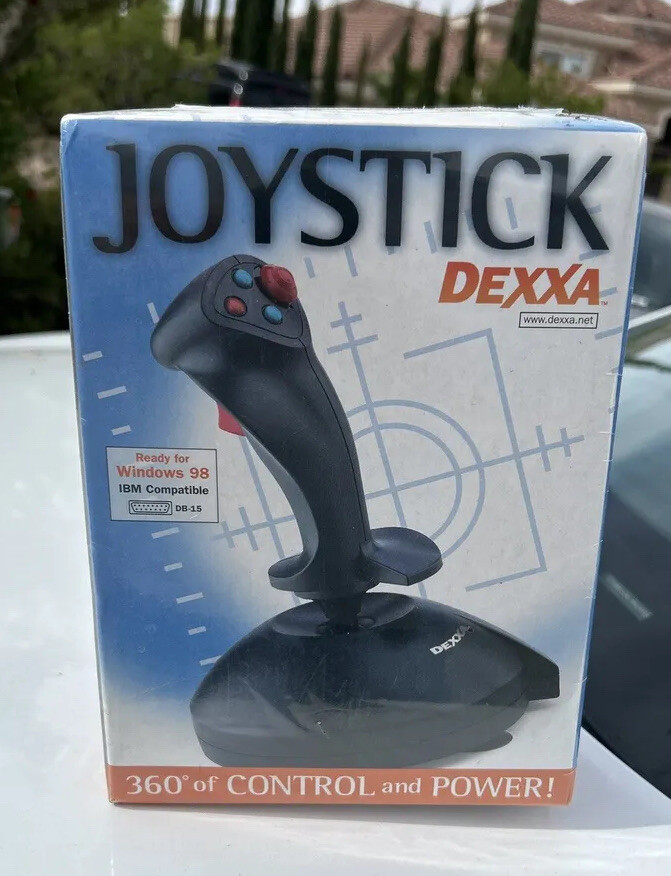 Dexxa Logitech Flight Simulator Joystick Controller for PC Gameport DB15 sealed$29.96View on eBay
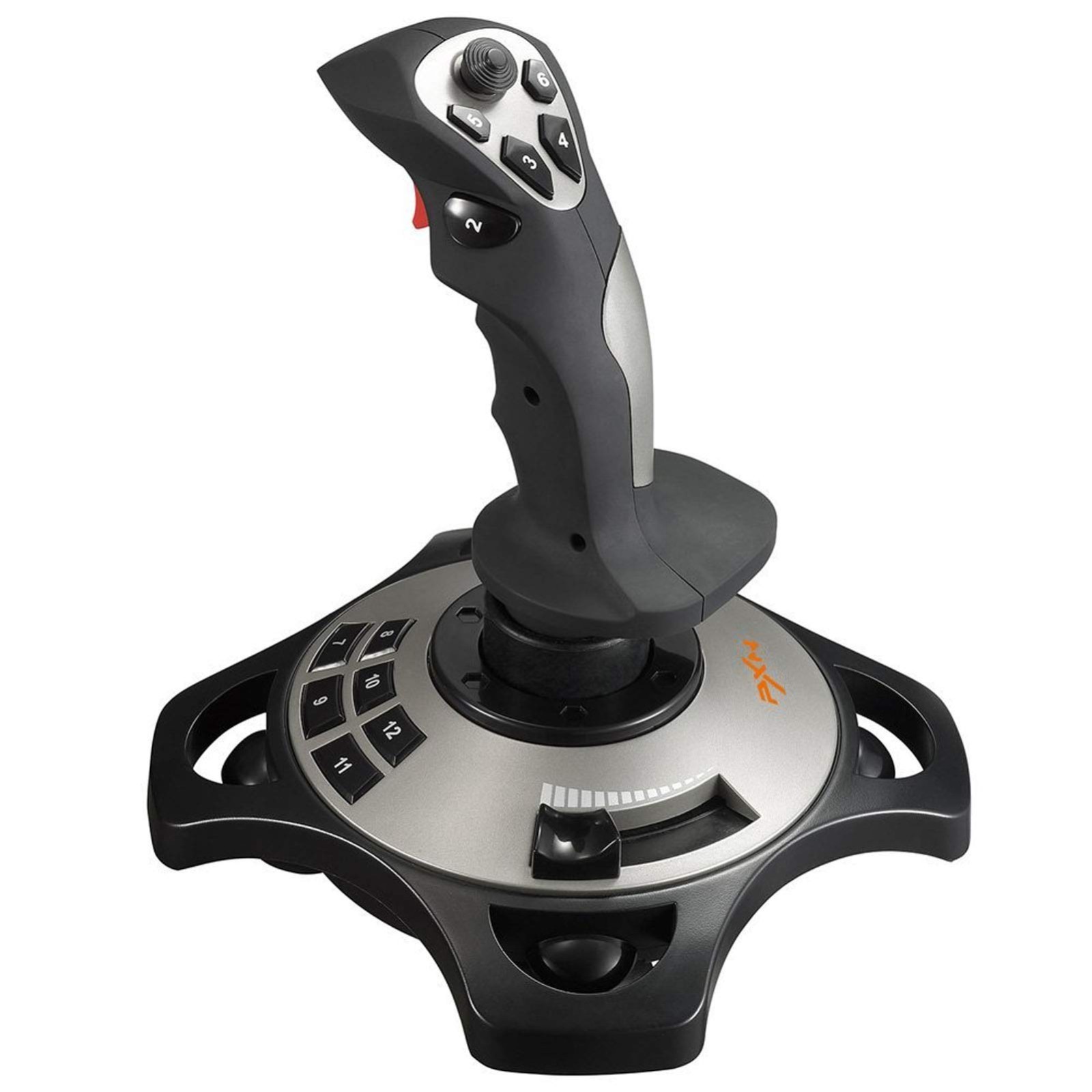 PXN 2113PRO USB Flight Simulator Joystick Gaming Flight Stick Controller PC$32.00View on eBay
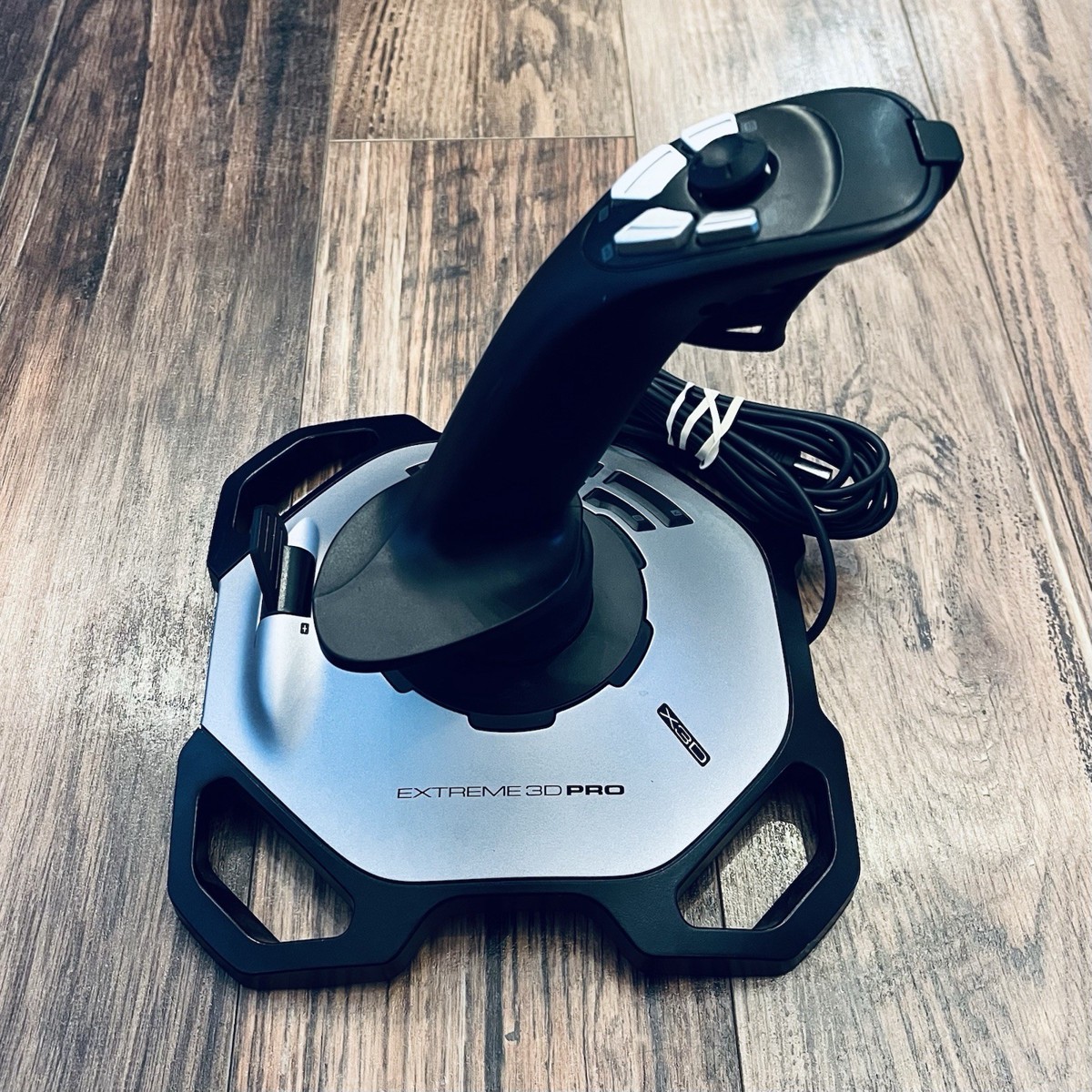 Logitech Extreme 3D Pro X3D USB Flight PC USB Simulator Joystick - SHIPS FREE!$34.99View on eBay
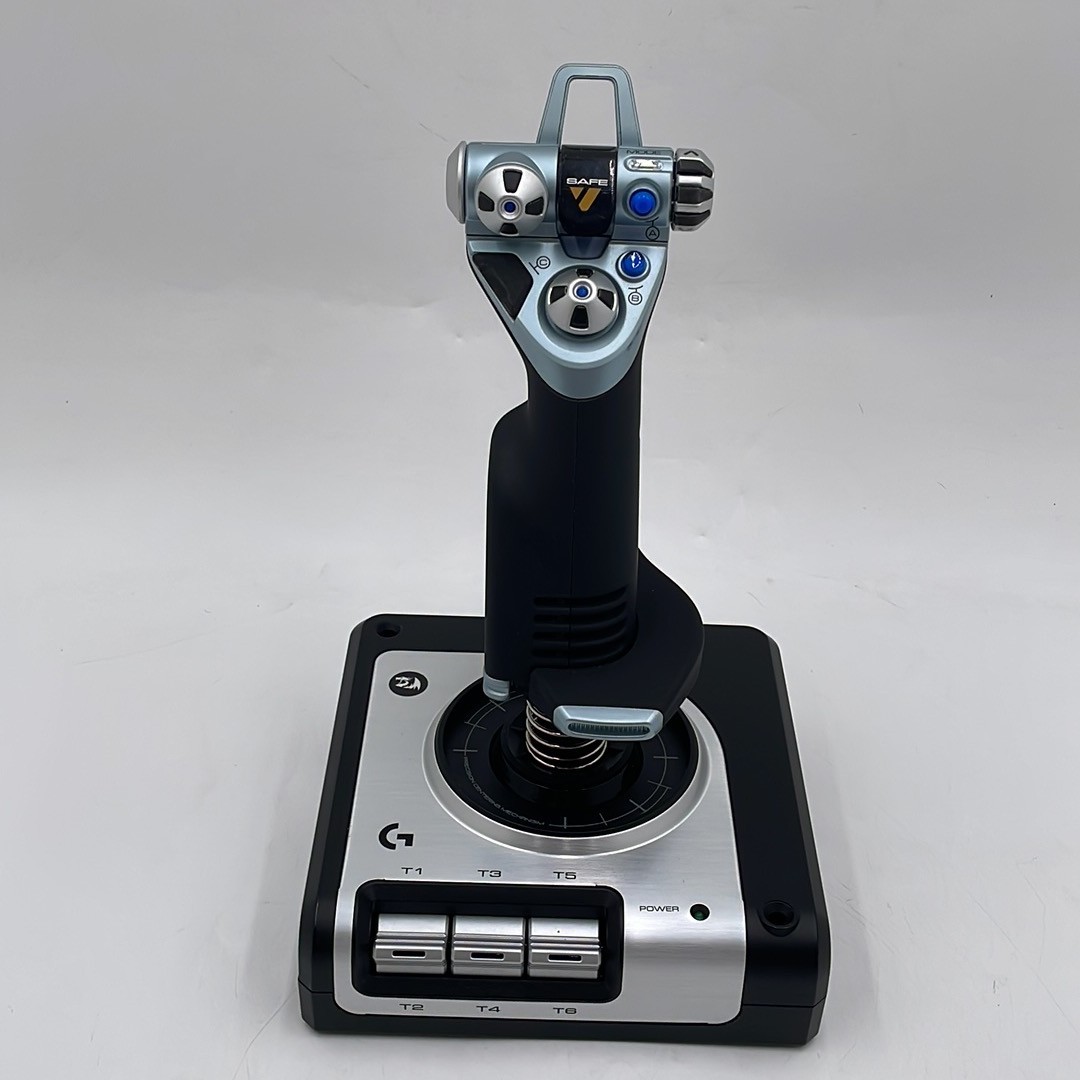 Logitech G X52 Hotas Flight Control Joystick (Stick)$35.95View on eBay
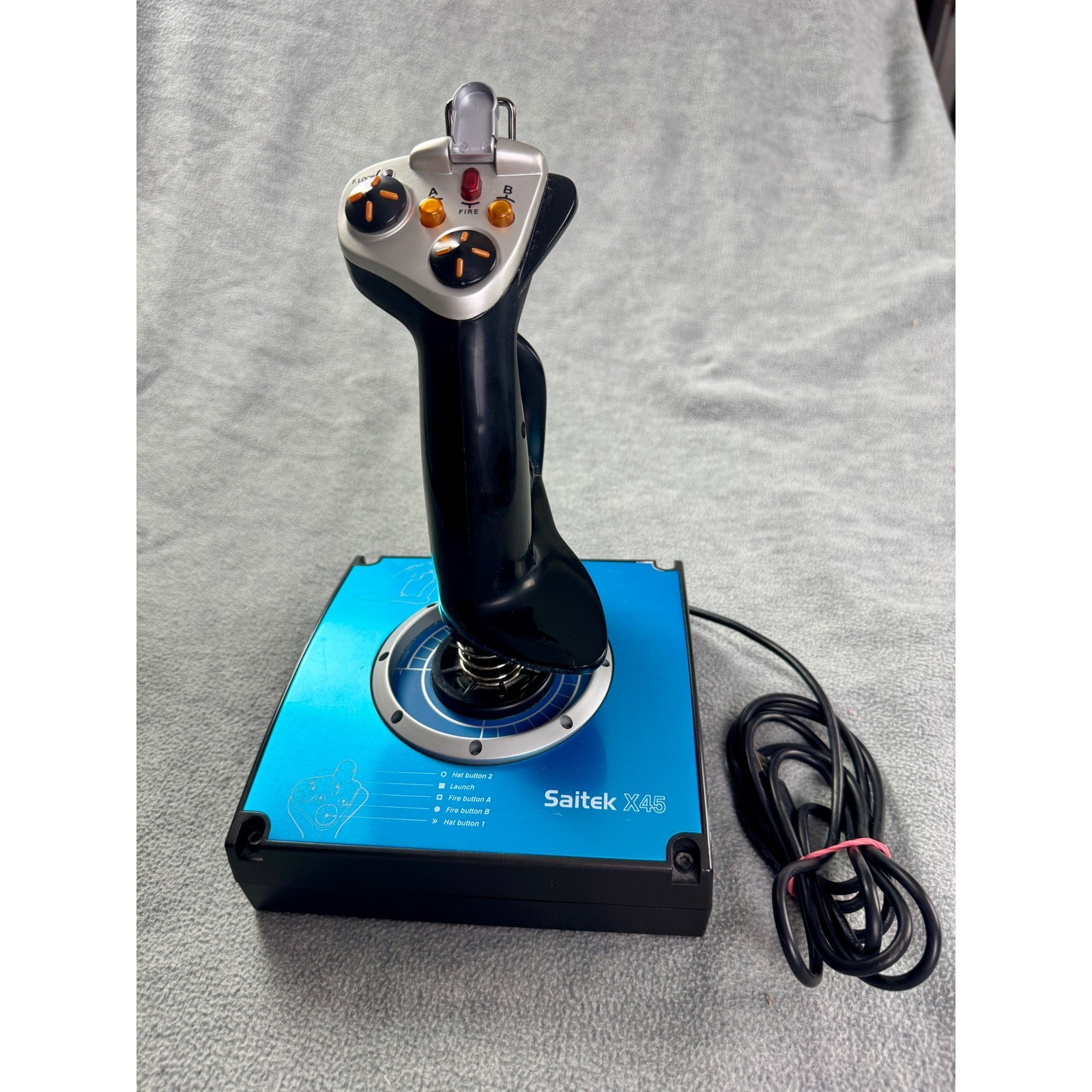 Saitek X45 Digital Flight Control Stick Joystick PC Flight Simulator Controller$38.57View on eBay
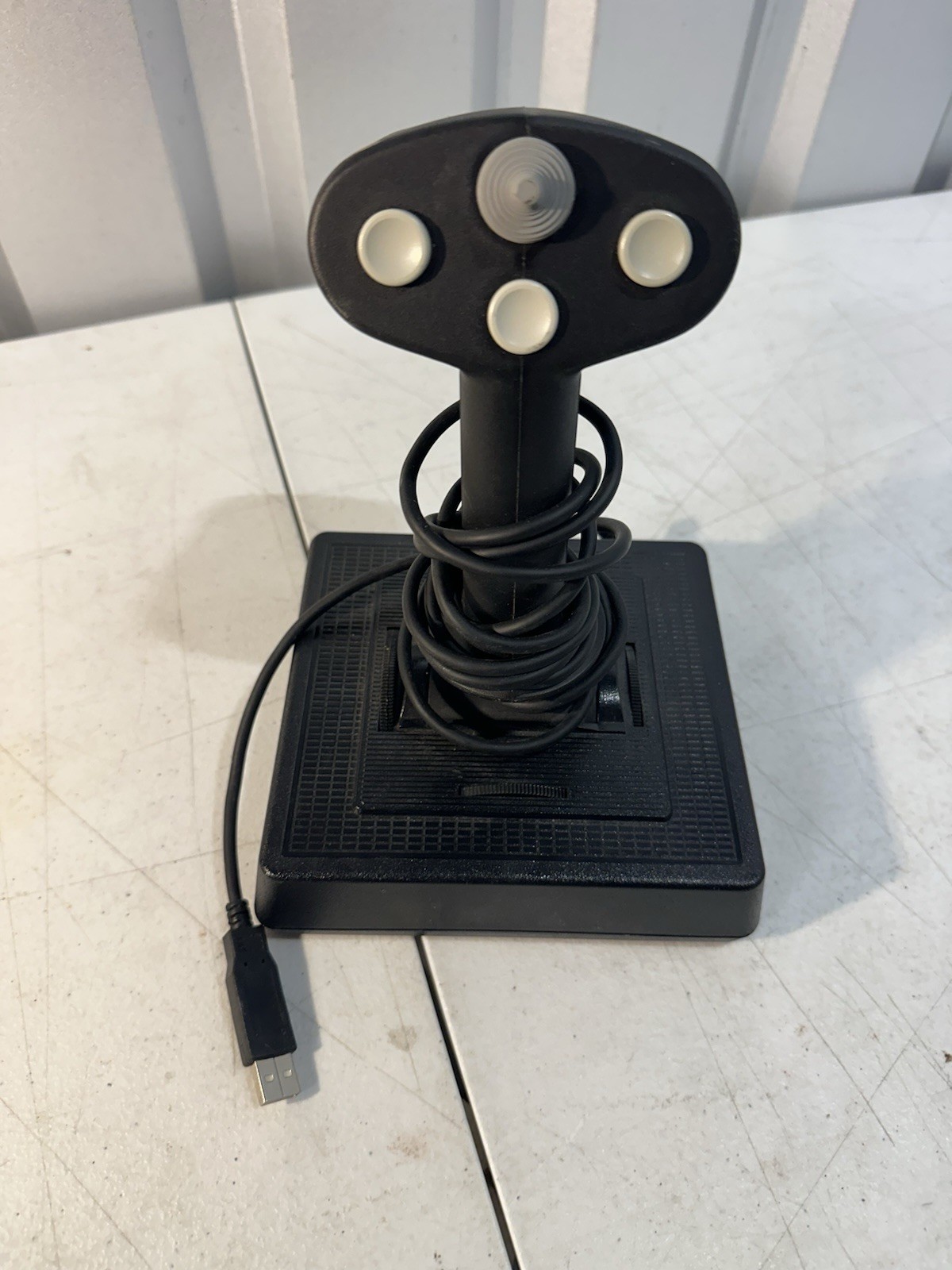 CH Products Flightstick Pro USB FSPUSB Flight Simulator Joystick Tested Working$39.00View on eBay
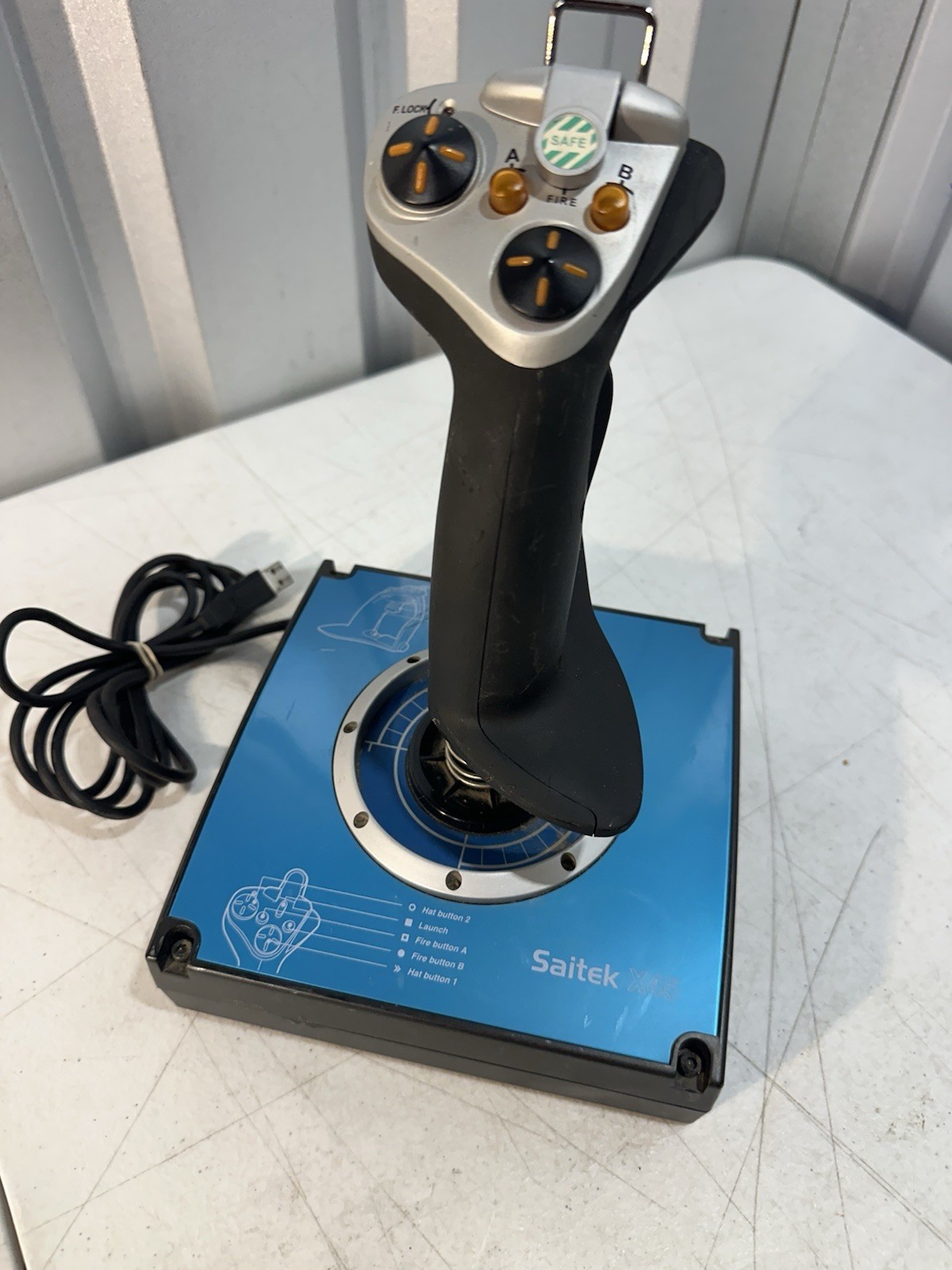 Saitek X45 Digital USB Flight Simulator Joystick Controller Tested Working$39.00View on eBay
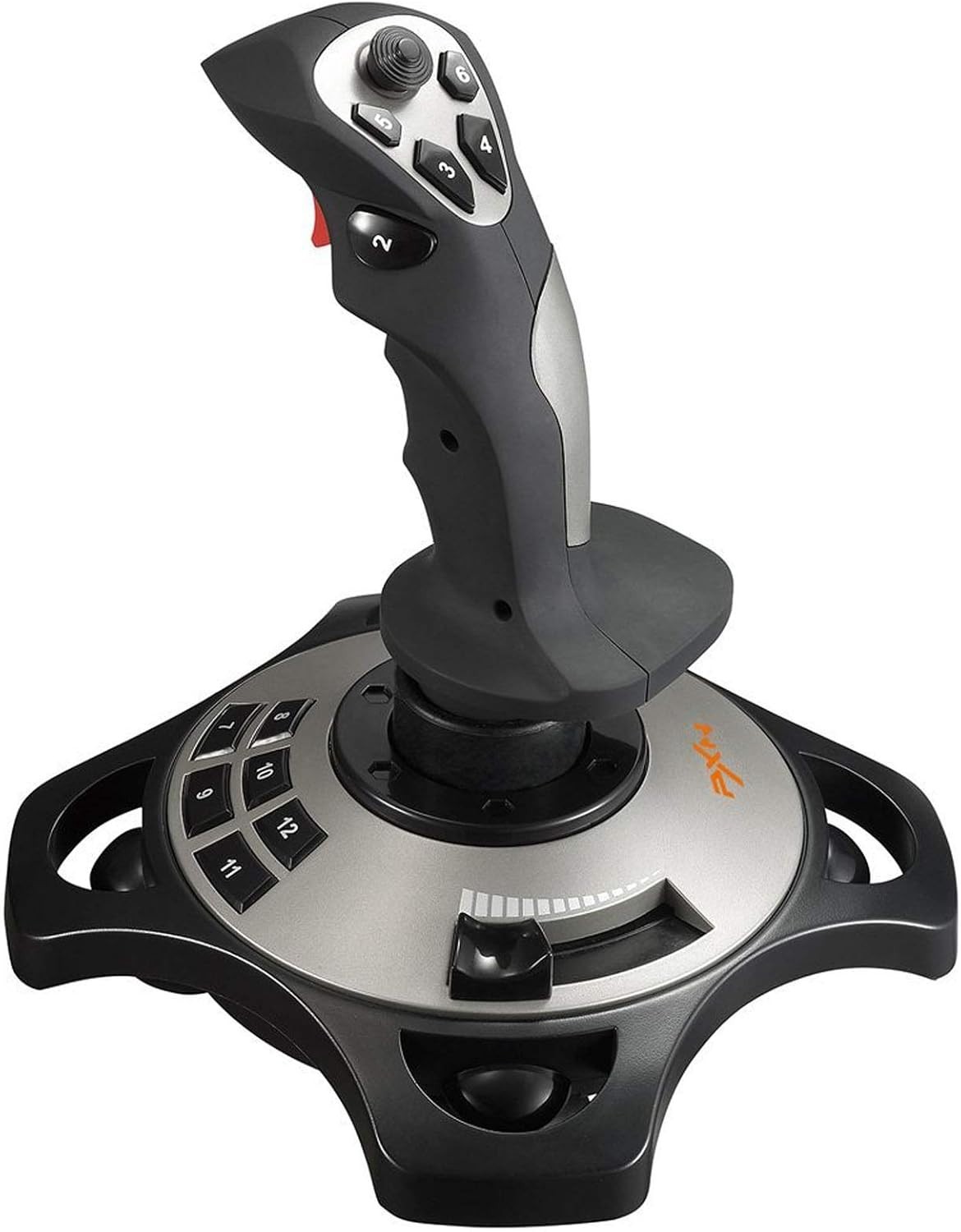 PXN 2113PRO USB Flight Simulator Joystick Gaming Flight Stick Controller PC$41.00View on eBay
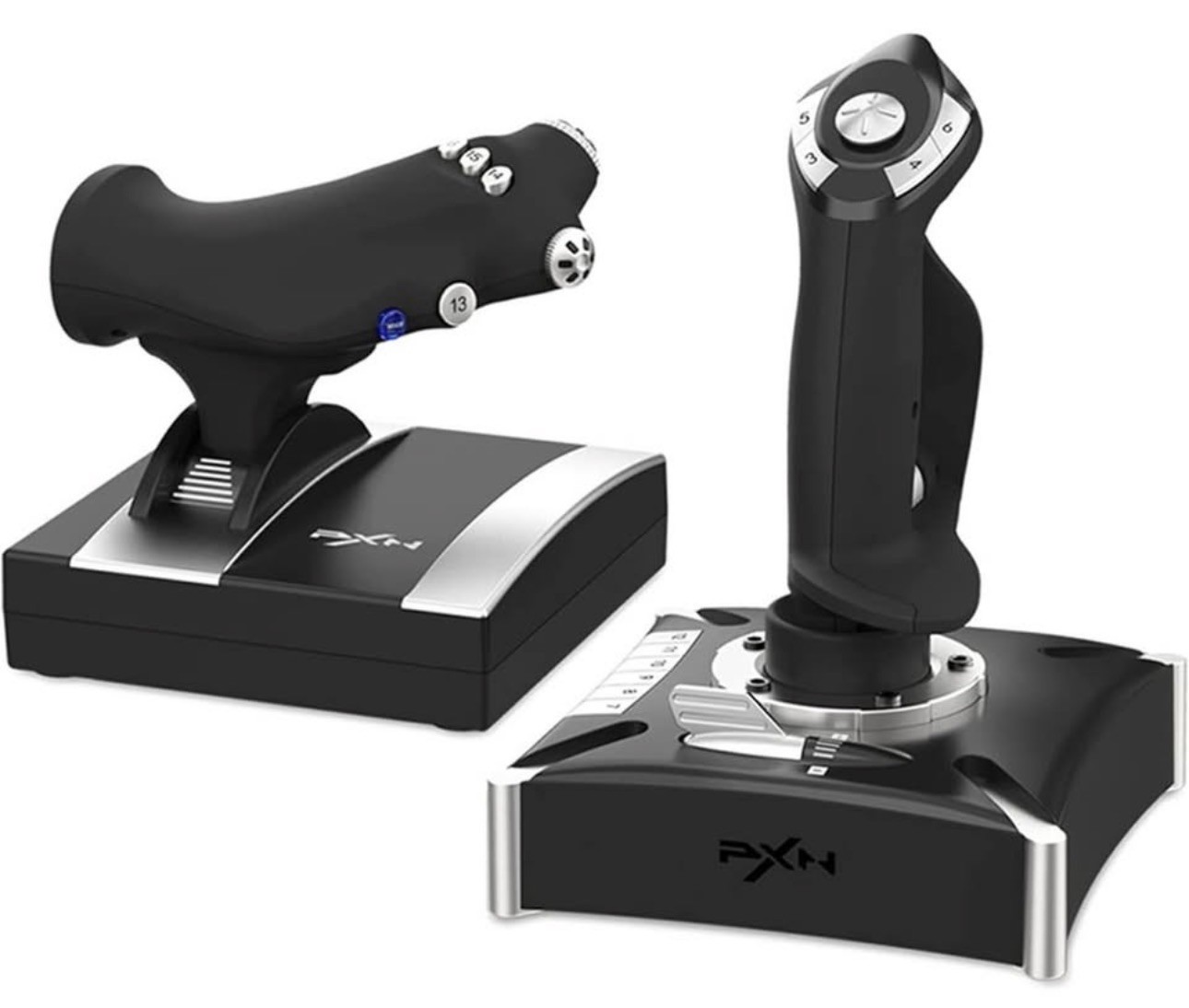 PXN-2119PRO Flight Simulator Joystick Lightweight Controller Unit f/ PC/PS4/XBOX$49.99View on eBay
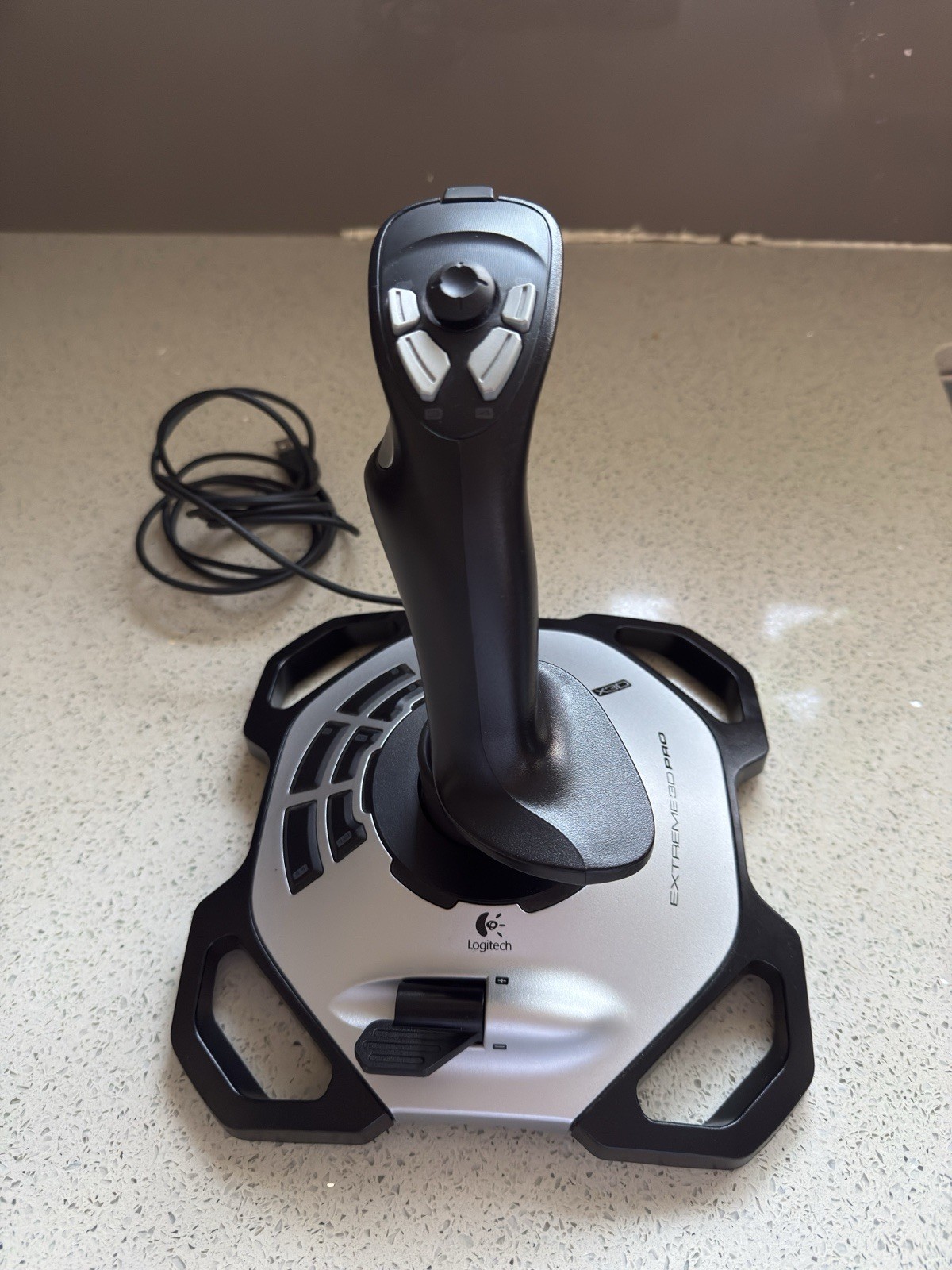 LOGITECH Extreme 3D PRO X3D J-UK17 USB Flight PC USB Simulator Joystick TESTED$53.29View on eBay
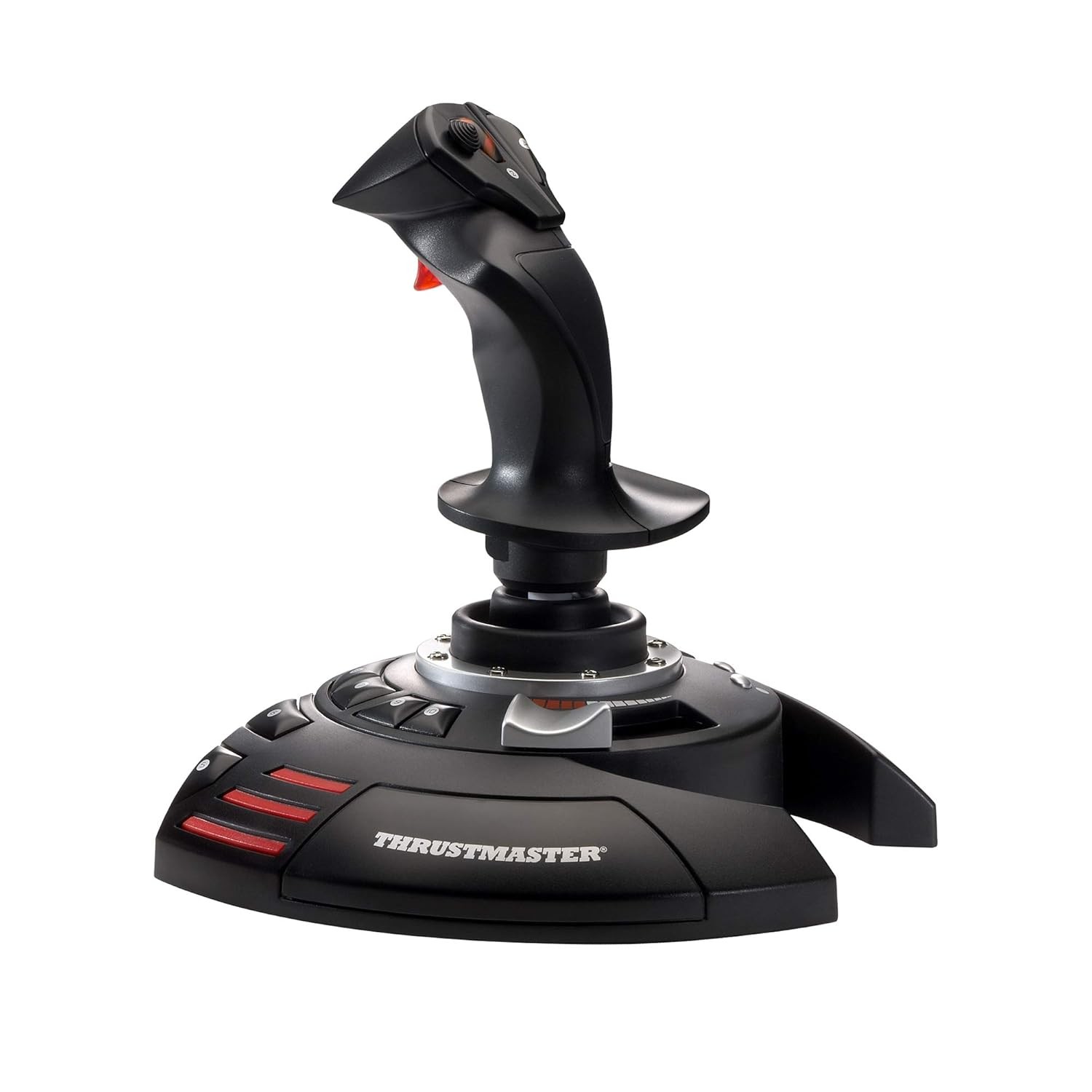 Thrustmaster T Flight Stick X Flight Simulator Controller Joystick USB$81.58View on eBay
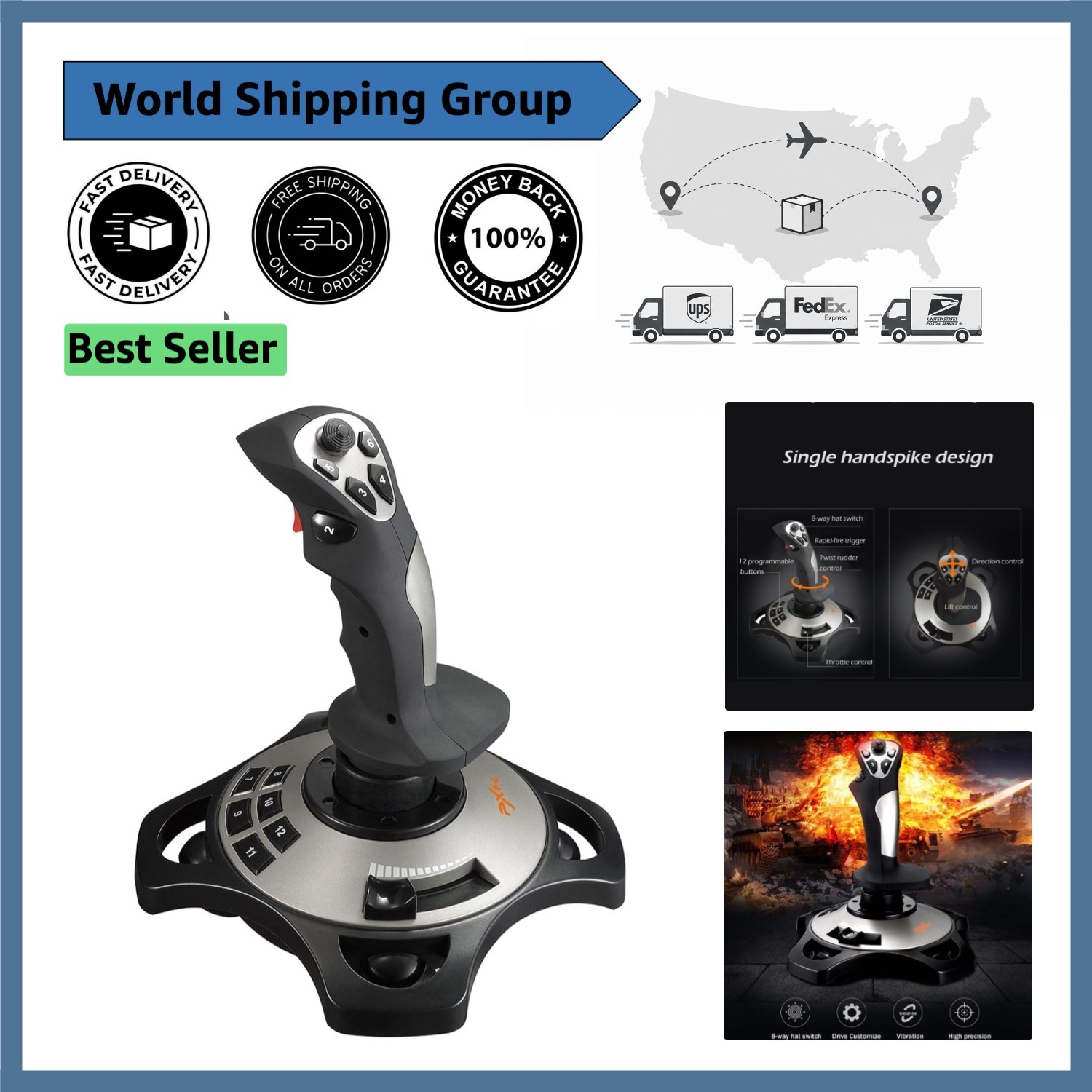 2113PRO USB Flight Simulator Joystick - Ergonomic PC Controller with Vibration$89.95View on eBay
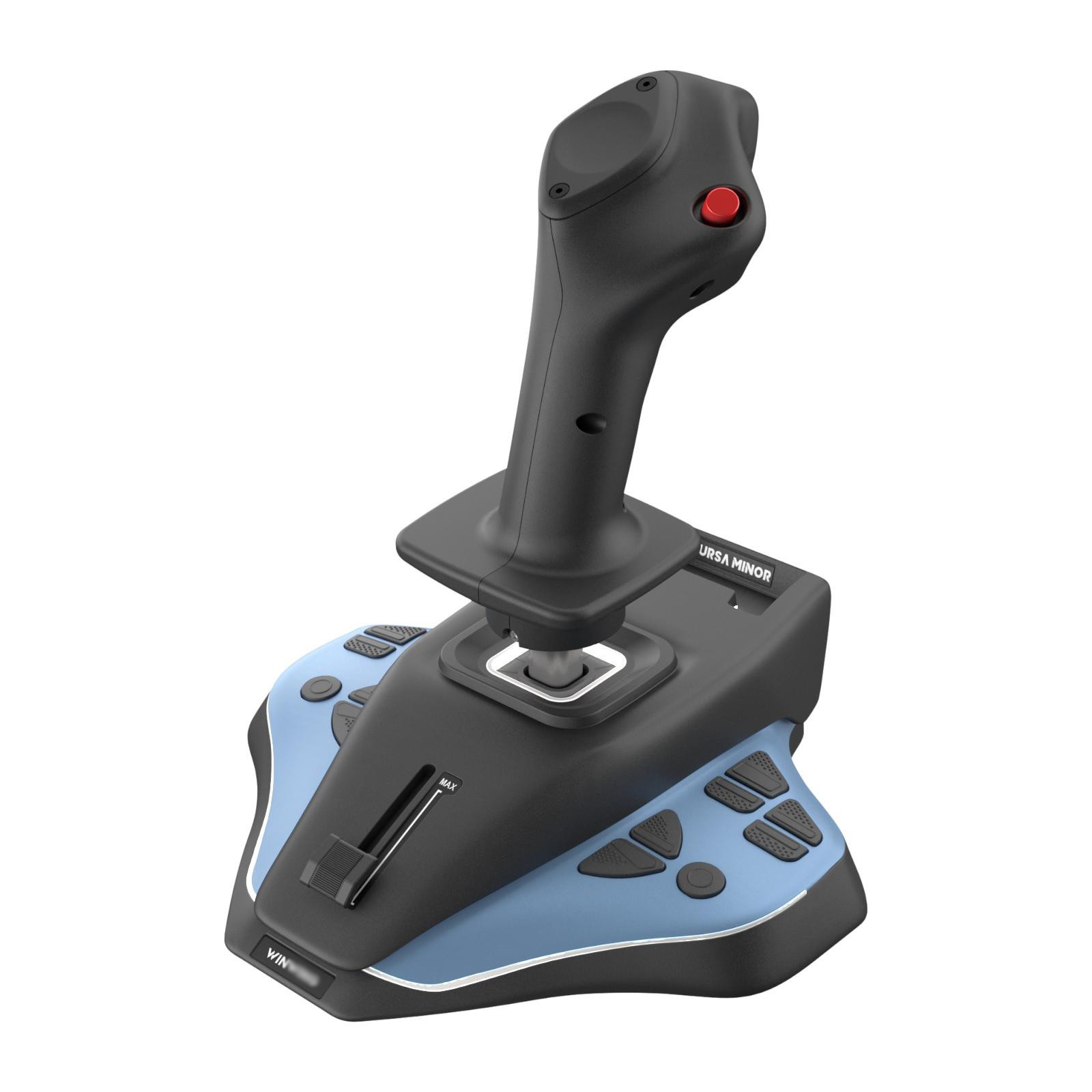 WINWING URSA MINOR Airline Joystick L Flight Simulator for X-Plane MSFS2020/24$132.89View on eBay
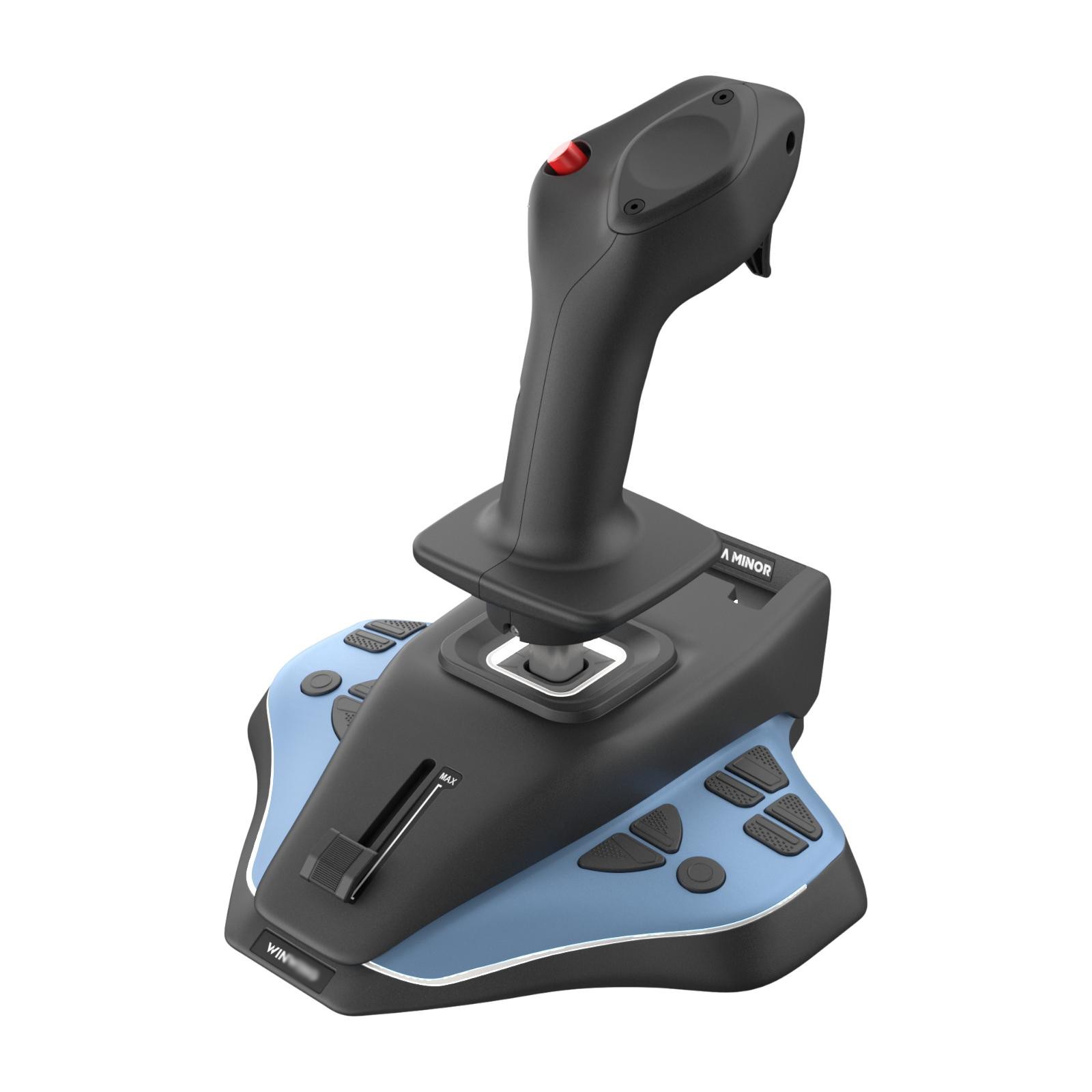 WINWING URSA MINOR Airline Joystick R Flight Simulator for X-Plane MSFS2020/24$132.89View on eBay
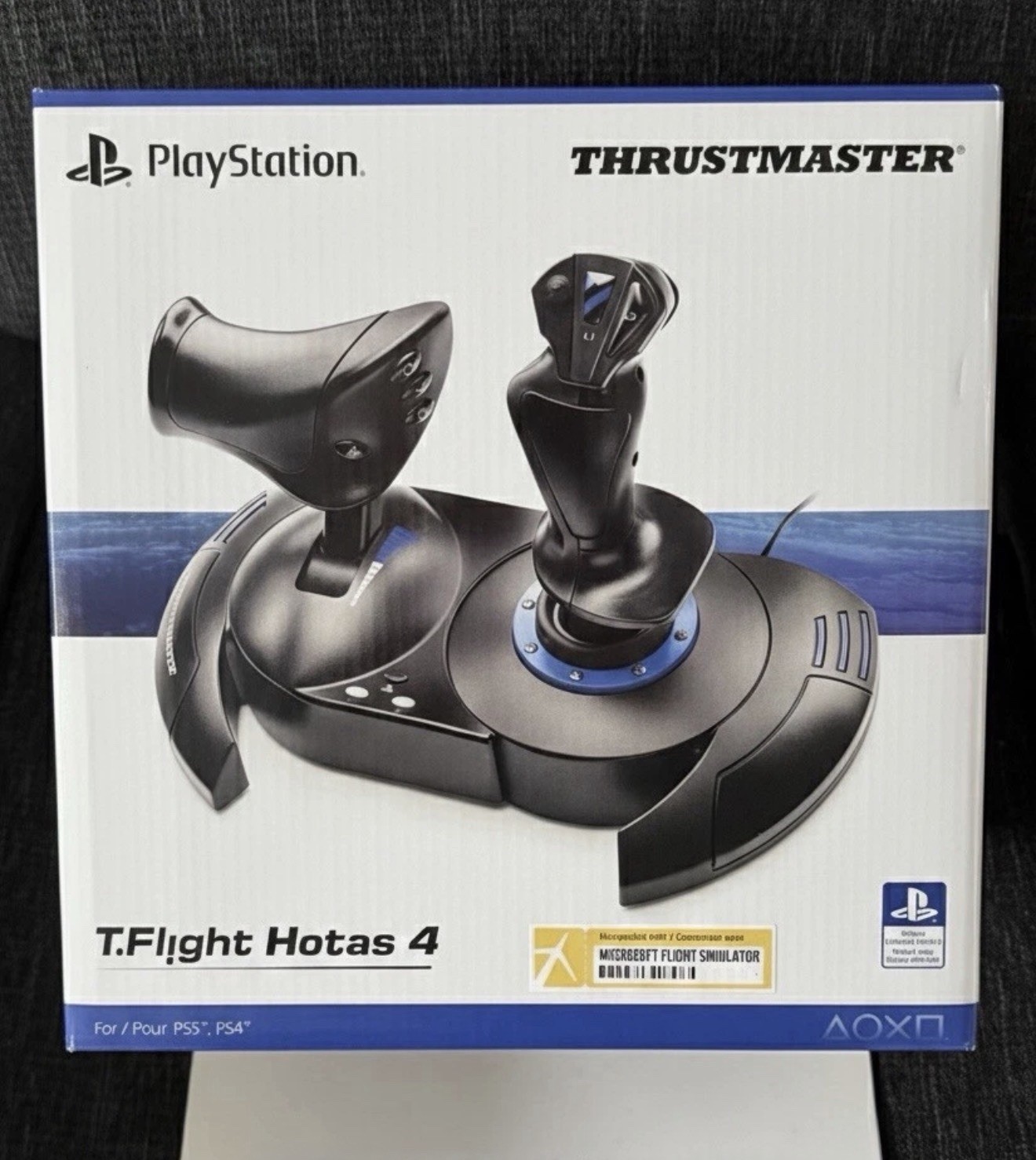 Thrustmaster T.Flight Hotas 4 Flight Stick Joystick for PS4 PS5 & PC - New$200.00Last checked Nov 18, 2026View on eBay
Highlights
- Xbox licensing is model-specific: officially licensed sticks like the Thrustmaster T.Flight Hotas One and Hori Ace Combat 7 stick work out of the box, while PC-only sticks such as the Logitech Extreme 3D Pro or CH Products Flightstick Pro require a third-party adapter and may lack full button mapping.
- Sensor type determines precision: Hall-effect sensors (magnetic, contactless) resist wear and drift far better than potentiometer-based sticks, which develop dead zones and spiking after heavy use; budget console sticks often use potentiometers.
- HOTAS vs standalone stick: a HOTAS bundles a throttle for two-handed control ideal for flight sims, while a standalone flight stick suits space combat and arcade flyers where a throttle is less critical; Xbox-compatible HOTAS options are limited compared to PC.
- Build materials matter: plastic-bodied sticks are lighter and cheaper but flex under force; metal bases or reinforced gimbals add stability and longevity, especially for users who apply strong inputs or fly frequently.
Best use cases
- Best fit: Xbox Series X|S or Xbox One owner wanting plug-and-play flight combat — choose an officially licensed HOTAS like the Thrustmaster T.Flight Hotas One; skip PC-only sticks that need adapters.
- Best fit: PC flight simmer who occasionally plays on Xbox — pick a stick with confirmed Xbox compatibility via firmware or adapter, and verify button mapping support for your specific sim; avoid sticks with no console documentation.
- Best fit: Space combat and arcade flyers on Xbox — a standalone flight stick with twist rudder and ample buttons is sufficient; skip full HOTAS setups unless you also play study-level flight sims.
- Wrong fit: Buyer expecting high-fidelity force feedback or metal construction on Xbox — console-licensed sticks are predominantly plastic and lack force feedback; consider PC-only high-end gear if those features are must-haves.
Buying tips
- Check the box or product page for the official 'Designed for Xbox' badge or explicit Xbox One/Series X|S compatibility; PC-only sticks like the Logitech Extreme 3D Pro will not work on Xbox without a specialized adapter.
- Prioritize Hall-effect sensors over potentiometers if longevity matters; potentiometer sticks are acceptable for casual use but expect drift after extended play.
- For HOTAS on Xbox, the Thrustmaster T.Flight Hotas One is the reference licensed model; other HOTAS units typically require PC and are not natively compatible.
- Consider desk and lap space: full HOTAS setups need a wide, stable surface or mount, while standalone sticks are more compact; measure your play area before choosing a two-piece system.
Specs
| Xbox Compatibility | Licensed / Adapter-required / None |
|---|---|
| Sensor Type | Hall-effect vs Potentiometer |
| Control Layout | Standalone stick vs HOTAS |
| Build Material | Plastic vs Metal-reinforced base |
Related searches
What to check before buying
- Confirm your Xbox model (One, Series S, Series X) and that the stick lists explicit compatibility — don't assume PC/PS support translates to Xbox.
- Measure available desk depth and width: HOTAS throttle-plus-stick combos need roughly 60 cm of width and a non-slip surface; standalone sticks need less.
- Check for required adapters or firmware updates: some PC sticks gain Xbox support only through a specific adapter (e.g., Brooks or Mayflash) that adds cost and complexity.
- Verify the stick includes a twist rudder or separate rudder axis if you play flight sims without pedals; many console sticks rely on twist for yaw.
FAQ
Data sources: eBay / Amazon listings and product attribute feeds. Updated Nov 27, 2026.
Some links on this page are affiliate links. If you buy after clicking one, we may earn a commission at no extra cost to you. This does not change which products appear here or their order. Affiliate disclosure.