
Photos from current listings. Actual item, color, and included accessories may vary.
Flight Stick PC Buying Guide
A PC flight stick is a USB HID controller with one or more axes, buttons, and often a twist or rudder axis, used for flight simulators. The key trade-off is sensor type (potentiometer vs Hall-effect) and gimbal construction, which determine centering accuracy and longevity. Buy Hall-effect or optical sensors and metal gimbals for durability; potentiometer sticks are entry-level compromises with wear-prone dead zones.
Median $39.79
Key takeaways
- Hall-effect magnetic sensors eliminate physical contact wear and hold center better than potentiometers, which degrade and develop jitter over time.
- Dual-gimbal metal construction (e.g., cam-and-roller) provides smoother, more precise movement than single plastic ball-and-socket gimbals found in budget sticks.
- HOTAS separates throttle and stick for two-hand control; a standalone flight stick is smaller but requires a separate throttle or keyboard for engine control.
At a glance
- Category
- Flight Sim Joysticks & HOTAS
- Last updated
- Nov 27, 2026
Current offers
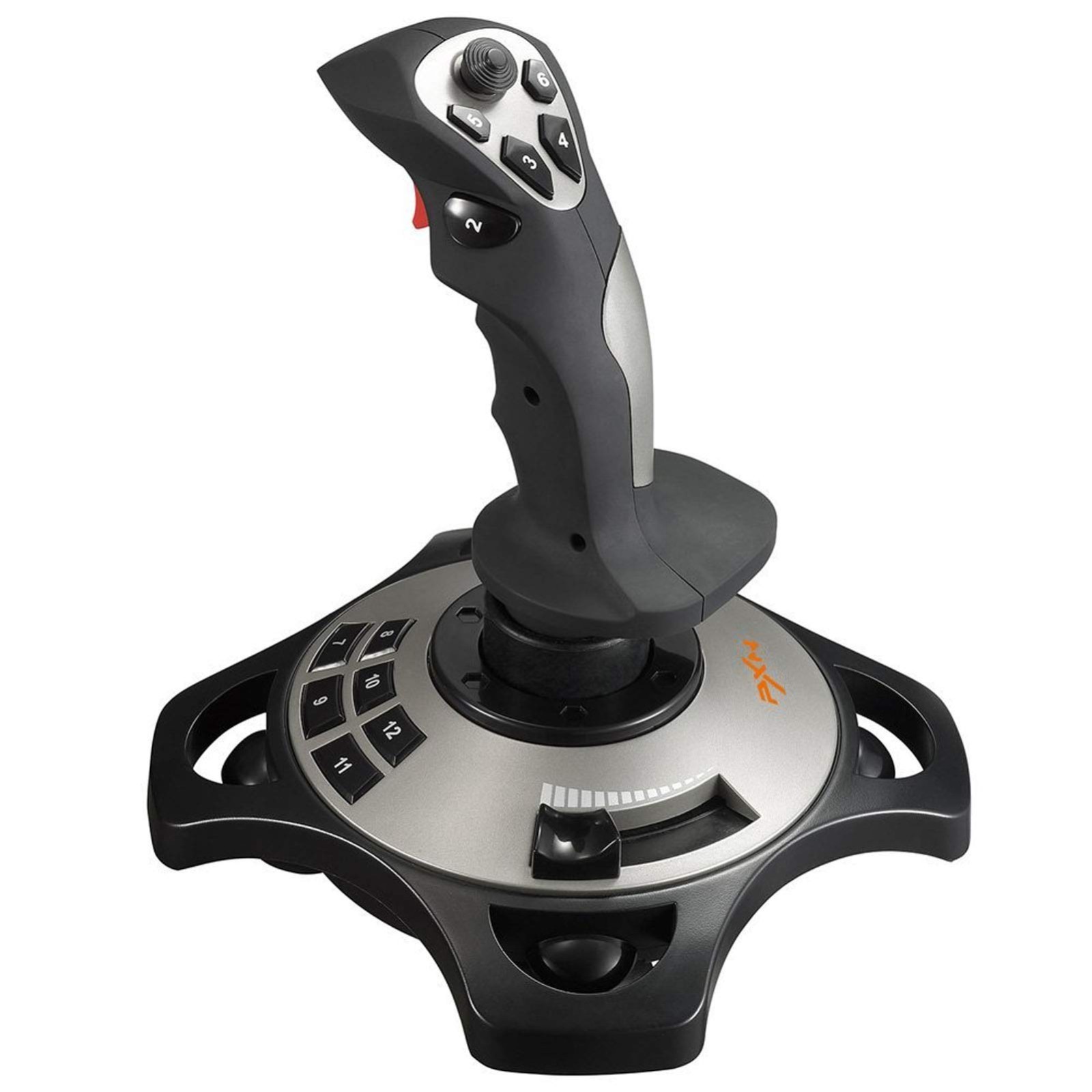 PXN 2113PRO USB Flight Simulator Joystick Gaming Flight Stick Controller PC$32.00View on eBay
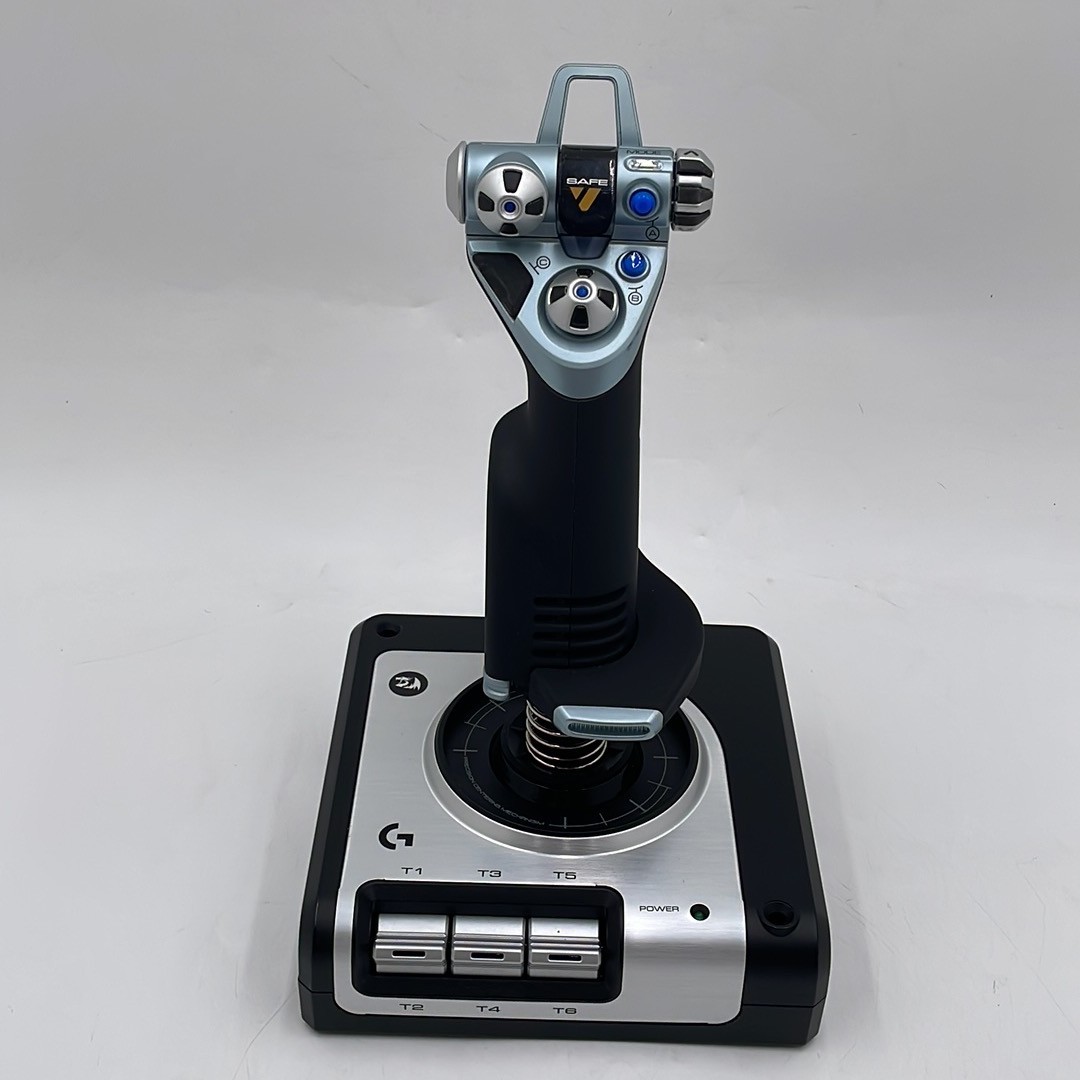 Logitech G X52 Hotas Flight Control Joystick (Stick)$35.95View on eBay
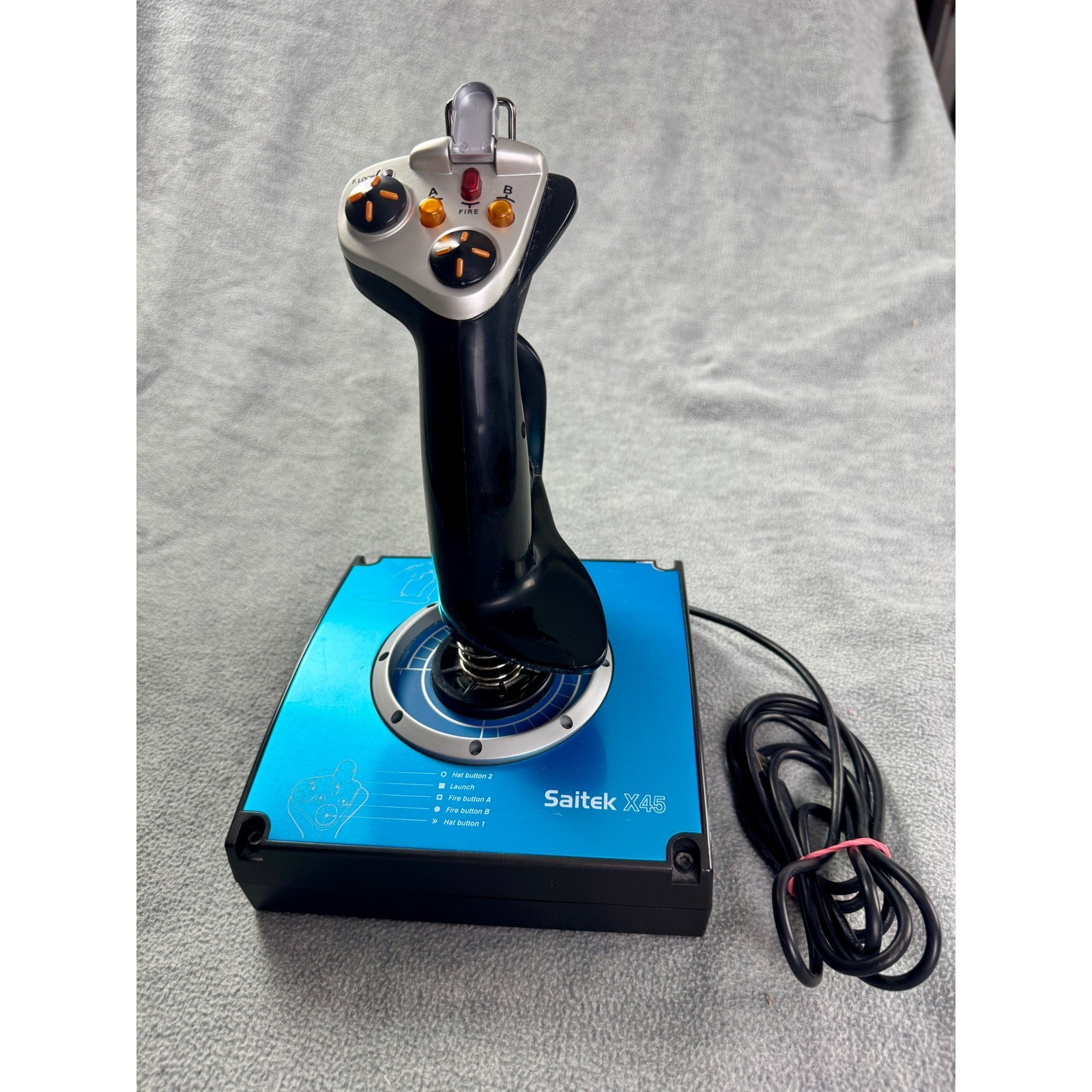 Saitek X45 Digital Flight Control Stick Joystick PC Flight Simulator Controller$38.57View on eBay
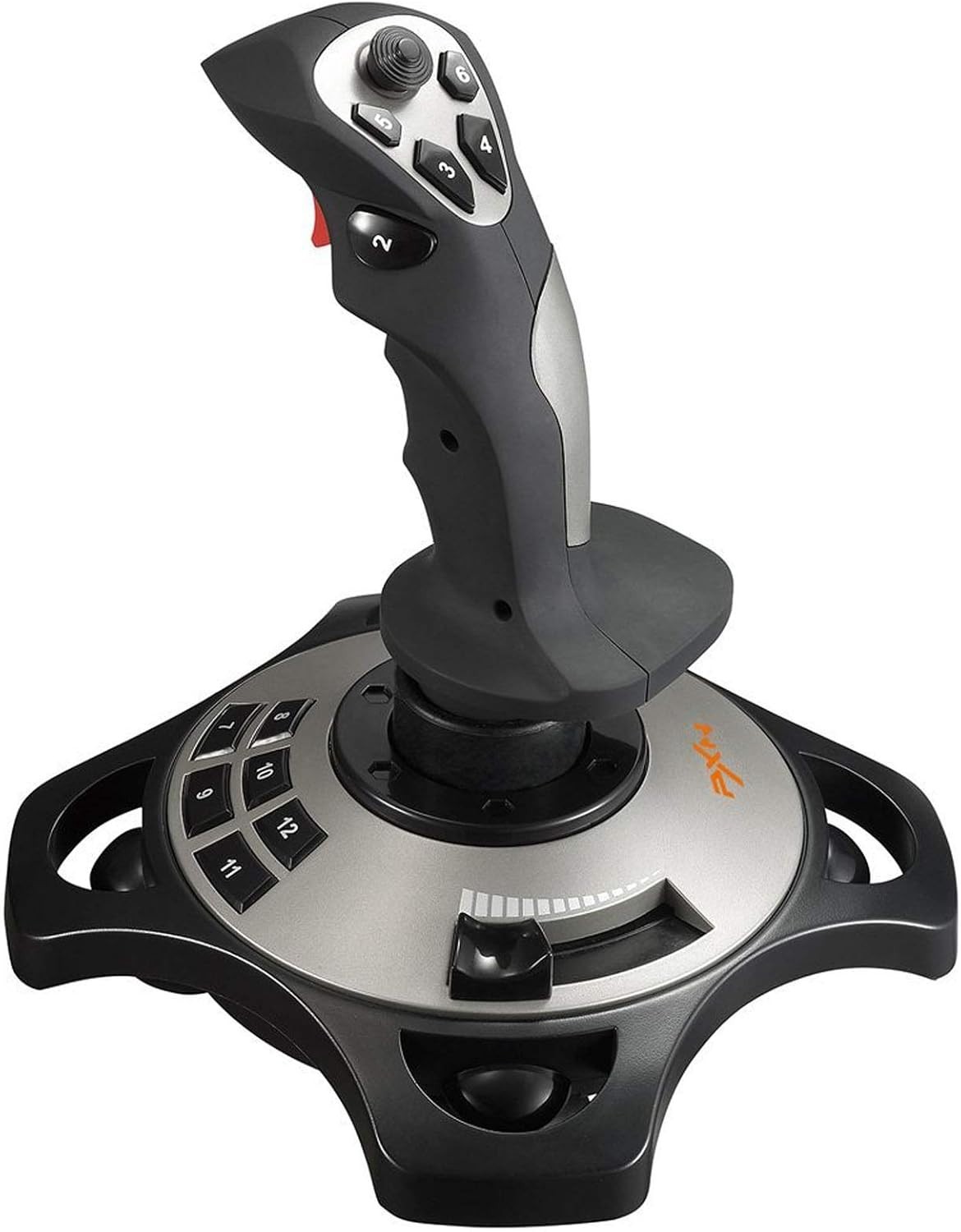 PXN 2113PRO USB Flight Simulator Joystick Gaming Flight Stick Controller PC$41.00View on eBay
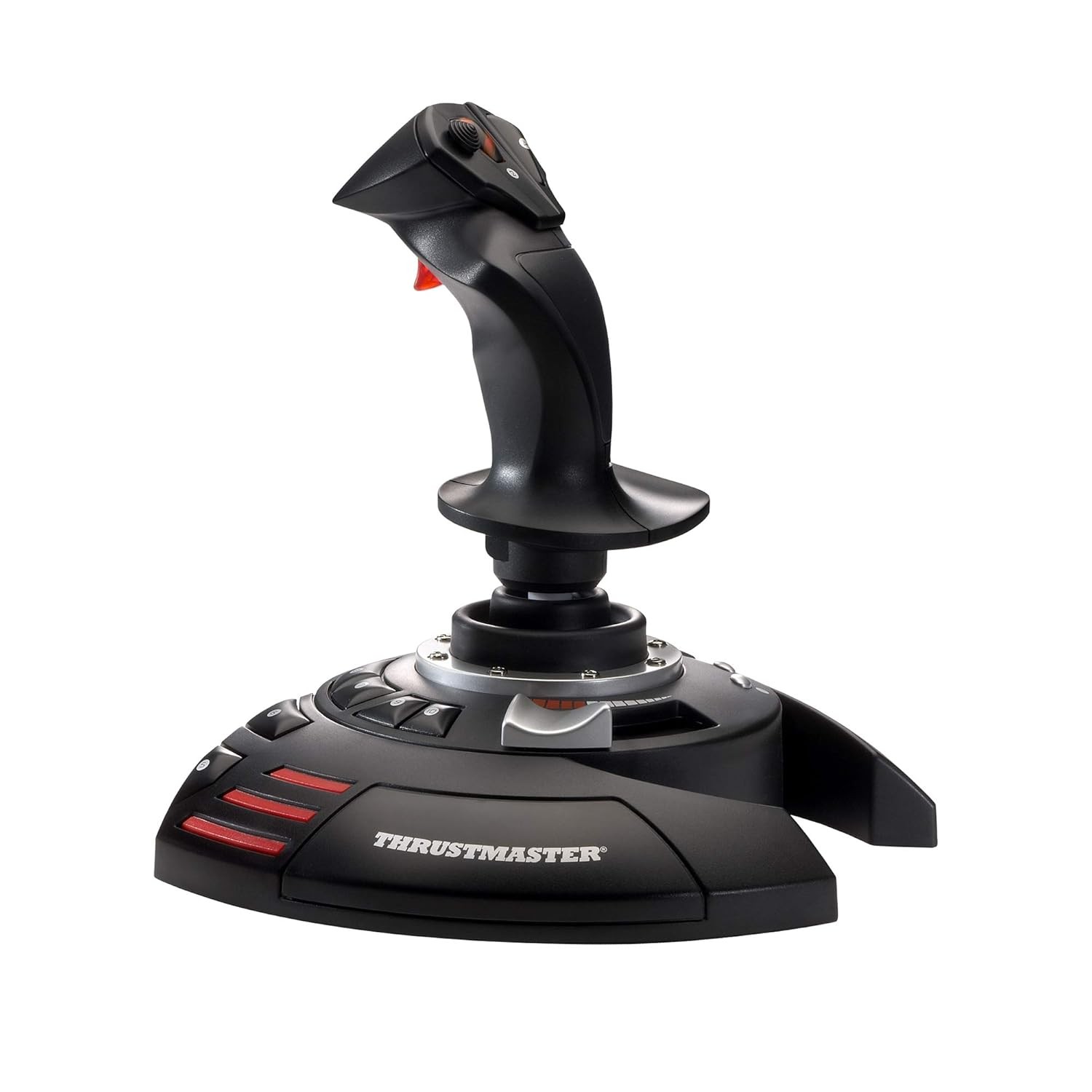 Thrustmaster T Flight Stick X Flight Simulator Controller Joystick USB$81.58View on eBay
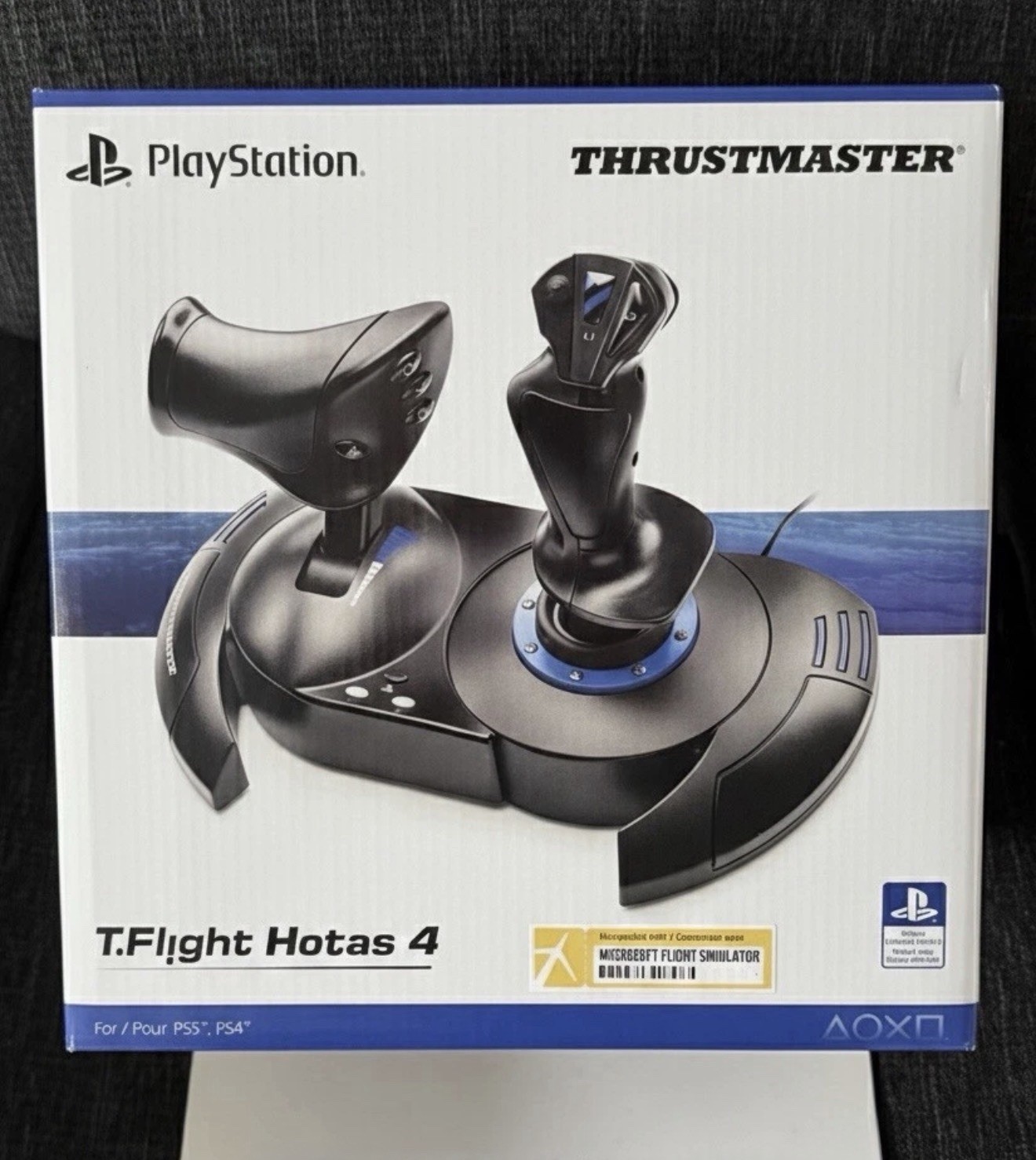 Thrustmaster T.Flight Hotas 4 Flight Stick Joystick for PS4 PS5 & PC - New$200.00Last checked Nov 18, 2026View on eBay
Highlights
- Hall-effect magnetic sensors eliminate physical contact wear and hold center better than potentiometers, which degrade and develop jitter over time.
- Dual-gimbal metal construction (e.g., cam-and-roller) provides smoother, more precise movement than single plastic ball-and-socket gimbals found in budget sticks.
- HOTAS separates throttle and stick for two-hand control; a standalone flight stick is smaller but requires a separate throttle or keyboard for engine control.
- Twist-rudder axes are common on standalone sticks; serious simmers use separate rudder pedals for finer yaw control and realistic feel.
Best use cases
- Best fit: arcade and casual flight sims (e.g., Microsoft Flight Simulator on easy settings, Star Wars: Squadrons) — choose a standalone twist-axis stick with Hall-effect sensor for long life.
- Best fit: study-level combat sims (DCS World, IL-2) — pick a HOTAS with separate throttle, metal gimbal, and enough buttons/hats to map without keyboard.
- Wrong fit: competitive racing or space sims requiring six degrees of freedom — skip standard flight sticks and look for 6DOF controllers or dual-stick setups.
- Wrong fit: console-only gamers on Xbox — most PC flight sticks are not Xbox-compatible; verify Xbox licensing or choose a console-specific HOTAS.
Buying tips
- Choose Hall-effect or contactless sensors over potentiometers: they last longer and avoid dead zones; budget sticks under a certain tier still use pots.
- Check gimbal material: metal cam gimbals with adjustable tension and detents are superior to plastic ball gimbals for precision and durability.
- For HOTAS, ensure the throttle has a smooth, adjustable friction slide and enough detents/buttons; some entry throttles are stiff and lack fine control.
- Verify PC connection: USB-A is standard, but some sticks need powered USB hubs; avoid unpowered hubs with high-draw HOTAS to prevent disconnects.
Specs
| Sensor Type | Hall-effect vs Potentiometer |
|---|---|
| Gimbal Material | Metal cam vs Plastic ball |
| Rudder Control | Twist axis / Pedals / None |
| Throttle Included | HOTAS separate / Stick only |
Related searches
What to check before buying
- Measure desk space: a HOTAS with separate throttle needs at least 60 cm width; standalone sticks need 20–30 cm depth clearance for full travel.
- Check mounting: suction cups or clamp mounts work on smooth desks; for clamp mounting, desk thickness must be within the clamp's range (typically 1–5 cm).
- Confirm simulator compatibility: most PC sticks work with Windows 10/11 plug-and-play; for games like DCS or MSFS, check native support or use vJoy/Joystick Gremlin.
- Plan for rudder: if the stick lacks twist, budget for rudder pedals or use keyboard rudder; twist axes can be noisy and less precise.
FAQ
Data sources: eBay / Amazon listings and product attribute feeds. Updated Nov 27, 2026.
Some links on this page are affiliate links. If you buy after clicking one, we may earn a commission at no extra cost to you. This does not change which products appear here or their order. Affiliate disclosure.