
Photos from current listings. Actual item, color, and included accessories may vary.
Flight Stick Controller Buying Guide
A flight stick controller is the single biggest determinant of whether a sim feels like flying or like fighting a plastic toy. Buyers routinely under-budget the stick and over-budget the throttle, then discover that centering slop, pot-based sensors, and a weak return spring ruin precision more than any graphics setting. Getting the gimbal type, sensor technology, and PC compatibility right up front matters far more than the number of programmable buttons.
Median $39.79
Key takeaways
- Sensor type is the durability and precision dividing line: contactless Hall-effect sensors resist wear and drift, while potentiometer sticks degrade and develop dead zones over months of use.
- Gimbal architecture separates tiers: ball-and-socket plastic gimbals suit casual arcade flying, while dual-cam or magnetic gimbals hold center accuracy needed for formation flight and carrier landings.
- Ambidextrous sticks like the Thrustmaster T.Flight Stick X include a twist-rudder axis and a throttle wheel, making them a complete entry control for space sims and light civil aviation.
At a glance
- Category
- Flight Sim Joysticks & HOTAS
- Last updated
- Nov 27, 2026
Current offers
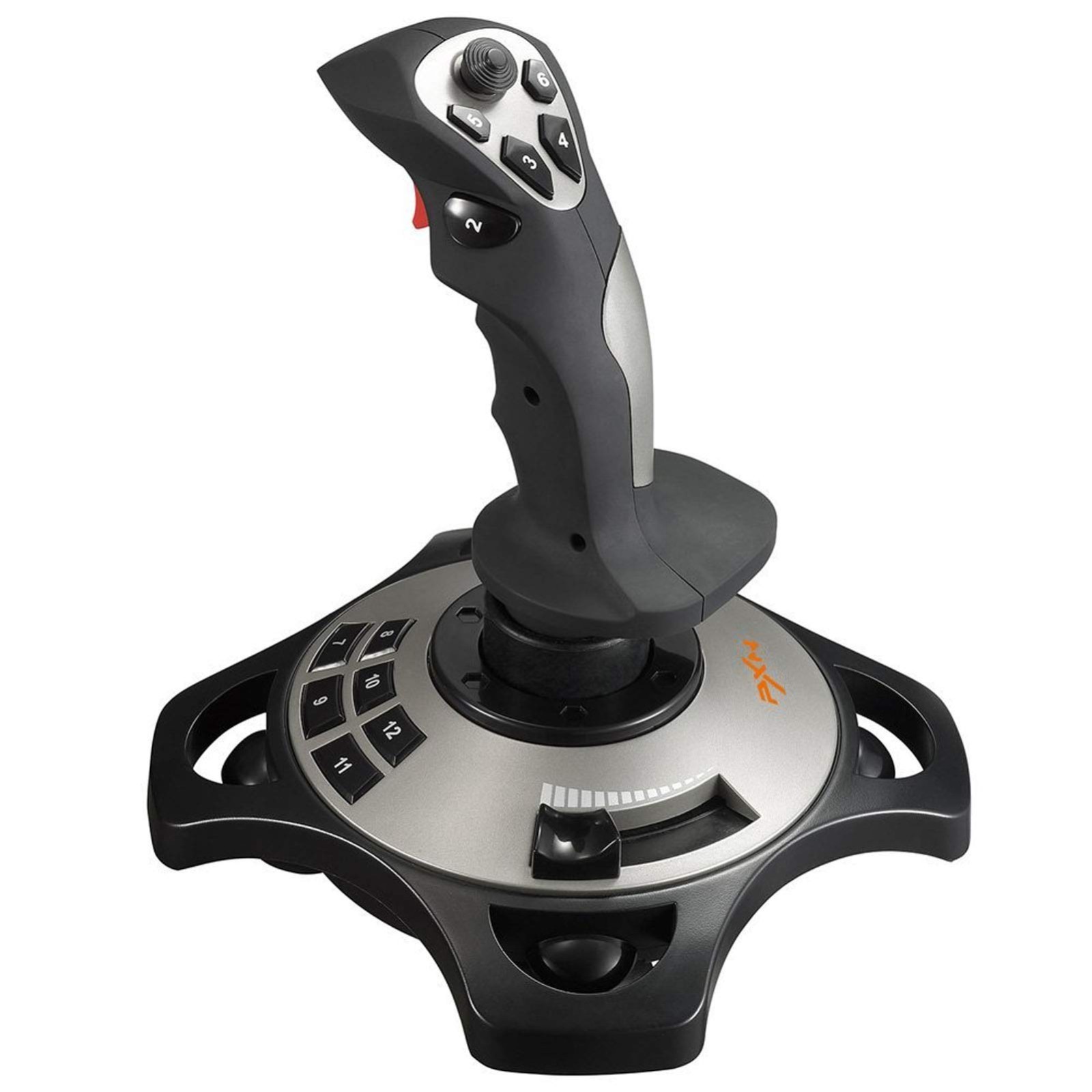 PXN 2113PRO USB Flight Simulator Joystick Gaming Flight Stick Controller PC$32.00View on eBay
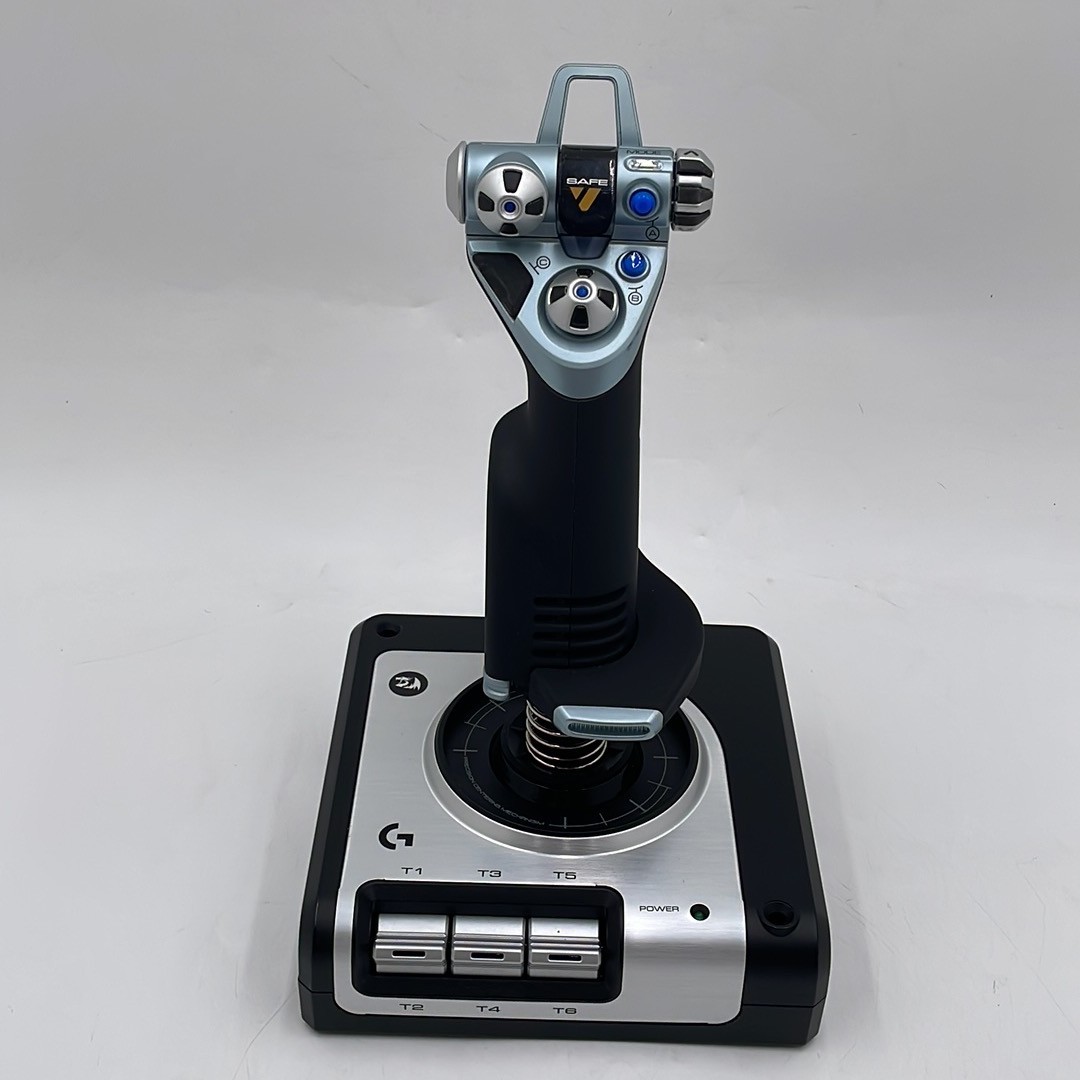 Logitech G X52 Hotas Flight Control Joystick (Stick)$35.95View on eBay
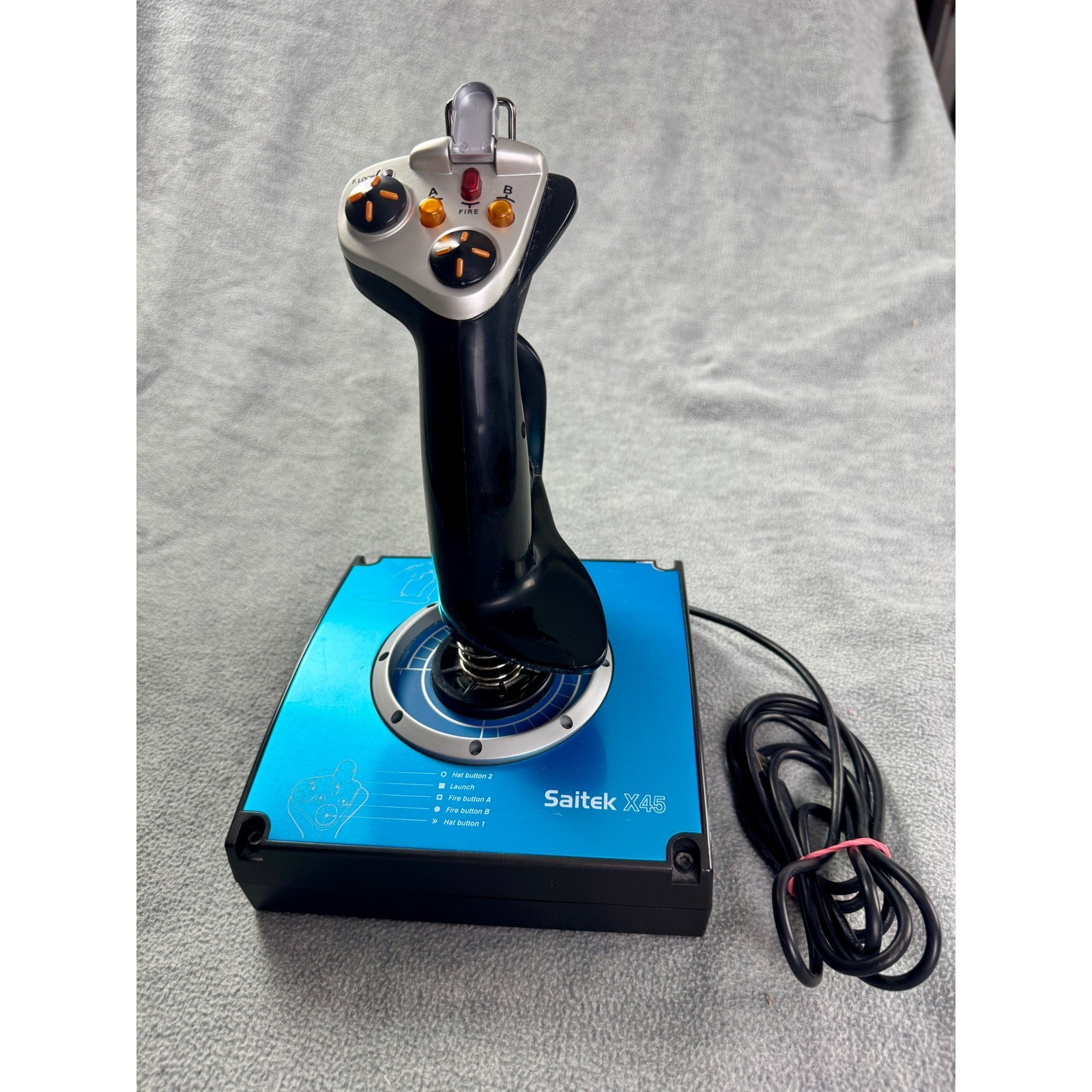 Saitek X45 Digital Flight Control Stick Joystick PC Flight Simulator Controller$38.57View on eBay
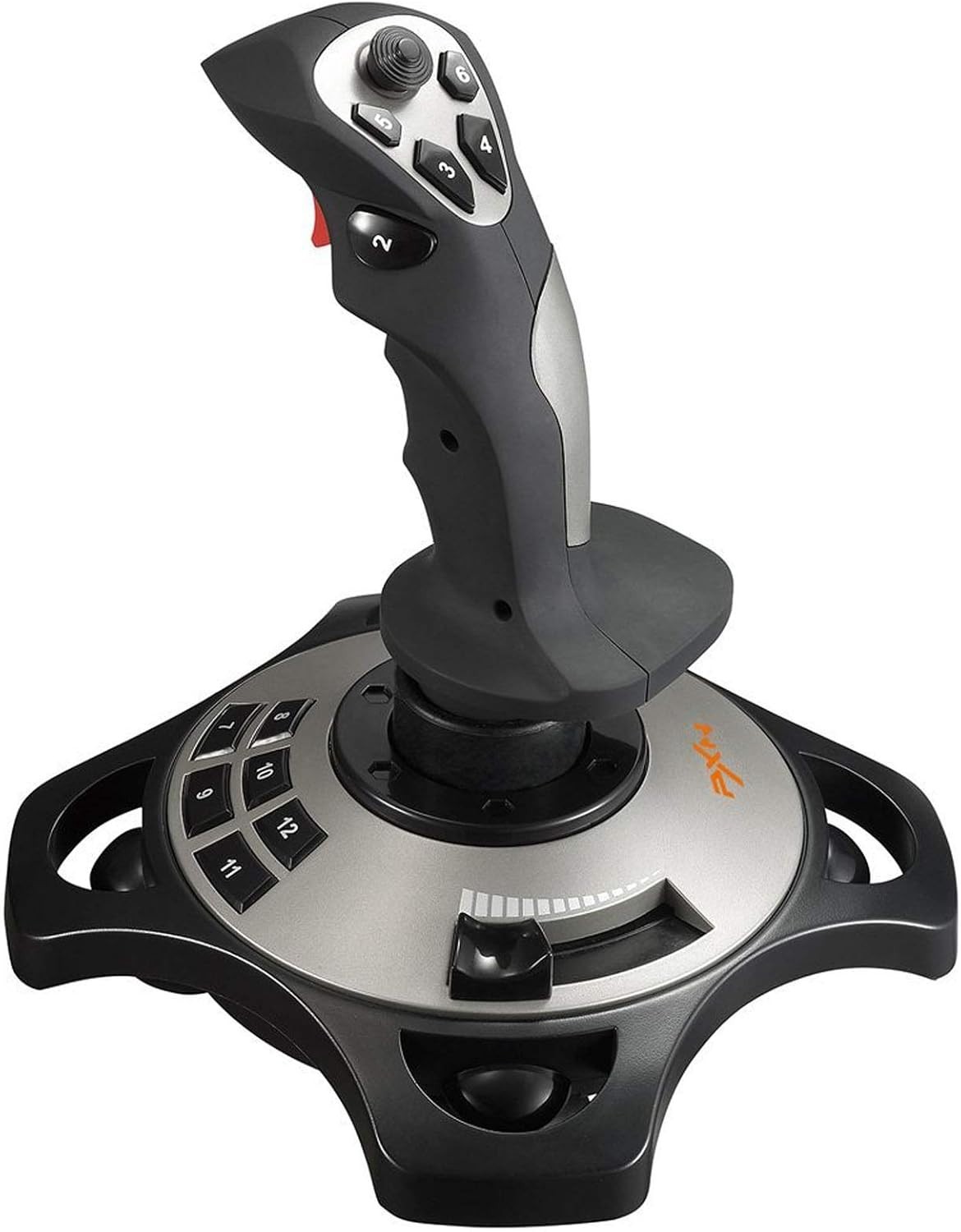 PXN 2113PRO USB Flight Simulator Joystick Gaming Flight Stick Controller PC$41.00View on eBay
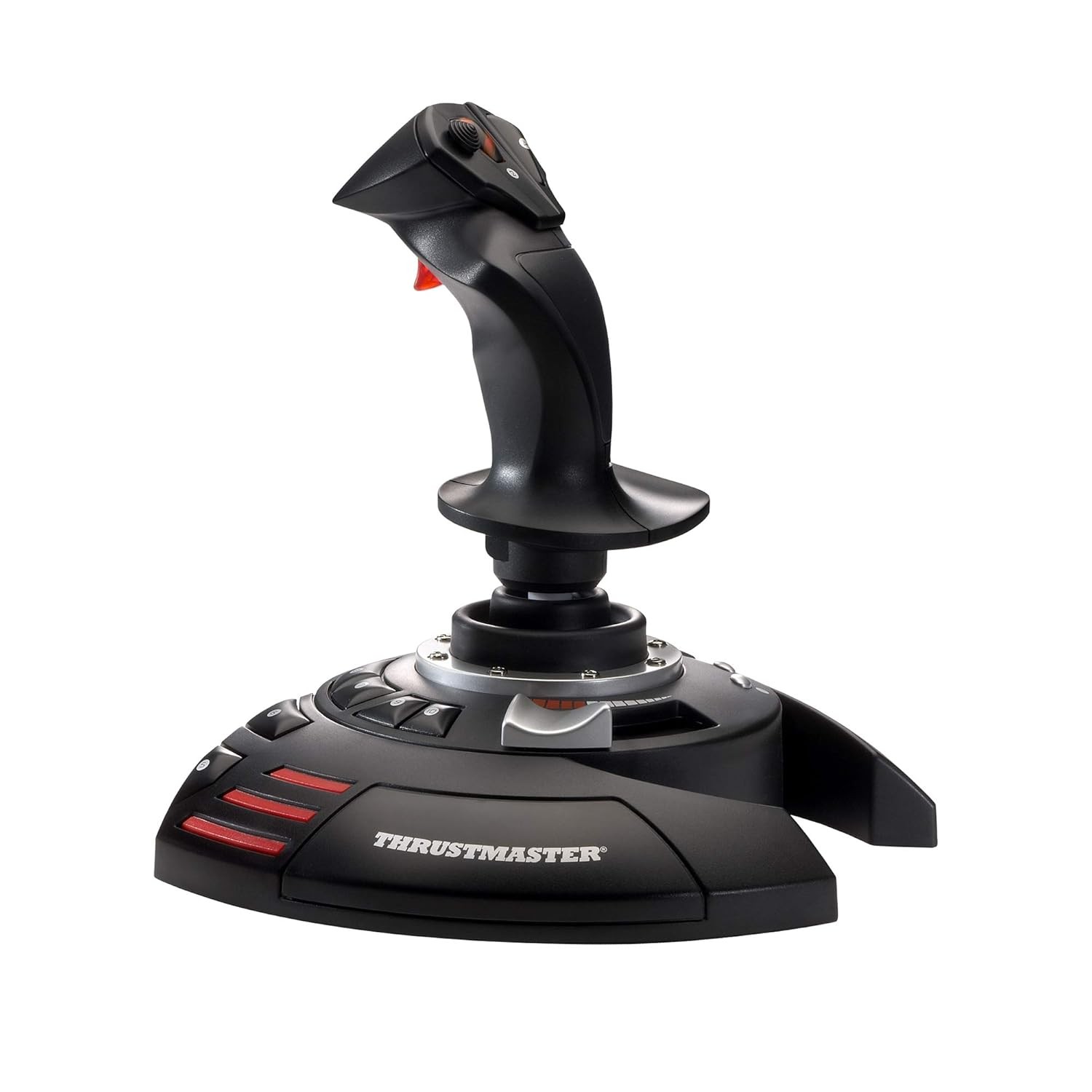 Thrustmaster T Flight Stick X Flight Simulator Controller Joystick USB$81.58View on eBay
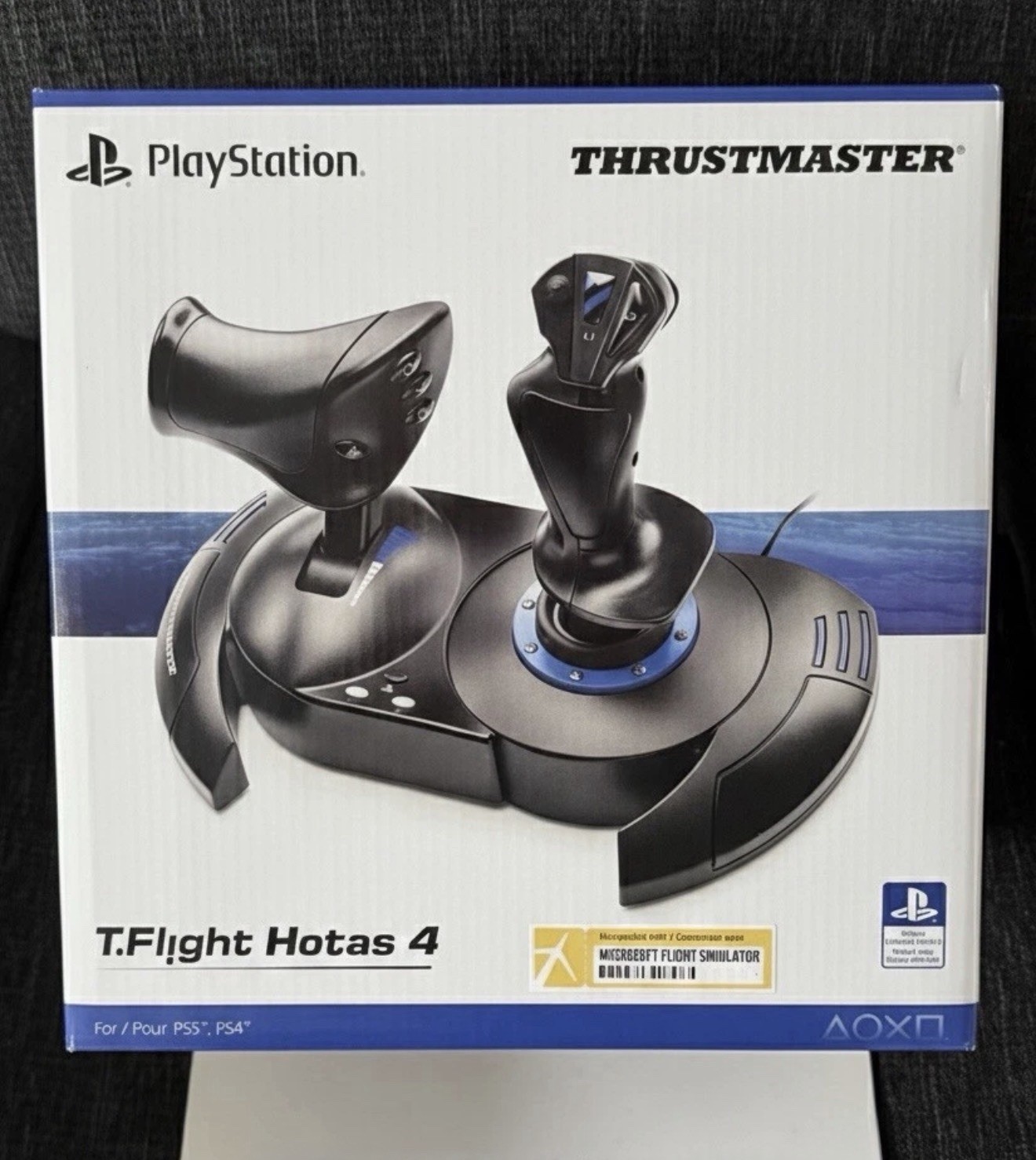 Thrustmaster T.Flight Hotas 4 Flight Stick Joystick for PS4 PS5 & PC - New$200.00Last checked Nov 18, 2026View on eBay
Highlights
- Sensor type is the durability and precision dividing line: contactless Hall-effect sensors resist wear and drift, while potentiometer sticks degrade and develop dead zones over months of use.
- Gimbal architecture separates tiers: ball-and-socket plastic gimbals suit casual arcade flying, while dual-cam or magnetic gimbals hold center accuracy needed for formation flight and carrier landings.
- Ambidextrous sticks like the Thrustmaster T.Flight Stick X include a twist-rudder axis and a throttle wheel, making them a complete entry control for space sims and light civil aviation.
- Legacy HOTAS modules such as the Saitek X45 rely on the older game-port-to-USB era and proprietary software, so Windows 10/11 driver and calibration compatibility must be confirmed before purchase.
Best use cases
- Pick an ambidextrous all-in-one like the T.Flight Stick X if you fly Microsoft Flight Simulator or Elite Dangerous casually and want twist rudder plus a throttle wheel from one USB device.
- Step up to a Hall-effect gimbal stick if you practice aerobatics, helicopter hover, or formation work where centering accuracy and long-term drift resistance directly affect your performance.
- Avoid legacy combo HOTAS like the Saitek X45 for modern Windows unless driver support is verified, since its age makes software compatibility the limiting factor, not the hardware.
- Skip dedicated flight sticks entirely if your sim time is under a few hours a month and a gamepad already covers your needs; the desk space and setup cost rarely pay back.
Buying tips
- Prioritize contactless Hall-effect sensors over potentiometers if you plan to fly weekly, since pots wear out and introduce jitter far sooner than magnetic sensing.
- Check whether the stick offers a twist-rudder axis; without it you must add rudder pedals immediately, which changes both budget and desk footprint.
- Inspect the gimbal material and centering mechanism: dual-cam or magnetic gimbals hold precision, while simple spring-ball plastic gimbals develop play over time.
- Confirm Windows 10/11 driver and calibration support for older Saitek-era HOTAS before buying, because legacy software is the most common failure point on used units.
Specs
| Sensor Type | Hall-effect vs potentiometer |
|---|---|
| Gimbal Design | Dual-cam / magnetic vs ball-socket |
| Rudder Control | Twist axis vs pedal-only |
| Throttle Included | Built-in wheel vs separate HOTAS |
Related searches
What to check before buying
- Measure desk depth and width for the stick base plus throttle throw, and confirm the stick can be mounted or clamped if you use a low desk.
- Verify the controller reports as a standard USB HID game controller in Windows so it works with Microsoft Flight Simulator, X-Plane, and DCS without proprietary middleware.
- Check that the twist-rudder axis or an added rudder pedal set is supported, and plan for pedal space if the stick lacks twist.
- Confirm the connector type is USB-A or USB-C matching your PC, and that older game-port or adapter-based HOTAS units have working Windows 10/11 drivers.
FAQ
Data sources: eBay / Amazon listings and product attribute feeds. Updated Nov 27, 2026.
Some links on this page are affiliate links. If you buy after clicking one, we may earn a commission at no extra cost to you. This does not change which products appear here or their order. Affiliate disclosure.