
Photos from current listings. Actual item, color, and included accessories may vary.
Flight Simulator Stick Buying Guide
A flight simulator stick is the single control that determines whether your sim feels like flying or fighting the hardware. Gimbals, sensor type, and button/hat layout matter far more than brand badges, and most first-time buyers overspend on force feedback or under-buy on axis resolution. This guide cuts through the confusion with hard engineering facts, fit rules, and clear tier calls.
Median $39.79
Key takeaways
- Hall-effect or contactless magnetic sensors deliver 12-bit+ resolution and zero wear drift, while cheap potentiometers degrade and spike within months of heavy use.
- A ball-bearing or metal gimbal with adjustable spring tension and dry-clutch friction is the single biggest durability upgrade over plastic-on-plastic pivots.
- Tier differences: entry sticks use 3-4 axes and 8-12 buttons; mid-tier HOTAS adds a separate throttle and twist rudder; pro bases are metal, hot-swappable, and support extension tubes.
At a glance
- Category
- Flight Sim Joysticks & HOTAS
- Last updated
- Nov 27, 2026
Current offers
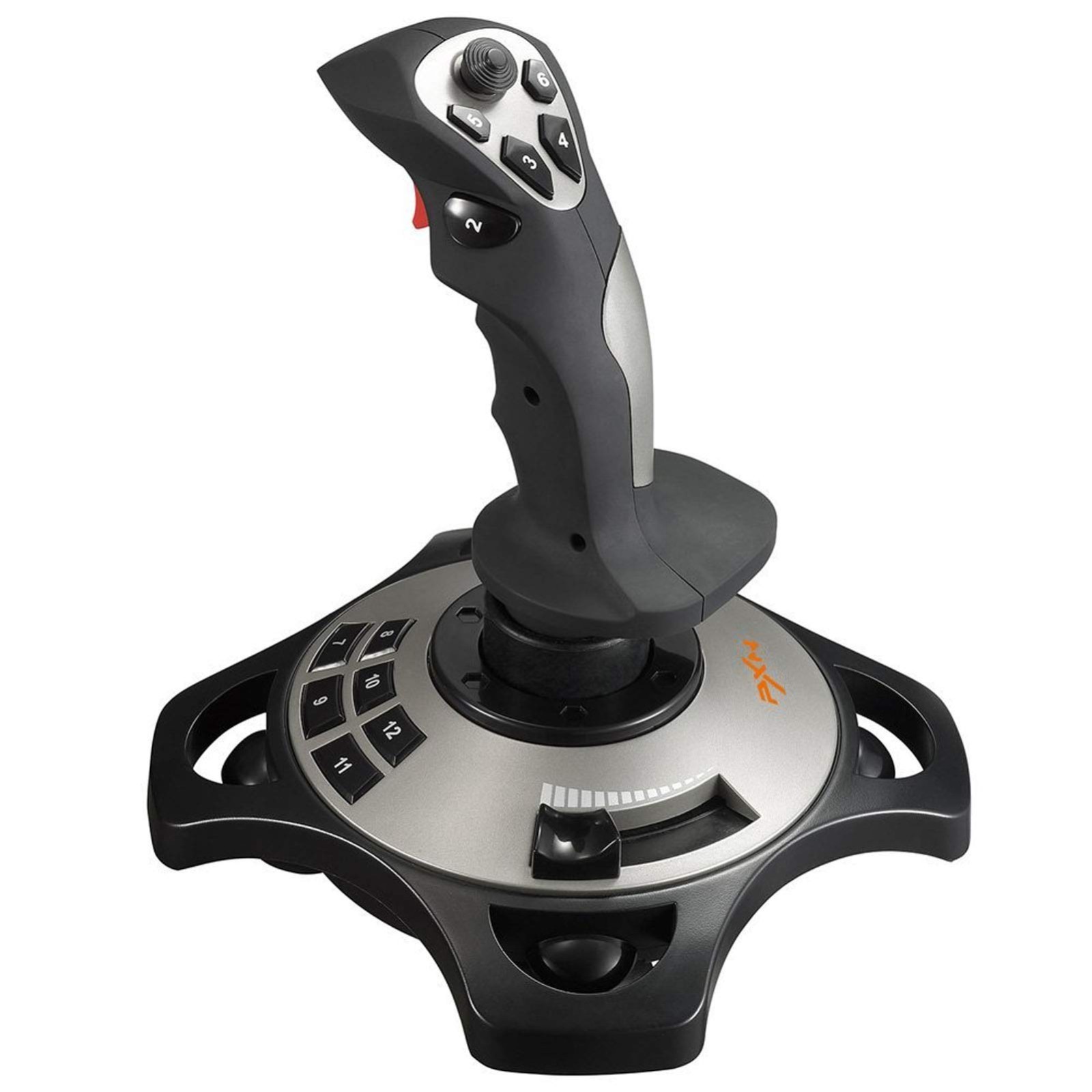 PXN 2113PRO USB Flight Simulator Joystick Gaming Flight Stick Controller PC$32.00View on eBay
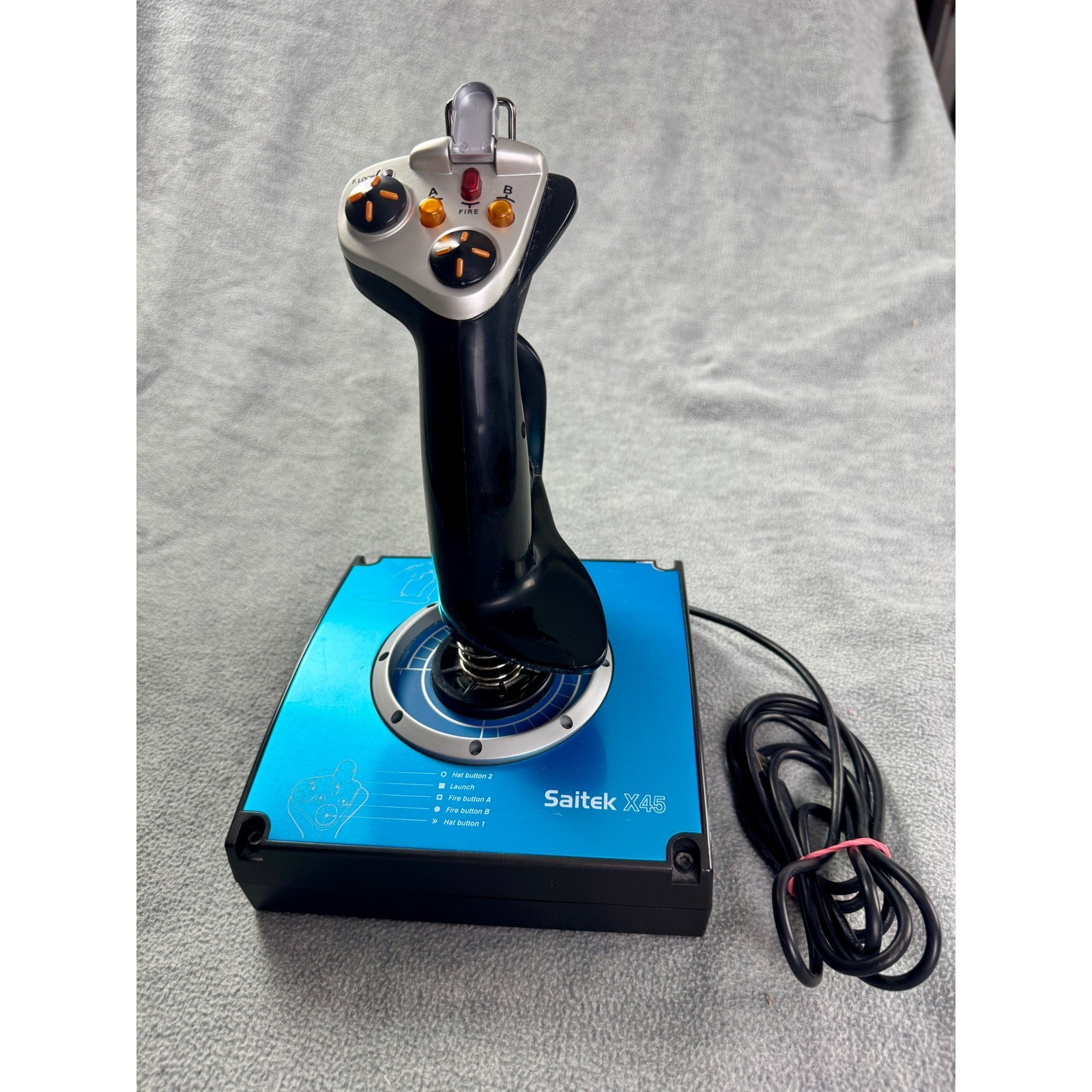 Saitek X45 Digital Flight Control Stick Joystick PC Flight Simulator Controller$38.57View on eBay
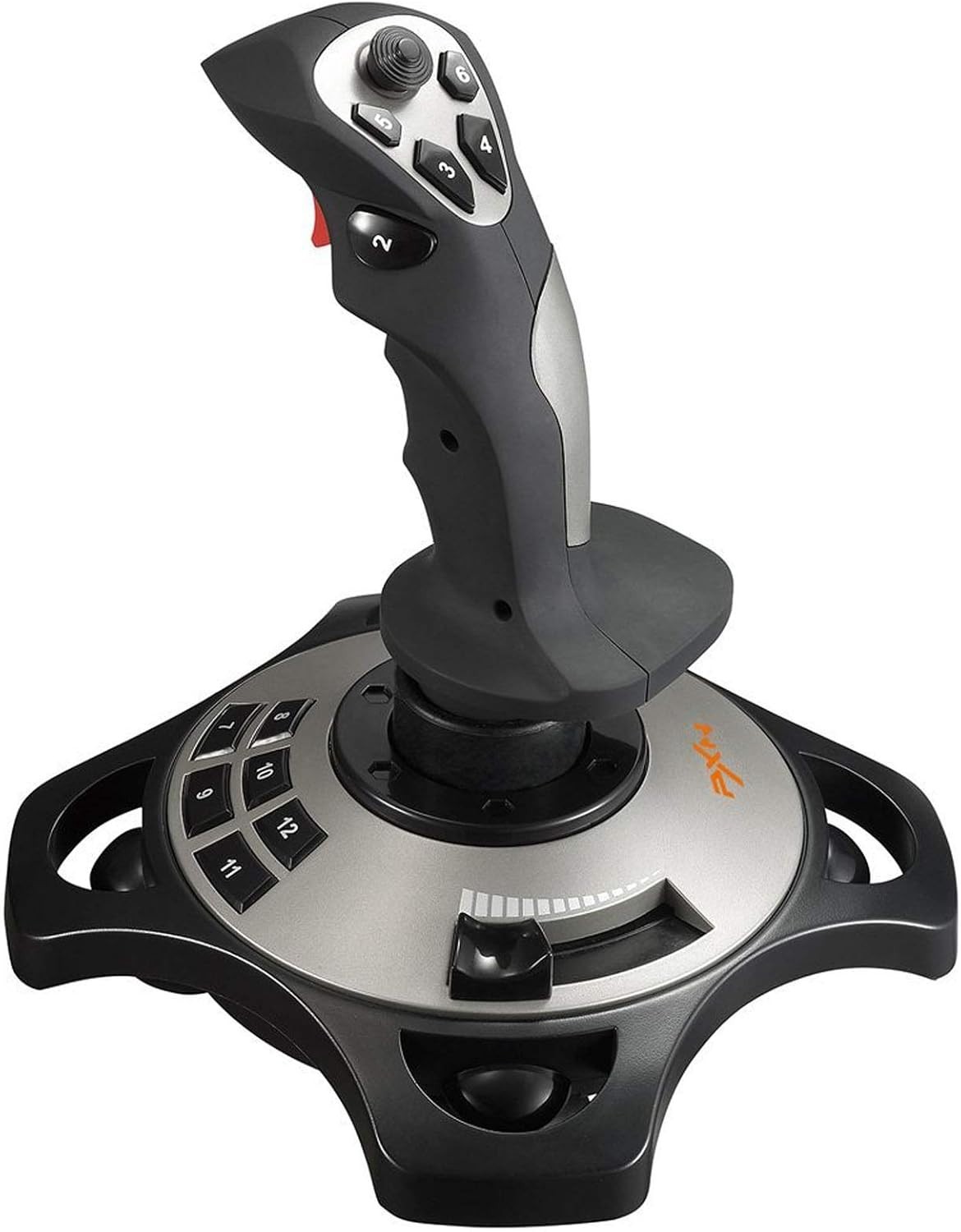 PXN 2113PRO USB Flight Simulator Joystick Gaming Flight Stick Controller PC$41.00View on eBay
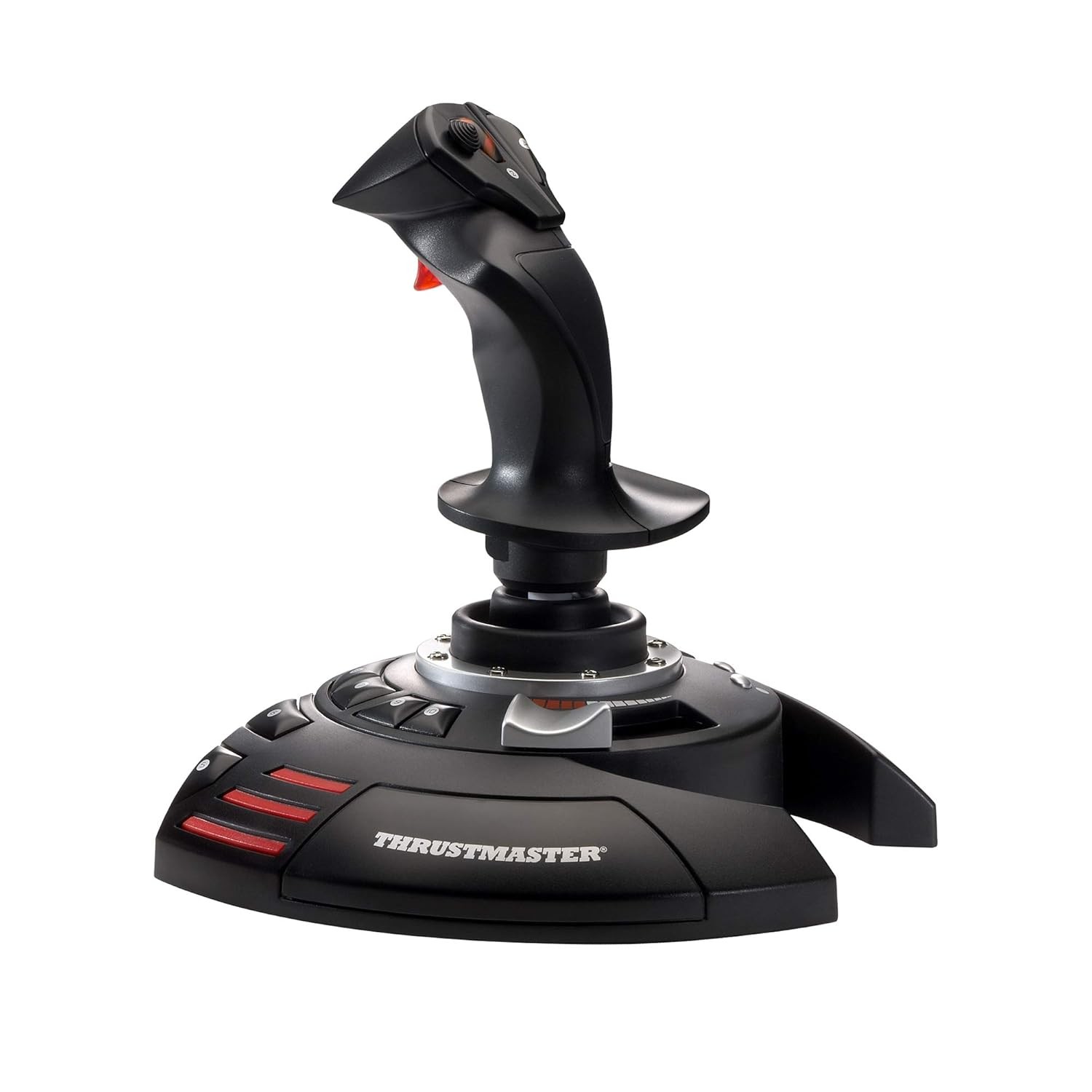 Thrustmaster T Flight Stick X Flight Simulator Controller Joystick USB$81.58View on eBay
Highlights
- Hall-effect or contactless magnetic sensors deliver 12-bit+ resolution and zero wear drift, while cheap potentiometers degrade and spike within months of heavy use.
- A ball-bearing or metal gimbal with adjustable spring tension and dry-clutch friction is the single biggest durability upgrade over plastic-on-plastic pivots.
- Tier differences: entry sticks use 3-4 axes and 8-12 buttons; mid-tier HOTAS adds a separate throttle and twist rudder; pro bases are metal, hot-swappable, and support extension tubes.
- HOTAS means hands-on-throttle-and-stick: the stick alone handles pitch/roll, but a separate throttle unit is required for realistic engine and prop control.
Best use cases
- Best fit: casual PC simmers flying Microsoft Flight Simulator or X-Plane on a desk — a twist-rudder stick with 8+ buttons and a throttle slider covers everything without a separate quadrant.
- Best fit: combat sim pilots in DCS or IL-2 who need hat switches, dual-stage triggers, and a separate HOTAS throttle — skip all-in-one entry sticks and go straight to a mid-tier HOTAS.
- Wrong fit: buyers expecting force feedback at entry prices — force feedback is a premium niche; at entry tiers you get spring centering only, so don't pay for a feature that isn't there.
Buying tips
- Prioritize sensor type: hall-effect or magnetic sensors outlast potentiometers and eliminate dead zones and spiking, so pay for contactless sensing before paying for extra buttons.
- Check gimbal construction — metal cams and ball bearings survive years of hard input, while plastic pivot cups develop play and centering error within a season of aggressive flying.
- Choose twist-rudder sticks for desk setups with no pedals; avoid twist if you plan to add rudder pedals later, since twist locks add cost and can introduce unwanted roll input.
- Compare axis count and hat switches against your sim: 3 axes and 8 buttons suit general aviation, but combat sims need 2+ hats, dual triggers, and a pinky paddle for shift functions.
Specs
| Sensor Type | Hall-effect / magnetic vs potentiometer |
|---|---|
| Gimbal Material | Metal ball-bearing vs plastic pivot |
| Axis Count | 3-4 axes (stick) / 5-6 (HOTAS) |
| Rudder Control | Twist Z-axis / pedals / none |
Related searches
What to check before buying
- Measure desk depth and clearance: a stick needs roughly 8-10 inches of forward throw clearance, and HOTAS throttle-plus-stick setups need 20+ inches of desk width.
- Confirm USB-A or USB-C port availability and that the stick is stand-alone plug-and-play with no proprietary software required for basic axes.
- Check sim compatibility: most sticks map via DirectInput or XInput, but verify your sim recognizes the axis count and that button mapping is remappable in-game.
- For HOTAS, confirm mounting: desk clamps or a sim rig are needed if the throttle base is wide and heavy, and check that cables reach between stick and throttle.
FAQ
Data sources: eBay / Amazon listings and product attribute feeds. Updated Nov 27, 2026.
Some links on this page are affiliate links. If you buy after clicking one, we may earn a commission at no extra cost to you. This does not change which products appear here or their order. Affiliate disclosure.