
Photos from current listings. Actual item, color, and included accessories may vary.
Flight Simulator Joystick And Throttle Buying Guide
Flight sim joysticks and throttles live or die on sensor type, throw range, and desk mounting—not RGB or button count. Buyers upgrading from a gamepad should prioritize Hall-effect or contactless sensors and a separate throttle quadrant, while casual pilots can stay with a twist-axis stick. The most common mistake is buying a HOTAS with a short, light base that tips under spring tension or a throttle without detents for idle and afterburner.
Median $39.00
Key takeaways
- Hall-effect or magnetic sensors eliminate potentiometer dead zones and drift; potentiometer sticks degrade after months of heavy use.
- Twist-rudder sticks suit desk pilots with limited floor space; separate rudder pedals give finer yaw control but add cost and footprint.
- Throttle detents at idle, military power, and afterburner are physical stops—not software curves—and directly affect formation and carrier flying.
At a glance
- Category
- Flight Sim Joysticks & HOTAS
- Last updated
- Nov 27, 2026
Current offers
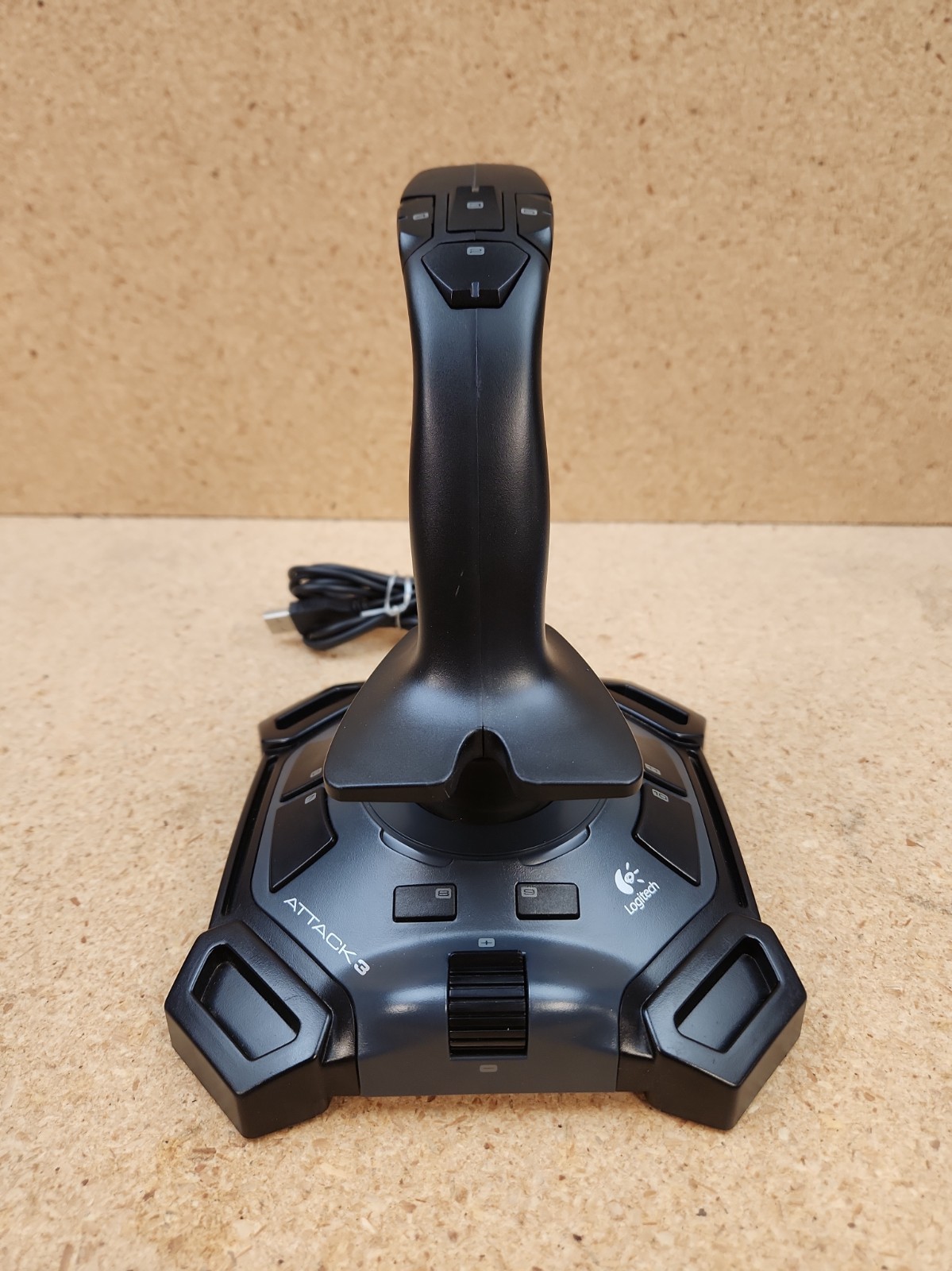 Logitech- Attack 3 ATK3 J-UJ18 Joystick- Gaming Flight Simulator Control- USB PC$21.95View on eBay
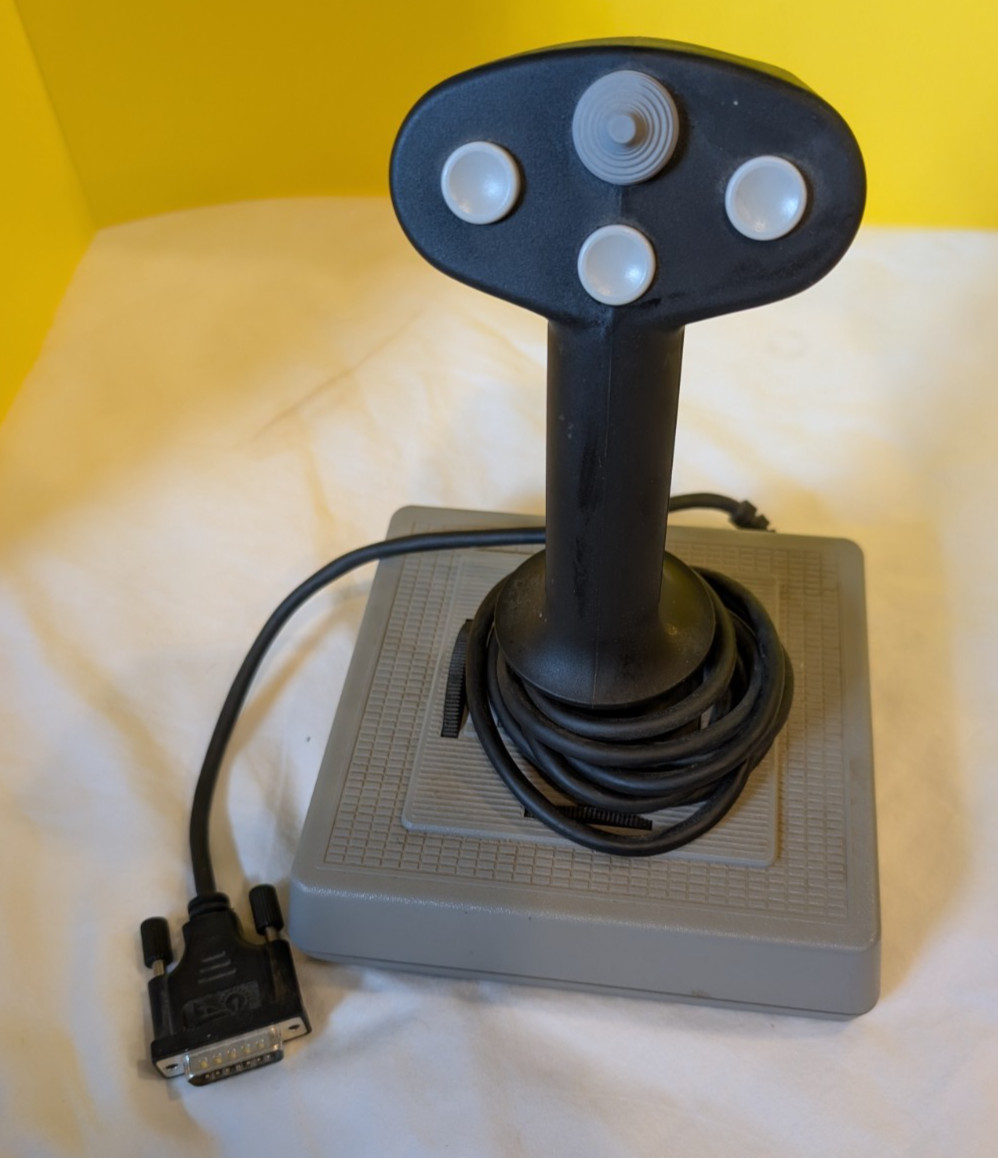 CH Products Flightstick PC Pro USB Flight Simulator Joystick PC 02227$24.99View on eBay
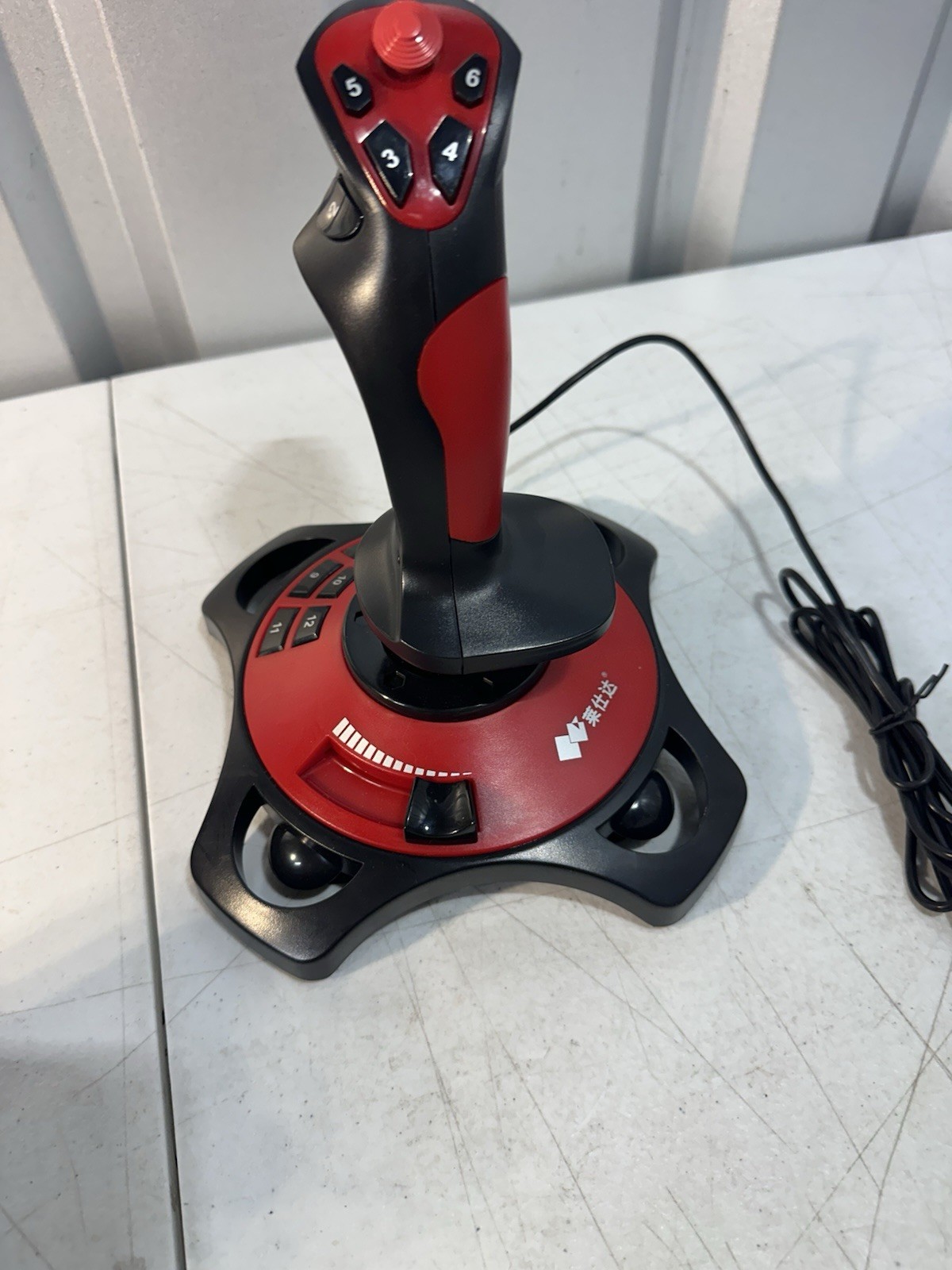 PXN-2103 USB Flight Simulator Joystick 12 Button PC Gaming Controller Tested$29.00View on eBay
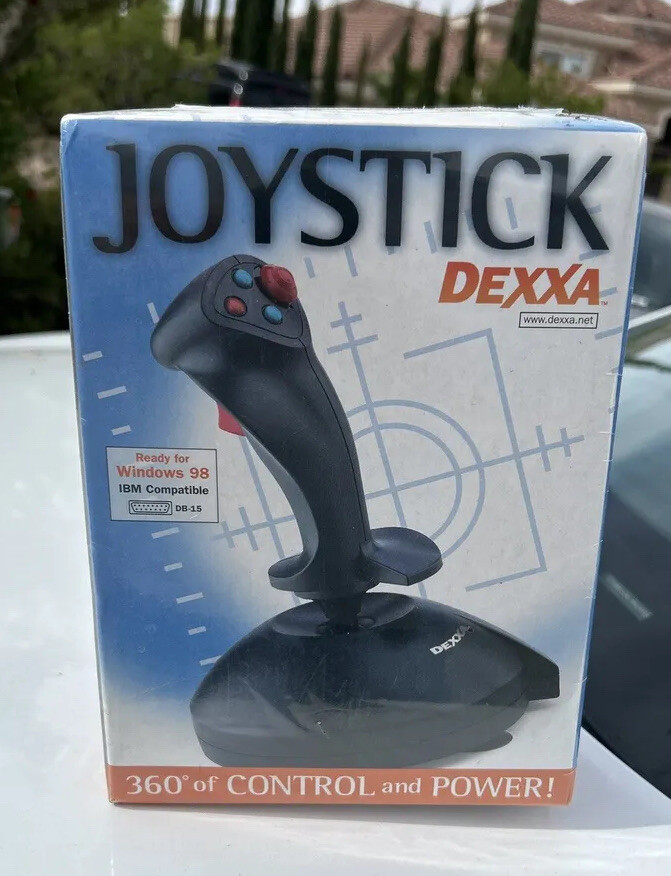 Dexxa Logitech Flight Simulator Joystick Controller for PC Gameport DB15 sealed$29.96View on eBay
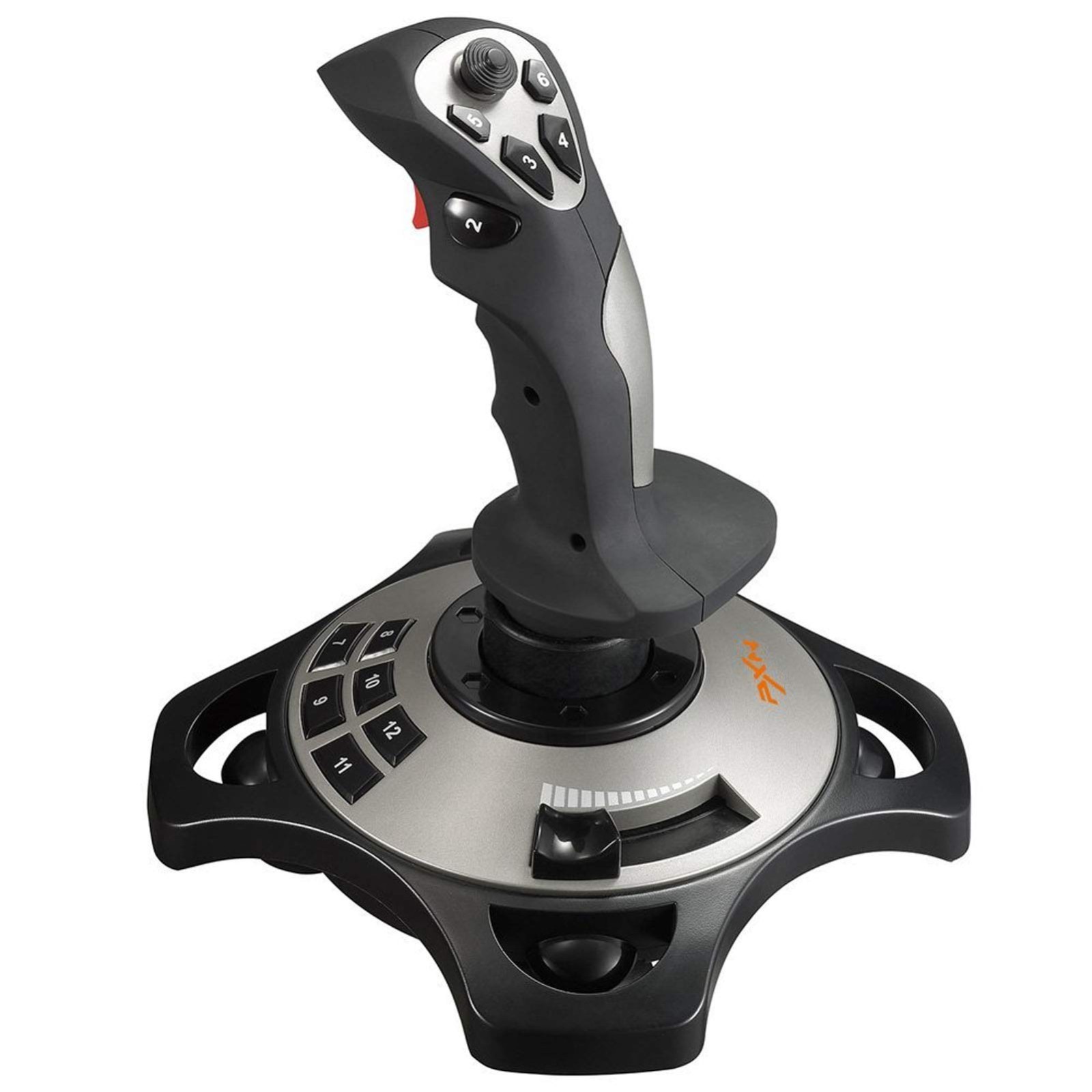 PXN 2113PRO USB Flight Simulator Joystick Gaming Flight Stick Controller PC$32.00View on eBay
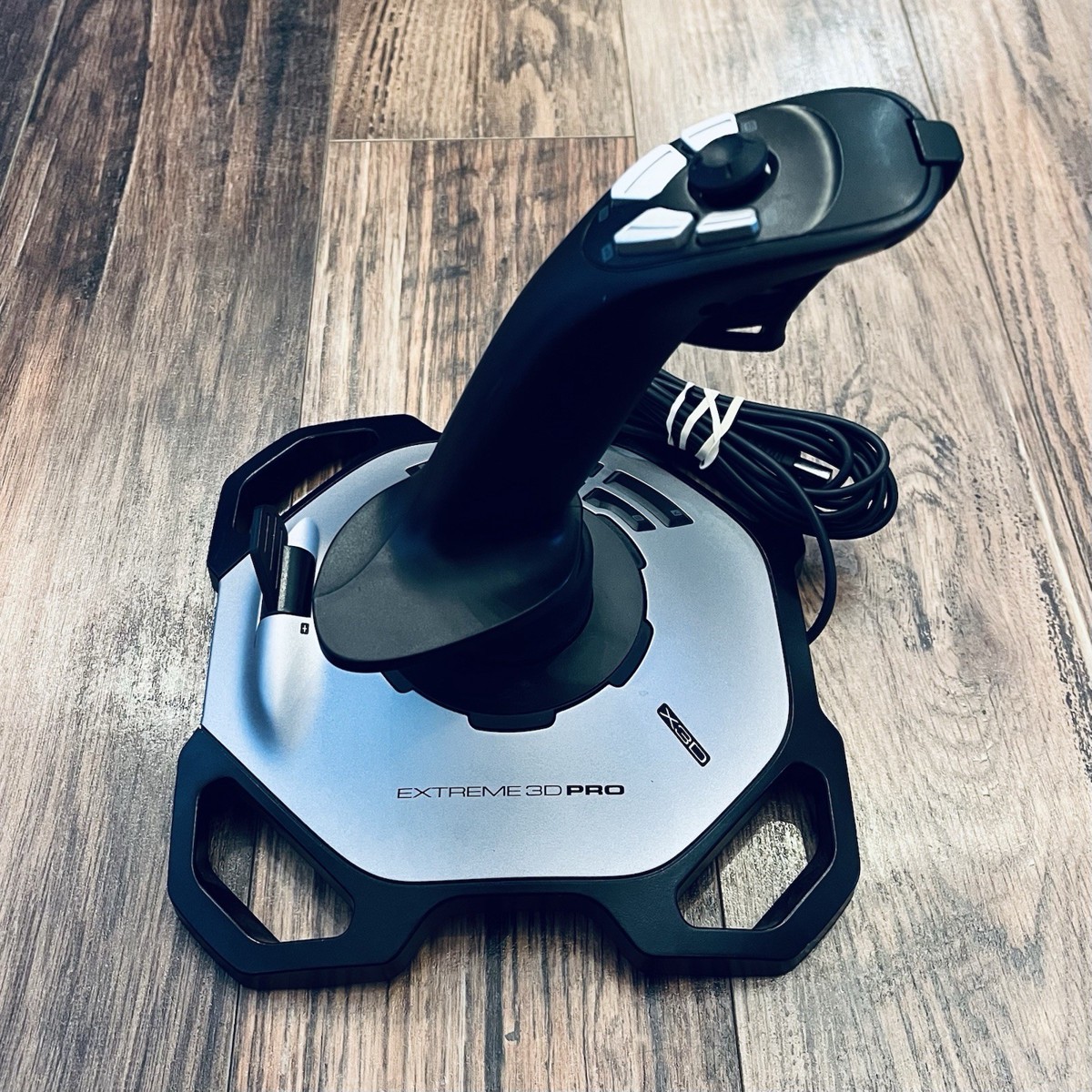 Logitech Extreme 3D Pro X3D USB Flight PC USB Simulator Joystick - SHIPS FREE!$34.99View on eBay
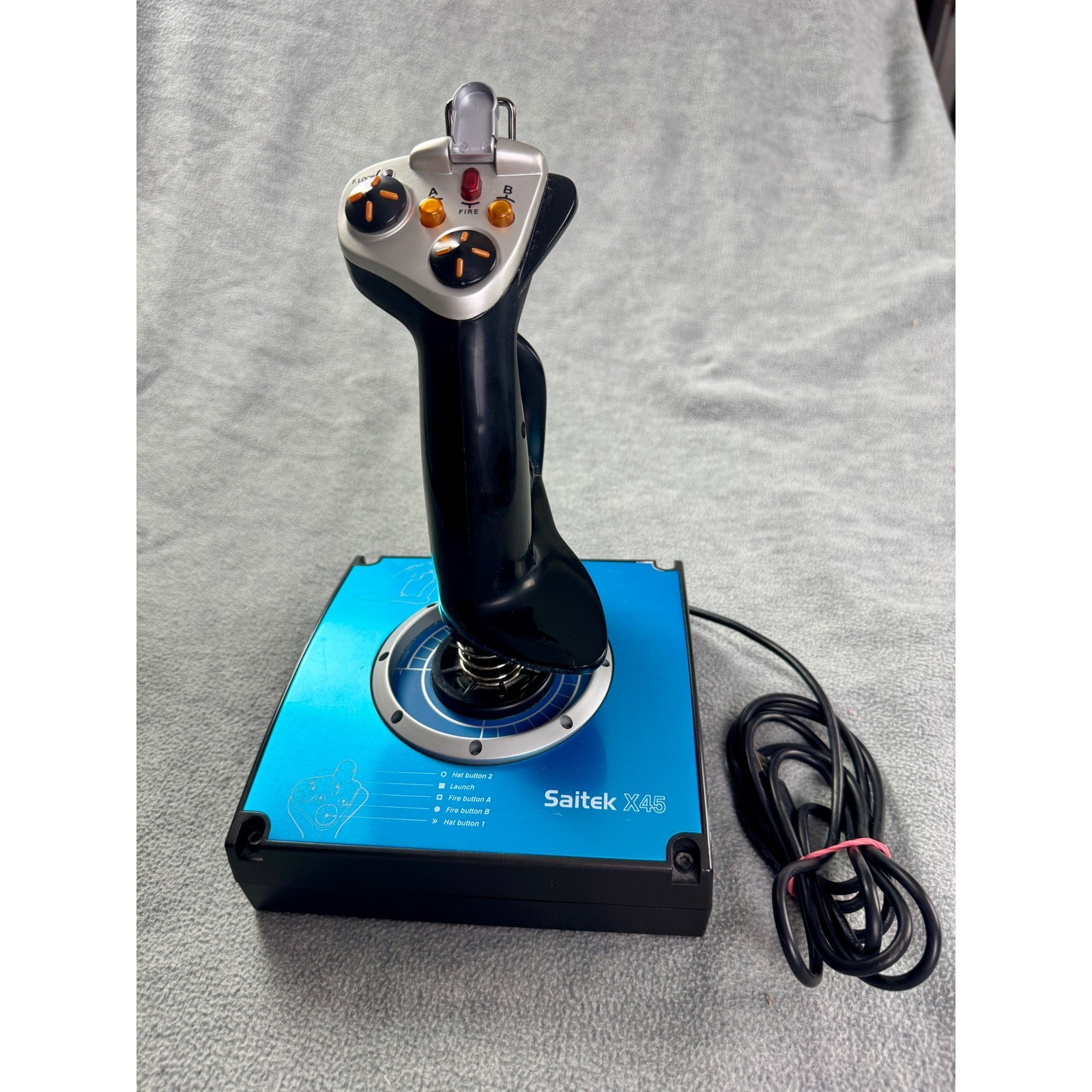 Saitek X45 Digital Flight Control Stick Joystick PC Flight Simulator Controller$38.57View on eBay
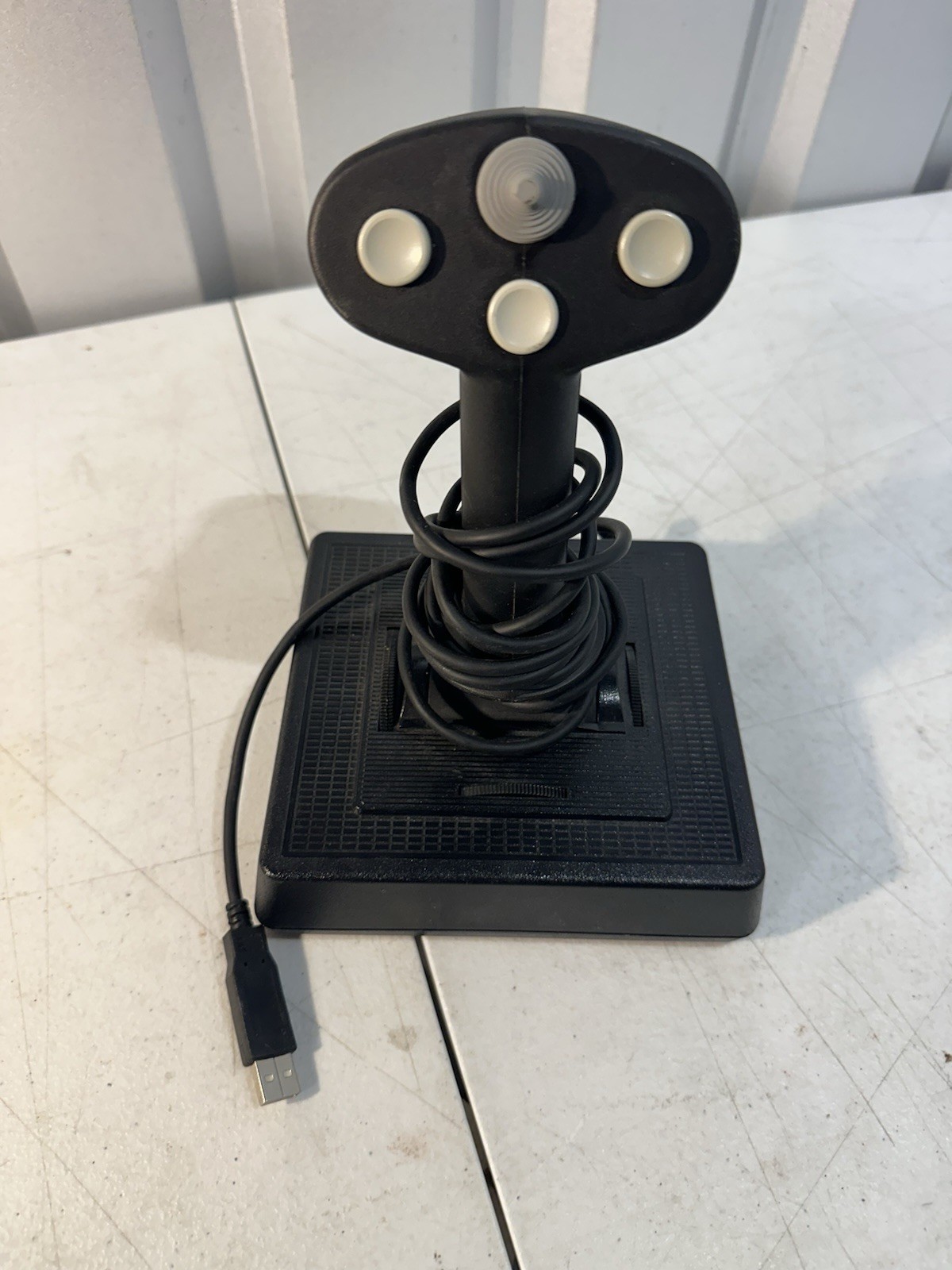 CH Products Flightstick Pro USB FSPUSB Flight Simulator Joystick Tested Working$39.00View on eBay
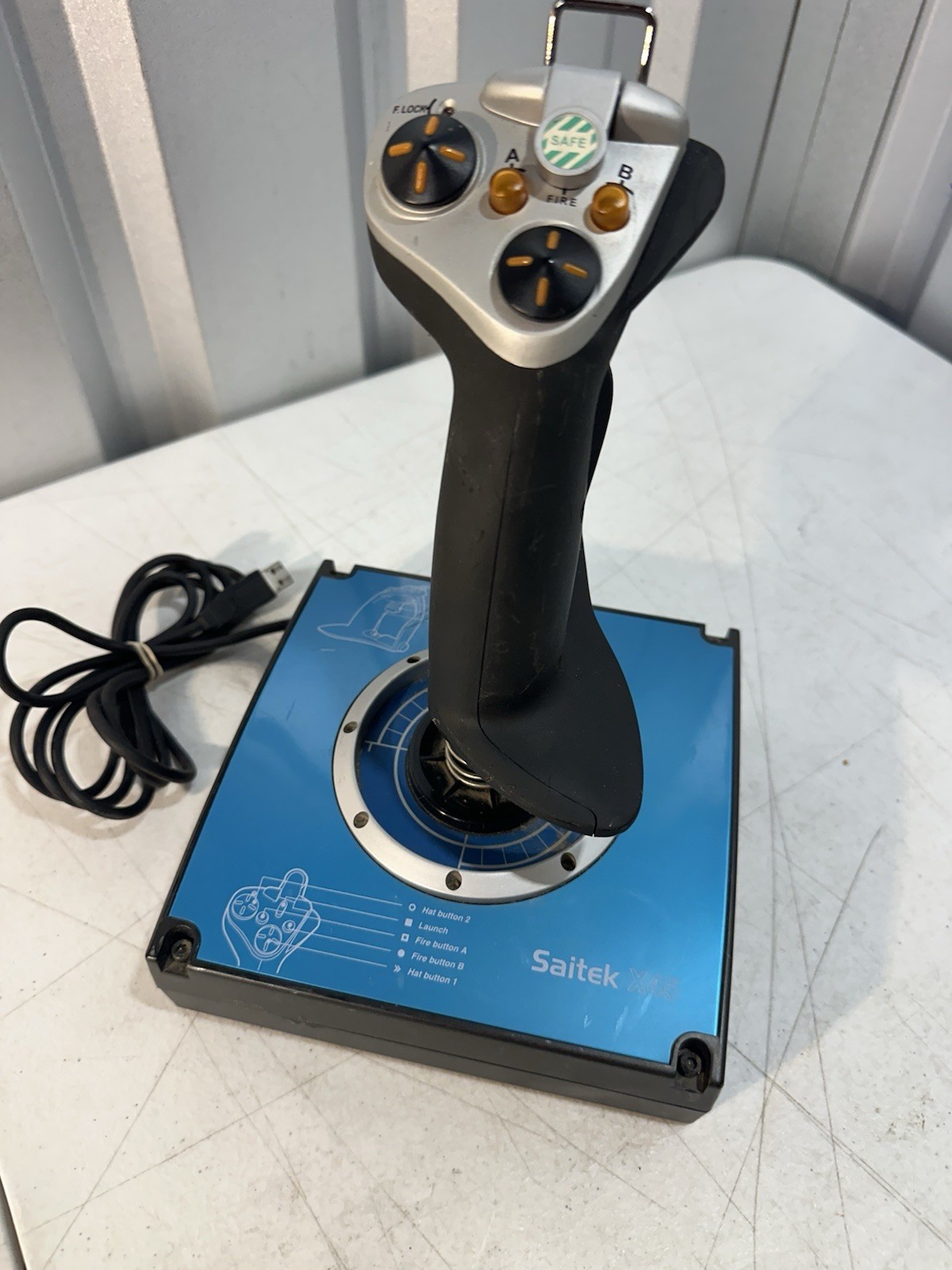 Saitek X45 Digital USB Flight Simulator Joystick Controller Tested Working$39.00View on eBay
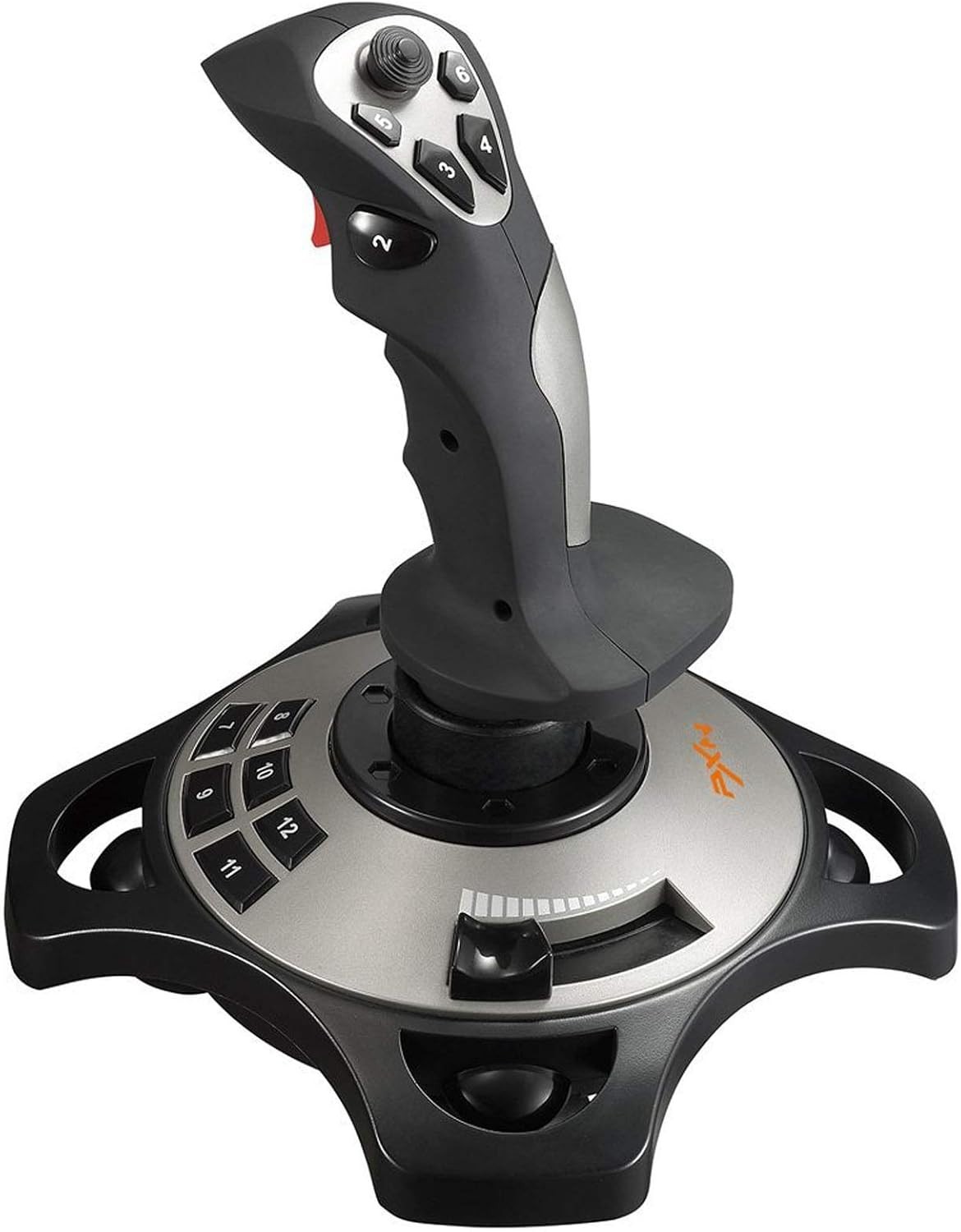 PXN 2113PRO USB Flight Simulator Joystick Gaming Flight Stick Controller PC$41.00View on eBay
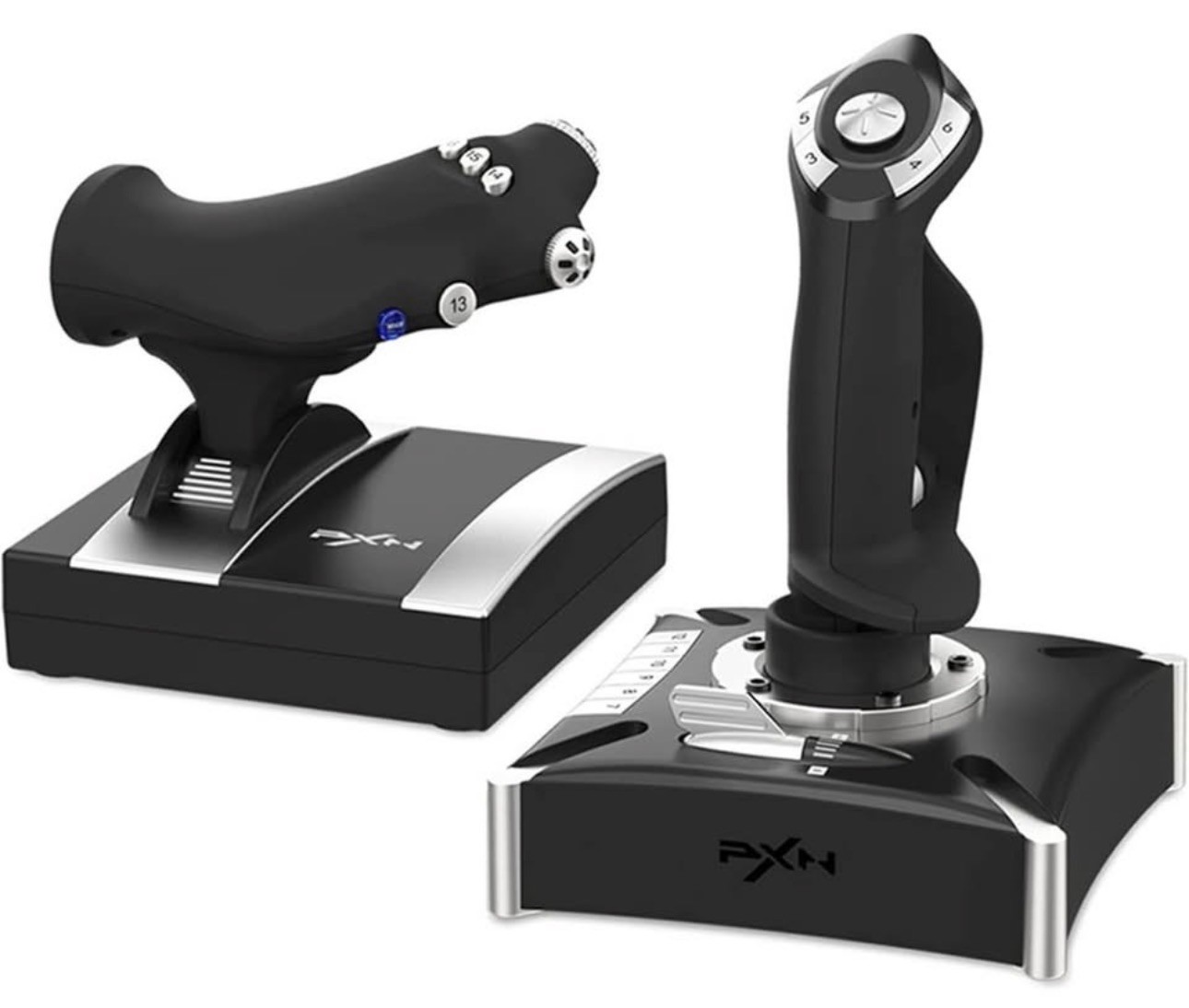 PXN-2119PRO Flight Simulator Joystick Lightweight Controller Unit f/ PC/PS4/XBOX$49.99View on eBay
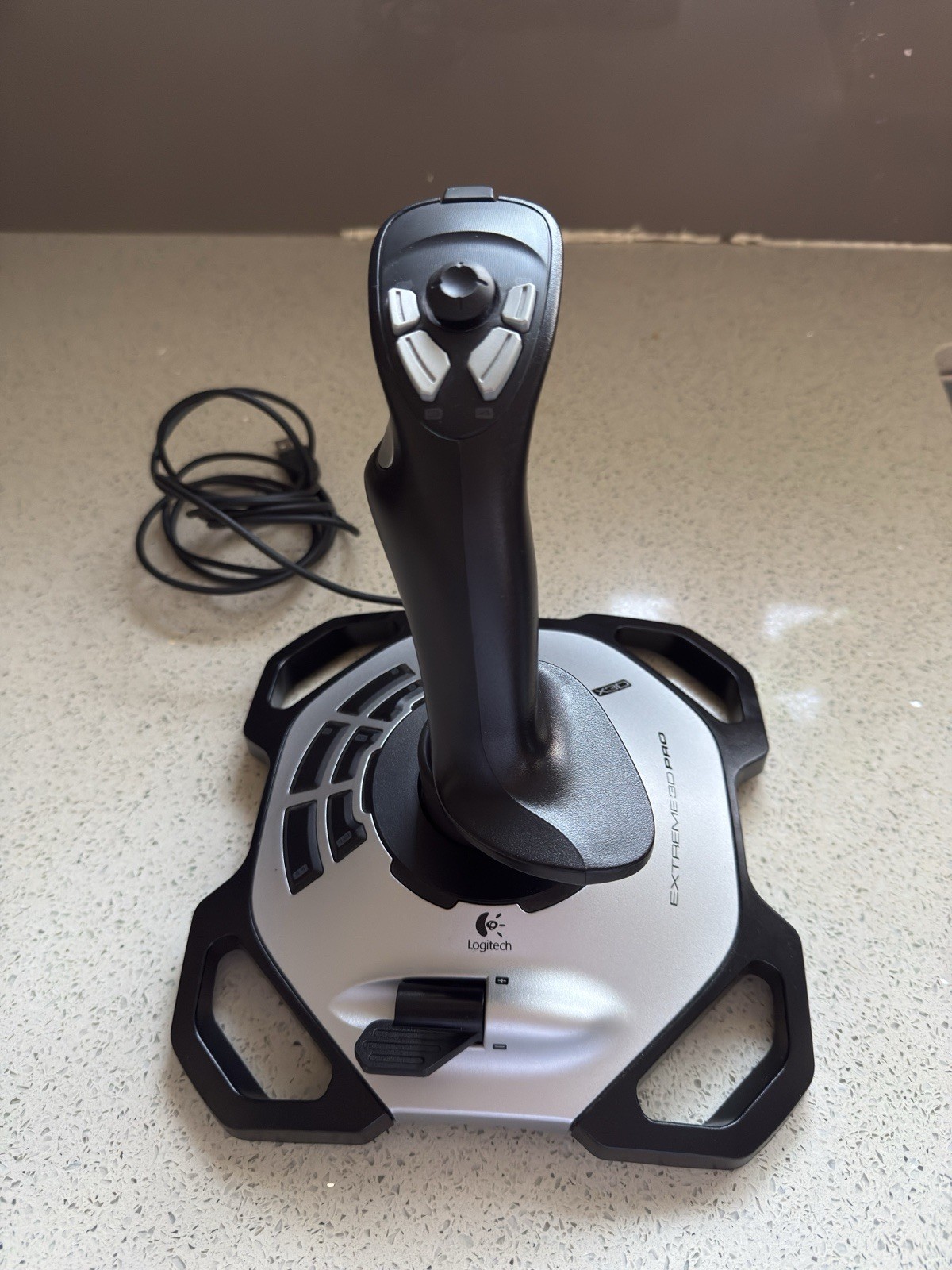 LOGITECH Extreme 3D PRO X3D J-UK17 USB Flight PC USB Simulator Joystick TESTED$53.29View on eBay
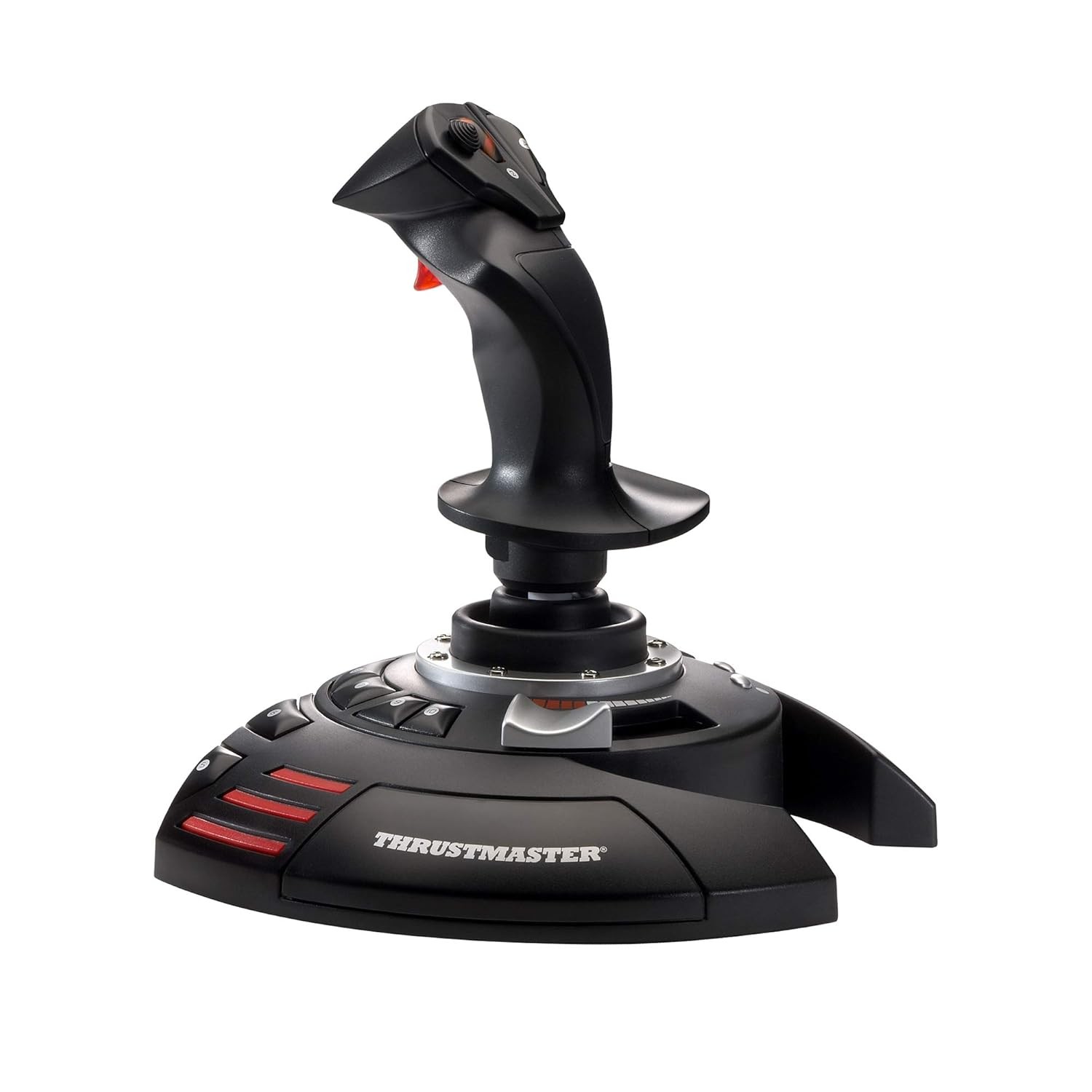 Thrustmaster T Flight Stick X Flight Simulator Controller Joystick USB$81.58View on eBay
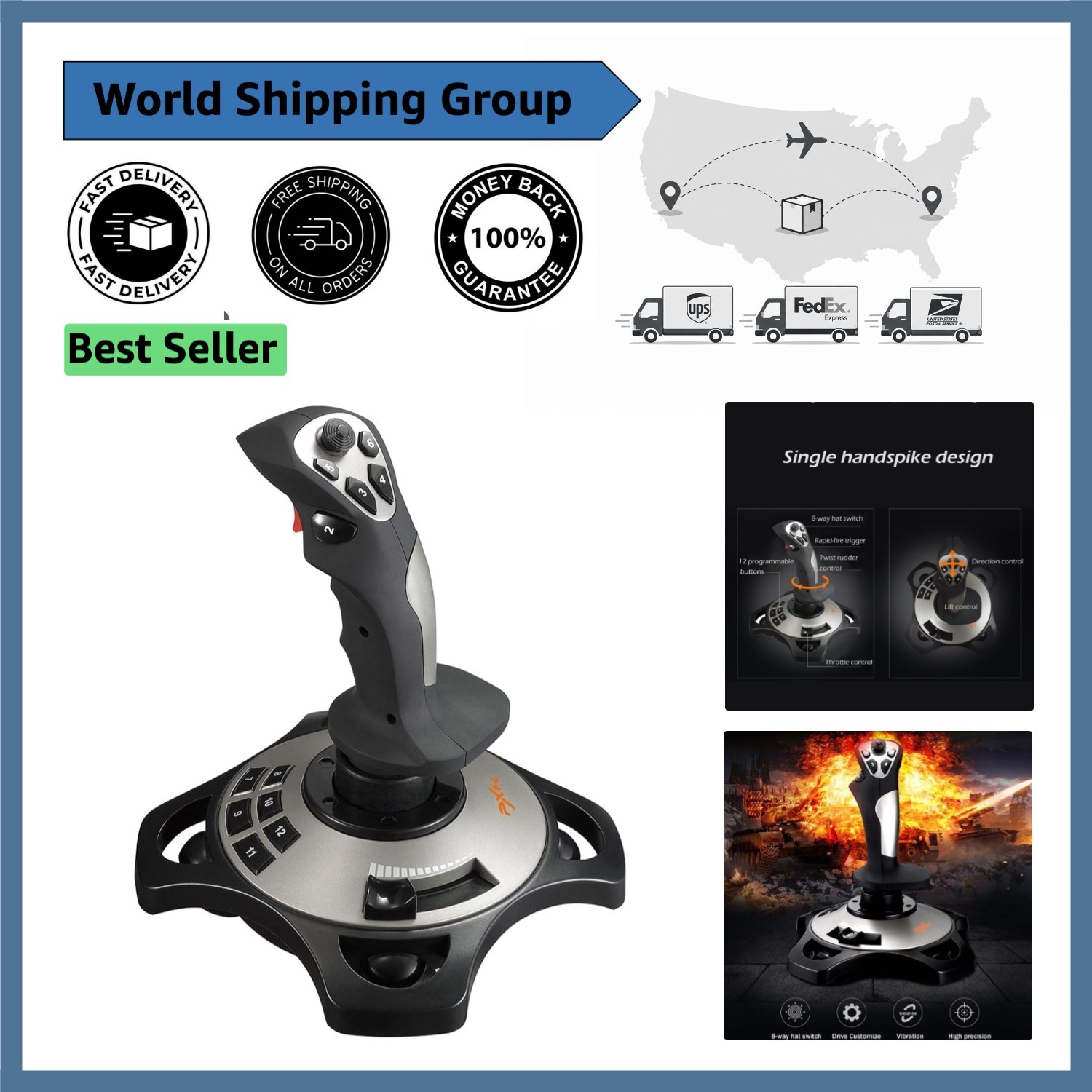 2113PRO USB Flight Simulator Joystick - Ergonomic PC Controller with Vibration$89.95View on eBay
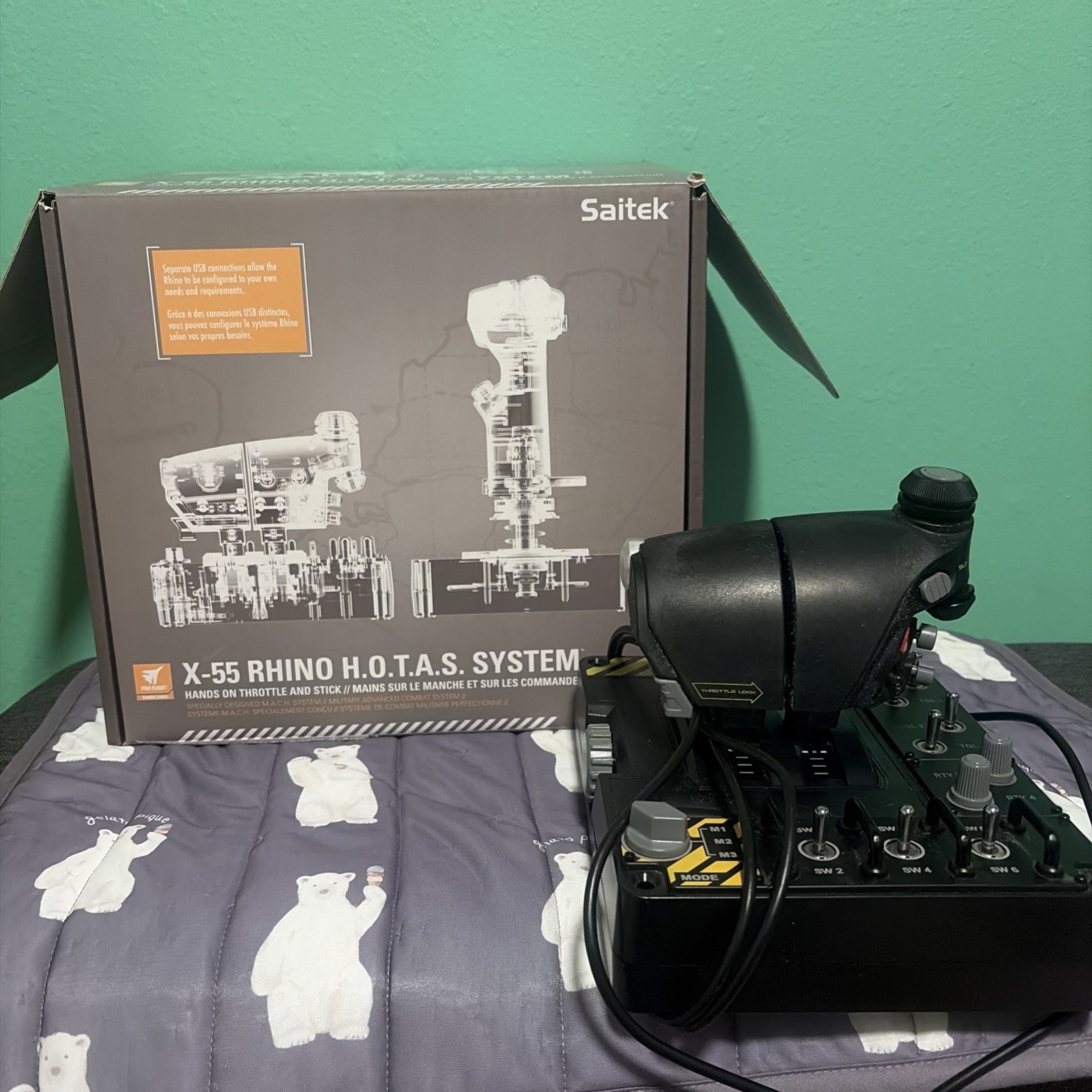 Saitek X-55 Rhino H.O.T.A.S. Joystick Controller for Flight Simulator Throttle$100.00View on eBay
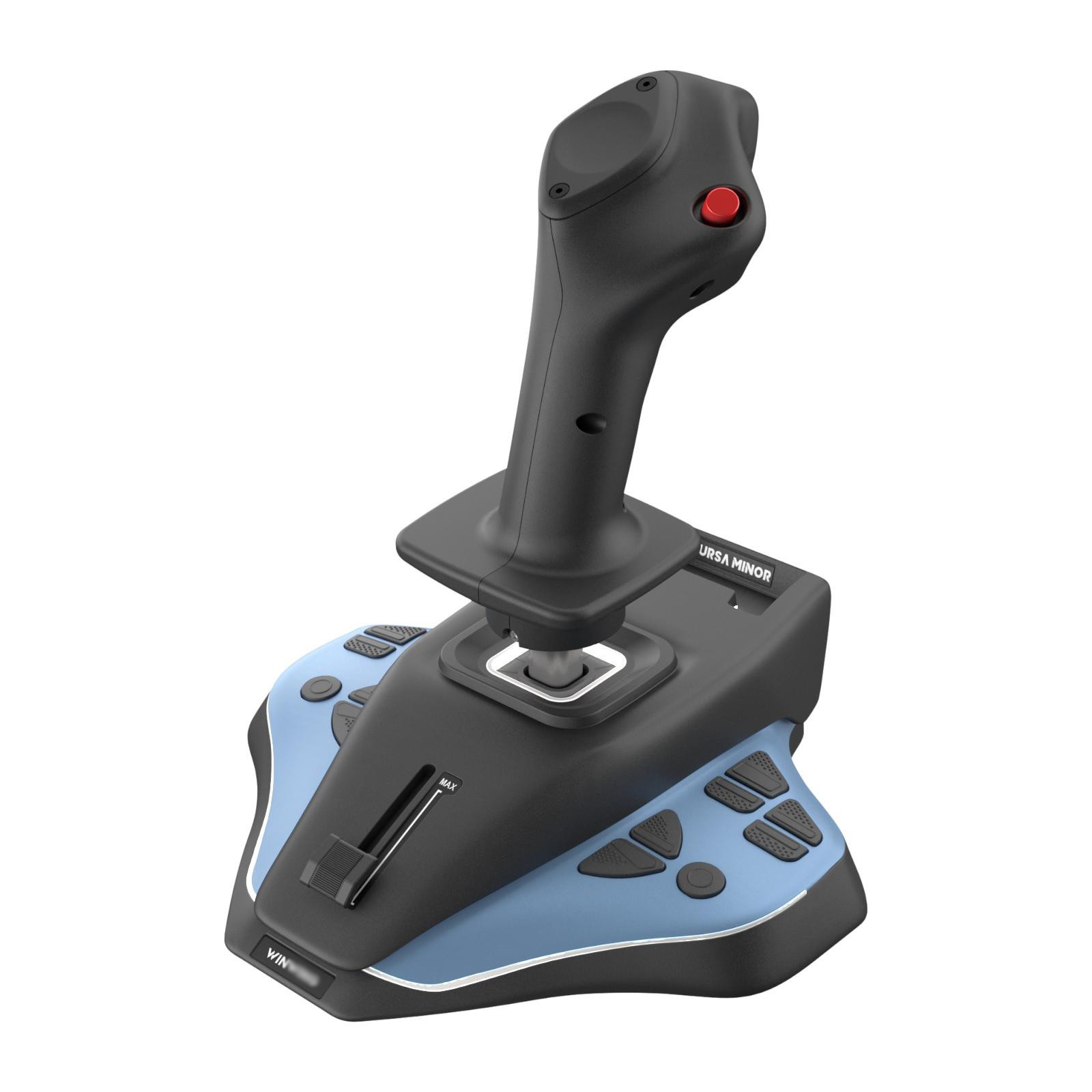 WINWING URSA MINOR Airline Joystick L Flight Simulator for X-Plane MSFS2020/24$132.89View on eBay
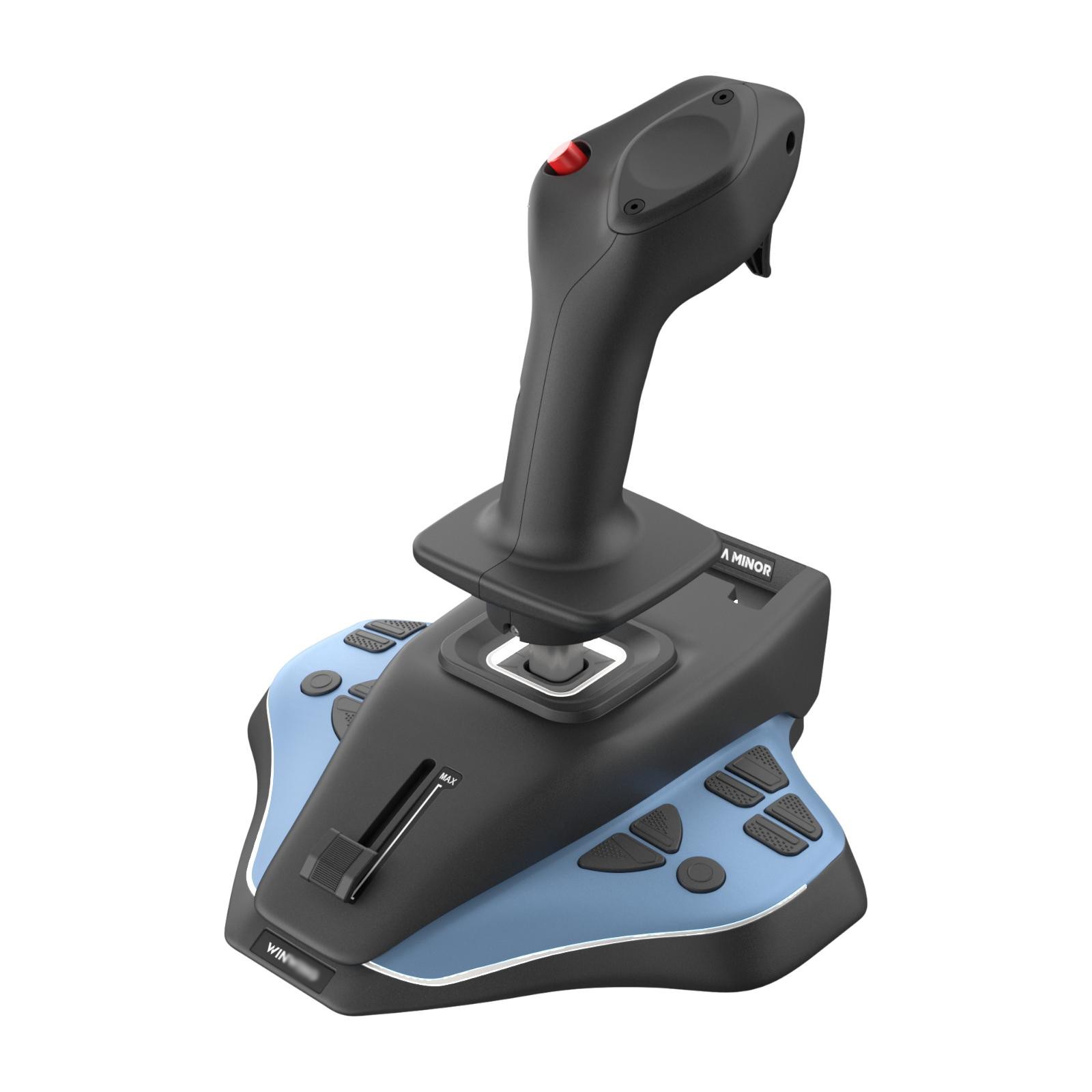 WINWING URSA MINOR Airline Joystick R Flight Simulator for X-Plane MSFS2020/24$132.89View on eBay
Highlights
- Hall-effect or magnetic sensors eliminate potentiometer dead zones and drift; potentiometer sticks degrade after months of heavy use.
- Twist-rudder sticks suit desk pilots with limited floor space; separate rudder pedals give finer yaw control but add cost and footprint.
- Throttle detents at idle, military power, and afterburner are physical stops—not software curves—and directly affect formation and carrier flying.
- Base weight and mounting pattern determine stability: a 2–3 kg base with pre-drilled M6 holes resists tipping far better than a clamp-only plastic shell.
Best use cases
- Pick a Hall-effect stick plus separate throttle quadrant for DCS or Microsoft Flight Simulator airliner and combat procedures; skip combo kits with integrated throttle if you need detents and split levers.
- Choose a twist-axis joystick with built-in throttle slider for casual Microsoft Flight Simulator VFR and space sims where desk space is tight and pedals are impractical.
- Buy a full HOTAS with metal base plate and 3–5 kg resistance for helicopter and carrier ops; avoid lightweight sub-1 kg bases that walk across the desk under spring load.
Buying tips
- Prioritize contactless Hall-effect sensors over potentiometers—potentiometers wear out and cause spiking within a year of regular use.
- Check desk thickness and clamp jaw range before buying a clamp-mounted HOTAS; thick beveled desks need extended jaws or a rail system.
- Choose a throttle with physical detents and split levers if you fly twin-engine or airliner profiles; single-axis throttles limit formation and engine-out practice.
- Inspect base footprint and weight: a wider, heavier base with pre-drilled mounting holes is more stable than a narrow plastic shell relying on suction cups.
Specs
| Sensor Type | Hall-effect vs potentiometer |
|---|---|
| Throttle Detents | Idle / MIL / afterburner stops |
| Mounting | Desk clamp vs M6 hard mount |
| Rudder Control | Twist axis vs separate pedals |
Related searches
What to check before buying
- Measure desk depth and clearance: a stick plus throttle needs roughly 60–80 cm of width and 30 cm depth, and clamp jaws must open wider than your desk edge.
- Confirm USB connection type and cable length reach your PC or powered hub; some throttles require a separate USB port from the stick.
- Check floor and chair setup for rudder pedals—pedals need a non-slip floor or mounting plate and add 40–50 cm of legroom.
- Verify game compatibility and required software: some HOTAS units need manufacturer configuration software for detents, curves, and firmware updates.
FAQ
Data sources: eBay / Amazon listings and product attribute feeds. Updated Nov 27, 2026.
Some links on this page are affiliate links. If you buy after clicking one, we may earn a commission at no extra cost to you. This does not change which products appear here or their order. Affiliate disclosure.