
Photos from current listings. Actual item, color, and included accessories may vary.
Flight Simulator Joystick Buying Guide
A flight simulator joystick is a single-hand controller with at least two axes (pitch/roll) plus a throttle wheel or lever, used for fixed-wing and helicopter sims. The core trade-off is sensor type and gimbal construction: potentiometer sticks with plastic gimbals wear and develop dead zones, while Hall-effect or contactless sensors with metal or dual-bearing gimbals hold center and last. The decision rule: buy Hall-effect sensing and a tension-adjustable gimbal if you fly weekly; buy a potentiometer stick only as a cheap second seat or nostalgia purchase, and expect to replace it.
Median $39.00
Key takeaways
- Sensor type sets lifespan: carbon-film potentiometers wear out in 1-3 years of regular use, while Hall-effect/contactless sensors have no wiper contact and typically outlast the host PC.
- Gimbal construction separates tiers: plastic ball-and-socket gimbals develop play and center slop; dual-bearing or metal gimbals with adjustable spring tension hold calibration under hard input.
- Button and axis count matters for sim compatibility: 12+ buttons plus a mode shift and a twist or rudder axis covers MSFS, X-Plane, and DCS without a separate rudder pedal set.
At a glance
- Category
- Flight Sim Joysticks & HOTAS
- Last updated
- Nov 27, 2026
Current offers
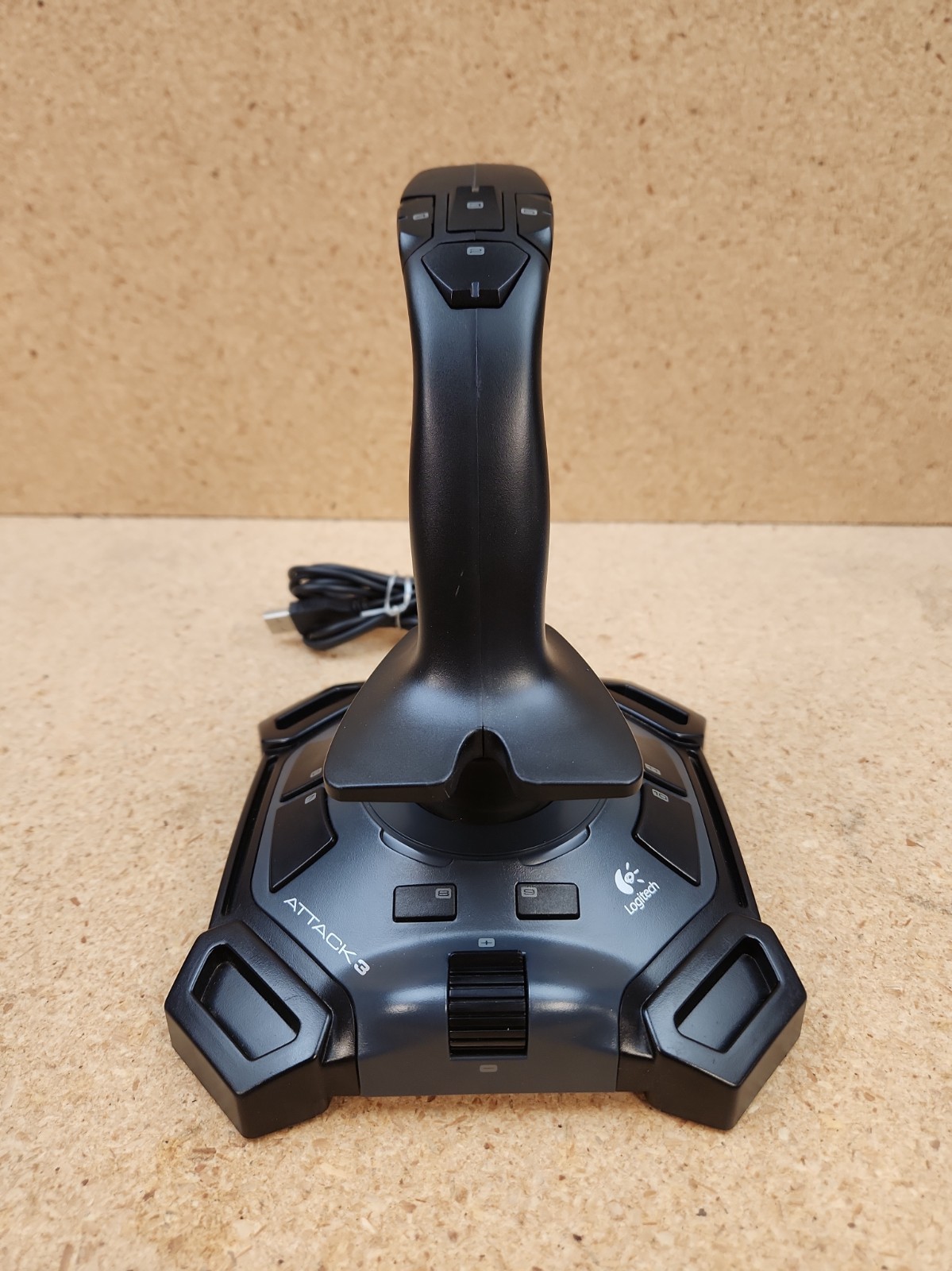 Logitech- Attack 3 ATK3 J-UJ18 Joystick- Gaming Flight Simulator Control- USB PC$21.95View on eBay
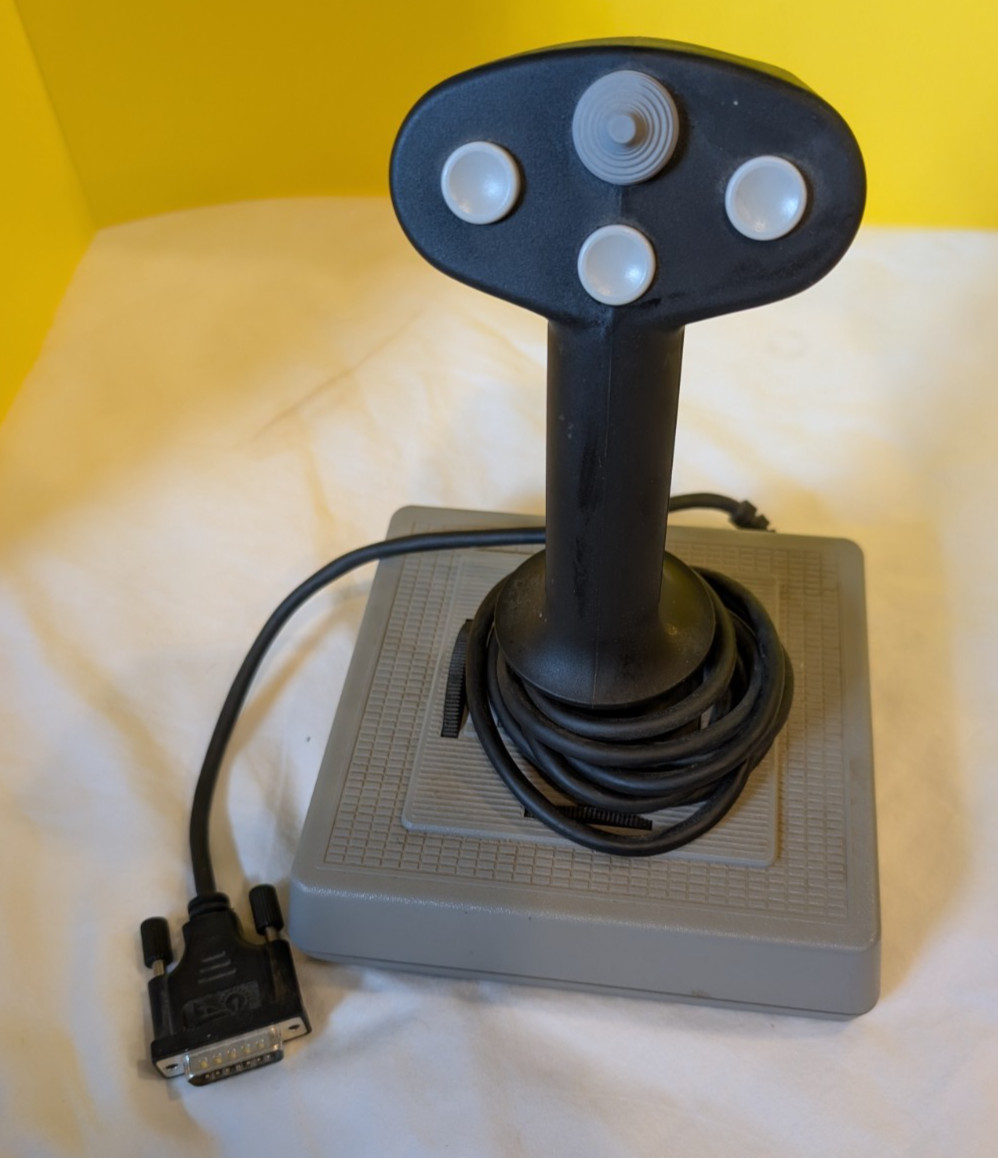 CH Products Flightstick PC Pro USB Flight Simulator Joystick PC 02227$24.99View on eBay
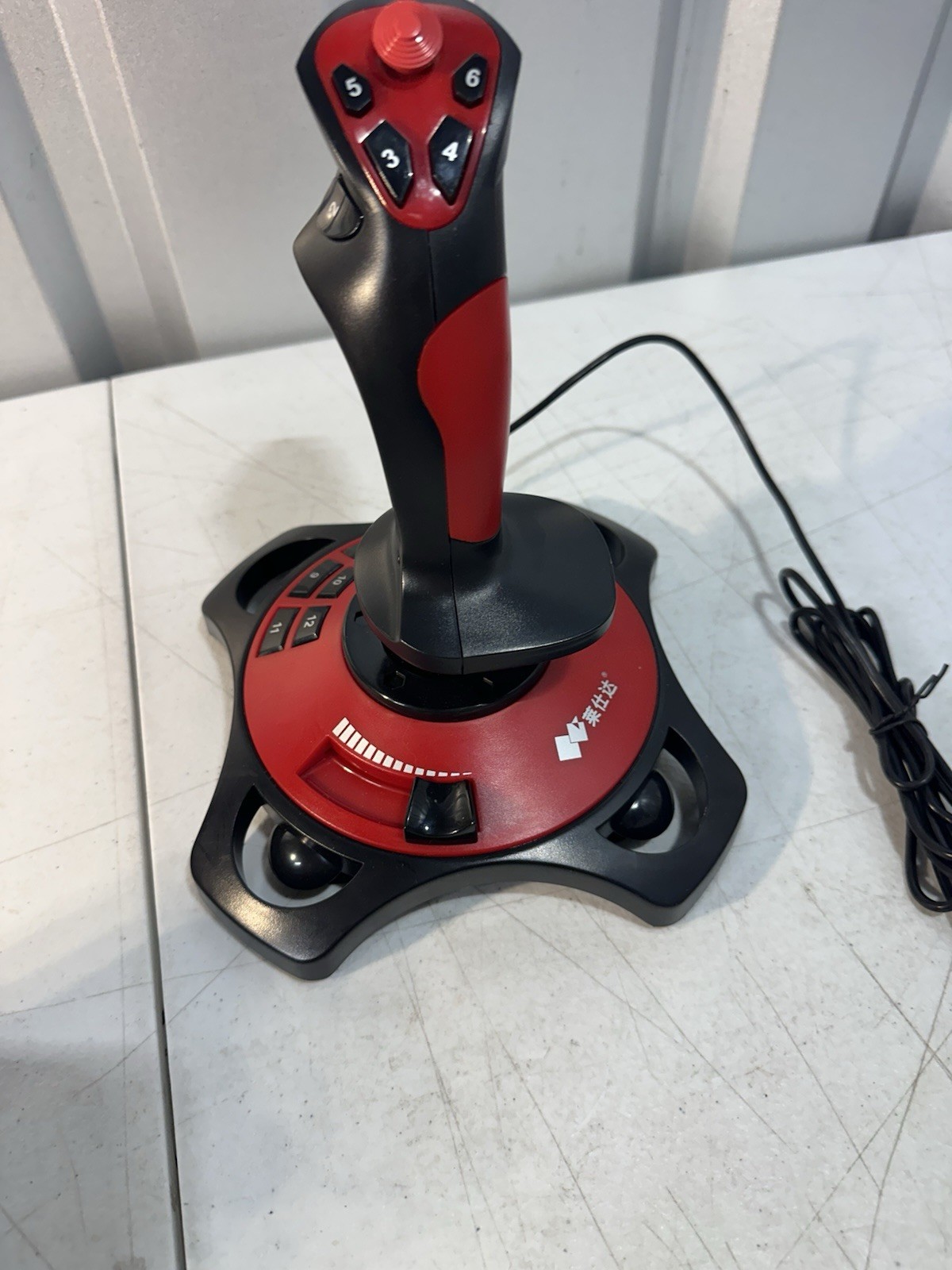 PXN-2103 USB Flight Simulator Joystick 12 Button PC Gaming Controller Tested$29.00View on eBay
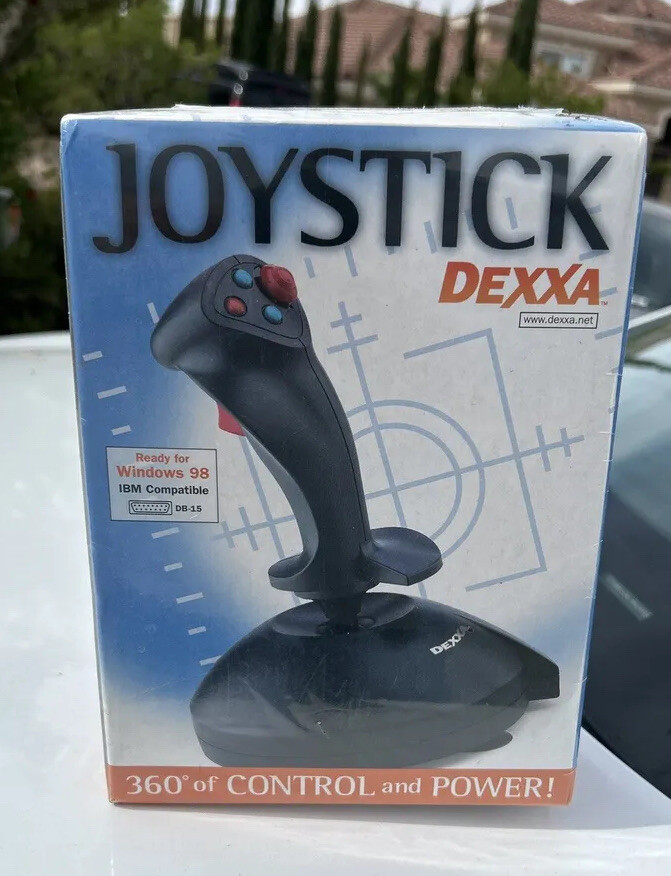 Dexxa Logitech Flight Simulator Joystick Controller for PC Gameport DB15 sealed$29.96View on eBay
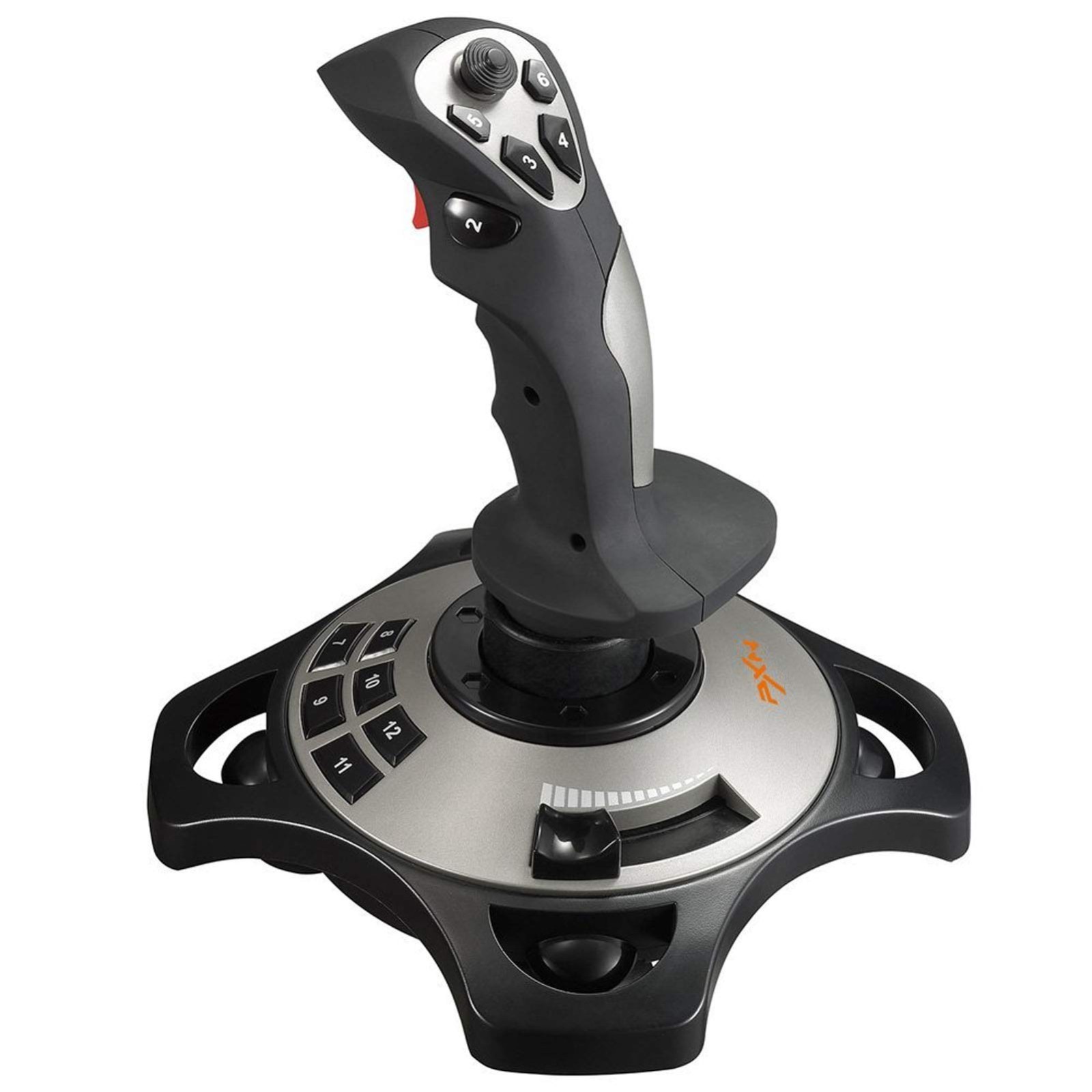 PXN 2113PRO USB Flight Simulator Joystick Gaming Flight Stick Controller PC$32.00View on eBay
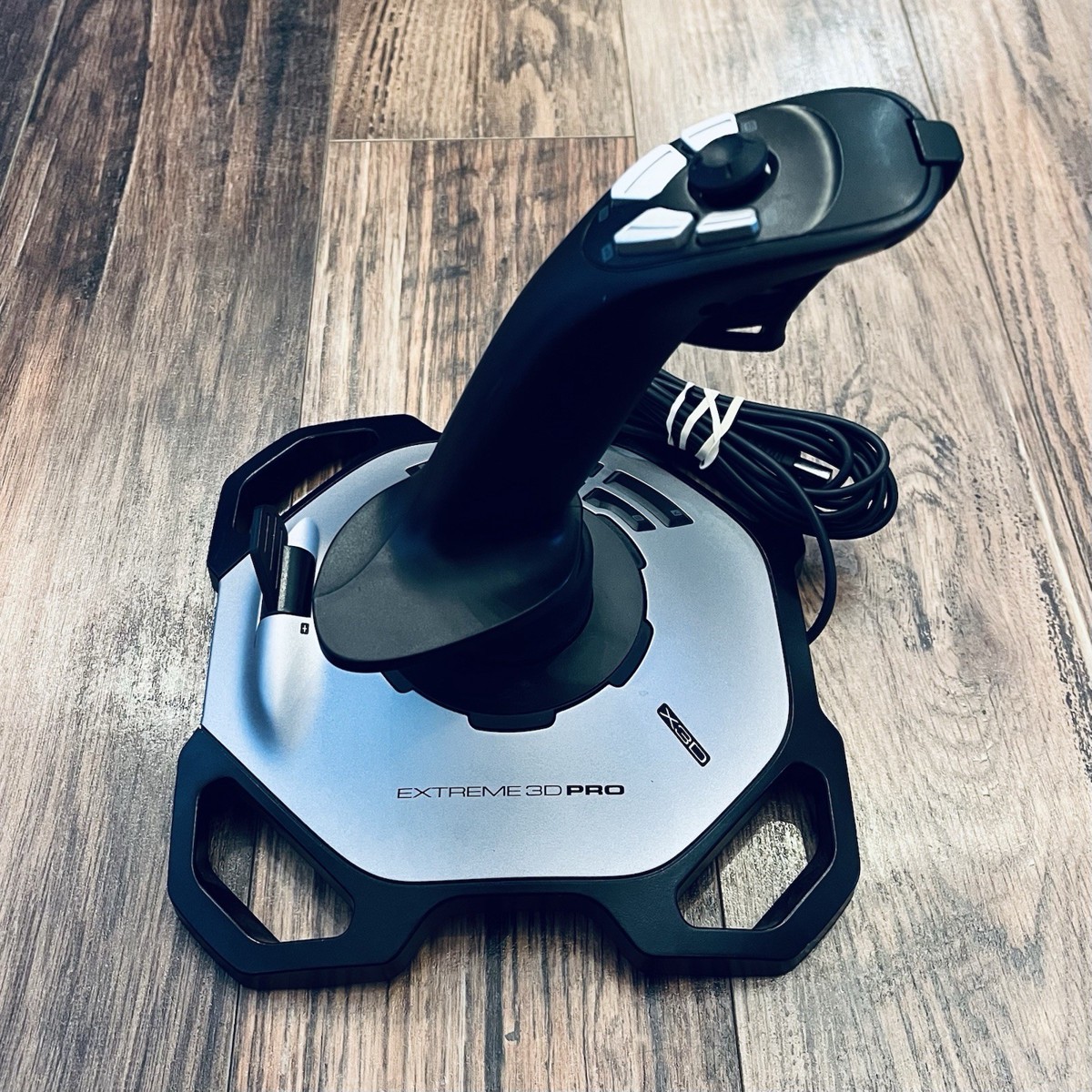 Logitech Extreme 3D Pro X3D USB Flight PC USB Simulator Joystick - SHIPS FREE!$34.99View on eBay
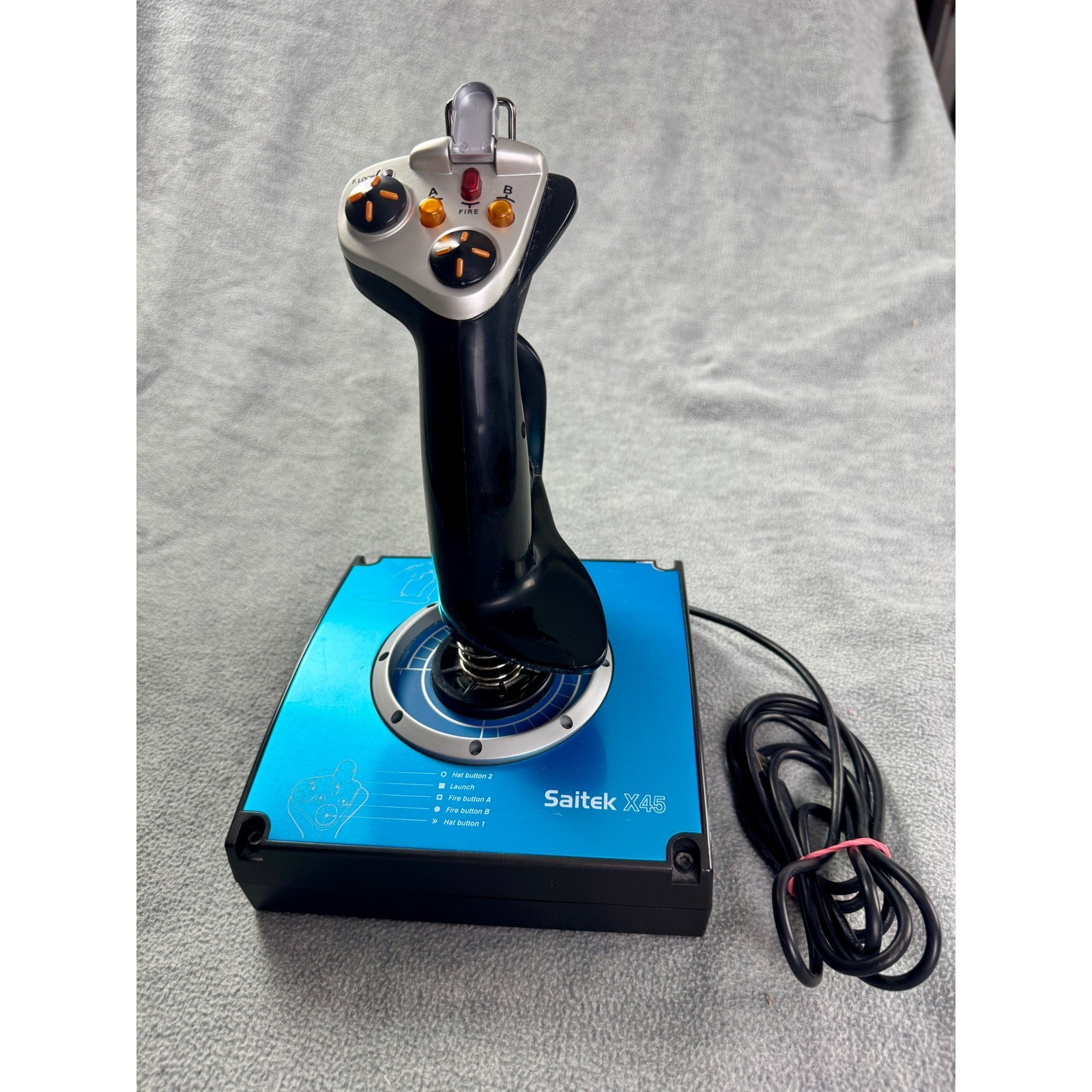 Saitek X45 Digital Flight Control Stick Joystick PC Flight Simulator Controller$38.57View on eBay
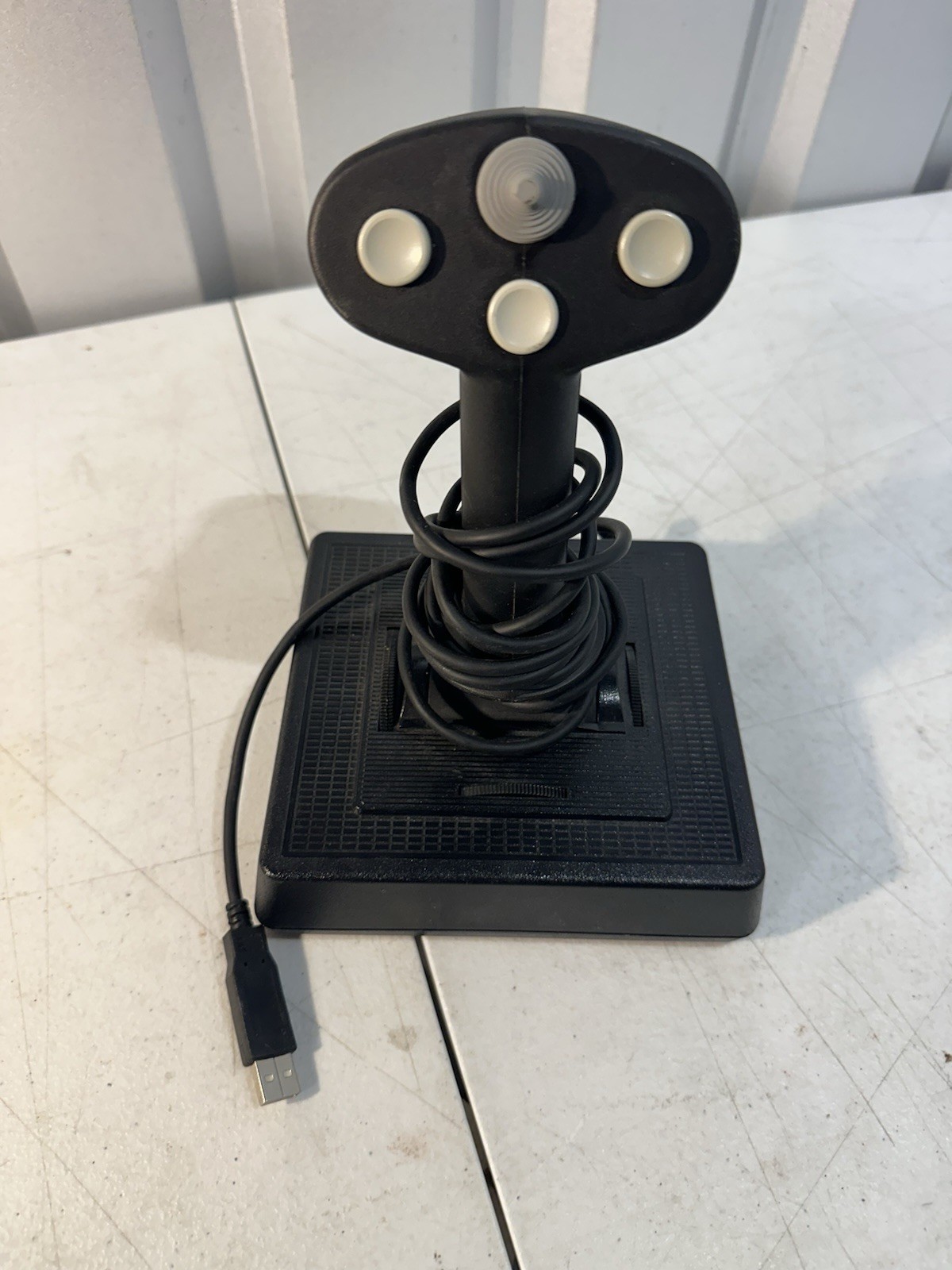 CH Products Flightstick Pro USB FSPUSB Flight Simulator Joystick Tested Working$39.00View on eBay
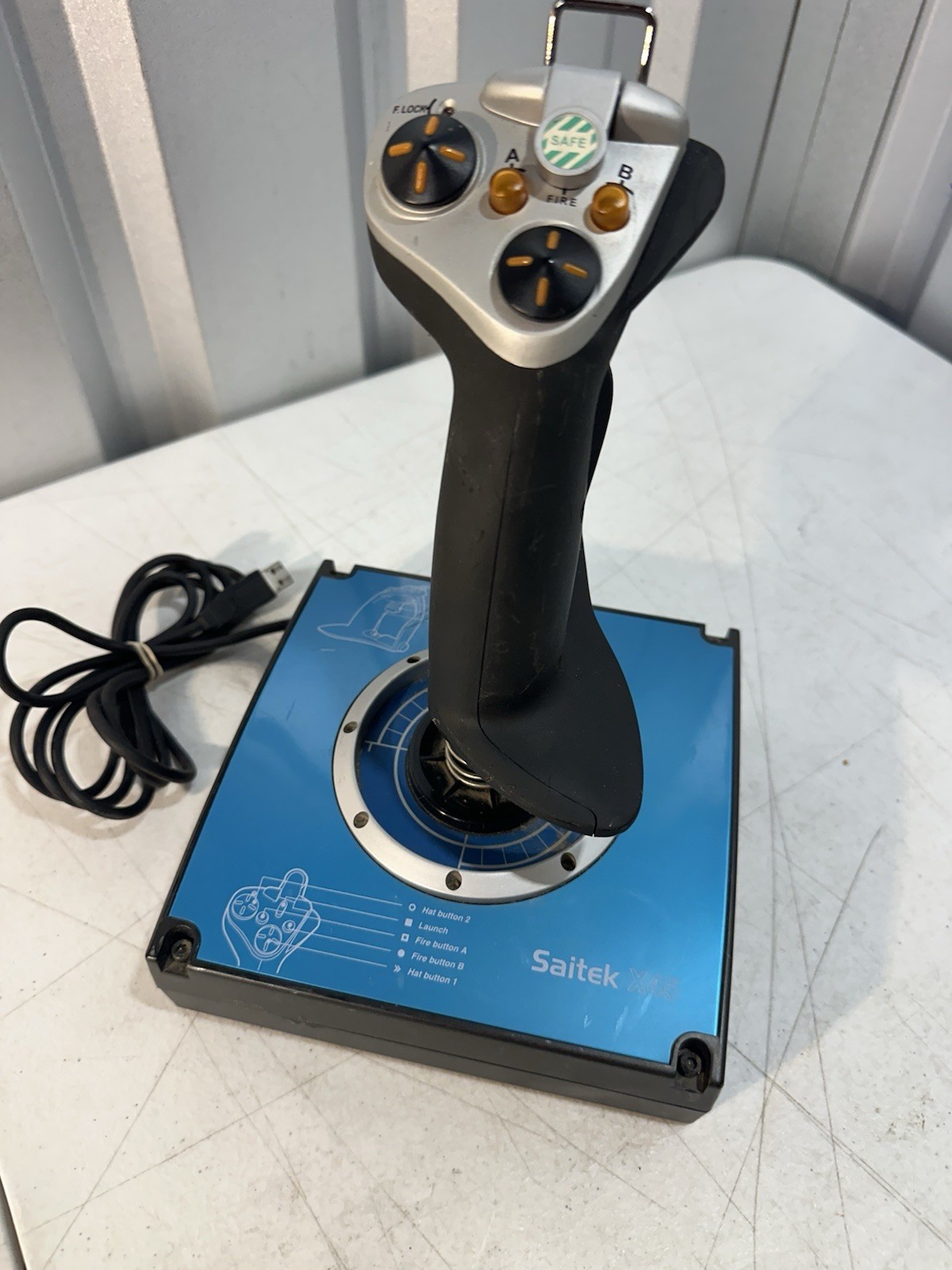 Saitek X45 Digital USB Flight Simulator Joystick Controller Tested Working$39.00View on eBay
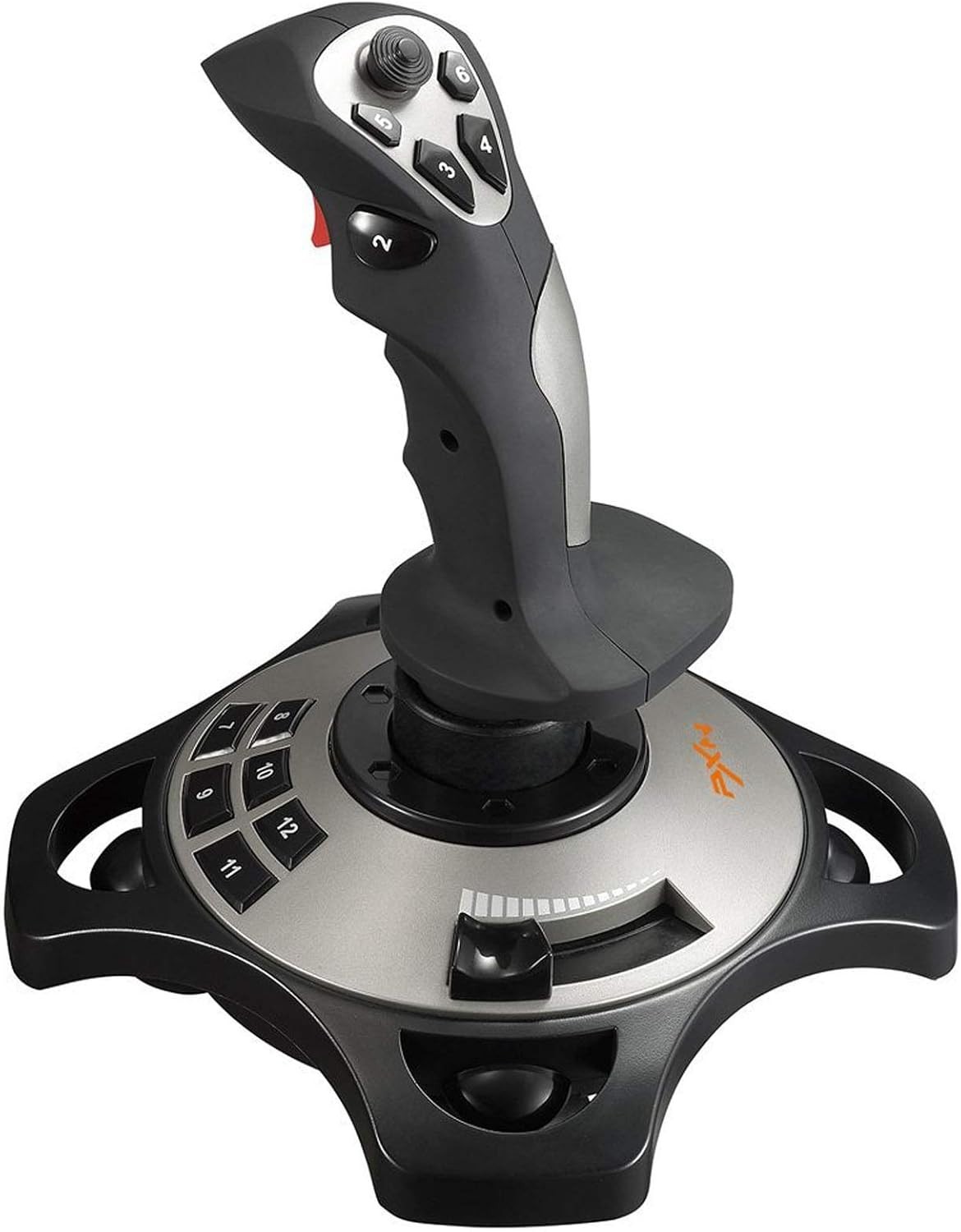 PXN 2113PRO USB Flight Simulator Joystick Gaming Flight Stick Controller PC$41.00View on eBay
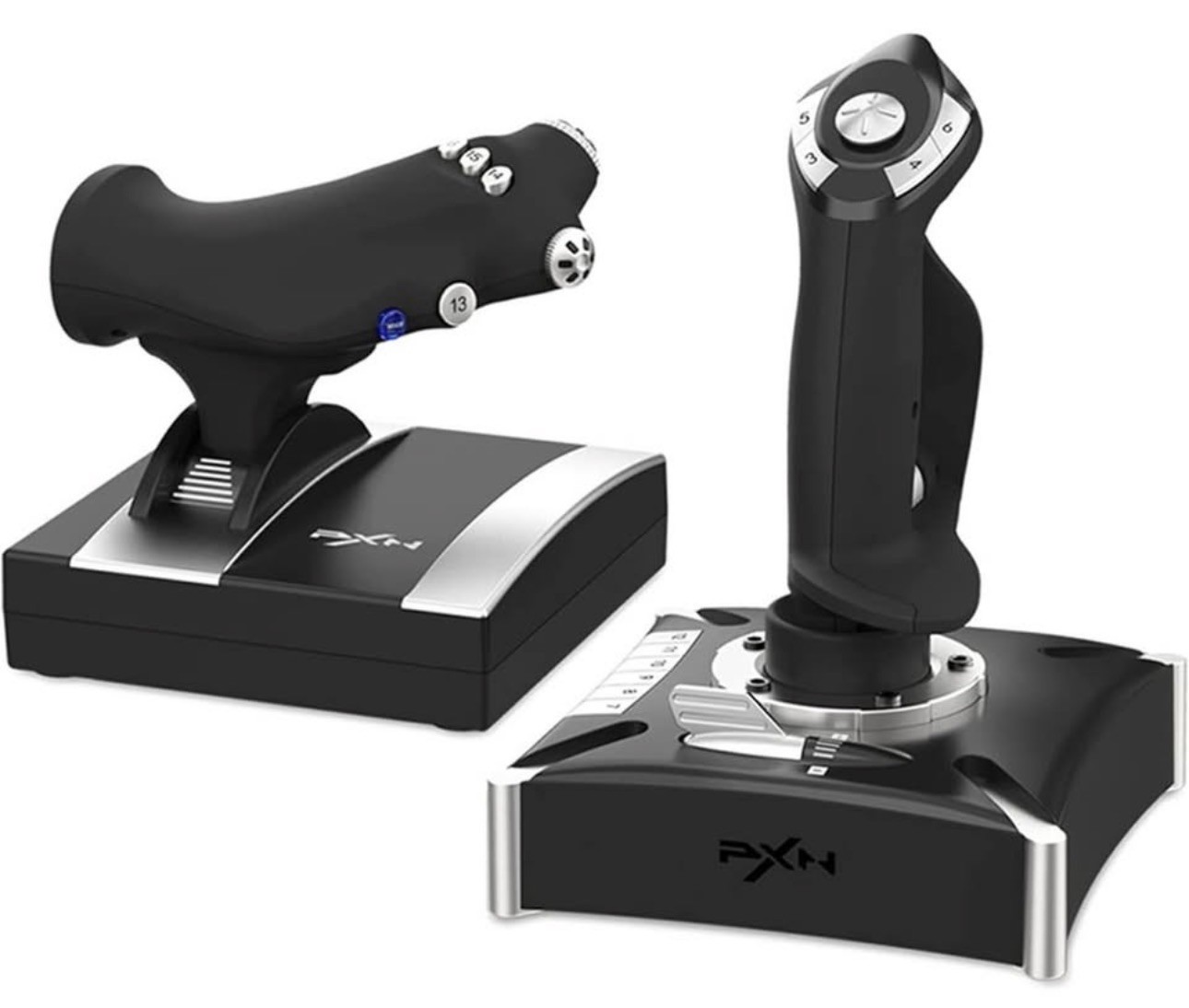 PXN-2119PRO Flight Simulator Joystick Lightweight Controller Unit f/ PC/PS4/XBOX$49.99View on eBay
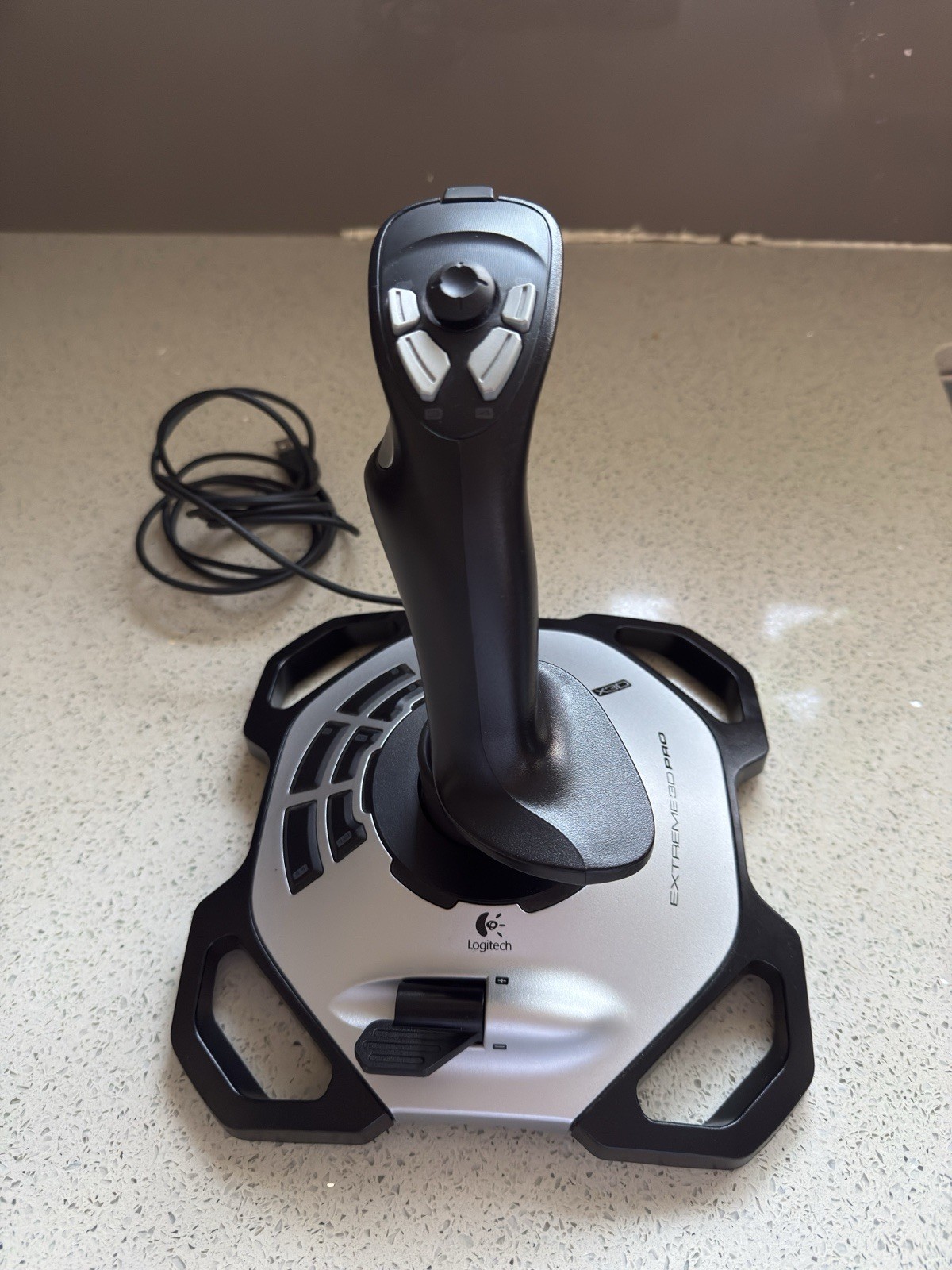 LOGITECH Extreme 3D PRO X3D J-UK17 USB Flight PC USB Simulator Joystick TESTED$53.29View on eBay
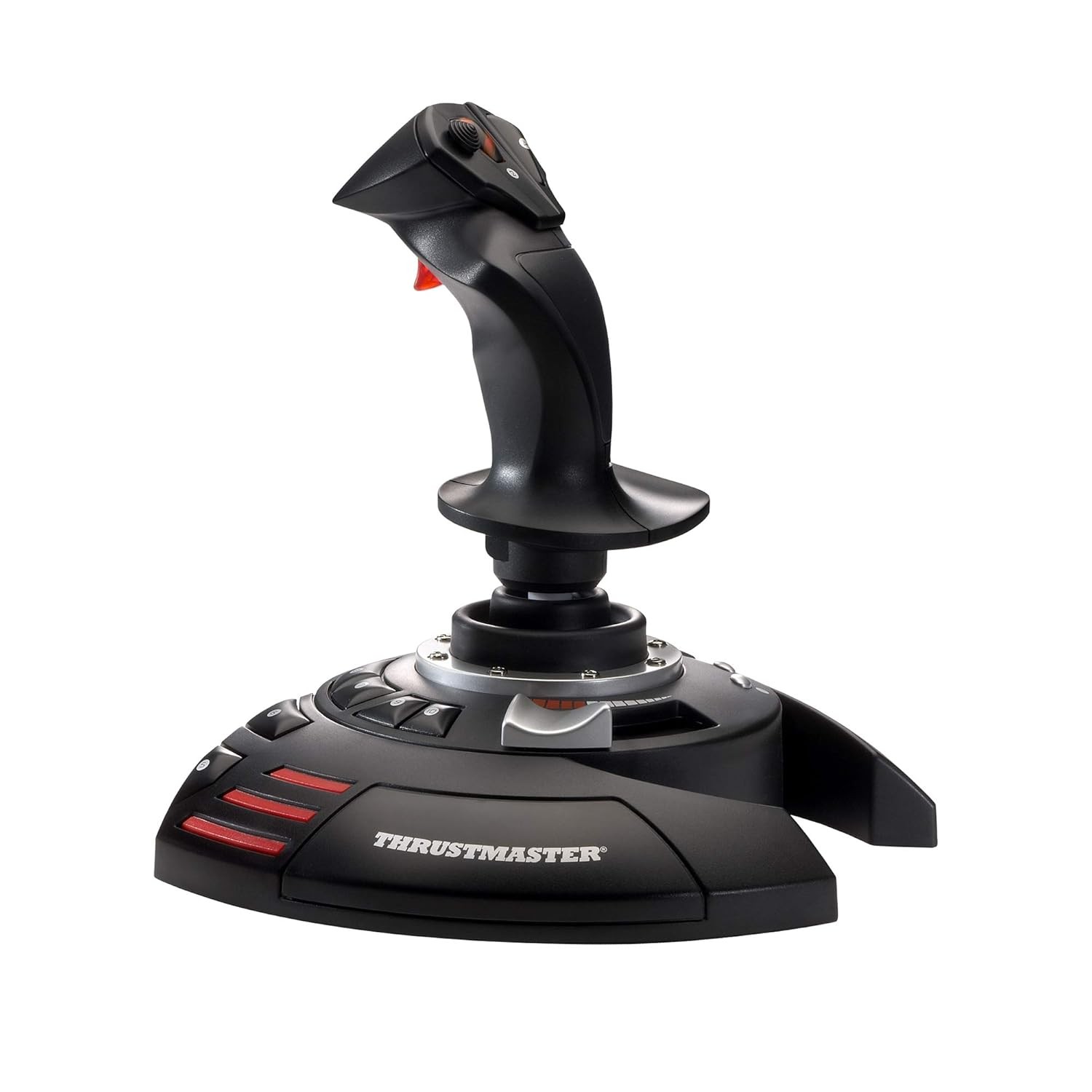 Thrustmaster T Flight Stick X Flight Simulator Controller Joystick USB$81.58View on eBay
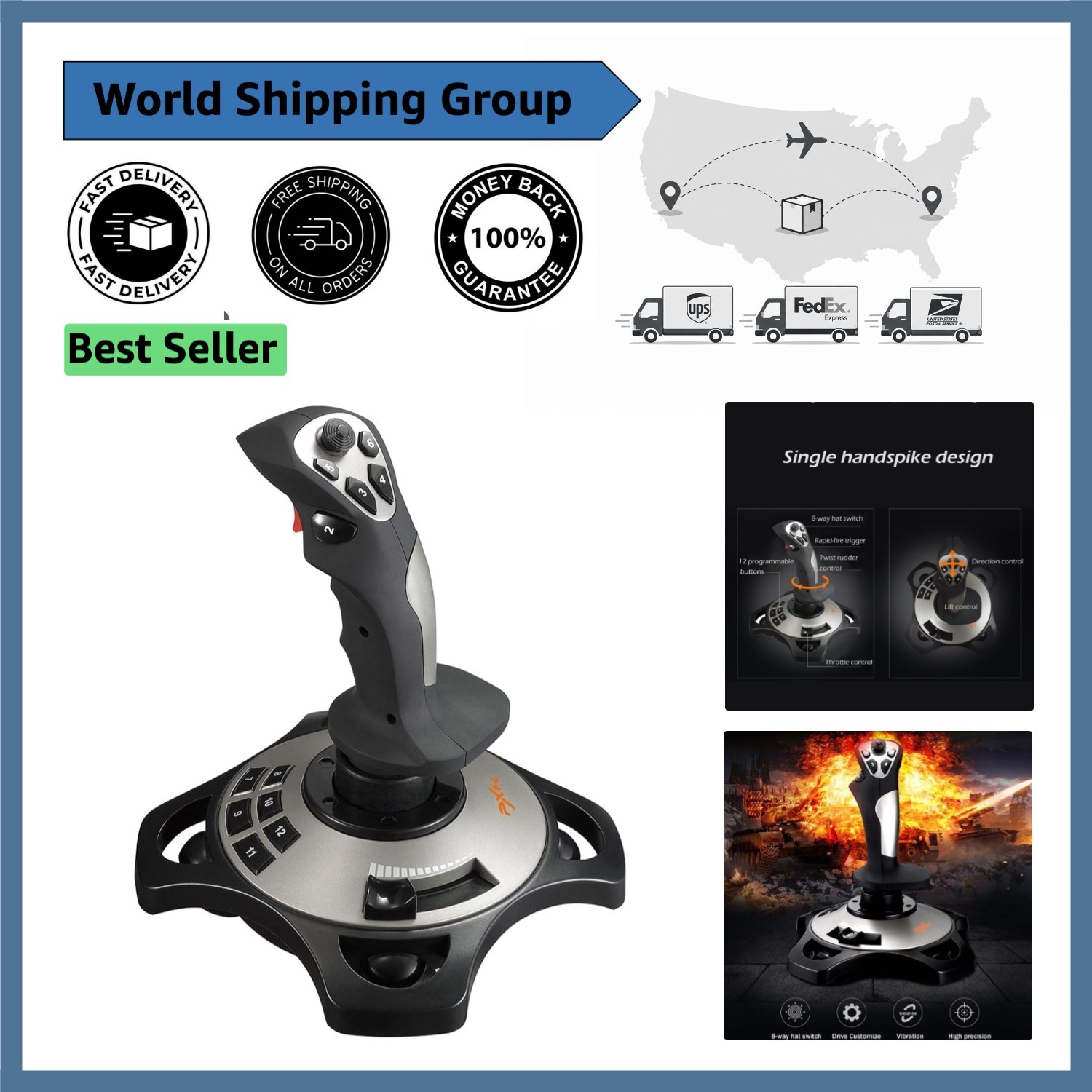 2113PRO USB Flight Simulator Joystick - Ergonomic PC Controller with Vibration$89.95View on eBay
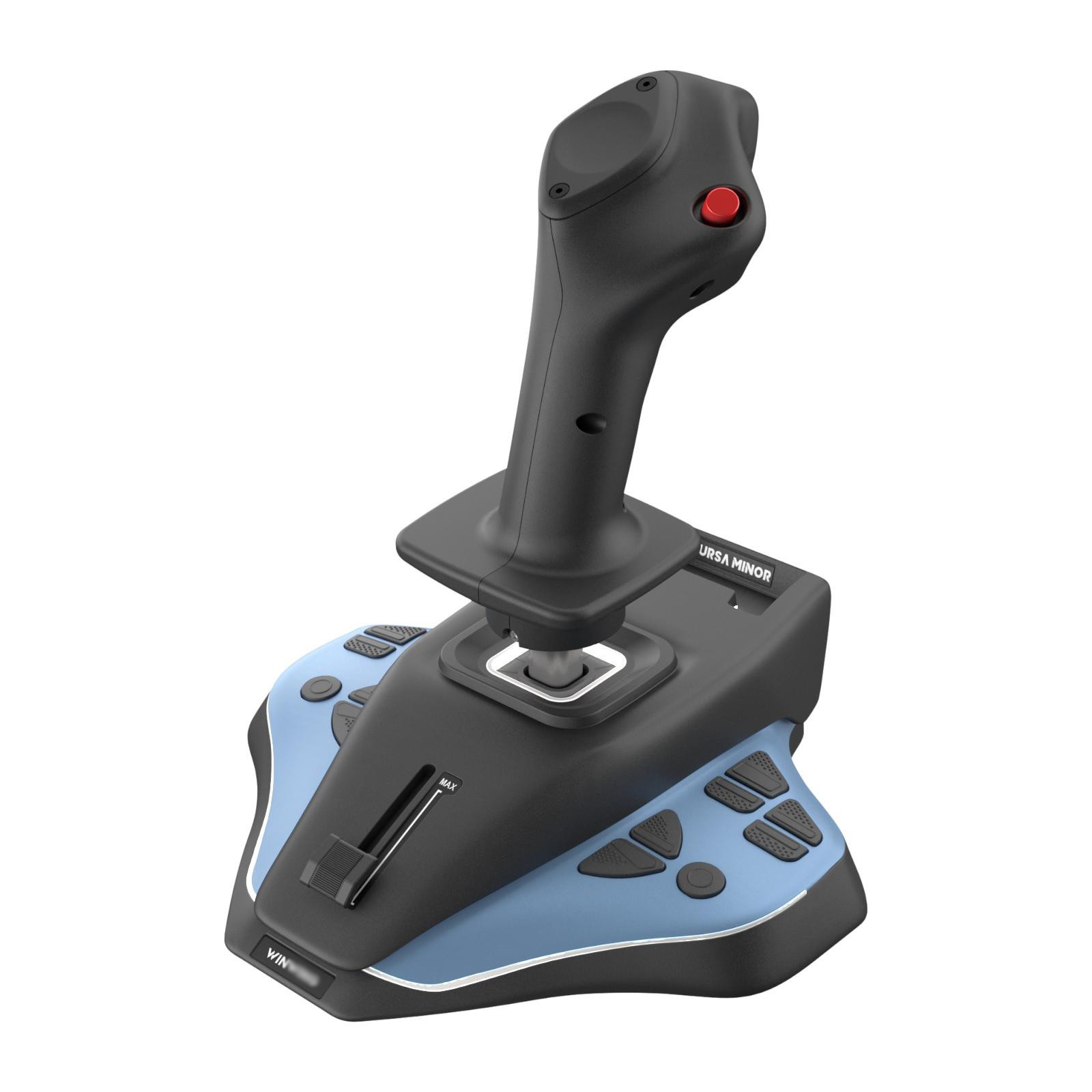 WINWING URSA MINOR Airline Joystick L Flight Simulator for X-Plane MSFS2020/24$132.89View on eBay
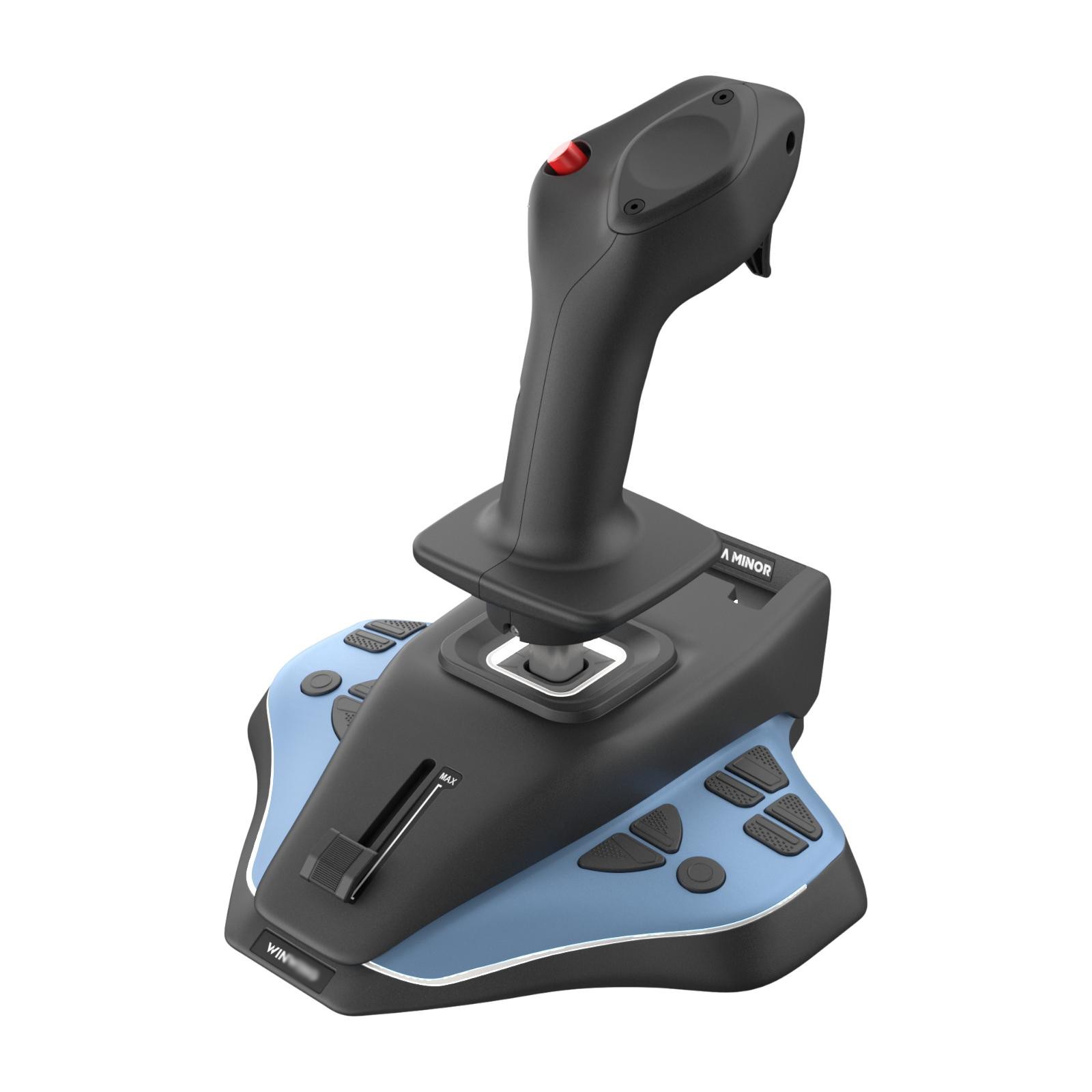 WINWING URSA MINOR Airline Joystick R Flight Simulator for X-Plane MSFS2020/24$132.89View on eBay
Highlights
- Sensor type sets lifespan: carbon-film potentiometers wear out in 1-3 years of regular use, while Hall-effect/contactless sensors have no wiper contact and typically outlast the host PC.
- Gimbal construction separates tiers: plastic ball-and-socket gimbals develop play and center slop; dual-bearing or metal gimbals with adjustable spring tension hold calibration under hard input.
- Button and axis count matters for sim compatibility: 12+ buttons plus a mode shift and a twist or rudder axis covers MSFS, X-Plane, and DCS without a separate rudder pedal set.
- Interface generation matters on the used market: USB HID sticks are plug-and-play on modern Windows; gameport DB15 sticks need a USB adapter and legacy driver workarounds, so skip them for current sims.
Best use cases
- Best fit: flying Microsoft Flight Simulator or X-Plane airliners and GA aircraft on PC — pick a USB stick with Hall-effect X/Y, a proportional throttle wheel, and at least 8 programmable buttons; skip gameport-era sticks.
- Best fit: combat sims like DCS or IL-2 — pick a stick with twist rudder, dual-stage trigger, and hat switches, or plan for a separate HOTAS throttle; skip 4-button arcade sticks.
- Best fit: casual or shared-family flying — a mid-tier potentiometer USB stick with vibration and console support (PC/PS4/Xbox) is adequate; skip it if you fly more than a few hours a week.
- Wrong fit: helicopter or space-sim pilots needing precise collective/6DOF — a single flight stick lacks the axis count; step up to a HOTAS or add pedals rather than forcing a basic stick to cover it.
Buying tips
- Match axis count to your sim: pitch/roll plus throttle is the minimum; add twist rudder or separate pedals if the aircraft needs yaw authority on approach and in crosswinds.
- Prefer Hall-effect or contactless sensors over potentiometers when the stick is your primary controller; potentiometer sticks are consumables under heavy use.
- Check gimbal specs for bearings and tension adjustment; a center detent or stiff spring suits airliners, while a light, linear feel suits aerobatics and combat.
- On used listings, USB HID (Type-A) is the safe standard; avoid gameport DB15 models unless you already own a working adapter and legacy driver setup.
Specs
| Sensor Type | Hall-effect vs potentiometer |
|---|---|
| Gimbal Build | Plastic ball vs dual-bearing/metal |
| Axes & Buttons | 3-5 axes / 4-16 buttons |
| Interface | USB HID vs legacy gameport DB15 |
Related searches
What to check before buying
- Measure desk depth and height: a flight stick needs roughly 30 cm of clear desk depth and a stable base; clamp or mount if your desk edge is less than 2 cm thick.
- Confirm your PC has a free USB-A port and that the stick is USB HID class-compliant; gameport models require an adapter and are not plug-and-play on Windows 10/11.
- Check sim compatibility: MSFS and X-Plane accept any DirectInput/XInput USB stick, but console support (PS4/Xbox) requires the specific licensed model.
- Plan companion parts: rudder pedals and a separate throttle improve realism, so leave desk width and USB ports for them before committing to an all-in-one stick.
FAQ
Data sources: eBay / Amazon listings and product attribute feeds. Updated Nov 27, 2026.
Some links on this page are affiliate links. If you buy after clicking one, we may earn a commission at no extra cost to you. This does not change which products appear here or their order. Affiliate disclosure.