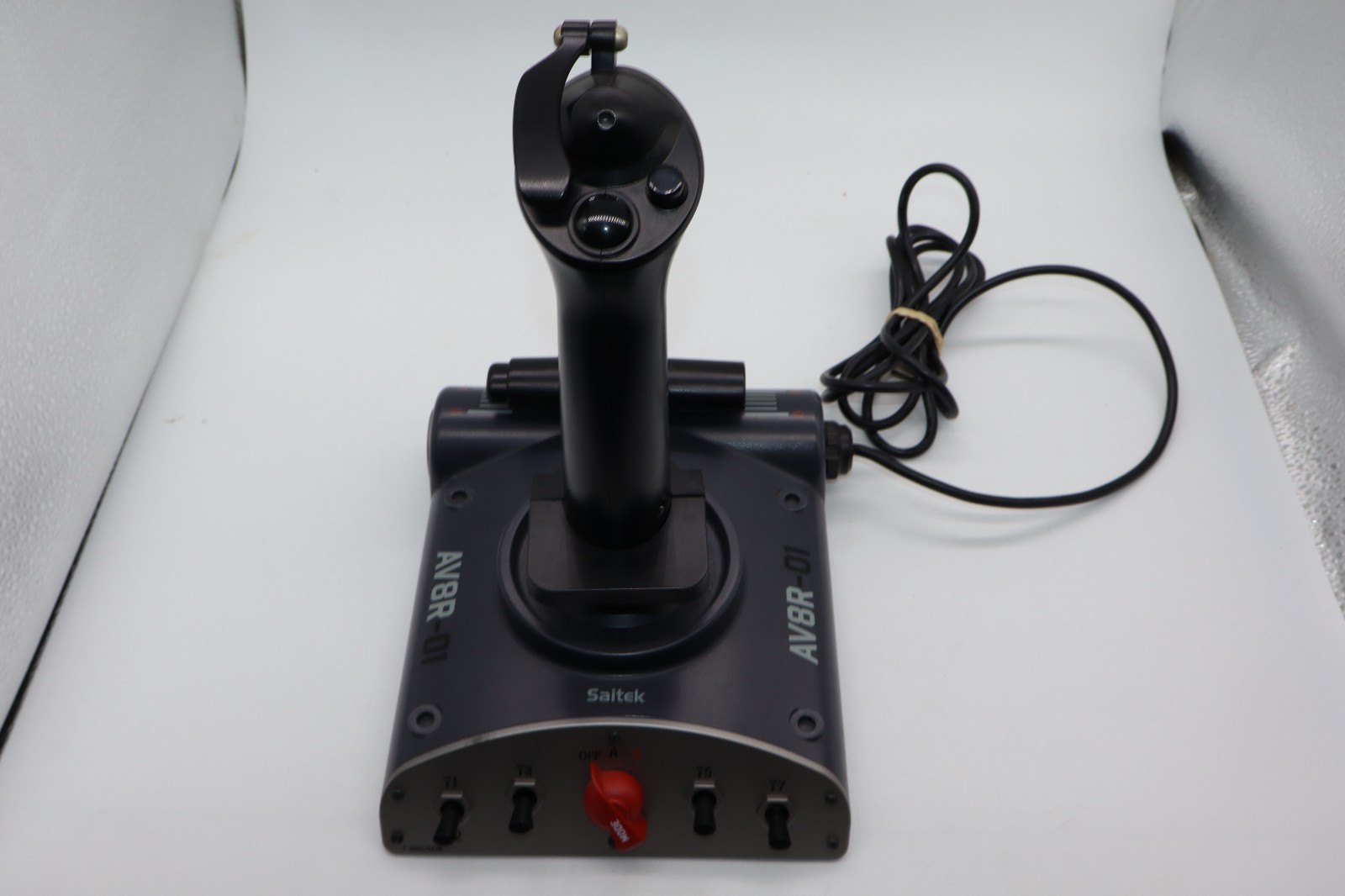

Photos from current listings. Actual item, color, and included accessories may vary.
Flight Sim Joystick And Throttle Buying Guide
A flight sim joystick and throttle bundle pairs a multi-axis stick with a separate throttle quadrant to replicate aircraft control inputs, and the core trade-off is sensor technology and throttle resolution versus price. Hall-effect or contactless sensors with independent, friction-damped throttle levers define durable HOTAS gear; potentiometer sticks with a single shared throttle axis are the entry-tier compromise that wears out under heavy use.
Median $72.49
Key takeaways
- Hall-effect (magnetic) sensors eliminate physical wiper contact, so stick axes do not develop dead zones or spiking the way carbon-potentiometer sticks do after months of use.
- Independent left/right throttle levers with detents and friction clutches allow twin-engine management (multi-engine jets, helicopters); single-lever throttles cannot simulate asymmetric thrust.
- Throttle axis resolution matters more than stick resolution for formation flying and carrier landings; 10-bit (1024-step) or higher throttles give finer power adjustments than 8-bit axes.
At a glance
- Category
- Flight Sim Joysticks & HOTAS
- Last updated
- Nov 27, 2026
Current offers
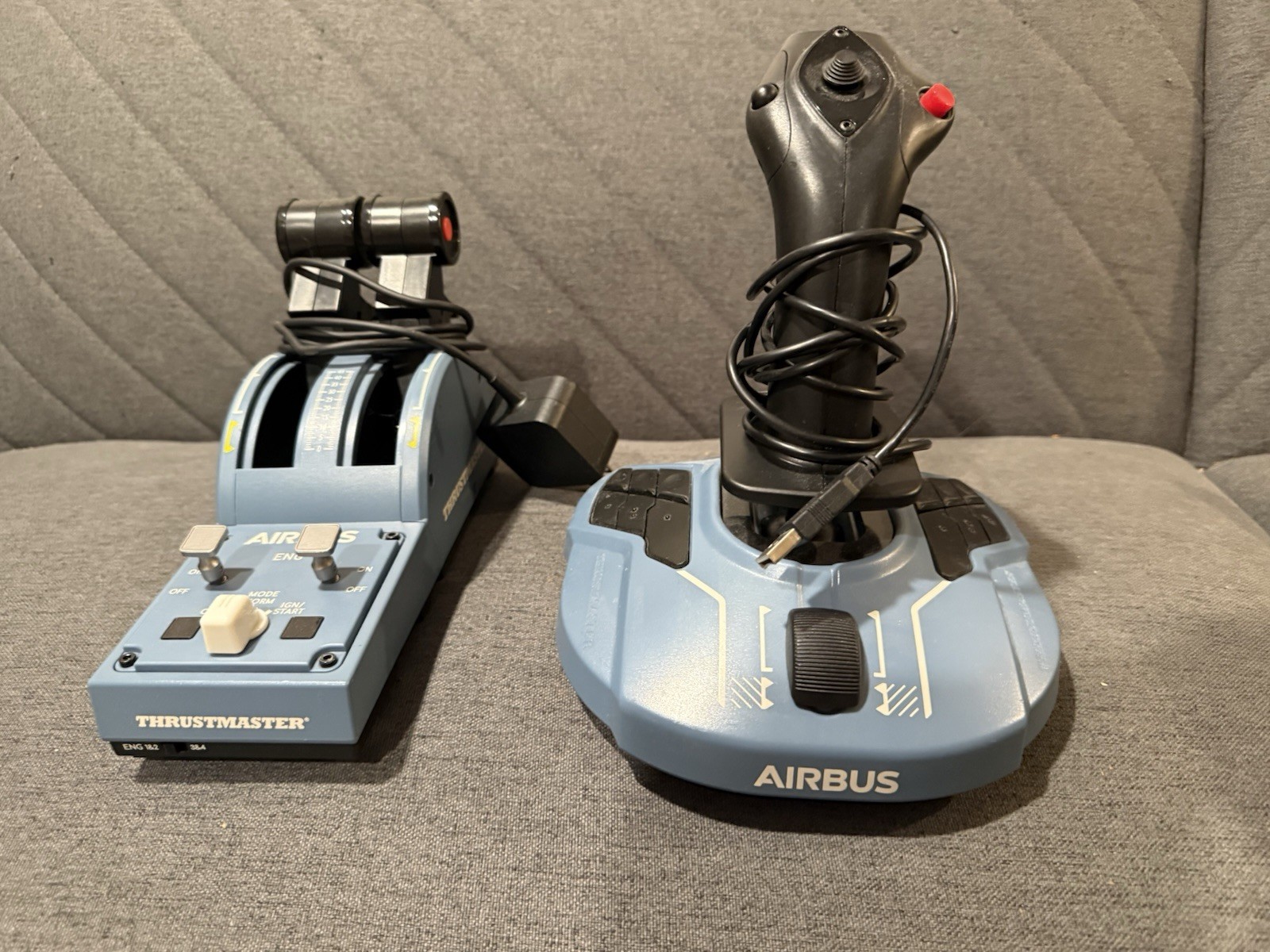
Highlights
- Hall-effect (magnetic) sensors eliminate physical wiper contact, so stick axes do not develop dead zones or spiking the way carbon-potentiometer sticks do after months of use.
- Independent left/right throttle levers with detents and friction clutches allow twin-engine management (multi-engine jets, helicopters); single-lever throttles cannot simulate asymmetric thrust.
- Throttle axis resolution matters more than stick resolution for formation flying and carrier landings; 10-bit (1024-step) or higher throttles give finer power adjustments than 8-bit axes.
- Button and hat counts on the grip determine whether you can map essential functions without a keyboard: 8-way hats plus 2+ fire buttons per hand is the practical minimum for DCS-class sims.
Best use cases
- Best fit: airliner and general-aviation simmers (MSFS, X-Plane) should pick a stick with a twist-rudder axis and a throttle quadrant with detents for flaps and spoilers; skip high-force linear sticks designed for combat sims.
- Best fit: combat-sim pilots (DCS, IL-2) need a HOTAS with independent dual throttles, 8-way hat switches, and a rudder-pedal-ready twist or separate pedal; a single-lever quadrant will handicap twin-engine and carrier ops.
- Wrong fit: buyers wanting plug-and-play console flight (Xbox/PlayStation) should skip PC-only USB bundles—licensed Xbox-compatible sticks and throttles are a separate compatibility tier with different firmware.
- Best fit: desk-limited setups should choose a compact stick with integrated throttle on a wide base or a clamp-mount-compatible HOTAS; full-size throttle quadrants need 30 cm+ of clear desk depth or a clamp.
Buying tips
- Choose contactless Hall-effect sensors over potentiometers for any stick used more than a few hours weekly; pot sticks are consumables, hall sticks are long-term purchases.
- Match throttle levers to your aircraft: single-engine GA needs one lever with friction; twin-engine or jet sims need two independent levers with a center detent and idle/cutoff stops.
- Verify USB HID plug-and-play support and per-axis calibration software; bundles that rely on proprietary drivers may not expose full axis ranges in all sims.
- Check grip button/hat count against your sim's essential binds: 2 hats, 4 buttons, and a twist axis is the floor for combat; airliner sims can live with fewer buttons but demand smooth throttle detents.
Specs
| Sensor Type | Hall-effect vs potentiometer |
|---|---|
| Throttle Levers | Single vs independent dual |
| Rudder Control | Twist axis vs separate pedals |
| Platform Support | PC USB HID vs console-licensed |
Related searches
What to check before buying
- Measure desk depth and width: a stick plus separate throttle needs roughly 60 cm of combined footprint, or clamp-mount compatibility if your desk is shallow.
- Confirm PC OS support (Windows 10/11 USB HID) and whether the bundle includes a twist-rudder axis or requires separate rudder pedals for yaw control.
- Check whether the throttle quadrant has detents and friction adjustment; smooth-only levers make precise power settings harder in IFR and formation flying.
- Verify the stick's sensor type (Hall-effect vs potentiometer) and whether the grip is ambidextrous or right-hand-only if you fly left-handed.
FAQ
Data sources: eBay / Amazon listings and product attribute feeds. Updated Nov 27, 2026.
Some links on this page are affiliate links. If you buy after clicking one, we may earn a commission at no extra cost to you. This does not change which products appear here or their order. Affiliate disclosure.