
Photos from current listings. Actual item, color, and included accessories may vary.
Flight Joystick Xbox Buying Guide
Flight joysticks for Xbox are specialized controllers that must support Microsoft's Xbox Input Protocol (XIP) or use a licensed adapter to connect to Xbox consoles. The primary trade-off is between PC-only legacy sticks with rich buttons but no Xbox compatibility, and Xbox-licensed HOTAS or sticks that work natively but often have fewer inputs. The clear decision rule: only buy a stick explicitly labeled 'Designed for Xbox' or with a built-in Xbox mode; PC-only sticks like the Logitech Extreme 3D Pro or CH Products Flightstick will not work on Xbox without a third-party adapter.
Median $39.00
Key takeaways
- Xbox-compatible sticks must use Xbox Input Protocol (XIP) over USB; PC-only sticks use DirectInput and need a Mayflash or Brooks adapter to work on Xbox.
- Licensed Xbox HOTAS like the Thrustmaster T.Flight Hotas One include a dedicated Xbox button and work out of the box with Xbox Series X|S and Xbox One.
- Legacy PC sticks such as CH Products Flightstick Pro and Saitek X45 are DirectInput-only and will not be recognized by Xbox consoles even with a USB connection.
At a glance
- Category
- Flight Sim Joysticks & HOTAS
- Last updated
- Nov 27, 2026
Current offers
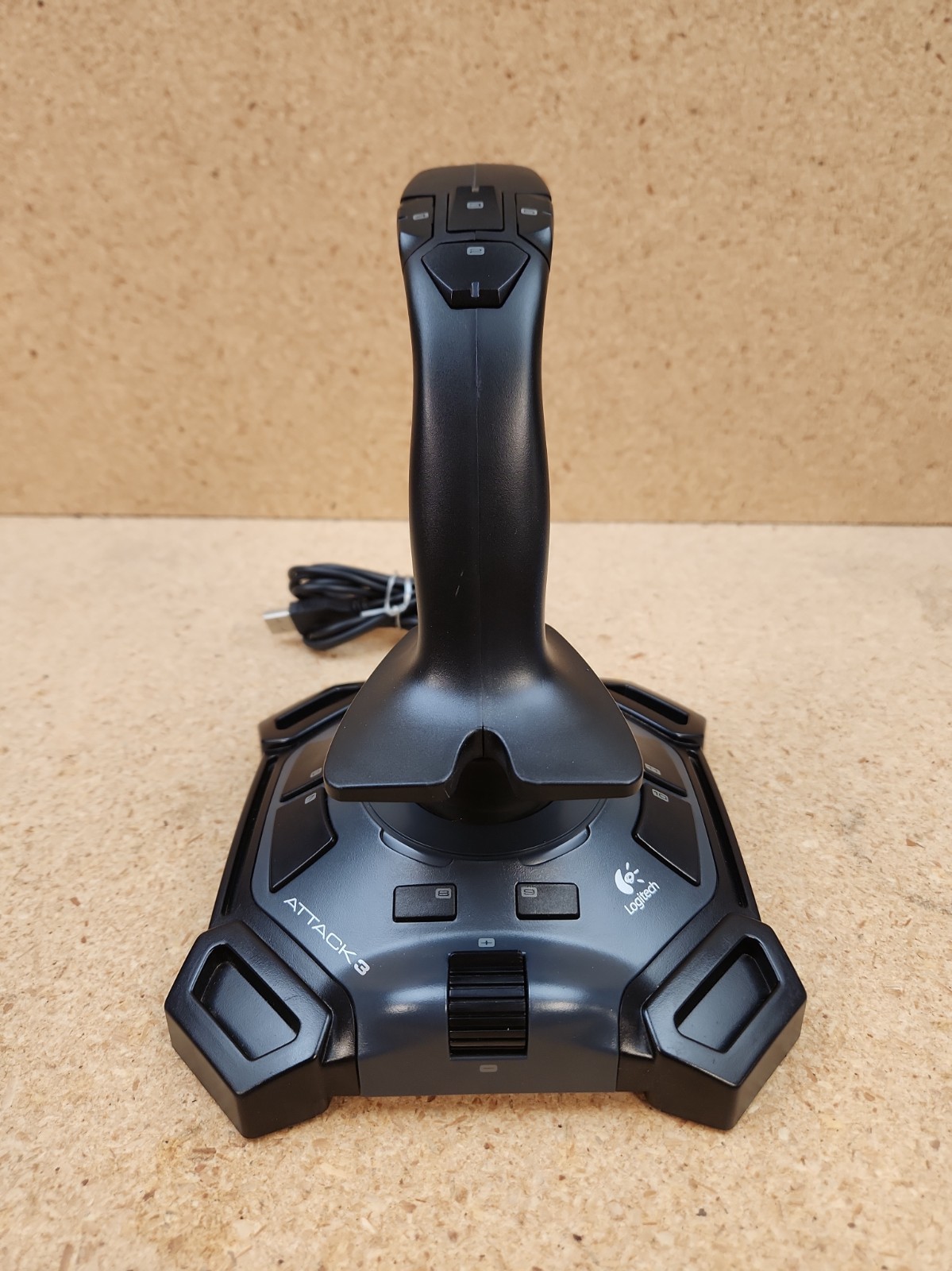 Logitech- Attack 3 ATK3 J-UJ18 Joystick- Gaming Flight Simulator Control- USB PC$21.95View on eBay
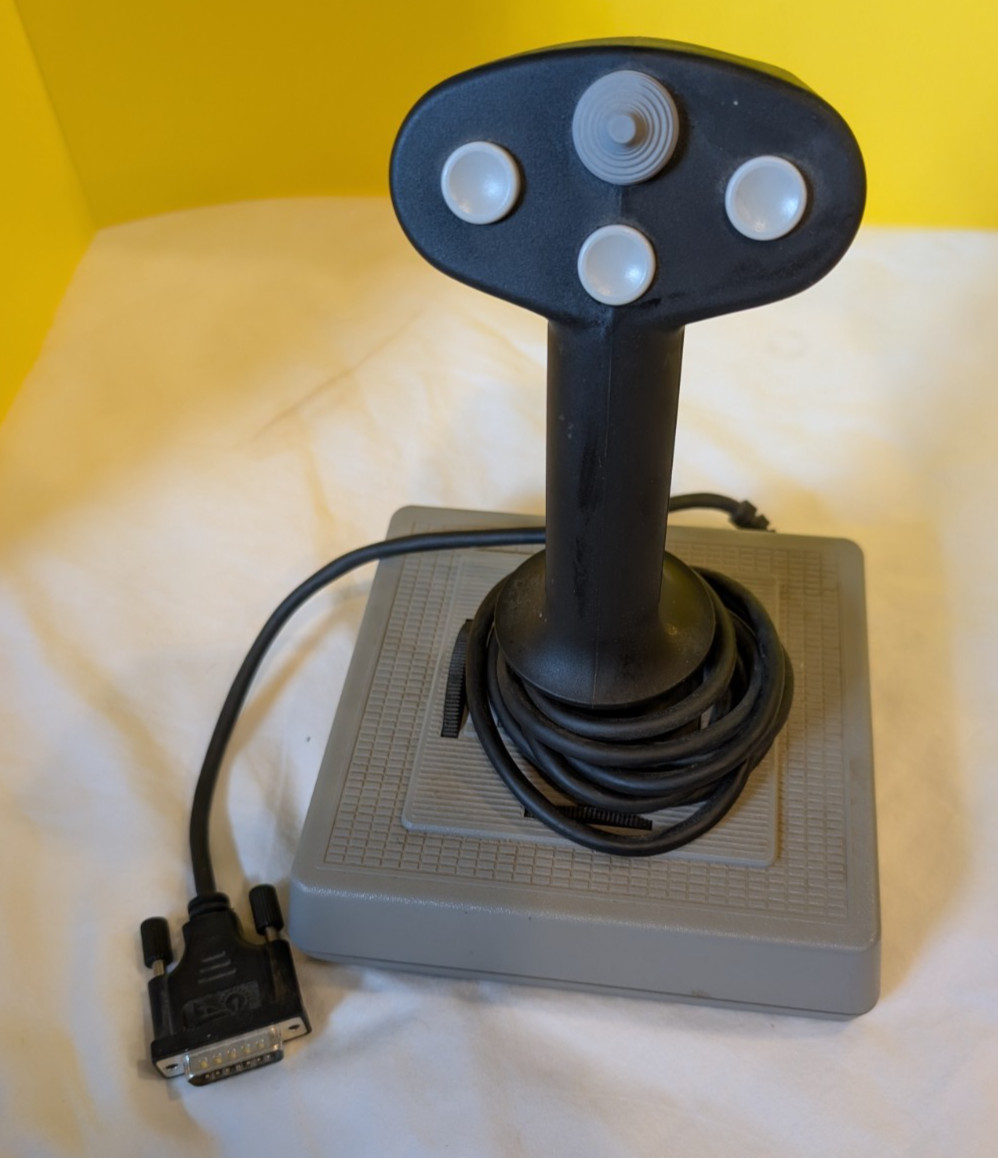 CH Products Flightstick PC Pro USB Flight Simulator Joystick PC 02227$24.99View on eBay
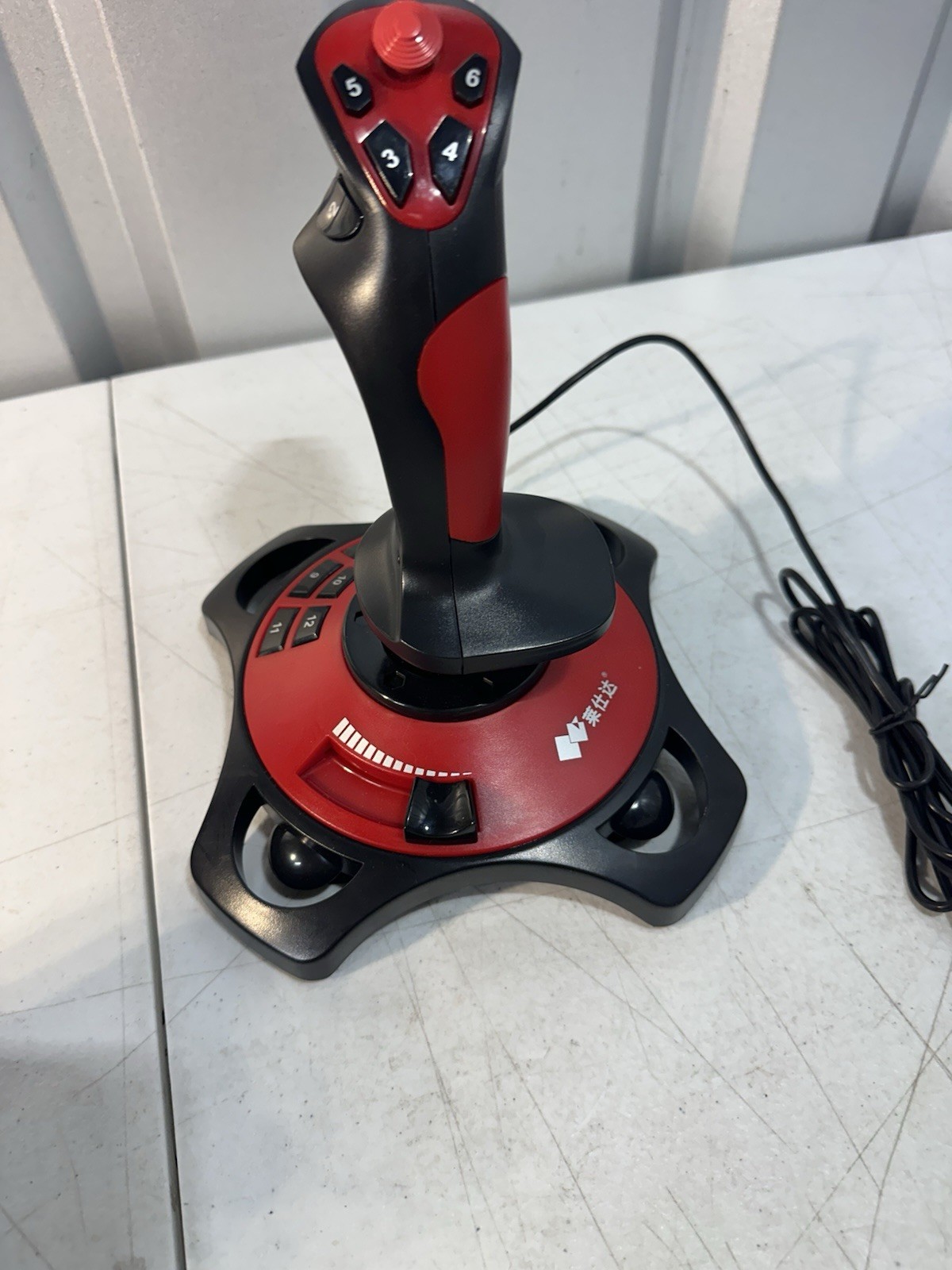 PXN-2103 USB Flight Simulator Joystick 12 Button PC Gaming Controller Tested$29.00View on eBay
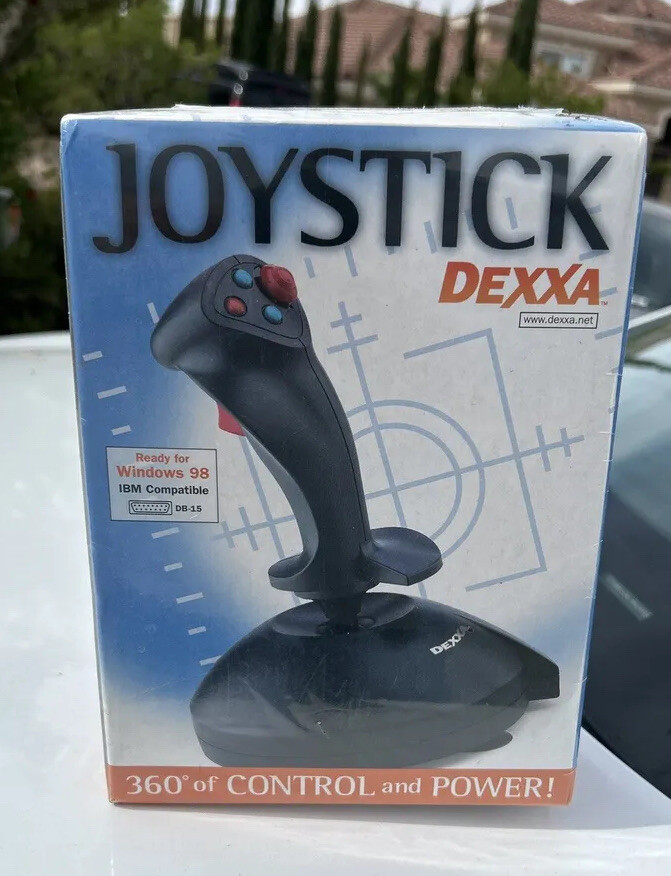 Dexxa Logitech Flight Simulator Joystick Controller for PC Gameport DB15 sealed$29.96View on eBay
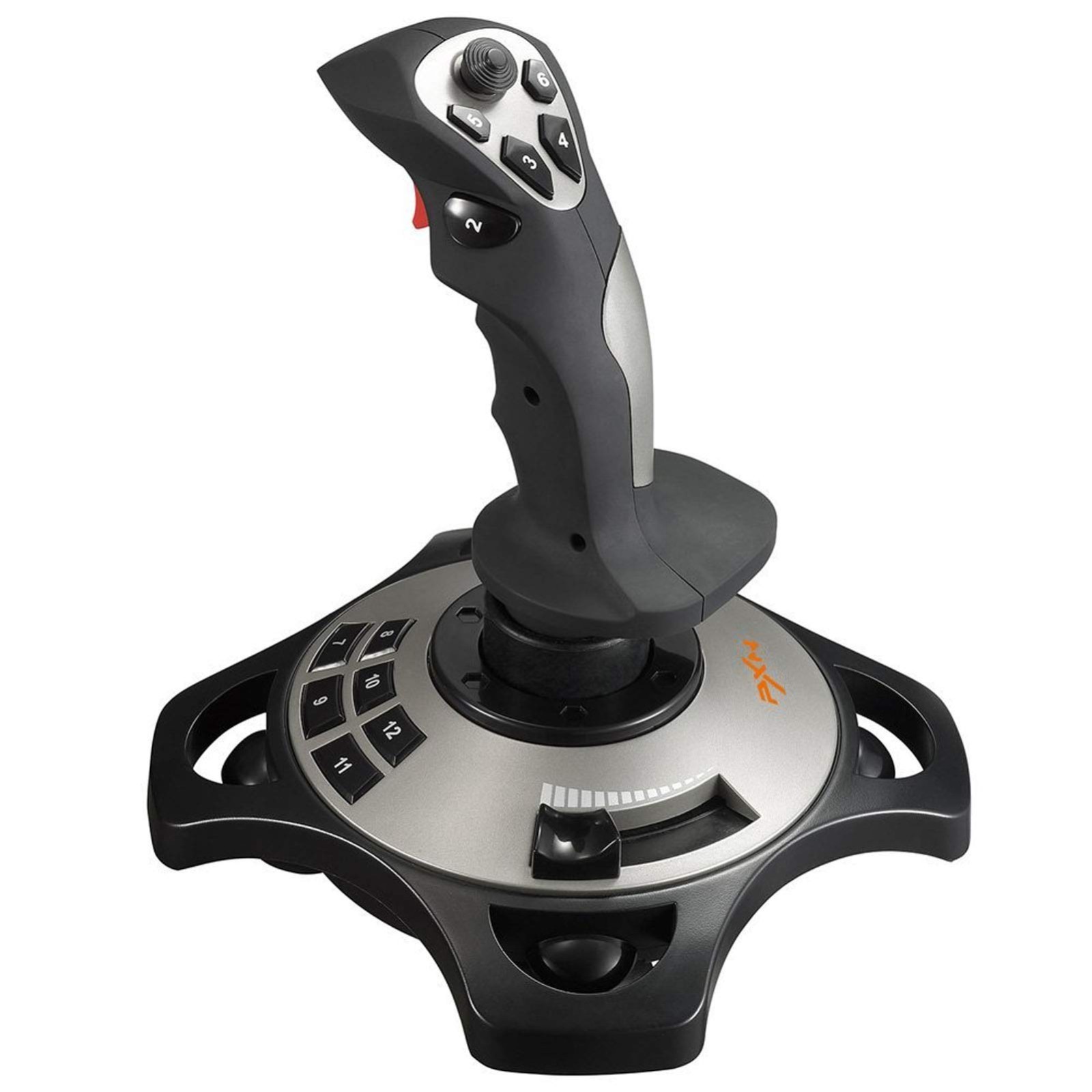 PXN 2113PRO USB Flight Simulator Joystick Gaming Flight Stick Controller PC$32.00View on eBay
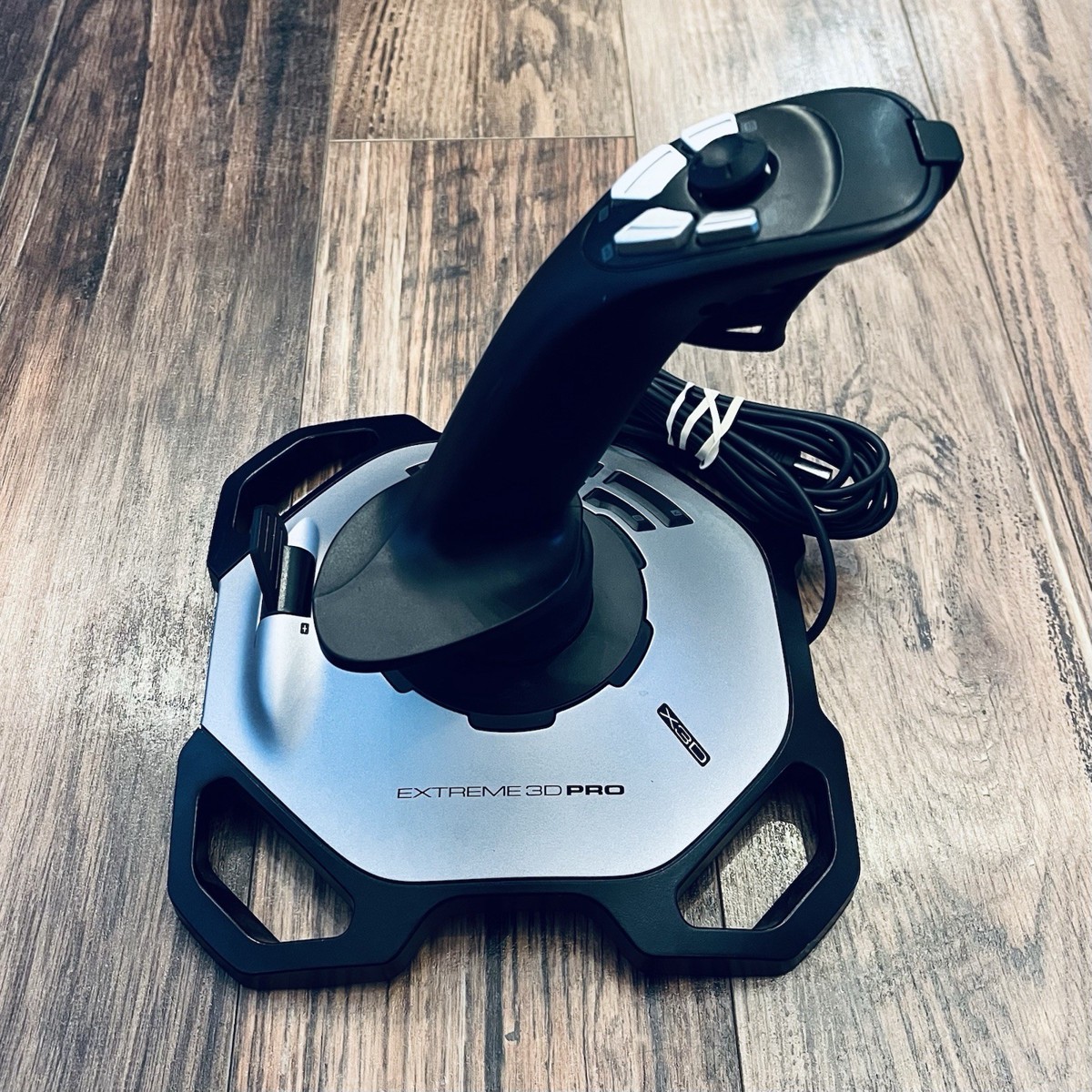 Logitech Extreme 3D Pro X3D USB Flight PC USB Simulator Joystick - SHIPS FREE!$34.99View on eBay
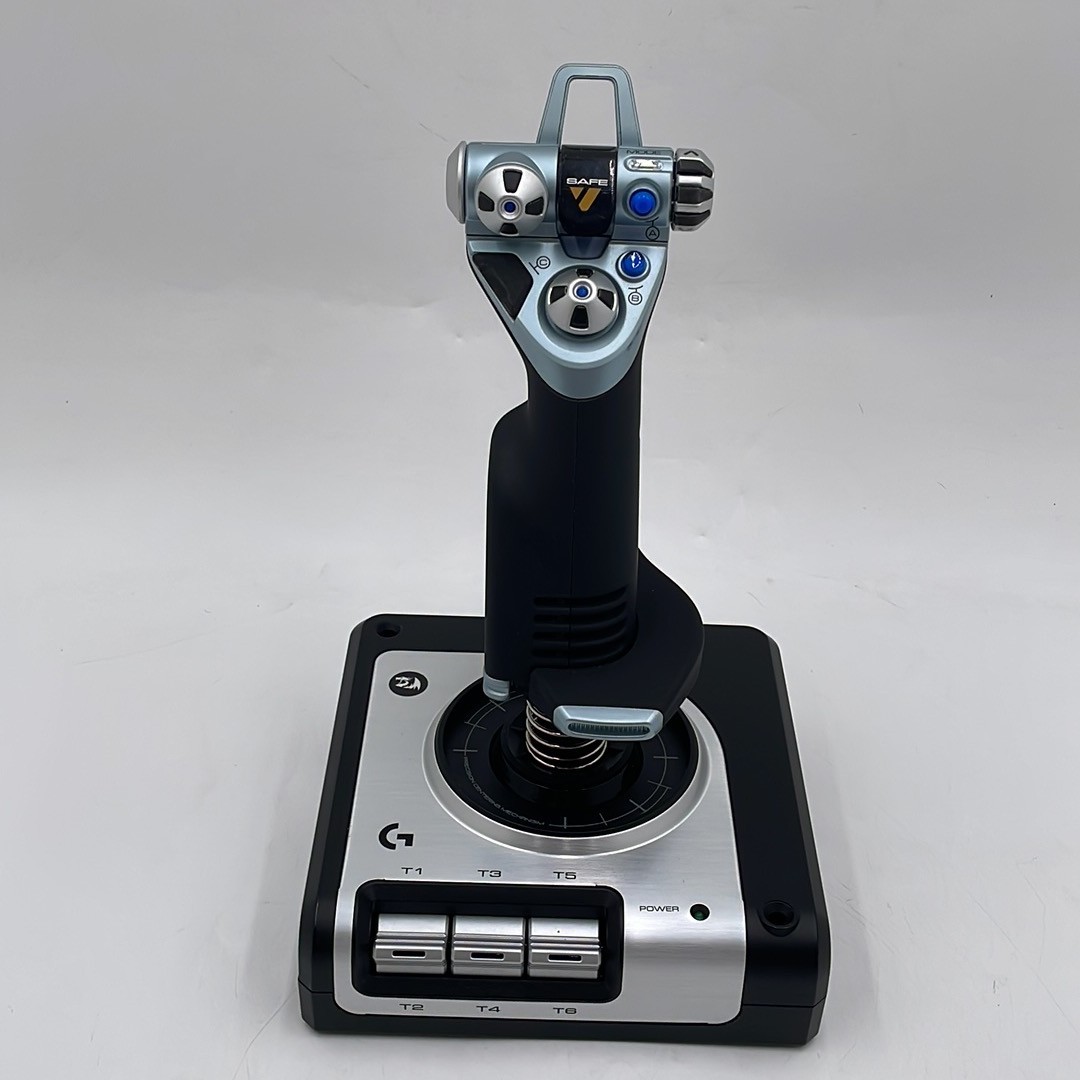 Logitech G X52 Hotas Flight Control Joystick (Stick)$35.95View on eBay
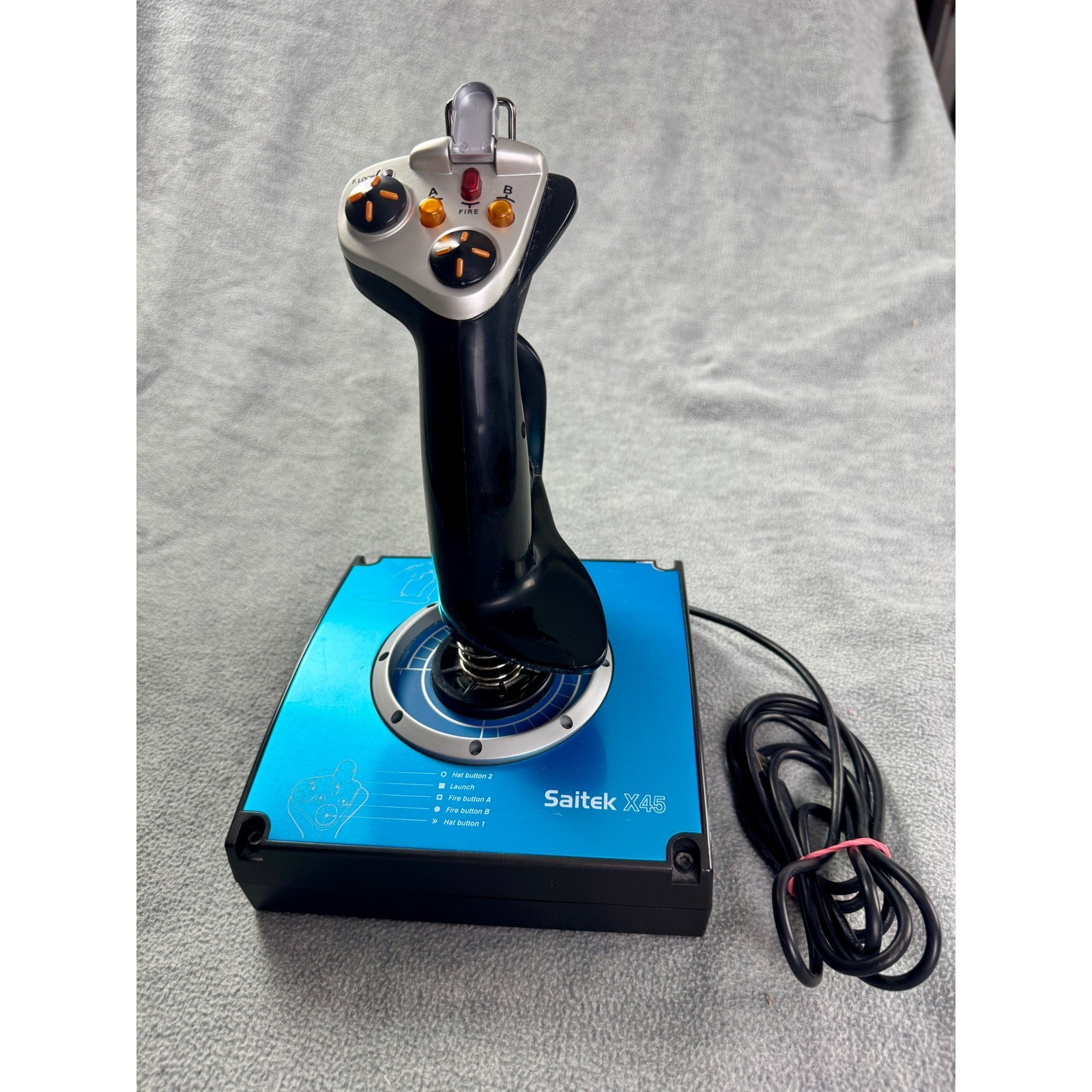 Saitek X45 Digital Flight Control Stick Joystick PC Flight Simulator Controller$38.57View on eBay
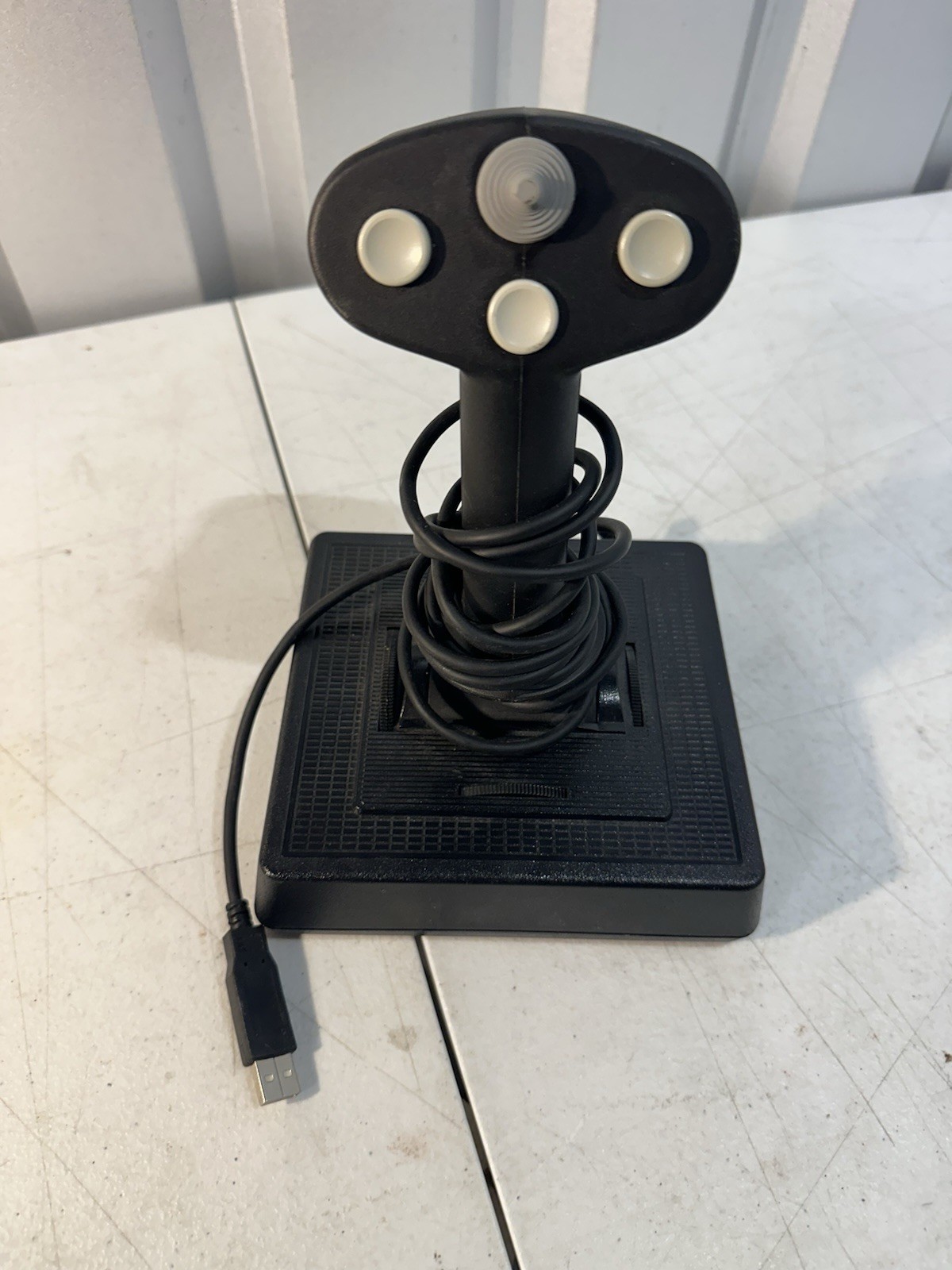 CH Products Flightstick Pro USB FSPUSB Flight Simulator Joystick Tested Working$39.00View on eBay
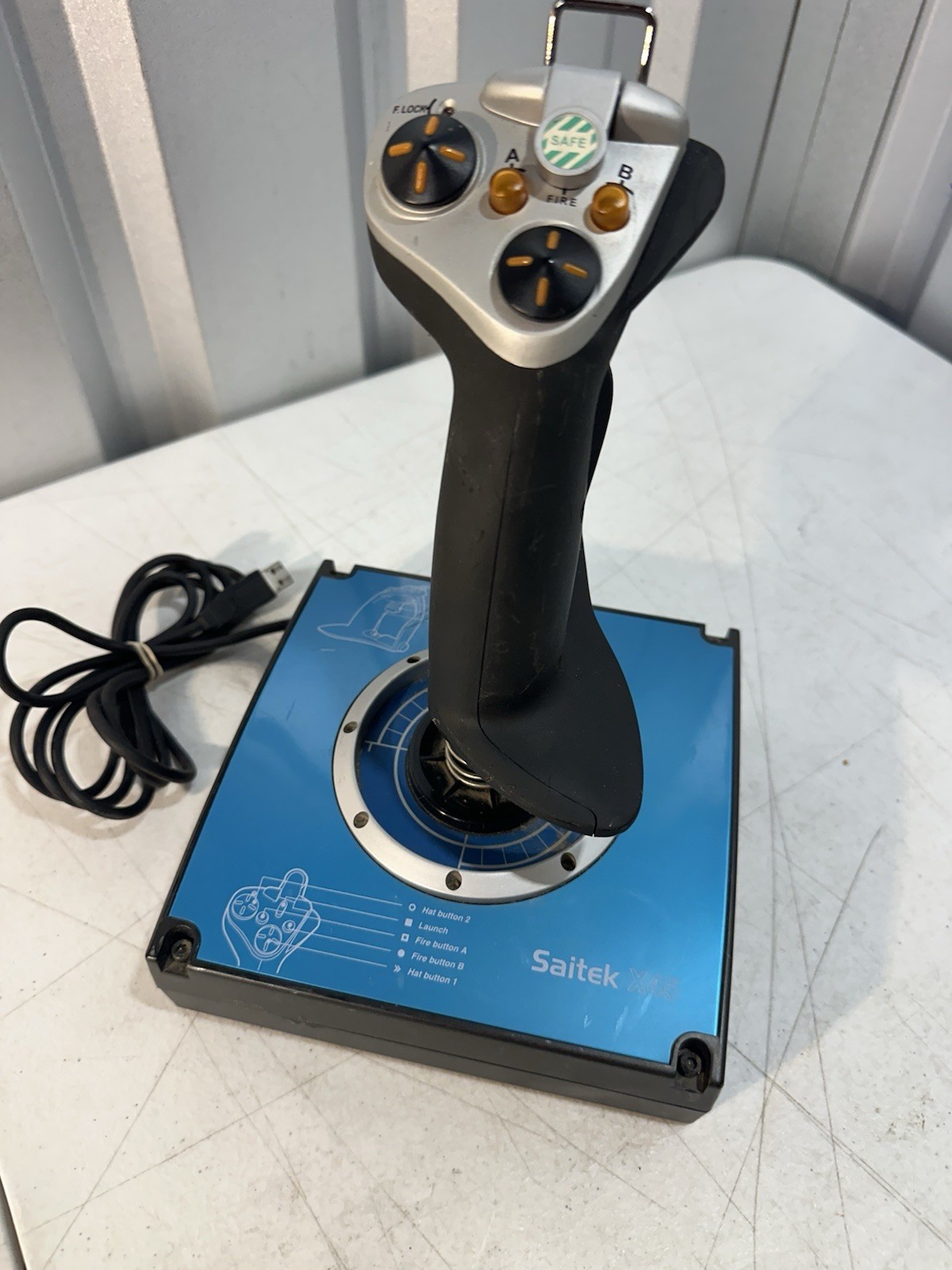 Saitek X45 Digital USB Flight Simulator Joystick Controller Tested Working$39.00View on eBay
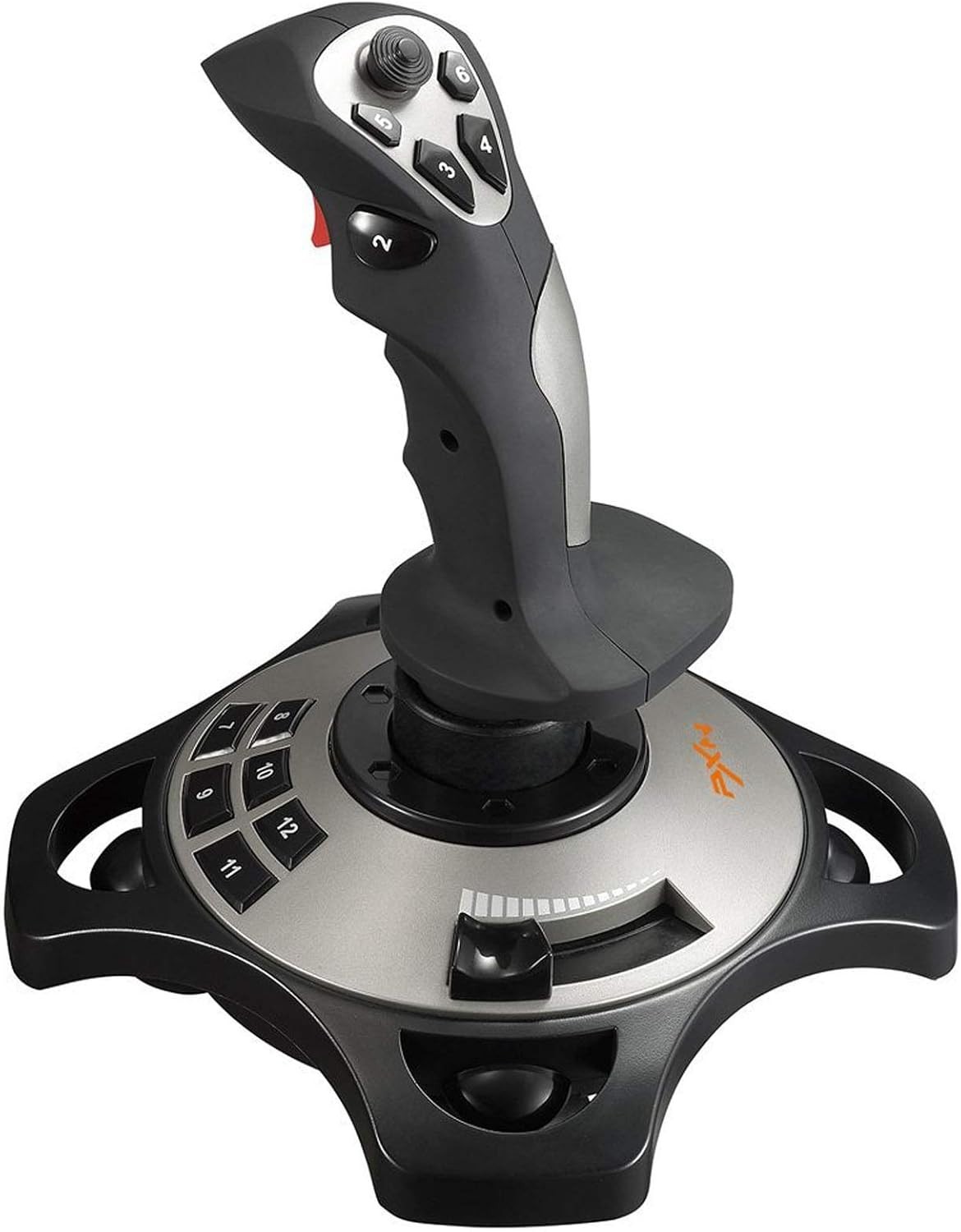 PXN 2113PRO USB Flight Simulator Joystick Gaming Flight Stick Controller PC$41.00View on eBay
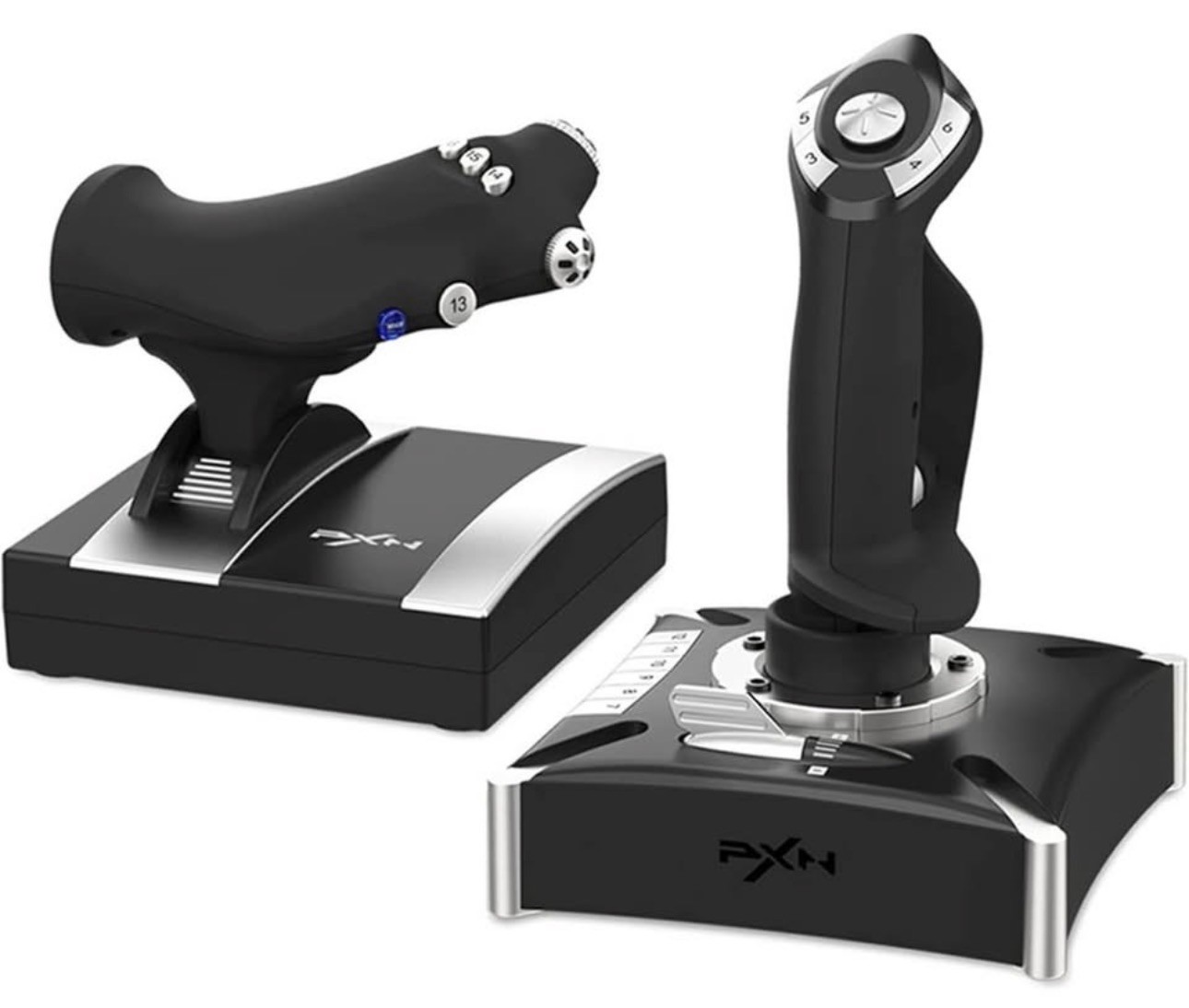 PXN-2119PRO Flight Simulator Joystick Lightweight Controller Unit f/ PC/PS4/XBOX$49.99View on eBay
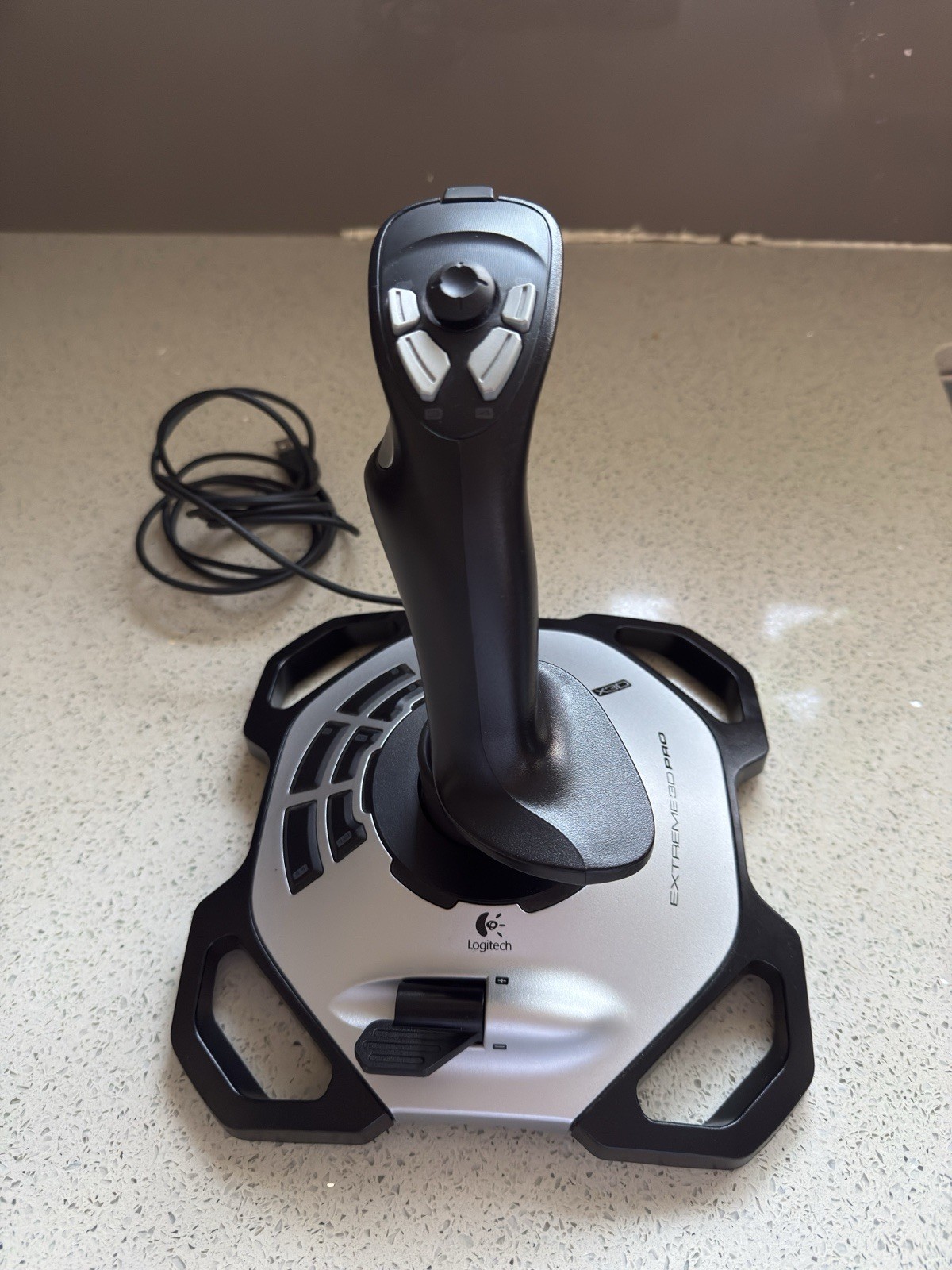 LOGITECH Extreme 3D PRO X3D J-UK17 USB Flight PC USB Simulator Joystick TESTED$53.29View on eBay
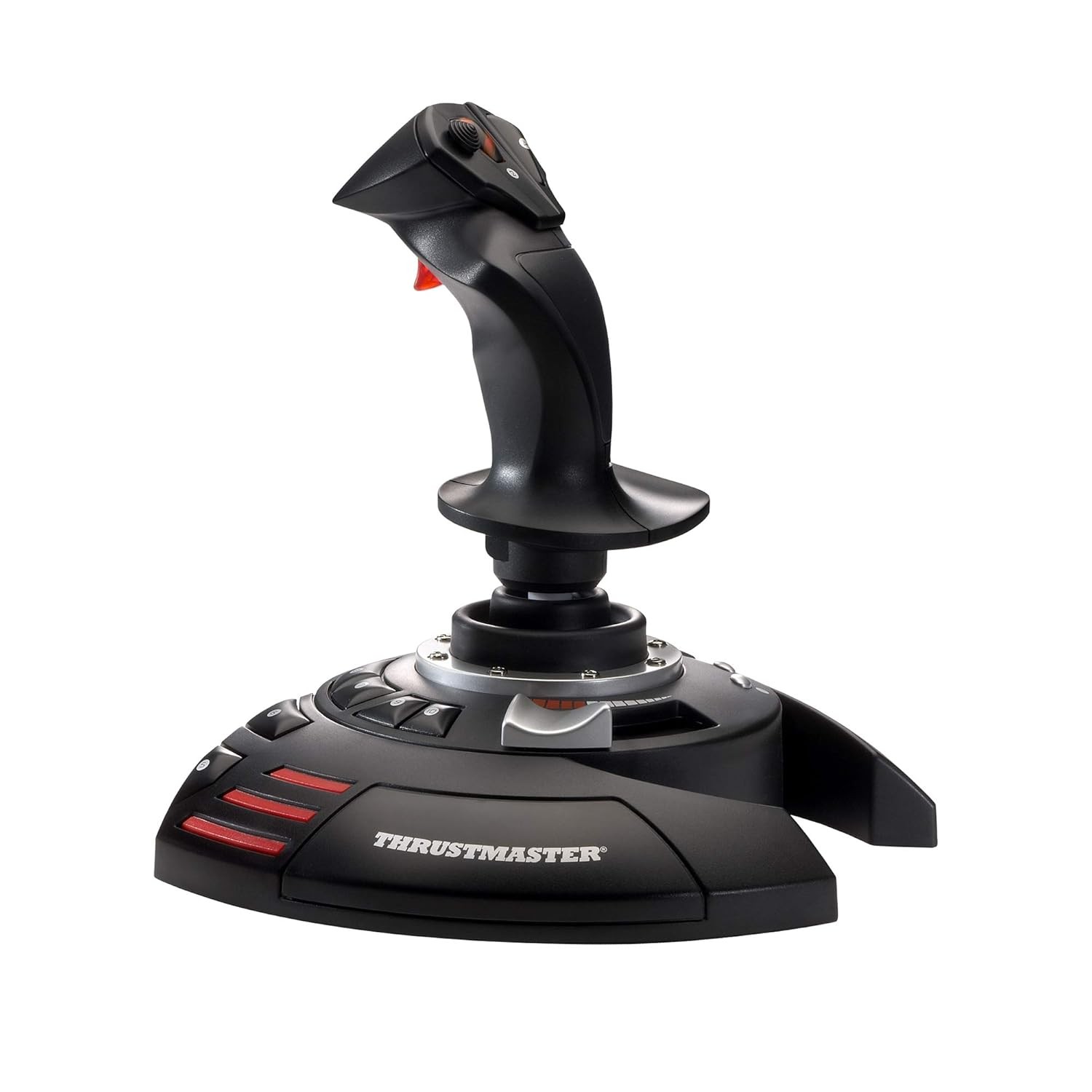 Thrustmaster T Flight Stick X Flight Simulator Controller Joystick USB$81.58View on eBay
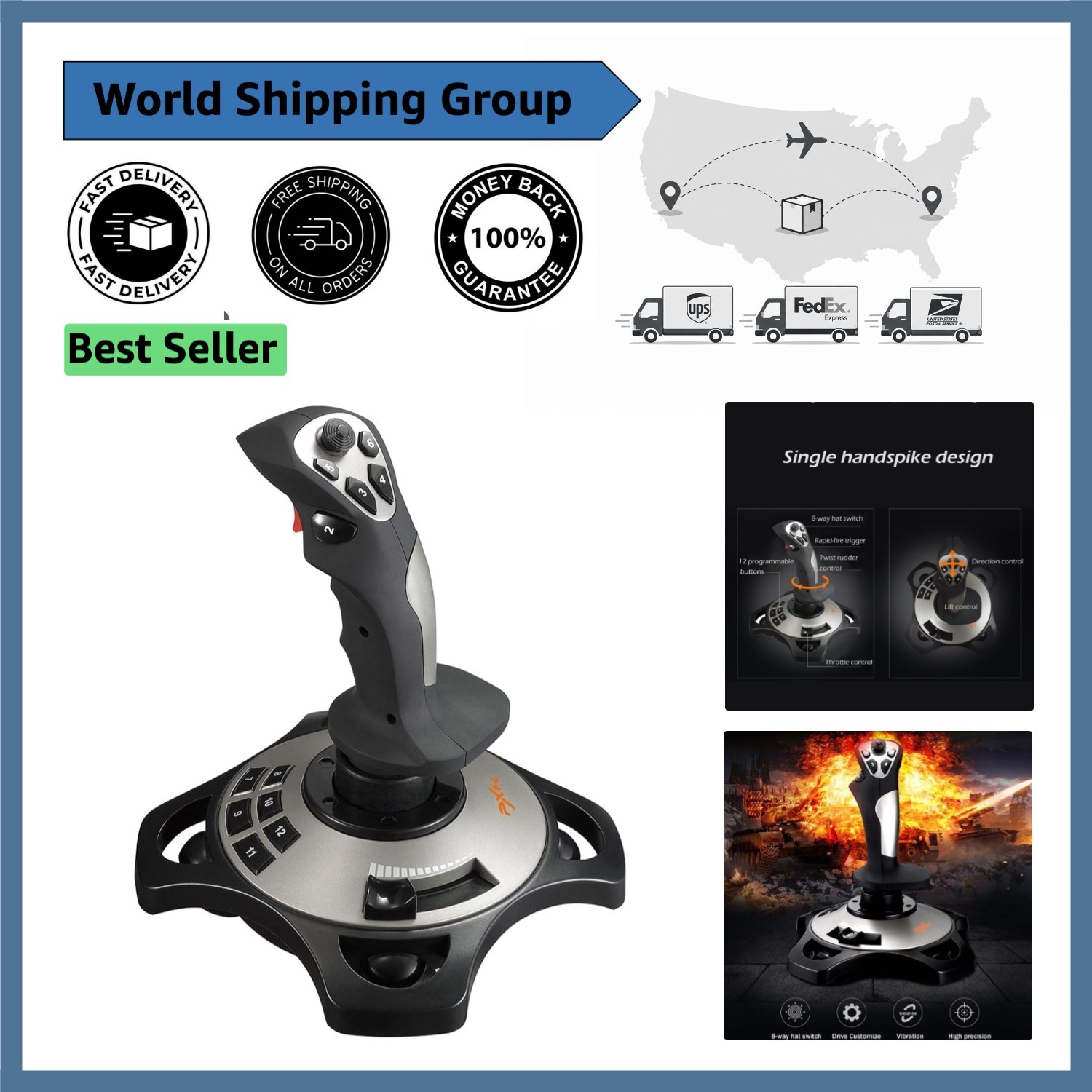 2113PRO USB Flight Simulator Joystick - Ergonomic PC Controller with Vibration$89.95View on eBay
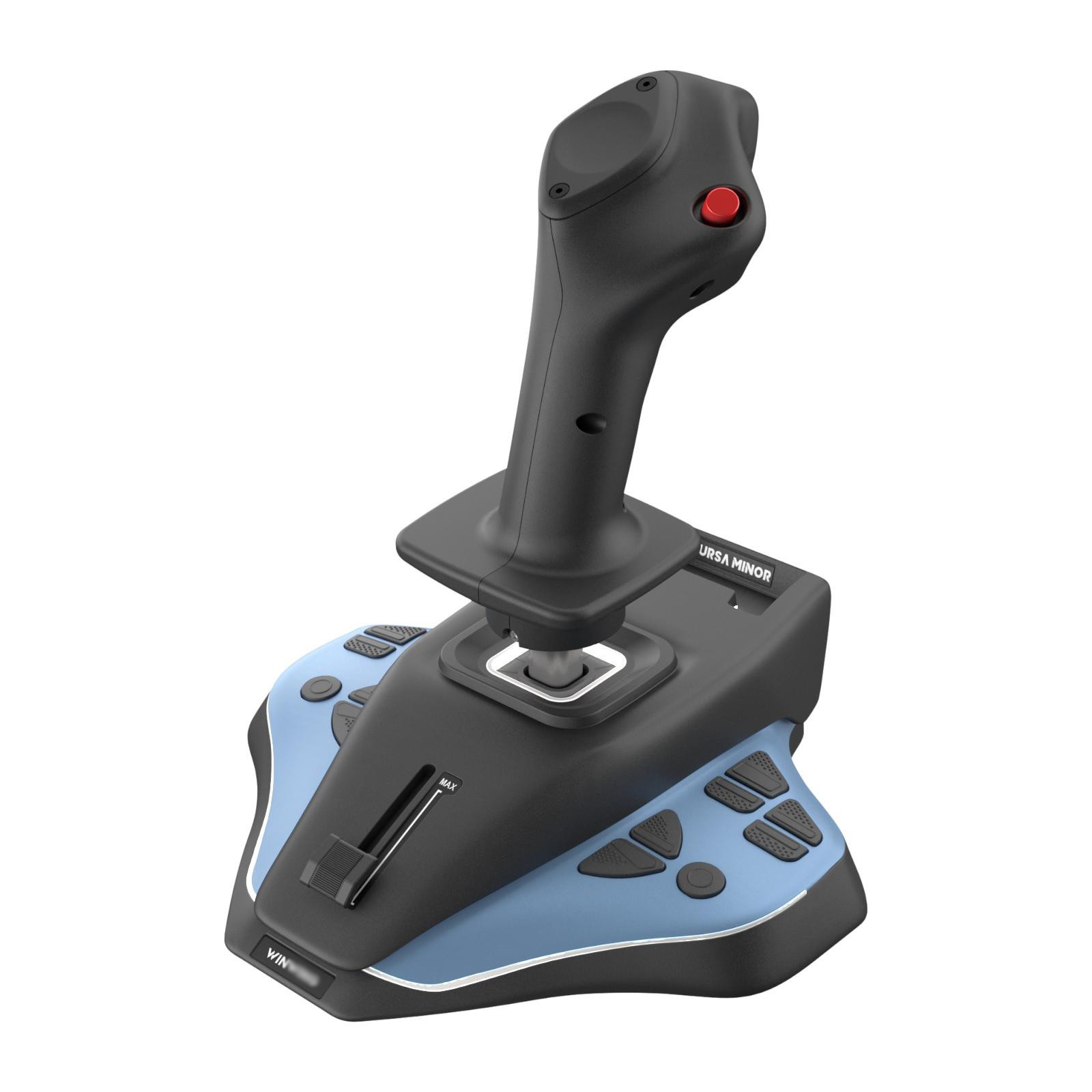 WINWING URSA MINOR Airline Joystick L Flight Simulator for X-Plane MSFS2020/24$132.89View on eBay
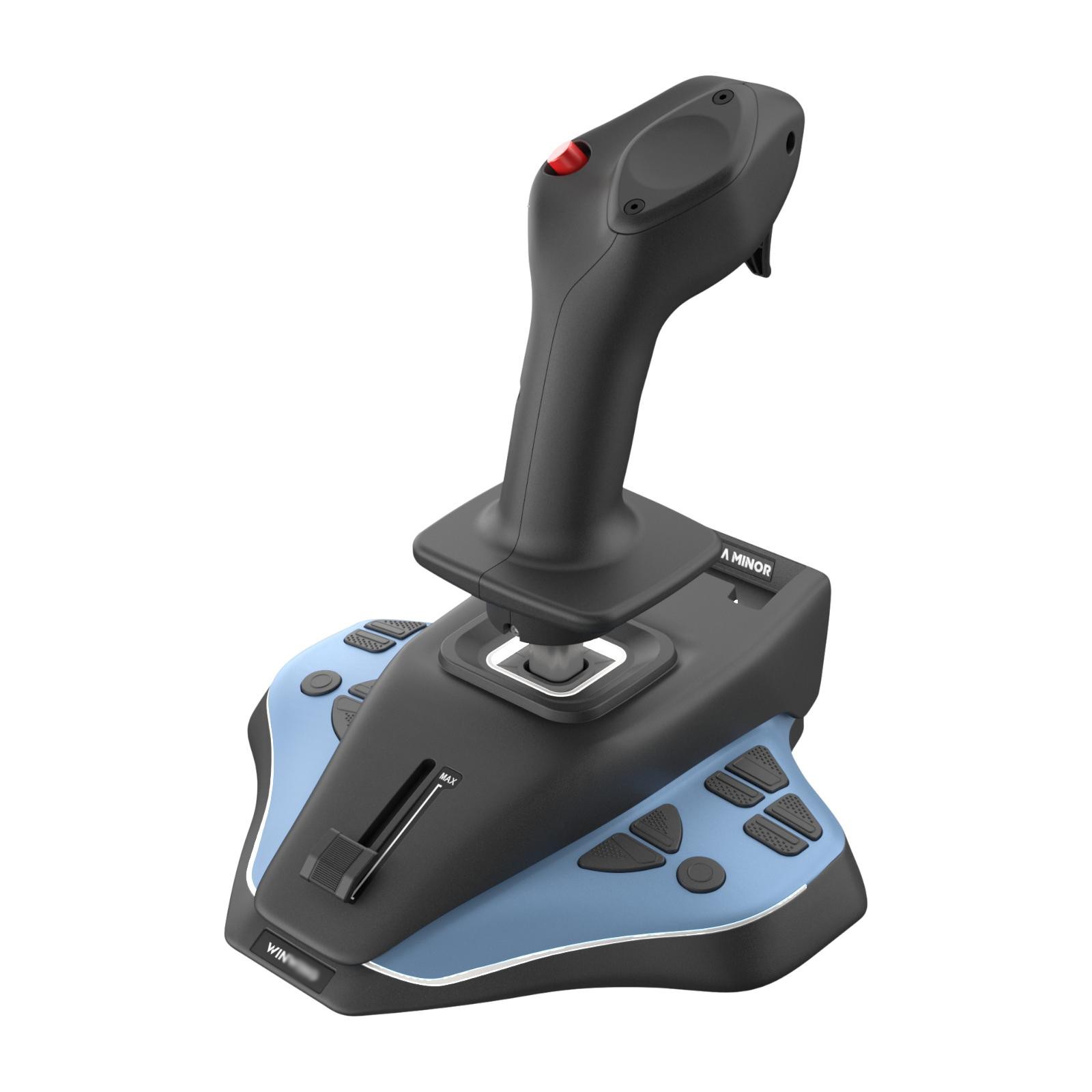 WINWING URSA MINOR Airline Joystick R Flight Simulator for X-Plane MSFS2020/24$132.89View on eBay
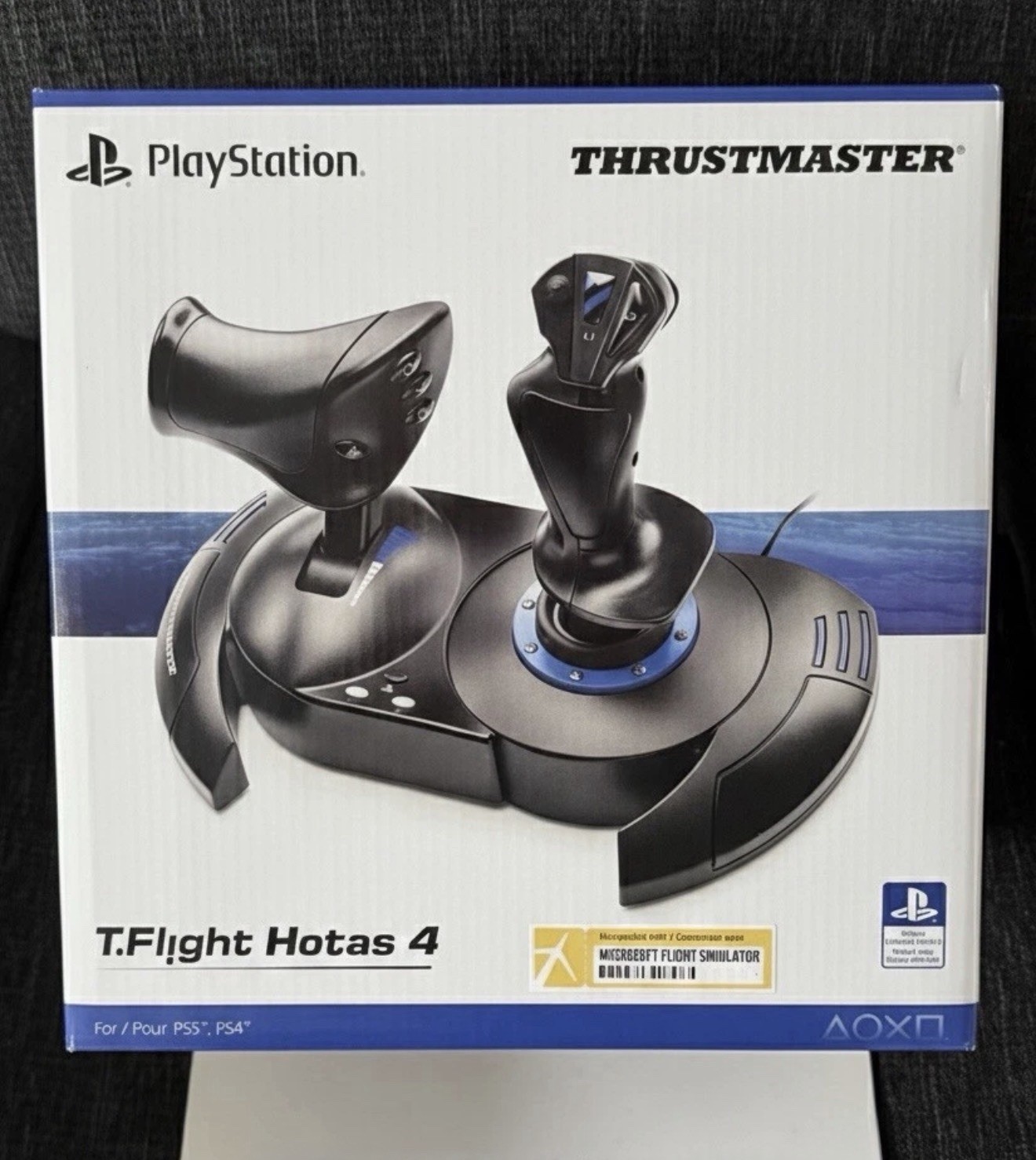 Thrustmaster T.Flight Hotas 4 Flight Stick Joystick for PS4 PS5 & PC - New$200.00Last checked Nov 18, 2026View on eBay
Highlights
- Xbox-compatible sticks must use Xbox Input Protocol (XIP) over USB; PC-only sticks use DirectInput and need a Mayflash or Brooks adapter to work on Xbox.
- Licensed Xbox HOTAS like the Thrustmaster T.Flight Hotas One include a dedicated Xbox button and work out of the box with Xbox Series X|S and Xbox One.
- Legacy PC sticks such as CH Products Flightstick Pro and Saitek X45 are DirectInput-only and will not be recognized by Xbox consoles even with a USB connection.
- Hall-effect sensors in premium sticks (e.g., Thrustmaster T.16000M FCS) resist drift and wear far better than standard potentiometers found in budget PXN and Logitech Attack 3 models.
Best use cases
- Best fit: Buy a Thrustmaster T.Flight Hotas One or Hori HOTAS Flight Stick if you play Microsoft Flight Simulator on Xbox Series X|S and want plug-and-play native support.
- Wrong fit: Skip the Logitech Extreme 3D Pro or CH Products Flightstick Pro if your only platform is Xbox—these are PC-only DirectInput devices requiring an adapter.
- Best fit: Choose a PXN-2113PRO or similar budget stick only if you also play on PC and accept that Xbox compatibility may require a firmware update or is absent.
- Wrong fit: Avoid Gameport (DB15) sticks like the Dexxa/Logitech Gameport model for any modern Xbox or PC setup—they require a legacy gameport-to-USB adapter and lack modern driver support.
Buying tips
- Confirm the stick lists 'Xbox One' or 'Xbox Series X|S' compatibility in its official specs; PC-only sticks like the Saitek X45 will not work natively on Xbox.
- Prioritize sticks with Hall-effect sensors (e.g., Thrustmaster T.16000M) over potentiometer-based budget sticks for longer life and no deadzone drift.
- Check that the stick includes a detachable USB cable and at least 12 programmable buttons if you plan to use it for complex simulators like Microsoft Flight Simulator.
- For Xbox use, avoid sticks that rely on third-party adapters—latency and button mapping issues are common; native Xbox-licensed models are the reliable choice.
Specs
| Xbox Compatibility | Native XIP vs PC-only DirectInput |
|---|---|
| Sensor Type | Hall-effect vs potentiometer |
| Connection | USB-A wired / Gameport legacy |
| Button Count | 12+ programmable buttons |
Related searches
What to check before buying
- Verify your Xbox console model (Xbox One vs Series X|S) and confirm the stick's compatibility list explicitly includes it.
- Measure your desk or lap space: HOTAS setups like the T.Flight Hotas One need at least 50 cm width for stick and throttle side by side.
- Check that the stick has a USB-A connector and that your Xbox has a free USB port; avoid Gameport or serial connectors entirely.
- Confirm the stick includes Xbox-specific buttons (Guide button, View/Menu) or a mode switch for console navigation.
FAQ
Data sources: eBay / Amazon listings and product attribute feeds. Updated Nov 27, 2026.
Some links on this page are affiliate links. If you buy after clicking one, we may earn a commission at no extra cost to you. This does not change which products appear here or their order. Affiliate disclosure.