
Photos from current listings. Actual item, color, and included accessories may vary.
Flight Controller Xbox One Buying Guide
A flight controller for Xbox One is a specialized joystick/HOTAS that must be officially licensed or firmware-compatible with the Xbox One console, not just a generic PC stick. The core trade-off is console compatibility versus flight-sim fidelity: PC-first sticks often need adapters or offer no Xbox support, while console-licensed sticks sacrifice button remapping and build quality for plug-and-play. Buy only a stick explicitly rated for Xbox One; PC-only sticks like the PXN-2103, Saitek X45, or Thrustmaster T-Flight Stick X will not work natively on the console.
Median $40.00
Key takeaways
- Xbox One requires Microsoft-licensed controllers or those with Xbox One firmware; generic USB HID joysticks are not recognized by the console's input stack.
- Console-licensed flight sticks typically use a fixed button mapping (A/B/X/Y, triggers, bumpers) and lack PC-style remapping software.
- Budget flight sticks often use potentiometers with 8-bit resolution and dead zones, while mid-tier sticks use Hall-effect sensors for drift-free centering.
At a glance
- Category
- Flight Sim Joysticks & HOTAS
- Last updated
- Nov 27, 2026
Current offers
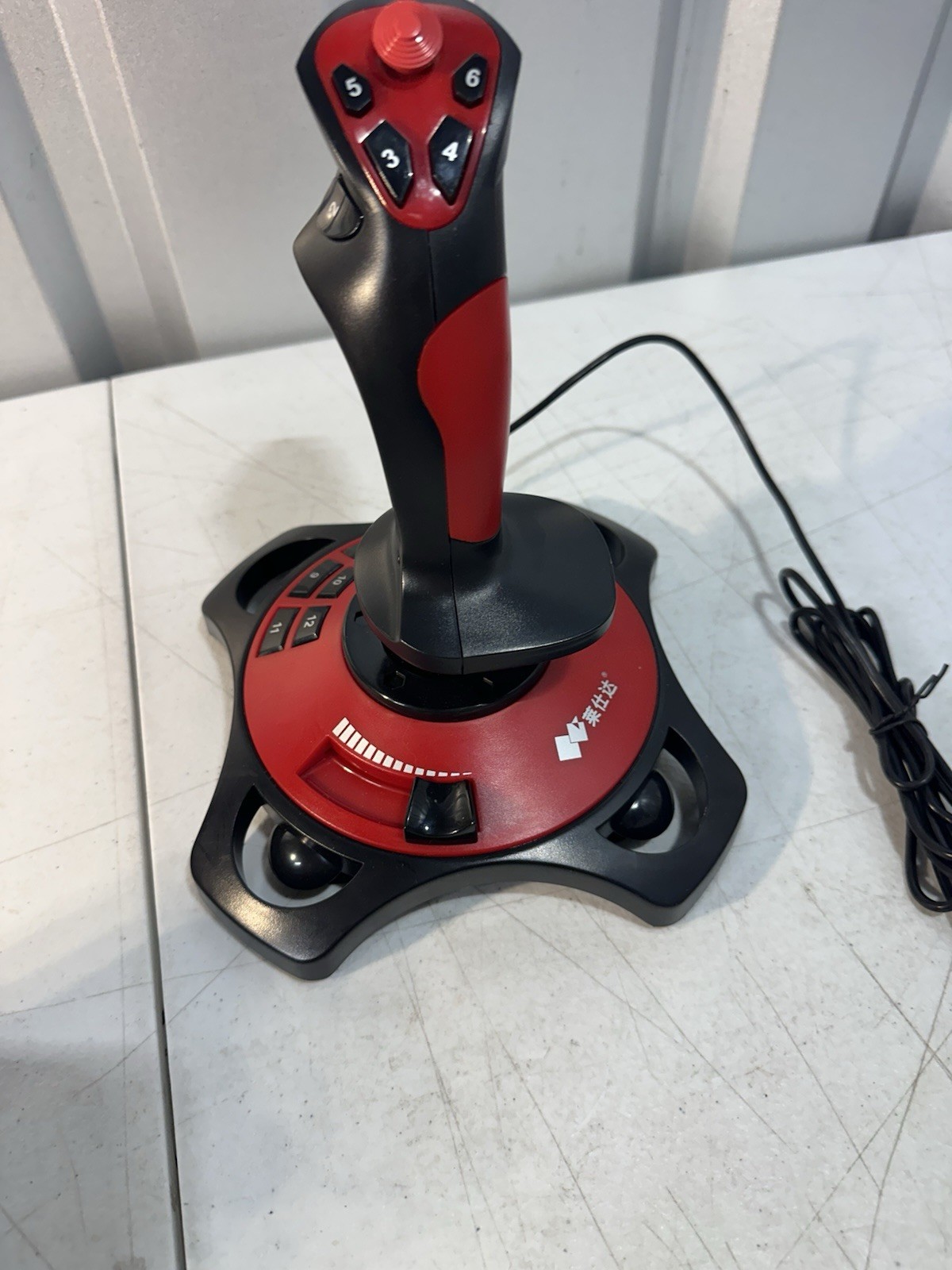 PXN-2103 USB Flight Simulator Joystick 12 Button PC Gaming Controller Tested$29.00View on eBay
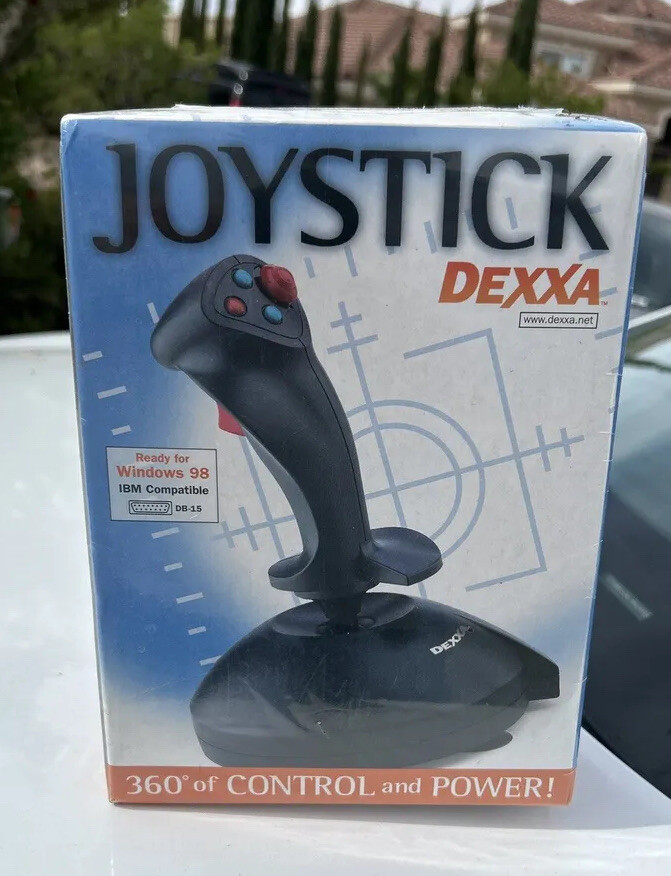 Dexxa Logitech Flight Simulator Joystick Controller for PC Gameport DB15 sealed$29.96View on eBay
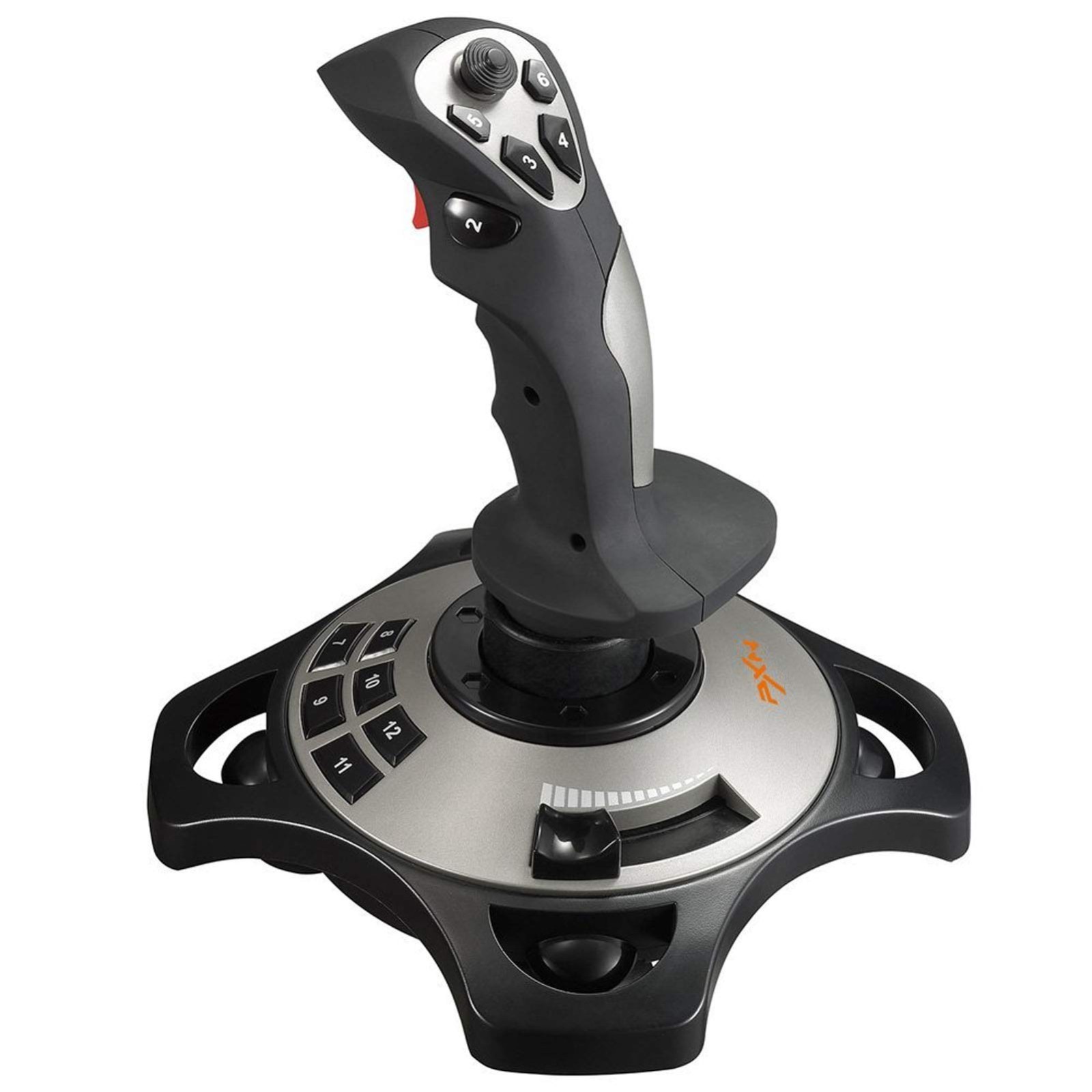 PXN 2113PRO USB Flight Simulator Joystick Gaming Flight Stick Controller PC$32.00View on eBay
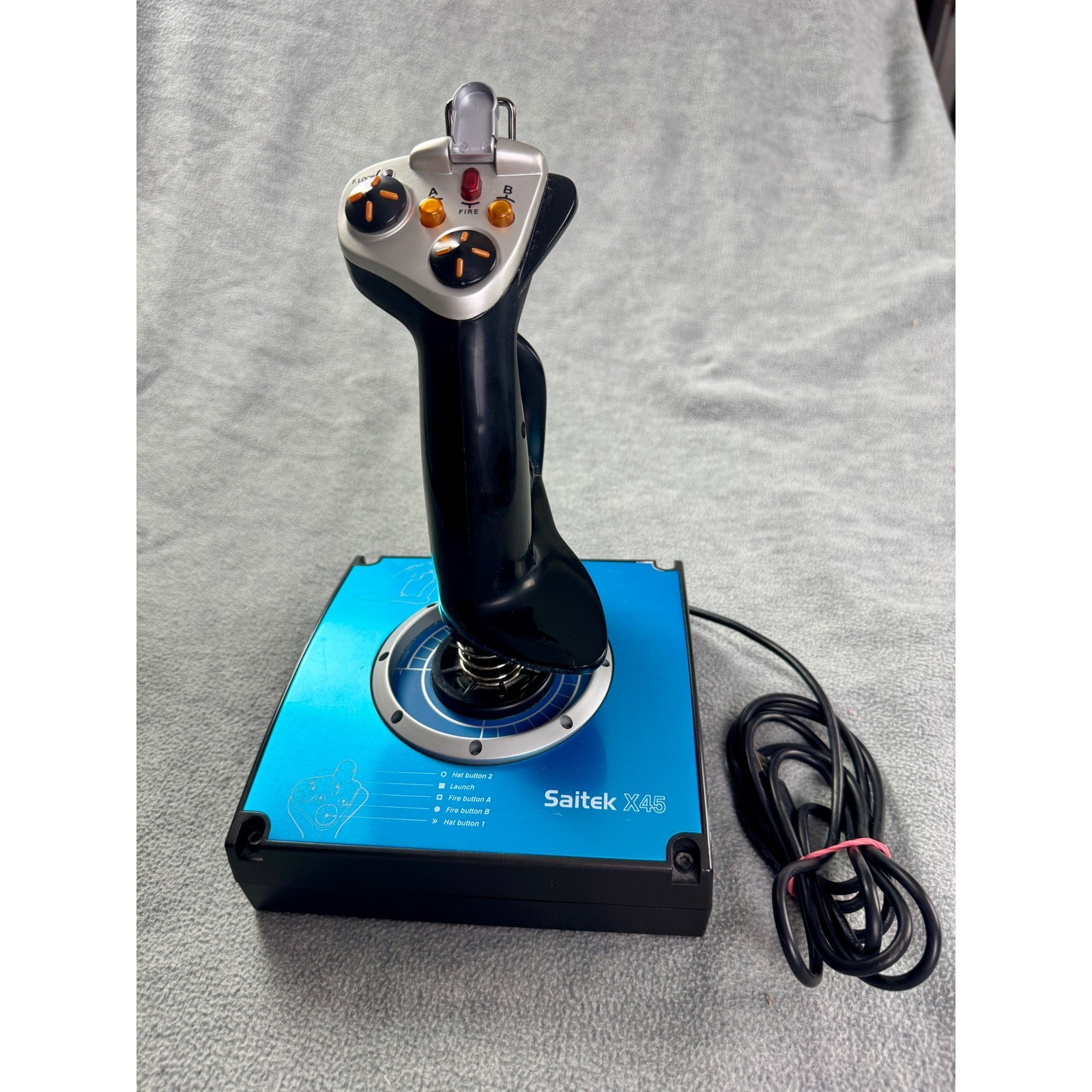 Saitek X45 Digital Flight Control Stick Joystick PC Flight Simulator Controller$38.57View on eBay
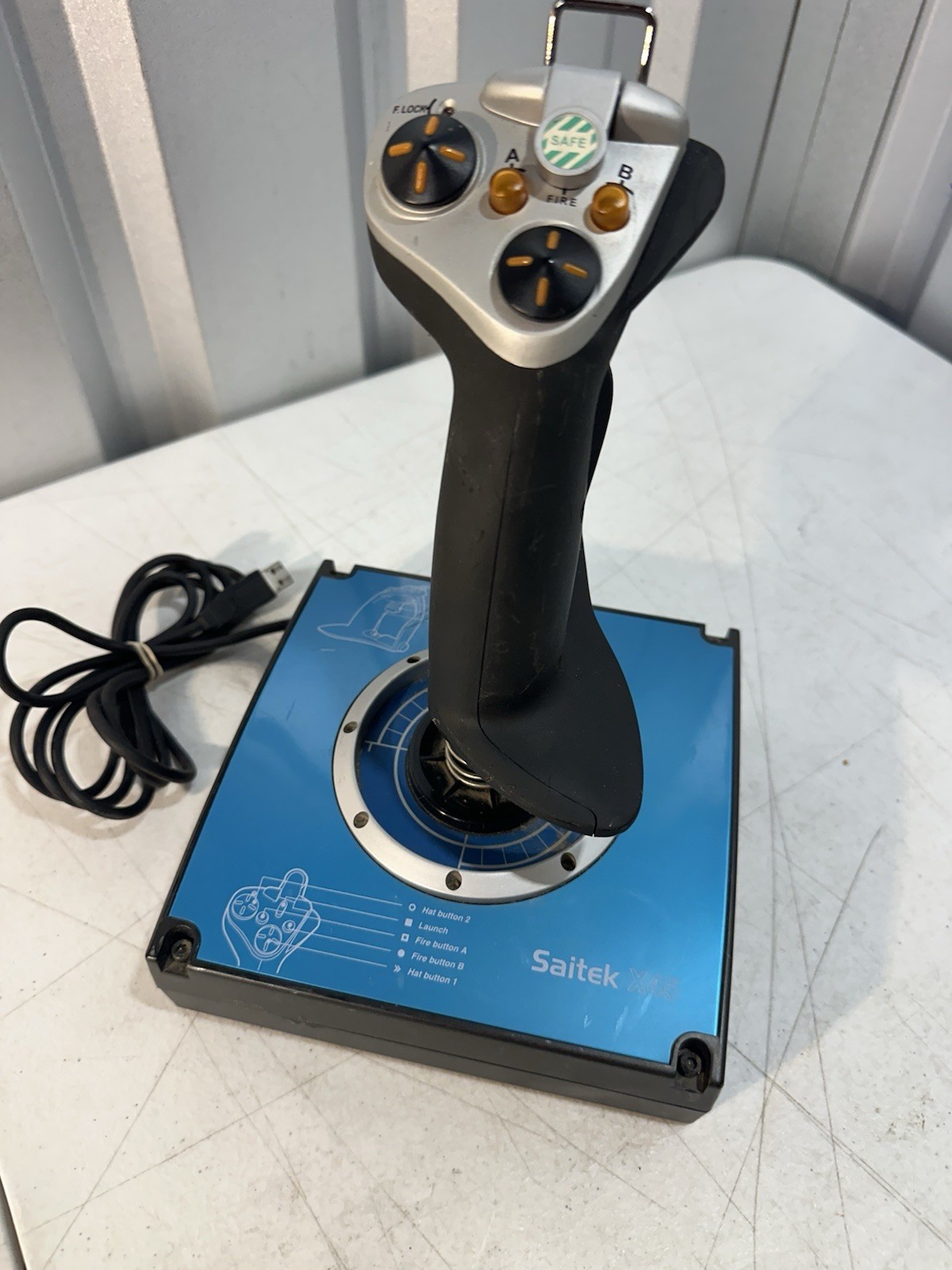 Saitek X45 Digital USB Flight Simulator Joystick Controller Tested Working$39.00View on eBay
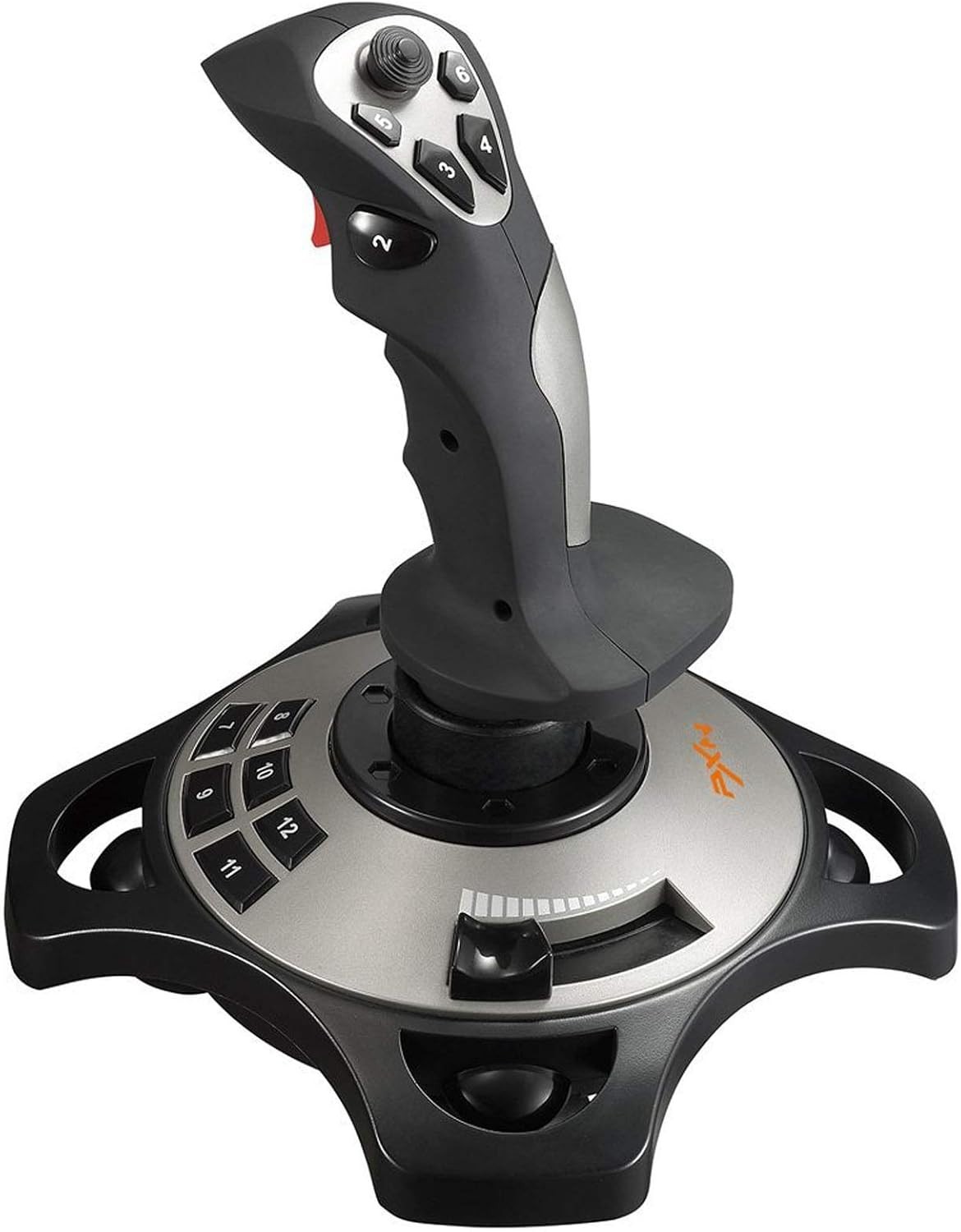 PXN 2113PRO USB Flight Simulator Joystick Gaming Flight Stick Controller PC$41.00View on eBay
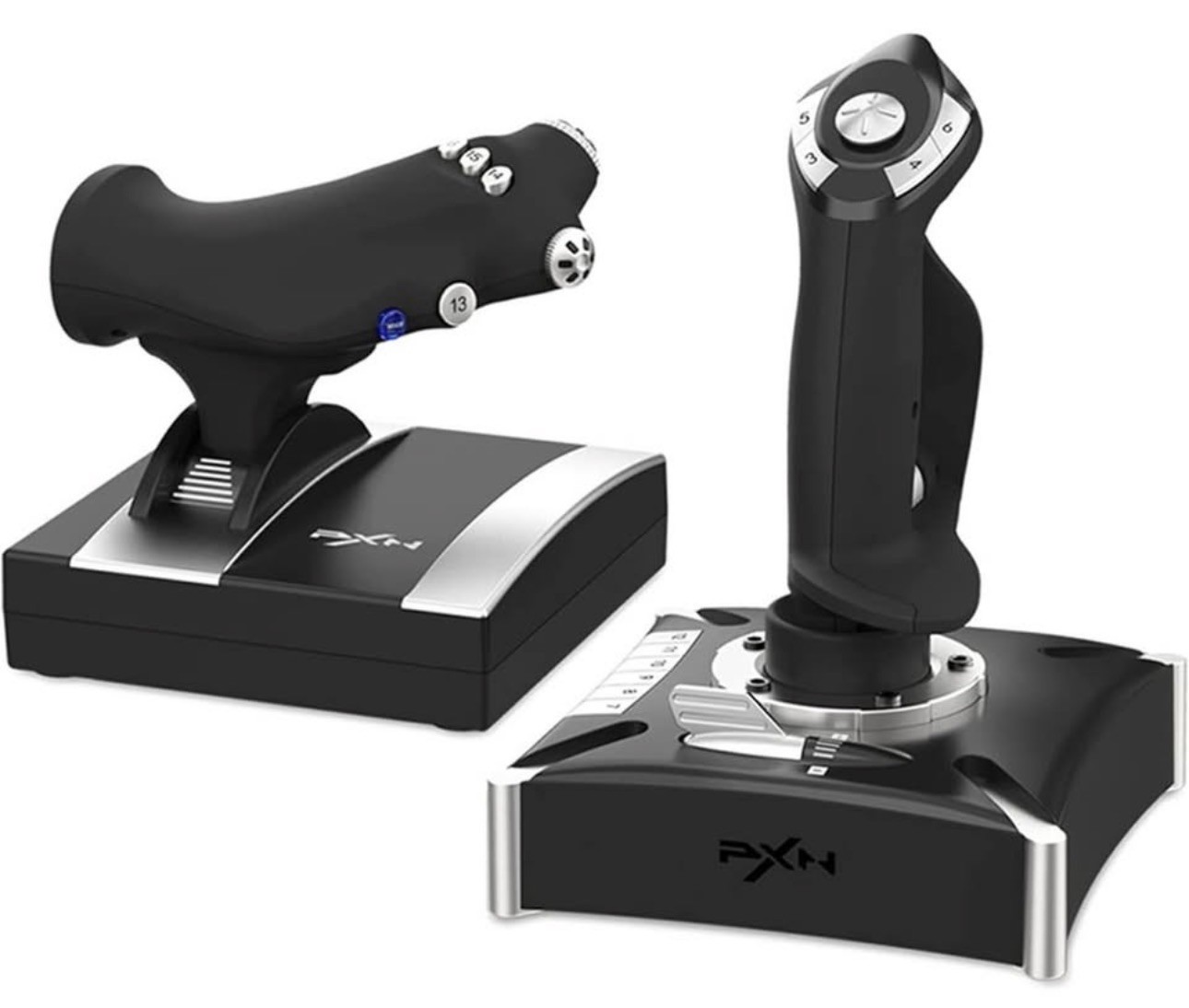 PXN-2119PRO Flight Simulator Joystick Lightweight Controller Unit f/ PC/PS4/XBOX$49.99View on eBay
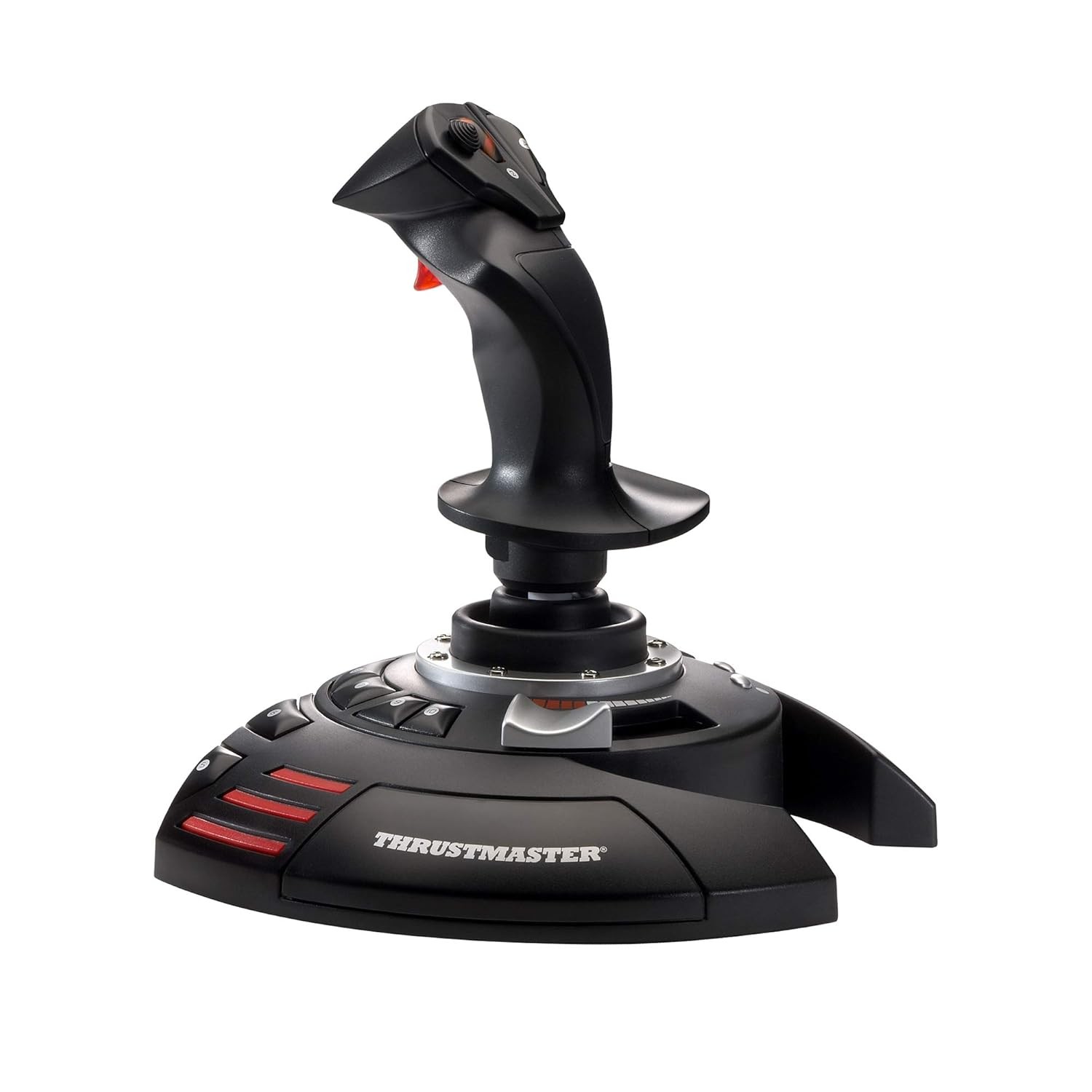 Thrustmaster T Flight Stick X Flight Simulator Controller Joystick USB$81.58View on eBay
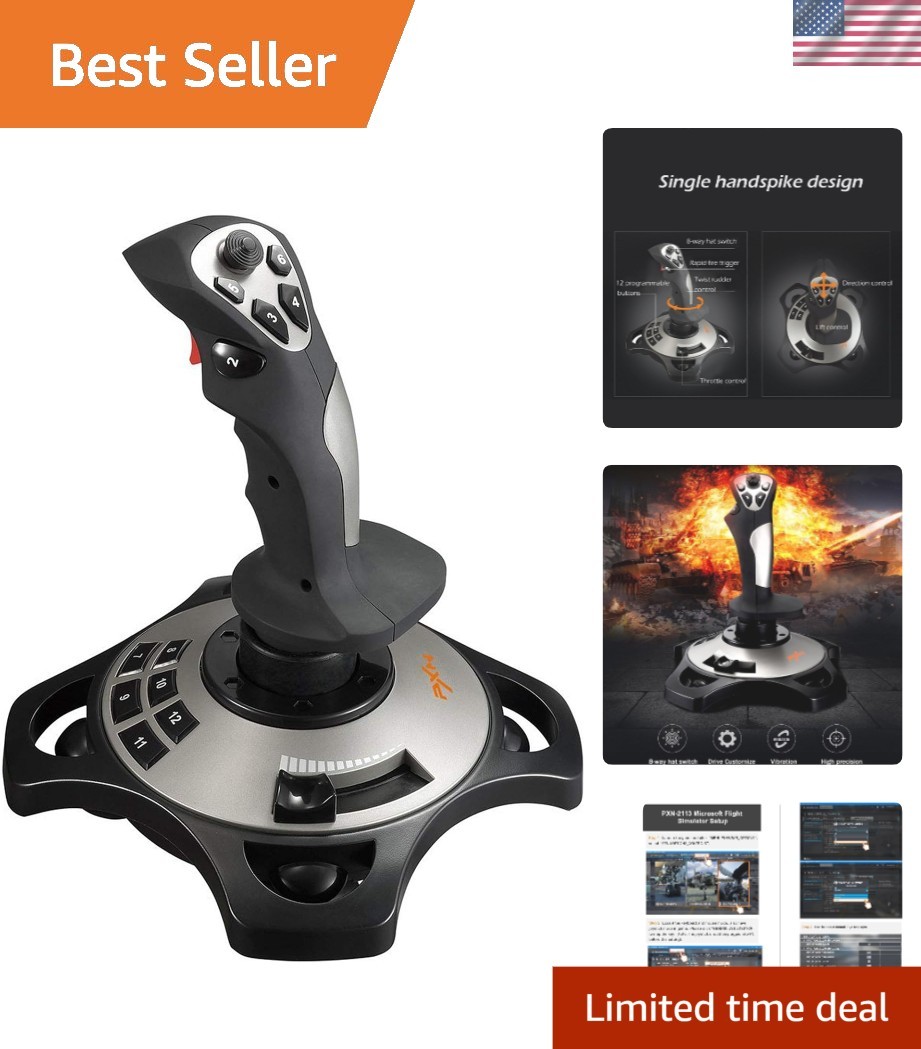 Advanced 2113PRO Flight Simulator Controller - 12 Programmable Buttons Included$89.99View on eBay
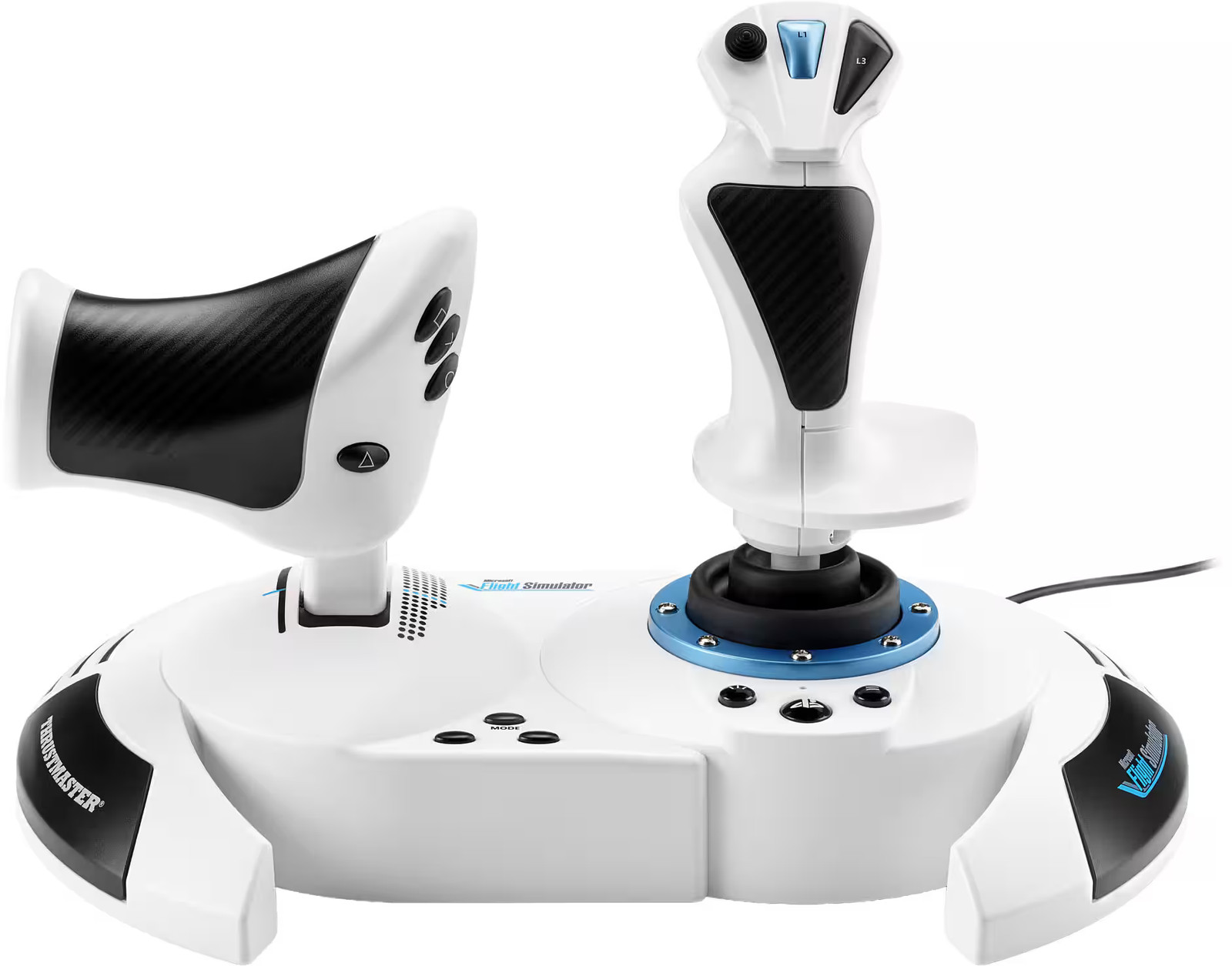 Thrustmaster - T.Flight Hotas 5 Microsoft Flight Simulator Controller Joystic...$109.99View on eBay
Highlights
- Xbox One requires Microsoft-licensed controllers or those with Xbox One firmware; generic USB HID joysticks are not recognized by the console's input stack.
- Console-licensed flight sticks typically use a fixed button mapping (A/B/X/Y, triggers, bumpers) and lack PC-style remapping software.
- Budget flight sticks often use potentiometers with 8-bit resolution and dead zones, while mid-tier sticks use Hall-effect sensors for drift-free centering.
- HOTAS separates add a throttle axis and extra buttons; Xbox One support is rare and usually limited to licensed models like the Thrustmaster T.Flight Hotas One.
Best use cases
- Best fit: Buy the Thrustmaster T.Flight Hotas One if you want native Xbox One support and a separate throttle—it is officially licensed and plug-and-play.
- Wrong fit: Skip PC-only sticks like the PXN-2103 or Saitek X45 for Xbox One—they lack the required Xbox security chip and will not register inputs.
- Best fit: Choose a compact Xbox-licensed flight stick if you play in a living-room setup and need a lightweight, lap-friendly controller without a separate throttle.
- Wrong fit: Do not buy a generic 'Xbox-compatible' listing without model confirmation; only Microsoft-licensed or explicitly Xbox One-rated sticks work reliably.
Buying tips
- Confirm the stick is explicitly 'Designed for Xbox' or 'Xbox One licensed'—look for the Xbox logo on the product and packaging, not just 'PC compatible'.
- Check button count and mapping: Xbox One flight sticks usually expose 12–16 buttons; if you need more, you must move to a PC-based HOTAS with a console adapter.
- Prefer Hall-effect or contactless sensors over potentiometers for longevity; potentiometers wear out and cause spiking within a few years of heavy use.
- Match the stick's cable length and USB connector to your console placement—Xbox One has front and rear USB-A ports; avoid sticks with short fixed cables in media consoles.
Specs
| Console Compatibility | Xbox One licensed vs PC-only |
|---|---|
| Sensor Type | Hall-effect vs potentiometer |
| Throttle | Integrated vs separate HOTAS |
| Connection | USB-A wired |
Related searches
What to check before buying
- Measure your seating distance: Xbox One flight sticks typically have 6–10 ft cables; ensure the cable reaches from the console to your lap or desk without strain.
- Verify your Xbox One model has an available USB-A port—Xbox One S and X have rear USB; original Xbox One has side USB.
- Check game compatibility: only a handful of Xbox One titles (e.g., flight sims and arcade flyers) support joystick input; verify the game lists joystick support.
- Ensure you have a stable, flat surface for the stick base—most console sticks use suction cups or weighted bases that need a non-porous surface.
FAQ
Data sources: eBay / Amazon listings and product attribute feeds. Updated Nov 27, 2026.
Some links on this page are affiliate links. If you buy after clicking one, we may earn a commission at no extra cost to you. This does not change which products appear here or their order. Affiliate disclosure.