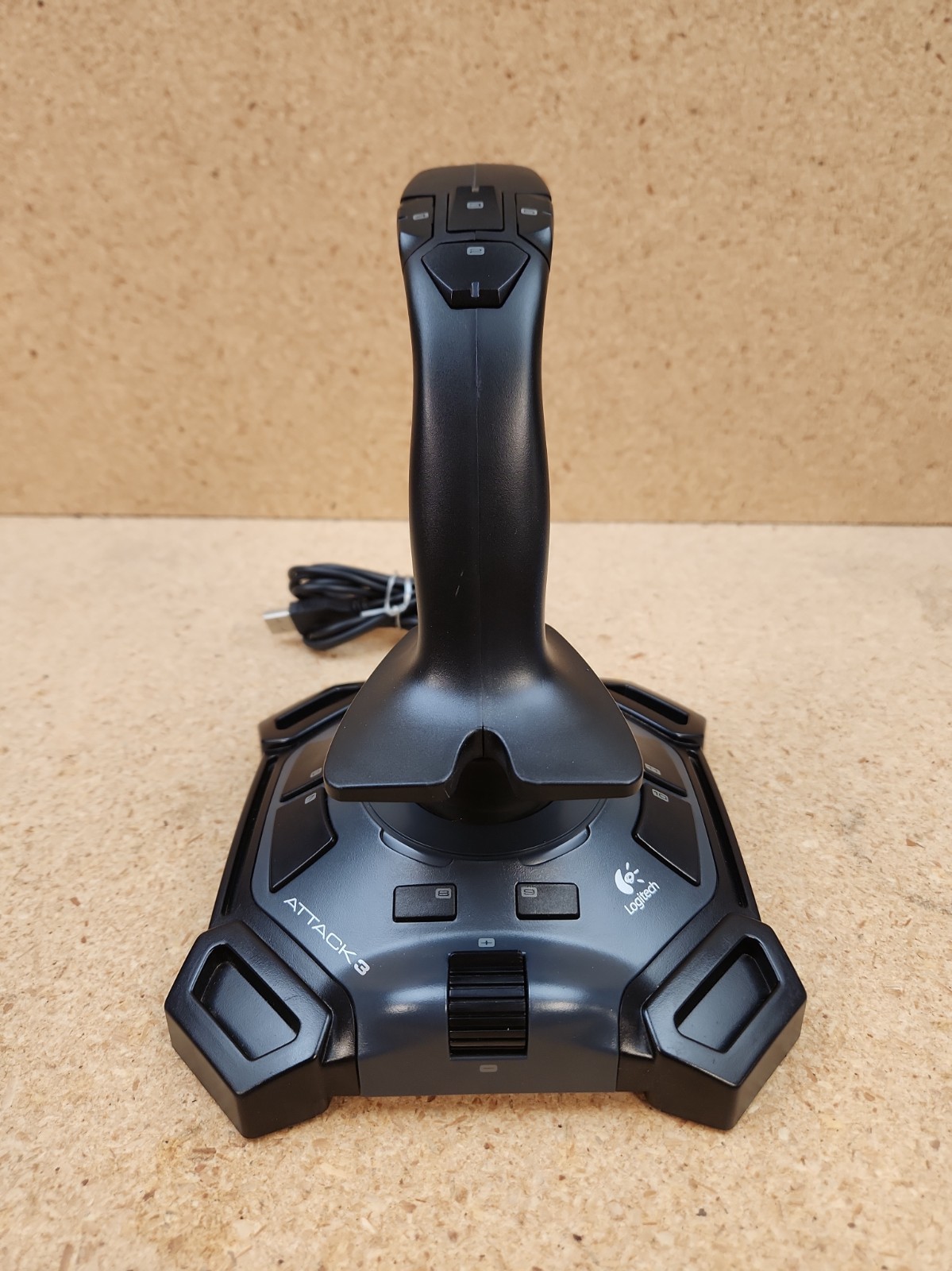

Photos from current listings. Actual item, color, and included accessories may vary.
Flight Control Xbox Series X Buying Guide
Xbox Series X flight controls are a narrow but critical segment: most HOTAS and joysticks are PC-only, and Xbox compatibility is only official when the manufacturer explicitly licenses the console. The primary trade-off is console certification versus raw sensor quality—PC-first sticks often use better Hall-effect gimbals but need a third-party adapter to work on Xbox. The decision rule: buy only a stick whose official product page lists Xbox Series X|S support; if you must use a PC stick, budget for a compatible adapter and accept button-mapping limits.
Median $35.95
Key takeaways
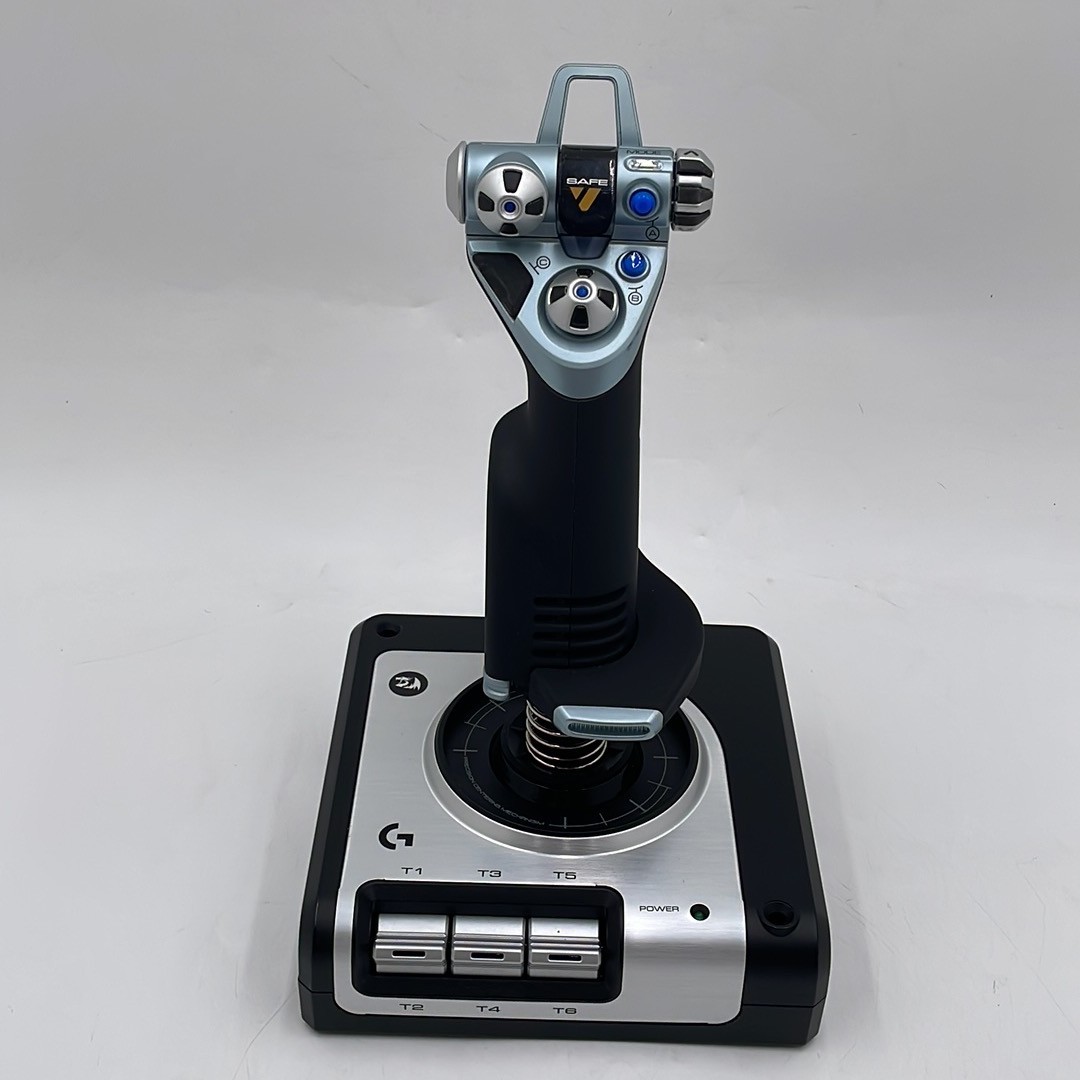
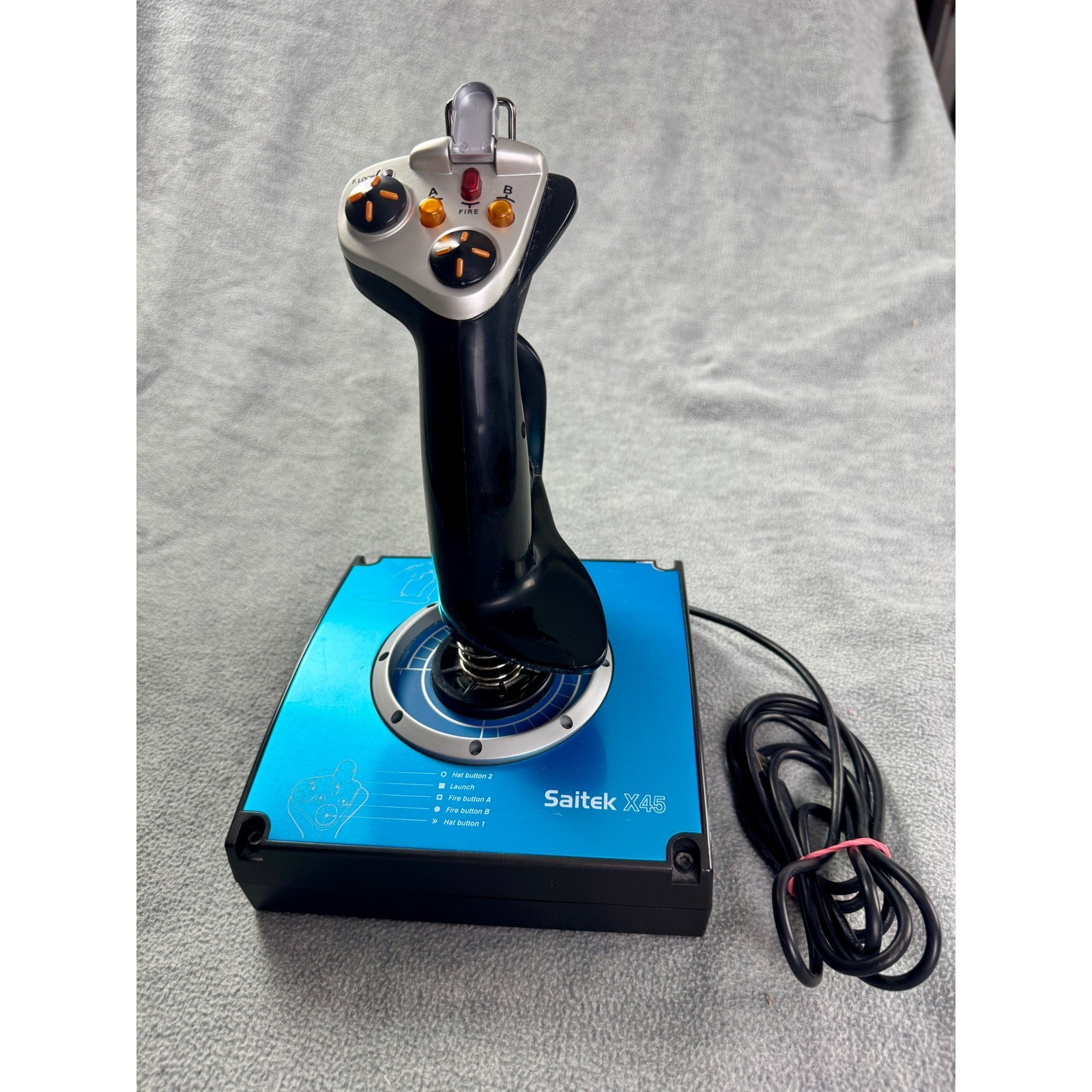
- Official Xbox compatibility is model-specific: Thrustmaster T.Flight Hotas One and T.Flight Rudder Pedals are licensed for Xbox Series X|S; Logitech X52/X56 and Saitek X45 are PC-only and will not enumerate on Xbox without an adapter.
- Sensor type determines longevity: potentiometer gimbals (Logitech Attack 3, Saitek X45) wear and develop dead zones; Hall-effect magnetic sensors (Thrustmaster T.16000M, Airbus Edition) avoid physical contact wear and hold center better.
- Xbox input architecture requires XInput; PC sticks use DirectInput and raw HID, so a passive USB adapter will not work—only active converters with Xbox security chip (e.g., Brook Wingman XB) translate DirectInput to XInput.
At a glance
- Category
- Flight Sim Joysticks & HOTAS
- Last updated
- Nov 27, 2026
Current offers
Highlights
- Official Xbox compatibility is model-specific: Thrustmaster T.Flight Hotas One and T.Flight Rudder Pedals are licensed for Xbox Series X|S; Logitech X52/X56 and Saitek X45 are PC-only and will not enumerate on Xbox without an adapter.
- Sensor type determines longevity: potentiometer gimbals (Logitech Attack 3, Saitek X45) wear and develop dead zones; Hall-effect magnetic sensors (Thrustmaster T.16000M, Airbus Edition) avoid physical contact wear and hold center better.
- Xbox input architecture requires XInput; PC sticks use DirectInput and raw HID, so a passive USB adapter will not work—only active converters with Xbox security chip (e.g., Brook Wingman XB) translate DirectInput to XInput.
- HOTAS throttle and rudder axes on Xbox are limited: the console maps only a subset of axes per title, and games like Microsoft Flight Simulator support specific HOTAS models, so verify the in-game controller preset list before buying.
Best use cases
- Best fit: Xbox Series X owner who wants plug-and-play flight sticks for Microsoft Flight Simulator or War Thunder—buy the Thrustmaster T.Flight Hotas One (officially licensed, includes Xbox guide button and thumbstick).
- Wrong fit: Buy a Logitech X52 or Saitek X45 for Xbox use—these are PC-only DirectInput devices and will not be recognized by the console; choose a licensed Xbox HOTAS or add a Brook Wingman XB adapter.
- Best fit: PC-first simmer who occasionally plays on Xbox—pick a Hall-effect stick like the Thrustmaster T.16000M and pair it with an active XInput adapter, accepting that some buttons and the throttle detent may not map in console menus.
- Wrong fit: Expecting full button parity on Xbox—console flight titles often cap mappable buttons and omit axis curves; if you need every hat and toggle, stay on PC.
Buying tips
- Check the box or official spec sheet for the Xbox logo and 'Xbox Series X|S' in the compatibility list—third-party sellers often mislabel PC sticks as Xbox-ready.
- Prefer Hall-effect magnetic sensors over potentiometers for the gimbal and twist rudder; potentiometers degrade after heavy use and cause drift that cannot be fixed in console software.
- If using a PC stick on Xbox, budget for an active adapter with Xbox security chip (Brook Wingman XB or similar); passive USB adapters and hubs will not translate DirectInput to XInput.
- Match stick resistance to your mount: desktop use favors lighter spring tension (T.Flight Hotas One), while cockpit or chair-mount setups benefit from heavier springs and metal bases (X52/X56 class) for stability.
Specs
| Xbox Compatibility | Licensed Xbox vs PC-only DirectInput |
|---|---|
| Gimbal Sensor | Hall-effect magnetic vs potentiometer |
| Connection | Wired USB-A (XInput) |
| HOTAS Layout | Stick+throttle combo vs stick-only |
Related searches
What to check before buying
- Measure your desk or cockpit mount space: HOTAS combos like the T.Flight Hotas One are about 17 inches wide with throttle attached, and separate throttle+stick setups need two stable surfaces.
- Confirm your Xbox display and USB layout: Series X has three USB-A ports (one front, two rear); front port is convenient for a wired stick, but a powered USB hub may be needed if you also use a headset adapter.
- Check your title's supported controller list: Microsoft Flight Simulator on Xbox officially supports the Thrustmaster T.Flight Hotas One and T.Flight Rudder Pedals; other sticks may work via adapter but with reduced mapping.
- Verify voltage and plug standard: Xbox-compatible sticks are USB 2.0 bus-powered (5V, under 500mA); avoid unpowered USB hubs that can cause intermittent disconnects during long flights.
FAQ
Data sources: eBay / Amazon listings and product attribute feeds. Updated Nov 27, 2026.
Some links on this page are affiliate links. If you buy after clicking one, we may earn a commission at no extra cost to you. This does not change which products appear here or their order. Affiliate disclosure.