
Photos from current listings. Actual item, color, and included accessories may vary.
Controller Buying Guide
A flight sim joystick or HOTAS is an analog input device whose resolution, centering mechanism, and button layout determine whether you can hold a stable approach or fight the aircraft. The core trade-off is sensor quality versus price tier: potentiometer sticks drift and wear, while Hall-effect magnetic sensors stay accurate for years. Buy Hall-effect if you fly regularly; accept potentiometers only for casual, occasional use.
Median $40.00
Key takeaways
- Sensor type is the durability divider: potentiometers wear out and develop dead zones, while contactless Hall-effect sensors avoid physical wear entirely.
- HOTAS means hands-on-throttle-and-stick, so a true HOTAS includes a separate throttle unit; a standalone joystick integrates a small throttle slider or rocker on the base.
- Connector standard matters: USB is plug-and-play on modern PCs, while legacy Gameport DB15 sticks need a USB adapter and often lack modern driver support.
At a glance
- Category
- Flight Sim Joysticks & HOTAS
- Last updated
- Nov 27, 2026
Current offers
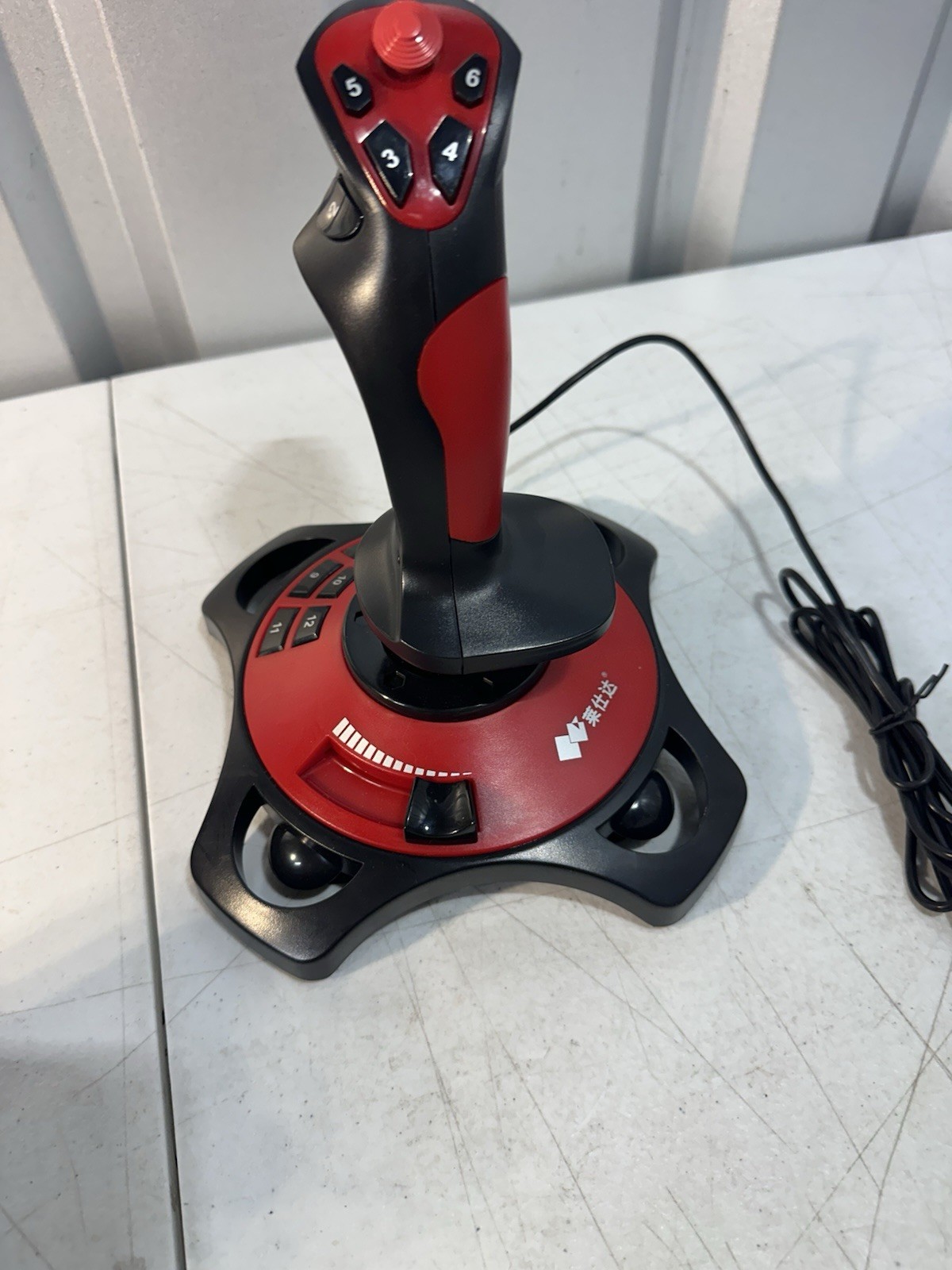 PXN-2103 USB Flight Simulator Joystick 12 Button PC Gaming Controller Tested$29.00View on eBay
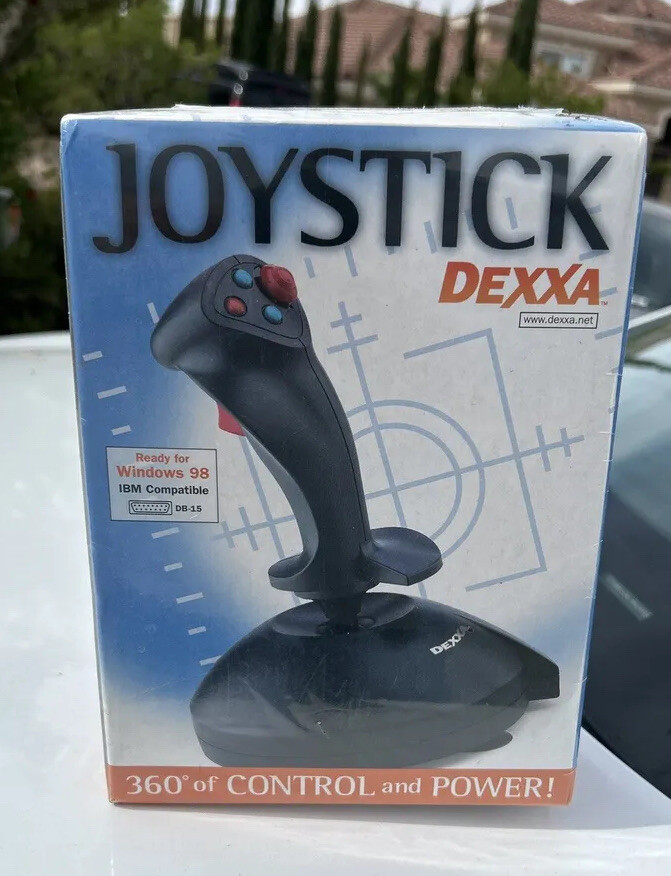 Dexxa Logitech Flight Simulator Joystick Controller for PC Gameport DB15 sealed$29.96View on eBay
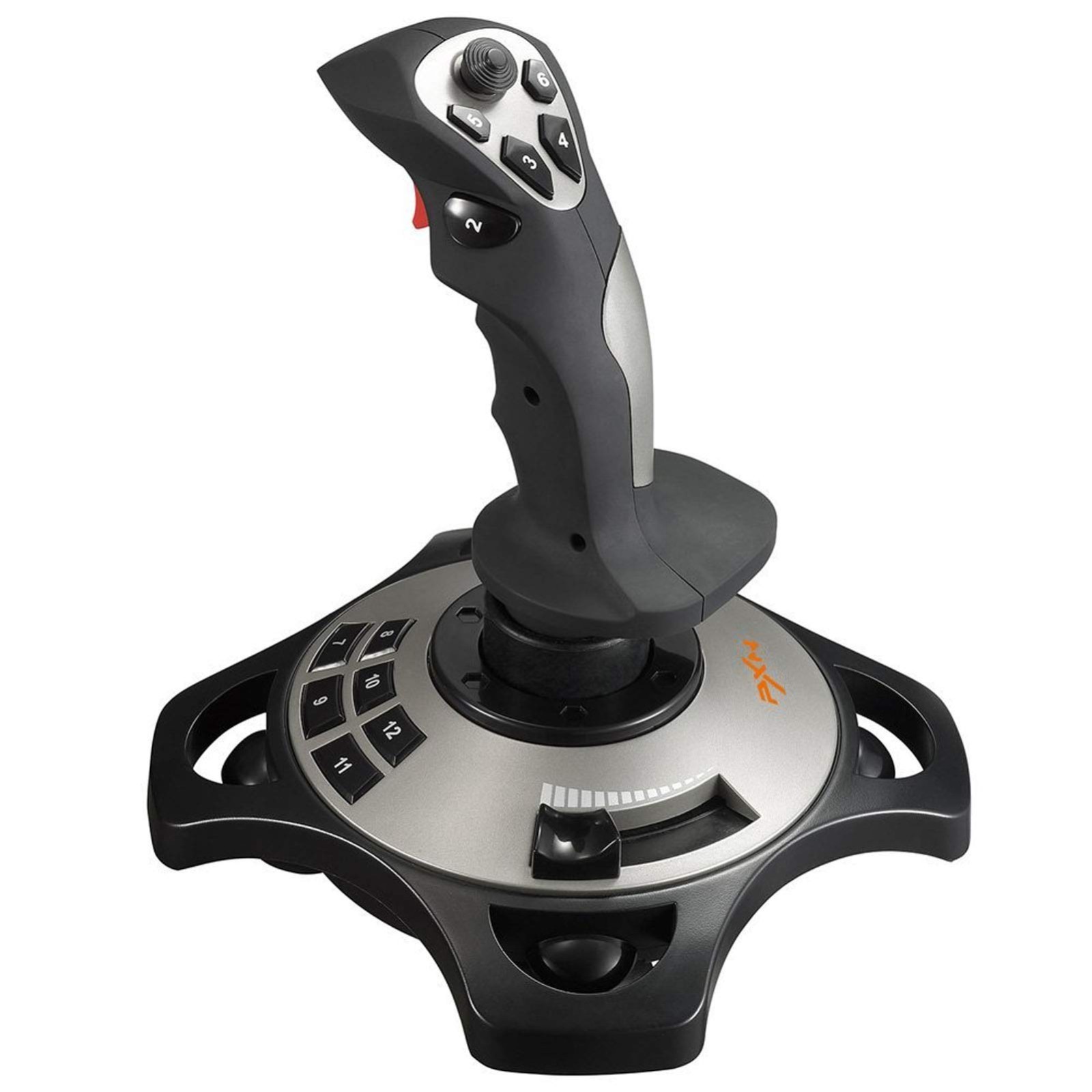 PXN 2113PRO USB Flight Simulator Joystick Gaming Flight Stick Controller PC$32.00View on eBay
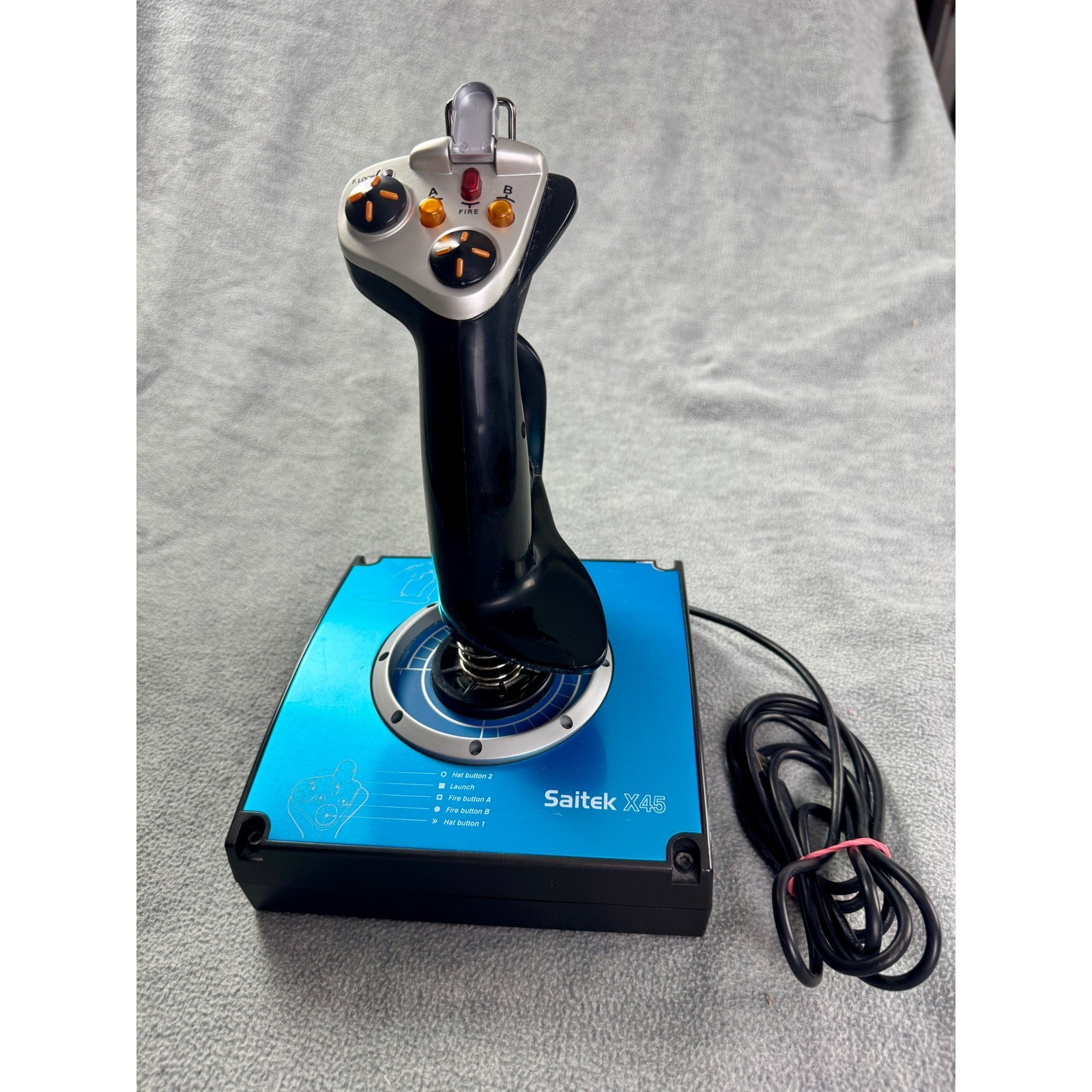 Saitek X45 Digital Flight Control Stick Joystick PC Flight Simulator Controller$38.57View on eBay
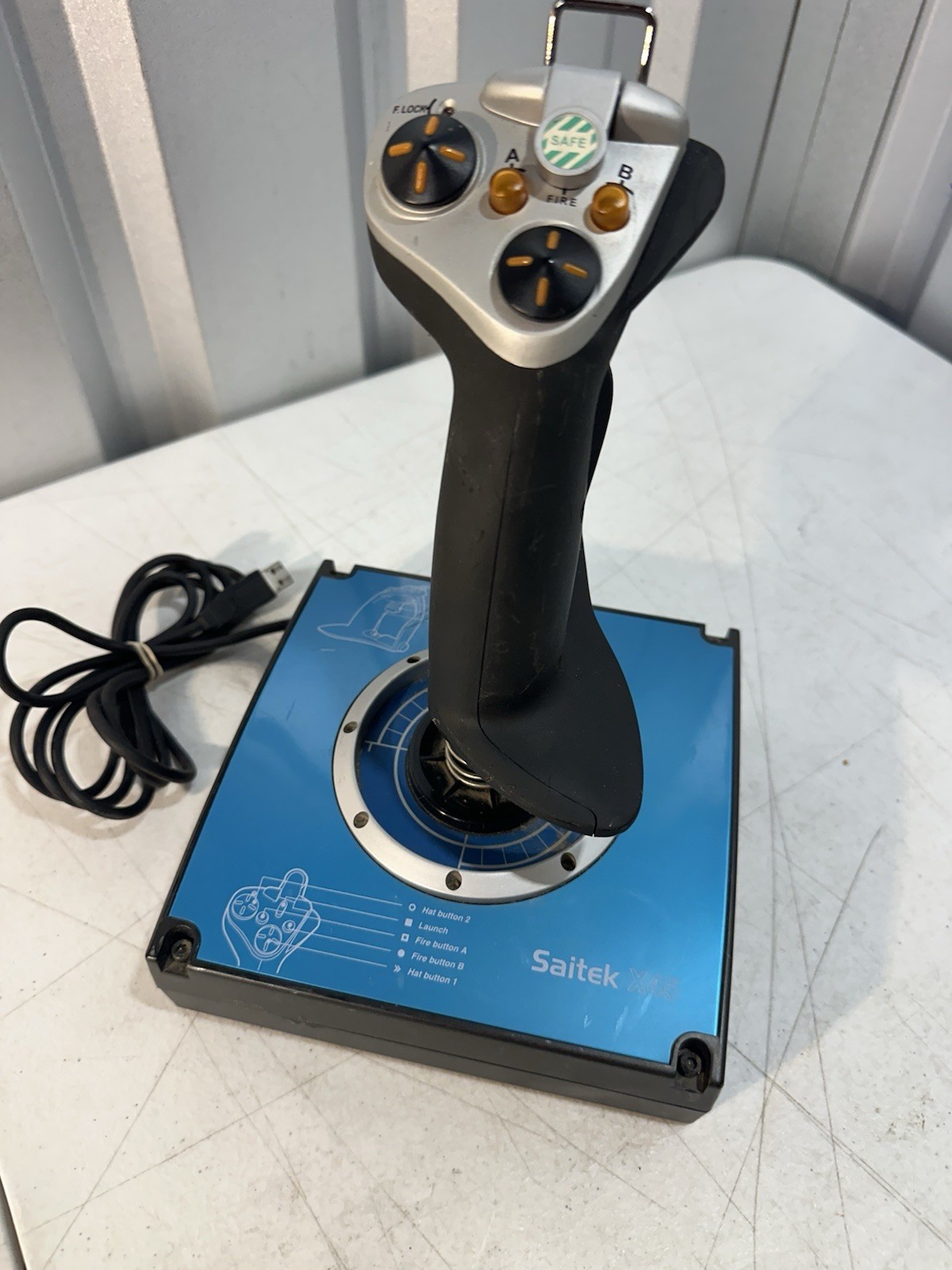 Saitek X45 Digital USB Flight Simulator Joystick Controller Tested Working$39.00View on eBay
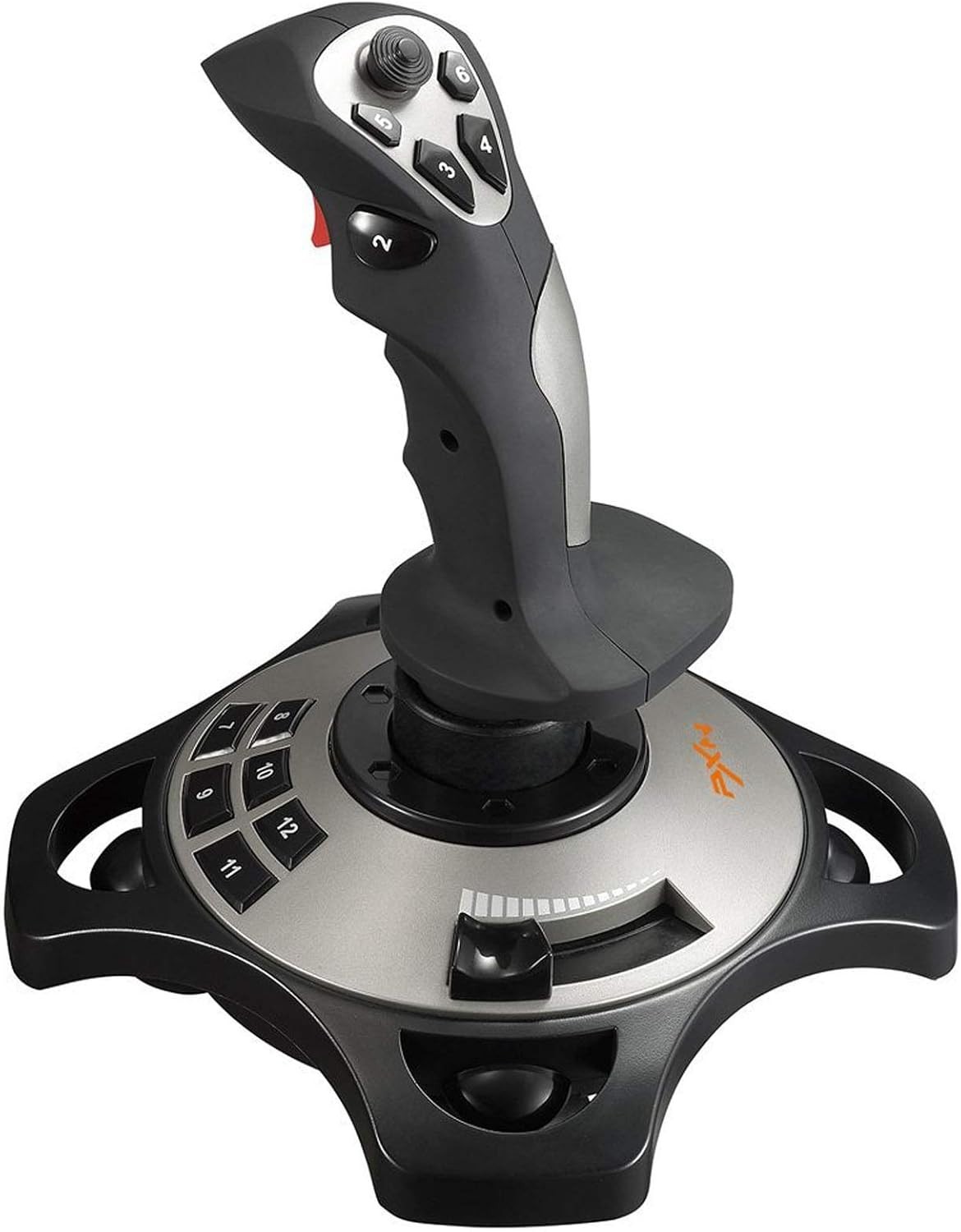 PXN 2113PRO USB Flight Simulator Joystick Gaming Flight Stick Controller PC$41.00View on eBay
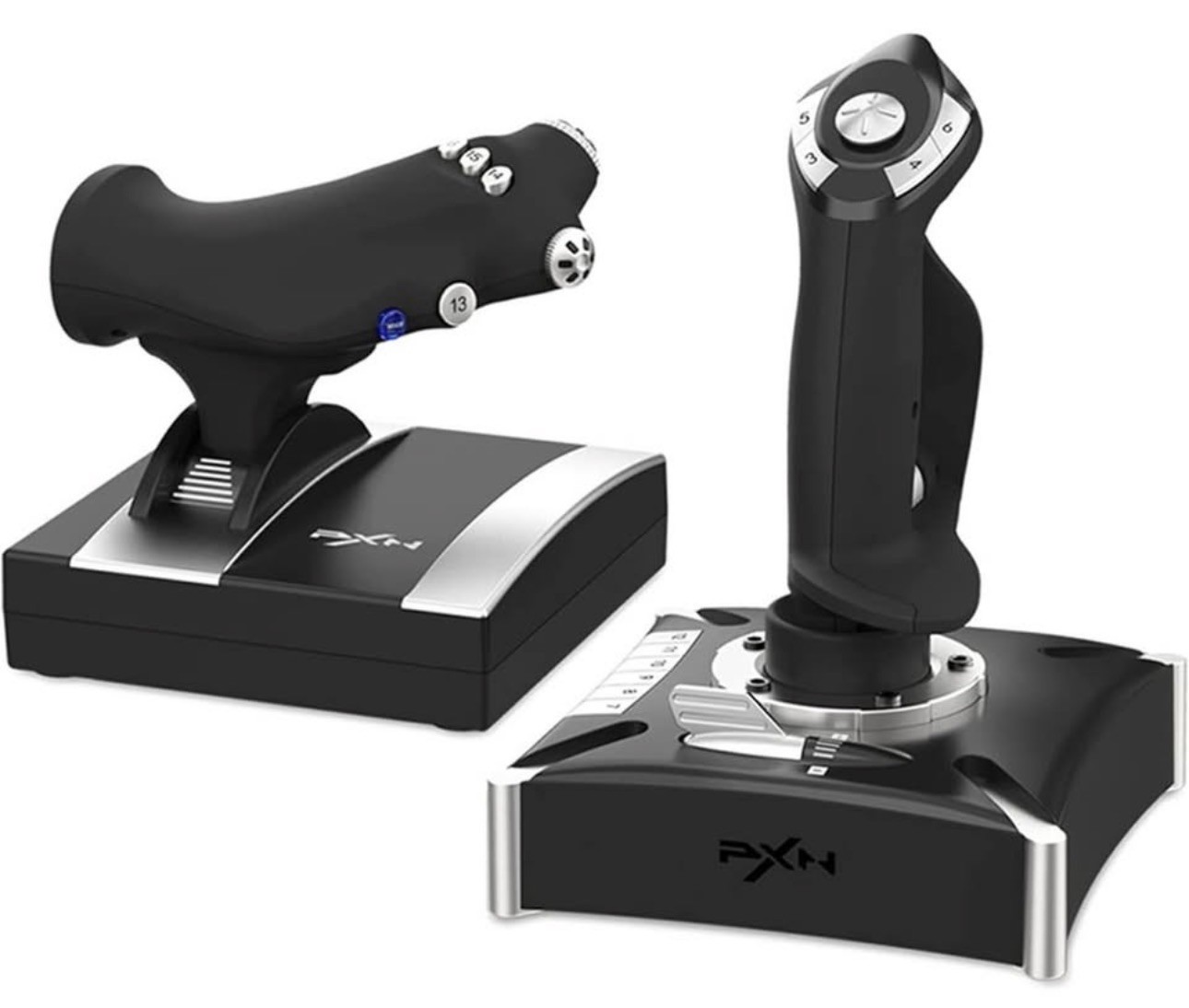 PXN-2119PRO Flight Simulator Joystick Lightweight Controller Unit f/ PC/PS4/XBOX$49.99View on eBay
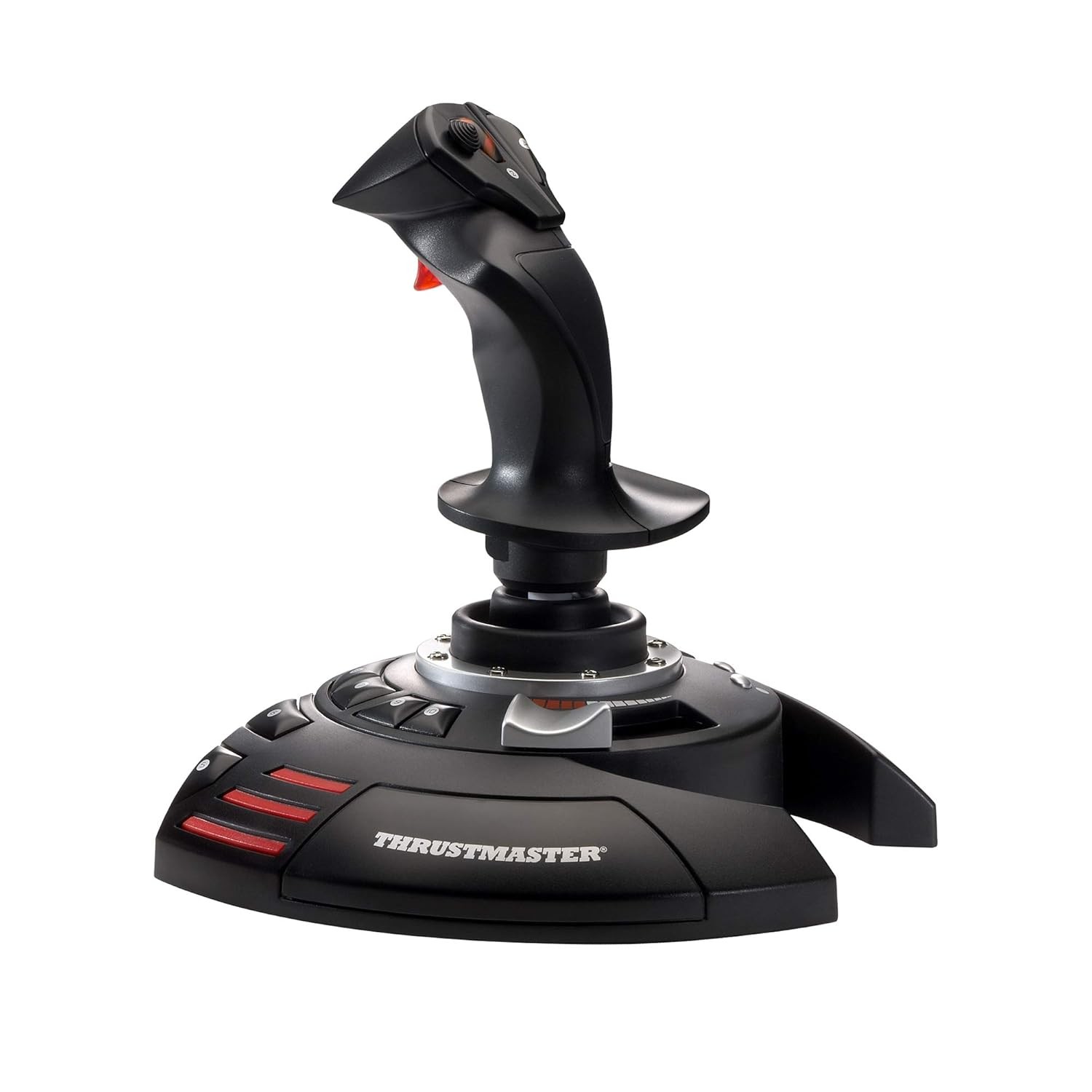 Thrustmaster T Flight Stick X Flight Simulator Controller Joystick USB$81.58View on eBay
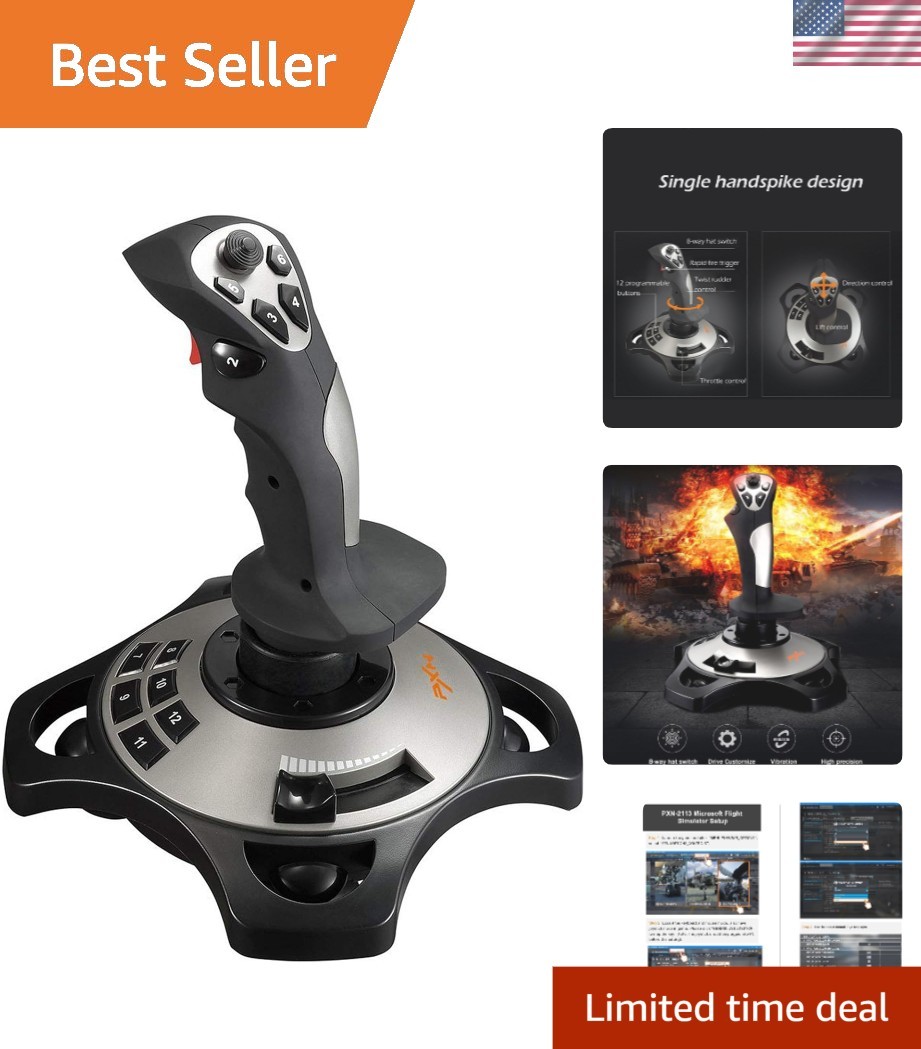 Advanced 2113PRO Flight Simulator Controller - 12 Programmable Buttons Included$89.99View on eBay
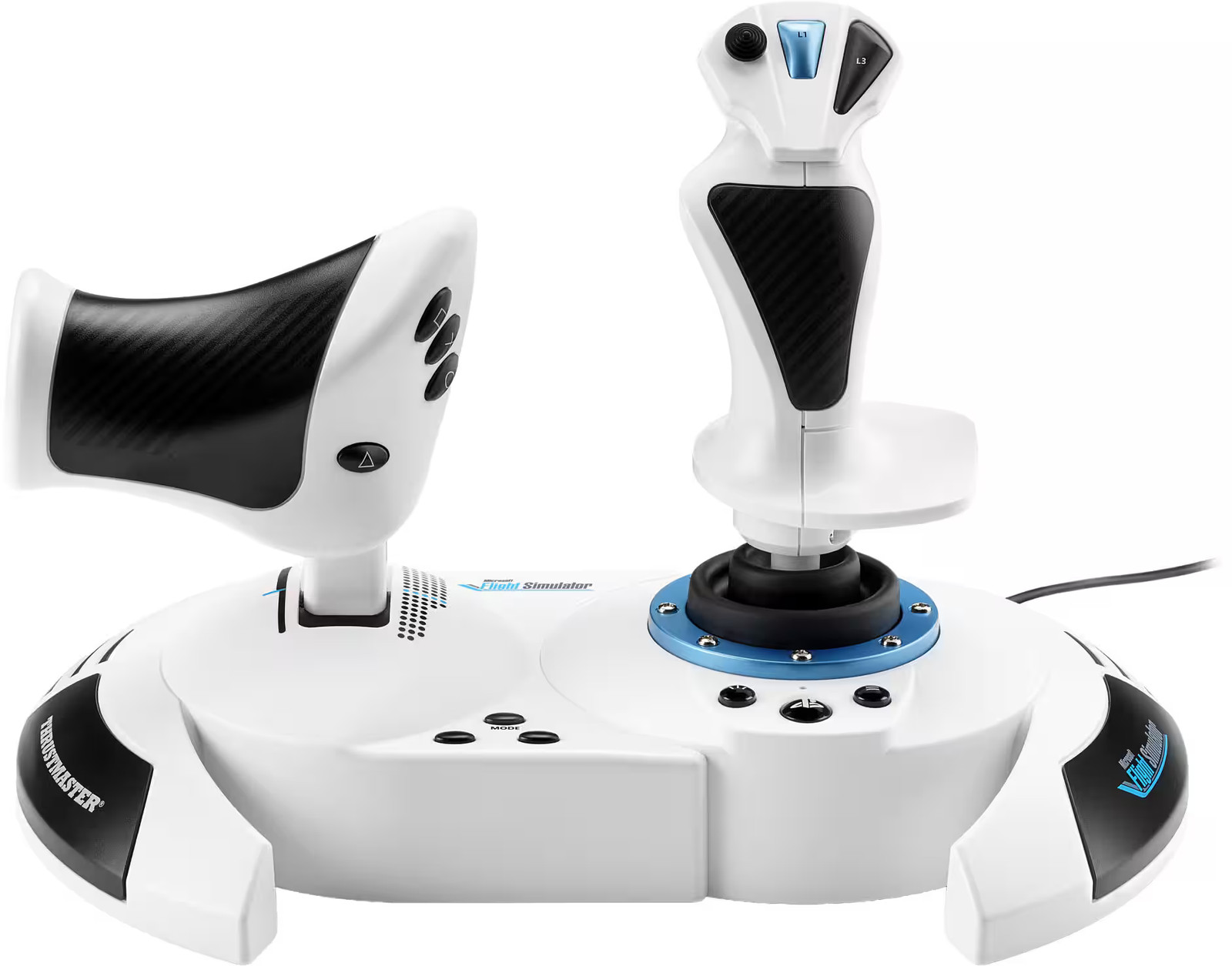 Thrustmaster - T.Flight Hotas 5 Microsoft Flight Simulator Controller Joystic...$109.99View on eBay
Highlights
- Sensor type is the durability divider: potentiometers wear out and develop dead zones, while contactless Hall-effect sensors avoid physical wear entirely.
- HOTAS means hands-on-throttle-and-stick, so a true HOTAS includes a separate throttle unit; a standalone joystick integrates a small throttle slider or rocker on the base.
- Connector standard matters: USB is plug-and-play on modern PCs, while legacy Gameport DB15 sticks need a USB adapter and often lack modern driver support.
- Programmable buttons and axis mapping (via bundled software or sim-native bindings) separate usable sim sticks from basic 12-button gamepads in stick form.
Best use cases
- Best fit: Microsoft Flight Simulator and other PC sims on a desk — pick a USB joystick with twist-rudder Z-axis and at least 8–12 programmable buttons to cover view, gear, and trim without a keyboard.
- Best fit: Airliner or combat sim flying where throttle and stick are used together — choose a true HOTAS with a separate throttle quadrant rather than a single-stick unit.
- Wrong fit: Console-only flyers buying a PC Gameport or DB15 stick — skip legacy connectors and choose USB or console-licensed controllers instead.
- Wrong fit: Competitive multiplayer pilots on a tight budget accepting potentiometer sticks — expect drift within months; step up to Hall-effect sensors or plan to replace.
Buying tips
- Match axis count to your sim: a stick with X/Y plus twist Z covers yaw; add a separate throttle axis or HOTAS if you fly aircraft with independent throttle control.
- Choose USB over Gameport DB15 every time; legacy connectors require adapters and often lack 64-bit OS drivers, making them a dead end.
- Check button count against your sim's keybinds: 12 buttons covers basics, but complex airliners need 20+ or a companion throttle/panel.
- Prefer adjustable spring tension and a wide base footprint for desk stability; lightweight bases tip during hard maneuvering.
Specs
| Sensor Type | Hall-effect vs potentiometer |
|---|---|
| Control Format | Standalone stick vs HOTAS |
| Connection | USB vs legacy Gameport DB15 |
| Button Count | 8–12 basic / 20+ complex |
Related searches
What to check before buying
- Measure desk space: a HOTAS with separate throttle needs roughly twice the footprint of a single stick, plus clearance for full forward/back stick travel.
- Confirm your sim platform: Microsoft Flight Simulator runs on PC, so USB sticks work directly; console sims require platform-licensed controllers.
- Verify port type on your PC: keep a free USB-A or USB-C port and avoid USB hubs for analog sticks to prevent polling dropouts.
- Check clamp or mount compatibility if using a sim rig; desk-mount bases need a flat, rigid surface, not a glass or curved edge.
FAQ
Data sources: eBay / Amazon listings and product attribute feeds. Updated Nov 27, 2026.
Some links on this page are affiliate links. If you buy after clicking one, we may earn a commission at no extra cost to you. This does not change which products appear here or their order. Affiliate disclosure.