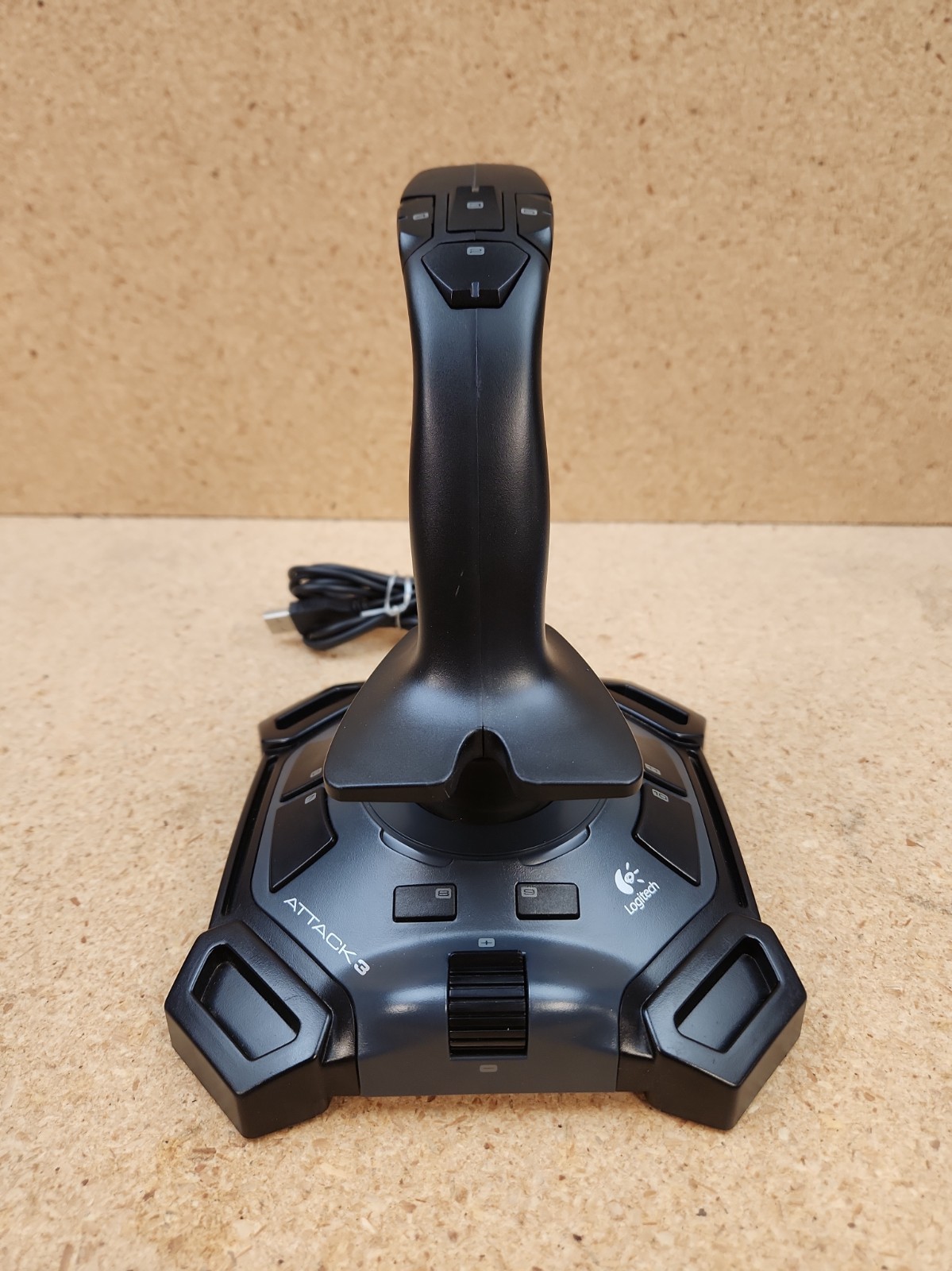

Photos from current listings. Actual item, color, and included accessories may vary.
Control Buying Guide
Flight sim joysticks and HOTAS (Hands-On Throttle-And-Stick) systems range from basic single-stick controllers for Microsoft Flight Simulator to full dual-unit combat rigs with split throttles and programmable software. The core trade-off is sensor and gimbal quality versus feature count: entry sticks use potentiometers and light springs, mid-tier uses Hall-effect sensors with adjustable tension, and flagship gear adds metal cams, detents, and force-feedback-style loading. Buy durable Hall-effect or contactless sensors with an adjustable or replaceable gimbal; skip potentiometer sticks if you fly more than casually.
Median $35.95
Key takeaways
- Hall-effect (magnetic) sensors eliminate the dead zones and drift that plague potentiometer sticks after a few hundred hours of use.
- Gimbal design separates tiers: plastic ball-and-socket gimbals flex and wear; dual-cam or metal cams with swappable springs give consistent centering for precision approaches.
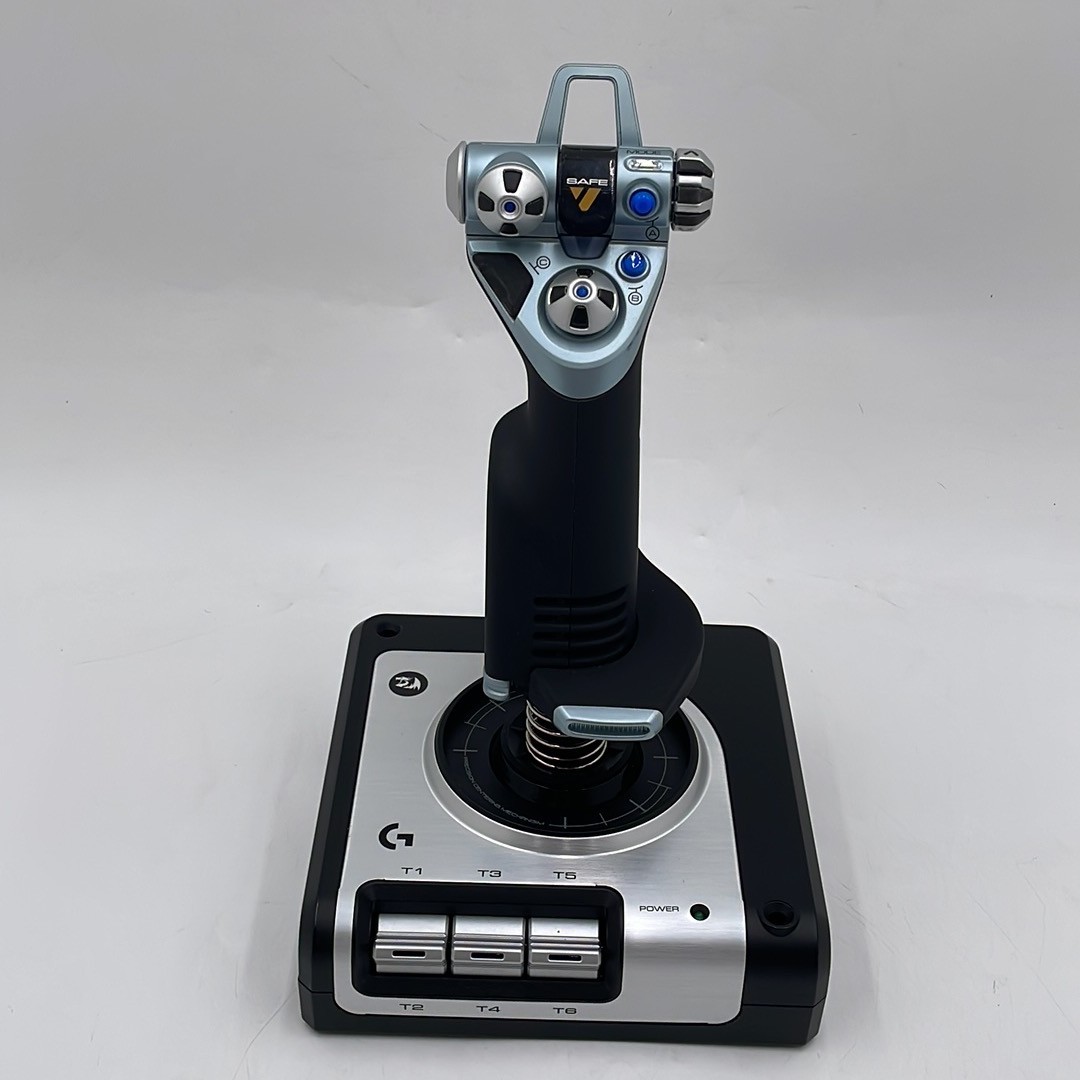
- HOTAS means a matched stick and throttle pair; buying the stick alone (as some X52 listings are) leaves you without a throttle axis for Microsoft Flight Simulator.
At a glance
- Category
- Flight Sim Joysticks & HOTAS
- Last updated
- Nov 27, 2026
Current offers
Highlights
- Hall-effect (magnetic) sensors eliminate the dead zones and drift that plague potentiometer sticks after a few hundred hours of use.
- Gimbal design separates tiers: plastic ball-and-socket gimbals flex and wear; dual-cam or metal cams with swappable springs give consistent centering for precision approaches.
- HOTAS means a matched stick and throttle pair; buying the stick alone (as some X52 listings are) leaves you without a throttle axis for Microsoft Flight Simulator.
- Throttle detents and split levers (twin-engine) are the practical differentiator for airliner and combat sims; basic single-lever throttles suit general aviation only.
Best use cases
- Microsoft Flight Simulator general aviation (Cessna, bush flying): pick a Hall-effect single stick with twist-rudder or a 3-axis joystick plus a separate throttle quadrant; skip force-feedback and combat HOTAS gimmicks.
- Combat sims (DCS, IL-2) and airliners: buy a full HOTAS with a split throttle, ≥16 programmable buttons, and hat switches; skip single-stick-only listings that omit the throttle unit.
- Desk-limited or casual setups: a compact 3-axis joystick (e.g., Logitech Attack 3-class) fits narrow desks and needs no clamp; skip full HOTAS if you have under 60 cm of desk depth and no mounting space.
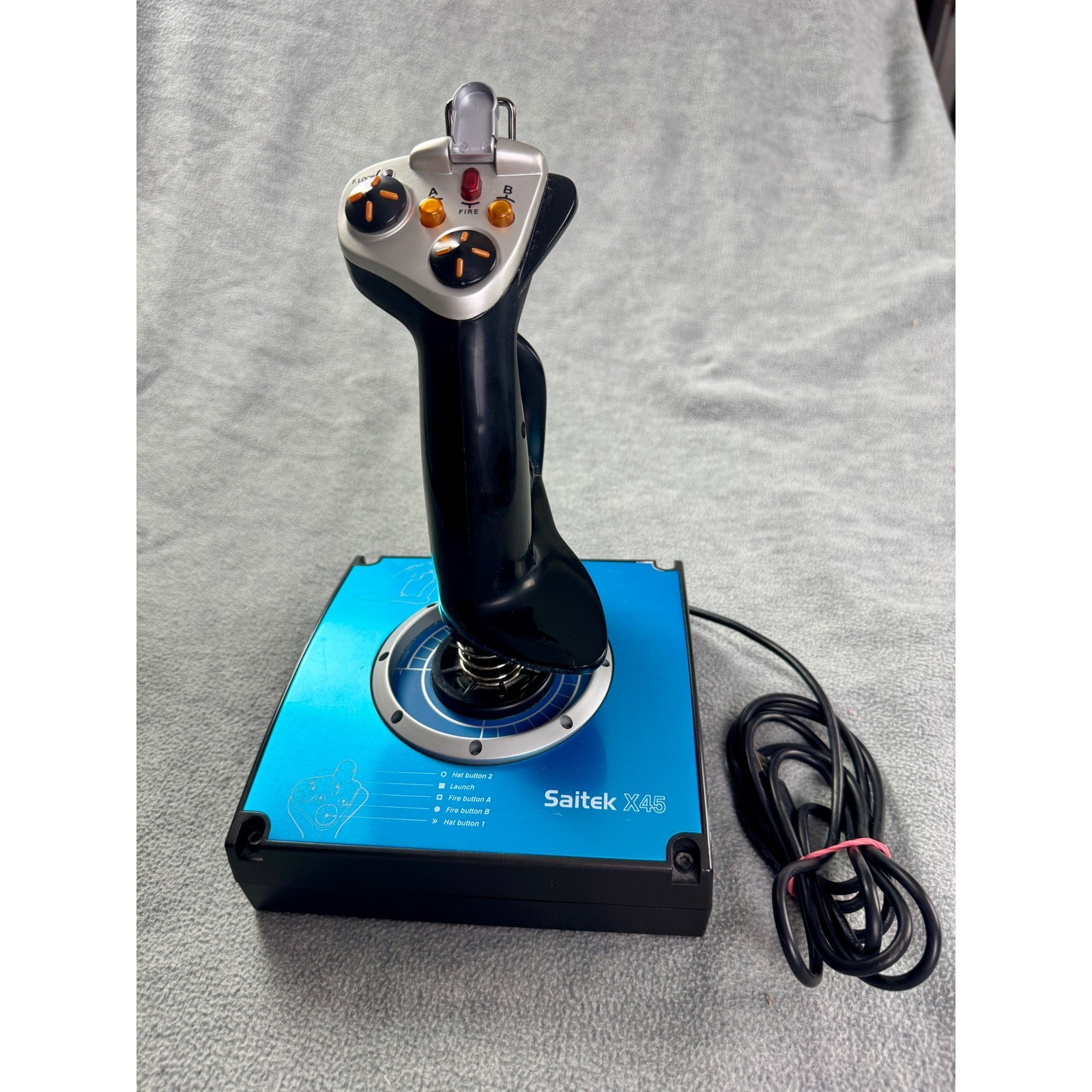
- Wrong fit: buying a vintage Saitek X45 or X52 stick alone assumes you have a compatible throttle already—most buyers do not, and legacy drivers may not support modern Windows without community software.
Buying tips
- Reserve at least 30 cm width and 15 cm depth per HOTAS unit, plus 10 cm clearance for throttle throw; measure your desk before choosing a dual-unit rig.
- For Microsoft Flight Simulator, ensure the stick reports as a standard USB HID game controller with at least 5 axes (X, Y, twist/Z, throttle, and one aux) to map rudder, elevator, aileron, and throttle without external software.
- Choose contactless Hall-effect sensors over potentiometers; potentiometer sticks typically develop spiking within 1–2 years of regular use and are not user-serviceable on budget models.
- Match spring tension to your flying: light springs suit helicopters and formation flying, heavy springs suit airliners; adjustable-tension gimbals or swappable springs are worth the step-up tier.
Specs
| Sensor Type | Hall-effect (contactless) vs potentiometer |
|---|---|
| Gimbal Material | Metal dual-cam vs plastic ball-socket |
| Throttle Included | Full HOTAS vs stick-only |
| Axis Count | 3-axis stick vs 5+ axis HOTAS |
Related searches
What to check before buying
- Measure desk width and depth: dual-unit HOTAS needs ~60 cm total width and stable, non-slip footing or clamps; single sticks need ~20 cm.
- Confirm USB-A port availability and that the stick is class-compliant HID; legacy Saitek units may require powered USB hubs or community drivers on Windows 10/11.
- Check simulator compatibility: Microsoft Flight Simulator supports standard HID axes natively, but custom software (SST, Logitech G HUB) is needed for advanced macros on older models.
- Verify you are buying a complete set—listing titles that say '(Stick)' or show only one unit mean the throttle is not included.
FAQ
Data sources: eBay / Amazon listings and product attribute feeds. Updated Nov 27, 2026.
Some links on this page are affiliate links. If you buy after clicking one, we may earn a commission at no extra cost to you. This does not change which products appear here or their order. Affiliate disclosure.