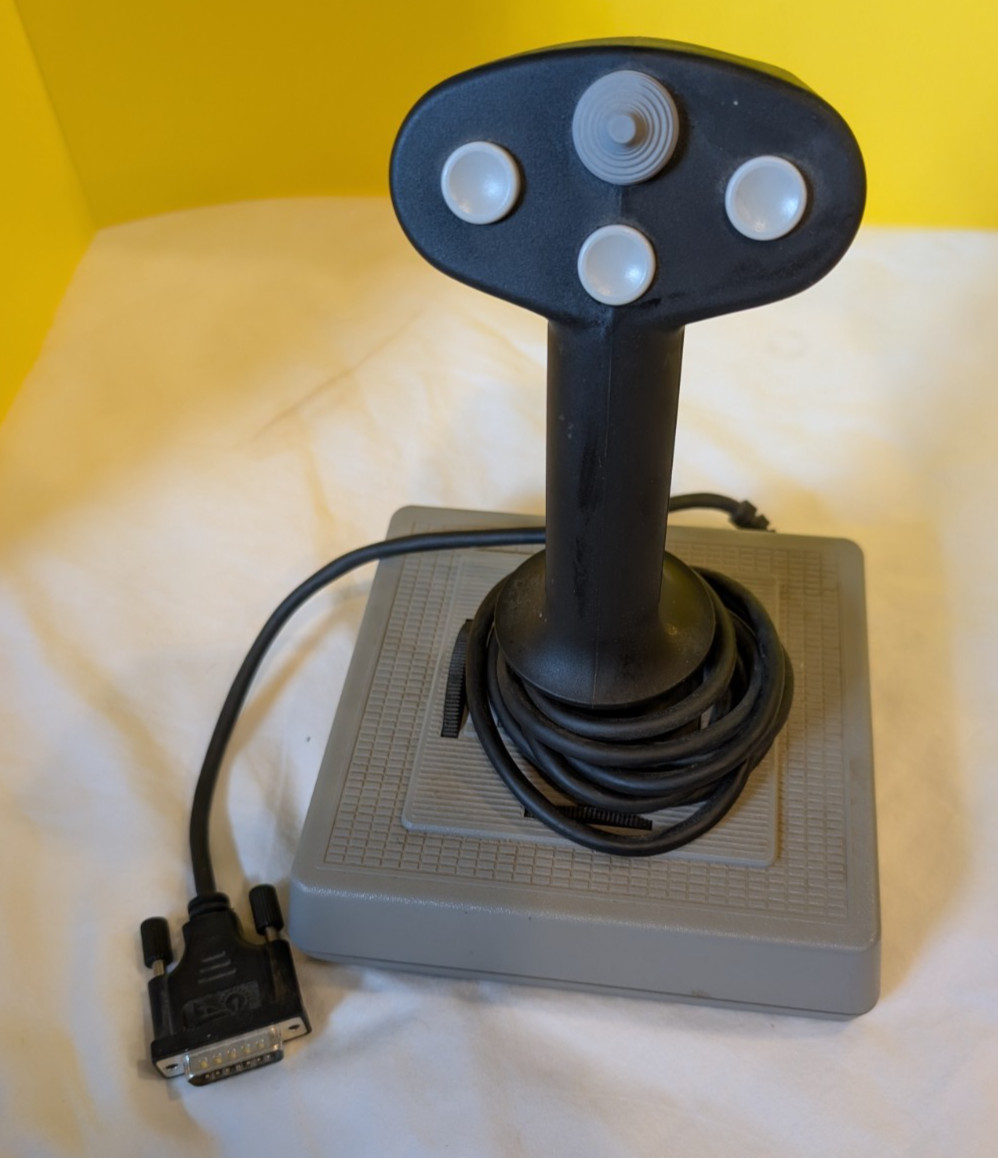

Photos from current listings. Actual item, color, and included accessories may vary.
Ch Product Joystick Buying Guide
CH Products joysticks are legacy PC flight sim controllers built around a contactless Hall-effect gimbal and a distinctive three-axis throttle wheel, prized for durability and linear response rather than modern force feedback. The core trade-off is buying a proven, repairable analog-era design with limited button count and older drivers versus a modern HOTAS with more switches, twist rudder, and software support. The decision rule: pick CH Products if you fly civil sims demanding precise pitch/roll and long service life, and skip it if you need twist rudder, force feedback, or plug-and-play console compatibility.
Median $31.99
Key takeaways
- Contactless Hall-effect sensors on pitch/roll axes eliminate potentiometer wear, giving CH sticks a multi-decade service life with no dead zones from dirt.
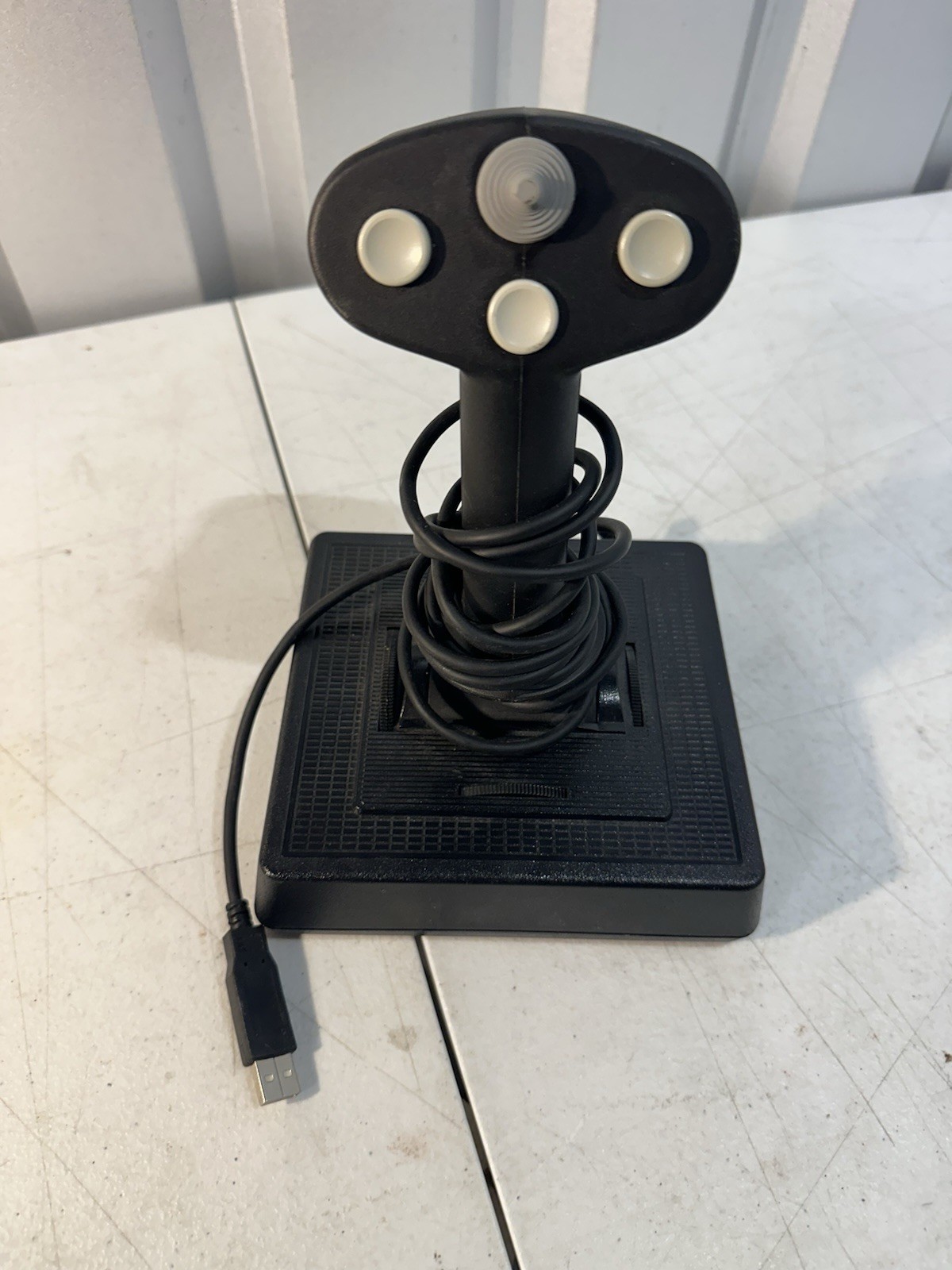
- The Flightstick Pro adds a three-position thumb wheel and four base buttons; the standard Flightstick omits the throttle wheel and ships with fewer inputs.
- All USB models use the standard Windows HID game controller class, so they appear as a generic joystick without CH Manager installed on modern Windows.
At a glance
- Category
- Flight Sim Joysticks & HOTAS
- Last updated
- Nov 27, 2026
Current offers
Highlights
- Contactless Hall-effect sensors on pitch/roll axes eliminate potentiometer wear, giving CH sticks a multi-decade service life with no dead zones from dirt.
- The Flightstick Pro adds a three-position thumb wheel and four base buttons; the standard Flightstick omits the throttle wheel and ships with fewer inputs.
- All USB models use the standard Windows HID game controller class, so they appear as a generic joystick without CH Manager installed on modern Windows.
- Plastic gimbal housing and a heavy base plate deliver a light, smooth throw with moderate centering force; there is no force feedback or twist-rudder axis on any CH joystick.
Best use cases
- Best fit: civil flight sim (MSFS, X-Plane) pilots who want precise, linear pitch/roll and a repairable stick for airliner and GA flying — pick the Flightstick Pro for its throttle wheel.
- Best fit: retro-computing and DOSBox users who need a native analog-era joystick that maps cleanly to old gameports via USB adapter.
- Wrong fit: combat sim players needing twist rudder, dual-stage trigger, or 20+ programmable buttons — choose a modern HOTAS instead.
- Wrong fit: console or Mac-only simmers expecting plug-and-play — CH sticks are Windows-centric and require mapping software for full button use.
Buying tips
- Choose the Flightstick Pro (FSPUSB) over the base Flightstick if you fly without separate rudder pedals — the Pro's throttle wheel and extra base buttons cover mixture and prop pitch.
- Budget for a separate rudder solution: no CH joystick has twist rudder, so add CH Pro Pedals or map keyboard yaw for coordinated flight.
- Confirm the unit is the USB model (FSPUSB or 02227 USB) not the older gameport version — gameport sticks need a USB adapter and lack native HID support.
- Inspect used units for base-plate screws and cable strain relief; the Hall sensors rarely fail, but the plastic gimbal pivot and USB cable are the common wear points.
Specs
| Sensor Type | Contactless Hall-effect (pitch/roll) |
|---|---|
| Rudder Axis | None — pedals or keyboard required |
| Throttle Control | Pro: 3-pos wheel / Base: none |
| Connection | Wired USB-A (HID class) |
Related searches
What to check before buying
- Measure desk space: the CH base is roughly 8 x 8 inches and needs a flat, non-slip surface; clamp or weight it if your desk is glossy.
- Confirm your sim supports direct HID joystick input and that you have a spare USB-A port — these are wired USB devices with no wireless option.
- Verify Windows 10/11 recognition in Game Controllers before relying on CH Manager, which is legacy software with limited modern support.
- Plan rudder and throttle: if you fly twins or airliners, budget desk space and ports for pedals and a separate throttle quadrant.
FAQ
Data sources: eBay / Amazon listings and product attribute feeds. Updated Nov 27, 2026.
Some links on this page are affiliate links. If you buy after clicking one, we may earn a commission at no extra cost to you. This does not change which products appear here or their order. Affiliate disclosure.