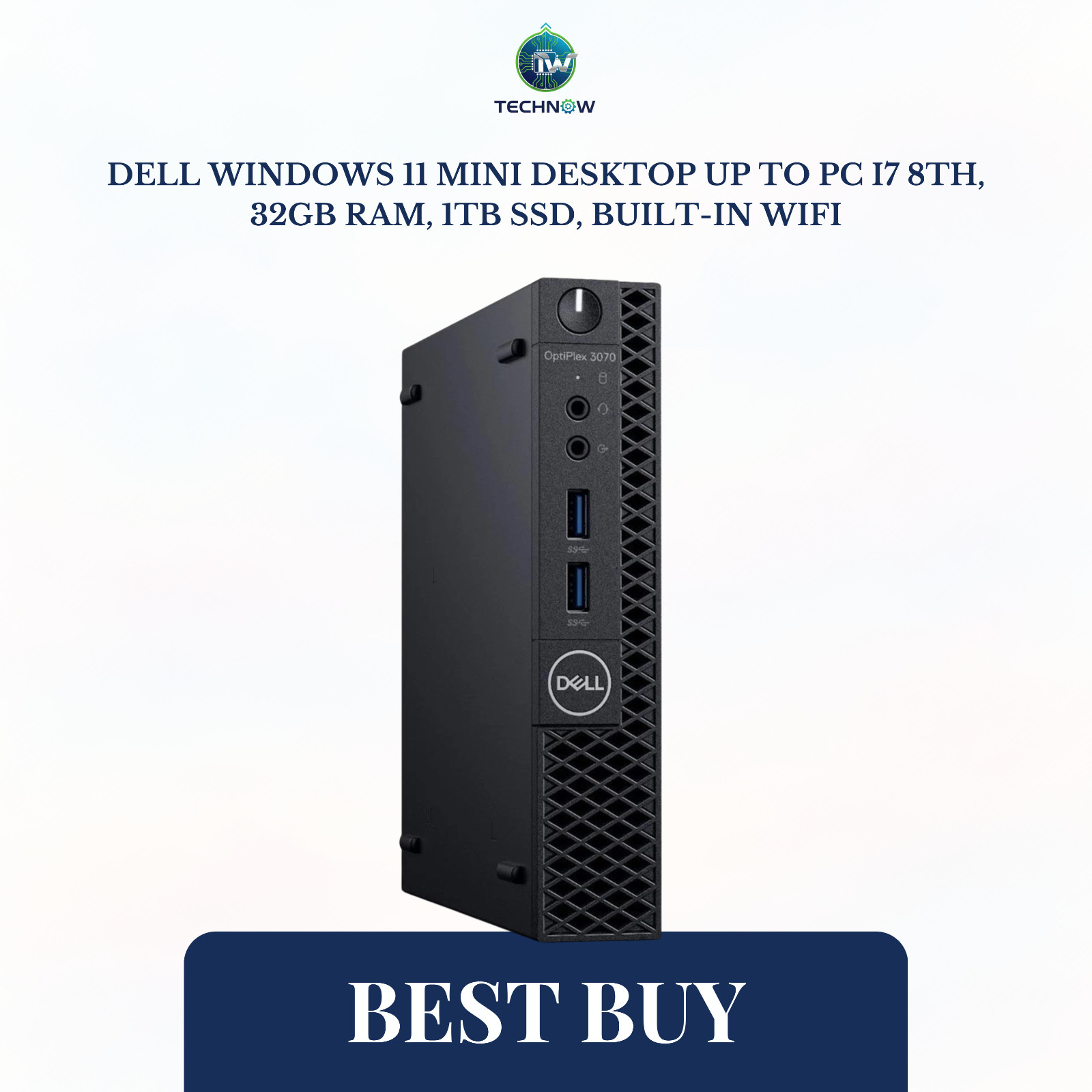

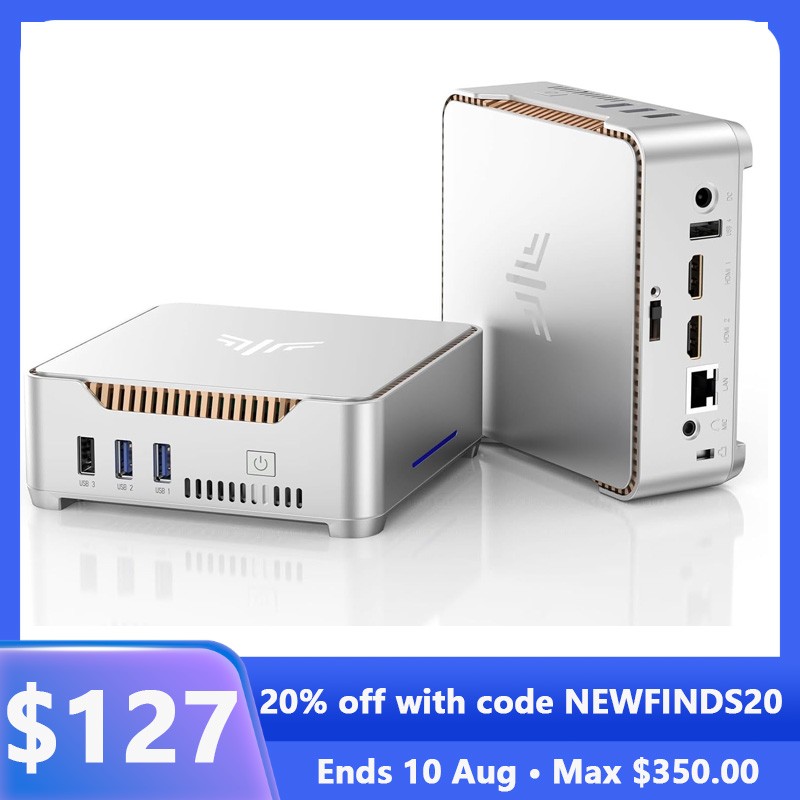
Photos from current listings. Actual item, color, and included accessories may vary.
Windows 11 PC Buying Guide
Shopping for a Windows 11 PC means deciding between a compact mini PC and a traditional desktop, and the spec sheet rarely tells the whole story. Processor generation, RAM soldered-versus-socketed, and upgrade paths determine whether the machine lasts three years or eight. Buyers commonly overpay for newer CPUs while ignoring storage type and Windows edition, which matter more for daily responsiveness.
Median $480.50
Key takeaways
- Windows 11 Pro adds BitLocker, Remote Desktop host, and domain join over Home; mini PCs often ship Pro while budget desktops ship Home.
- 8th-gen Intel Core i7 desktop CPUs outperform low-power N-series chips like the N5030 in sustained multi-core work despite older architecture.
- LPDDR4/LPDDR5 memory is soldered and fixed; DDR4/DDR5 SO-DIMM or DIMM slots allow post-purchase RAM upgrades.
At a glance
- Category
- Servers & Mini PCs
- Last updated
- Nov 28, 2026
Current offers
Highlights
- Windows 11 Pro adds BitLocker, Remote Desktop host, and domain join over Home; mini PCs often ship Pro while budget desktops ship Home.
- 8th-gen Intel Core i7 desktop CPUs outperform low-power N-series chips like the N5030 in sustained multi-core work despite older architecture.
- LPDDR4/LPDDR5 memory is soldered and fixed; DDR4/DDR5 SO-DIMM or DIMM slots allow post-purchase RAM upgrades.
- NVMe SSD boot drives deliver 3-5x the sequential throughput of SATA SSDs, cutting Windows 11 boot and update times noticeably.
Best use cases
- Choose a mini PC with an N-series or U-series chip for office apps, web browsing, and media playback where desk space is tight and fan noise matters.
- Pick a refurbished business desktop with an 8th-gen i7 and 32GB RAM for heavy multitasking, virtualization, or long sessions where upgradeability and sustained performance win.
- Skip fanless or low-power mini PCs for sustained CPU loads like video encoding or software builds; choose a desktop with active cooling and a socketed CPU instead.
Buying tips
- Prioritize 16GB RAM minimum for Windows 11; 8GB is workable only for light browsing and will bottleneck multitasking within a year.
- Check whether RAM and storage are socketed or soldered before buying; soldered LPDDR4 configurations cannot be upgraded later.
- Avoid 7th-gen and older Intel CPUs for new Windows 11 installs; 8th-gen Core and newer are officially supported by Microsoft.
- Choose NVMe over SATA storage and confirm the slot type (M.2 2280 vs 2242) if you plan to add a second drive later.
Specs
| CPU Generation | 8th-gen Intel+ for Win 11 support |
|---|---|
| Memory Type | Soldered LPDDR4 vs SO-DIMM DDR4 |
| Storage Interface | NVMe M.2 vs SATA SSD |
| Windows Edition | Home vs Pro (BitLocker/RDP) |
Related searches
What to check before buying
- Measure your desk or VESA mount area; mini PCs typically range from 0.3 to 1 liter in volume, while desktops need tower clearance.
- Confirm monitor ports match your display: HDMI 2.0 or DisplayPort 1.4 for 4K at 60Hz; older HDMI 1.4 caps at 4K 30Hz.
- Check the power brick voltage and plug type for your region; mini PCs often use external 19V or 12V adapters.
- Verify Windows 11 edition (Home vs Pro) and whether a license is included or a trial, since Pro features like BitLocker require it.
FAQ
Data sources: eBay / Amazon listings and product attribute feeds. Updated Nov 28, 2026.
Some links on this page are affiliate links. If you buy after clicking one, we may earn a commission at no extra cost to you. This does not change which products appear here or their order. Affiliate disclosure.