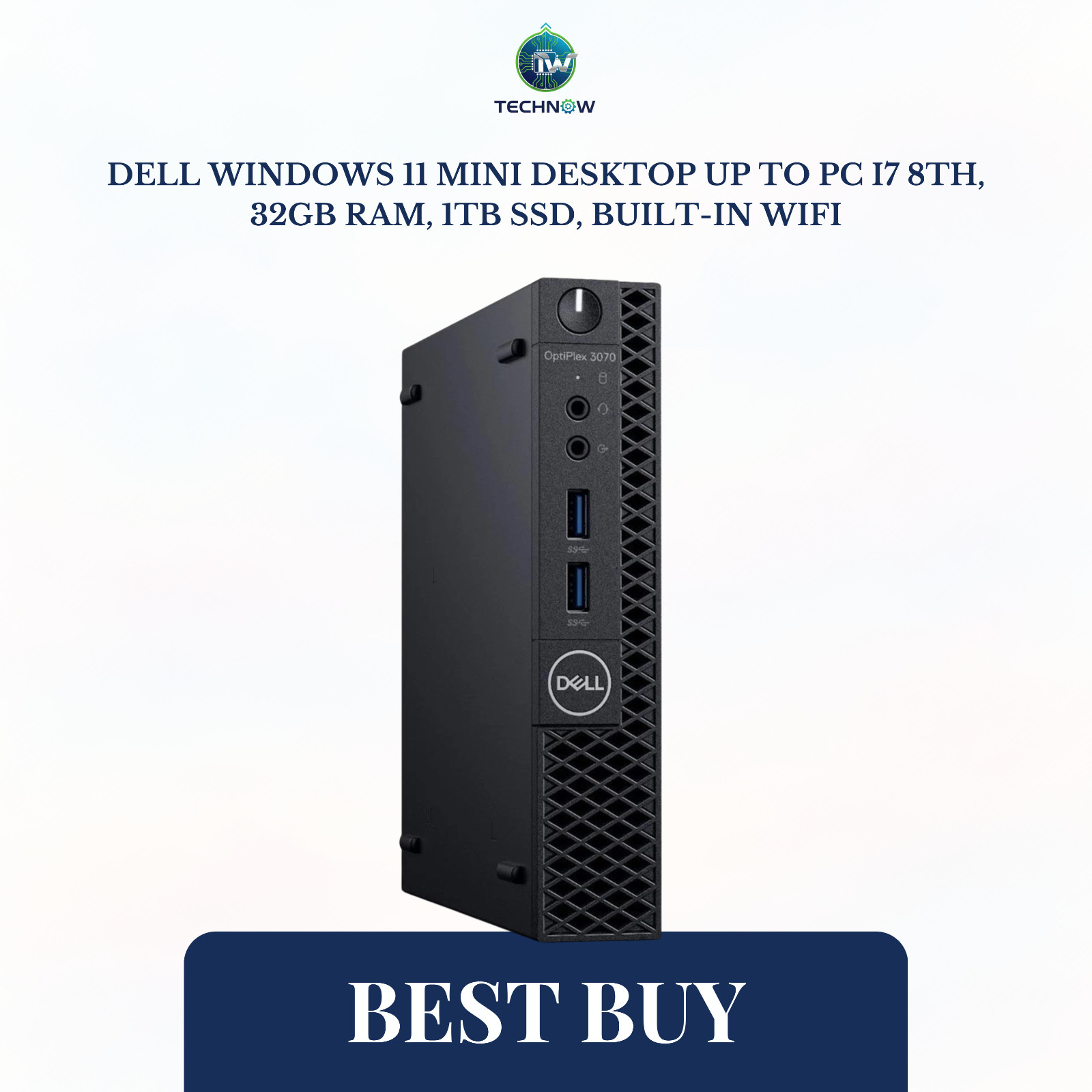

Photos from current listings. Actual item, color, and included accessories may vary.
Dell Mini PC Buying Guide
Dell mini PCs are compact business-class desktops (Micro/MFF form factors) built for 24/7 office workloads and now widely resold for homelab, HTPC, and light-gaming duty. The core trade-off is generation: older 6th–8th Gen Intel units are cheap but capped at DDR4-2400 and lack official Windows 11 CPU support, while 8th Gen and newer bring hexa-core options, NVMe boot drives, and TPM 2.0 for Win11. Buy 8th Gen or newer with an SSD boot drive; skip 6th/7th Gen unless the price reflects the Win11 workaround.
Key takeaways
- Dell Micro form factor (e.g., OptiPlex 7060 Micro) uses 35W T-series CPUs, one M.2 NVMe slot, one 2.5" bay, and external 65W/90W power brick.
- 8th Gen Intel (i5-8500T/i7-8700T) is the practical floor: 6 cores, TPM 2.0, and official Windows 11 support; 6th/7th Gen are unsupported without bypass.
- Micro units run 2x DDR4 SO-DIMM (max 32GB on most 8th–10th Gen), while MFF/SFF models take full-size DDR4 DIMMs and add PCIe half-height slots.
At a glance
- Category
- Servers & Mini PCs
- Last updated
- Nov 28, 2026
Current offers
Highlights
- Dell Micro form factor (e.g., OptiPlex 7060 Micro) uses 35W T-series CPUs, one M.2 NVMe slot, one 2.5" bay, and external 65W/90W power brick.
- 8th Gen Intel (i5-8500T/i7-8700T) is the practical floor: 6 cores, TPM 2.0, and official Windows 11 support; 6th/7th Gen are unsupported without bypass.
- Micro units run 2x DDR4 SO-DIMM (max 32GB on most 8th–10th Gen), while MFF/SFF models take full-size DDR4 DIMMs and add PCIe half-height slots.
- Resold units commonly ship with 1TB NVMe SSD and 32GB RAM — verify the RAM is 2x16GB (dual-channel) rather than 1x32GB for iGPU performance.
Best use cases
- Best fit for a silent 24/7 homelab node (Proxmox, Docker, Pi-hole, Home Assistant): pick an 8th Gen i5-8500T Micro with 16–32GB RAM and NVMe boot.
- Best fit for a living-room HTPC or light emulation: choose a Micro with Intel UHD 630 (8th–10th Gen) and dual-channel RAM; skip 6th Gen Skylake iGPU for 4K60 output.
- Wrong fit for sustained CPU loads or GPU passthrough: Micro chassis throttles under long all-core runs and has no PCIe slot — step up to a Precision SFF or a standard desktop.
- Wrong fit for 2.5GbE or multi-NIC router builds: Dell Micro has a single 1GbE port; pick a mini PC with dual 2.5GbE instead.
Buying tips
- Buy 8th Gen or newer: i5-8500T (6C/6T) beats 7th Gen i7-7700T (4C/8T) on multi-thread and is the Win11-supported baseline.
- For RAM, target 2x8GB or 2x16GB SO-DIMM DDR4-2666; a single stick halves iGPU and memory bandwidth in these 2-DIMM systems.
- Confirm the boot drive is NVMe M.2 (not SATA M.2) — 8th Gen Micro M.2 slots are PCIe x4 and gain 3–5x sequential speed over SATA.
- Check the included power adapter: 65W for 35W T-series, 90W for 65W non-T CPUs; a missing brick adds real cost and compatibility risk.
Specs
| Form Factor | Micro (1.2L) / MFF / SFF |
|---|---|
| CPU Generation | 8th Gen+ for Win11 / 6th-7th unsupported |
| RAM Type & Max | DDR4 SO-DIMM 2x16GB (32GB) |
| Storage Interface | M.2 NVMe PCIe x4 + 2.5" SATA bay |
Related searches
What to check before buying
- Measure your shelf/desk footprint: Dell Micro is roughly 7.0 x 7.2 x 1.4 in — confirm clearance and airflow on all six sides.
- Verify your monitor inputs match the unit: most 8th Gen Micro have 1x DP 1.2 and 1x HDMI 1.4; dual 4K60 needs DP 1.2 + HDMI 2.0 on 9th Gen+.
- Confirm the listing states TPM 2.0 enabled and a Windows 11 license/pro key if you need official support.
- Check regional power: Dell bricks are auto-switching 100–240V, but confirm the plug type (US/UK/EU) matches your outlet.
FAQ
Data sources: eBay / Amazon listings and product attribute feeds. Updated Nov 28, 2026.
Some links on this page are affiliate links. If you buy after clicking one, we may earn a commission at no extra cost to you. This does not change which products appear here or their order. Affiliate disclosure.