
Photos from current listings. Actual item, color, and included accessories may vary.
Mini PC Buying Guide
Mini PCs are compact desktop computers (roughly 0.3–2 liters) that trade internal expansion and upgradeability for low power draw, small footprint, and near-silent operation. The core trade-off is CPU class: low-power Intel N-series/Atom chips run fanless and sip 6–15W but throttle under sustained load, while 15–28W mobile-class or desktop-derived chips deliver real productivity speed with active cooling. Buy the N-series only for kiosk, HTPC, POS, or light office duty; step up to a 15W+ chip with NVMe storage for anything multitasking, and treat 2–4GB RAM eMMC units as single-purpose appliances, not general computers.
Median $127.00
Key takeaways
- CPU tier decides everything: Intel N100/N95 (6–15W, 4 cores) beat older Atom x5-Z8350 and Celeron N5030 by 2–4x in multi-core, but all are far below 15–28W mobile chips like the i7-8550U.
- RAM/storage type: LPDDR4/DDR4 soldered vs SO-DIMM slots; eMMC or 32GB SSD units are slow and near-full after OS install—M.2 NVMe 256GB+ is the practical minimum for Windows 11.
- Fanless industrial units (Qotom COM-port boxes) prioritize 24/7 duty and RS-232 serial over speed; they typically run 4–8GB RAM and 32–128GB SSD with no fan to fail.
At a glance
- Category
- Servers & Mini PCs
- Last updated
- Nov 28, 2026
Current offers
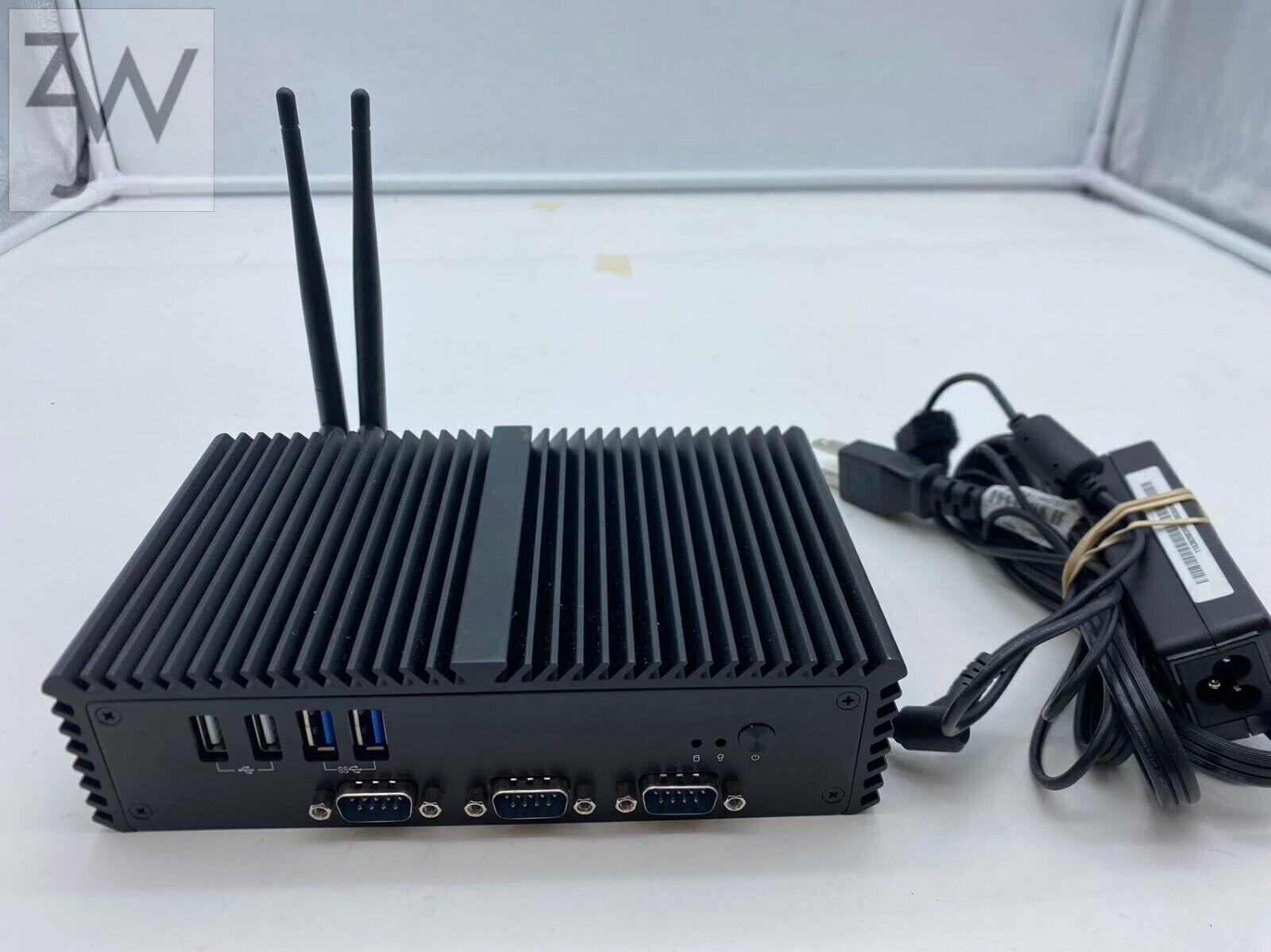 Qotom Q310p 3205u 4GB 32GB SSD Mini PC COM Serial Port IPC POS Computer RS-232$59.88Last checked Nov 27, 2026View on eBay
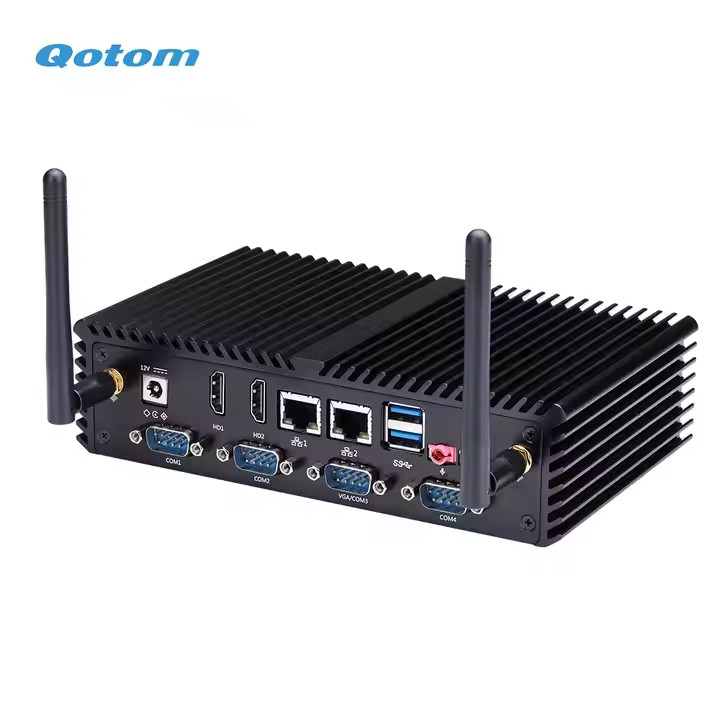 Portable Desktop Mini PC Core Onboard Fanless Mini PC Qotom POS 4GB RAM 32GB SSD$59.99Last checked Nov 27, 2026View on eBay
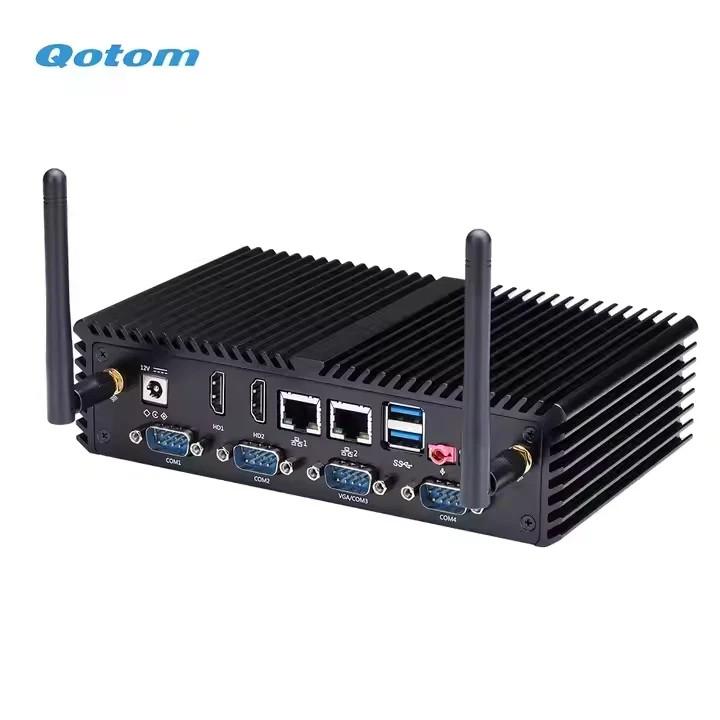 Qotom Q305P Mini Desktop PC 3205u 4GB 32GB COM Fanless Office/Home/Bank/Hotel$64.99View on eBay
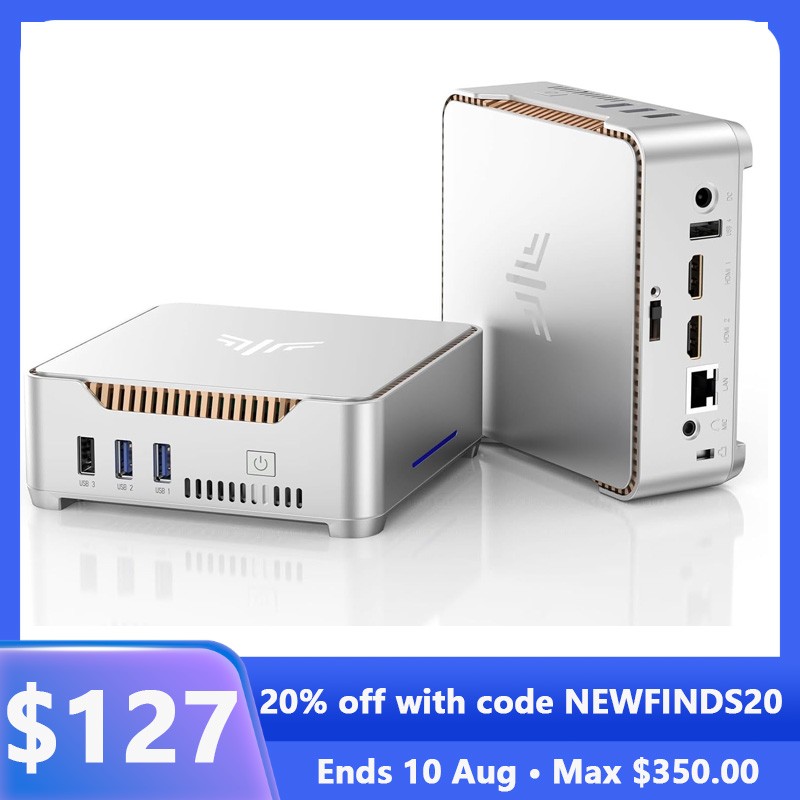 KAMRUI 4K Mini PC GK3Plus, Intel N5030 12GB LPDDR4 256GB M.2 SSD Win11 Pro WiFi5$189.00Last checked Nov 27, 2026View on eBay
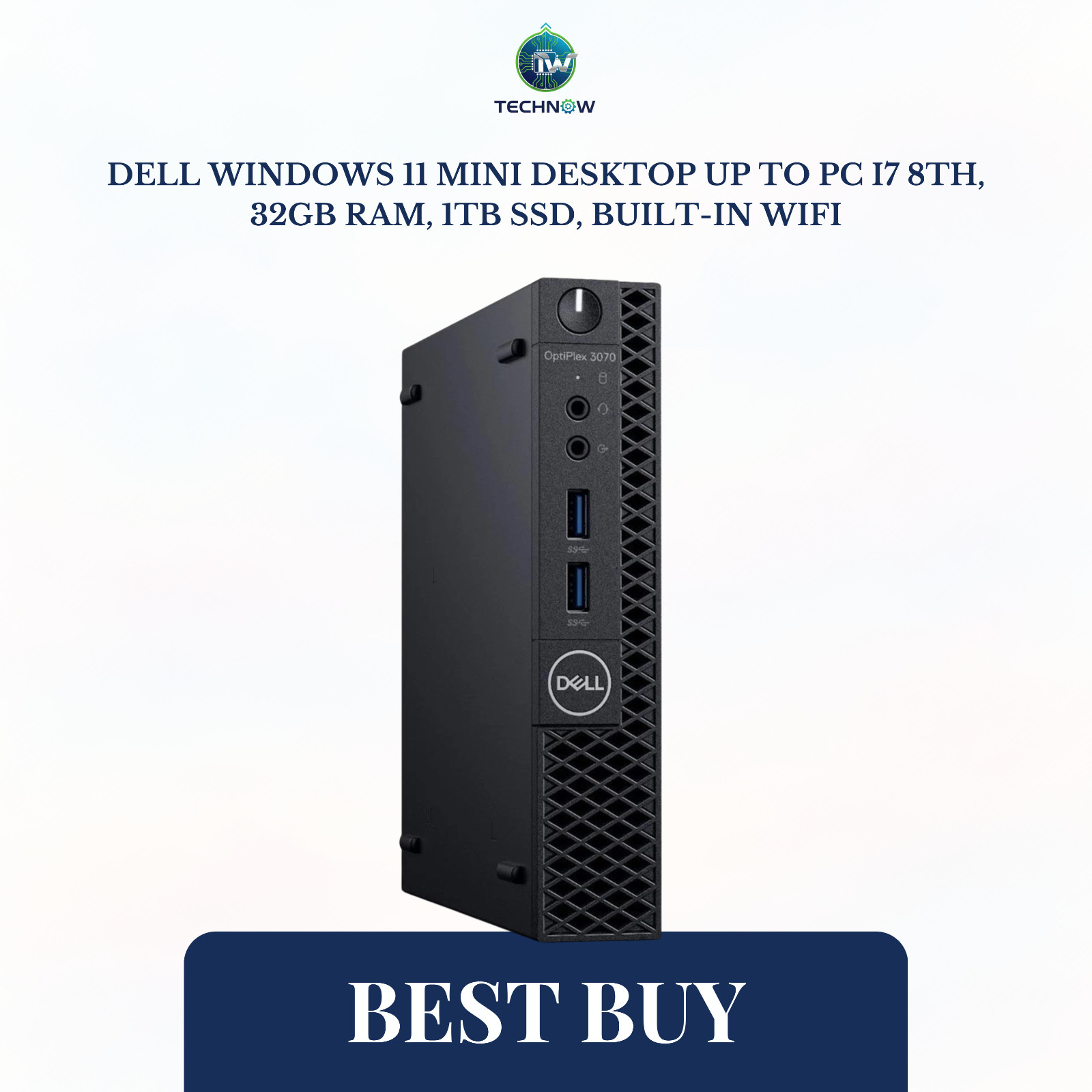 Dell Windows 11 Mini Desktop up to PC i7 8th, 32GB RAM, 1TB SSD, Built-In WiFi$282.00Last checked Nov 17, 2026View on eBay
- KAMRUI GK3Plus Mini PC, Intel N5030 12GB LPDDR4 256GB SSD 4K UHD Windows 11 Pro$679.00Last checked Nov 27, 2026View on eBay
Highlights
- CPU tier decides everything: Intel N100/N95 (6–15W, 4 cores) beat older Atom x5-Z8350 and Celeron N5030 by 2–4x in multi-core, but all are far below 15–28W mobile chips like the i7-8550U.
- RAM/storage type: LPDDR4/DDR4 soldered vs SO-DIMM slots; eMMC or 32GB SSD units are slow and near-full after OS install—M.2 NVMe 256GB+ is the practical minimum for Windows 11.
- Fanless industrial units (Qotom COM-port boxes) prioritize 24/7 duty and RS-232 serial over speed; they typically run 4–8GB RAM and 32–128GB SSD with no fan to fail.
- Port and display output: dual HDMI/DP for 4K60 requires the right GPU generation; older Atom/Celeron boxes often cap at 4K30 over HDMI 1.4, so confirm HDMI 2.0 for smooth 4K60.
Best use cases
- Best fit for light office, browsing, streaming, and digital signage: Intel N100/N95 with 8–16GB RAM and 256GB NVMe—skip 4GB/32GB eMMC models unless it is a single-app kiosk.
- Best fit for homelab/NAS/always-on server: fanless low-power unit or 2-bay NAS mini PC (e.g., Beelink ME Pro class) with wired Ethernet, 24/7 thermals, and SSD/HDD bays—wrong fit for gaming or heavy transcoding.
- Best fit for POS/industrial/serial equipment: Qotom-class fanless box with RS-232 COM ports and wide-input DC—wrong fit for general desktop use, since 4GB/32GB and a 3205U are slow for modern Windows.
- Best fit for a cheap Windows 11 desktop on a budget: refurbished Dell/Lenovo/HP micro with 8th-gen i5/i7, 16–32GB RAM, and 512GB–1TB SSD—wrong fit if you need fanless silence or sub-1L size.
Buying tips
- Match RAM to OS: Windows 11 needs 8GB minimum, 16GB for comfortable multitasking; 4GB units are Linux/light-appliance only. Prefer SO-DIMM slots over soldered LPDDR if you plan to upgrade.
- Pick storage by interface: NVMe M.2 (PCIe) is 5–10x faster than eMMC/SATA; avoid 32GB eMMC unless the OS is Linux or Chrome-like. 256GB is the Windows 11 floor, 512GB–1TB for real use.
- Check the CPU generation, not just the name: N100/N95 (Alder Lake-N) are current; N5030, J4125, and Atom x5-Z8350 are older and substantially slower. For refurbished Intel, 8th-gen i5/i7 is the sweet spot for price/performance.
- Confirm display and port needs: HDMI 2.0/DP 1.4 for 4K60, dual outputs for two monitors, and 2.5GbE if using as a router/firewall/NAS. Fanless units need clearance and are rated for specific ambient temperatures.
Specs
| CPU Class | Intel N100/N95 vs Atom/Celeron vs 15W+ mobile |
|---|---|
| RAM Type | SO-DIMM DDR4 vs soldered LPDDR4 |
| Storage Interface | M.2 NVMe vs eMMC/SATA SSD |
| Cooling | Fanless vs active fan |
Related searches
What to check before buying
- Measure your desk/VESA mount space and confirm the mini PC's dimensions and included VESA bracket; most are 0.3–1.5L and mount behind a monitor.
- For always-on/server use, verify fanless design or user-replaceable fan, plus operating temperature range (often 0–40°C) and wired Gigabit/2.5GbE Ethernet.
- Check the power adapter: many mini PCs use 12V/19V external bricks with barrel plugs—confirm voltage and plug size, and that the included adapter matches your region's 100–240V outlet.
- For refurbished units, confirm the included OS license (Windows 11 Pro), RAM/storage configuration, and that the seller includes the power adapter and any required caddy for 2.5" drives.
FAQ
Data sources: eBay / Amazon listings and product attribute feeds. Updated Nov 28, 2026.
Some links on this page are affiliate links. If you buy after clicking one, we may earn a commission at no extra cost to you. This does not change which products appear here or their order. Affiliate disclosure.