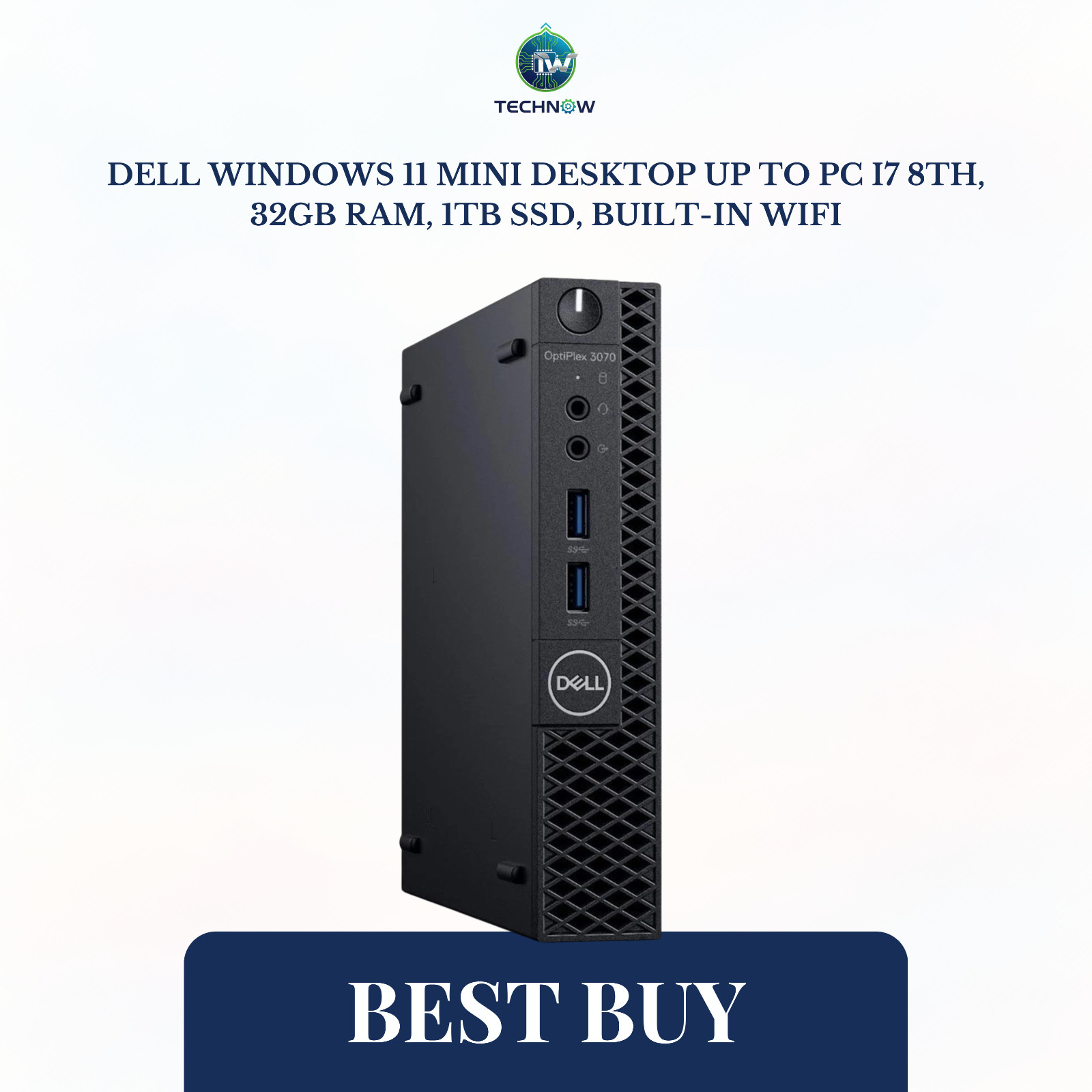

Photos from current listings. Actual item, color, and included accessories may vary.
Mini PC Windows 11 Buying Guide
Windows 11 mini PCs span two distinct architectures: low-power N-series boxes for media and light office work, and refurbished business-class units whose 8th-gen Intel CPUs meet Windows 11's official support floor. Sizing the machine to your workload—and knowing which CPU generations Windows 11 actually supports—prevents both overpaying for idle capacity and buying a unit that won't receive updates.
Key takeaways
- Intel N-series chips (N5030, N100, N150) are 6W–15W parts that handle 4K video, browsing, and office apps but throttle under sustained multi-core loads.
- Windows 11 officially supports Intel 8th-gen and newer; 7th-gen and older run unsupported without registry bypasses that can break major updates.
- Business mini desktops (Dell Micro, Lenovo Tiny, HP Mini) use socketed SO-DIMM and M.2 storage, making RAM and SSD upgrades cheap and straightforward.
At a glance
- Category
- Servers & Mini PCs
- Last updated
- Nov 28, 2026
Current offers
Highlights
- Intel N-series chips (N5030, N100, N150) are 6W–15W parts that handle 4K video, browsing, and office apps but throttle under sustained multi-core loads.
- Windows 11 officially supports Intel 8th-gen and newer; 7th-gen and older run unsupported without registry bypasses that can break major updates.
- Business mini desktops (Dell Micro, Lenovo Tiny, HP Mini) use socketed SO-DIMM and M.2 storage, making RAM and SSD upgrades cheap and straightforward.
- Soldered LPDDR4 in low-cost N-series mini PCs fixes memory at purchase—choose 16GB upfront if you plan to run many browser tabs or VMs.
Best use cases
- Best fit: a fanless or low-noise N100/N150 box with 16GB RAM for 4K streaming, web browsing, and light Office work on a TV or secondary desk.
- Best fit: a refurbished Dell/Lenovo/HP Micro with an 8th-gen i5 and 16GB+ RAM for multitasking, light photo editing, and multi-monitor productivity.
- Wrong fit: an N5030-class mini PC with 12GB RAM for sustained video encoding, large Excel models, or Docker/VM labs—step up to an i5/i7 or Ryzen 5 tier.
- Wrong fit: any 6th/7th-gen Intel refurb if you want guaranteed Windows 11 feature updates—stick to 8th-gen or newer.
Buying tips
- Prioritize Intel 8th-gen or newer (or Ryzen 2000+) for native Windows 11 support and unhindered monthly security updates.
- Choose 16GB RAM for anything beyond basic browsing; 8GB is the practical floor for Windows 11 and leaves little headroom.
- Inspect the storage interface—M.2 NVMe is far faster than eMMC, and eMMC units are rarely worth upgrading later.
- Size the CPU to the workload: N-series for media and kiosks, i5/i7 or Ryzen 5 for productivity and multitasking.
Specs
| CPU Tier | Intel N-series / 8th-gen i5-i7 / Ryzen |
|---|---|
| RAM Type | Soldered LPDDR4 vs SO-DIMM |
| Storage Interface | M.2 NVMe vs eMMC |
| Windows 11 Support | 8th-gen Intel+ / Ryzen 2000+ |
Related searches
What to check before buying
- Measure your desk or VESA mount clearance—micro desktops are typically 1–2 liters and mount behind monitors with a compatible bracket.
- Confirm video outputs match your monitors (HDMI 2.0/DisplayPort for 4K 60Hz; older HDMI 1.4 caps at 4K 30Hz).
- Check the included power adapter's voltage and plug type for your region; business micros often use external 65W–90W bricks.
- Verify the unit ships with a Windows 11 Pro license tied to the hardware, especially on refurbished business stock.
FAQ
Data sources: eBay / Amazon listings and product attribute feeds. Updated Nov 28, 2026.
Some links on this page are affiliate links. If you buy after clicking one, we may earn a commission at no extra cost to you. This does not change which products appear here or their order. Affiliate disclosure.