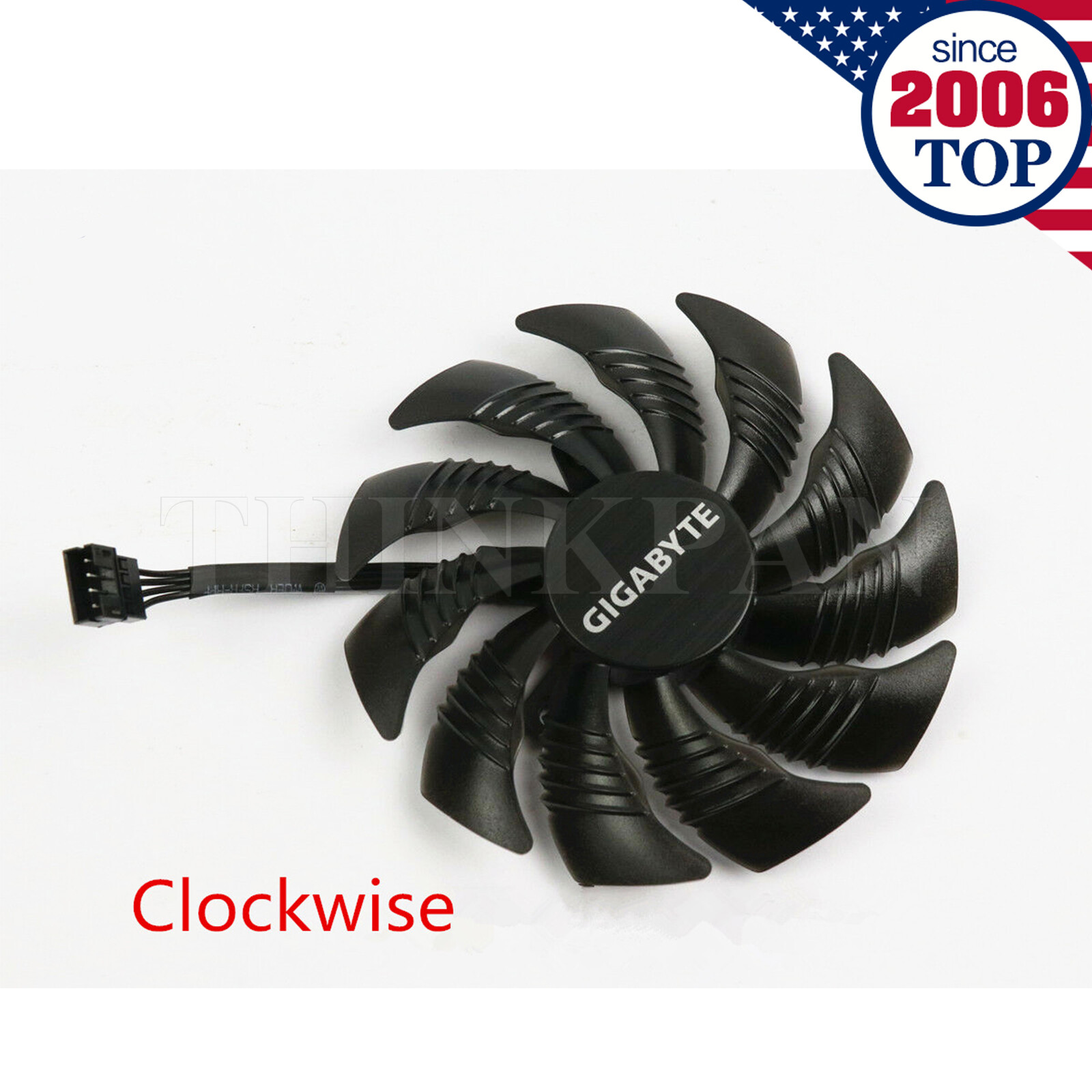

Photos from current listings. Actual item, color, and included accessories may vary.
5 Graphics Card Buying Guide
Shopping for a top-5 graphics card means balancing GPU tier, VRAM capacity, and power/space limits against what your games and monitor actually demand. Most buyers overspend on raw speed while ignoring PSU connectors, case clearance, and whether the card fits their motherboard generation. The right pick comes from matching card class to resolution and refresh rate, not from chasing the highest number on the box.
Median $162.79
Key takeaways
- Current GPU generations split into three tiers: entry (1080p 60fps), mid (1440p 100fps+), and high-end (4K 60fps+); VRAM scales 8GB, 12-16GB, and 16-24GB respectively.
- Bus interface matters: PCIe 4.0 x16 cards run fine in PCIe 3.0 slots at near-full bandwidth, but x8-only cards lose measurable performance on older Gen 3 boards.
- Power delivery is the hidden cost: mid-tier cards draw 200-250W and need one 8-pin PCIe connector; high-end models pull 300-400W and require two or three 8-pin connectors plus a 750W+ PSU.
At a glance
- Category
- PC Graphics Cards
- Last updated
- Nov 23, 2026
Current offers
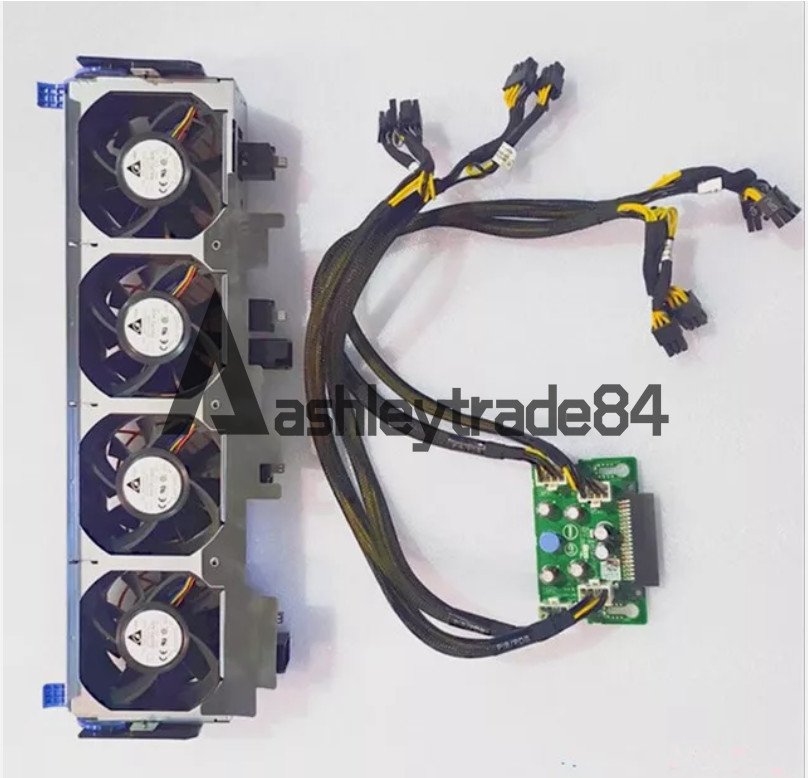
Highlights
- Current GPU generations split into three tiers: entry (1080p 60fps), mid (1440p 100fps+), and high-end (4K 60fps+); VRAM scales 8GB, 12-16GB, and 16-24GB respectively.
- Bus interface matters: PCIe 4.0 x16 cards run fine in PCIe 3.0 slots at near-full bandwidth, but x8-only cards lose measurable performance on older Gen 3 boards.
- Power delivery is the hidden cost: mid-tier cards draw 200-250W and need one 8-pin PCIe connector; high-end models pull 300-400W and require two or three 8-pin connectors plus a 750W+ PSU.
- Cooling design separates otherwise identical GPUs: three-fan open-air coolers run quieter at load, while blower-style cards suit multi-GPU or small-form-factor builds that need rear exhaust.
Best use cases
- 1080p 60-144Hz gaming: pick a current entry-tier card with 8GB VRAM and a single 8-pin connector; skip high-end models that cost double for frames you cannot display.
- 1440p high-refresh or 4K: choose a mid or high-end card with 12GB+ VRAM and a 750W PSU; avoid older-generation cards that lack DLSS/FSR upscaling for demanding titles.
- Small-form-factor or prebuilt upgrade: select a two-fan or blower card under 250mm and confirm the PSU wattage; skip triple-fan 300mm+ cards that will not clear the case or power budget.
Buying tips
- Check your PSU wattage and PCIe connector count before choosing a GPU tier; a 550W unit caps you at entry or lower-mid cards.
- Prioritize VRAM capacity for longevity: 8GB is the floor for 1080p, 12GB for 1440p, and 16GB+ for 4K or texture-heavy modding.
- Measure case clearance for card length and slot thickness; triple-fan cards often exceed 300mm and block front drive cages.
- Compare the same GPU model across board partners for cooler size, factory overclock, and warranty length rather than paying for minor clock bumps.
Specs
| GPU Tier | Entry / Mid / High-end |
|---|---|
| VRAM | 8GB / 12-16GB / 16-24GB |
| PCIe Interface | Gen 4 x16 / Gen 3 x16 |
| Power Connector | 1x 8-pin / 2-3x 8-pin |
Related searches
What to check before buying
- Confirm your case fits the card's length (measure from PCIe bracket to front fan) and occupies no more than 2.5 slots.
- Verify PSU wattage and available 8-pin PCIe cables match the card's minimum requirement plus 100-150W headroom.
- Check motherboard PCIe generation and slot spacing; a second card needs x8 electrical and adequate airflow between slots.
- Ensure your monitor resolution and refresh rate justify the card tier so you are not paying for unrendered frames.
FAQ
Data sources: eBay / Amazon listings and product attribute feeds. Updated Nov 23, 2026.
Some links on this page are affiliate links. If you buy after clicking one, we may earn a commission at no extra cost to you. This does not change which products appear here or their order. Affiliate disclosure.