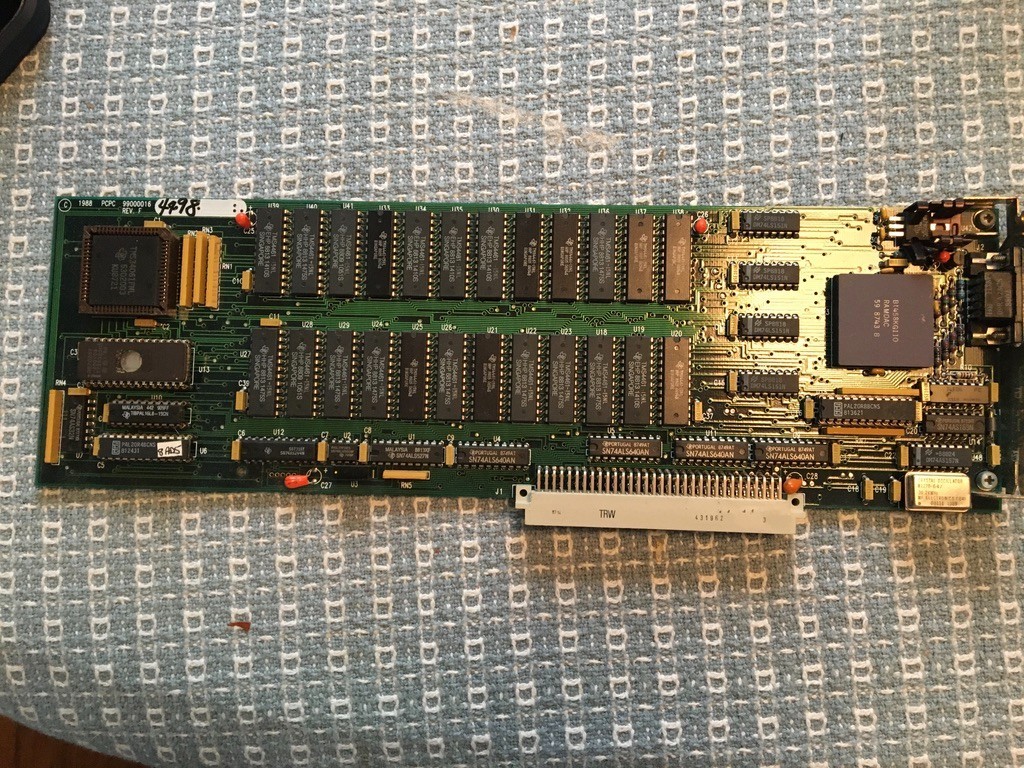

Photos from current listings. Actual item, color, and included accessories may vary.
Video Card Buying Guide
A video card (GPU) is the component that renders games, accelerates creative apps, and drives your displays; the defining trade-off is raw raster performance versus VRAM capacity and power/thermal headroom. Durable, future-proof picks start at 8GB VRAM on a modern architecture with a proven 8-pin or 12VHPWR power path, while compromised cards cut VRAM, bus width, or cooler quality.
Key takeaways
- VRAM tiering decides longevity: 8GB is entry for 1080p, 12GB for 1440p, and 16GB+ for 4K or heavy video editing timelines.
- Bus width and memory bandwidth (e.g., 128-bit vs 192-bit vs 256-bit) cap effective resolution scaling more than raw compute in memory-bound games.
- Power connector standards separate tiers: 6-pin for entry cards, 8-pin for midrange, and 12VHPWR or dual 8-pin for high-wattage flagships.
At a glance
- Category
- PC Graphics Cards
- Last updated
- Nov 23, 2026
Current offers
Highlights
- VRAM tiering decides longevity: 8GB is entry for 1080p, 12GB for 1440p, and 16GB+ for 4K or heavy video editing timelines.
- Bus width and memory bandwidth (e.g., 128-bit vs 192-bit vs 256-bit) cap effective resolution scaling more than raw compute in memory-bound games.
- Power connector standards separate tiers: 6-pin for entry cards, 8-pin for midrange, and 12VHPWR or dual 8-pin for high-wattage flagships.
- Cooler design (2-slot vs 2.5-slot vs 3-slot, dual vs triple fan) directly determines sustained boost clocks and case-fit compatibility.
Best use cases
- 1080p high-refresh gaming: pick an 8GB card on a current architecture with a 6-pin or single 8-pin connector; skip 4GB legacy cards that stutter in modern titles.
- 1440p or 4K gaming: choose 12-16GB VRAM with 192-bit+ bus and a 3-fan cooler; skip blower-style or 2-slot compact cards that thermal-throttle.
- Video editing and 3D rendering: prioritize 16GB+ VRAM and CUDA/OptiX or equivalent acceleration; skip gaming-first 8GB cards for 4K timeline scrubbing.
- Small-form-factor or older prebuilt upgrade: select a low-profile or 2-slot card under the PSU's 6-pin budget; skip 3-slot flagships that won't physically fit.
Buying tips
- Match VRAM to resolution: 8GB for 1080p, 12GB for 1440p, 16GB+ for 4K; VRAM is soldered and cannot be upgraded later.
- Check PSU wattage and connector count before buying: entry cards need ~450W, midrange ~650W, flagships 850W+ with 12VHPWR or dual 8-pin.
- Verify case clearance in millimeters for card length, height, and slot thickness; triple-fan cards often exceed 300mm and 2.5 slots.
- Prefer current-generation architectures over previous-gen rebadges; generation gaps in ray tracing and upscaling support outweigh small clock gains.
Specs
| VRAM Tier | 8GB / 12GB / 16GB+ |
|---|---|
| Memory Bus | 128-bit / 192-bit / 256-bit |
| Power Connector | 6-pin / 8-pin / 12VHPWR |
| Cooler Form | 2-slot / 2.5-slot / 3-slot |
Related searches
What to check before buying
- Measure case GPU clearance (length, height, slot width) and confirm the card fits with front fans and cables installed.
- Confirm PSU wattage and available PCIe connectors; a missing 8-pin or 12VHPWR cable requires an adapter or PSU upgrade.
- Verify monitor resolution and refresh rate to size VRAM and output ports (DisplayPort vs HDMI version).
- Check motherboard PCIe slot generation and physical clearance for backplate and cooler overhang.
FAQ
Data sources: eBay / Amazon listings and product attribute feeds. Updated Nov 23, 2026.
Some links on this page are affiliate links. If you buy after clicking one, we may earn a commission at no extra cost to you. This does not change which products appear here or their order. Affiliate disclosure.