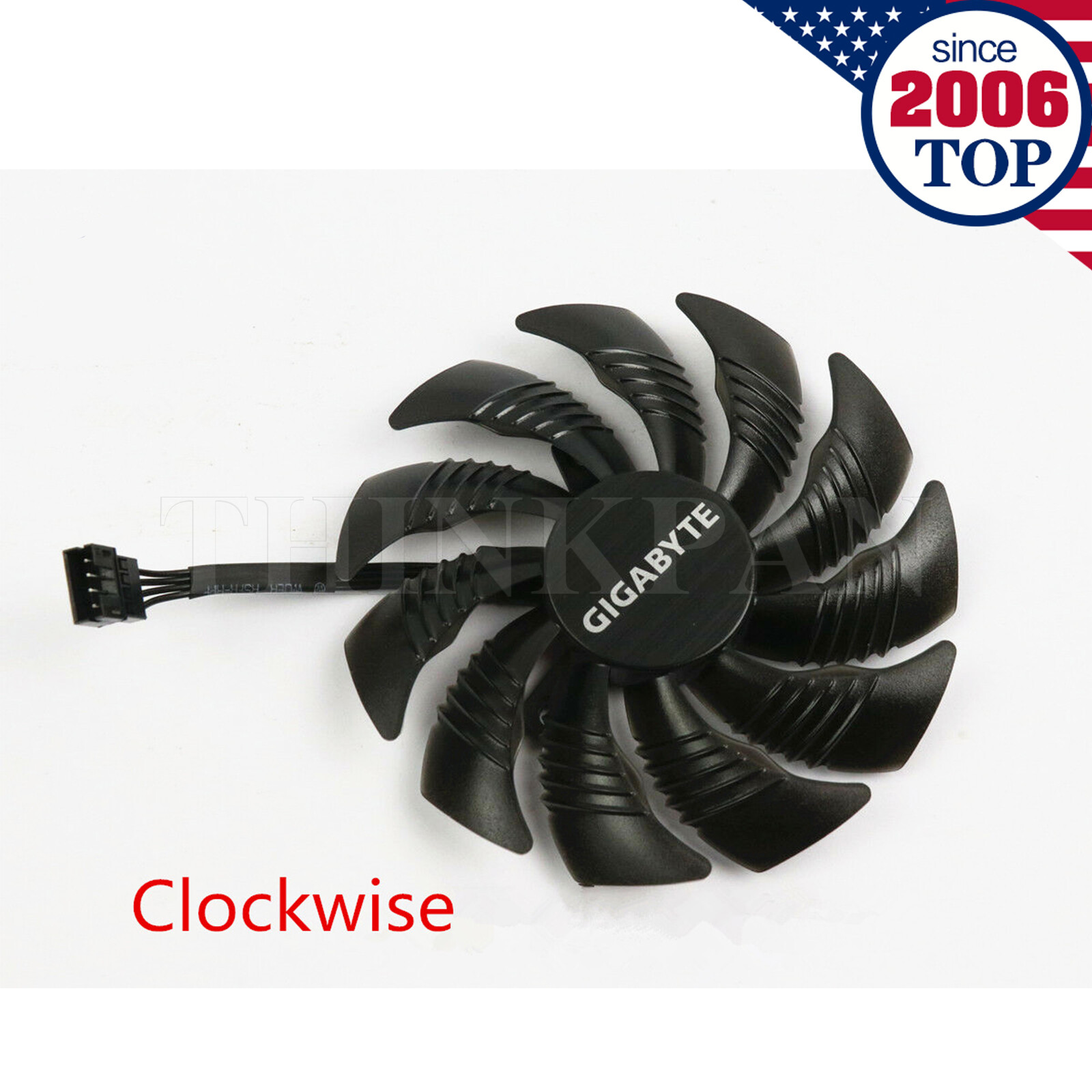

Photos from current listings. Actual item, color, and included accessories may vary.
Graphics Card Buying Guide
Buying a graphics card means matching GPU tier to your monitor resolution, refresh rate, and power supply—not chasing the highest model number. Most buyers overspend on a card their CPU cannot feed, or underspend and hit a VRAM wall in new titles within a year. Start with target resolution and PSU wattage, then pick the architecture generation that fits.
Median $162.79
Key takeaways
- VRAM capacity is the hard limit for texture-heavy games: 8GB is the practical floor for 1080p high, 12–16GB for 1440p, and 16GB+ for 4K with ray tracing enabled.
- Bus width and memory type determine bandwidth: 128-bit GDDR6 cards bottleneck at 1440p, while 192-bit or 256-bit GDDR6X designs sustain higher resolutions.
- PCIe generation matters for entry cards: PCIe 4.0 x8 cards lose performance on PCIe 3.0 slots, while x16 cards run at full speed on either generation.
At a glance
- Category
- PC Graphics Cards
- Last updated
- Nov 23, 2026
Current offers
Highlights
- VRAM capacity is the hard limit for texture-heavy games: 8GB is the practical floor for 1080p high, 12–16GB for 1440p, and 16GB+ for 4K with ray tracing enabled.
- Bus width and memory type determine bandwidth: 128-bit GDDR6 cards bottleneck at 1440p, while 192-bit or 256-bit GDDR6X designs sustain higher resolutions.
- PCIe generation matters for entry cards: PCIe 4.0 x8 cards lose performance on PCIe 3.0 slots, while x16 cards run at full speed on either generation.
- Cooler size and slot width dictate case fit: 2.5-slot and 3-slot cards require 300mm+ clearance and rear exhaust space, while 2-slot blower designs suit small-form-factor builds.
Best use cases
- For 1080p 144Hz esports and AAA gaming, pick an 8GB GDDR6 card with a 128-bit bus and 2-slot cooler; skip 4GB cards that stutter on texture streaming.
- For 1440p high-refresh gaming, choose a 12GB+ card on a 192-bit bus; avoid 8GB models that drop to low textures in open-world titles.
- For 4K or VR, select a 16GB card on a 256-bit bus with a 3-slot cooler and 750W+ PSU; skip dual-fan compact models that thermal-throttle.
- For office or HTPC use, a 2GB entry card with passive cooling and PCIe slot power is sufficient; skip gaming-tier cards that add noise and PSU load.
Buying tips
- Check PSU wattage and connector count first: mid-range cards need one 8-pin, high-end cards need two or three 8-pin feeds.
- Prioritize VRAM over core count for future-proofing: 8GB is minimum for 1080p, 12GB for 1440p, and 16GB for 4K.
- Avoid cards more than two generations old unless budget-bound; driver support and ray-tracing hardware improve each generation.
- Size the card against your case: measure available length and slot width, and confirm rear exhaust clearance before buying.
Specs
| VRAM Tier | 4GB / 8GB / 12GB / 16GB+ |
|---|---|
| Bus Width | 64-bit / 128-bit / 192-bit / 256-bit |
| PCIe Interface | PCIe 4.0 x8 / x16 (3.0 compatible) |
| Card Slot Width | 2-slot / 2.5-slot / 3-slot |
Related searches
What to check before buying
- Measure case GPU clearance length and slot width; 3-slot cards need 60mm+ and 300mm+ length.
- Confirm PSU wattage and PCIe connectors: 550W for entry, 650–750W for mid-range, 850W+ for high-end.
- Check monitor resolution and refresh rate to set the performance tier you actually need.
- Verify motherboard PCIe slot generation and physical clearance for backplate and cooler.
FAQ
Data sources: eBay / Amazon listings and product attribute feeds. Updated Nov 23, 2026.
Some links on this page are affiliate links. If you buy after clicking one, we may earn a commission at no extra cost to you. This does not change which products appear here or their order. Affiliate disclosure.