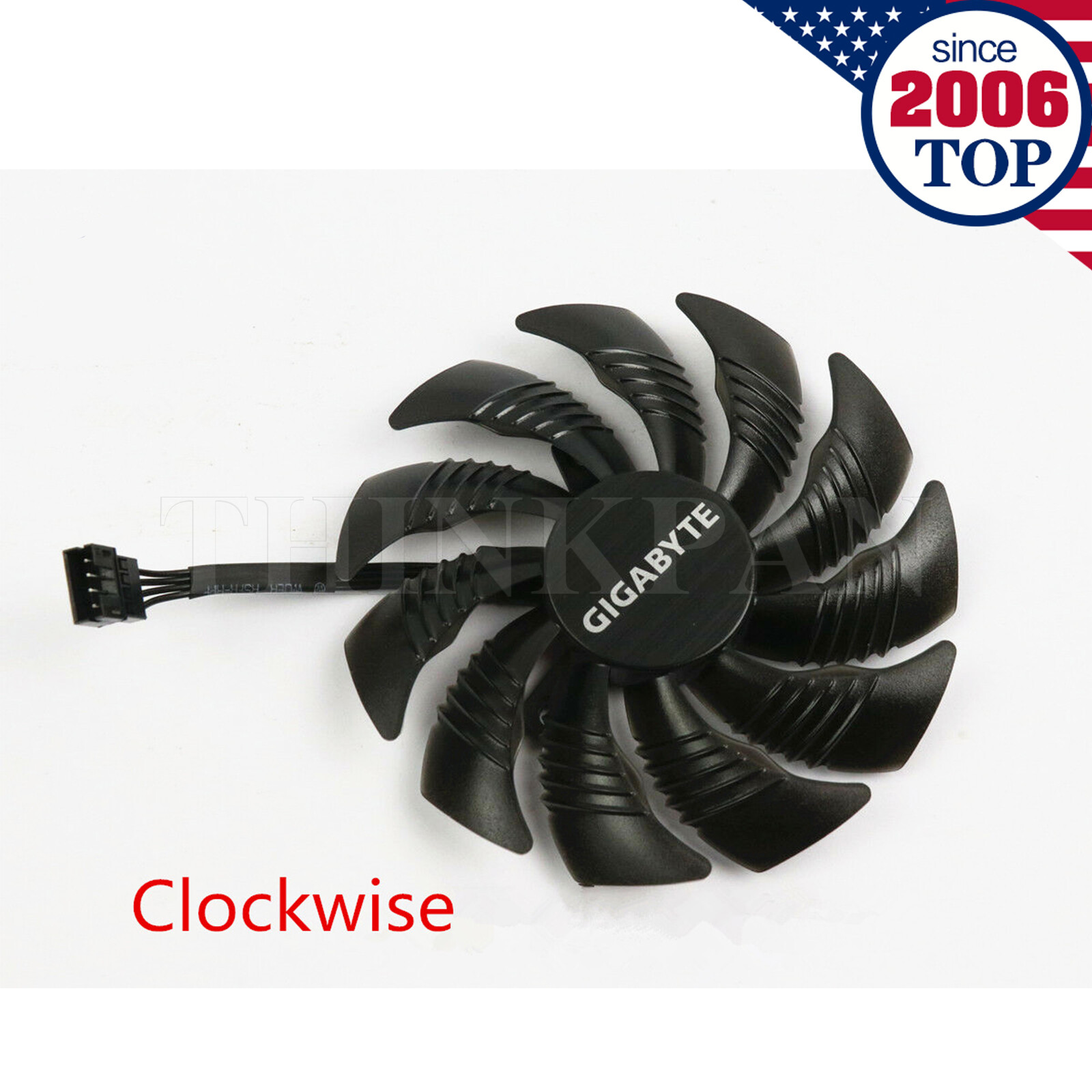

Photos from current listings. Actual item, color, and included accessories may vary.
1660 Graphics Card Buying Guide
Shoppers hunting a GTX 1660 are usually upgrading an older prebuilt or building a budget 1080p gaming rig, and the model suffix matters more than the brand on the box. The 1660 family splits into three distinct cards — the original 6GB GDDR5, the 1660 Super with GDDR6, and the 1660 Ti with more CUDA cores — each with different performance ceilings and power needs. Getting the right one means checking your PSU connectors, case clearance, and monitor resolution before chasing a deal.
Median $162.79
Key takeaways
- GTX 1660 Super swaps the original's GDDR5 for GDDR6, roughly 50% more memory bandwidth and the biggest real-world gain in the lineup.
- GTX 1660 Ti carries 1536 CUDA cores versus 1408 on the 1660 and 1660 Super, but gains are modest because all three share the same TU116 GPU.
- All three cards are rated at 120W TDP and draw power from a single 8-pin PCIe connector; a 450W PSU is the practical minimum for a full system.
At a glance
- Category
- PC Graphics Cards
- Last updated
- Nov 23, 2026
Current offers
Highlights
- GTX 1660 Super swaps the original's GDDR5 for GDDR6, roughly 50% more memory bandwidth and the biggest real-world gain in the lineup.
- GTX 1660 Ti carries 1536 CUDA cores versus 1408 on the 1660 and 1660 Super, but gains are modest because all three share the same TU116 GPU.
- All three cards are rated at 120W TDP and draw power from a single 8-pin PCIe connector; a 450W PSU is the practical minimum for a full system.
- Outputs vary by board partner: most cards offer DisplayPort 1.4, HDMI 2.0b, and DVI-D, but low-profile and ITX versions often cut the DVI port and shrink to a single fan.
Best use cases
- Best fit: 1080p 60fps esports and AAA gaming at medium-high settings — pick the 1660 Super for its GDDR6 headroom over the original 1660.
- Best fit: compact Micro-ATX or ITX builds where a 120W card fits — choose a single-fan or low-profile 1660 variant and confirm the 8-pin connector clears the side panel.
- Wrong fit: 1440p or high-refresh 144Hz gaming — skip the entire 1660 line and step up to a card with more VRAM and compute.
- Wrong fit: systems with only a 6-pin PCIe cable or a proprietary OEM PSU — a 1660 requires an 8-pin feed and many prebuilt supplies lack it.
Buying tips
- Prioritize the 1660 Super over the base 1660 whenever the price gap is small; GDDR6 bandwidth pays off in modern titles more than the Ti's extra cores.
- Check the card's length and slot thickness against your case spec — triple-fan models can exceed 280mm and block drive cages.
- Inspect the PSU label for a single 8-pin (6+2) PCIe lead rated at least 150W on the 12V rail before committing to any 1660 tier.
- Avoid OEM-only variants with proprietary power connectors or shortened PCBs if you plan to resell or move the card between builds.
Specs
| Memory | 6GB GDDR5 / GDDR6 |
|---|---|
| CUDA Cores | 1408 (1660/Super) / 1536 (Ti) |
| TDP | 120W, 1x 8-pin PCIe |
| Target Resolution | 1080p 60fps |
Related searches
What to check before buying
- Measure case clearance from the rear bracket to the front fan or drive cage; most 1660 cards run 229–280mm long.
- Confirm your monitor inputs match the card's outputs — a DVI-only older monitor needs a card that keeps the DVI-D port.
- Verify the PSU has one 8-pin PCIe (6+2) connector and at least 450W total capacity for a typical mid-range CPU pairing.
- Check motherboard PCIe slot generation and physical clearance for a dual-slot cooler; the card is PCIe 3.0 x16 and backward-compatible.
FAQ
Data sources: eBay / Amazon listings and product attribute feeds. Updated Nov 23, 2026.
Some links on this page are affiliate links. If you buy after clicking one, we may earn a commission at no extra cost to you. This does not change which products appear here or their order. Affiliate disclosure.