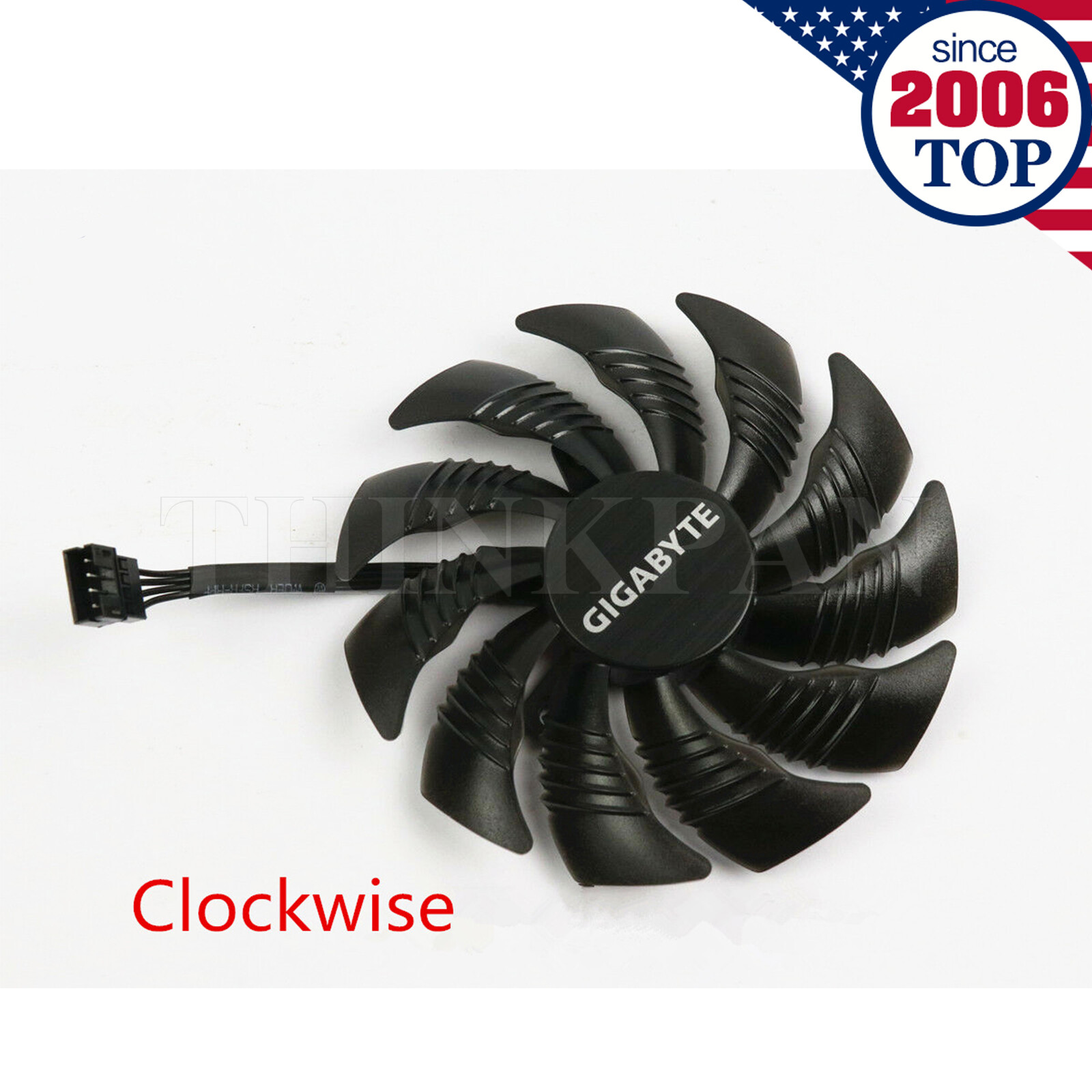

Photos from current listings. Actual item, color, and included accessories may vary.
1080 Graphics Card Buying Guide
Buying a graphics card for 1080p gaming is about hitting a stable 60–144 fps at native 1920×1080 without overpaying for resolution you will not use. The biggest mistakes are pairing a flagship GPU with a weak CPU, ignoring PSU connector requirements, and choosing a card whose length or slot width will not fit the case. This guide covers the real architecture tiers, VRAM thresholds, and fit checks that separate a balanced 1080p build from a bottlenecked one.
Median $162.79
Key takeaways
- Entry 1080p tier uses 4–6 GB VRAM on 128-bit buses; 8 GB cards like the RTX 4060 or RX 7600 are the safe floor for modern titles at high textures.
- Mid-range 1080p performance centers on 8 GB VRAM and 160-bit or wider buses, delivering 100+ fps in esports and 60–80 fps in AAA at high settings.
- High-refresh 1080p (144–240 Hz) needs a strong CPU alongside the GPU; a Ryzen 5 or Core i5 from the last two generations prevents frame-time stutter.
At a glance
- Category
- PC Graphics Cards
- Last updated
- Nov 23, 2026
Current offers
Highlights
- Entry 1080p tier uses 4–6 GB VRAM on 128-bit buses; 8 GB cards like the RTX 4060 or RX 7600 are the safe floor for modern titles at high textures.
- Mid-range 1080p performance centers on 8 GB VRAM and 160-bit or wider buses, delivering 100+ fps in esports and 60–80 fps in AAA at high settings.
- High-refresh 1080p (144–240 Hz) needs a strong CPU alongside the GPU; a Ryzen 5 or Core i5 from the last two generations prevents frame-time stutter.
- PCIe 4.0 x8 cards lose little at 1080p, but older PCIe 3.0 systems can see 5–10% drops on x8-only models like the RX 7600; x16 cards are safer for legacy boards.
Best use cases
- For 1080p 60 fps in AAA titles: pick an 8 GB card such as the RTX 4060 or RX 7600; skip 4 GB cards that stutter on high textures.
- For 1080p 144 Hz esports (Valorant, CS2, Fortnite): choose a mid-range GPU plus a fast CPU; avoid pairing a flagship card with an older 4-core CPU.
- For SFF or prebuilt upgrades: measure case length and PSU wattage first; choose a 2-slot card under 250 mm and skip triple-fan models needing 300 mm+.
- For 1440p later: buy 12 GB VRAM and a 192-bit bus now; skip 8 GB 1080p cards if you plan to move to 1440p within a year.
Buying tips
- Prioritize 8 GB VRAM as the minimum for new 1080p cards; 4 GB and 6 GB models already drop textures in current AAA releases.
- Check PSU wattage and connectors: most 1080p cards need one 8-pin PCIe and a 450–550 W unit; avoid cards requiring two 8-pins on older PSUs.
- Measure case clearance for GPU length and slot thickness; triple-fan cards often exceed 300 mm and 2.5 slots, blocking front fans or drive cages.
- Compare bus width and memory bandwidth, not just capacity; a 128-bit 8 GB card outperforms a 192-bit 6 GB card at 1080p in bandwidth-heavy titles.
Specs
| VRAM Floor | 8 GB GDDR6 for modern 1080p |
|---|---|
| Bus Width | 128-bit entry / 192-bit mid-range |
| PSU Requirement | 450–650 W, one 8-pin PCIe |
| Card Size | 2-slot ≤250 mm to 3-slot 300 mm+ |
Related searches
What to check before buying
- Case GPU clearance: confirm maximum length (often 300–330 mm) and slot width (2 vs 2.5 vs 3 slots) before buying.
- PSU capacity and connectors: verify 450–650 W capacity and at least one 8-pin (6+2) PCIe cable for the card's TDP tier.
- Motherboard PCIe generation: PCIe 3.0 boards pair best with x16 cards; x8-only cards lose a few percent on older platforms.
- Monitor refresh and resolution: match the card to 1080p 60 Hz, 144 Hz, or 240 Hz targets rather than buying for 1440p you will not use.
FAQ
Data sources: eBay / Amazon listings and product attribute feeds. Updated Nov 23, 2026.
Some links on this page are affiliate links. If you buy after clicking one, we may earn a commission at no extra cost to you. This does not change which products appear here or their order. Affiliate disclosure.