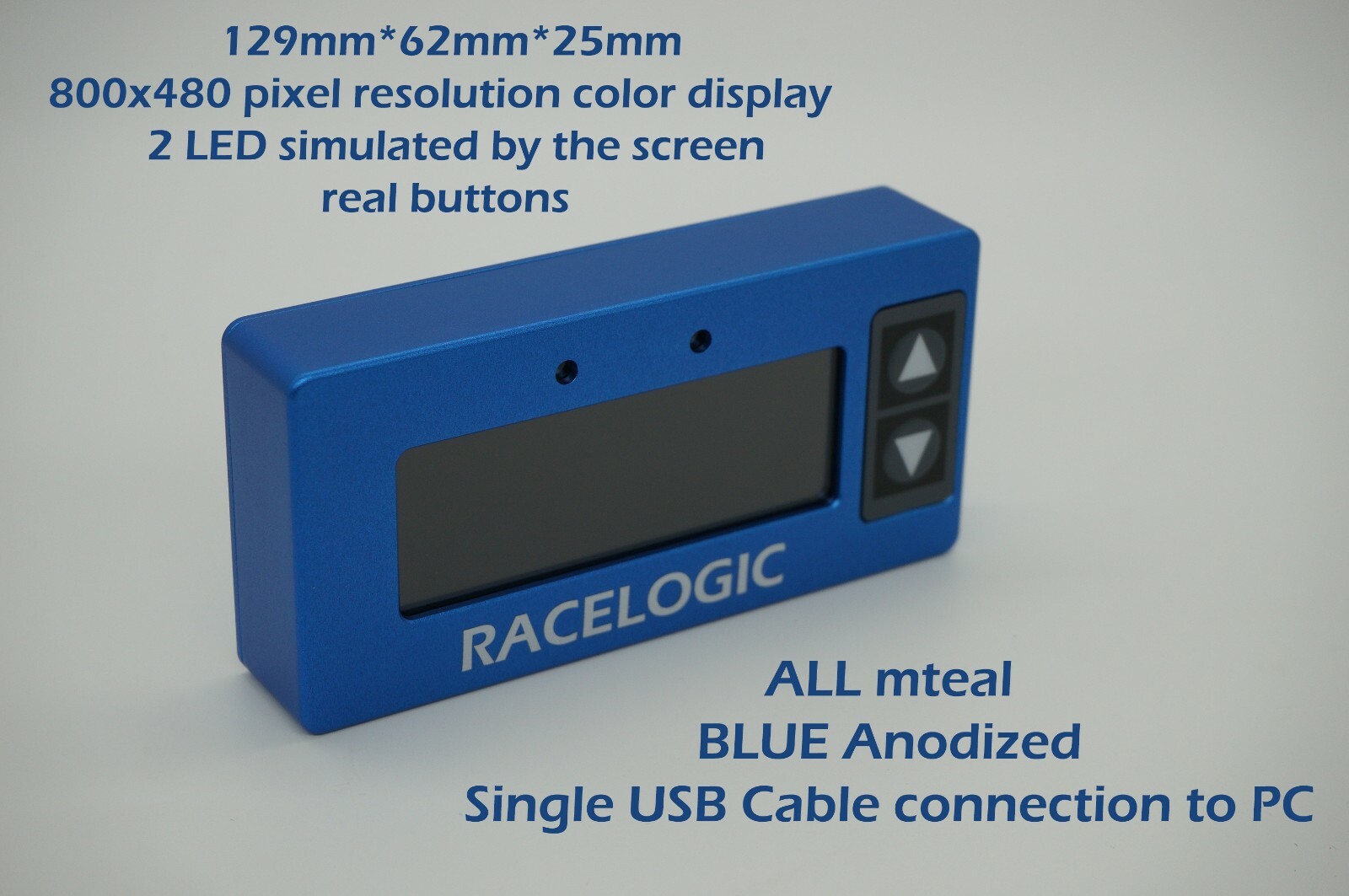

Photos from current listings. Actual item, color, and included accessories may vary.
Sim Racing Dash Buying Guide
A sim racing dash is a secondary display or dashboard app that shows telemetry (speed, RPM, gear, lap times, tire temps) to reduce reliance on the main screen. The build trade-off is between a dedicated hardware display with high-brightness panels and rugged mounting versus a phone/tablet app with lower cost but mounting and glare compromises. Buy a dedicated 4–7 inch high-brightness USB/HDMI dash if you race seriously; use a tablet with a SimHub-style app only for casual or budget rigs.
Key takeaways
- Dedicated dashes commonly use 4–7 inch IPS panels at 400–1000 nits; below 400 nits washes out under direct monitor light and in bright rooms.
- SimHub on Windows is the de facto telemetry bridge, supporting USB serial, HDMI, and Wi-Fi; hardware dashes that do not expose a standard USB/HDMI interface force app lock-in.
- Aluminum or carbon-fiber faceplates with VESA or 1/4-20 mounting resist wheel-base vibration; plastic housings without metal threads loosen and crack over time.
At a glance
- Category
- Sim Racing Displays & Mods
- Last updated
- Nov 23, 2026
Current offers
Highlights
- Dedicated dashes commonly use 4–7 inch IPS panels at 400–1000 nits; below 400 nits washes out under direct monitor light and in bright rooms.
- SimHub on Windows is the de facto telemetry bridge, supporting USB serial, HDMI, and Wi-Fi; hardware dashes that do not expose a standard USB/HDMI interface force app lock-in.
- Aluminum or carbon-fiber faceplates with VESA or 1/4-20 mounting resist wheel-base vibration; plastic housings without metal threads loosen and crack over time.
- Resolution and refresh matter less than brightness and viewing angles: 800x480 at 30–60 Hz is common and adequate; sub-300-nit panels are the real bottleneck.
Best use cases
- Best fit: dedicated 4–7 inch USB/HDMI dash (aluminum or carbon face, 500+ nits) for a fixed rig running SimHub, iRacing, Assetto Corsa, or rFactor 2 where you glance at RPM and lap delta mid-corner.
- Best fit: tablet or phone running a dash app on a RAM-mount arm for a desk or foldable rig — cheapest entry, but expect lower brightness and more cable/charging fuss.
- Wrong fit: buying a dash lacking SimHub/standard telemetry support if you race multiple titles — you will be locked to one game’s companion app and lose gear/RPM data elsewhere.
- Wrong fit: an ultra-wide 10+ inch dash on a compact 27-inch monitor rig — the screen sits off-axis and is harder to read at a glance than a 5-inch panel centered above the wheelbase.
Buying tips
- Match dash width to rig: 4–5 inch fits above a wheelbase on a 27–32 inch monitor; 6–7 inch needs a 40-inch+ or triple-screen setup to avoid blocking sightlines.
- Pick USB-HID or HDMI input over vendor-only Wi-Fi apps; USB/HDMI works across games via SimHub and survives game updates without driver breakage.
- Require at least 400–500 nits and an IPS panel; TN panels dim off-axis and are the top cause of unreadable dashes in lit rooms.
- Mount with metal threads or VESA 75/100 plus a 1/4-20 camera arm; plastic clip-on mounts transmit wheelbase vibration and eventually fail.
Specs
| Display Size | 4–7 in IPS (800x480 to 1024x600) |
|---|---|
| Brightness | 400–1000 nits (500+ for lit rooms) |
| Telemetry Interface | USB-HID / HDMI via SimHub |
| Mounting | VESA 75/100 or 1/4-20 metal threads |
Related searches
What to check before buying
- Measure clearance above the wheelbase: leave 2–3 inches to the monitor bottom edge and confirm the dash does not block the main screen at eye level.
- Confirm PC ports: one free USB-A or USB-C for data/power and, for HDMI dashes, one free HDMI output plus USB power.
- Check ambient light: if the room gets daylight, target 500+ nits; a 1000:1 contrast IPS is fine, but avoid glossy panels in bright rooms.
- Verify telemetry path: SimHub or game-native UDP support for your titles (iRacing, Assetto Corsa Competizione, rFactor 2, F1 series) before buying a locked-app dash.
FAQ
Data sources: eBay / Amazon listings and product attribute feeds. Updated Nov 23, 2026.
Some links on this page are affiliate links. If you buy after clicking one, we may earn a commission at no extra cost to you. This does not change which products appear here or their order. Affiliate disclosure.